
Guns Gadgetery & Mission Editor Data Pack (26.2, 1.21.11)
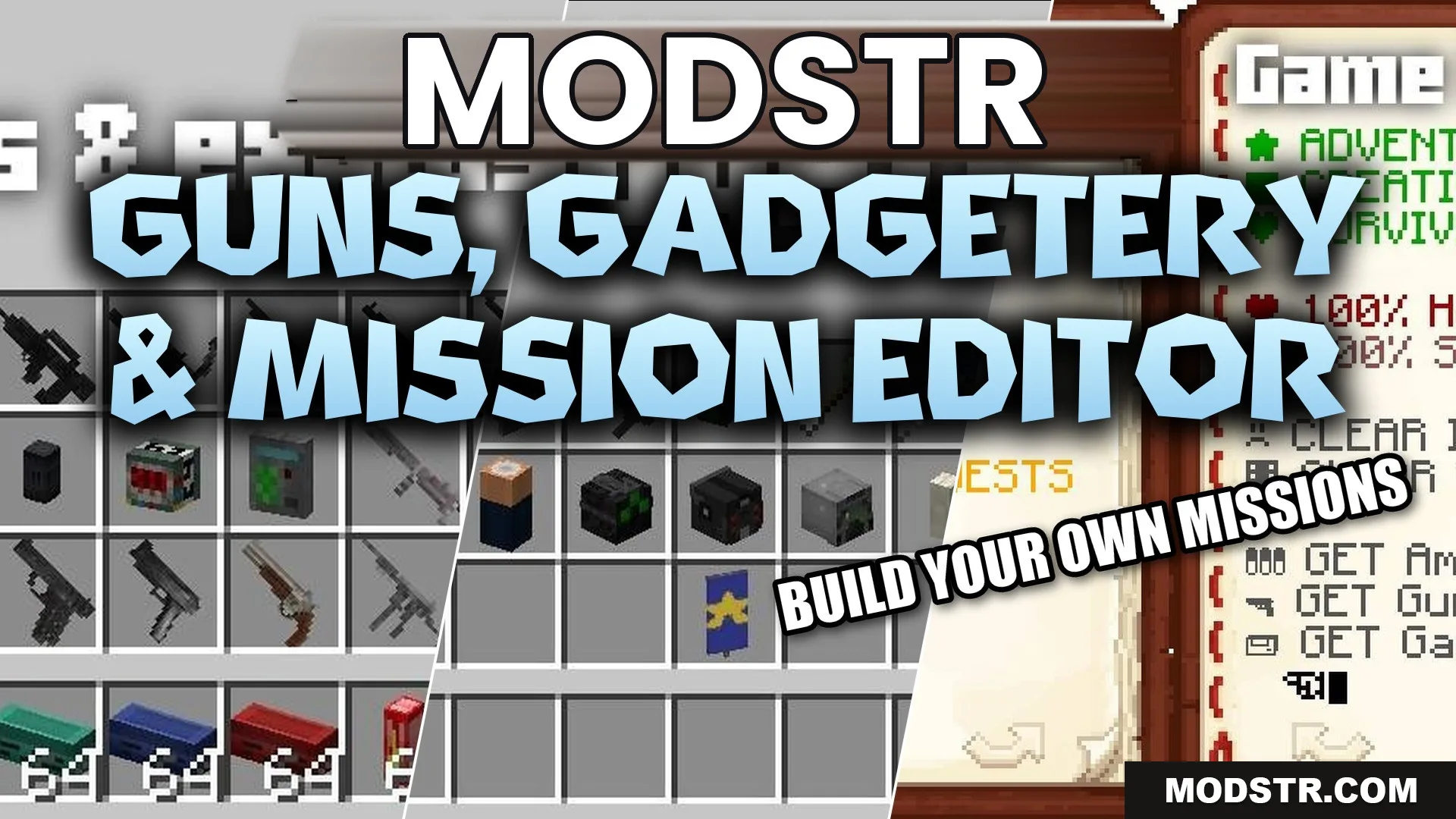
This data pack introduces modern weapons, spy gear, and custom mobs, allowing players to create action-focused battles and missions. Suitable for both single-player and multiplayer gameplay.
- 1.21.11
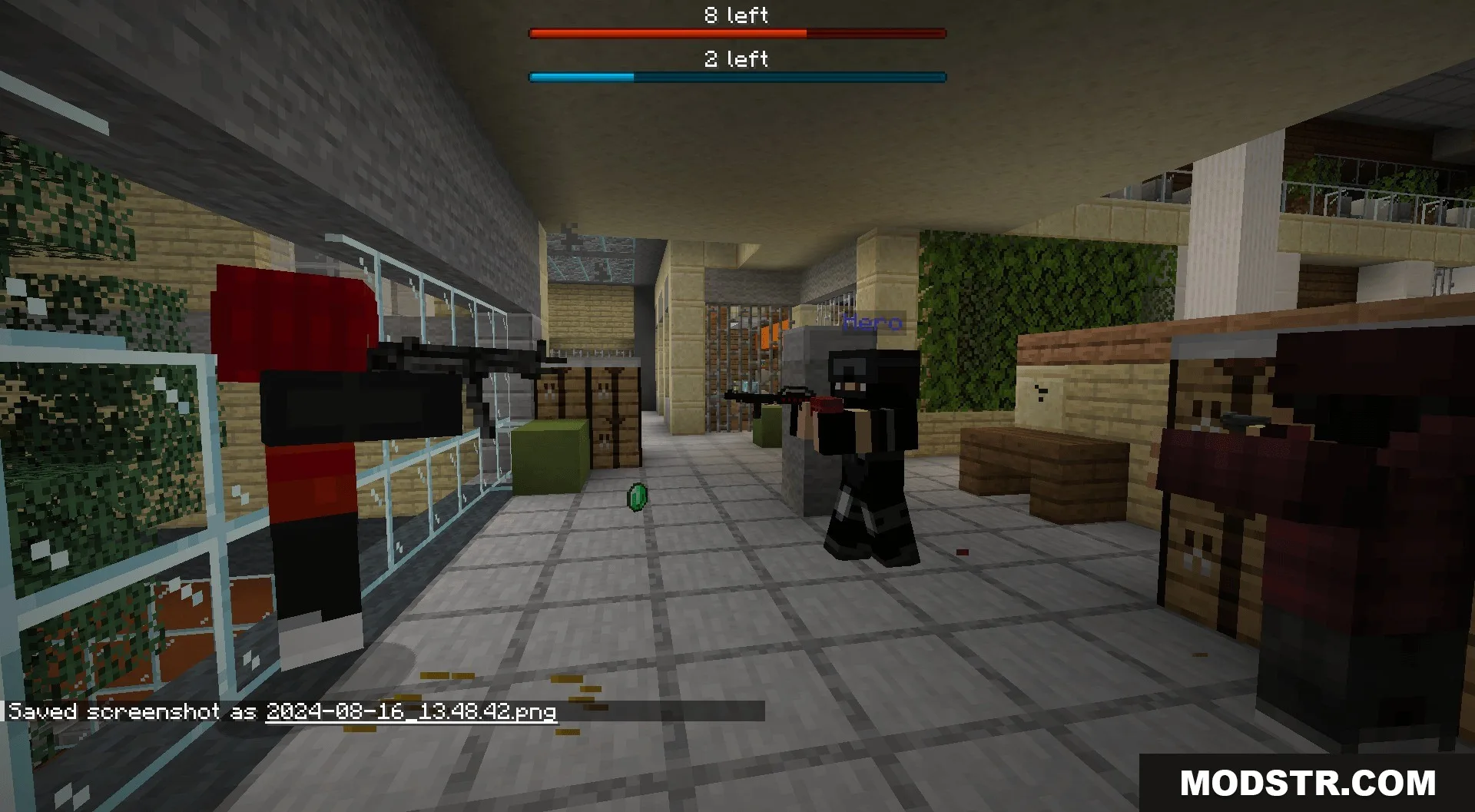
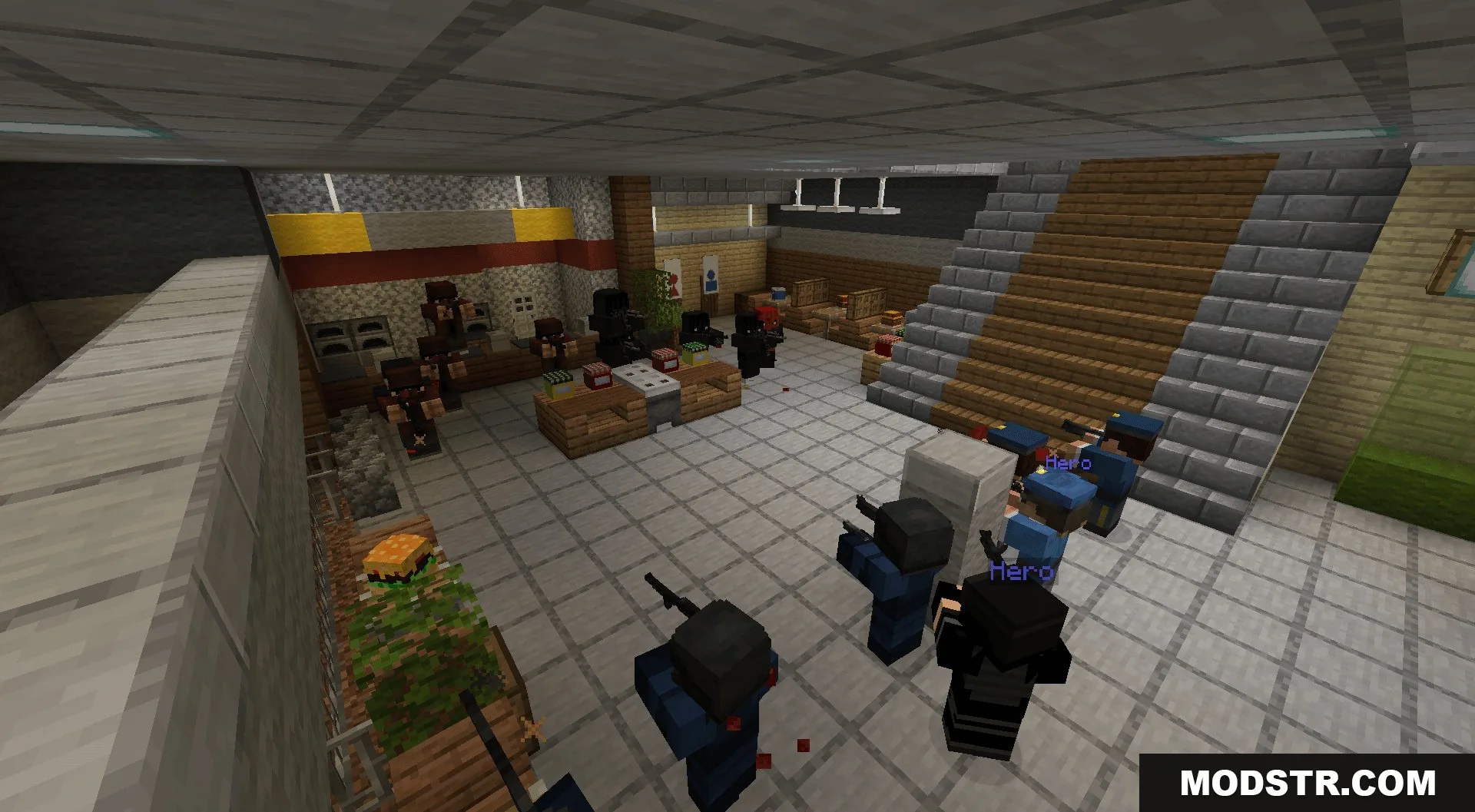
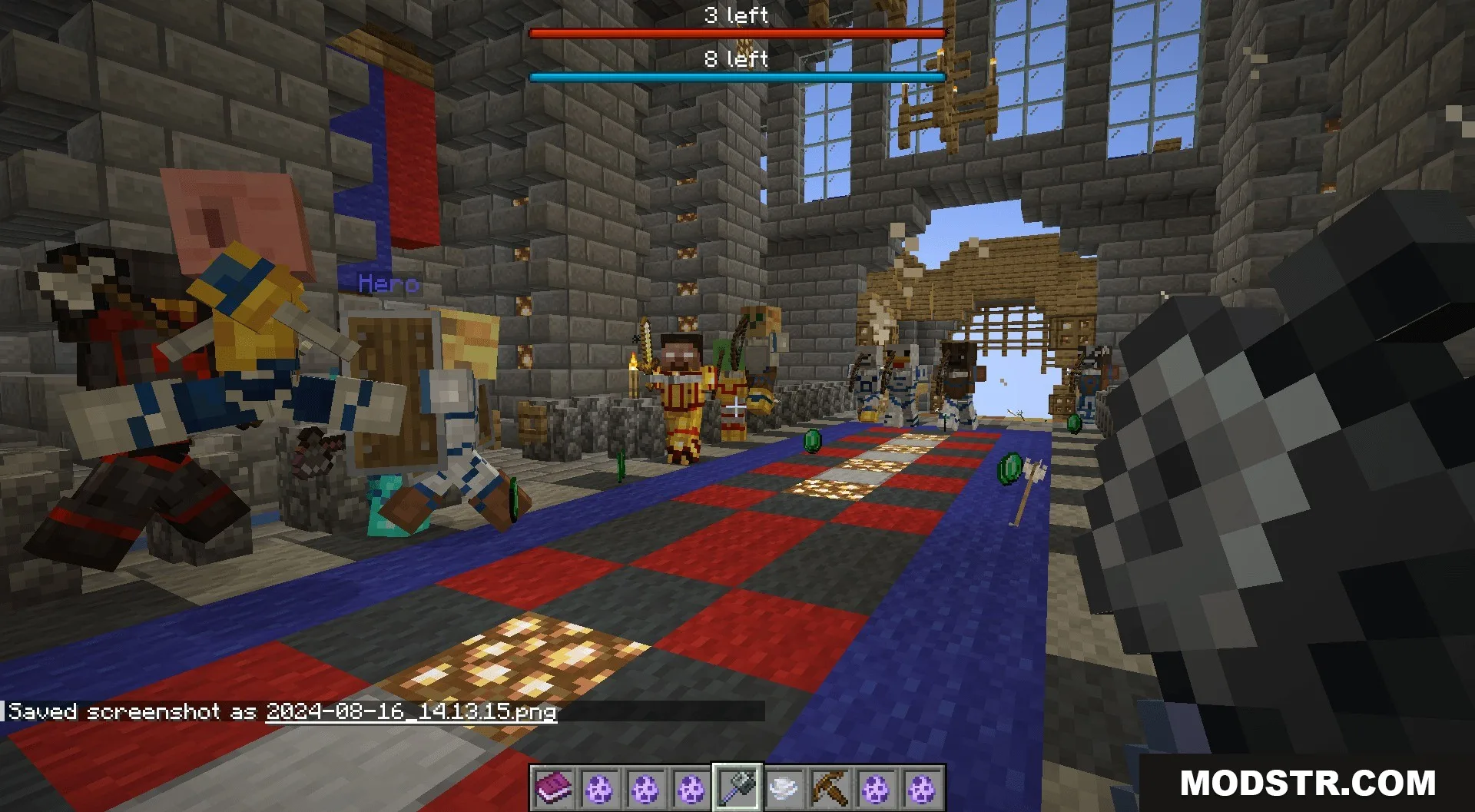
The Guns Gadgetery & Mission Editor Data Pack adds a variety of modern weapons and equipment to Minecraft, enabling users to craft their own combat scenarios. Players can create teams and engage in battles alongside custom characters, making it suitable for both single-player and multiplayer environments.
Features
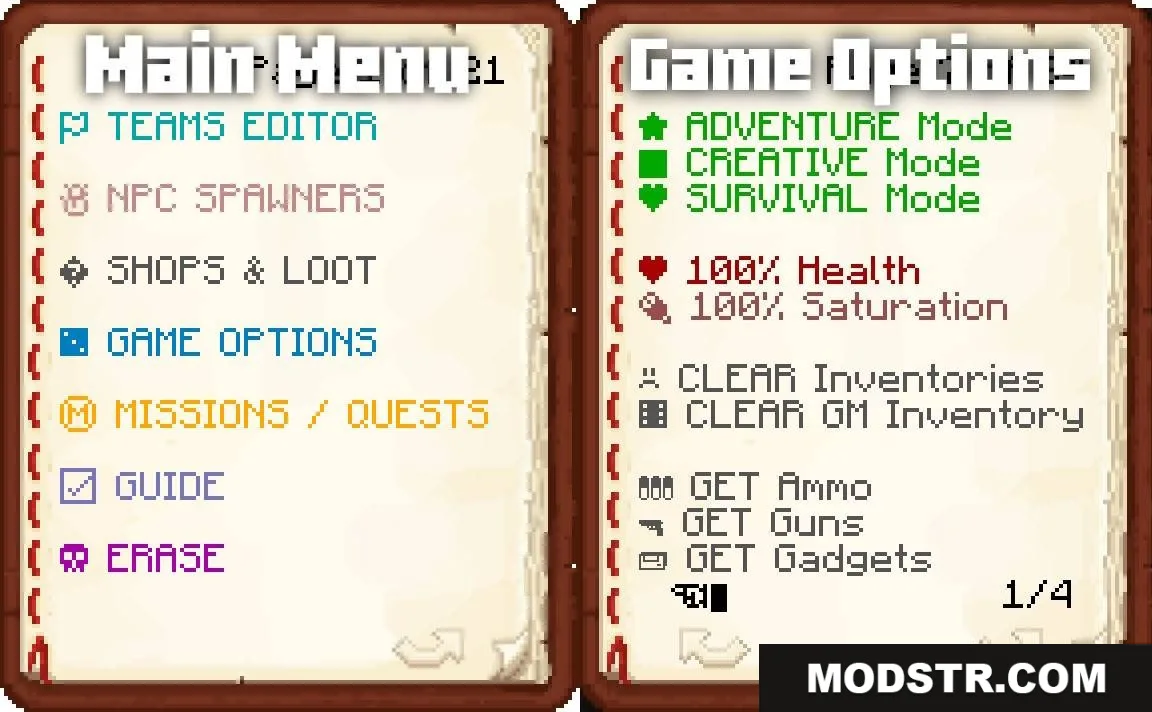
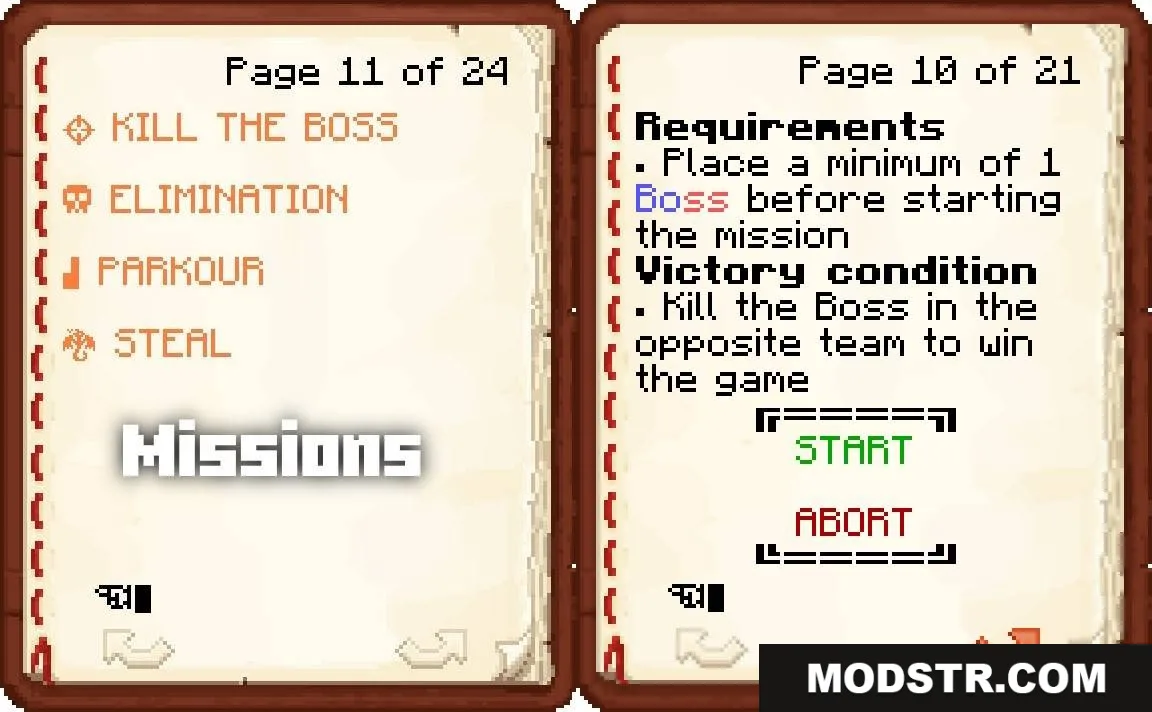
- Team System: Assign players and mobs to different teams with the Game Master’s Book.
- Smart AI: Mobs can open doors, swim, and pursue players over distances.
- Gunfire interacts with the environment, breaking glass panes and triggering TNT.
- Weapon damage and mob accuracy adjust according to game difficulty.
- Armor reduces bullet damage but deteriorates with use.
Modern Weapons
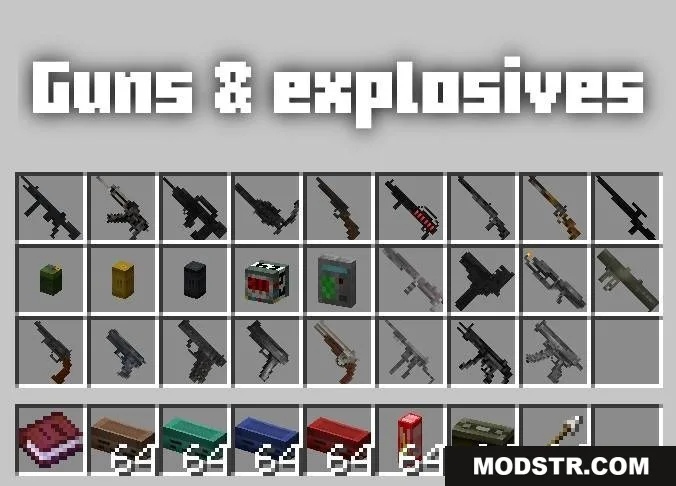
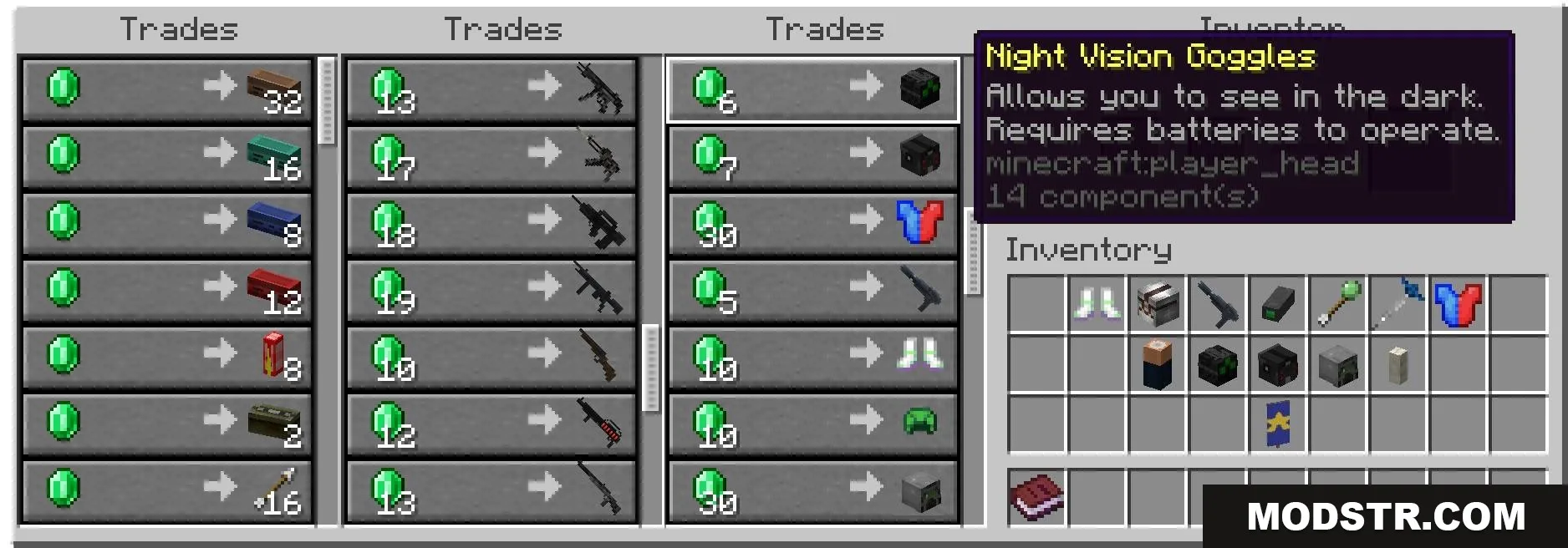
- Use a variety of guns, from revolvers to heavy machine guns.
- Dual-wield handguns for increased firepower.
- Utilize sniper scopes for long-range targeting.
- Deploy various grenades such as explosives, smoke, and tear gas.
Spy Gadgets
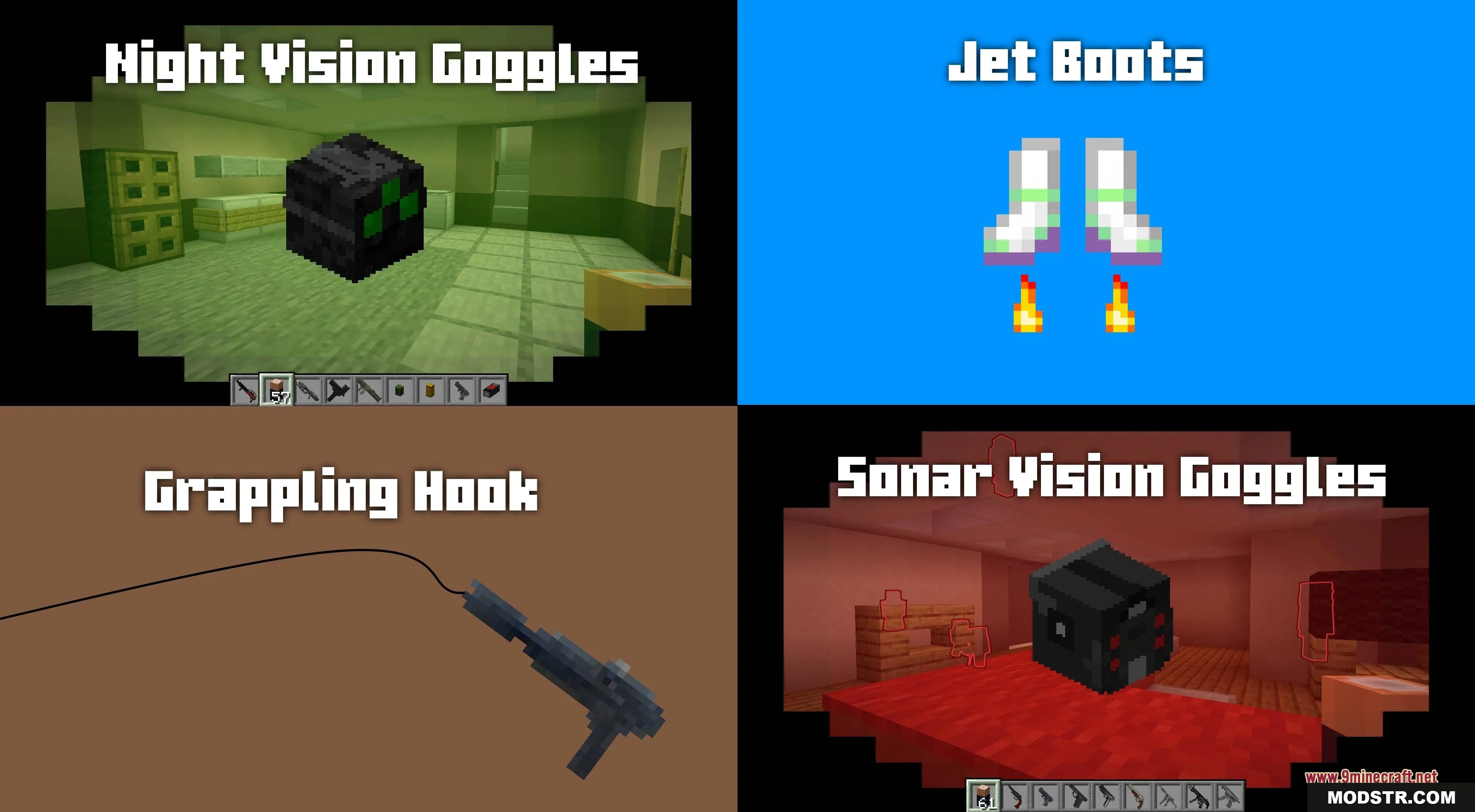
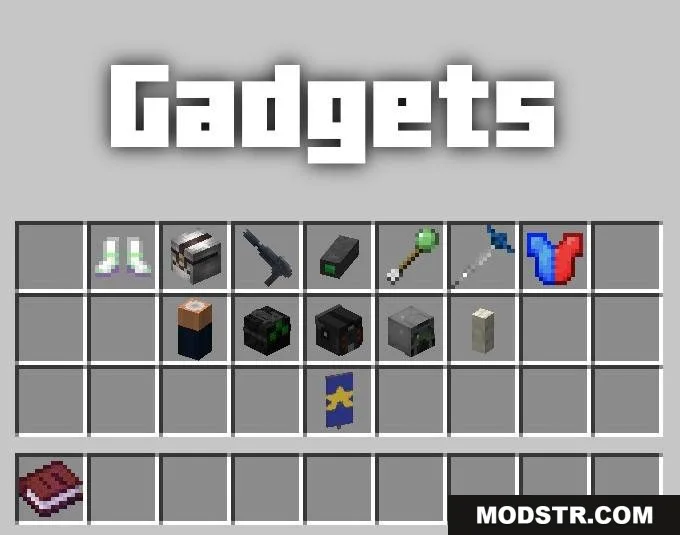
- Traverse the map with a grappling hook or jetboots.
- Utilize night vision and sonar goggles for enhanced visibility.
- Monitor enemy stats with a telescopic scanner.
- Blend in with the enemy using special spy attire.
- Employ bandages for healing and parachutes for safe landings.
Custom Mobs
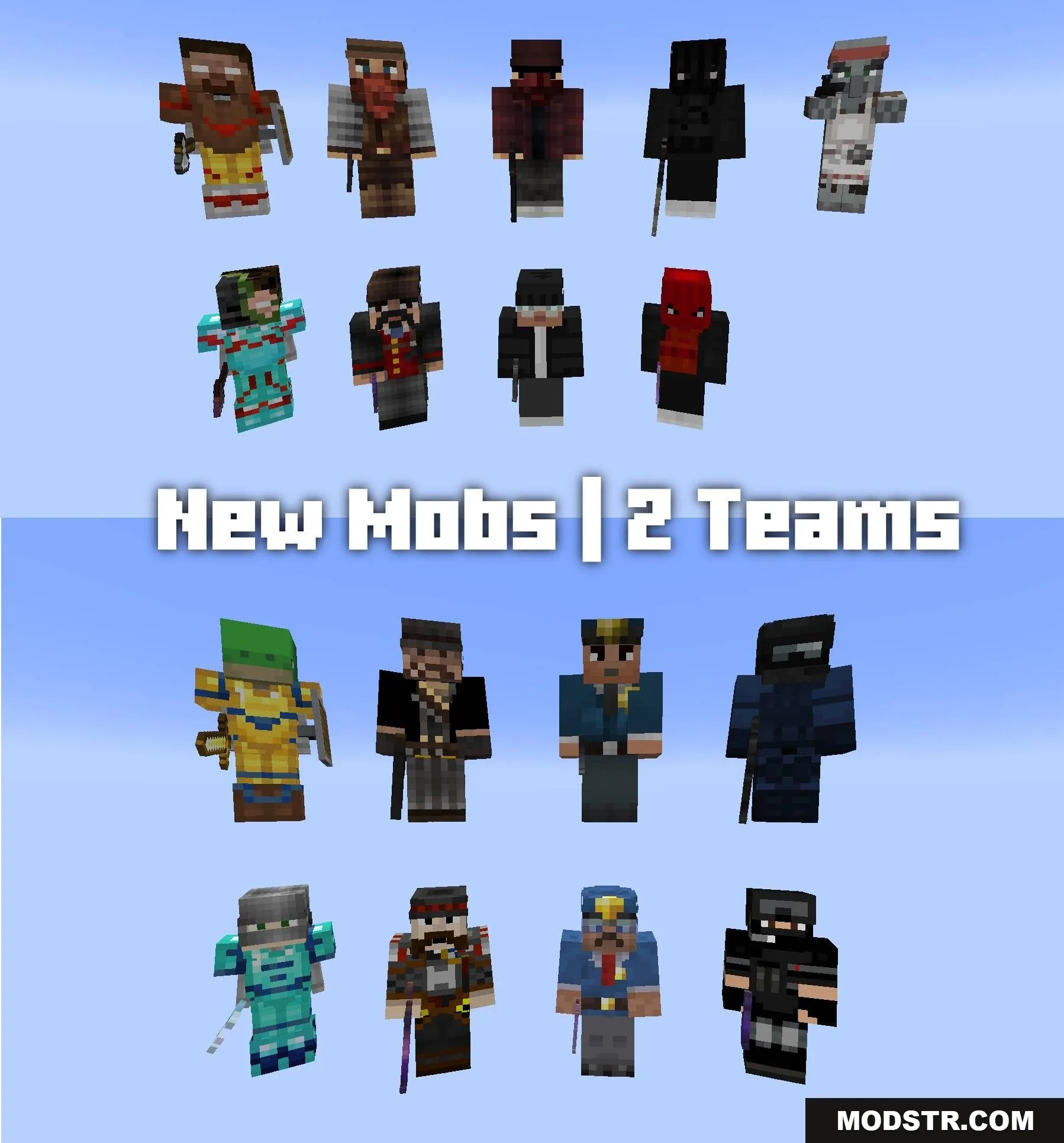
- Summon enemies like bandits and burglars equipped for combat.
- Call forth allies such as police officers and cowboys to assist you.
- Utilize a Rally Banner to lead your allies into battle.
- Equip mobs with armor, weapons, and mounts like horses.
Commands
- /function give:guns: Acquires weapons.
- /function give:ammo: Receives ammunition.
- /function give:gadgets: Gains spy tools and gear.
- /function give:game_master_book: Obtains the mission editing book.
- /function guns:main/uninstall: Removes the data pack from the game.
How to Use
- Enable cheats when creating your world for command functionality.
- Use the command to acquire the Game Master’s Book for team setup.
- Press your Drop Item key (typically Q) to reload weapons.
- Hold the Drop Item key to drop an item on the ground.
- Ensure you have fuel for the jetboots and batteries for the goggles.
DOWNLOAD FILES
- zip
- zip
- zip