
Unstable Depths Data Pack (1.21.11, 1.20.1) – Reinforce Deep Mines
The Unstable Depths Data Pack introduces rockfall mechanics to underground mining, enhancing the challenge of exploring caves. Players can create structural supports and safely manage their mining operations.
- 1.20 → 1.21.11 +13
Show all 13 versions
- 1.21.11
- 1.21.10
- 1.21.9
- 1.21.8
- 1.21.7
- 1.21.6
- 1.21.5
- 1.21.4
- 1.21.1
- 1.21
- 1.20.2
- 1.20.1
- 1.20
The Unstable Depths Data Pack modifies the underground mining experience by adding riskier rockfall physics. Ideal for players looking to increase the challenge of mining, this pack features cave-ins that can happen as you dig.
Features
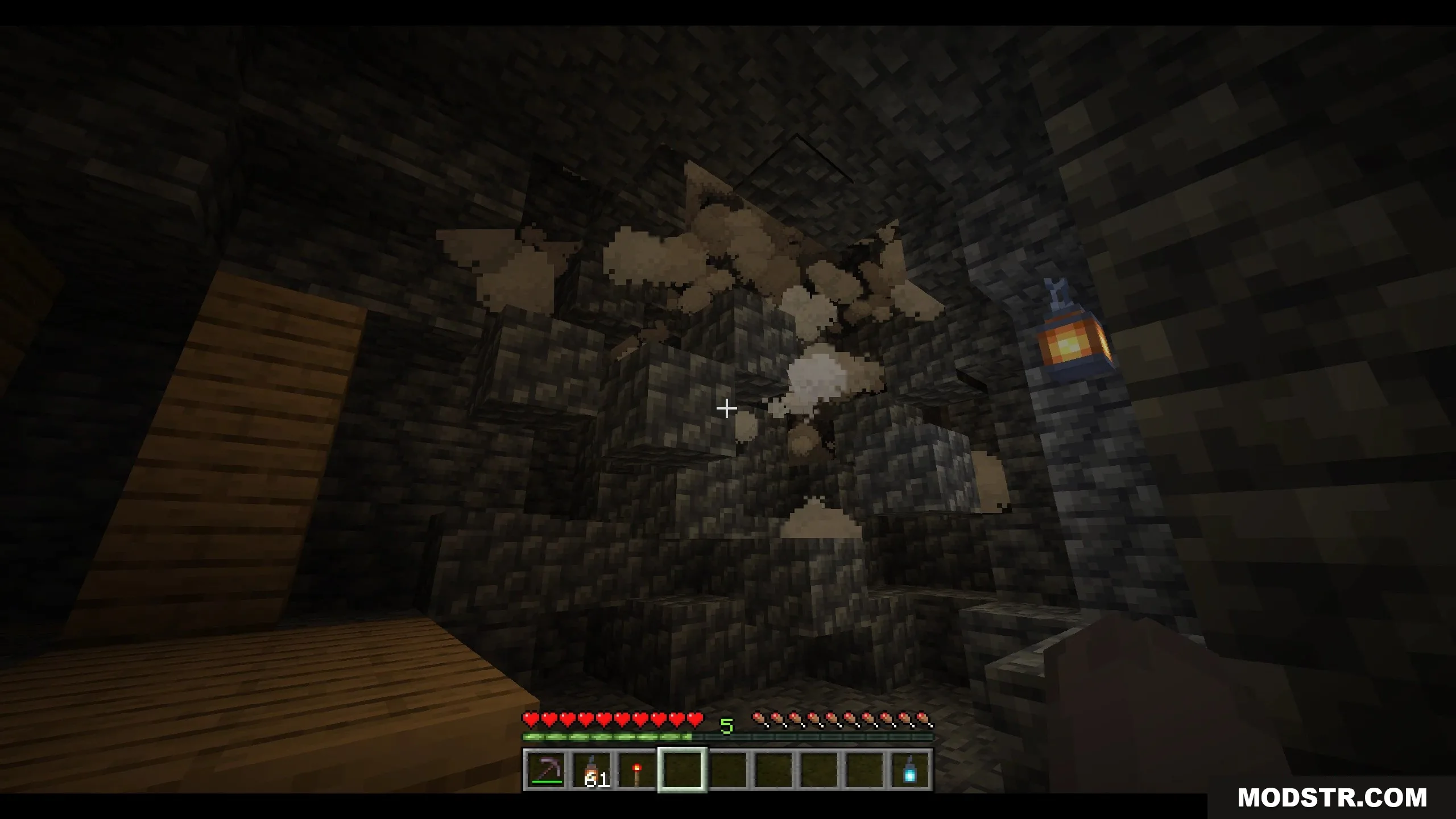
- Mining ceiling blocks with two air blocks beneath may trigger rock collapses.
- Cave collapses become more frequent below Y=30.
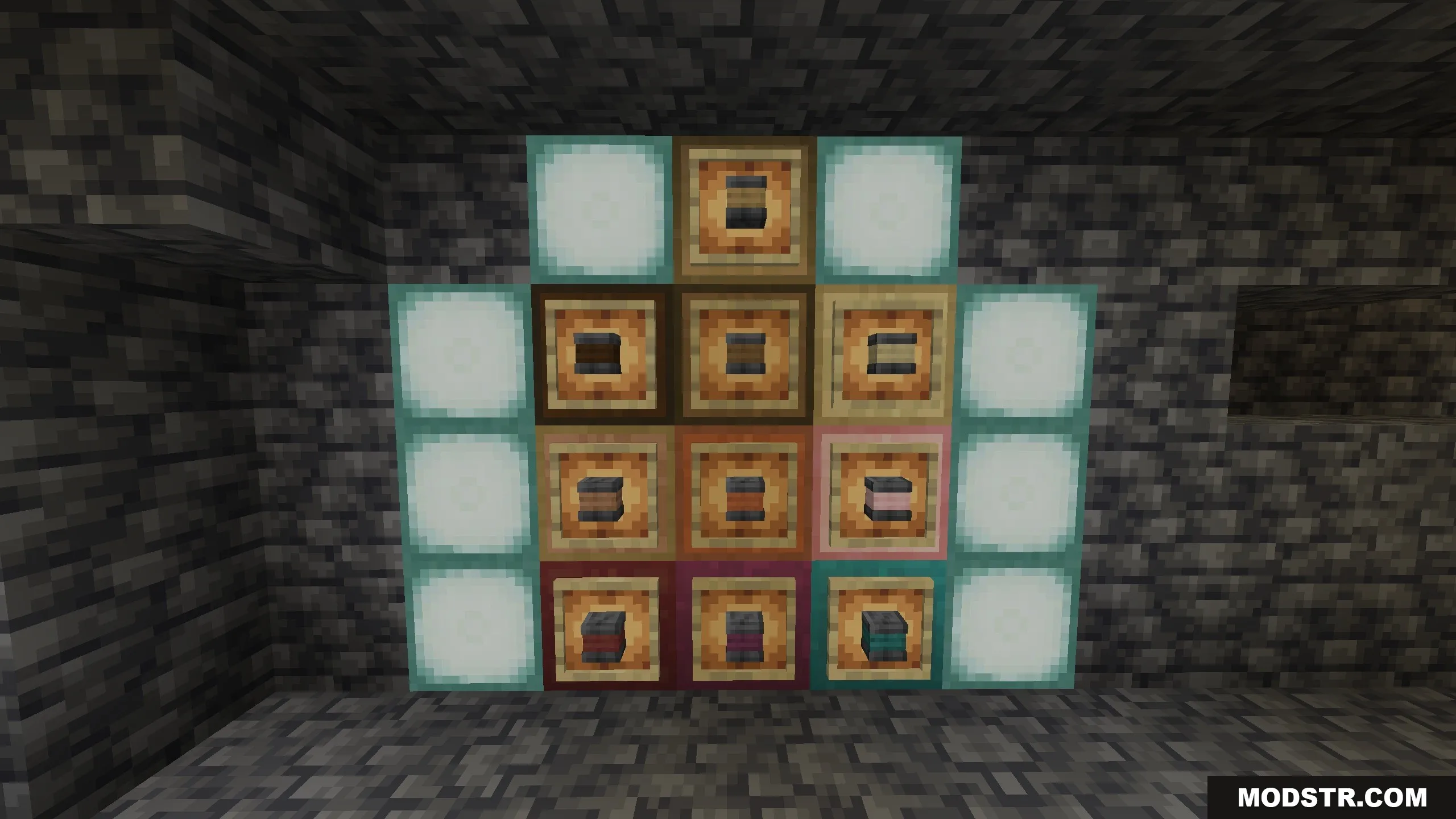
- Structural pillars can be crafted to protect ceilings within a 12-block radius.
- Pillars can vary in height from 2 to 10 blocks.
- Holding a Soul Lantern reveals colored particles indicating the safety of overhead blocks.
- Cyan particles indicate safe mining conditions, while red particles signal danger.
- Using Silk Touch tools allows mining without triggering collapses.
- Igniting TNT near cave ceilings can cause large cave-ins unless a trapdoor is placed on top.
- Massive caves often reveal hidden ore veins after collapses.
- Compatible with multiplayer servers, requiring no client-side mods.
Installation
- Download the Unstable Depths Data Pack.
- Place the data pack file in the "datapacks" folder of your world.
- Run the command /reload in your Minecraft world.
- Use /function cave_in:config to adjust settings.
- Start mining and apply strategies to prevent cave-ins.
Commands
- /function cave_in:config: Opens the settings menu to adjust collapse chances or uninstall the pack.
DOWNLOAD FILES
- zip
- zip
- zip
- zip