
Dark Blades Armor Trims Data Pack (26.2, 1.20.1) – Decorate Your Strongest
This data pack enables armor decoration for the DarkBlades mod, allowing players to customize their late-game armor. It is ideal for those looking to personalize their gear in Minecraft.
- 1.20 → 1.21.8 +7
Show all 7 versions
- 1.21.8
- 1.21.7
- 1.21.6
- 1.21.1
- 1.21
- 1.20.1
- 1.20
The Dark Blades Armor Trims Data Pack allows players to add decorative trims to their armor from the DarkBlades mod. Targeting users of the DarkBlades mod, this pack provides an option to customize their strong late-game gear.
Features
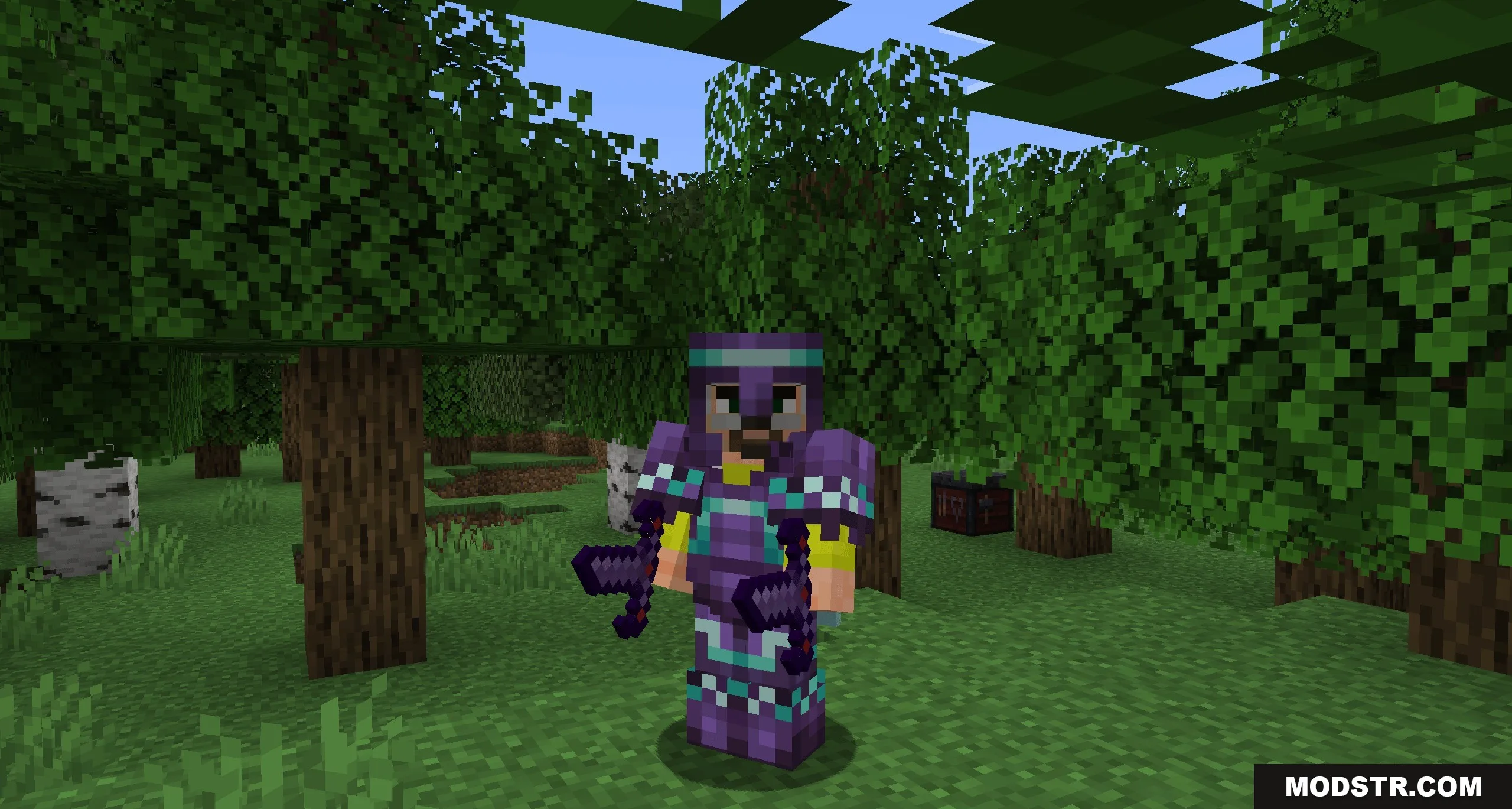
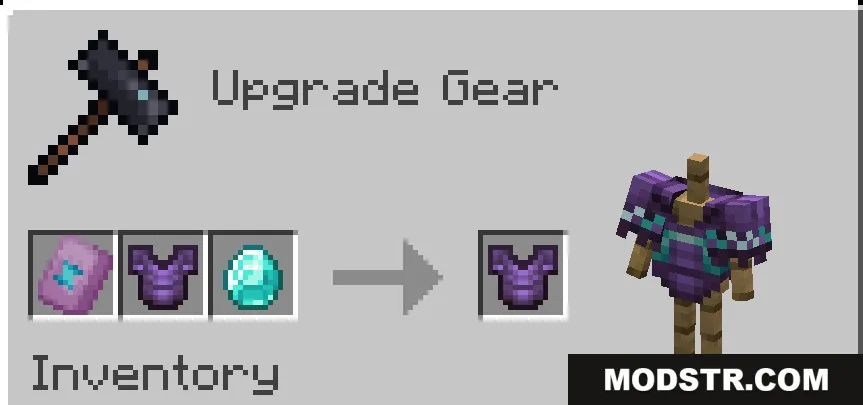
- Armor Decoration: Lets you apply trims to all pieces of DarkBlades armor.
- Unlocks the ability to change the look of the custom helmet, chestplate, leggings, and boots.
- Keeps the high stats of your late-game gear while giving you the freedom to choose its colors.
Installation
- Download the data pack file.
- Access your Minecraft world folder.
- Place the data pack file into the 'datapacks' folder.
- Load your world and type '/reload' in the chat.
- Confirm the data pack is active using the '/datapack list' command.
DOWNLOAD FILES
- zip
- zip