
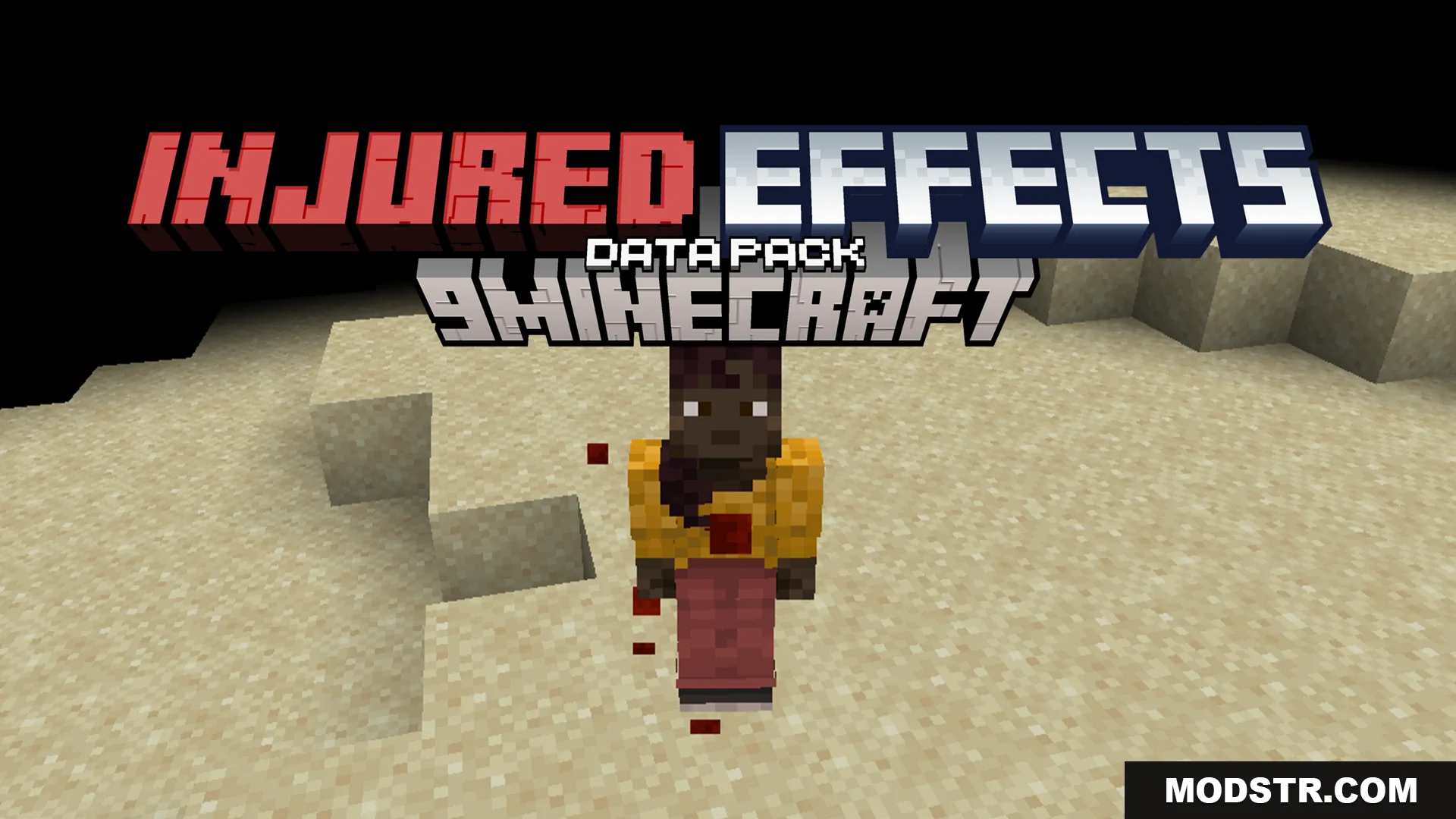
Injured Effects Data Pack (26.2, 1.20.1) – Health Effects
The Injured Effects Data Pack enhances Minecraft gameplay by providing health-related visual and audio feedback. It is suitable for players seeking a more immersive experience while managing low health.
- 1.20 → 1.21.11 +19
Show all 19 versions
- 1.21.11
- 1.21.10
- 1.21.9
- 1.21.8
- 1.21.7
- 1.21.6
- 1.21.5
- 1.21.4
- 1.21.3
- 1.21.2
- 1.21.1
- 1.21
- 1.20.6
- 1.20.5
- 1.20.4
- 1.20.3
- 1.20.2
- 1.20.1
- 1.20
The Injured Effects Data Pack introduces various effects when your health is low, increasing the tension during gameplay. This pack is designed for players looking to add realism and a sense of urgency to their Minecraft experience.
Features
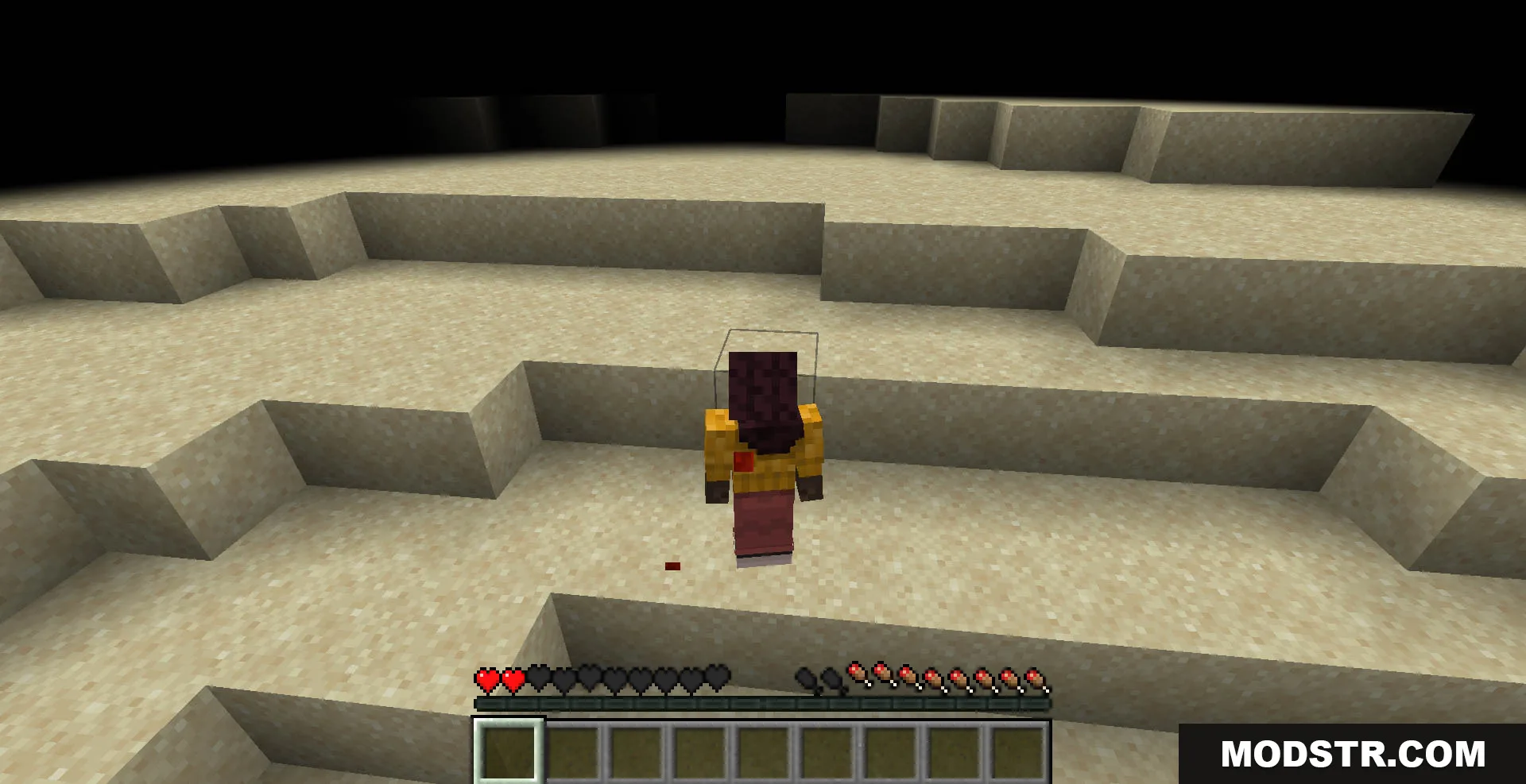
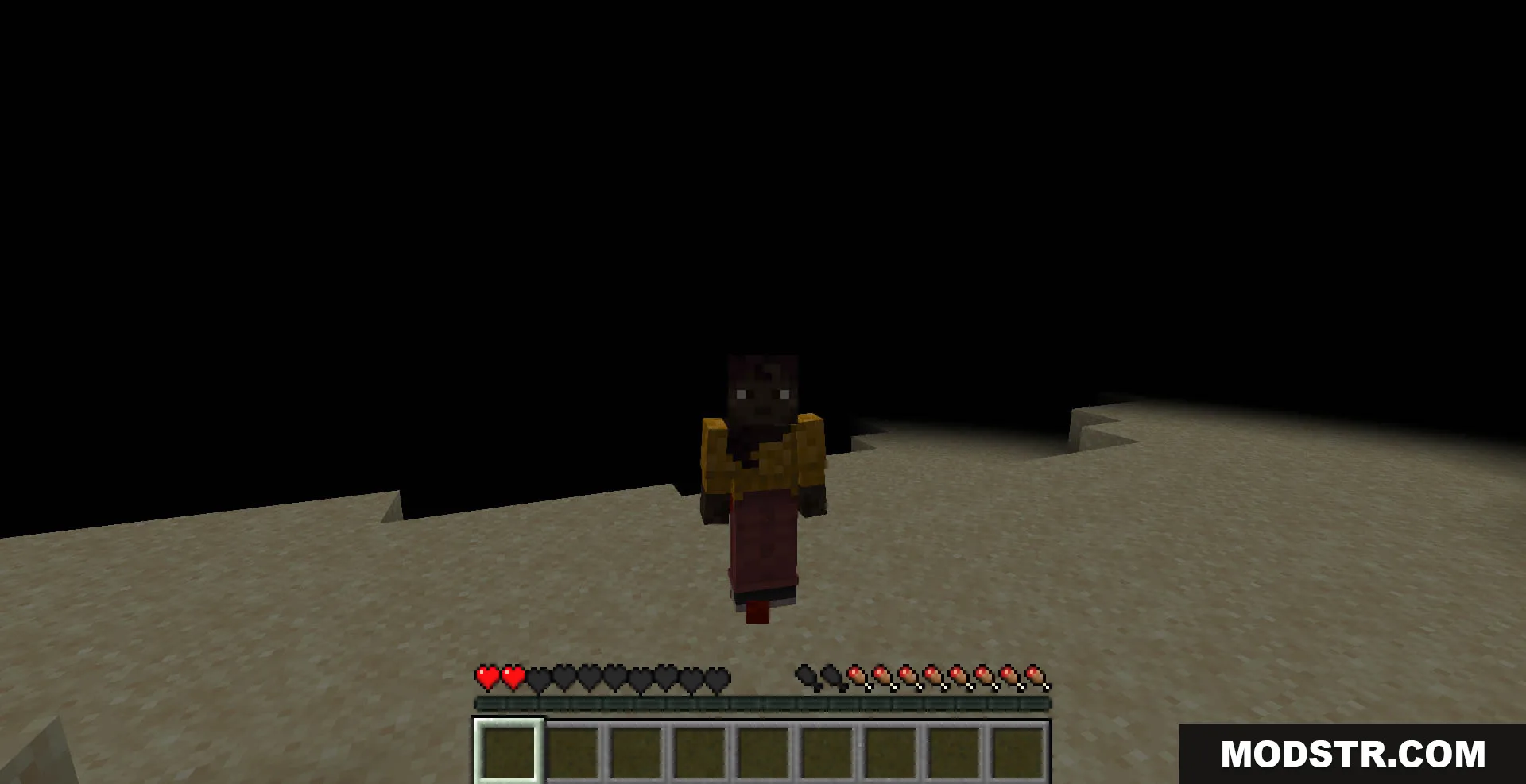
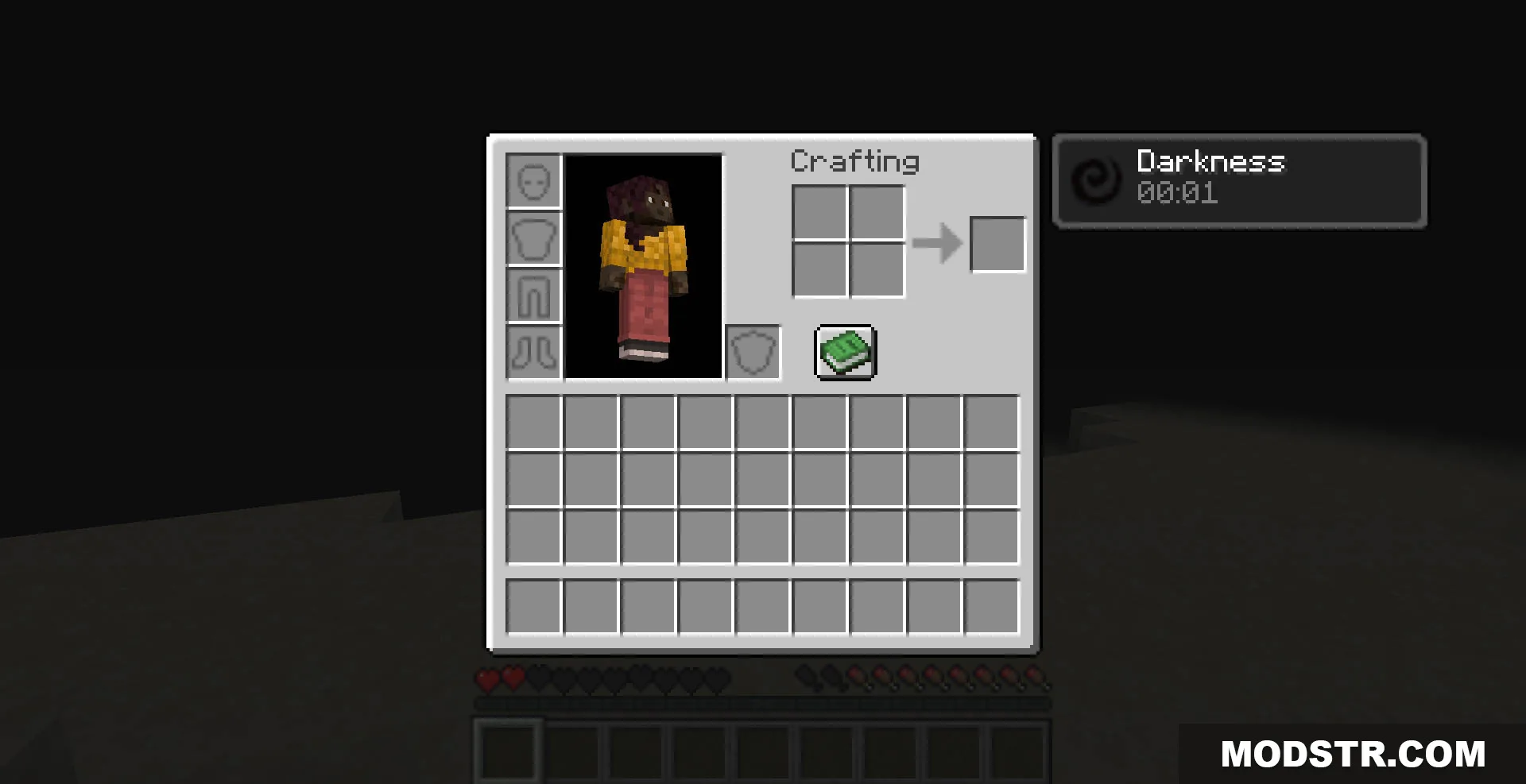
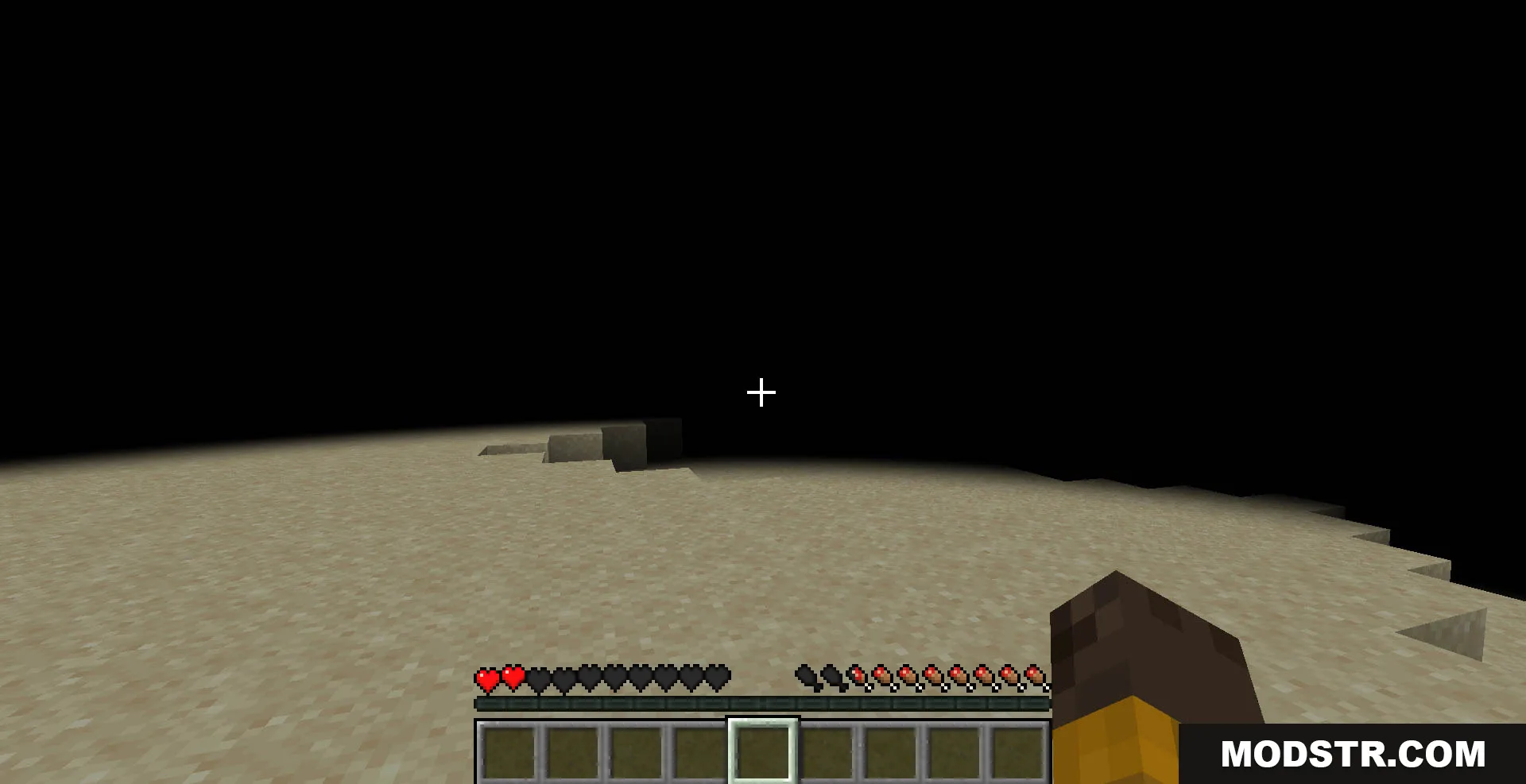
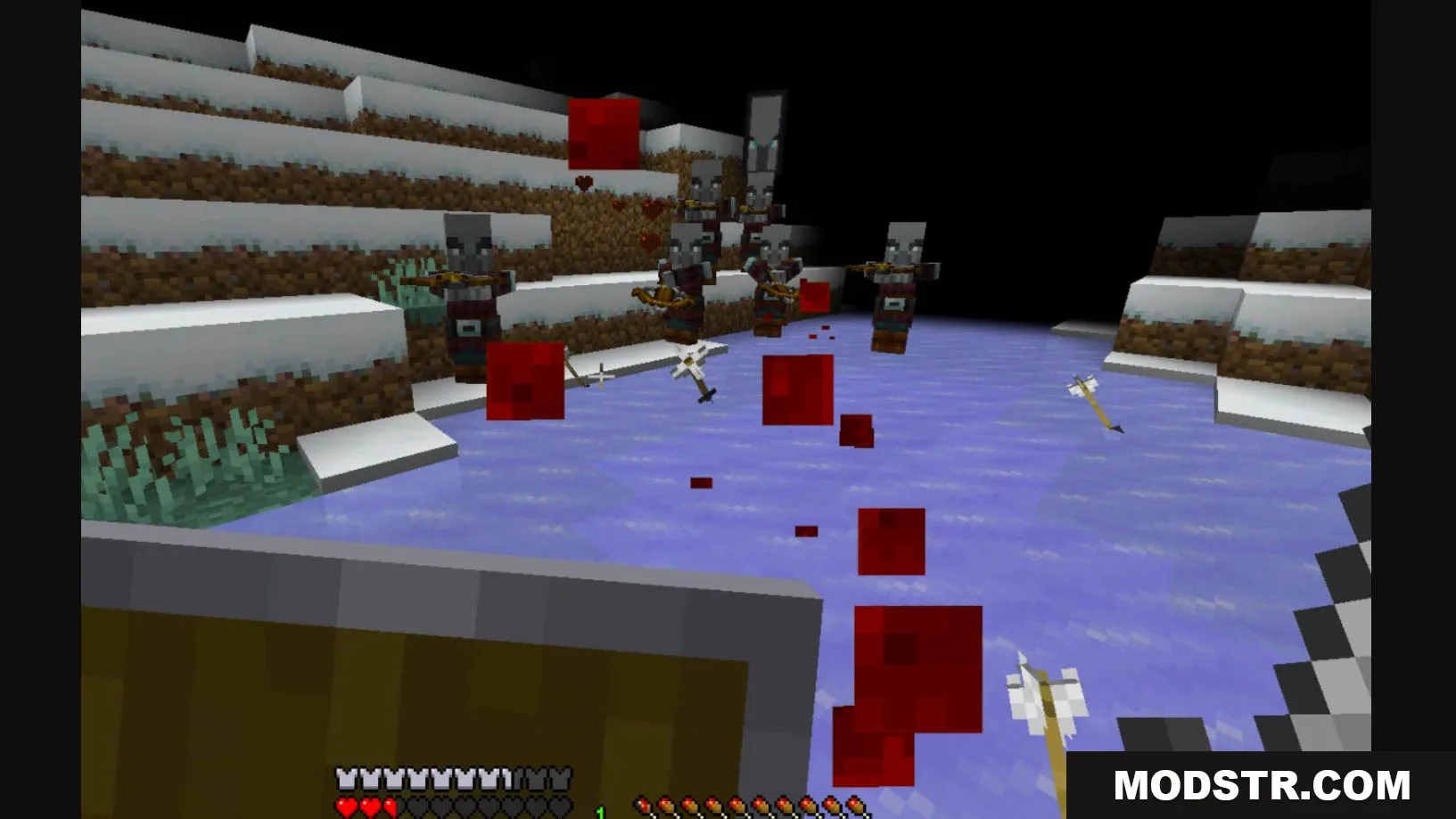
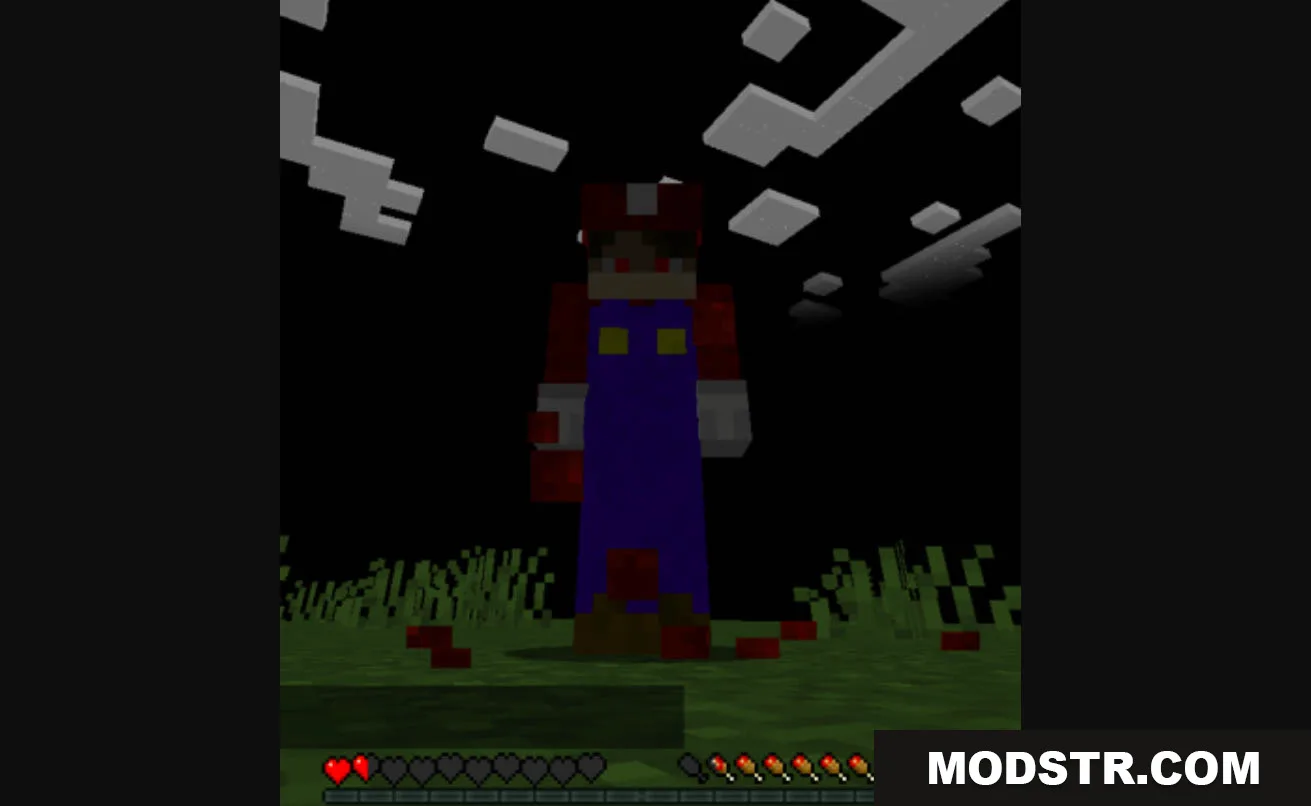
- Darkening Shock: Applies the darkness effect when your health falls below a certain threshold.
- Heartbeat: The sound of your heartbeat intensifies and speeds up as you take damage.
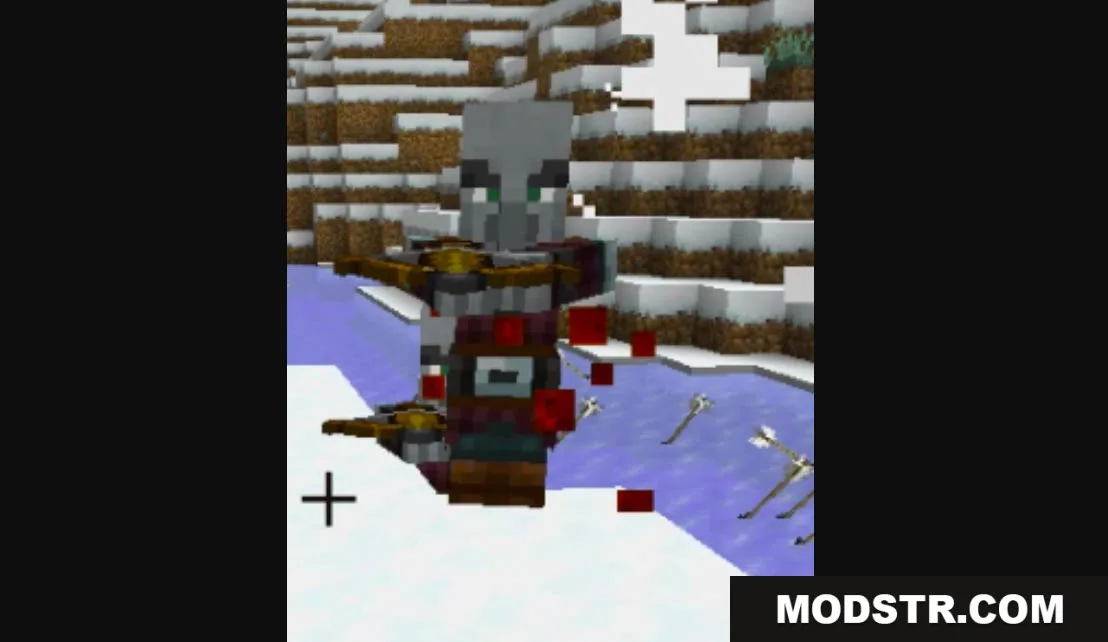
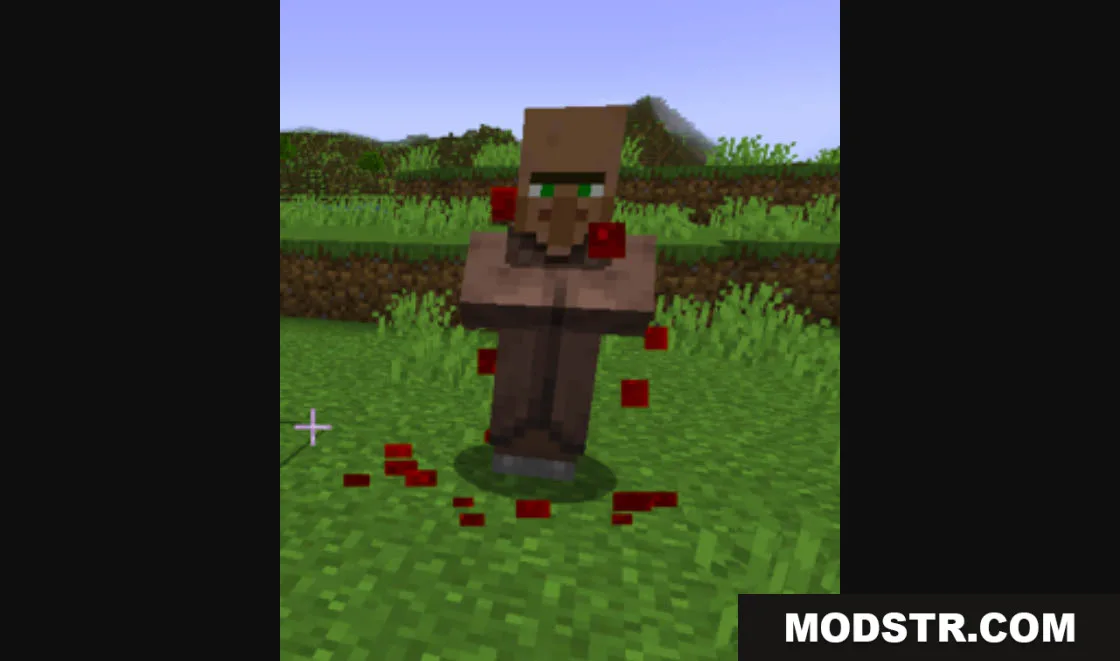
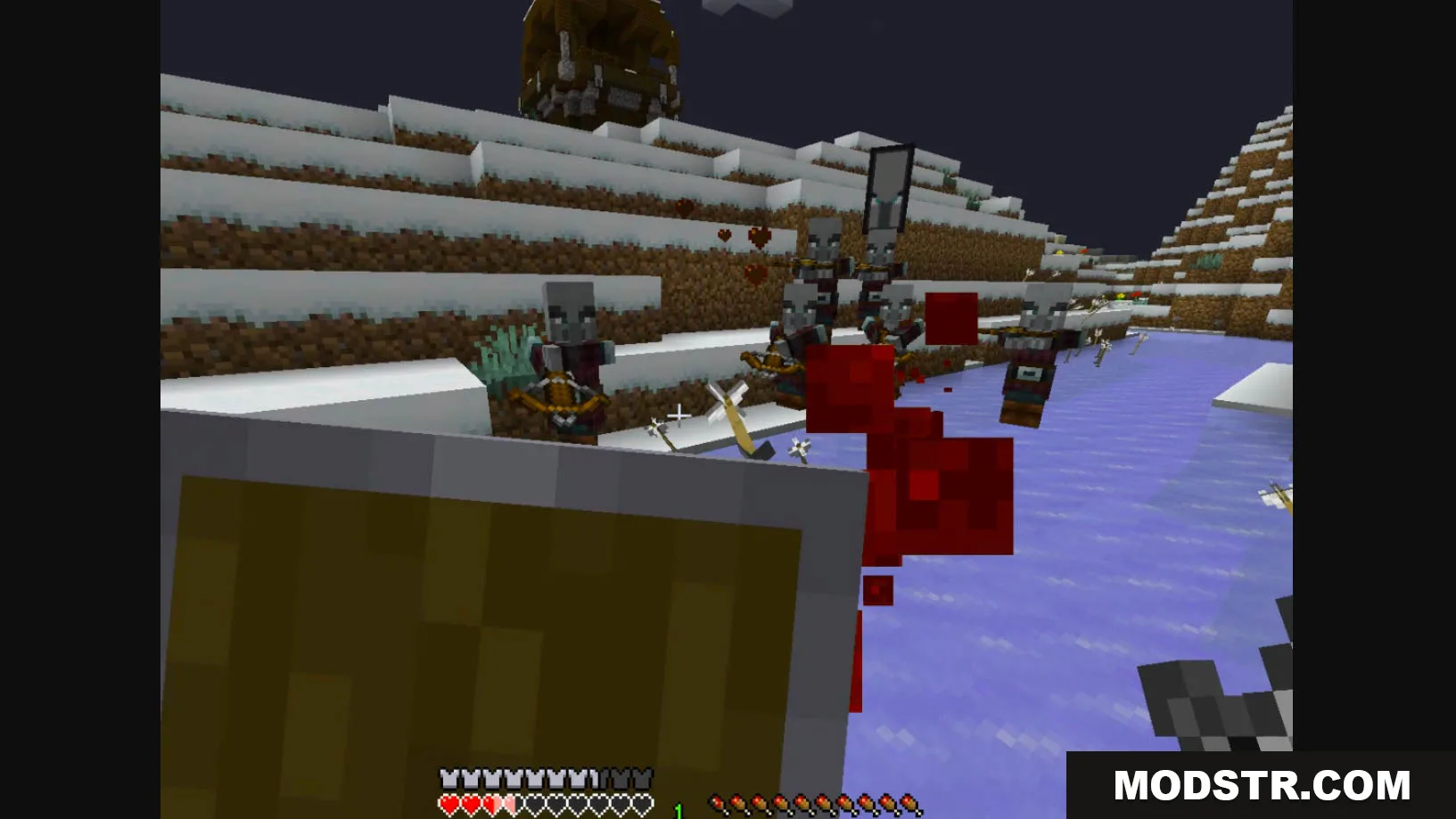
- Open Wound: Blood particles will spawn at low health, indicating your injuries as you try to heal.
Installation
- Download the data pack file from the source.
- Access your Minecraft world save folder.
- Place the data pack file in the datapacks folder of your chosen world.
- Run the command /reload in-game to activate the pack.
- Verify that the data pack has loaded by using the /datapack list command.
DOWNLOAD FILES
- zip
- zip
- zip
- zip