
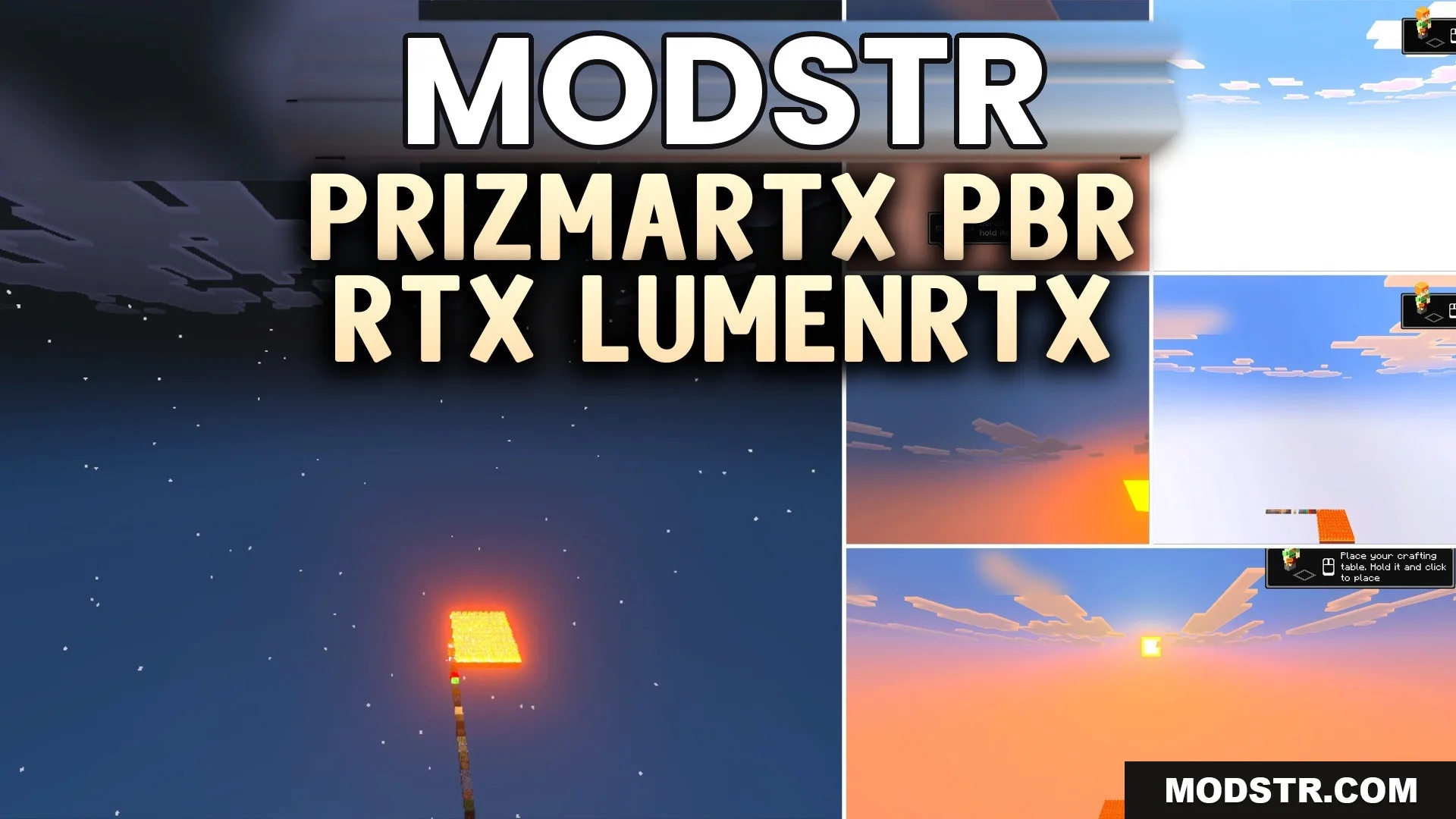
PrizmaRTX PBR RTX Lumenrtx Texture Pack (1.21, 1.20) – Stunning Visual Overhaul
The PrizmaRTX (PBR RTX) LumenRTX Texture Pack enhances Minecraft visuals with ray tracing effects. Designed for players with ray tracing GPUs, it includes detailed textures and striking graphics.
- 1.21
- 1.20
- 1.19
- 1.18
The PrizmaRTX (PBR RTX) LumenRTX Texture Pack enhances the visual aspects of Minecraft by adding ray tracing effects. It is suitable for players using Windows devices that support ray tracing GPUs.
Features
- Adds detailed PBR textures to blocks.
- Creates beautiful 3D bump effects.
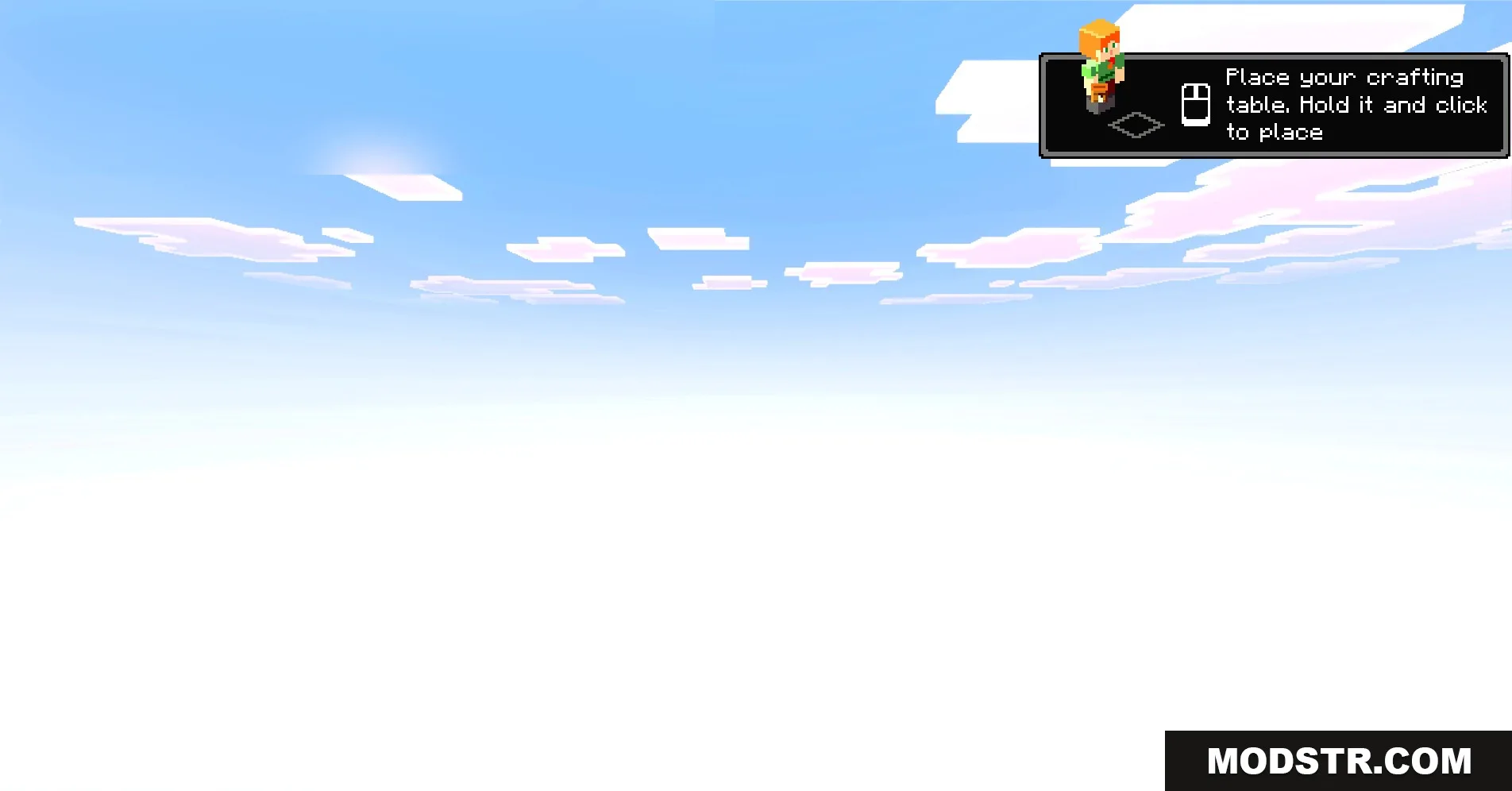
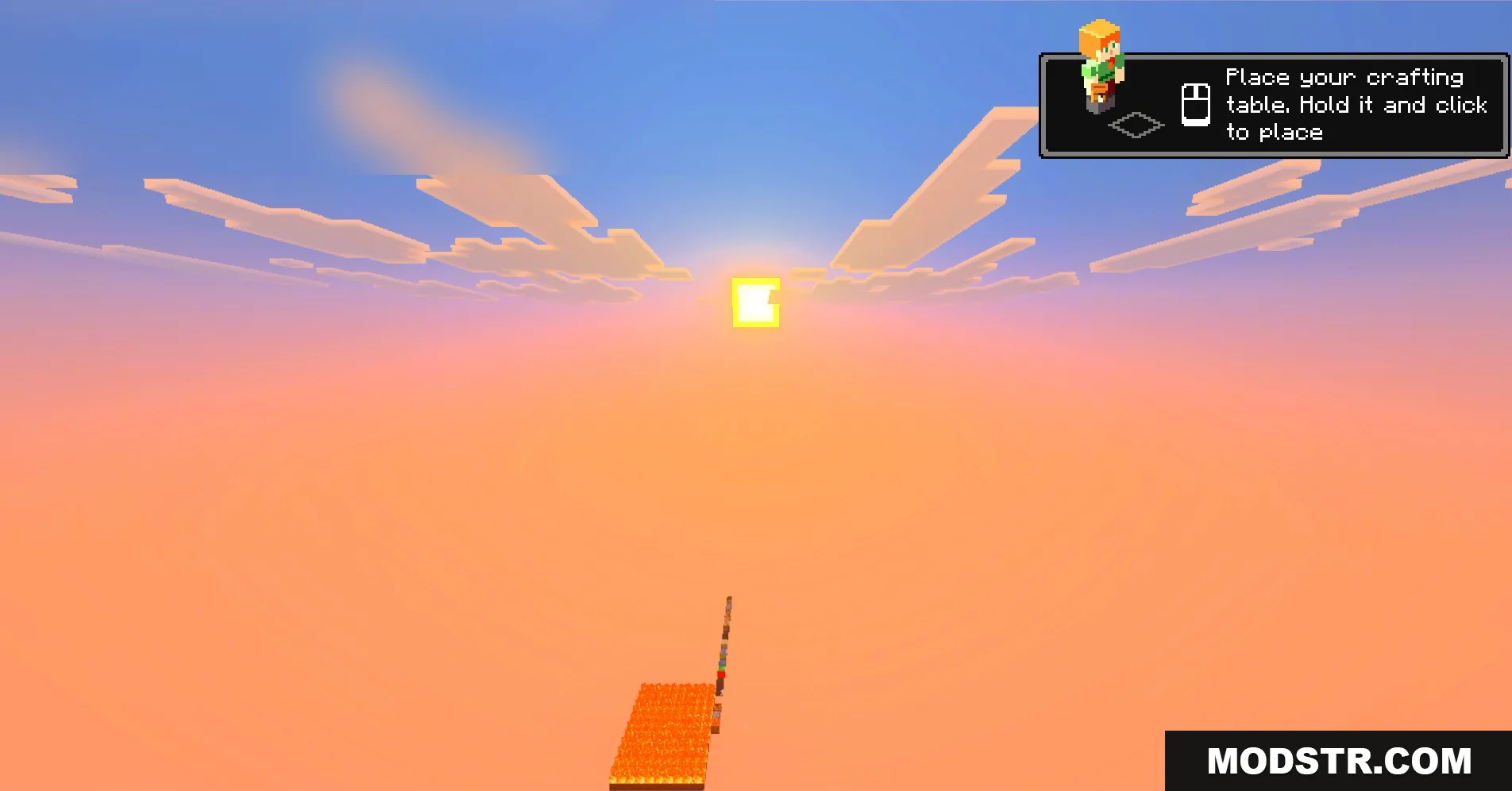
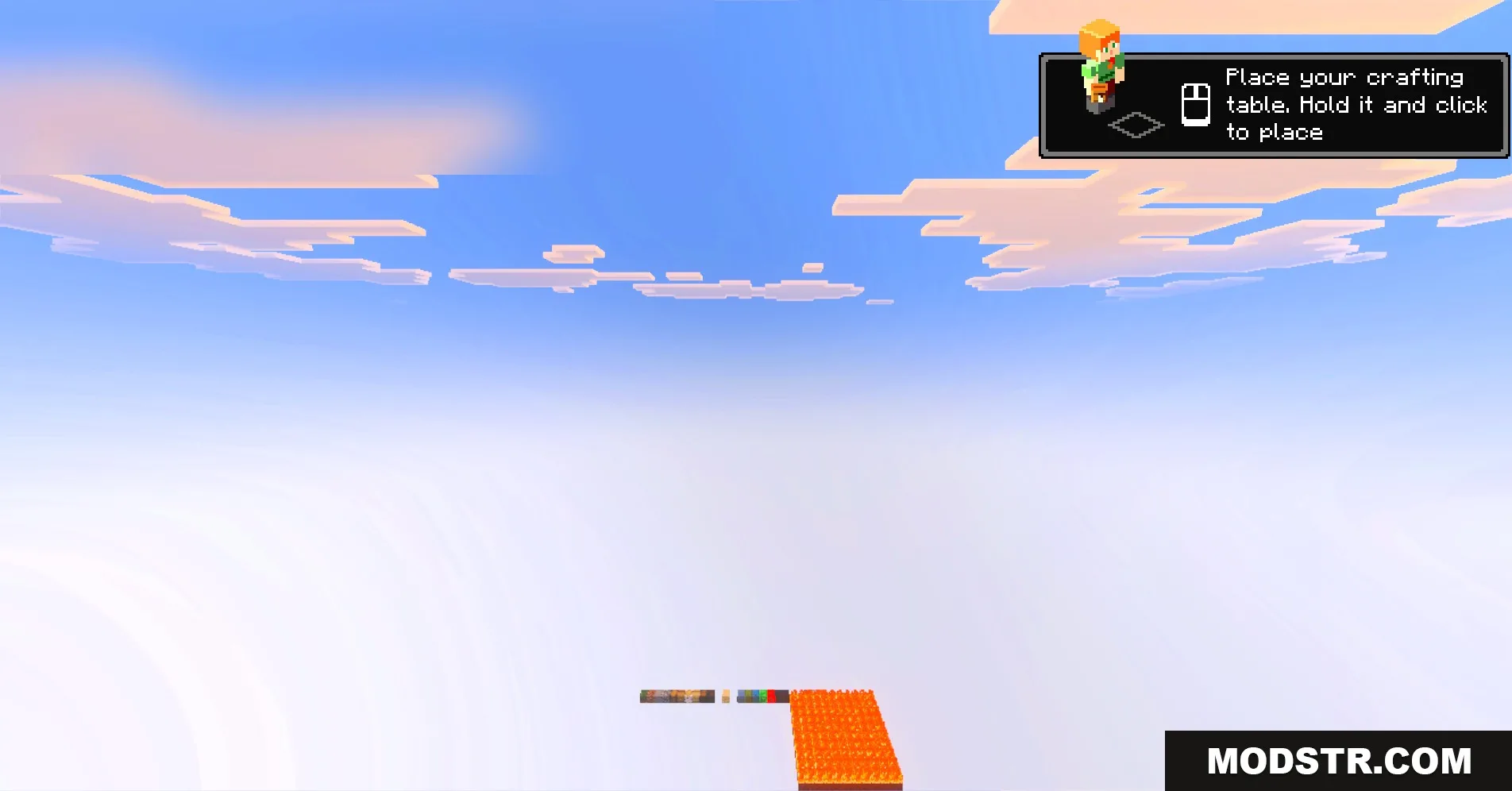
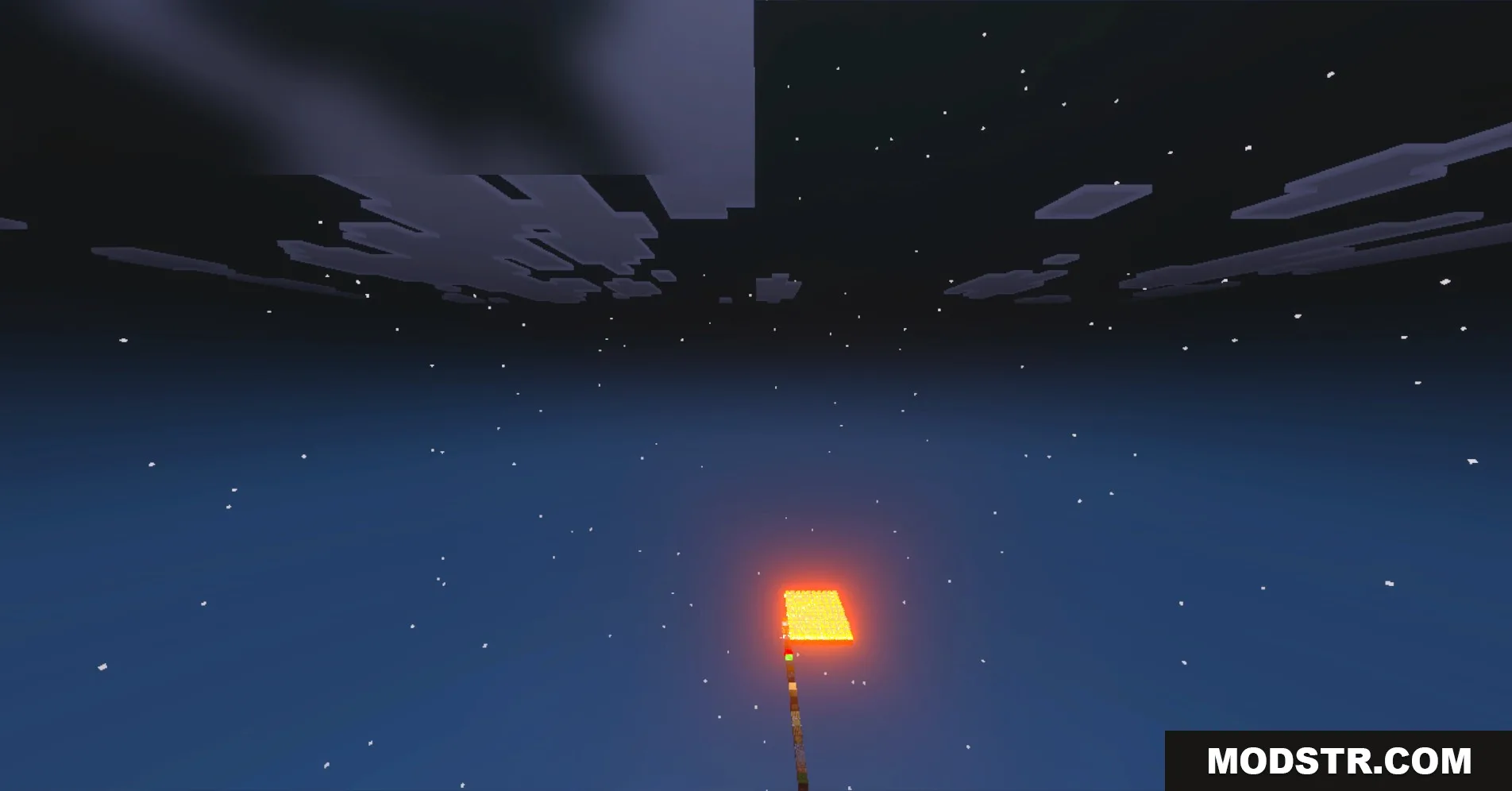
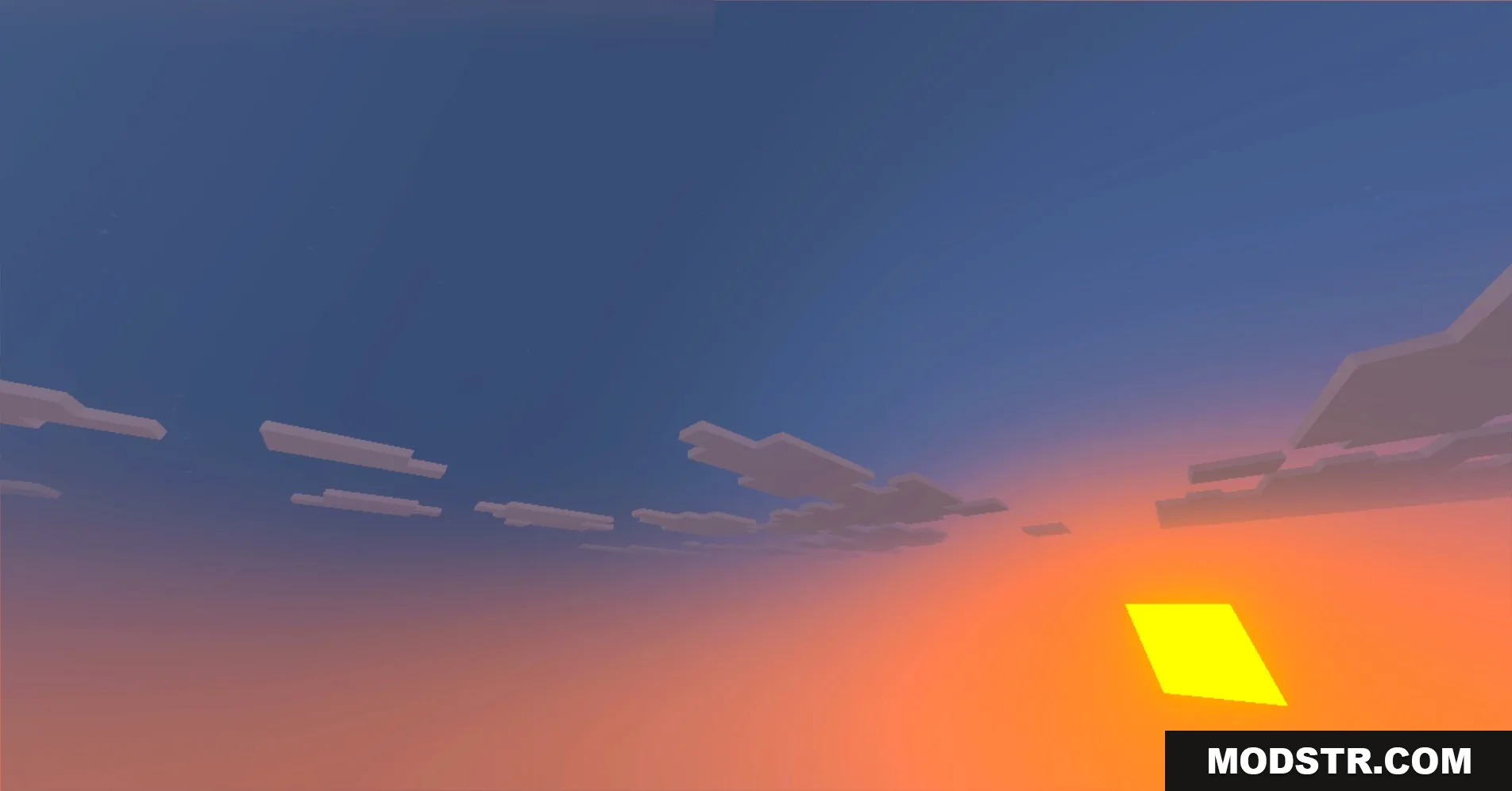
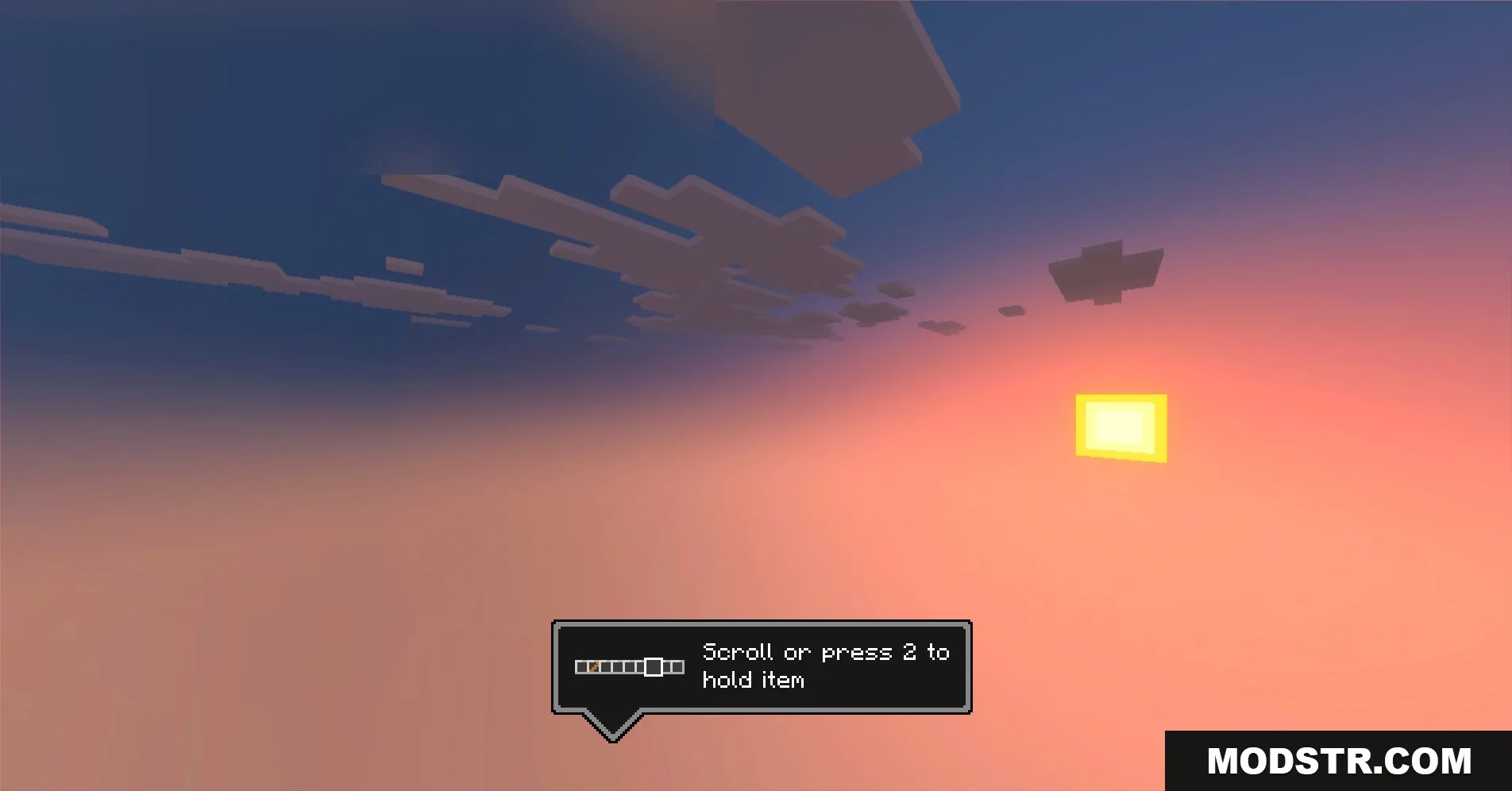
- Brings an amazing new sky design.
- Includes a custom bow model for players.
- Makes glowing lanterns shine brightly at night.
Installation
- Download the texture pack file.
- Open Minecraft and navigate to the settings menu.
- Select the 'Resource Packs' option.
- Click on 'Open Packs Folder' and move the downloaded file here.
- Activate the texture pack from the list in the game.
DOWNLOAD FILES
- mcpack