
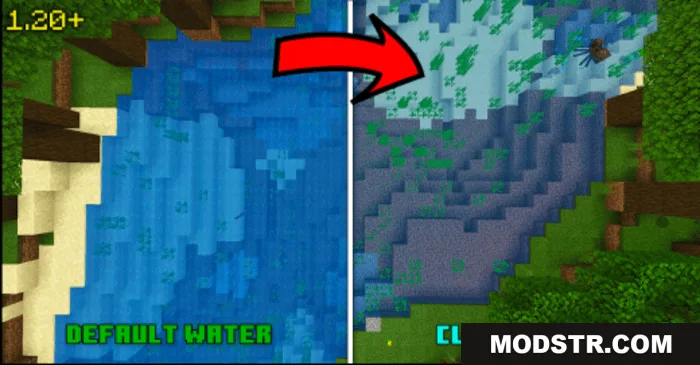
Clear Water Texture Pack (26.x, 1.21) – Night Vision, Support RenderDragon
Clear Water Texture Pack transforms water into transparent glass-like textures for Minecraft Bedrock 1.21. Includes two subpack variants and supports RenderDragon.
- 1.21
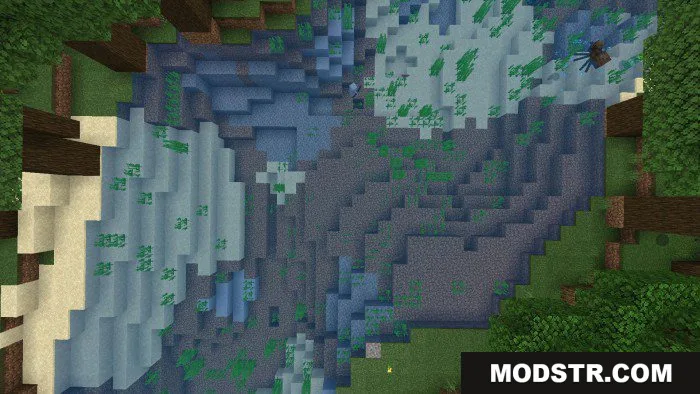
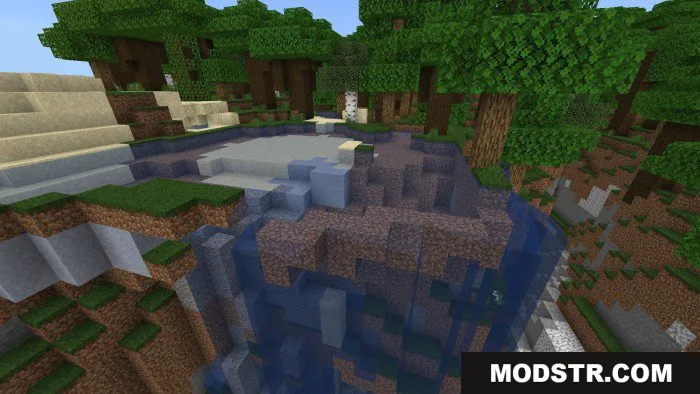
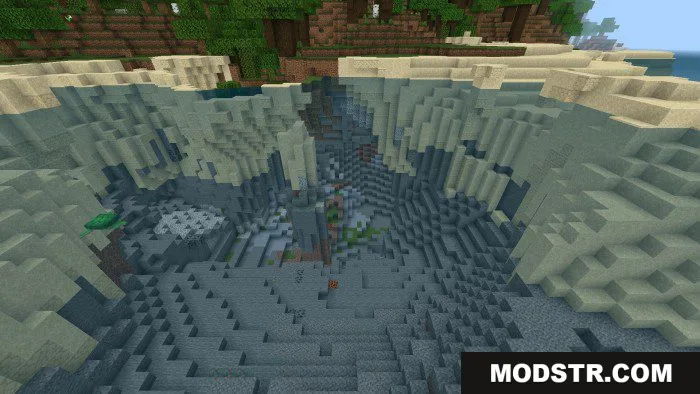
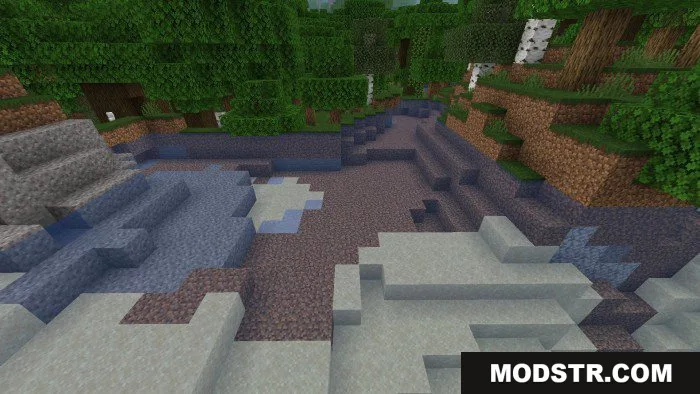
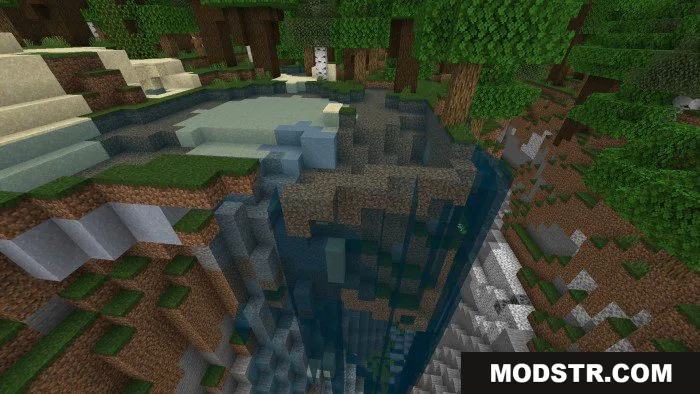
Clear Water Texture Pack makes water transparent and glass-like, letting you see underwater structures and marine life clearly. Designed for Minecraft Bedrock/PE, this pack improves water visibility without affecting performance. The pack includes two subpack options to customize your preferred water appearance.
Features
- Transparent water texture that resembles glass, making underwater exploration easier and clearer.
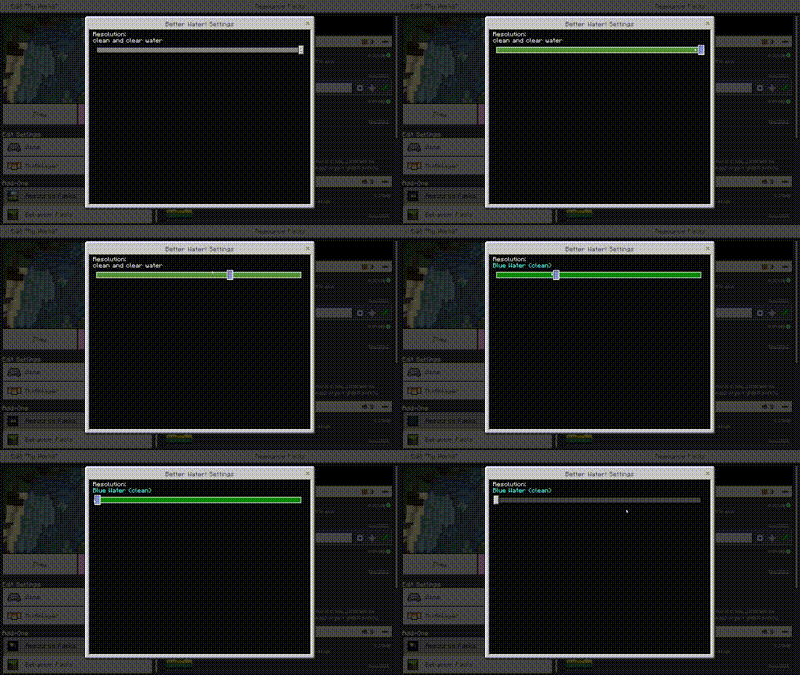
- Two selectable subpacks: clean and clear water, or blue clear water variants.
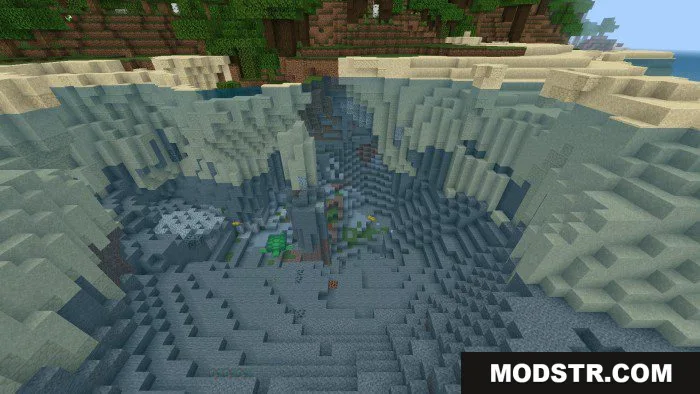
- Better visibility of underwater structures like shipwrecks, ruins, and terrain features.
- Supports RenderDragon rendering engine on compatible devices.
- No performance impact; purely visual enhancement to water appearance.
Installation
- Download the texture pack file for your Minecraft version.
- Open the file with Minecraft Bedrock Edition.
- Select a subpack variant from the available options.
- Apply the pack to your world or create a new world with it enabled.
- Launch your world and adjust settings if needed for your device.
Compatibility
Clear Water Texture Pack is compatible with Minecraft Bedrock 1.21 and 1.20 on various devices. It supports RenderDragon-compatible hardware and works across different Bedrock platforms.
DOWNLOAD FILES
- mcpack