
Classic Panorama with Shaders Texture Pack (1.21, 1.20) – Stunning Cinematic Retro Visuals
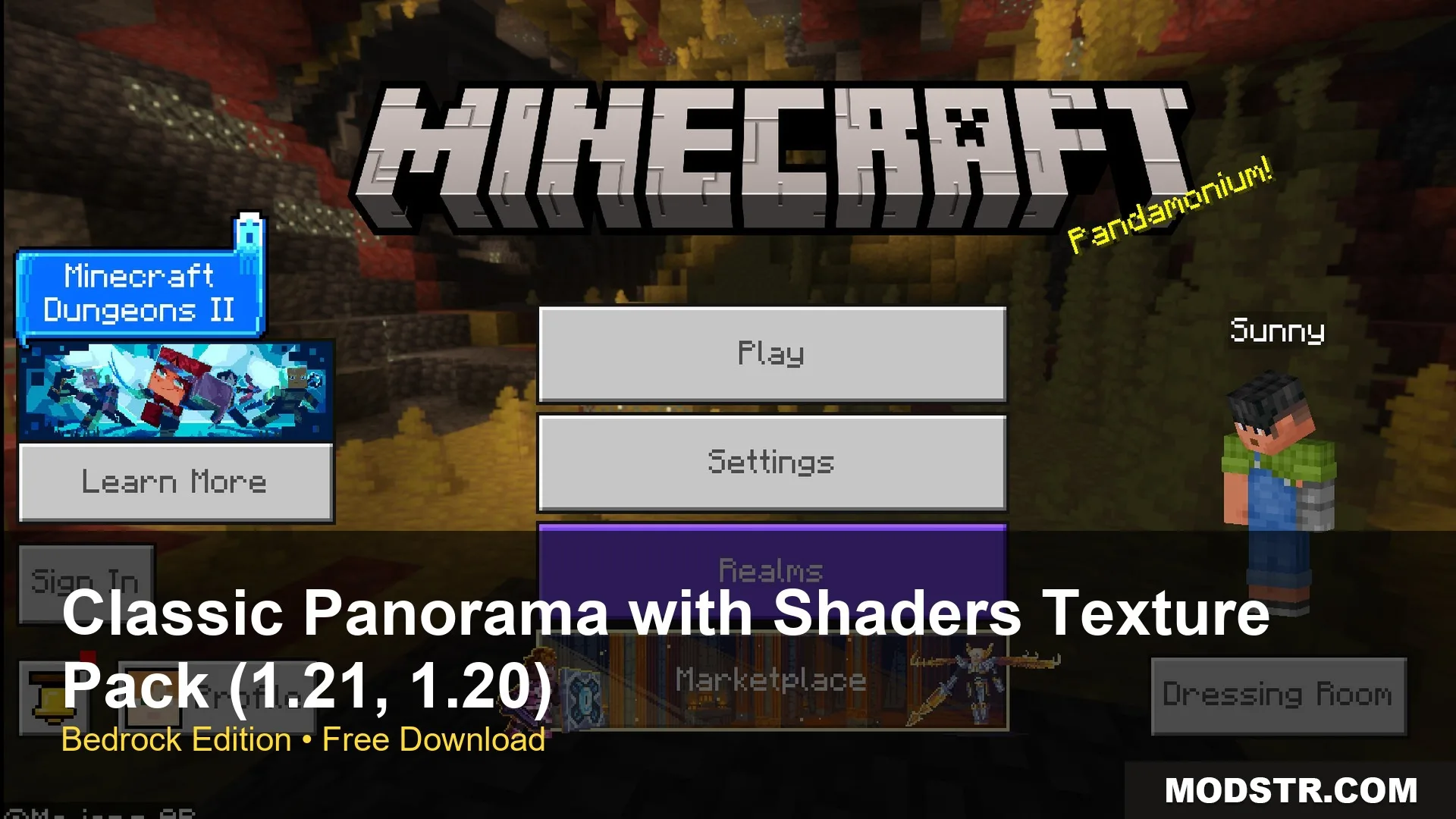
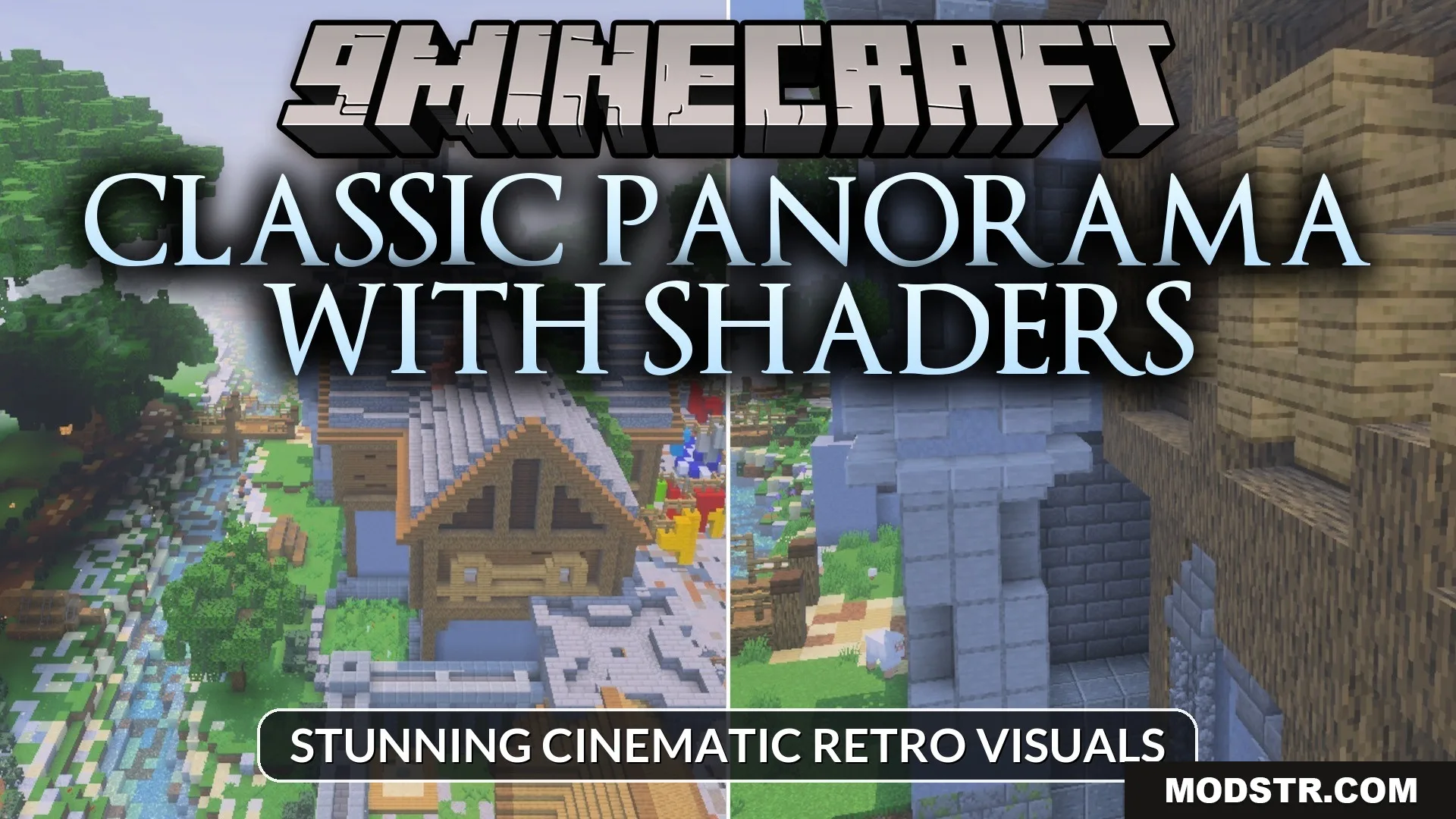
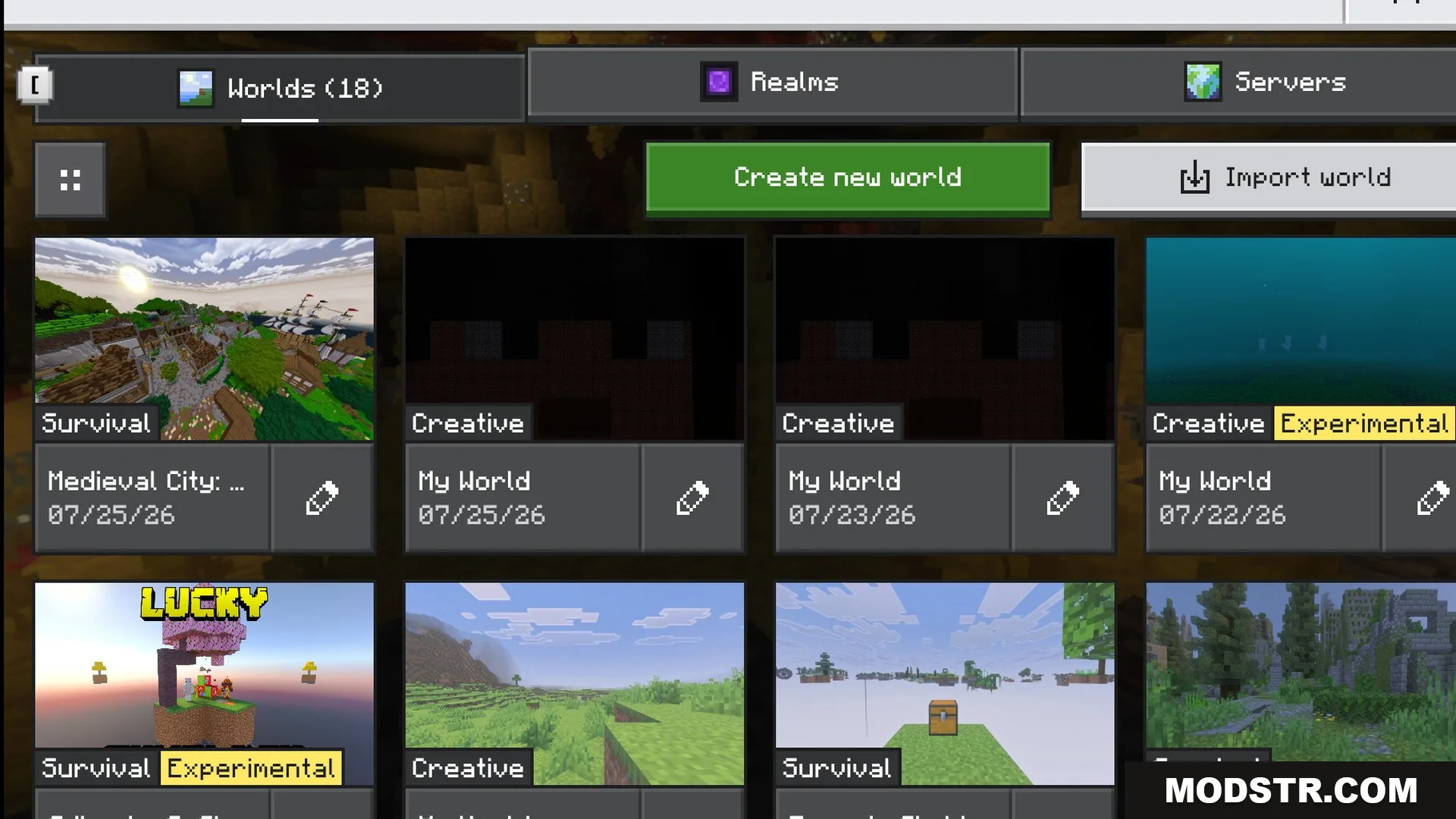
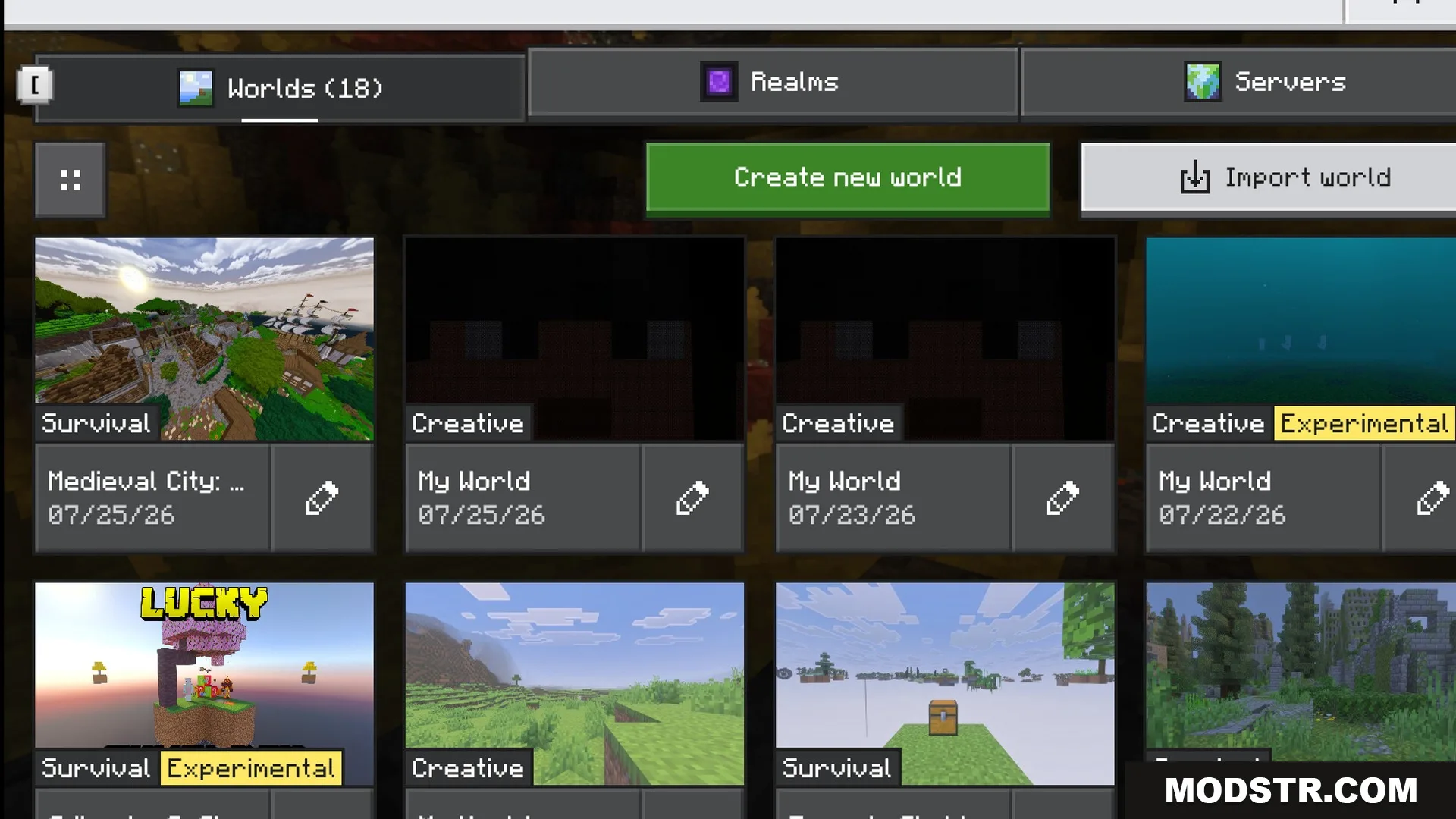
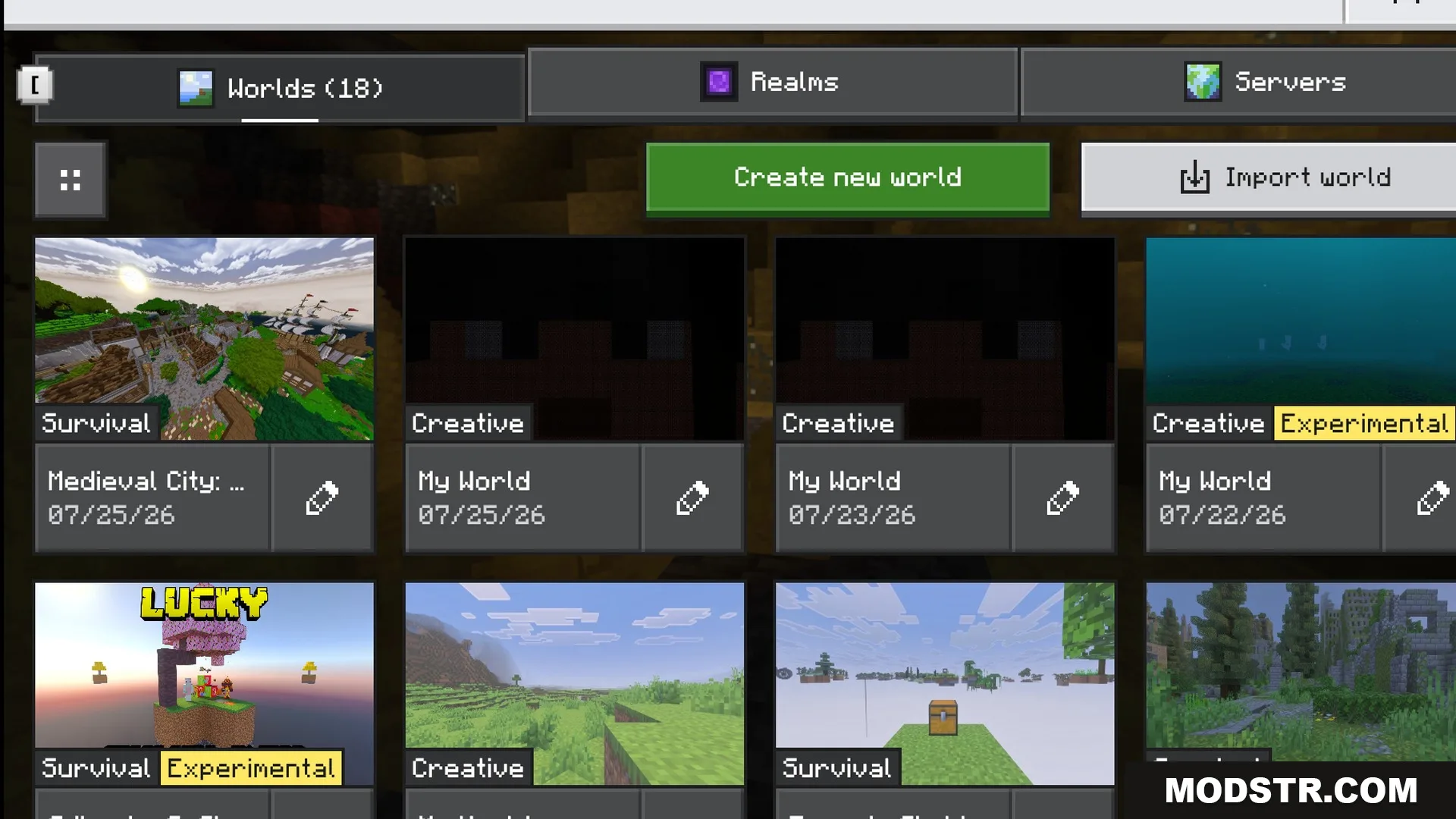
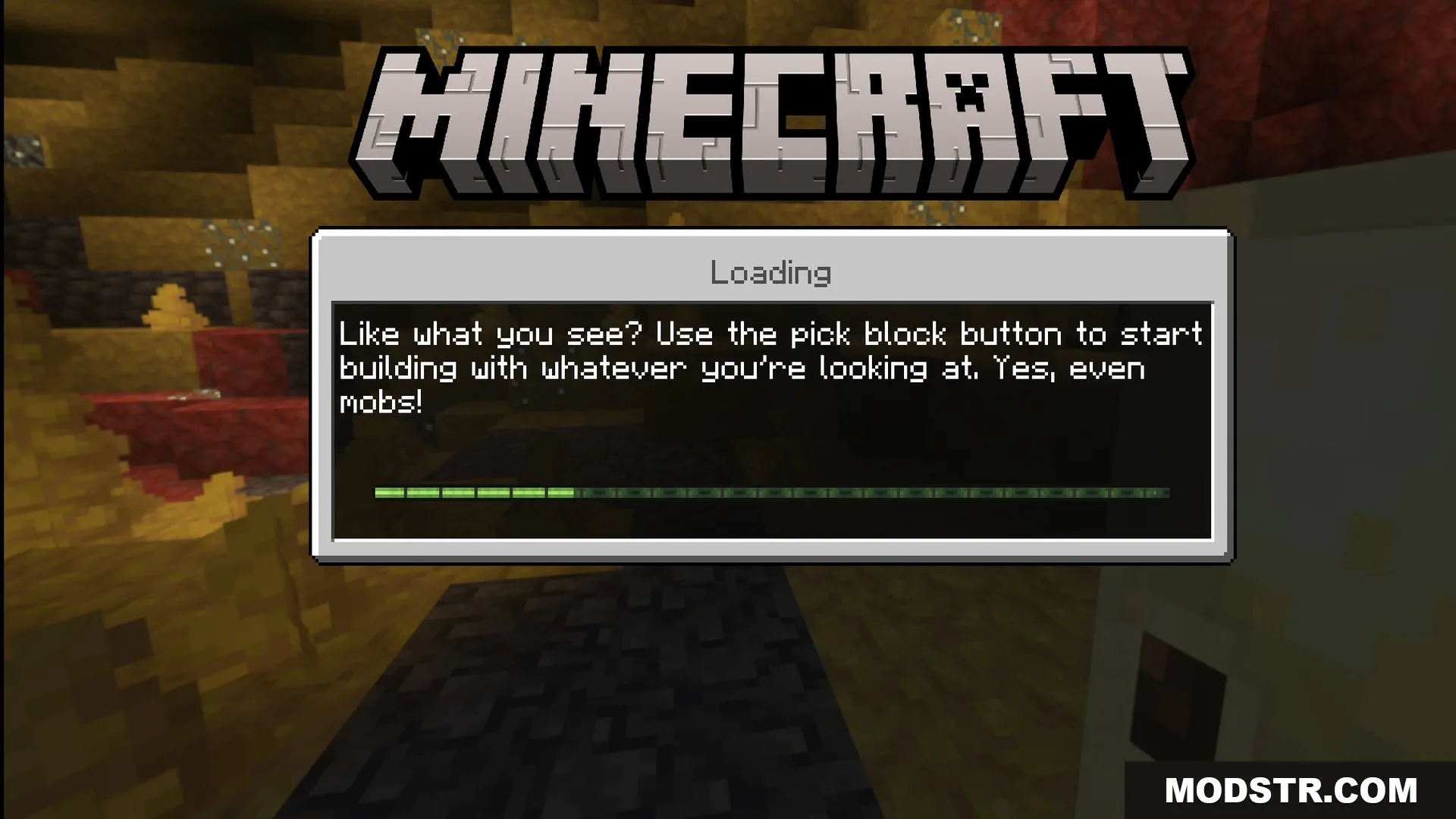
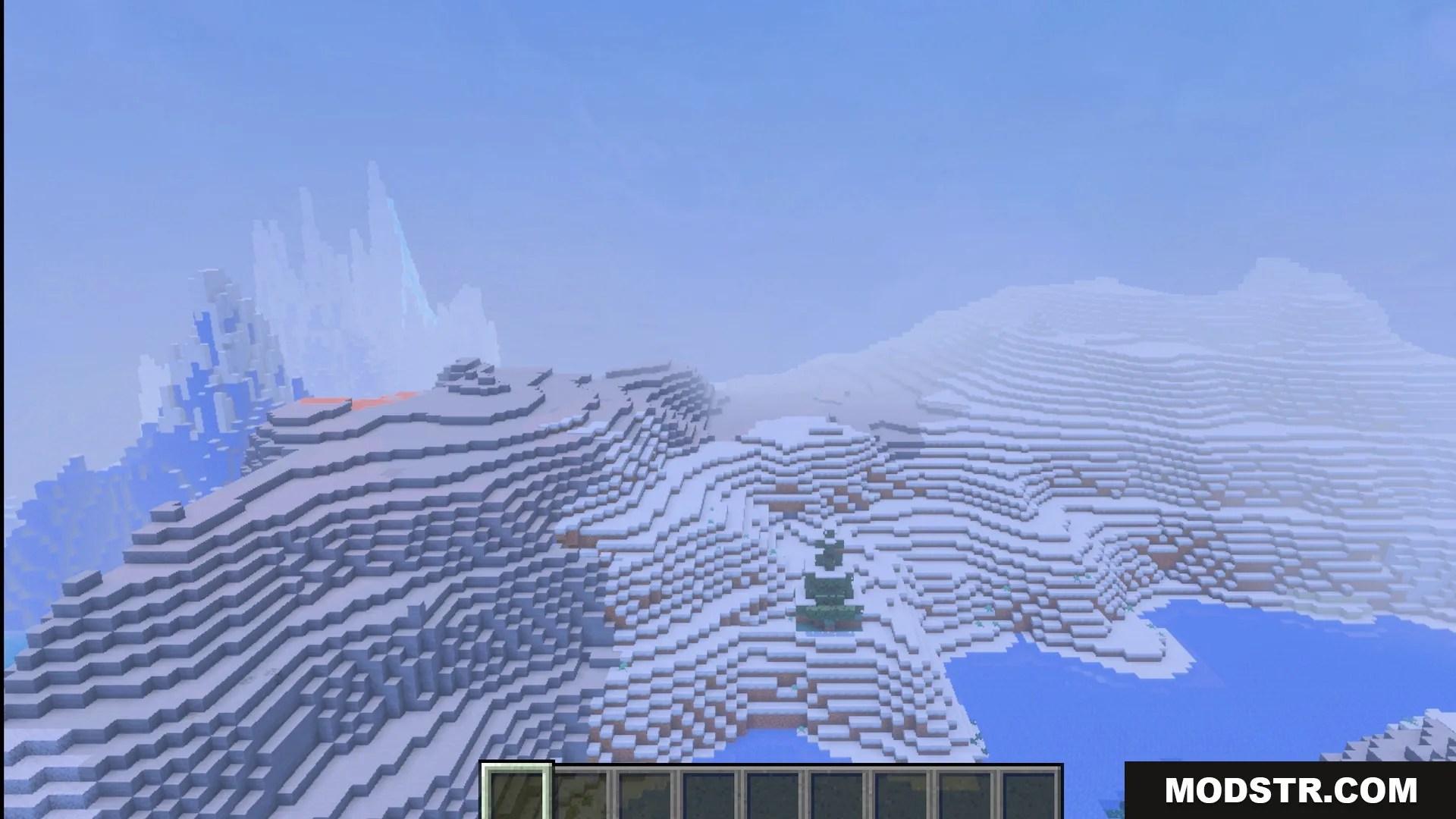
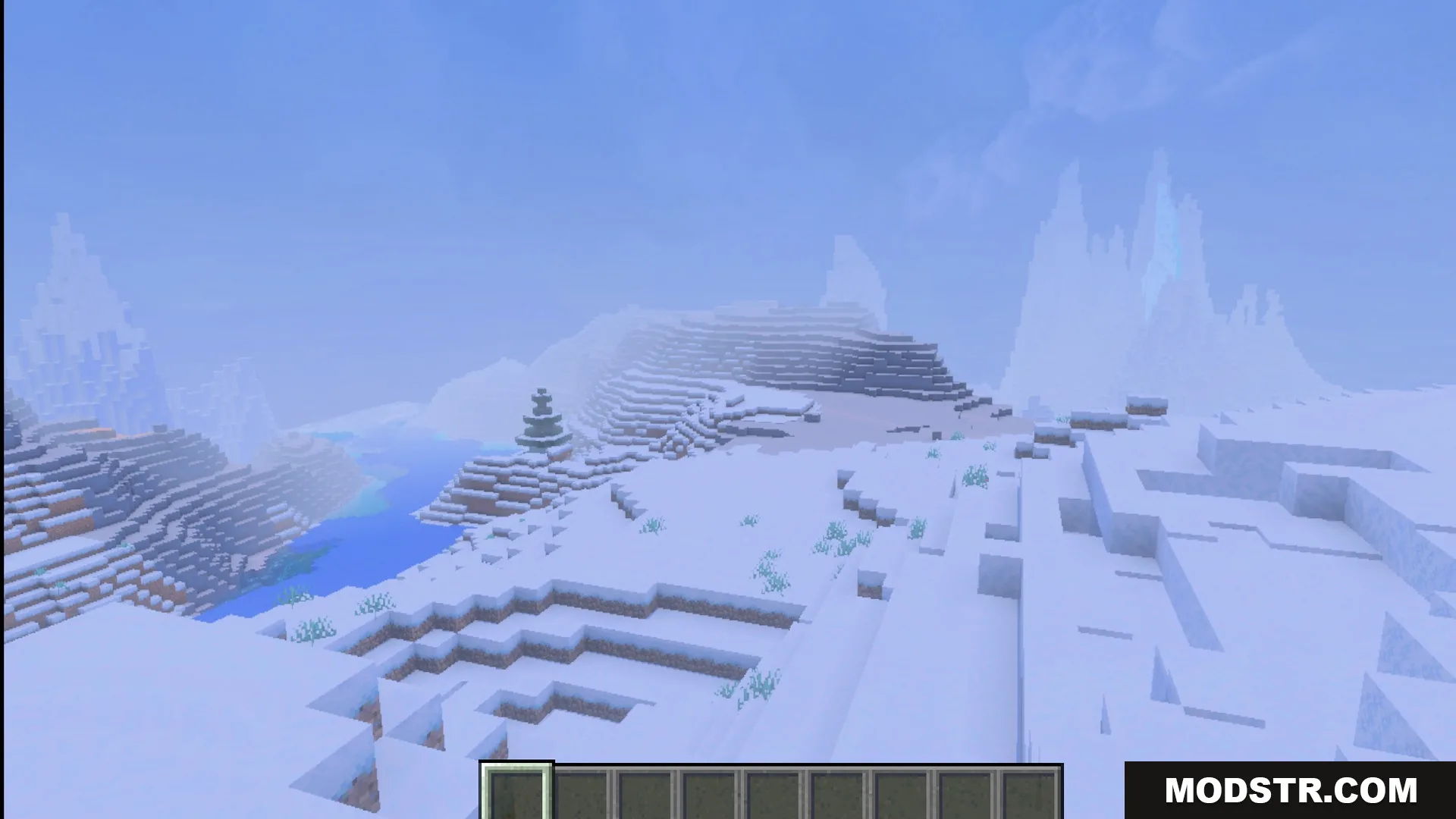
Classic Panorama with Shaders Texture Pack updates the main menu background with enhanced visuals. Players can enjoy a retro aesthetic with improved lighting and sunrise effects.
- 1.21
- 1.20
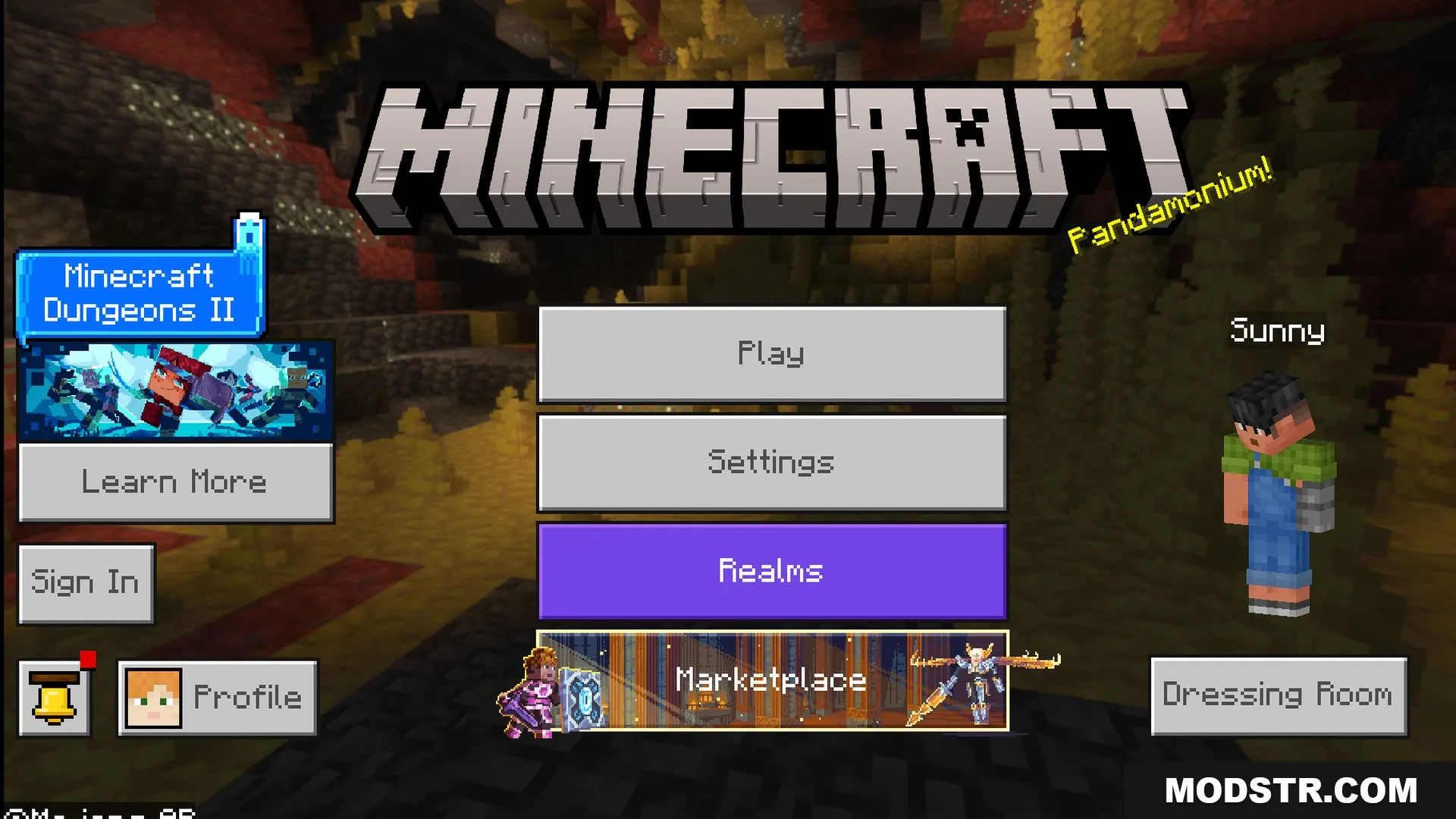
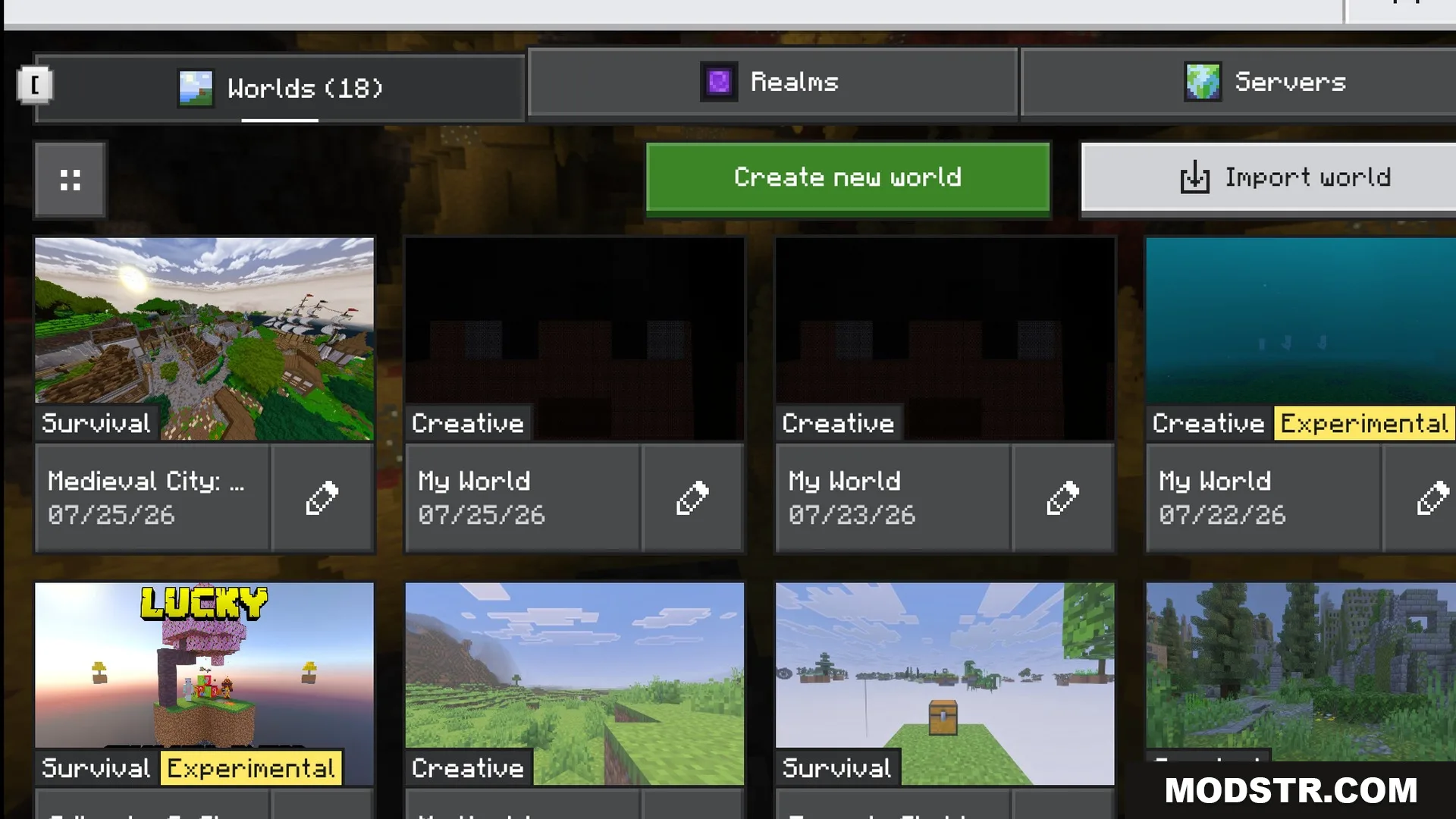
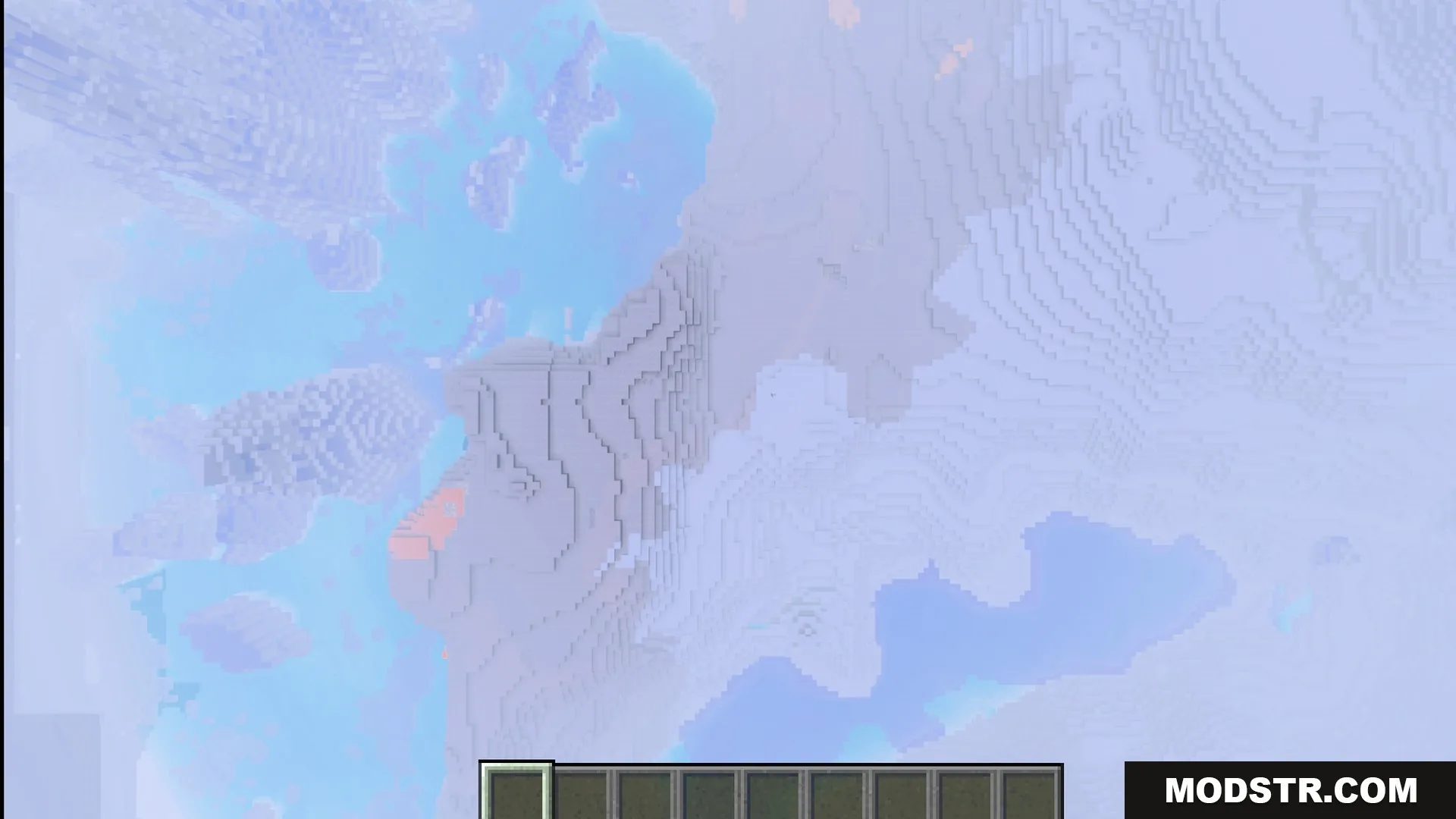
This texture pack updates the main menu background in Minecraft to feature the classic panorama, enhanced with shaders for improved visuals. It is designed for players looking to refresh their game’s aesthetic with nostalgic elements.
Features
- Changes the main menu background to the classic panorama.
- Adds beautiful lighting effects to the classic background image.
- Adjusts the time of day to match the original screen.
- Improves the look of the sunrise on the menu screen.
- Lets you pick between three different image quality sizes.
Installation
- Download the texture pack file.
- Open Minecraft and navigate to the settings.
- Select the option to manage resource packs.
- Upload the downloaded texture pack file.
- Activate the texture pack to apply the changes.
DOWNLOAD FILES
- mcpack