
Bedrock Bottom Chat Pack (26.x, 1.20) – MCPE/Bedrock
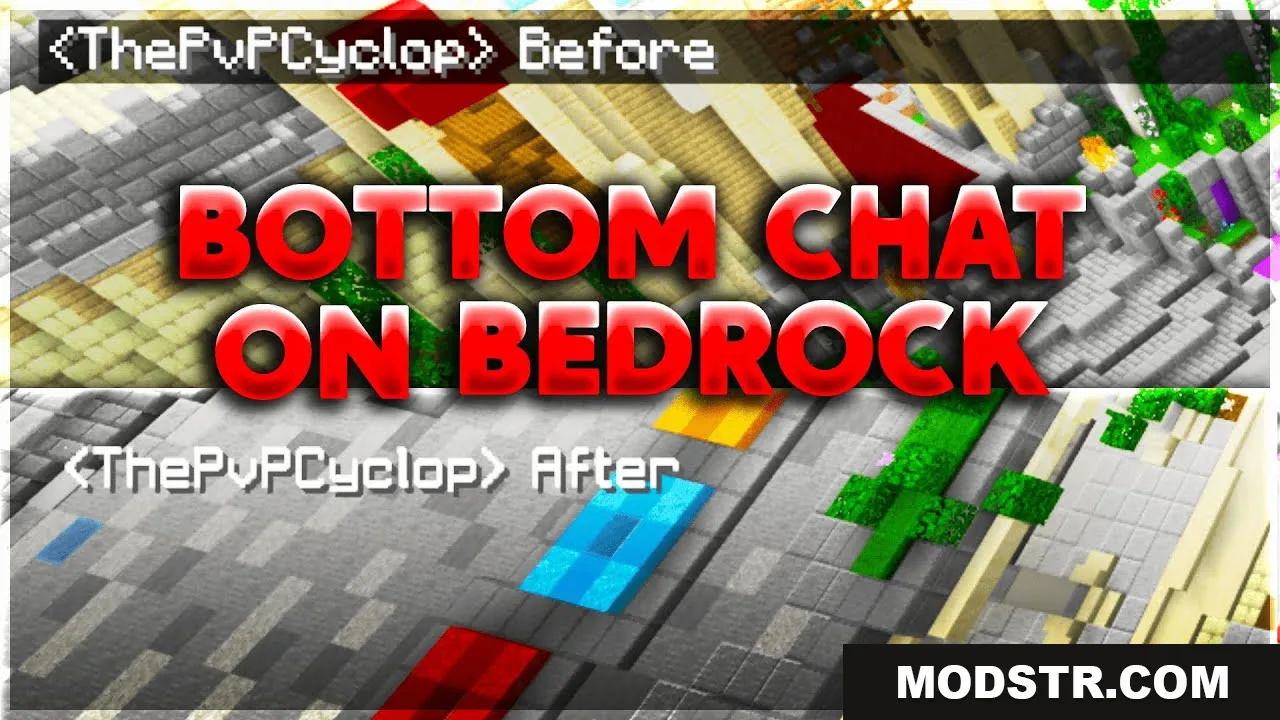
A Bedrock resource pack that relocates the chat UI from the top left to the bottom left corner, improving visibility without modifying the chat screen interface.
- 1.20
- 1.19
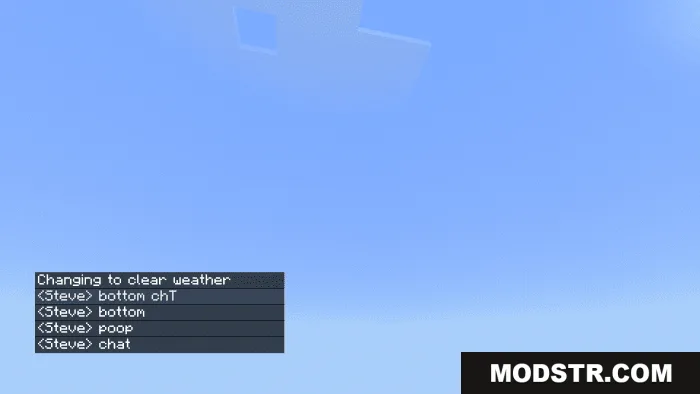
Bedrock Bottom Chat Pack is a resource pack for Minecraft Bedrock that moves the chat UI display from the top left corner to the bottom left corner of your screen. Unlike the Java edition equivalent, this pack does not alter the chat screen interface itself, only the in-game chat position.
Features
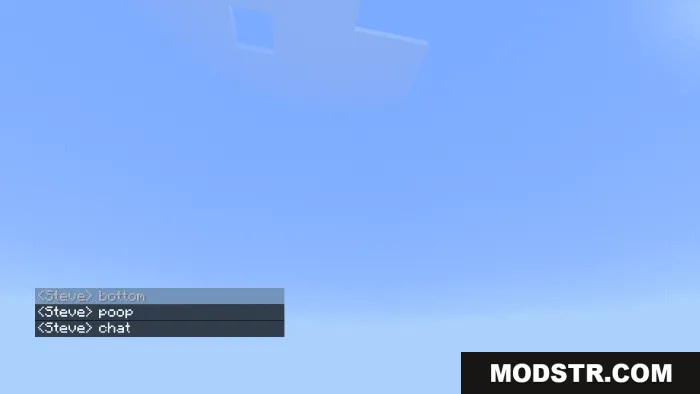
- Relocates the chat UI to the bottom left corner for improved visibility and easier message reading.
- Reduces visual clutter by moving chat away from the top left corner.
- Compatible with most other resource packs without conflicts.
- Does not require Experimental Features to function.
- Some PvP resource packs may cause the chat to become transparent.
Installation
- Download the resource pack file.
- Open the file with Minecraft or extract it to your resource packs folder.
- Launch Minecraft Bedrock and navigate to Settings.
- Select the resource pack from your available packs and activate it.
- Create or join a world to apply the changes.
Compatibility
This resource pack requires Minecraft Bedrock 1.26.30 or later. It is designed as a standalone resource pack and does not need any experimental features enabled. Compatibility with other resource packs is generally maintained, though some PvP-focused packs may affect chat visibility.
DOWNLOAD FILES
- mcpack
- mcpack