
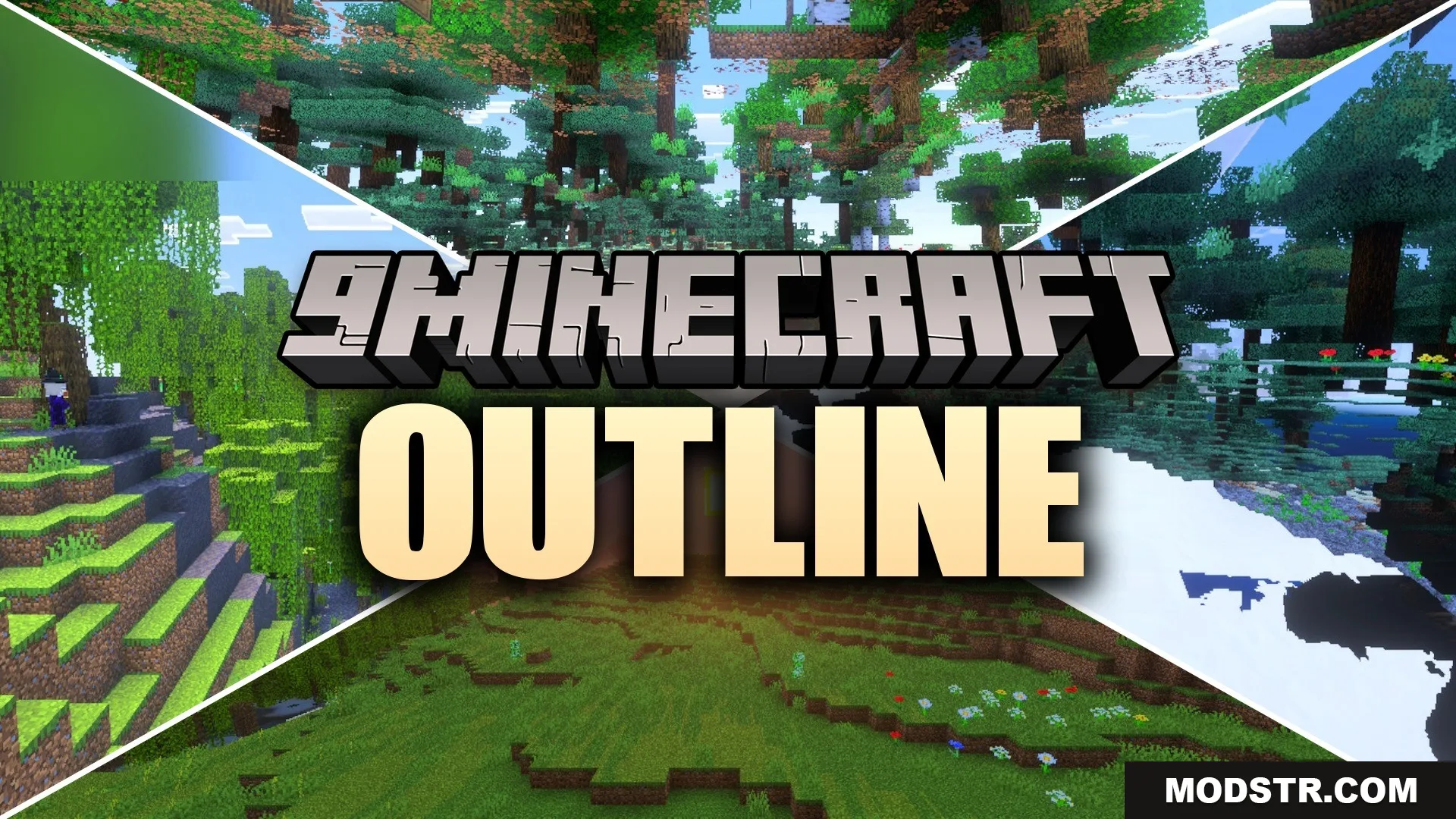
Outline Shader (26.x) – Sharp Stylized Graphics
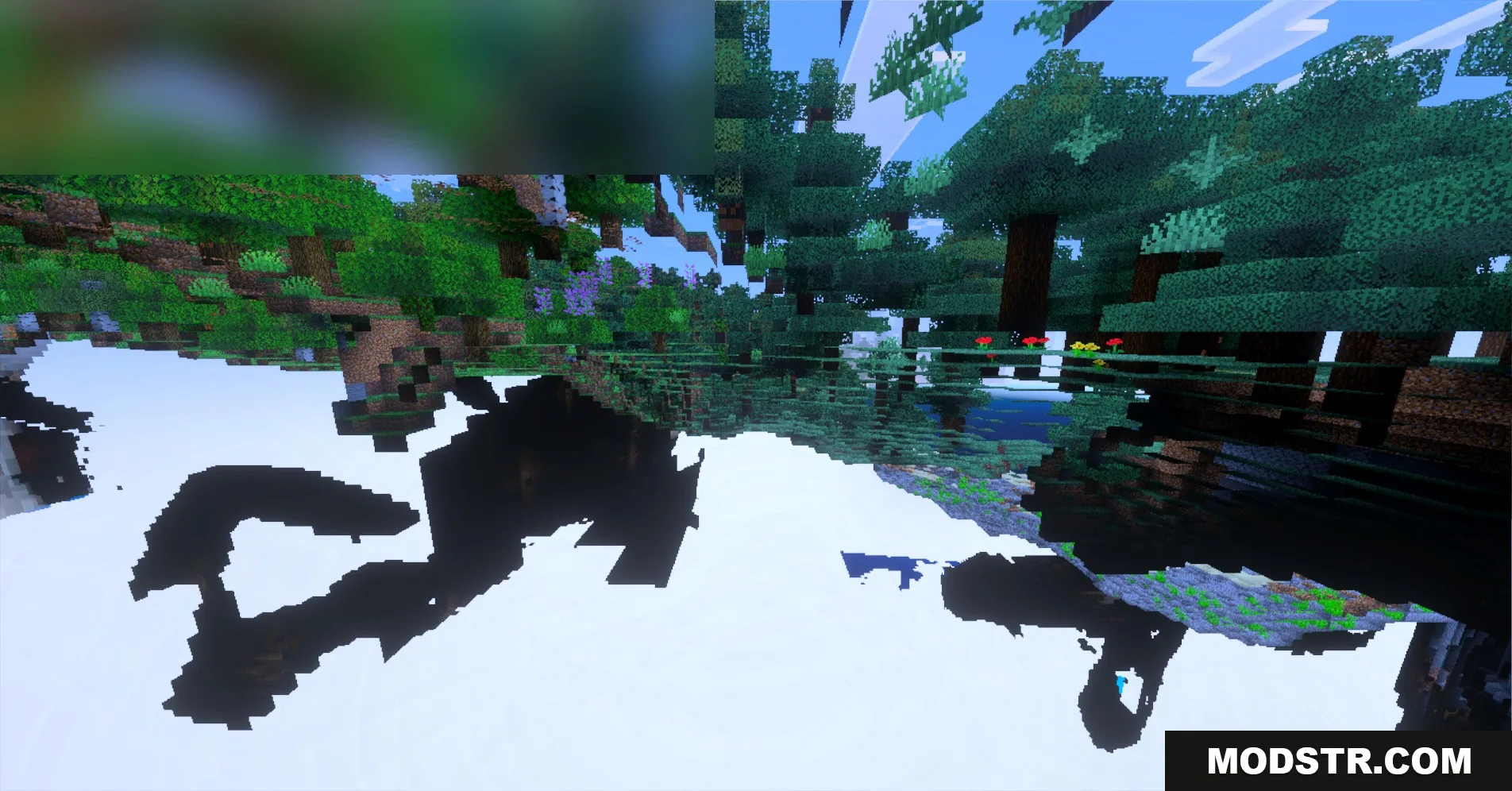
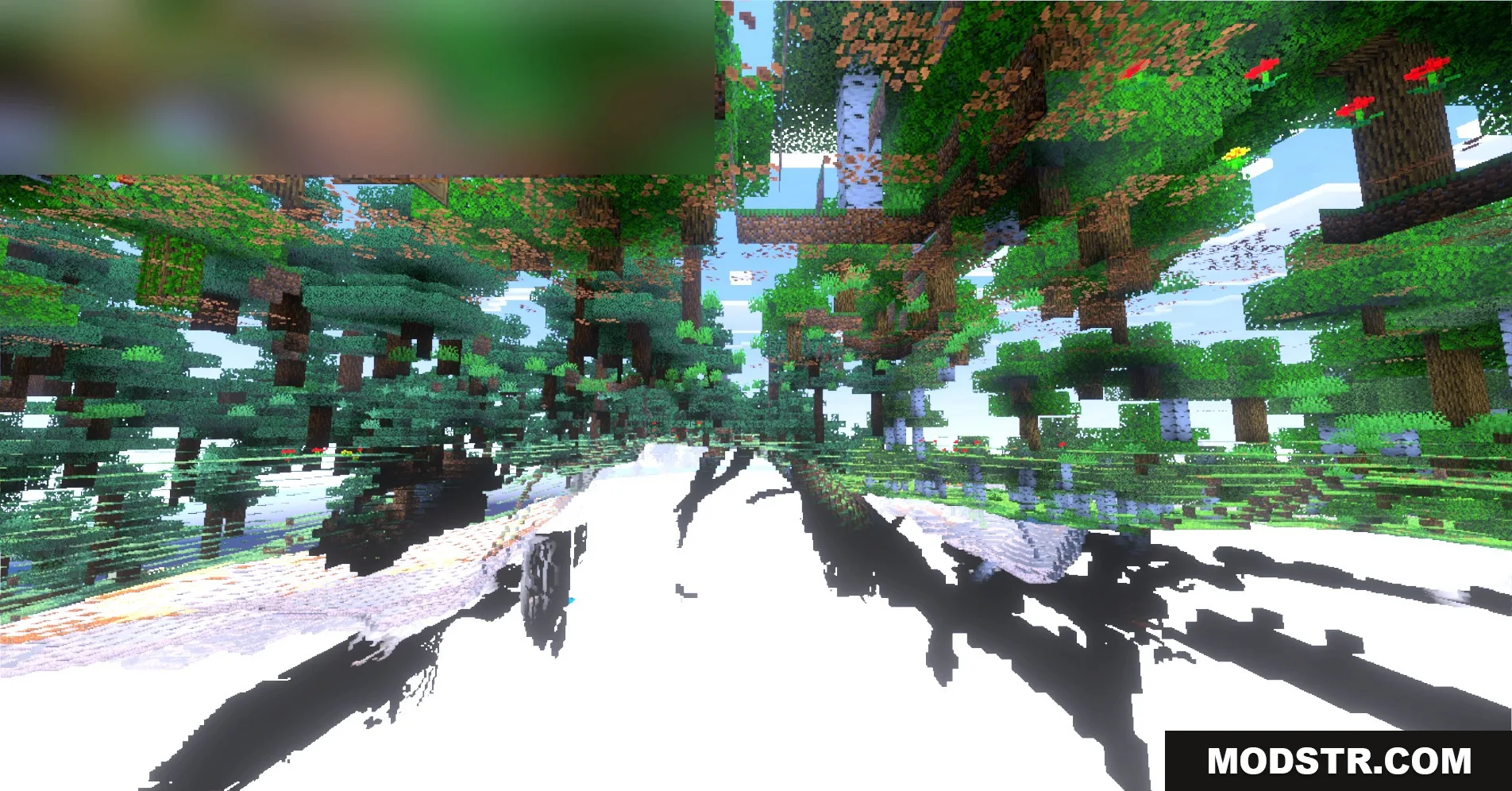
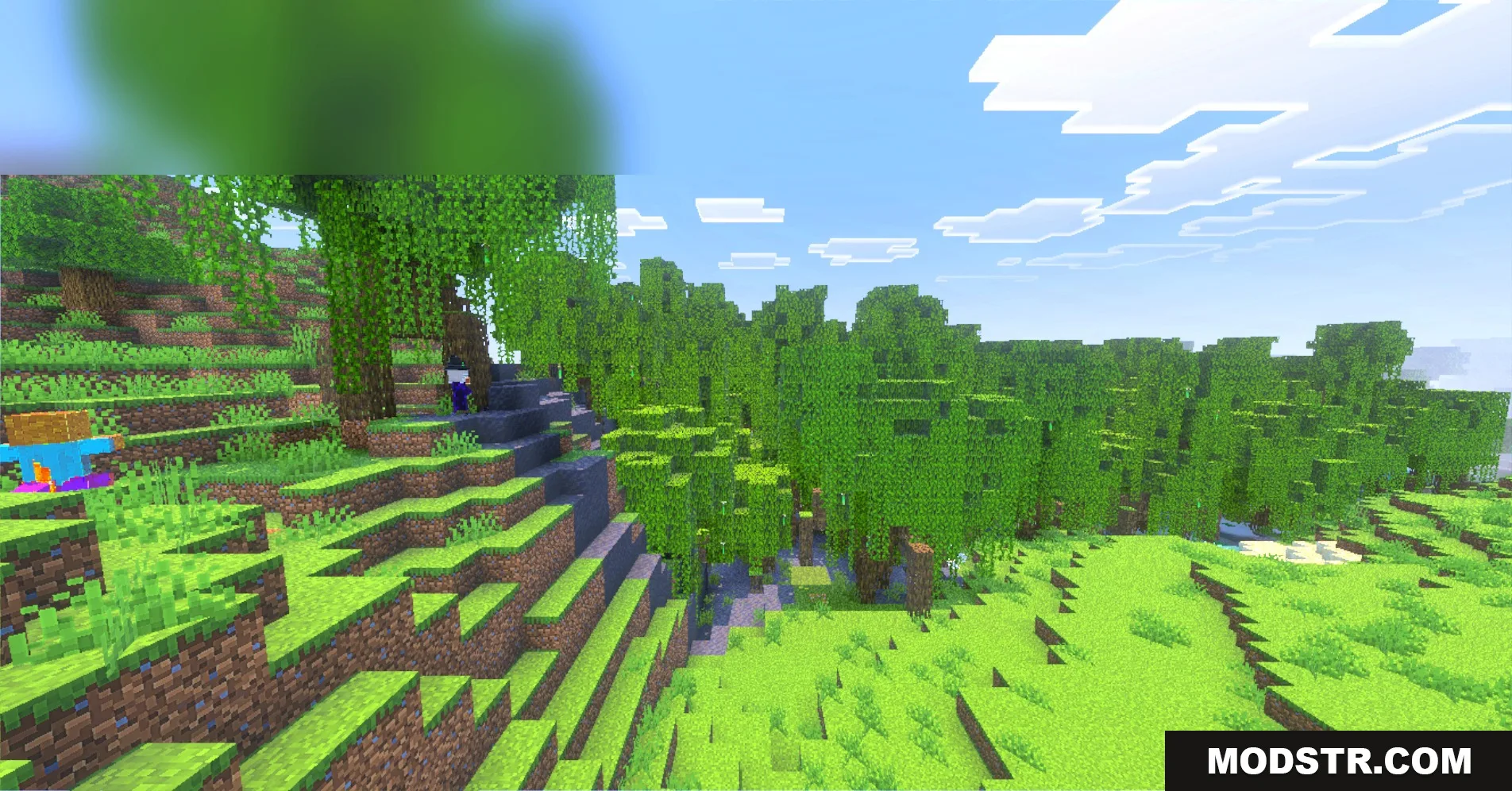
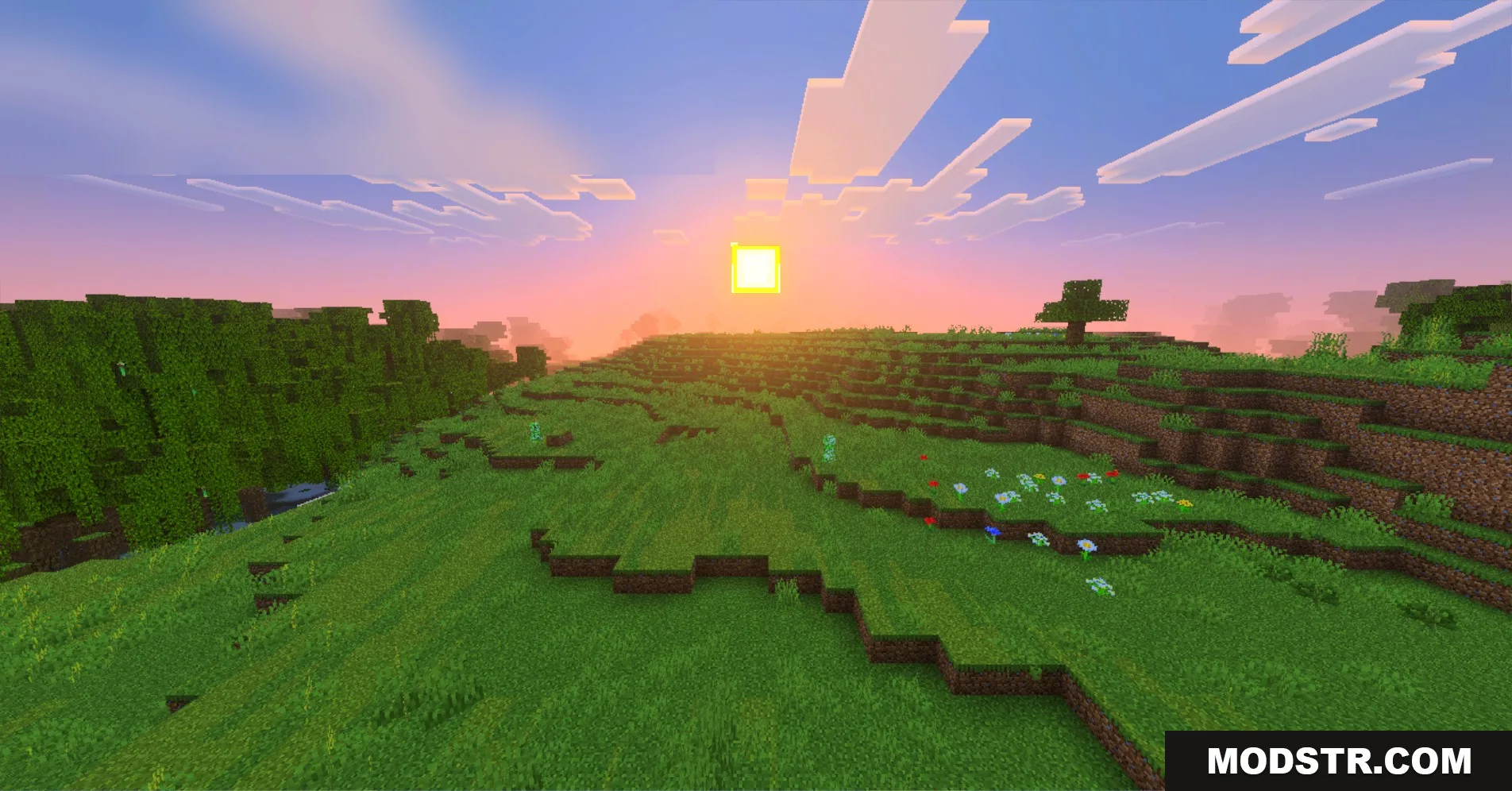
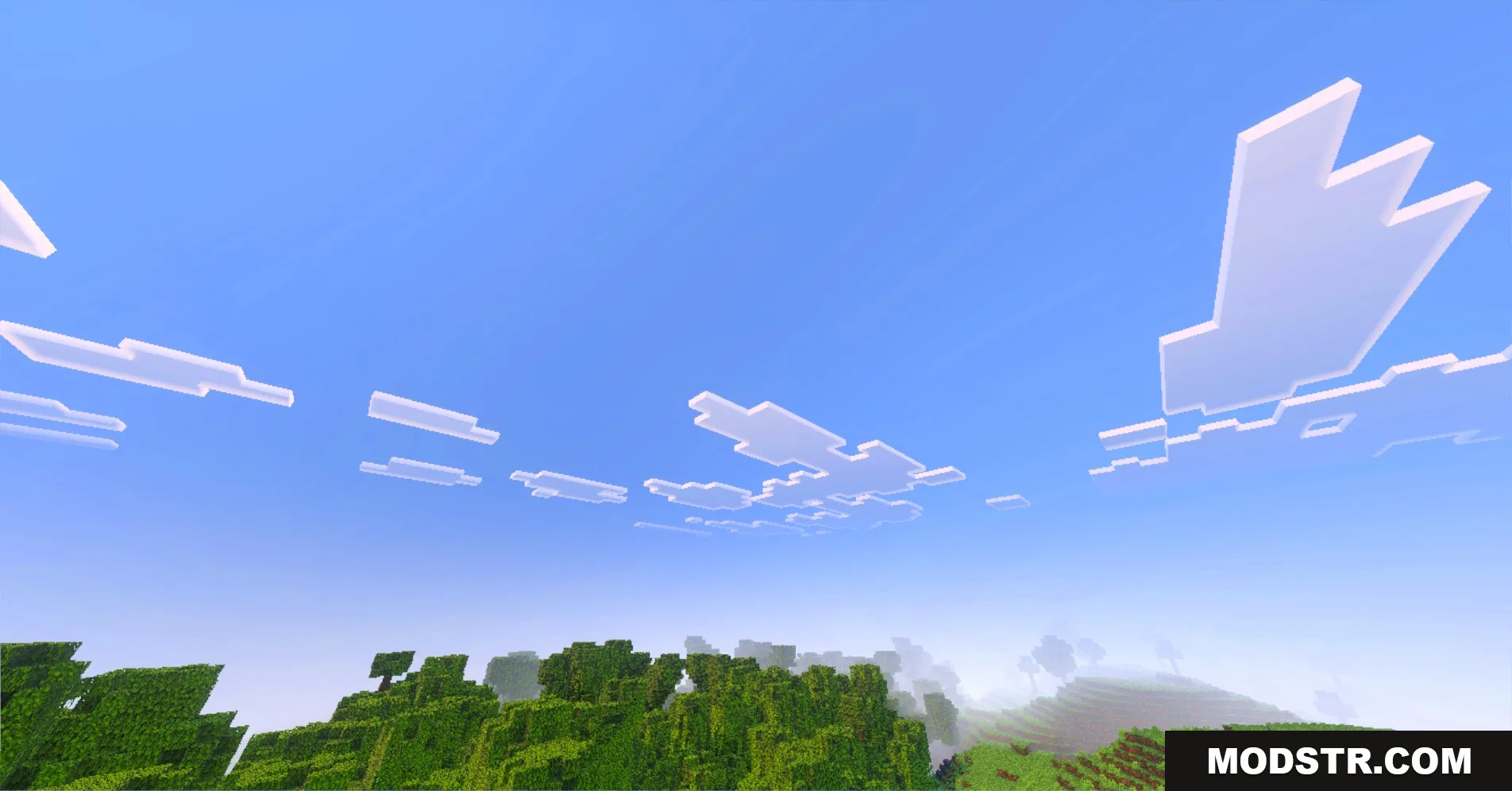
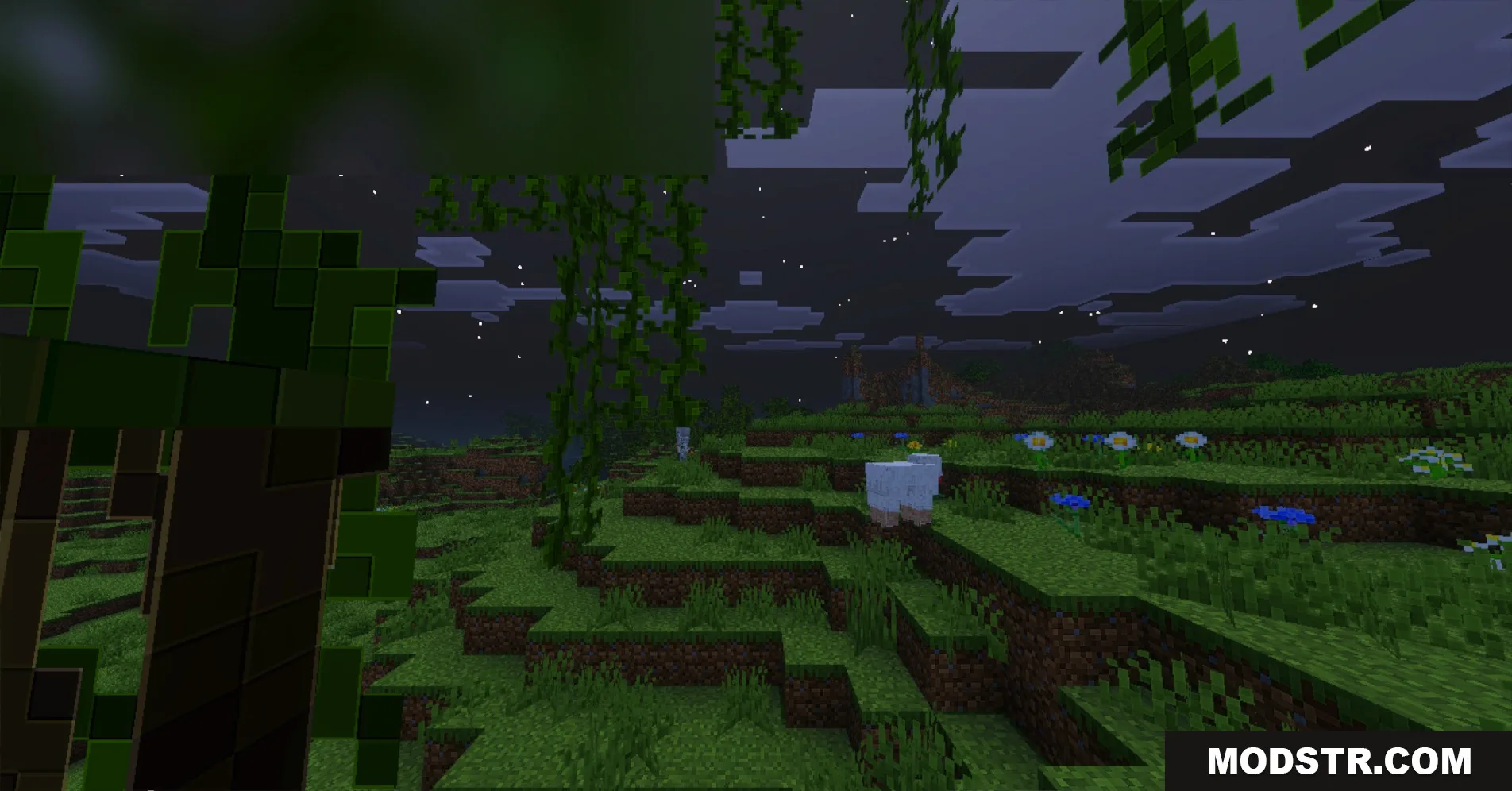
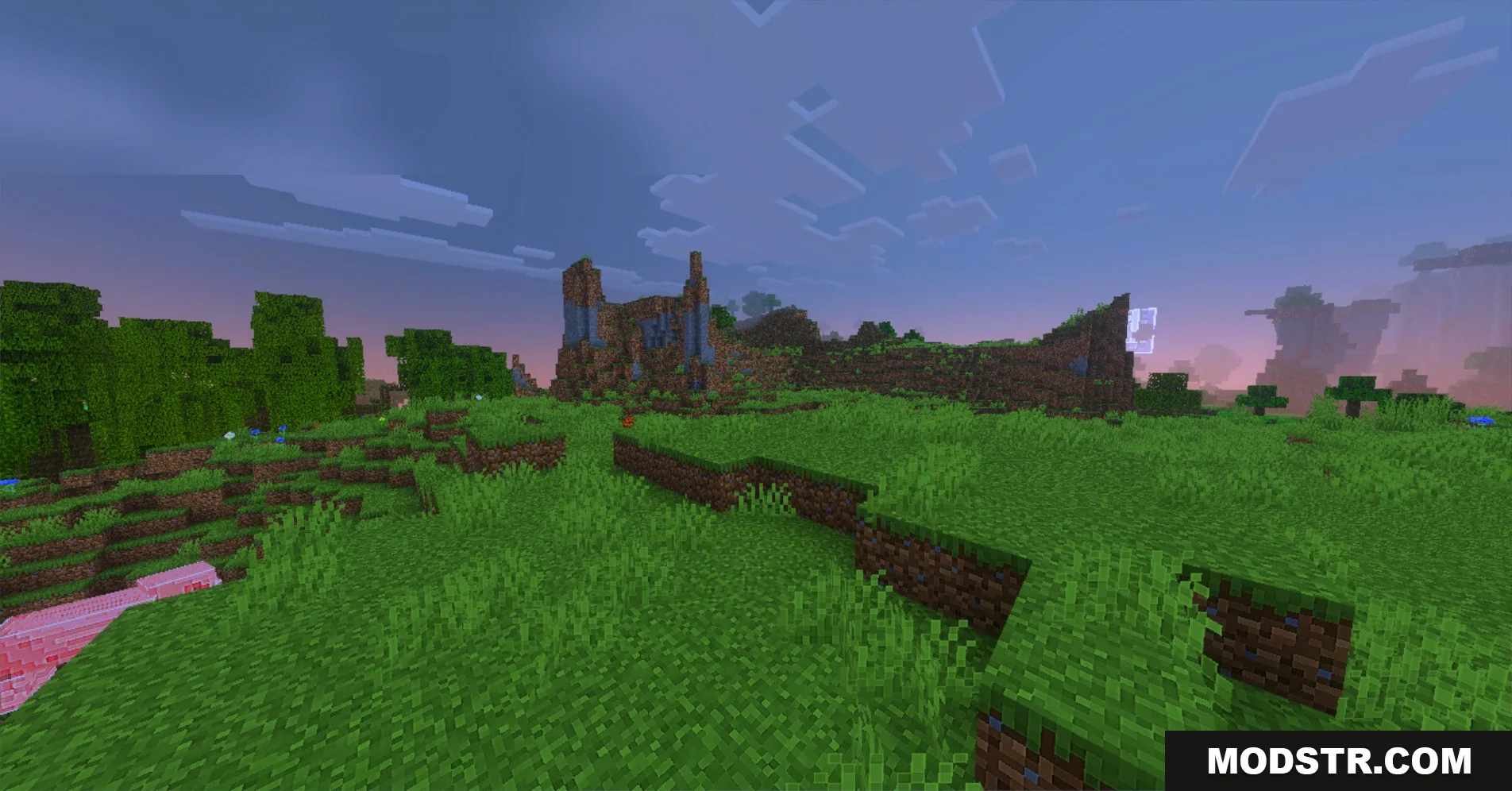
Outline Shader enhances Minecraft's graphics with detailed outlines and upgraded textures, suitable for players seeking sharper visuals. It also provides lower settings for those using older devices.
Outline Shader sharpens the visuals of Minecraft by adding distinct outlines to various blocks. This shader is designed for players looking for enhanced graphics while retaining the original Minecraft aesthetic.
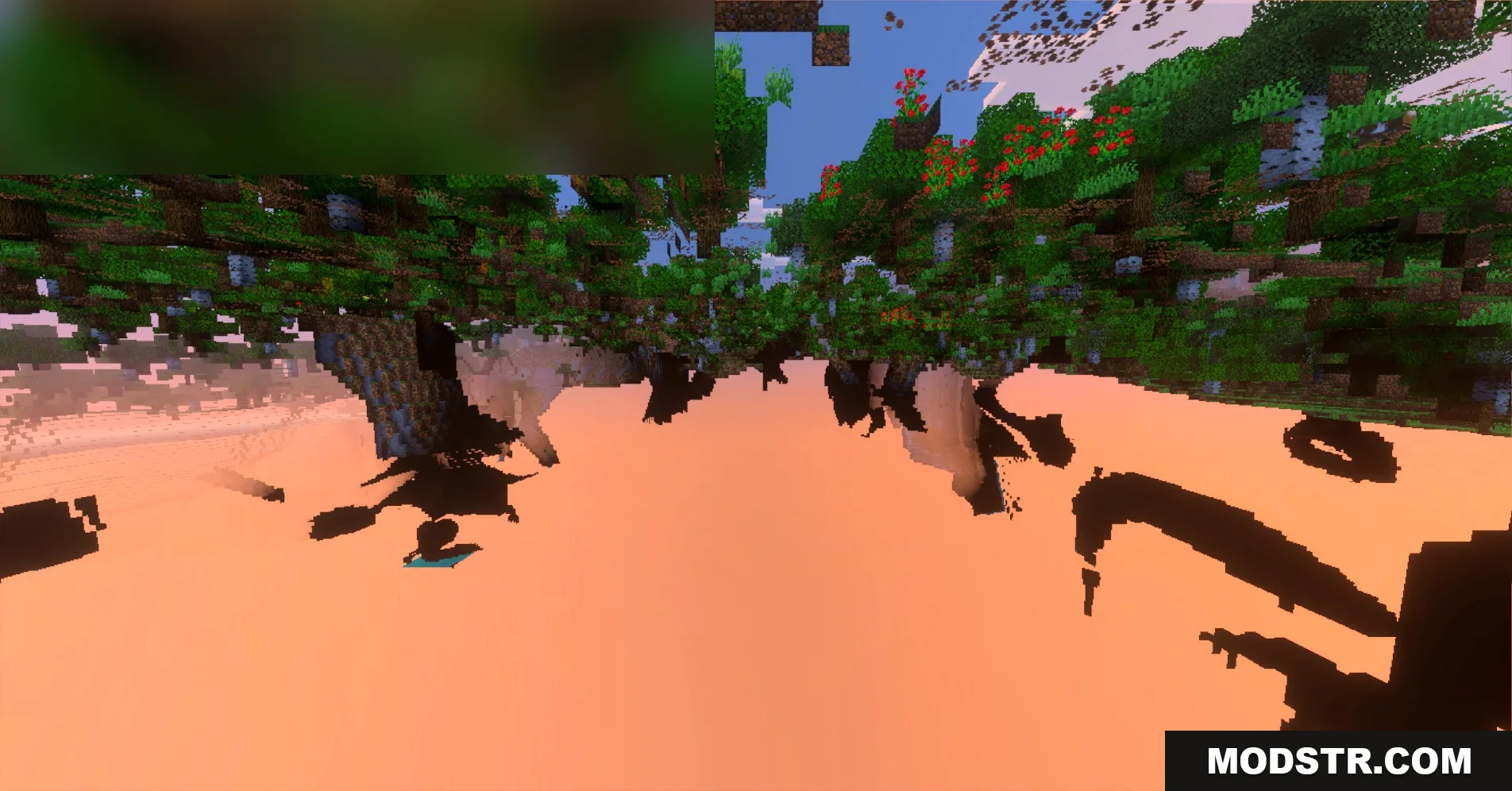
Features:
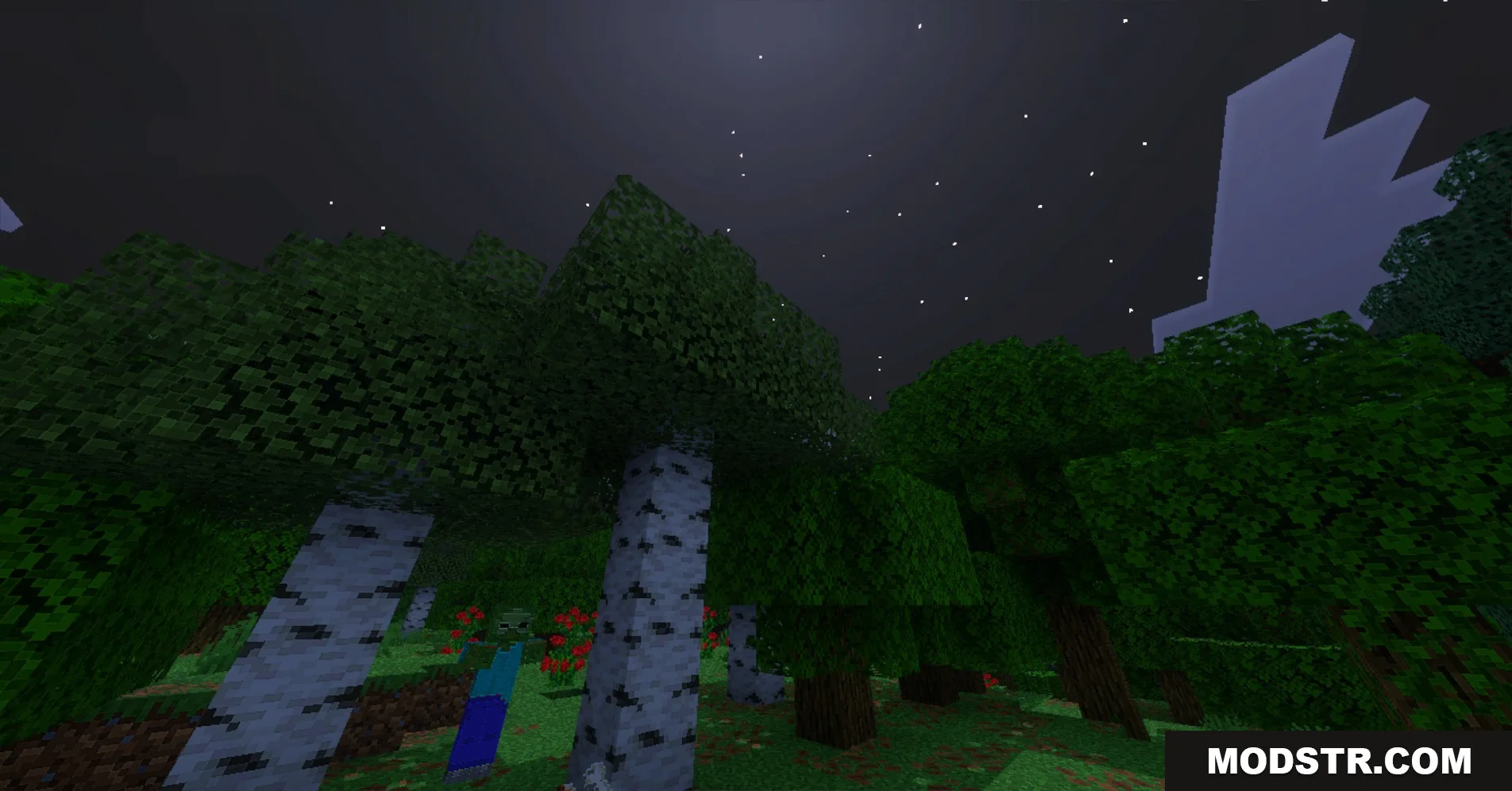
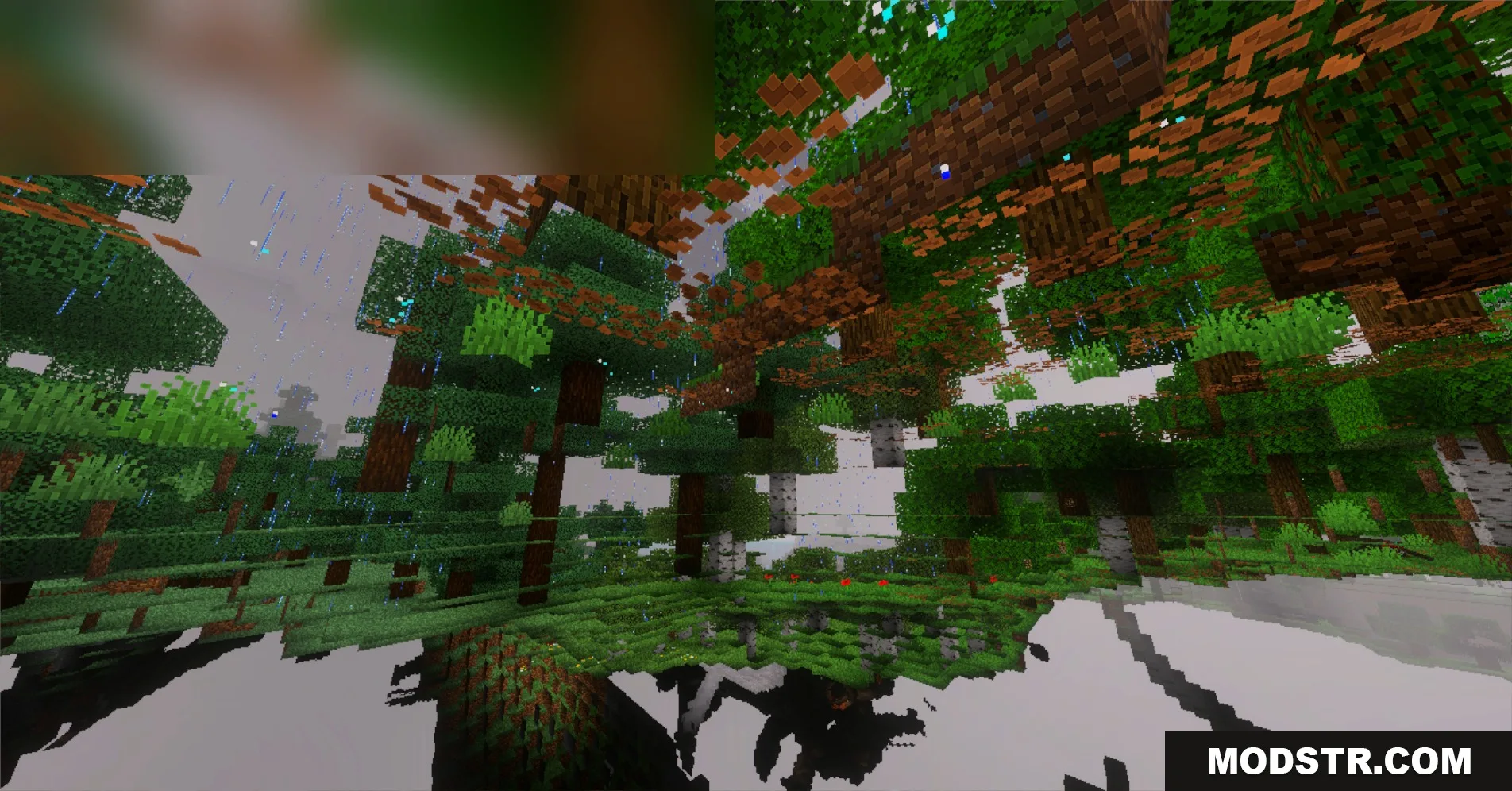
- Adds crisp outlines to grass, leaves, and trees.
- Upgrades blocks to a detailed high resolution.
- Gives crafting tables and furnaces a custom design.
- Brings colorful mosaic tile patterns to the nether.
- Offers lower resolution settings for older mobile devices.
Installation
- Download the shader pack from a reliable source.
- Open Minecraft and navigate to the settings menu.
- Select the 'Shaders' option and then 'Shaders Folder.'
- Place the downloaded shader pack into the folder.
- Return to Minecraft, select the shader, and apply it to your game.
DOWNLOAD FILES
- mcpack