
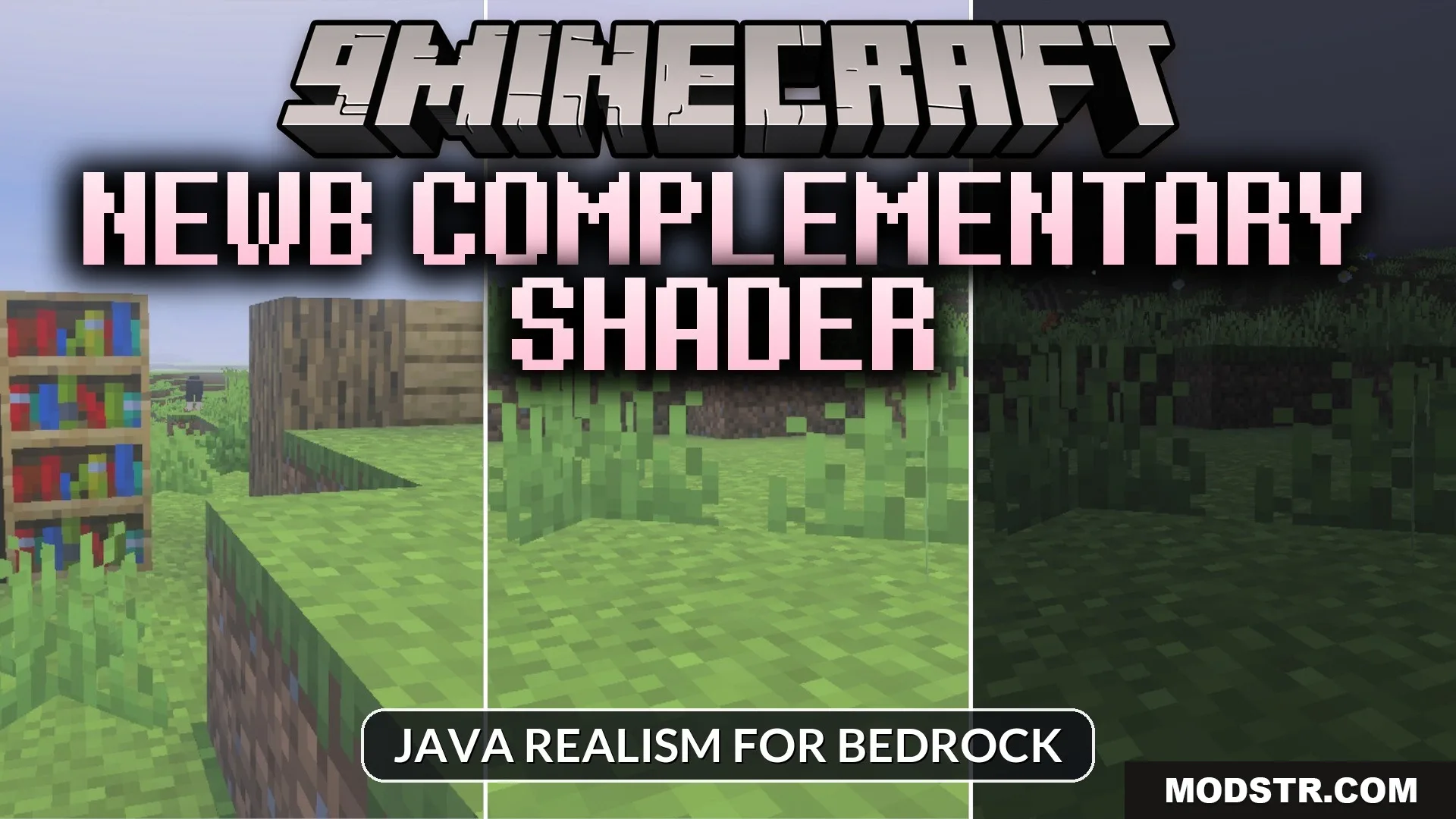
Newb Complementary Shader (26.x) – MCPE/Bedrock
Bedrock shader adding realistic lighting, shadows, colorful skies, and glowing ores. Optimized for mobile devices with adjustable performance settings.
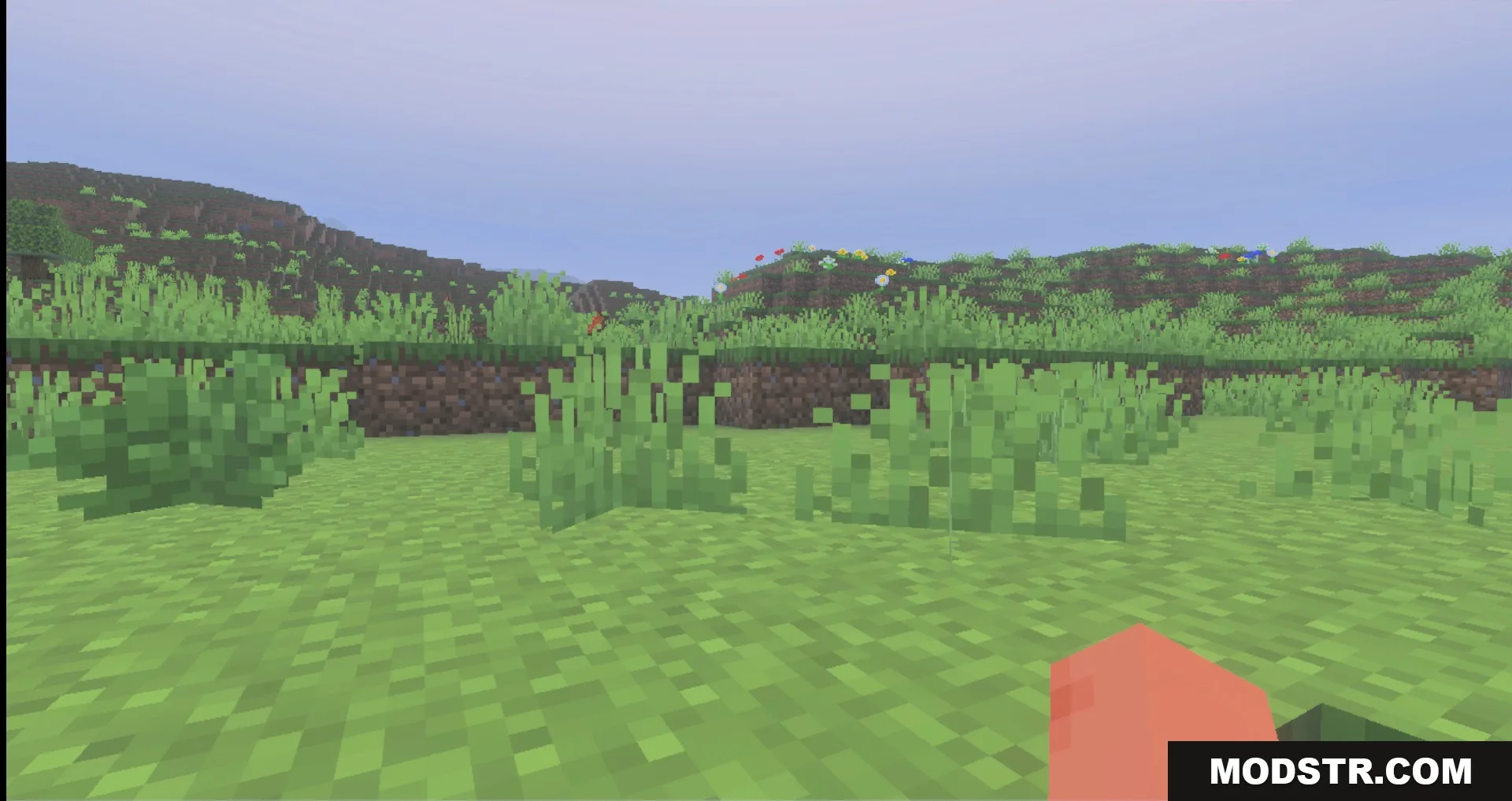
Newb Complementary Shader is a lighting and shadow shader for Bedrock Edition designed to enhance visual quality on mobile devices. It adds atmospheric effects including colorful skies, glowing minerals, and realistic water rendering while maintaining reasonable performance on phones and tablets.
Features
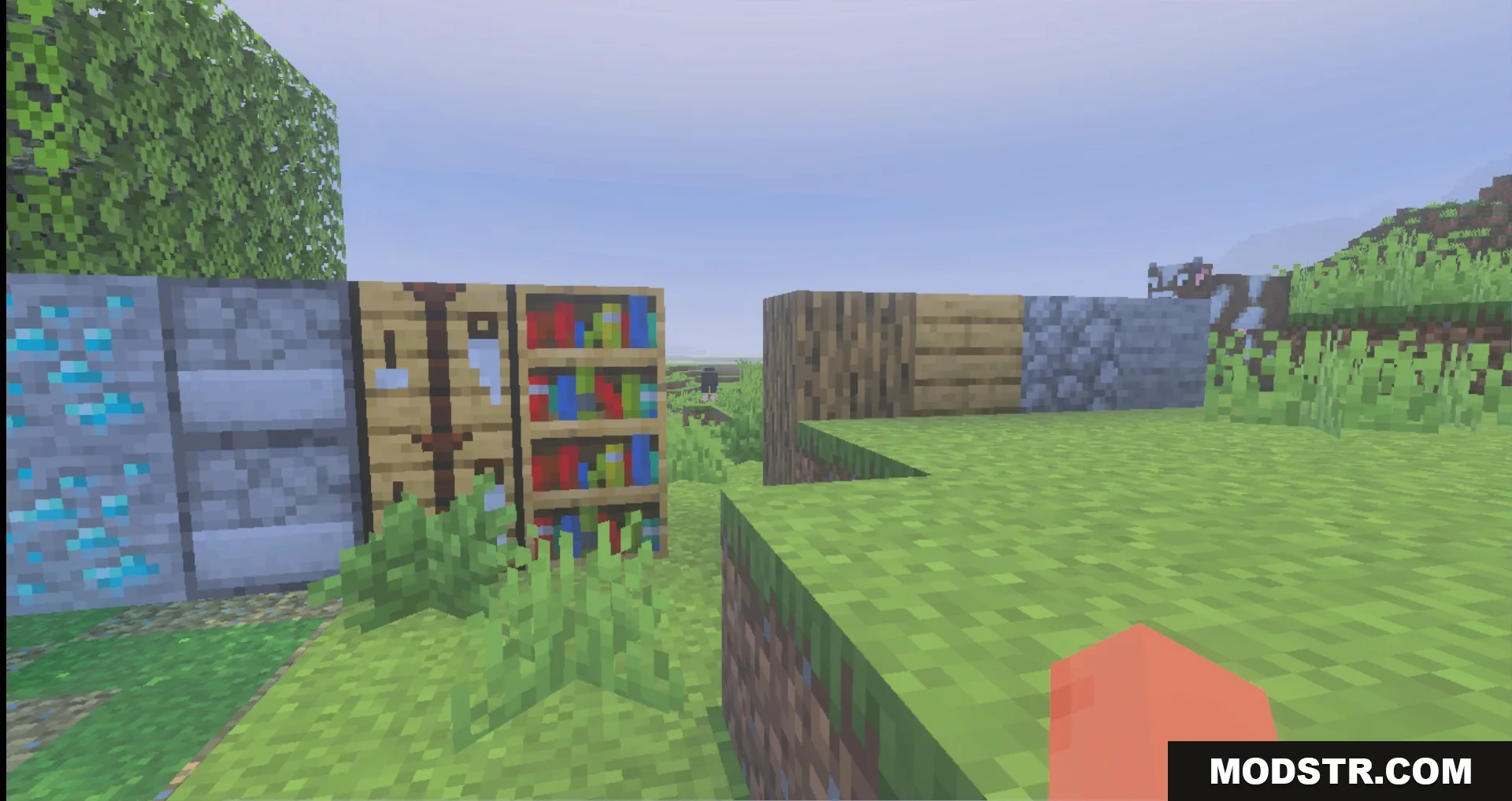
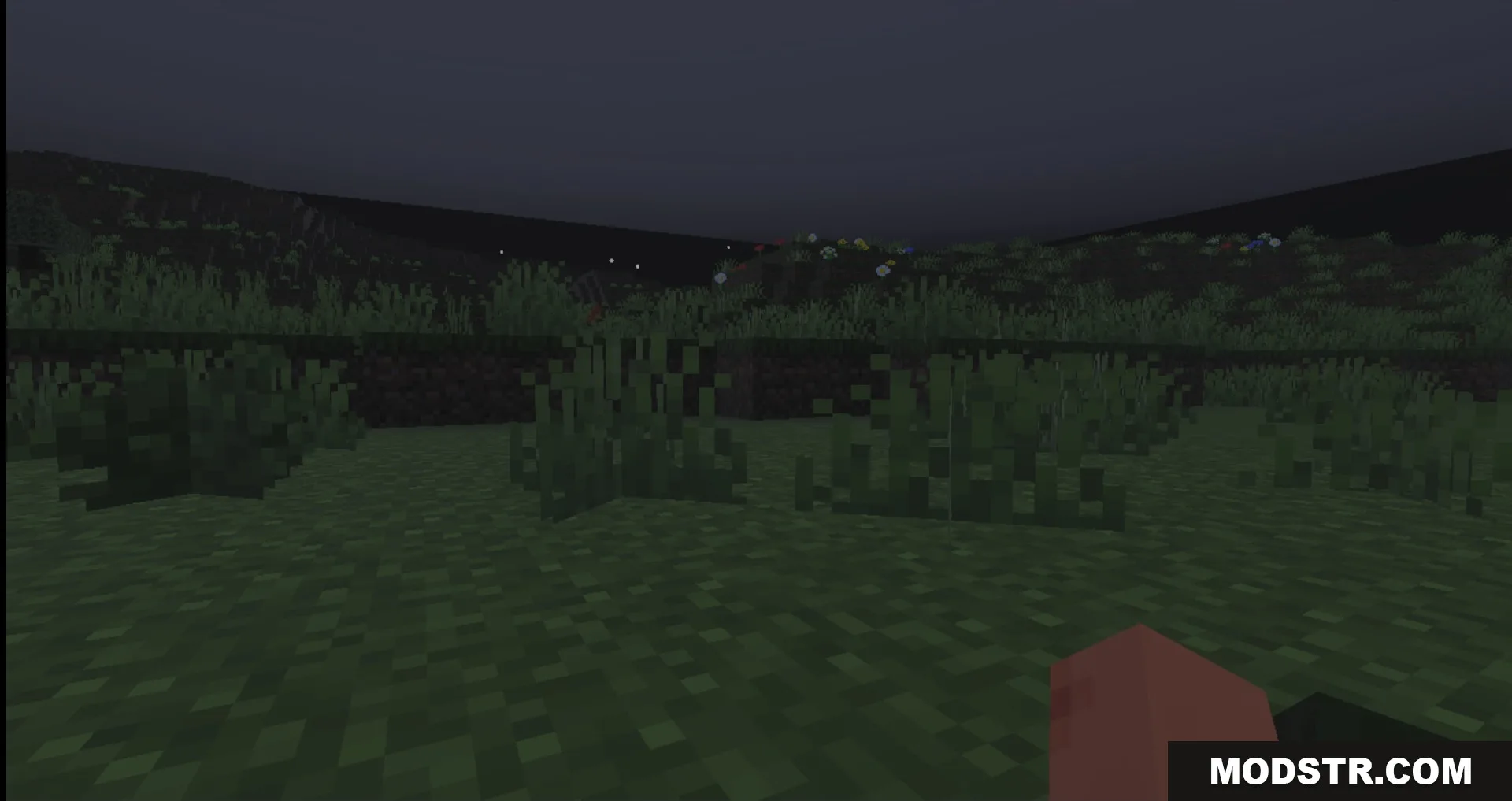
- Colorful skies with aurora effects and detailed star rendering.
- Glowing ores and minerals that emit light in dark areas.
- Realistic water with sun ray effects and underwater distortion.
- Wet block surfaces during rain.
- Low subpack option for improved performance on lower-end devices.
Installation
- Download the shader pack file to your device.
- Open Minecraft and navigate to Settings.
- Select Resource Packs and tap Import to add the shader.
- Activate the pack in your world settings.
- If performance is low, select the low subpack variant in shader settings.
Compatibility
This shader is designed for Minecraft Bedrock Edition version 26.x and compatible devices including phones and tablets. Performance may vary based on device specifications; use the low subpack setting if needed.
DOWNLOAD FILES
- mcpack