
Newb Complementary Reimagined Shader (26.x, 1.21) – MCPE/Bedrock
Newb Complementary Reimagined is a shader for Minecraft Java Edition 1.21, offering visual enhancements with configurable settings for various hardware levels.
- 1.21
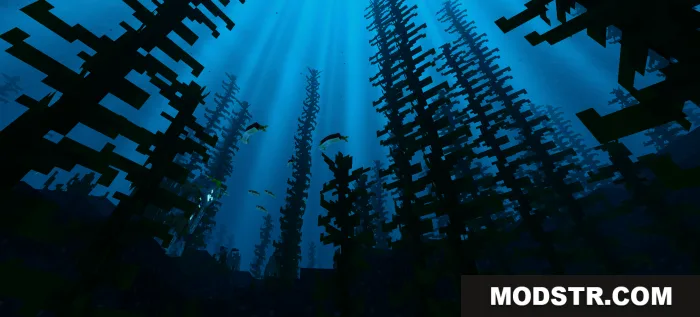
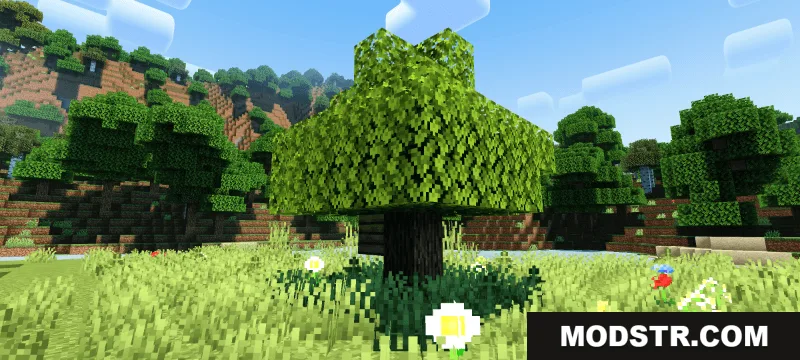
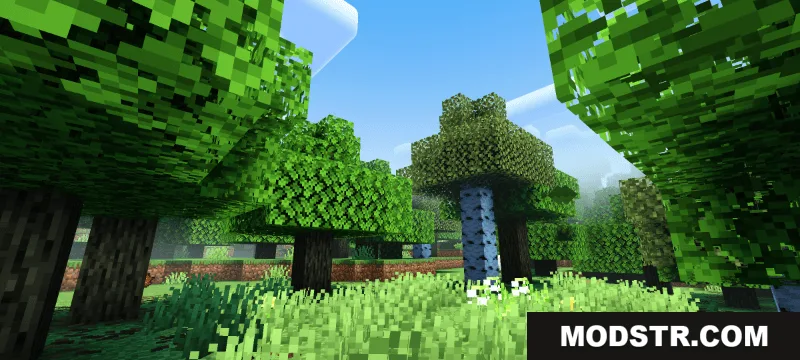
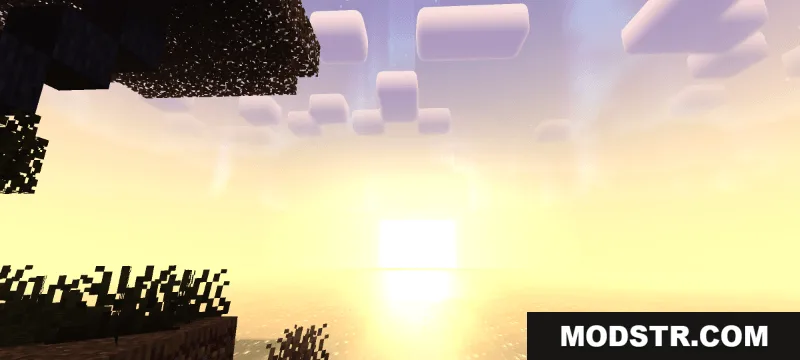
Newb Complementary Reimagined is a shader designed to enhance the visual quality of Minecraft Java Edition. This shader aims to provide improved lighting, shadows, and atmospheric effects while maintaining compatibility with version 1.21.
Overview
This is a shader mod for Minecraft Java Edition that modifies the game's rendering to produce enhanced graphics. Like other shaders, it requires a compatible shader loader and sufficient GPU performance to run effectively.
Installation
- Install a shader loader such as Iris Shaders or OptiFine for your Minecraft Java Edition version.
- Download the shader pack file.
- Place the shader file in your shaders folder (typically located in .minecraft/shaderpacks/).
- Launch Minecraft and open the shader options menu.
- Select Newb Complementary Reimagined from the available shaders list.
- Adjust settings to match your hardware capabilities and visual preferences.
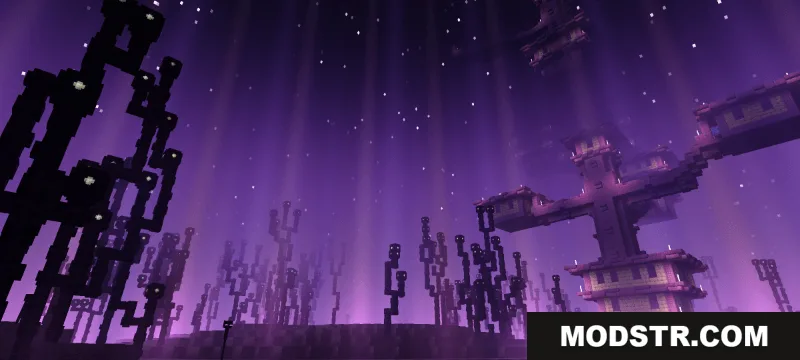
Screenshots
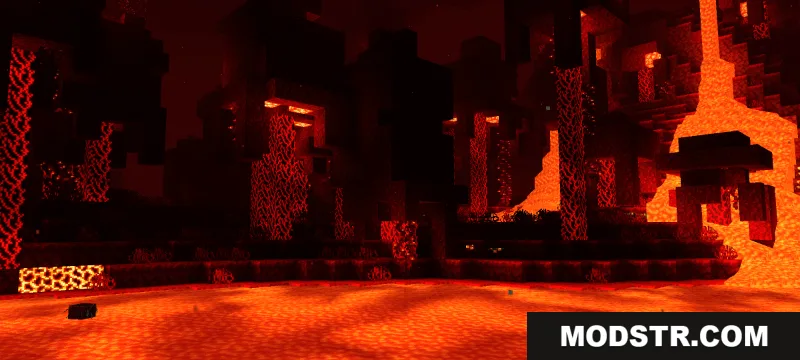
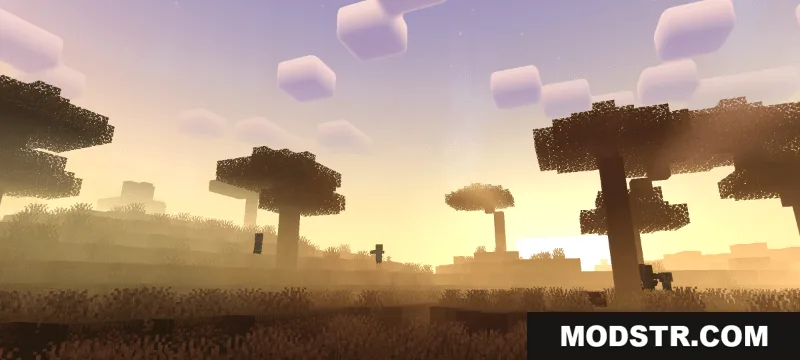
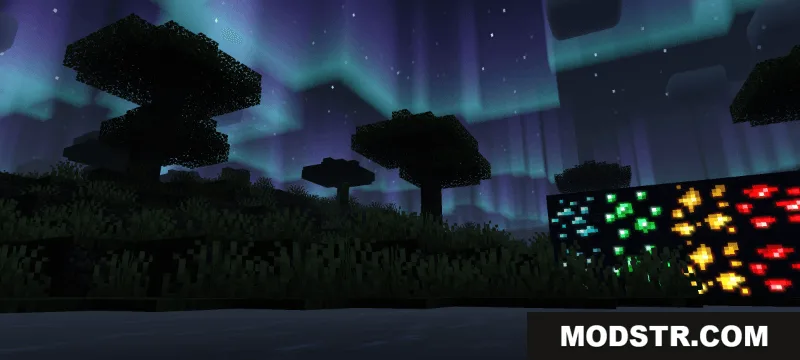
DOWNLOAD FILES
- mcpack
- mcpack