Telegram
Glowy Ores Shader (26.x) – Colored Emissive Lighting for Cave Mining cover art

Glowy Ores Shader (26.x) – Colored Emissive Lighting for Cave Mining

Glowy Ores Shader enhances cave mining by making ores emit light, allowing players to find resources easily. Each mineral glows in distinct colors for quick identification in dark areas.

100 MCPE

Glowy Ores Shader improves visibility in caves by making every ore glow brightly. Designed for miners, this shader helps players locate valuable resources without needing extra torches.
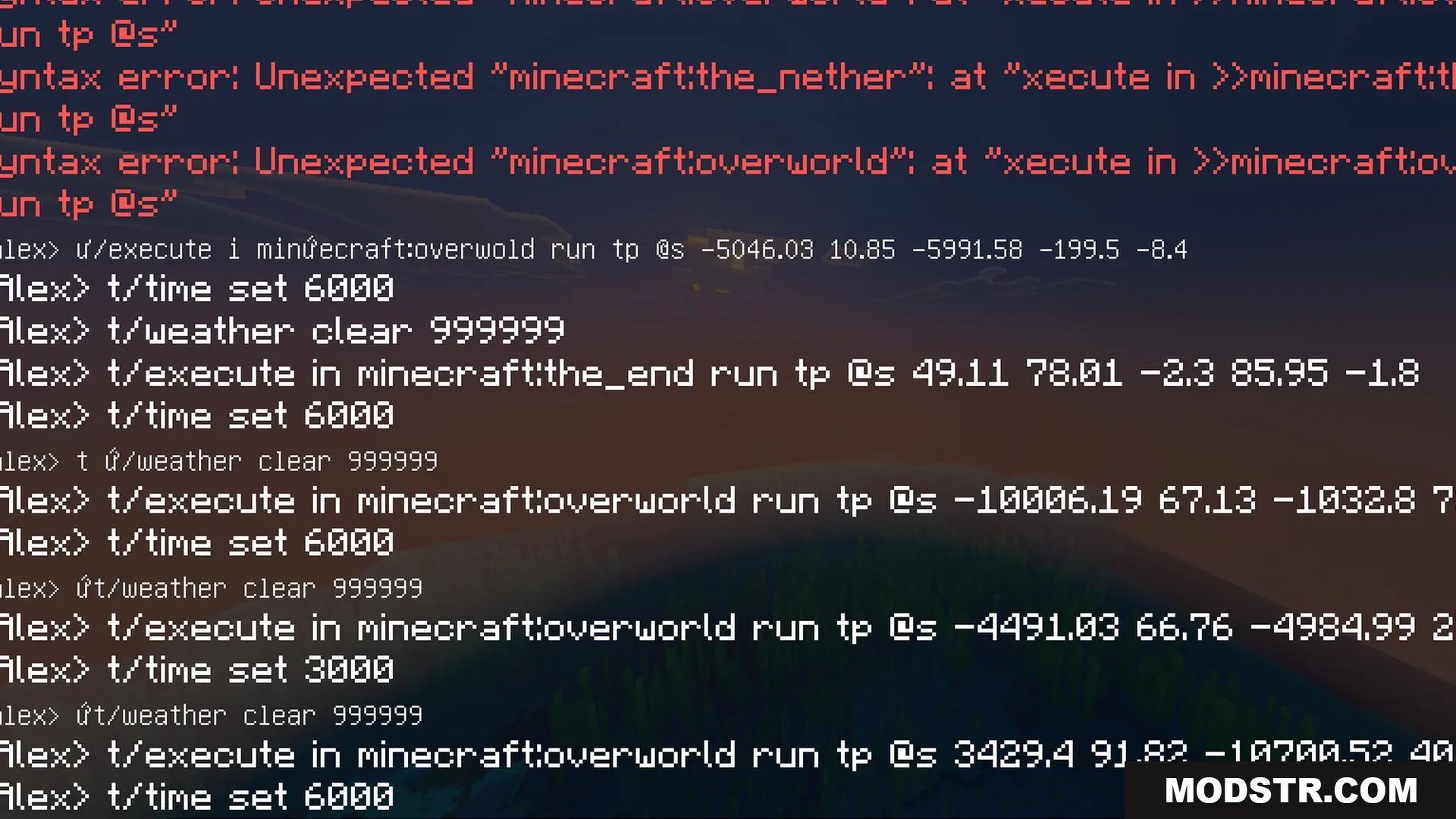
Minecraft chat console showing red syntax error messages and various game commands

Features

  • All ores glow brightly in dark caves and underground areas.
  • Each mineral has its own unique color for quick identification.
  • Ore blocks emit real light that illuminates their surroundings.
  • Includes an outlined ore style with colorful borders.
  • Includes a standard glowing style without extra borders.
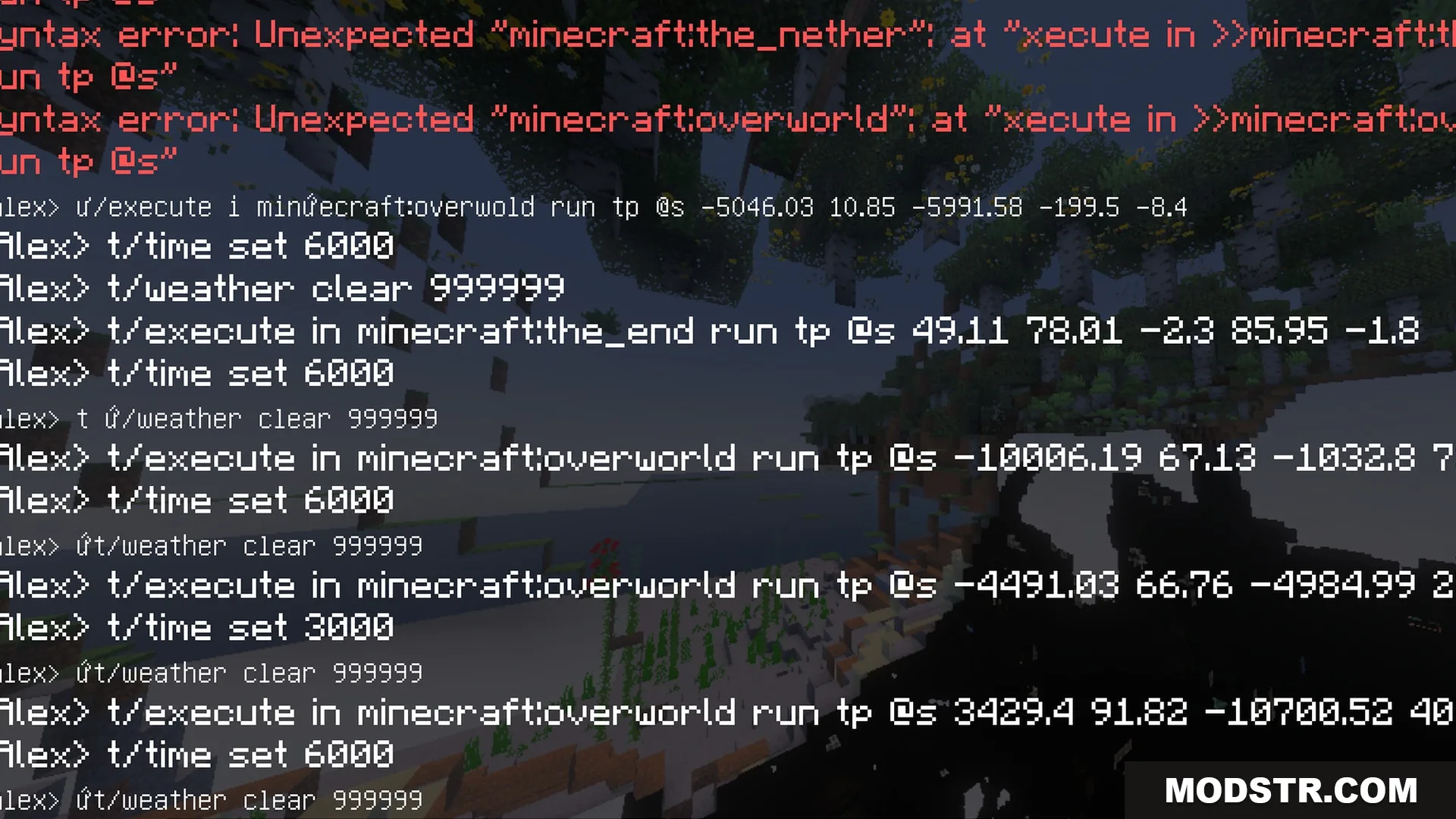
Multiple command logs and syntax errors displayed in the Minecraft chat window
Minecraft chat log showing various teleportation and time set commands on screen
A player executes multiple console commands in the Minecraft chat window interface
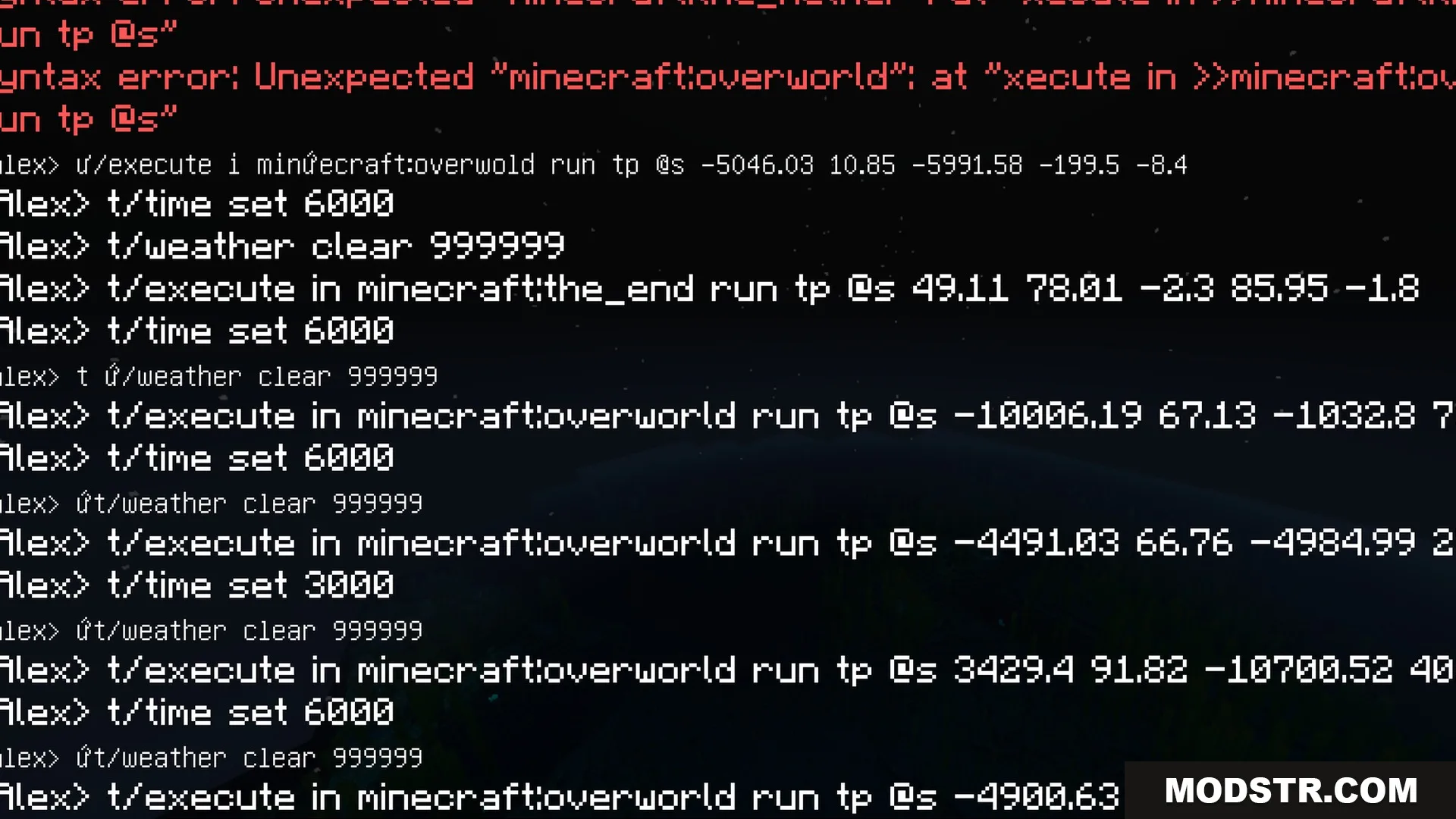
Minecraft chat log showing teleportation commands and a red syntax error message
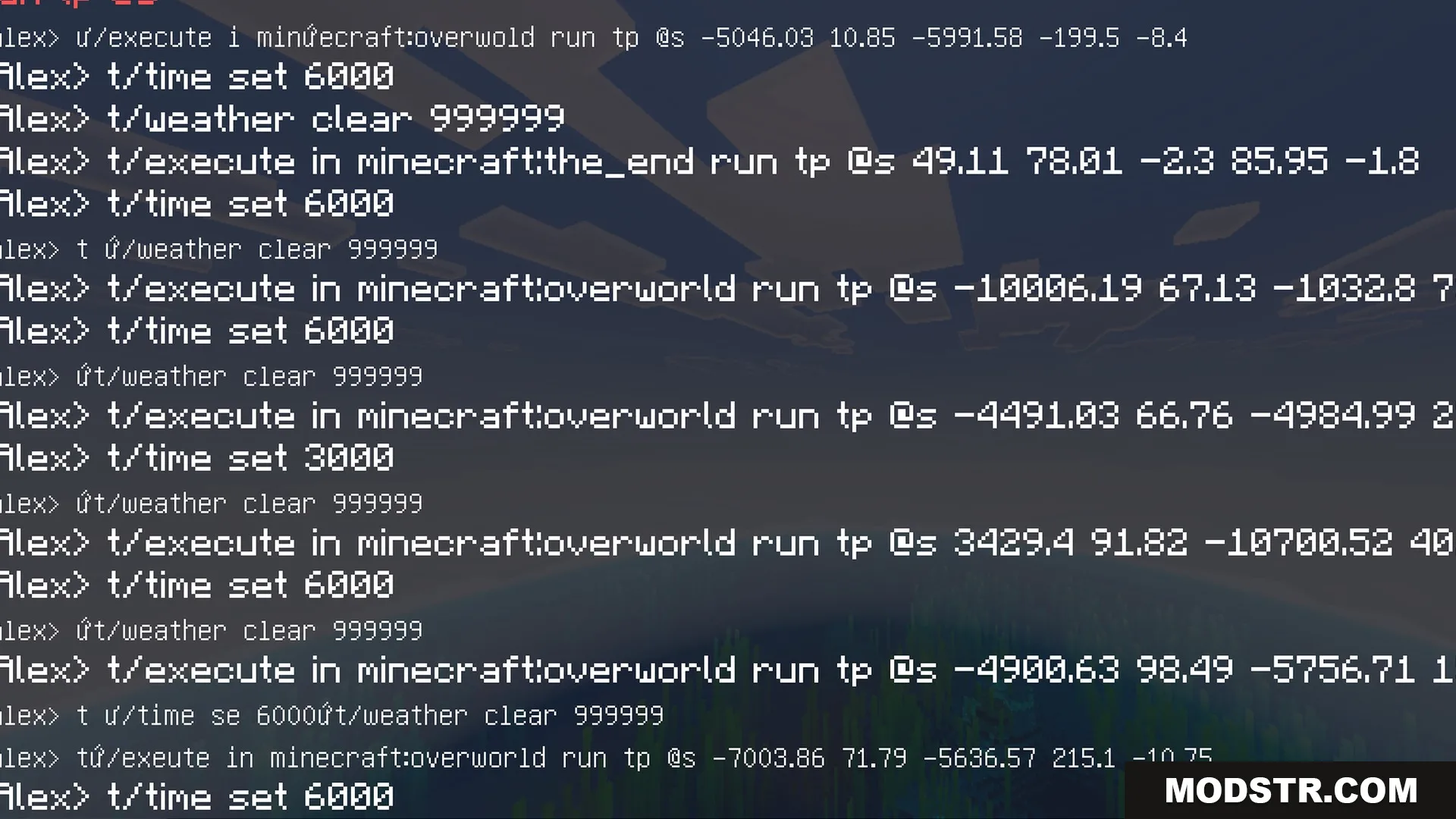
Minecraft chat console displaying a long list of teleportation and time commands
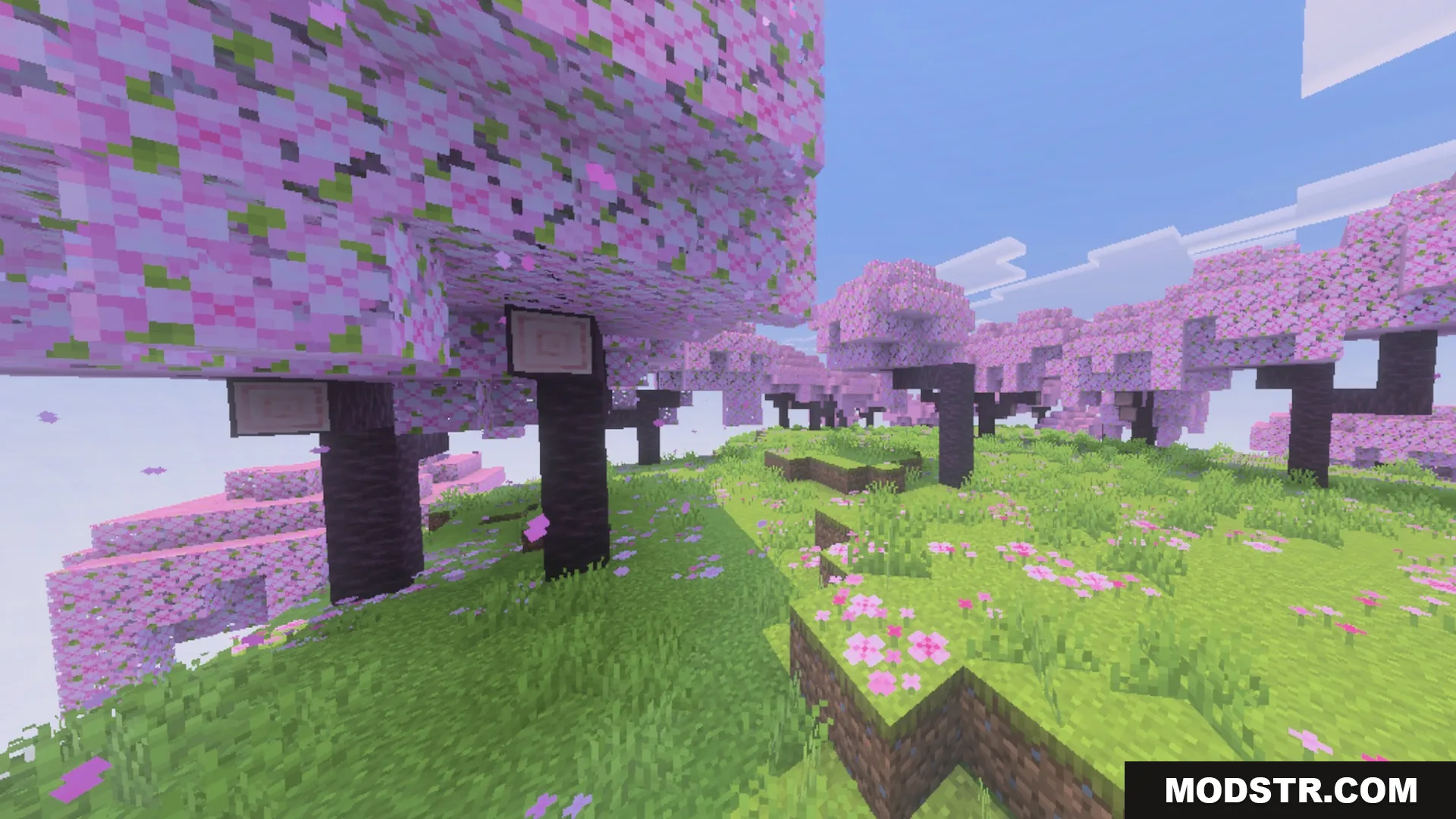
Beautiful cherry blossom grove with pink flowering trees and lush green grass
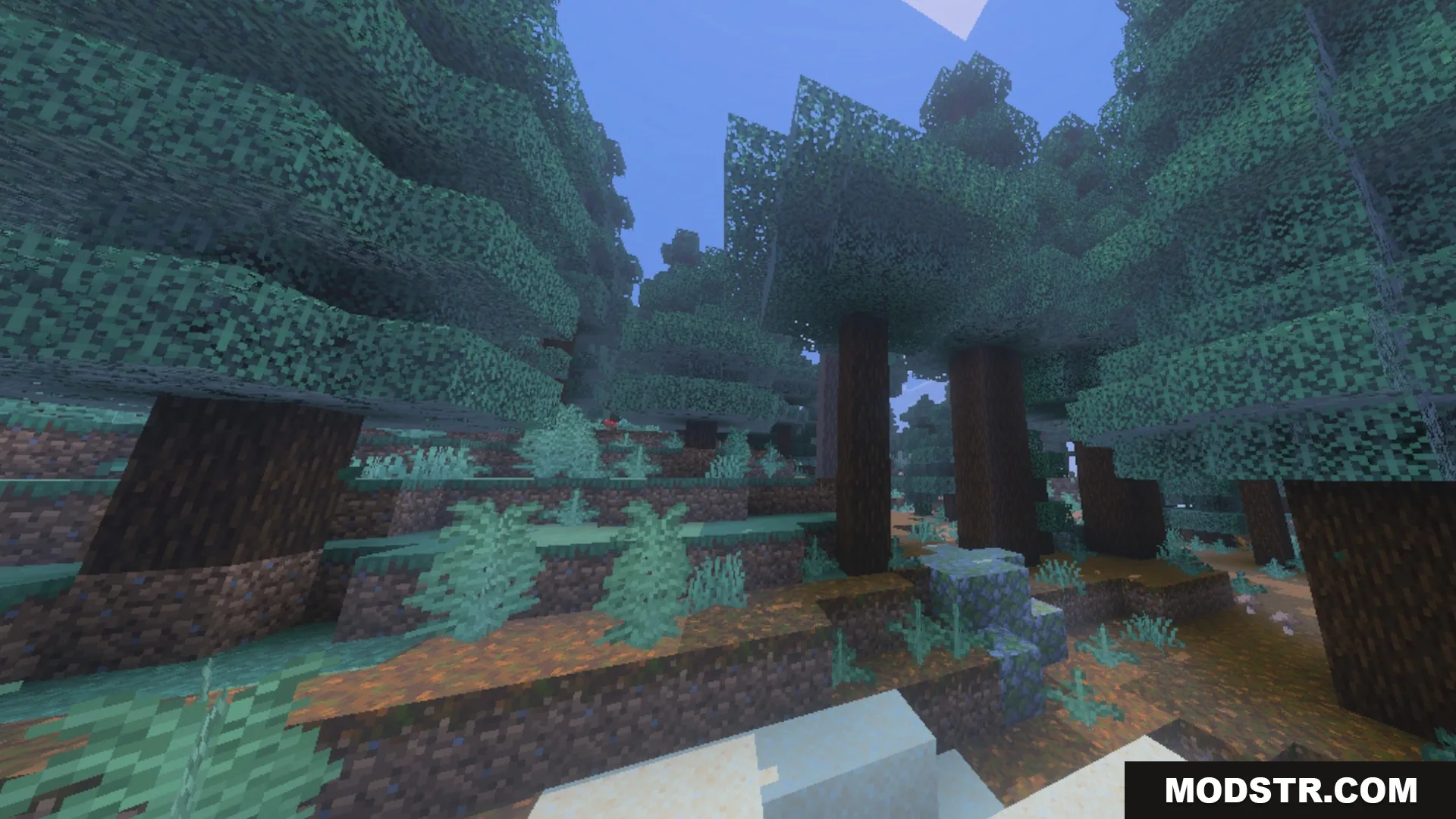
Tall spruce trees standing in a dense forest with podzol ground blocks
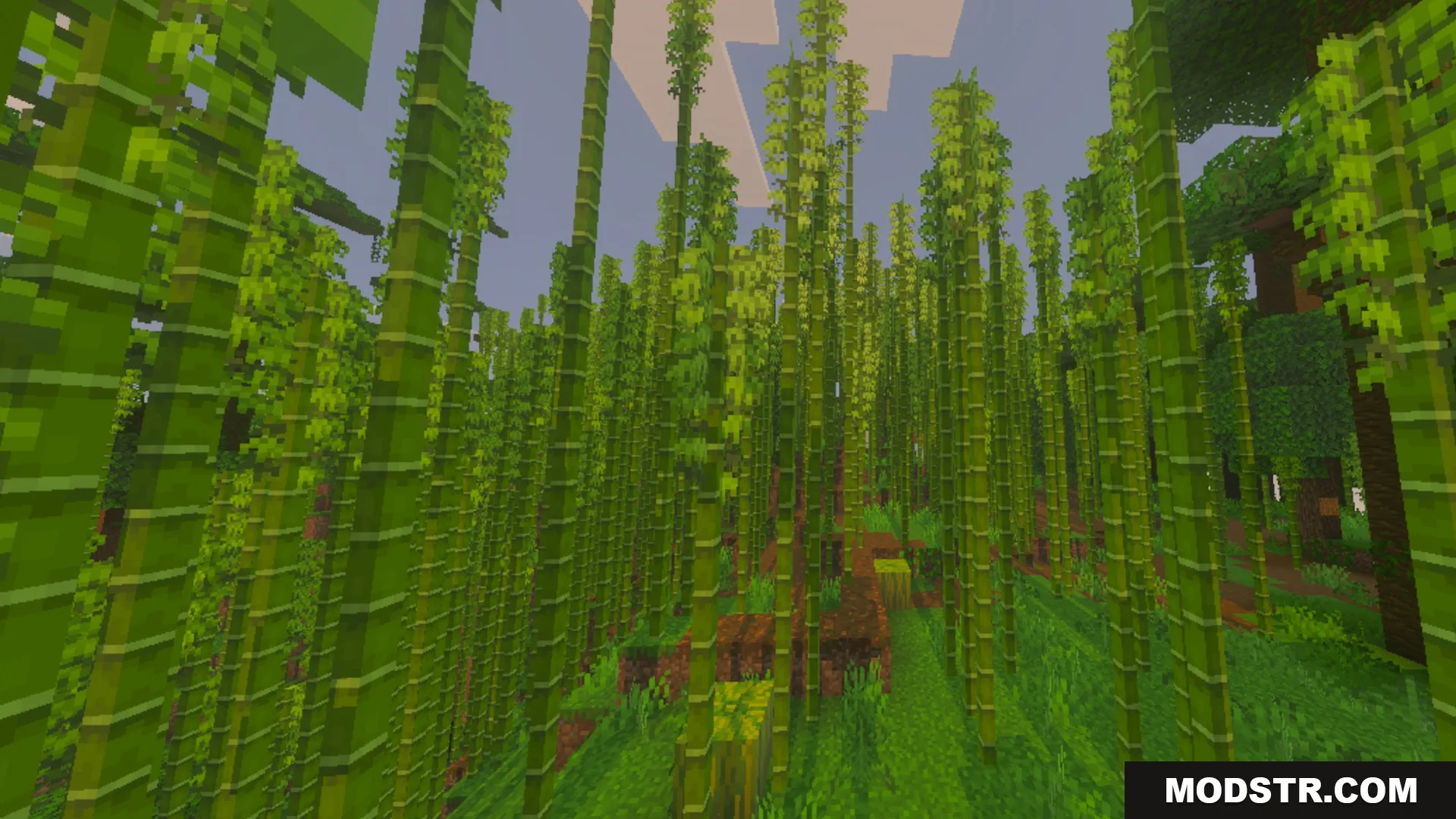
Tall green bamboo stalks growing in a dense jungle biome in Minecraft
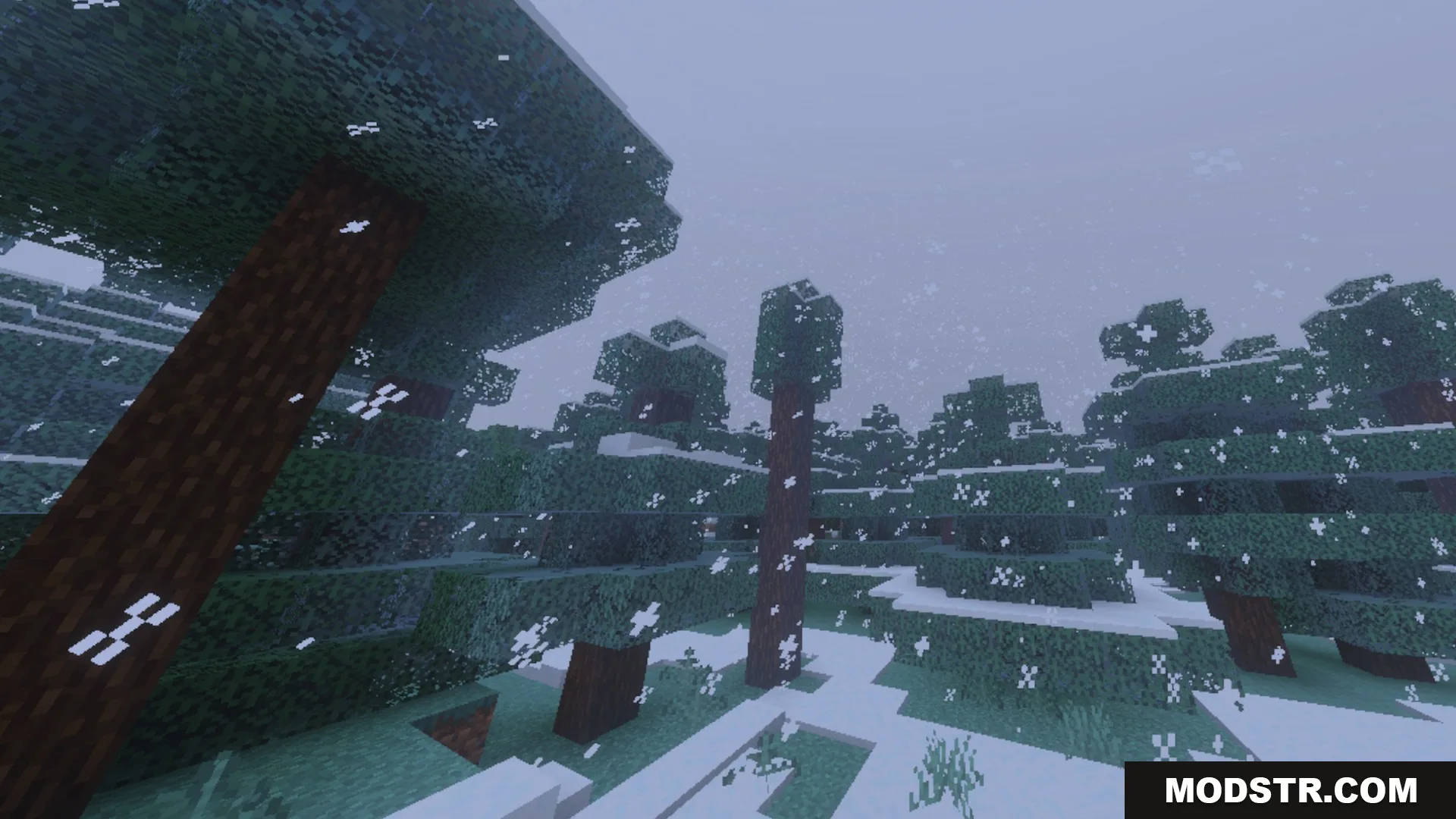
Spruce trees covered in snow during a blizzard in a taiga biome

Installation

  1. Download the shader file.
  2. Open your Minecraft game launcher and go to the settings.
  3. Navigate to the video settings and find the shaders option.
  4. Add the downloaded shader file to your shaders folder.
  5. Select the Glowy Ores Shader from the list to activate it.

DOWNLOAD FILES

  • mcpack
    For MCPE/Bedrock 26.x · Glowy-Ores-Shader-26x.mcpack