Telegram
Vanilla Waypoints Addon (26.x, 1.21) – Create Custom Waypoints To Teleport Instantly cover art

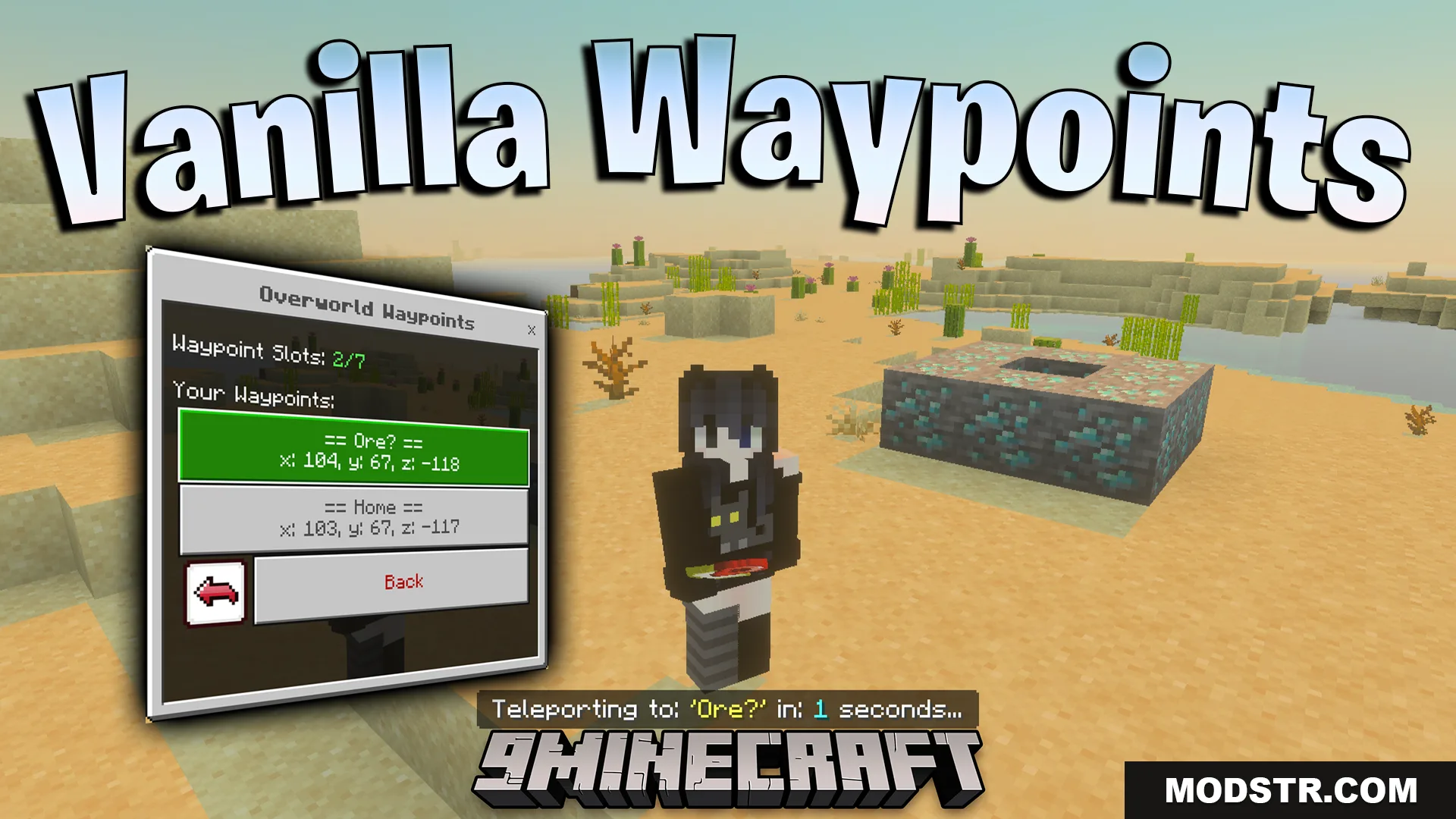
Vanilla Waypoints Addon (26.x, 1.21) – Create Custom Waypoints To Teleport Instantly

Save and teleport to custom waypoints across dimensions in Vanilla Minecraft. Manage locations with an easy menu system and optional admin controls for multiplayer.

86 MCPE
  • 1.21

Vanilla Waypoints Addon adds a waypoint system that lets you save important locations and teleport to them instantly. The addon includes a dedicated menu for creating, editing, and managing waypoints across the Overworld, Nether, and The End. It's designed to work in both single-player and multiplayer environments.
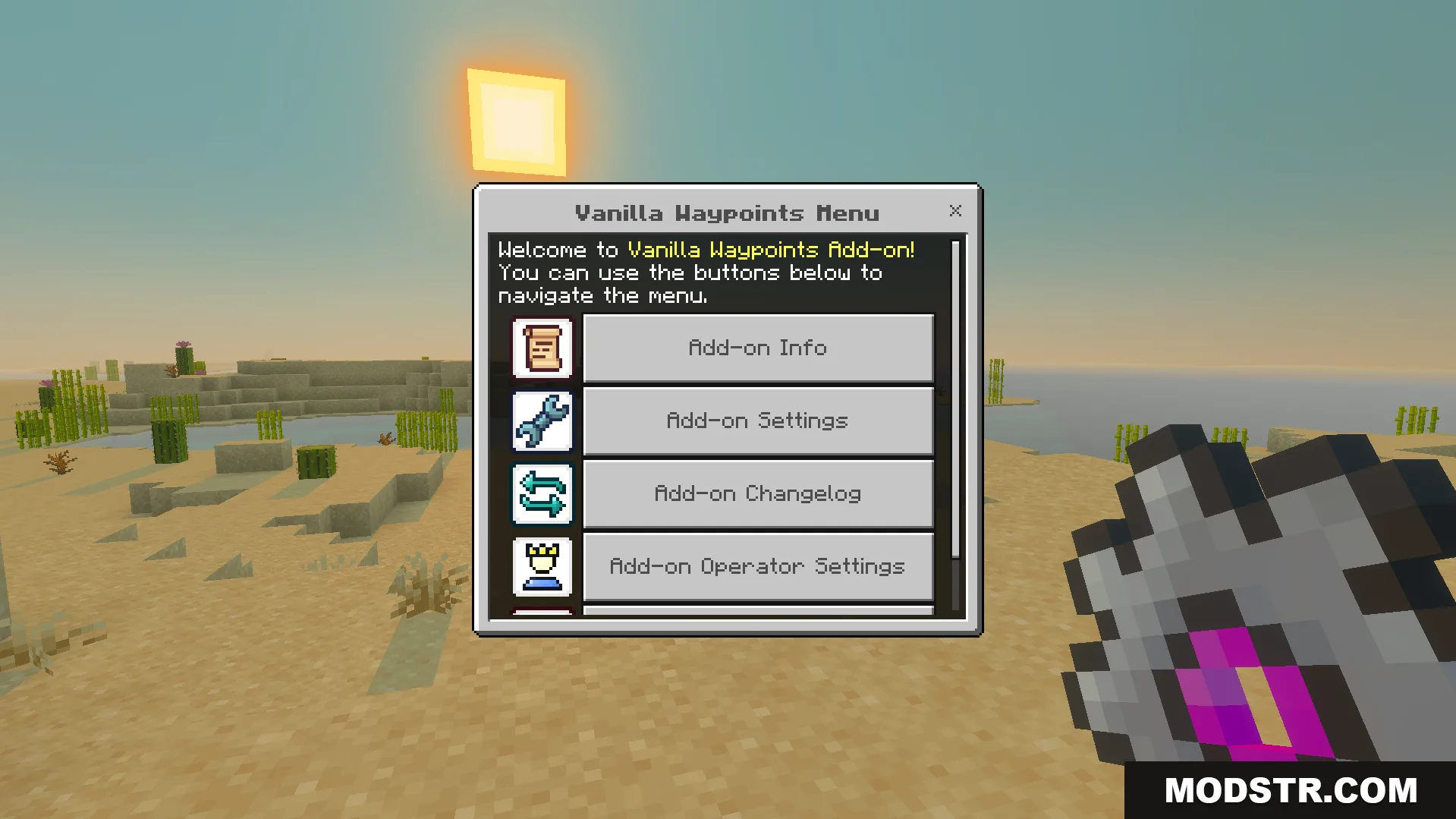
player opening the main menu interface to manage custom waypoint settings

Features

  • Create custom waypoints with unique names to mark locations.
  • Teleport instantly to any saved waypoint within your current dimension.
  • Edit waypoint names and coordinates after creation.
  • Delete waypoints you no longer need.
  • Includes an admin mode for multiplayer servers with operator permission controls.
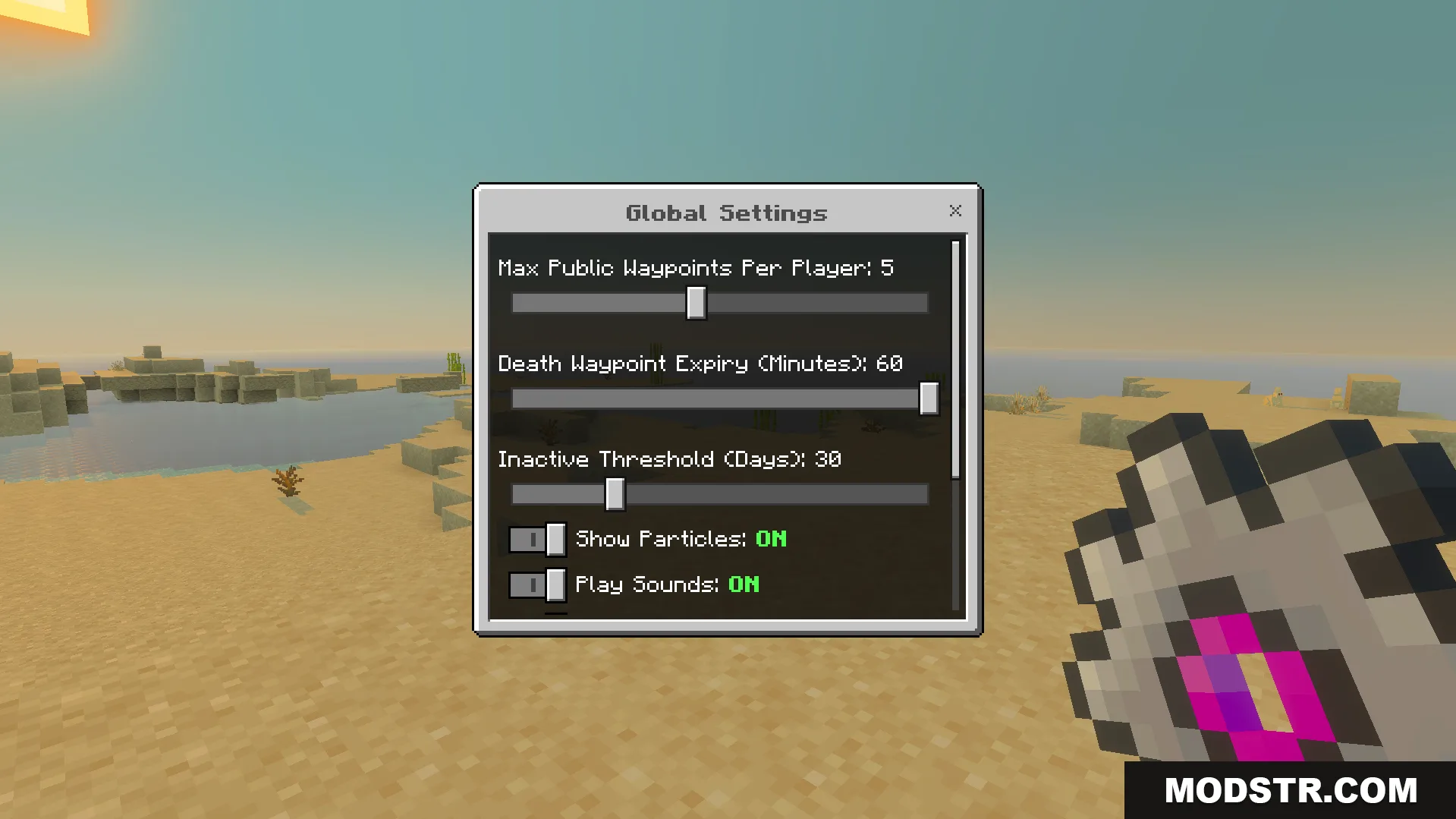
global settings menu adjusting max waypoints death expiry and visual particle toggles

Configuration

Craft the configuration menu using one cobblestone and one pink dye. The menu lets you adjust the following settings:

  • Set the maximum number of waypoints players can create.
  • Toggle sound effects and visual particles on or off.
  • Configure operator permissions for multiplayer use.
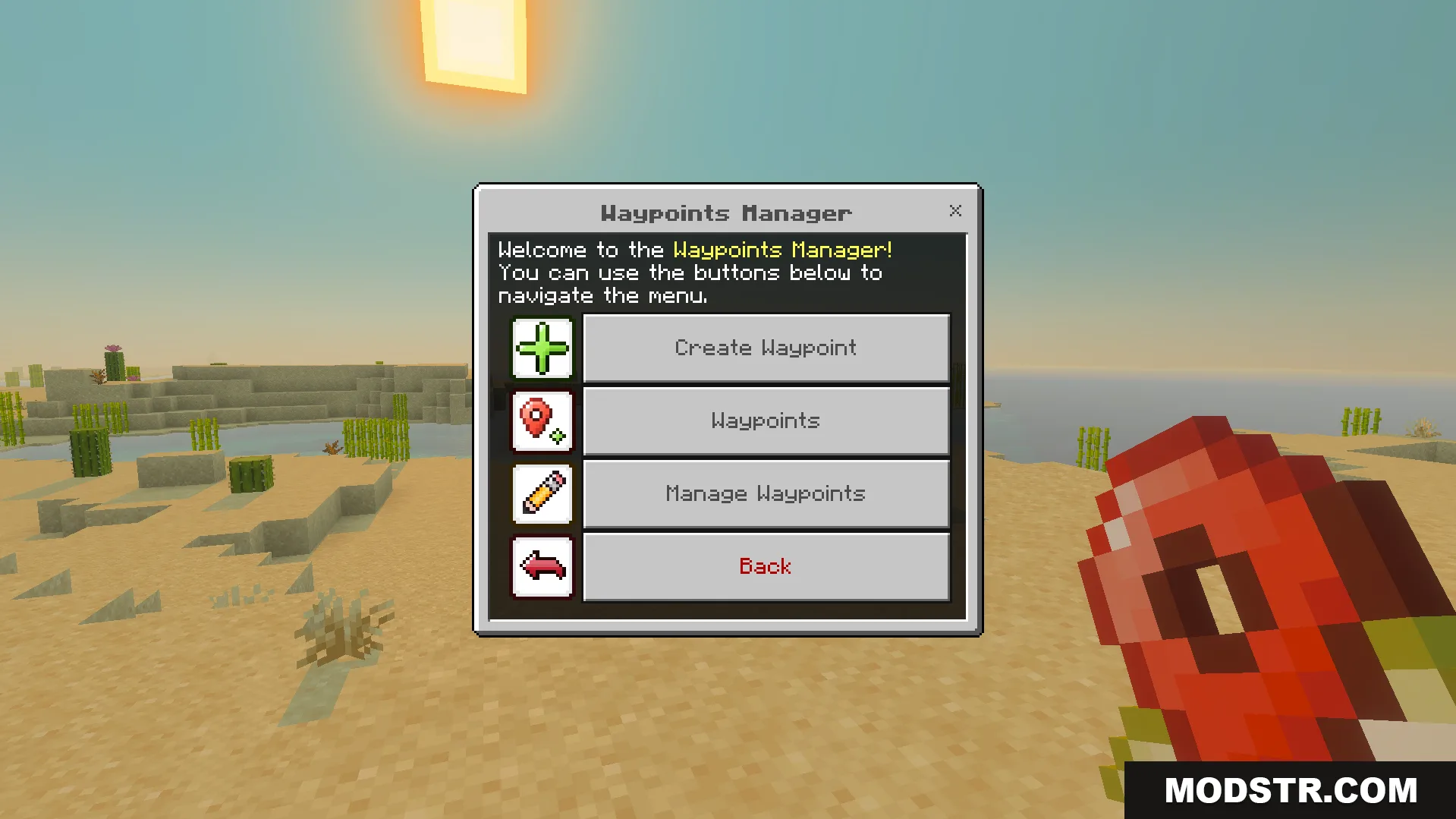
Waypoints manager menu showing options to create view and manage saved locations

Installation

  1. Obtain the Waypoints Manager and Configs Menu items using the commands listed below.
  2. Use the Waypoints Manager to create, edit, and delete waypoints.
  3. Use the Configs Menu to adjust settings and permissions.
  4. Save waypoints for quick navigation across dimensions.
  5. On multiplayer servers, operators can adjust admin settings as needed.

Use these commands to get the addon items:

/give @s dl_vw:waypoints_manager
/give @s dl_vw:configs_menu
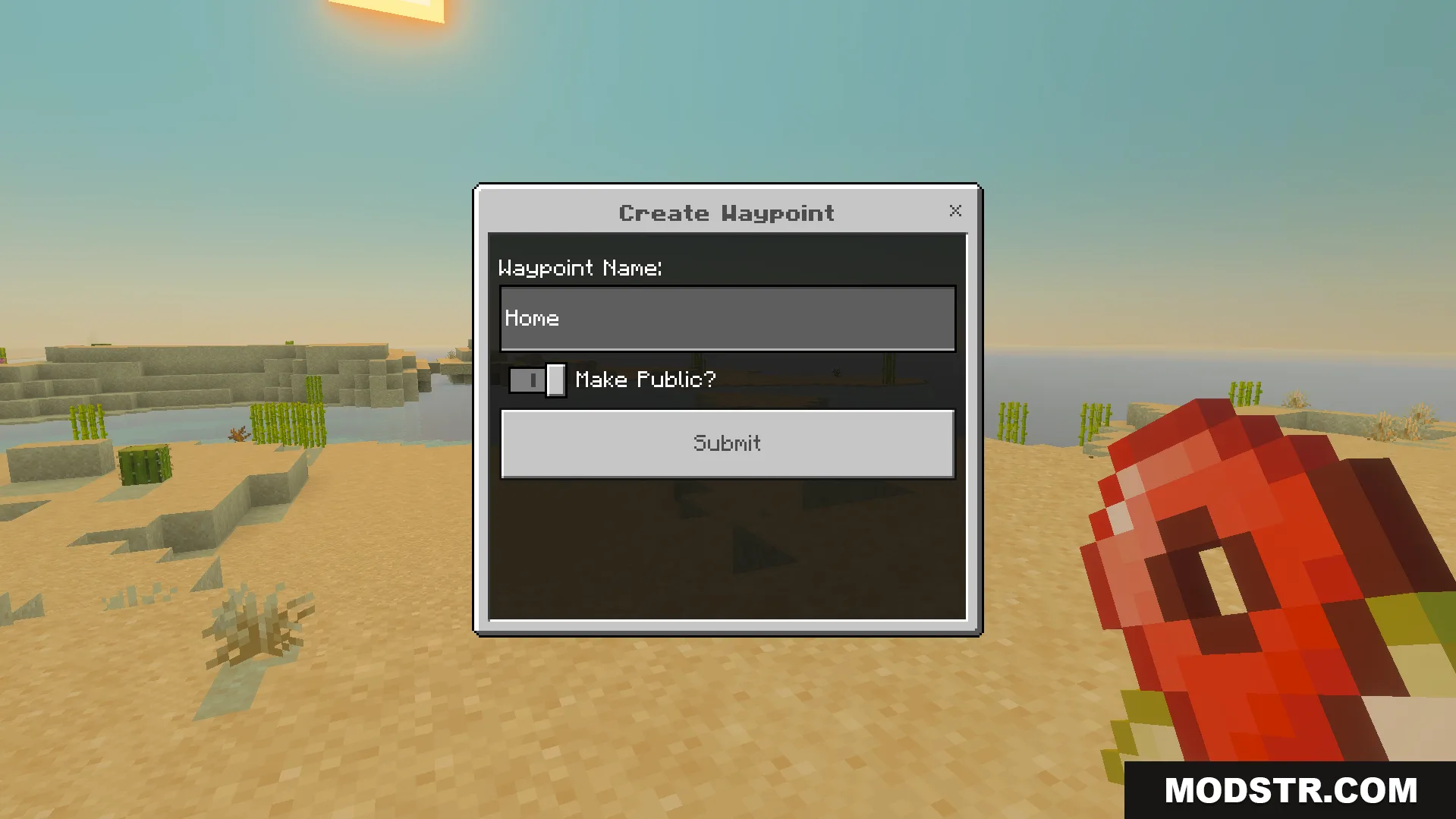
Create waypoint menu to input a custom name and save important locations
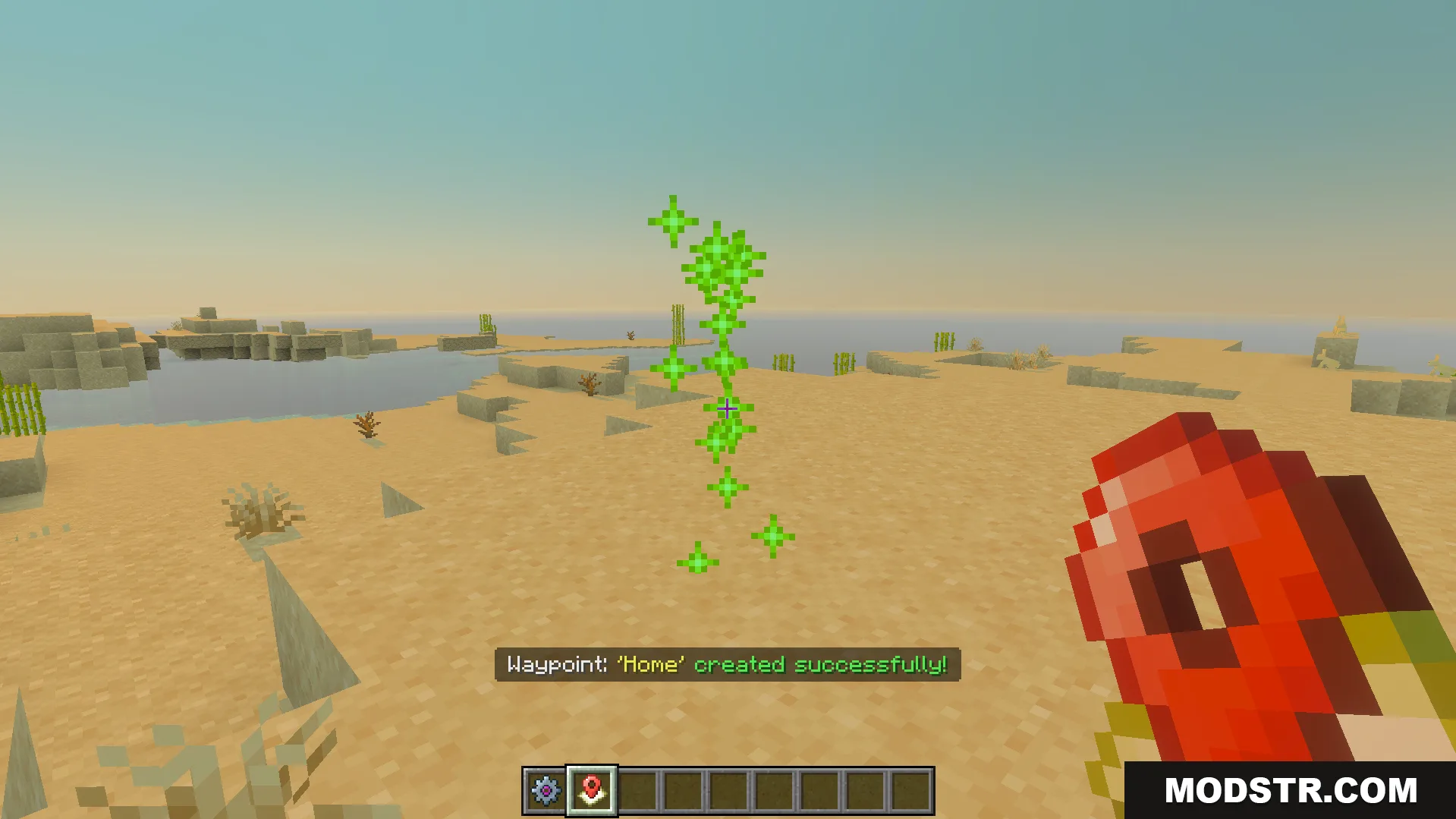
Player creates a waypoint named Home in a desert biome
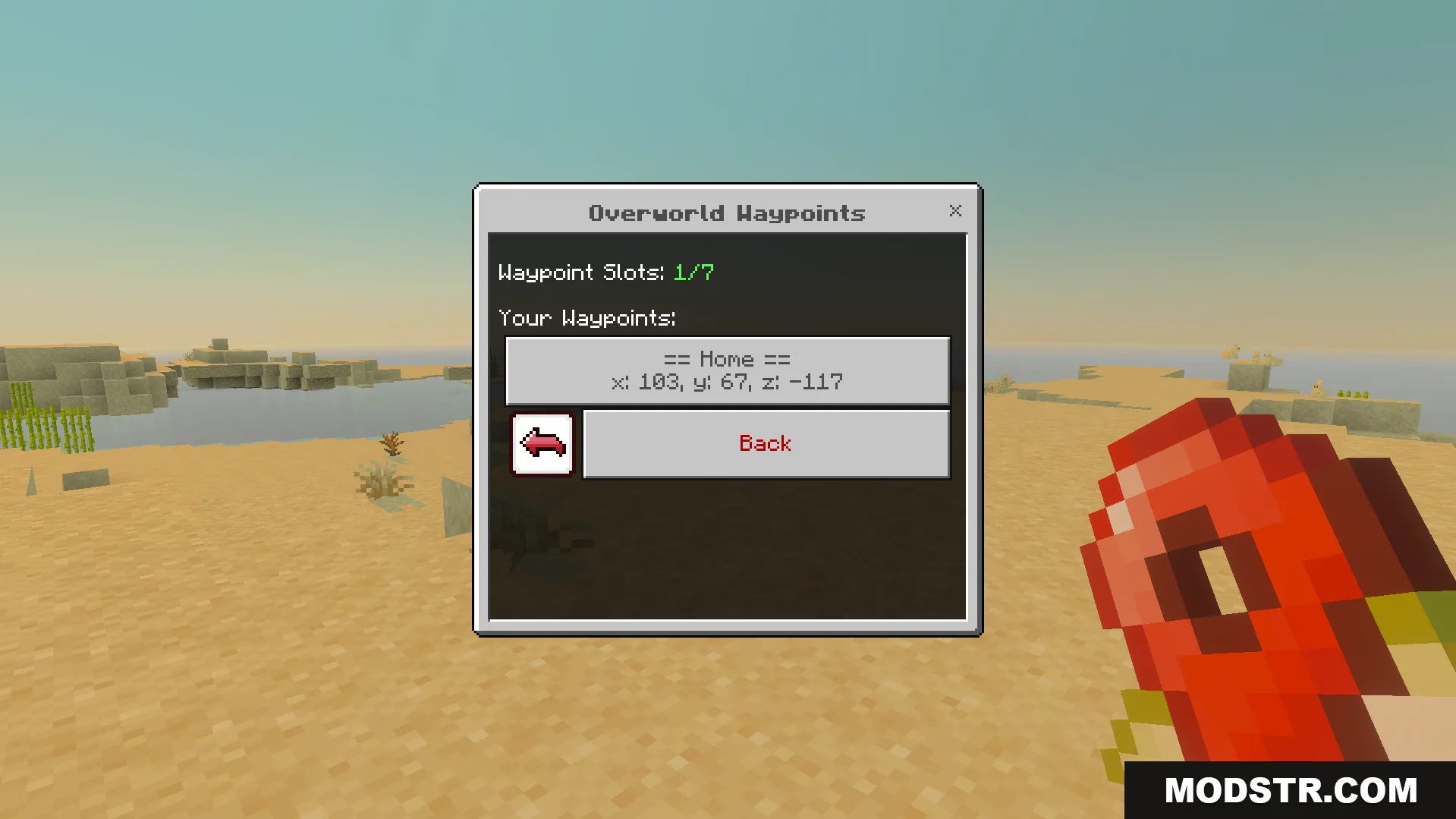
Overworld Waypoints menu showing the saved Home location coordinates
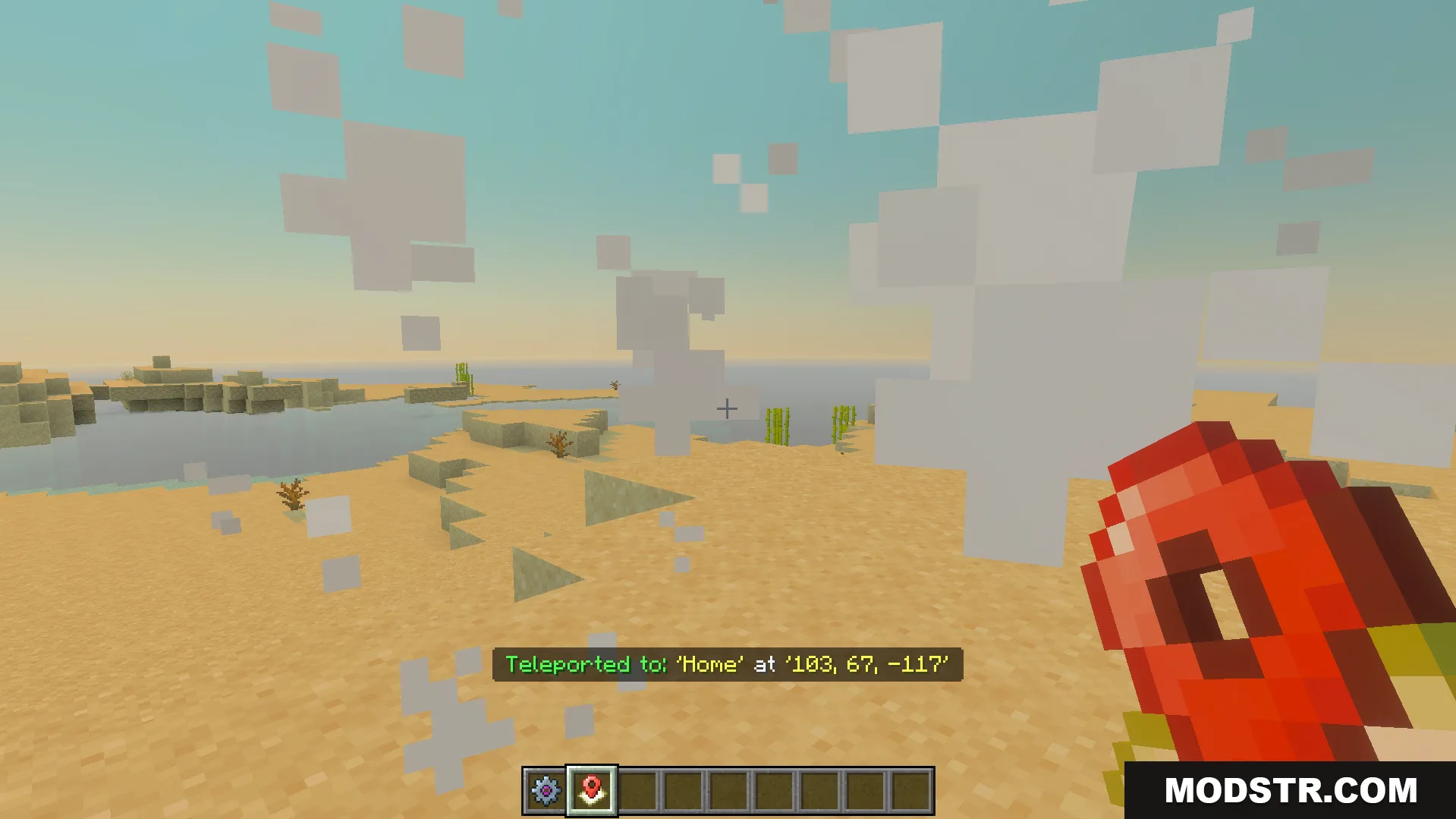
Player teleporting to a saved home location using the waypoints manager item
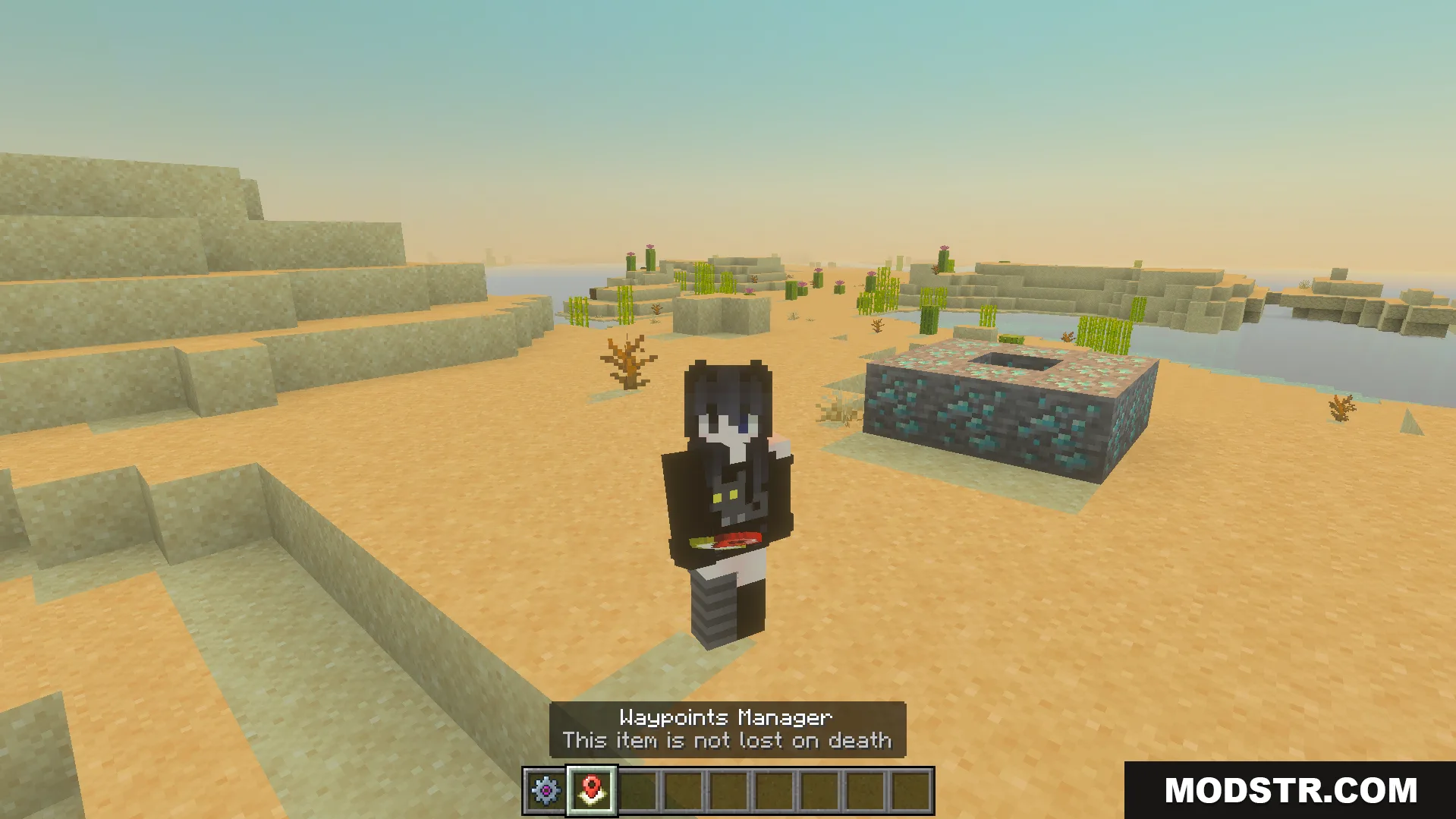
Player holding the waypoints manager item which is not lost on death
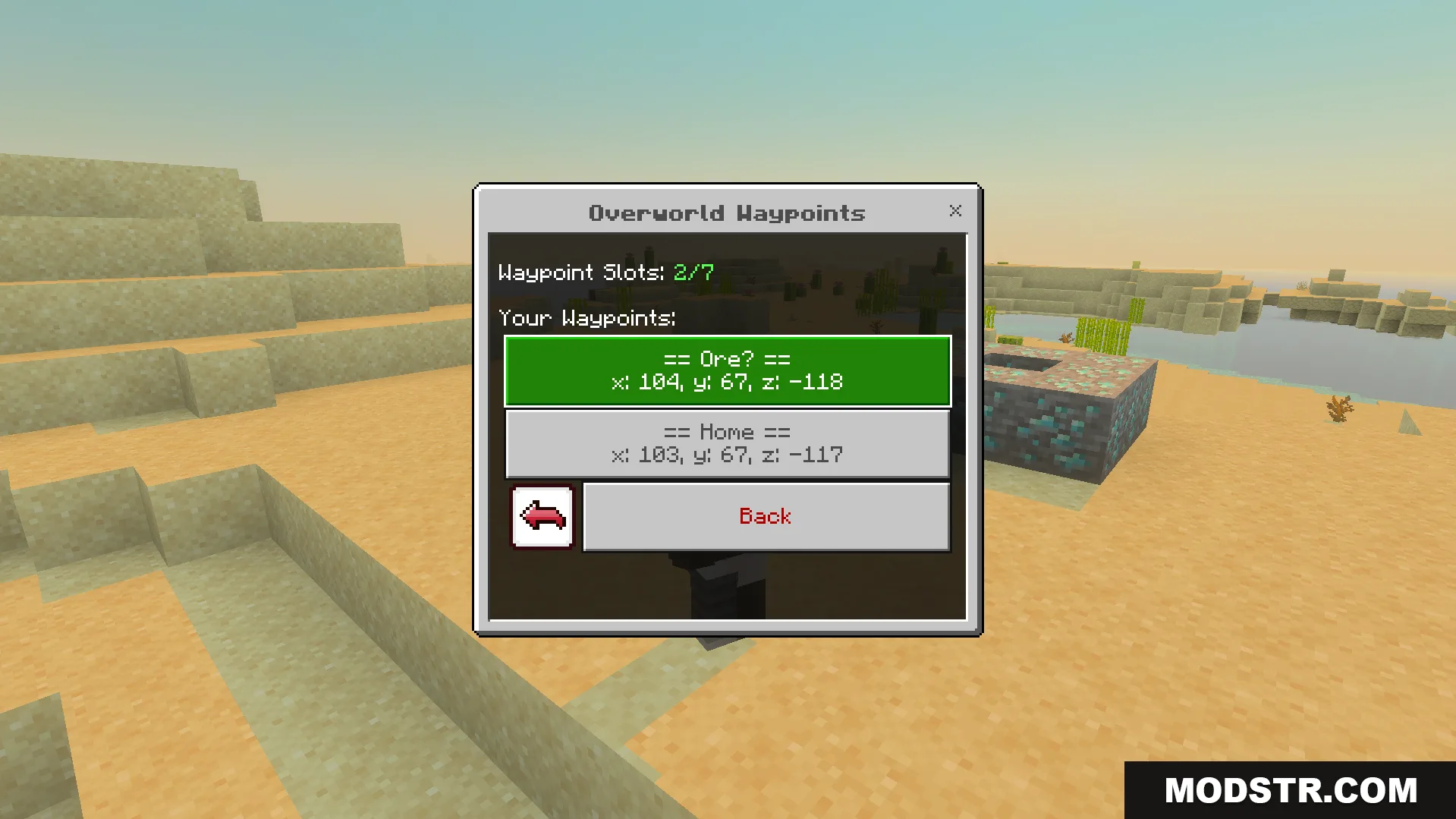
Overworld waypoints menu showing saved locations with exact coordinates for teleportation
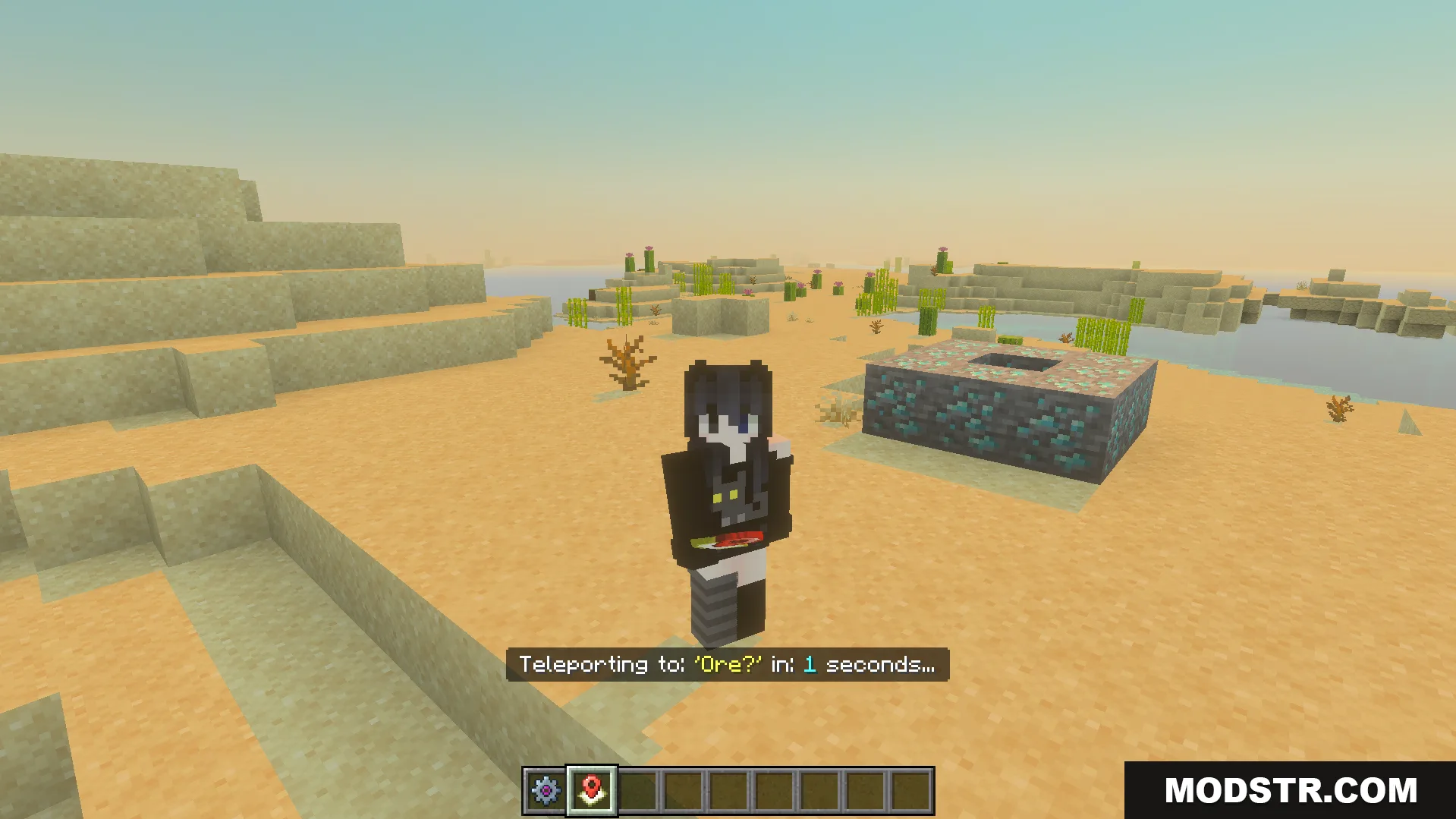
Player character teleporting to a saved ore location in the overworld
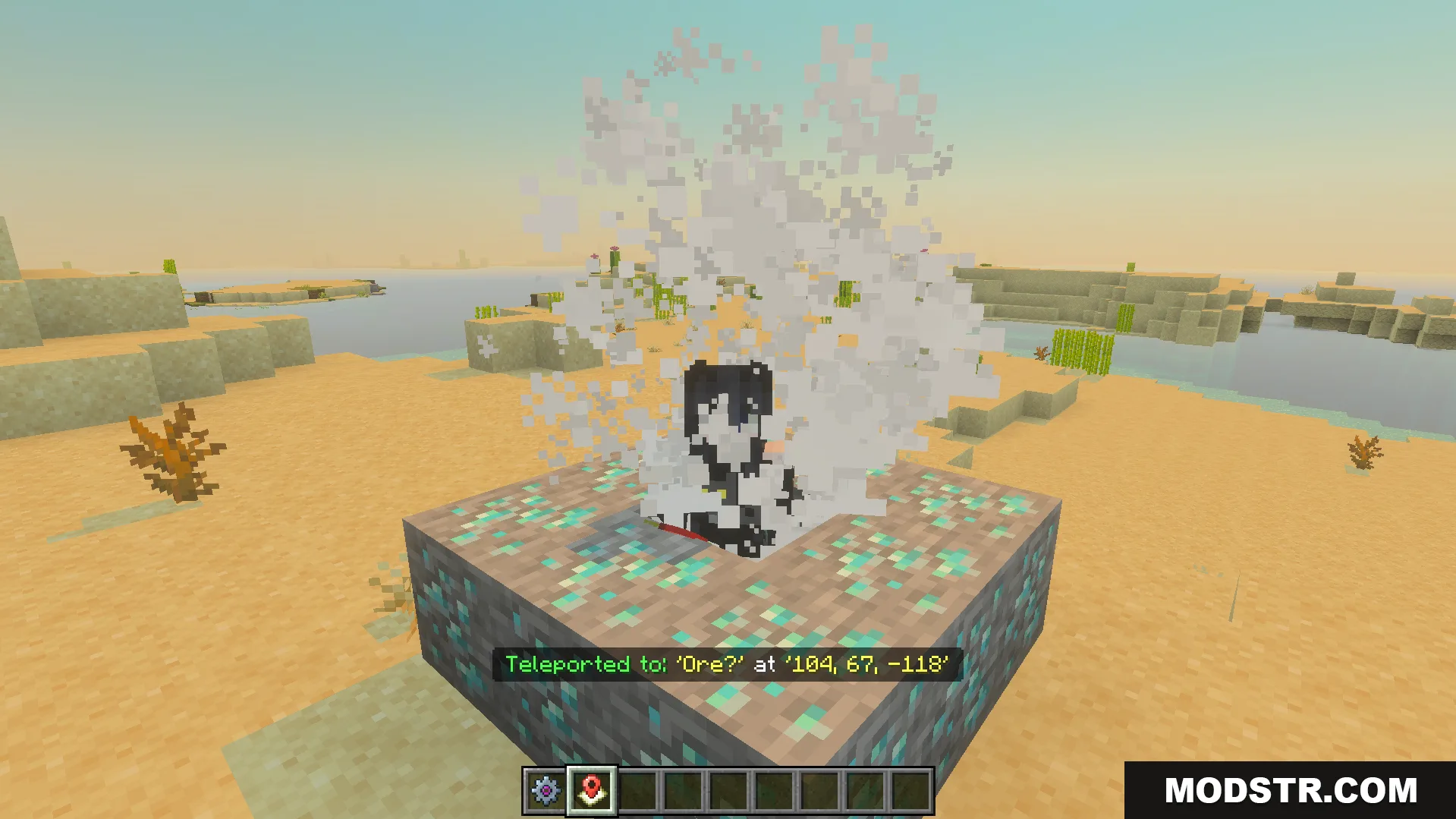
player teleporting instantly to a saved waypoint location with visual smoke particles

Compatibility

This addon is designed for Minecraft 1.21 and the Bedrock Edition (version 26.x).

DOWNLOAD FILES

  • mcpack
    For MCPE/Bedrock 26.x, 1.21.x · Vanilla-Waypoints-Addon-Resource-26x.mcpack
    • 1.21