
Raiyon’s Glowing Ores Addon (1.21) – Ores That Actually Glow
Raiyon’s Glowing Ores Addon enhances the visibility of mineral blocks by making them emit light in dark environments, aiding resource discovery in Minecraft.
- 1.21
Raiyon’s Glowing Ores Addon allows mineral blocks to glow brightly in underground areas, making it easier for players to locate resources like diamonds and gold without needing to place torches. This is useful for players exploring deep caves.
Features
- Makes all underground mineral blocks emit bright light.
- Works perfectly with the new Render Dragon engine.
- Lets you hit an ore block to turn off its light.
- Spawns glowing minerals only in new worlds or unexplored chunks.
- Keeps your game achievements enabled while playing.
Installation
- Download the addon file.
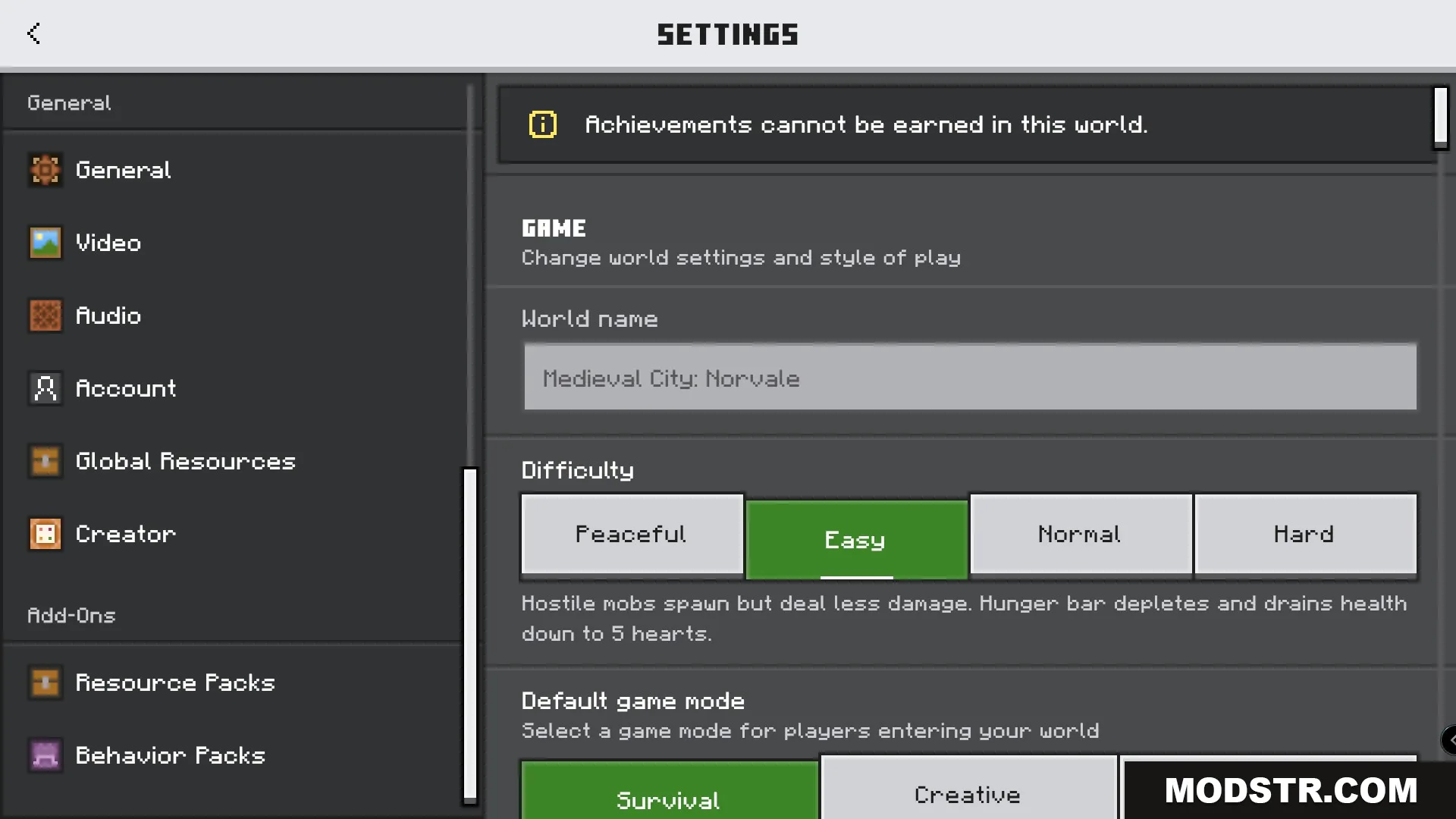
- Open Minecraft and go to the settings.
- Select the “Storage” option and import the addon.
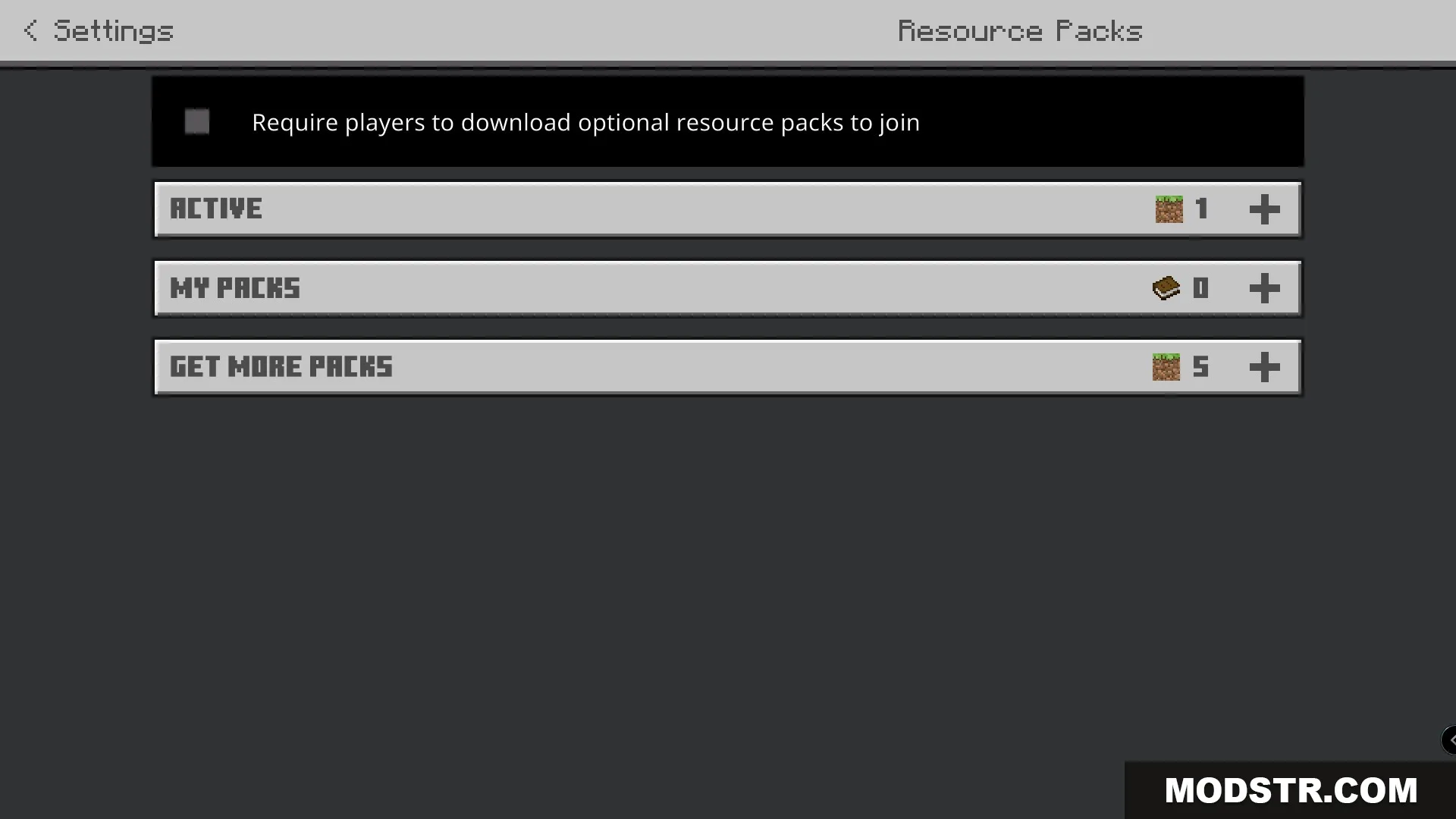
- Activate the addon in your world settings.
- Start a new world or load an existing one to see the effects.
DOWNLOAD FILES
- mcpack