
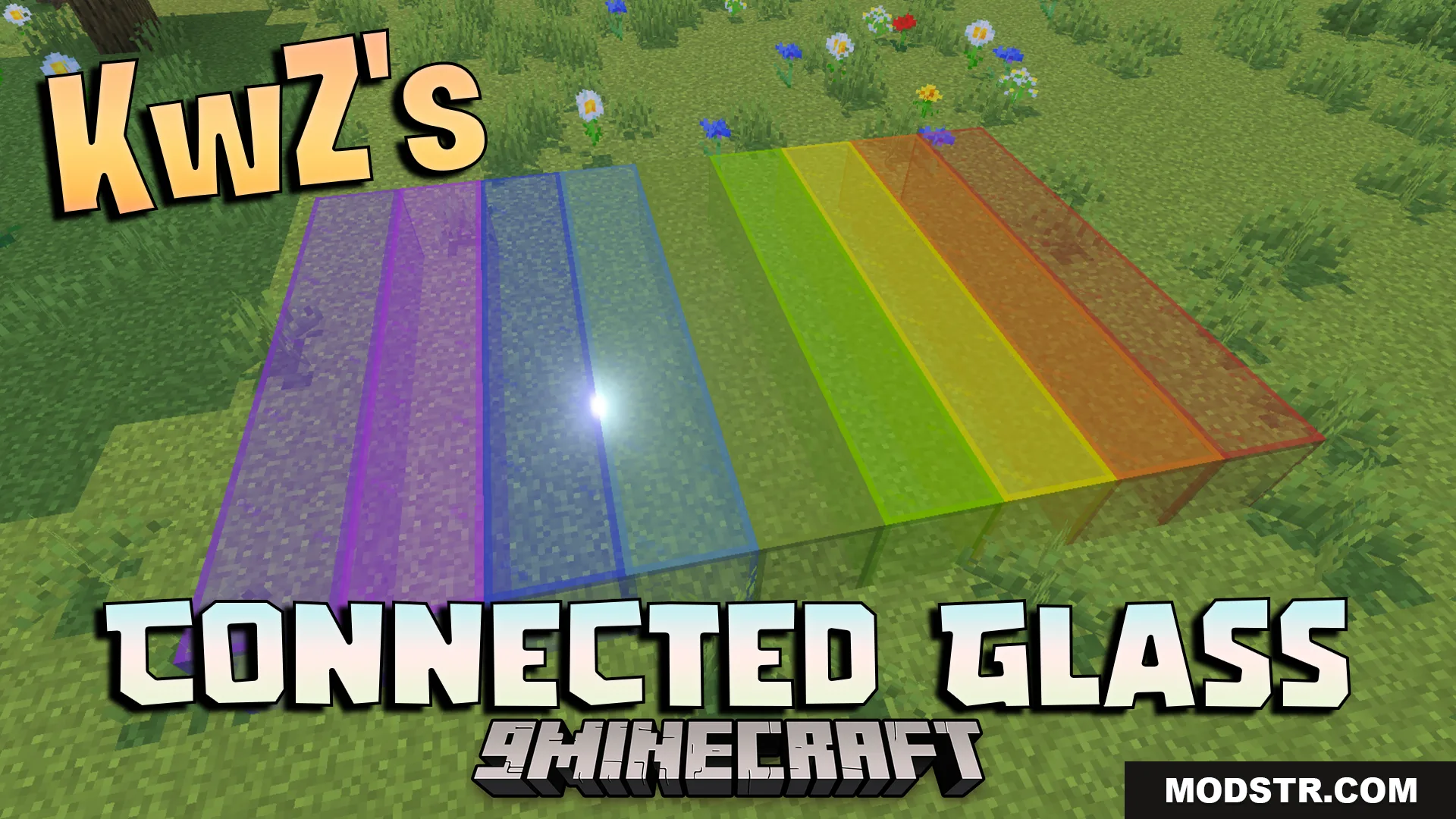
KwZs Connected Glass Addon (26.x, 1.21) – Connect Glass Blocks Without Visible Lines
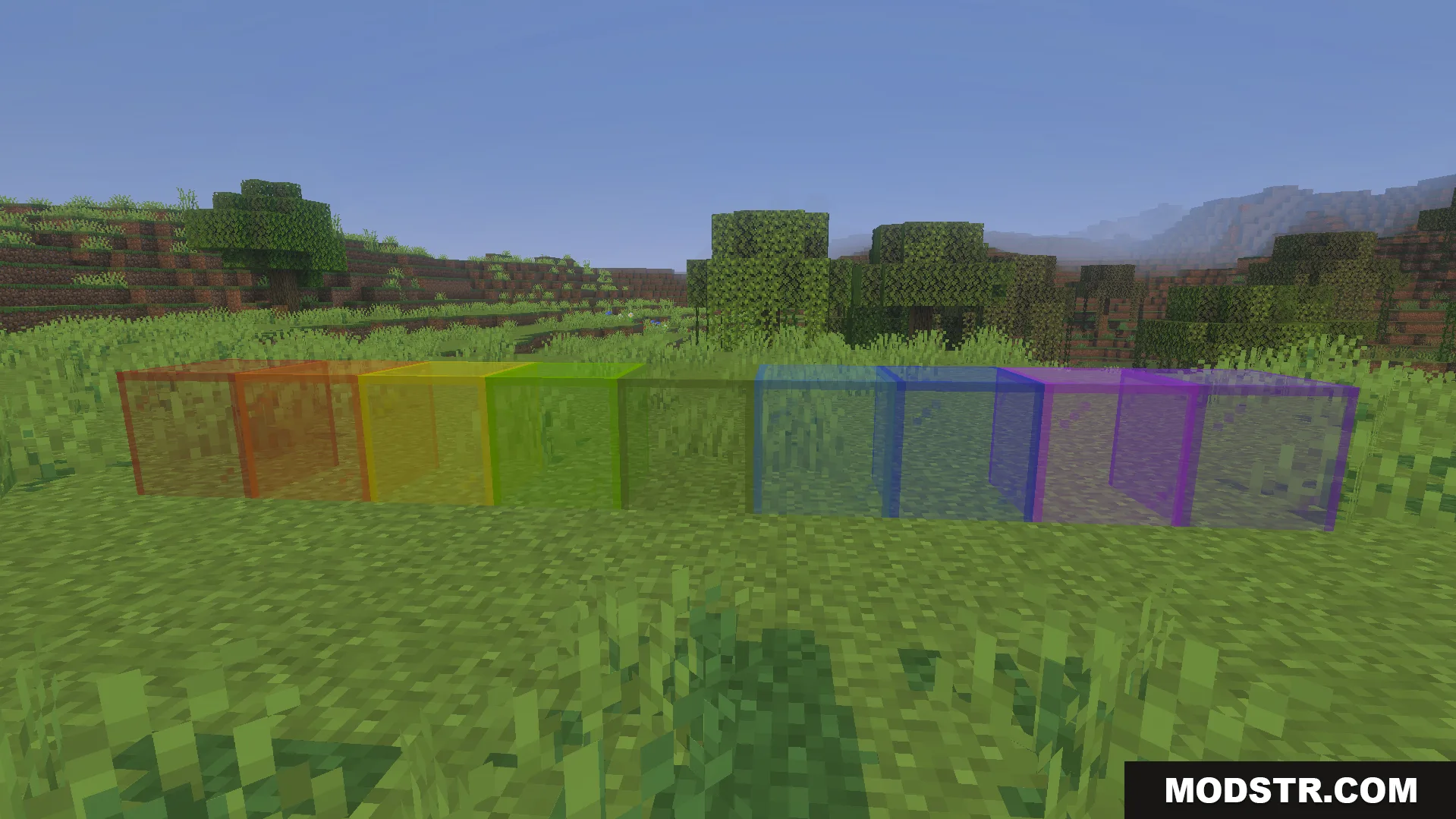
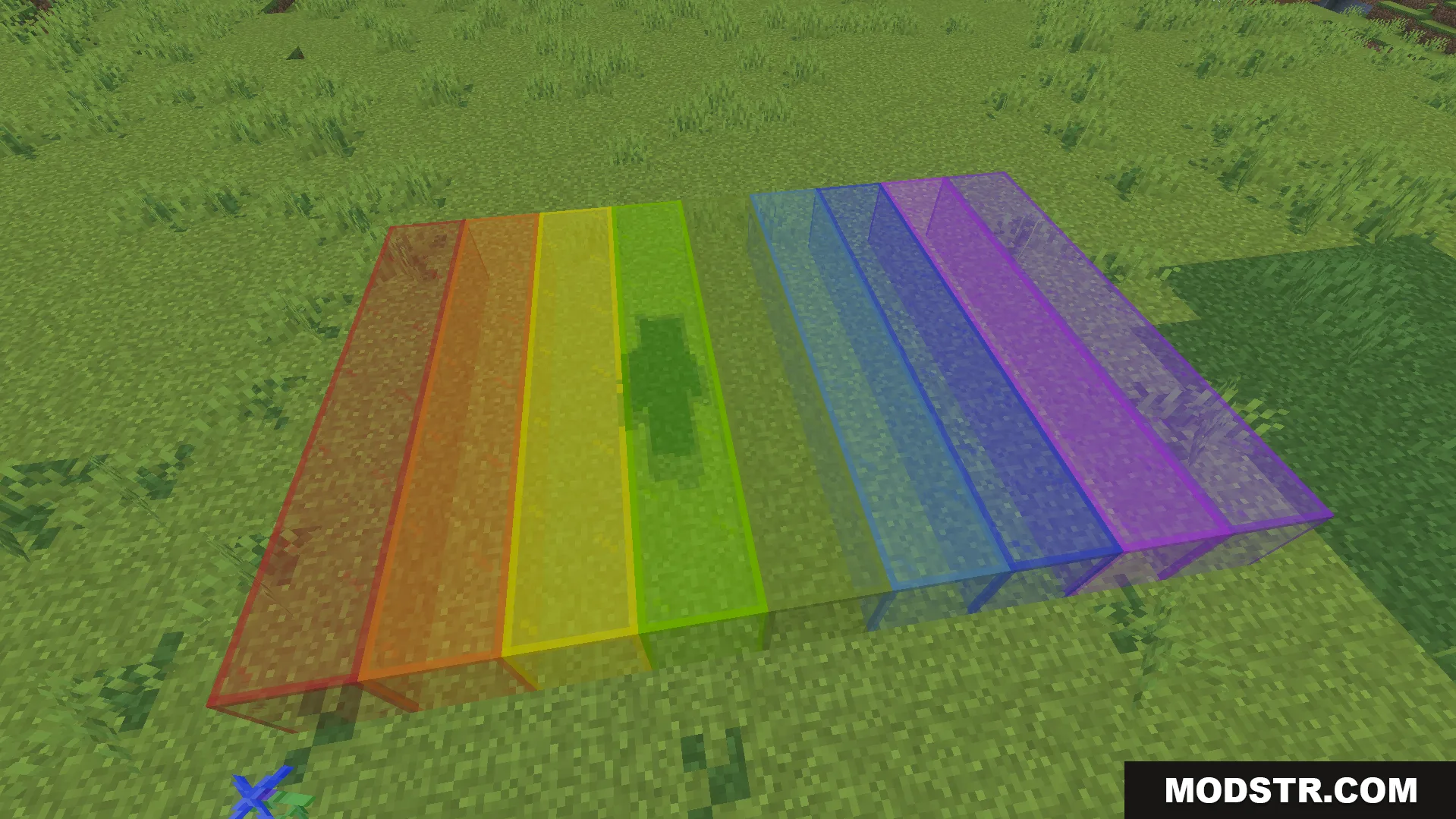
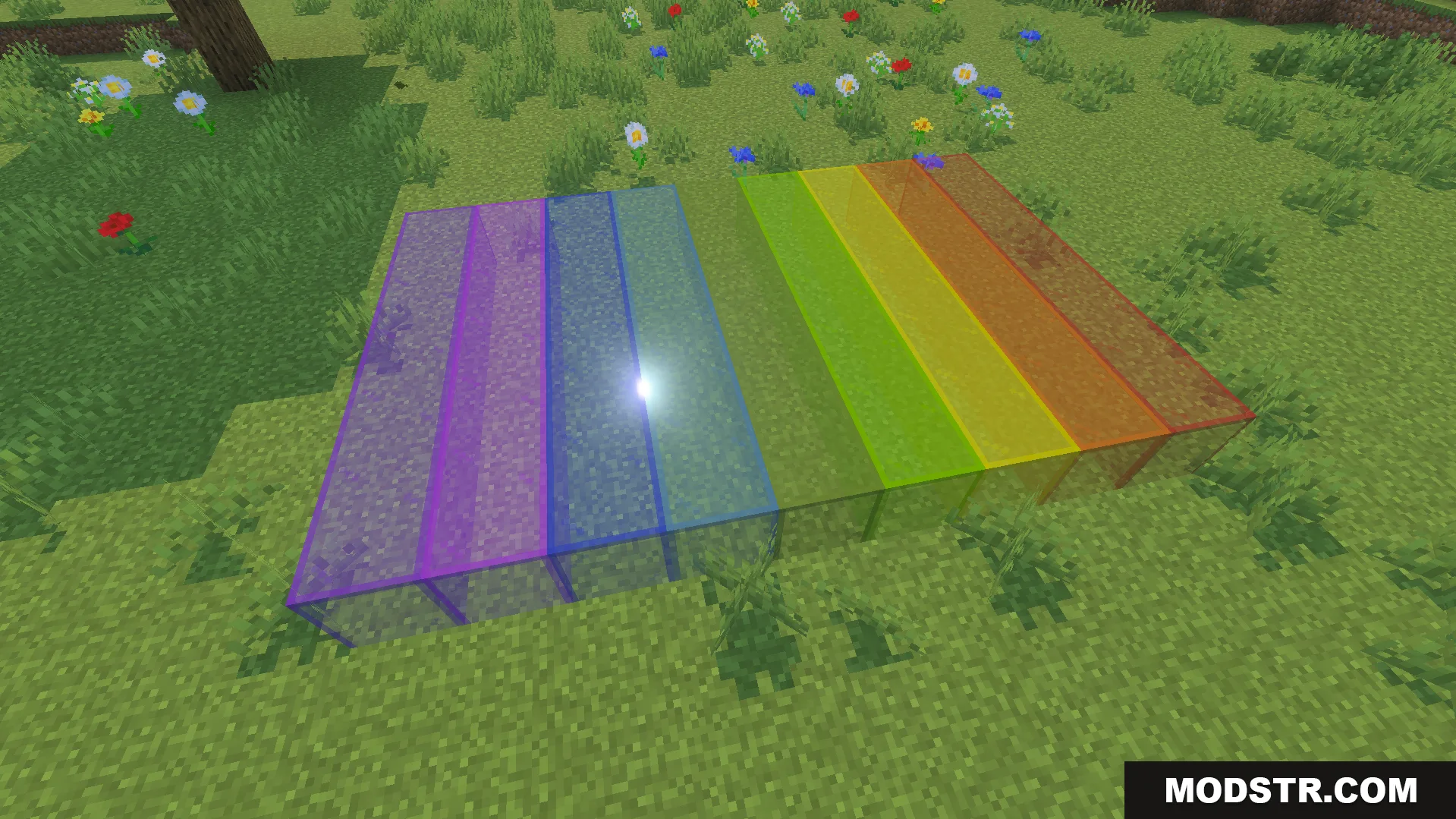
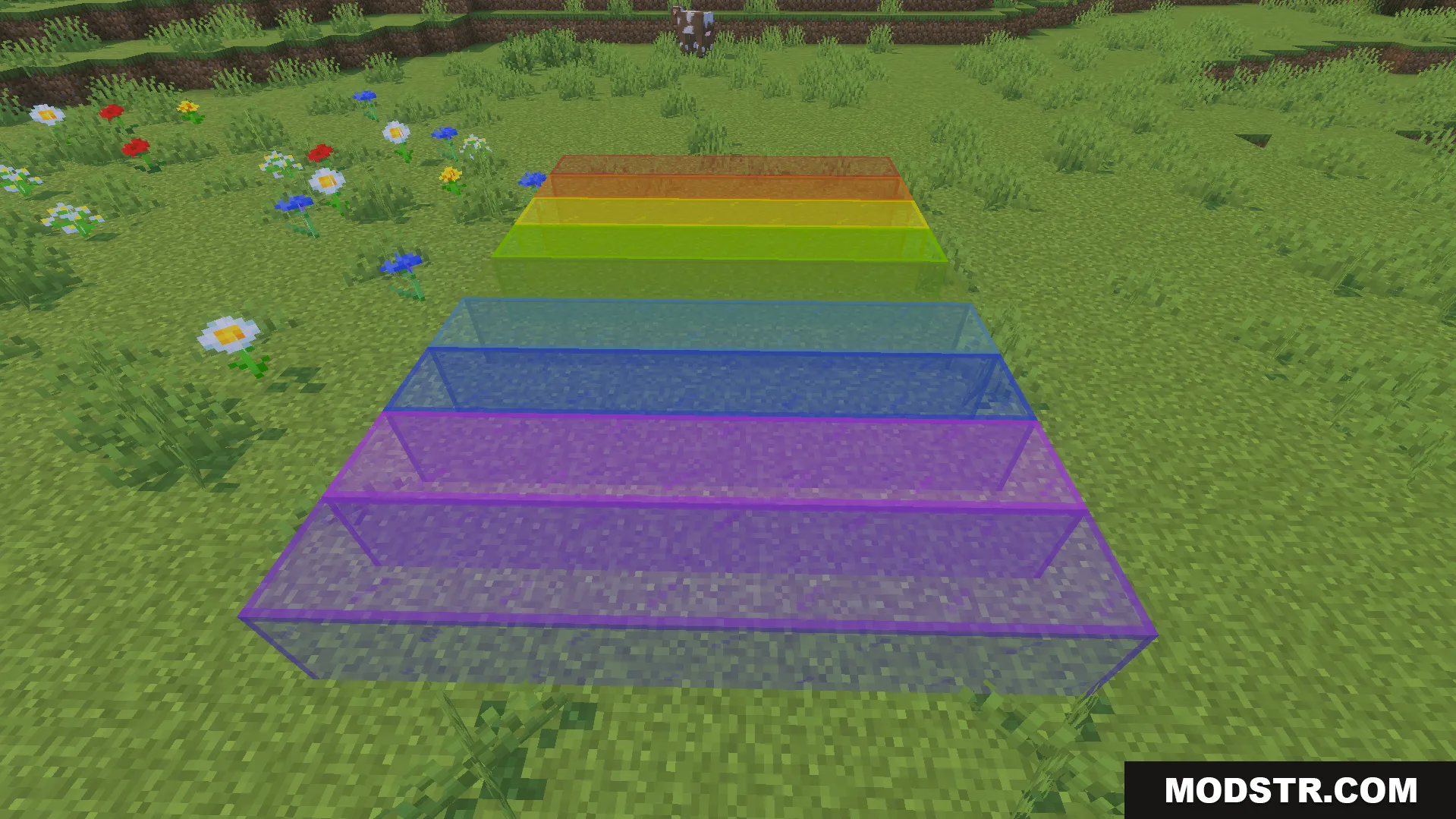
Connected glass addon for Minecraft 1.21 that removes visible lines between glass blocks, enabling seamless windows and glass structures without experimental features.
- 1.21
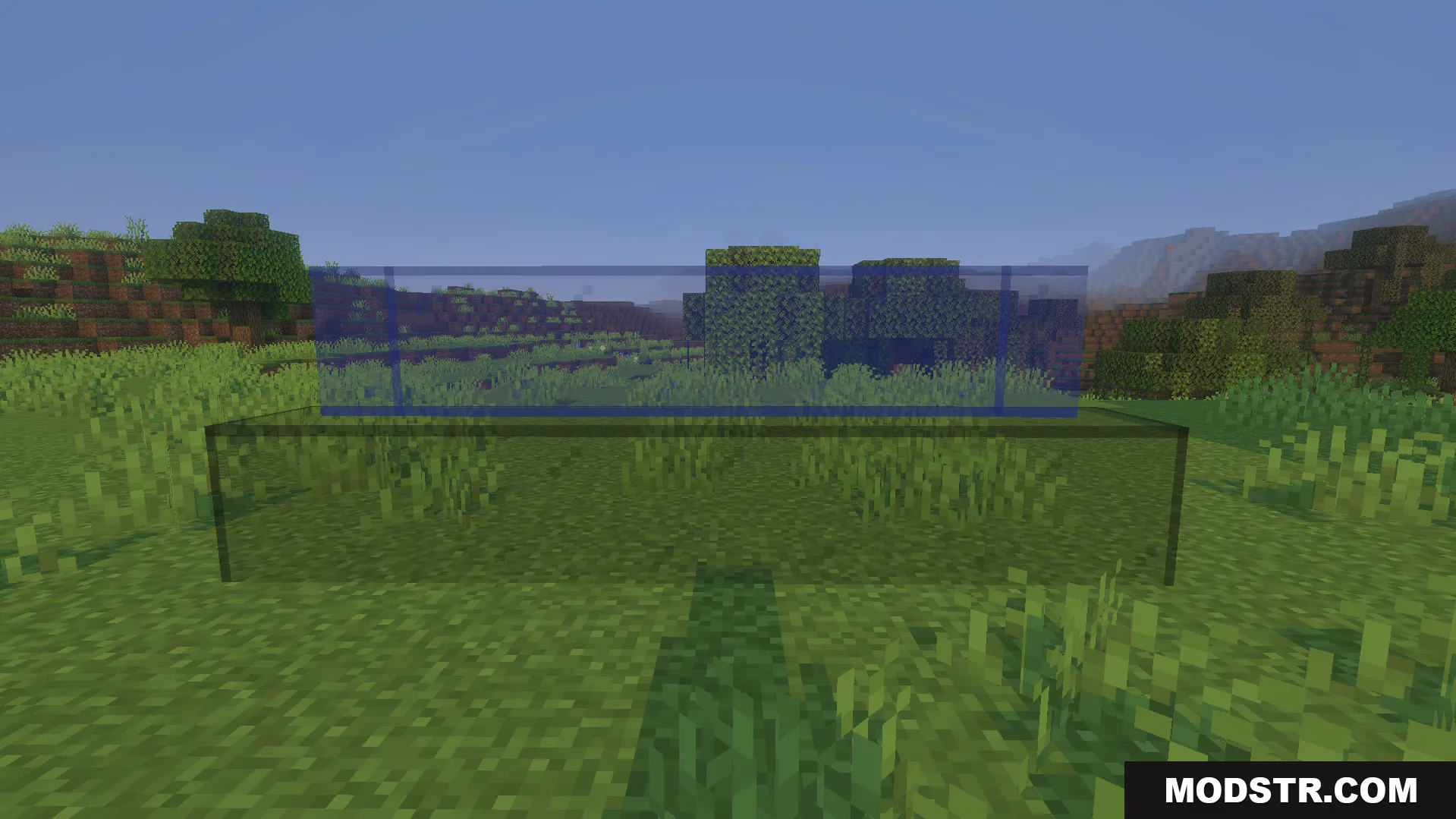
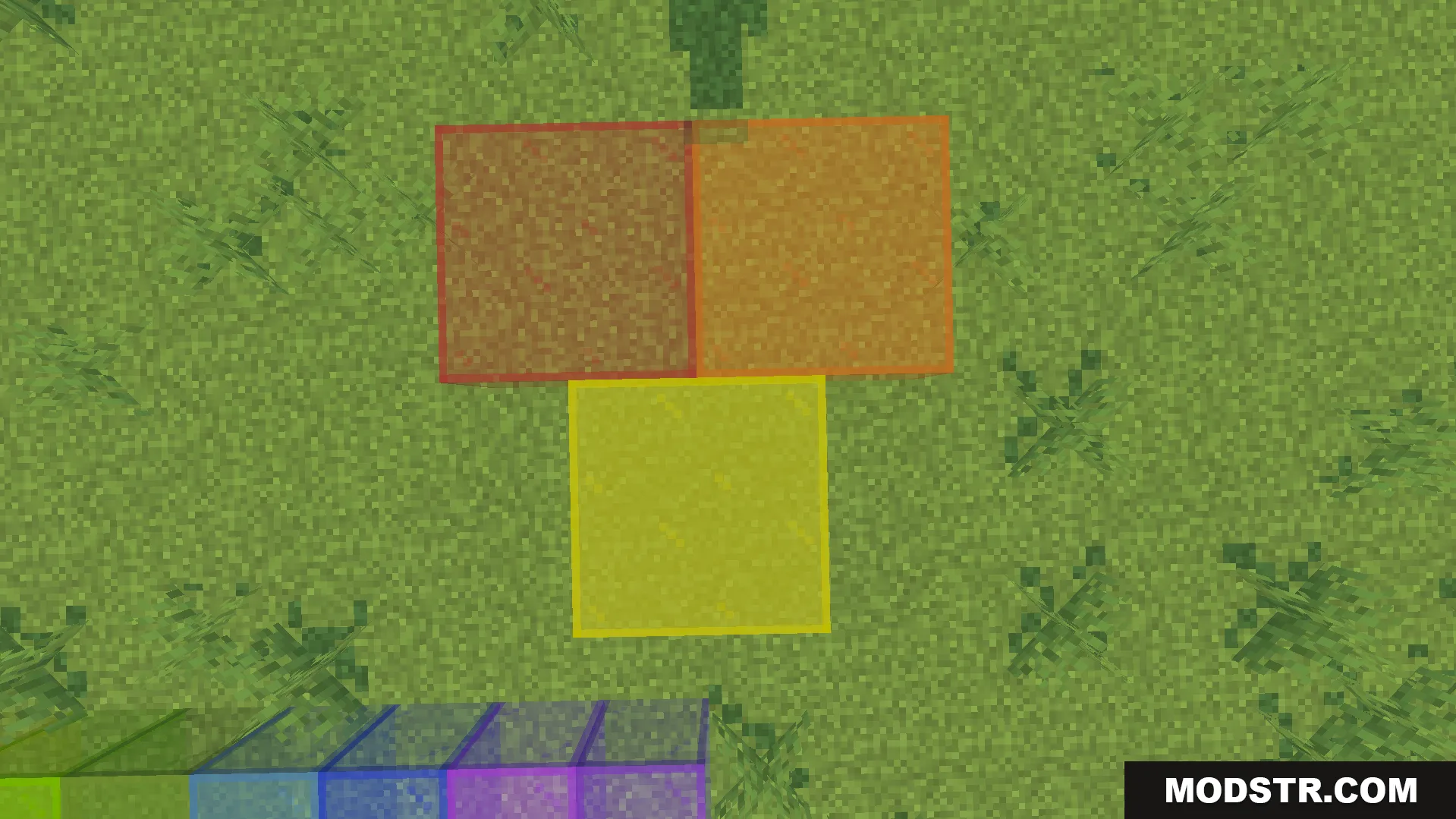
KwZs Connected Glass Addon modifies how glass blocks render in Minecraft. It connects adjacent glass blocks visually without showing lines between them, making it easier to build windows and large glass structures. Compatible with vanilla textures and many custom texture packs.
Features
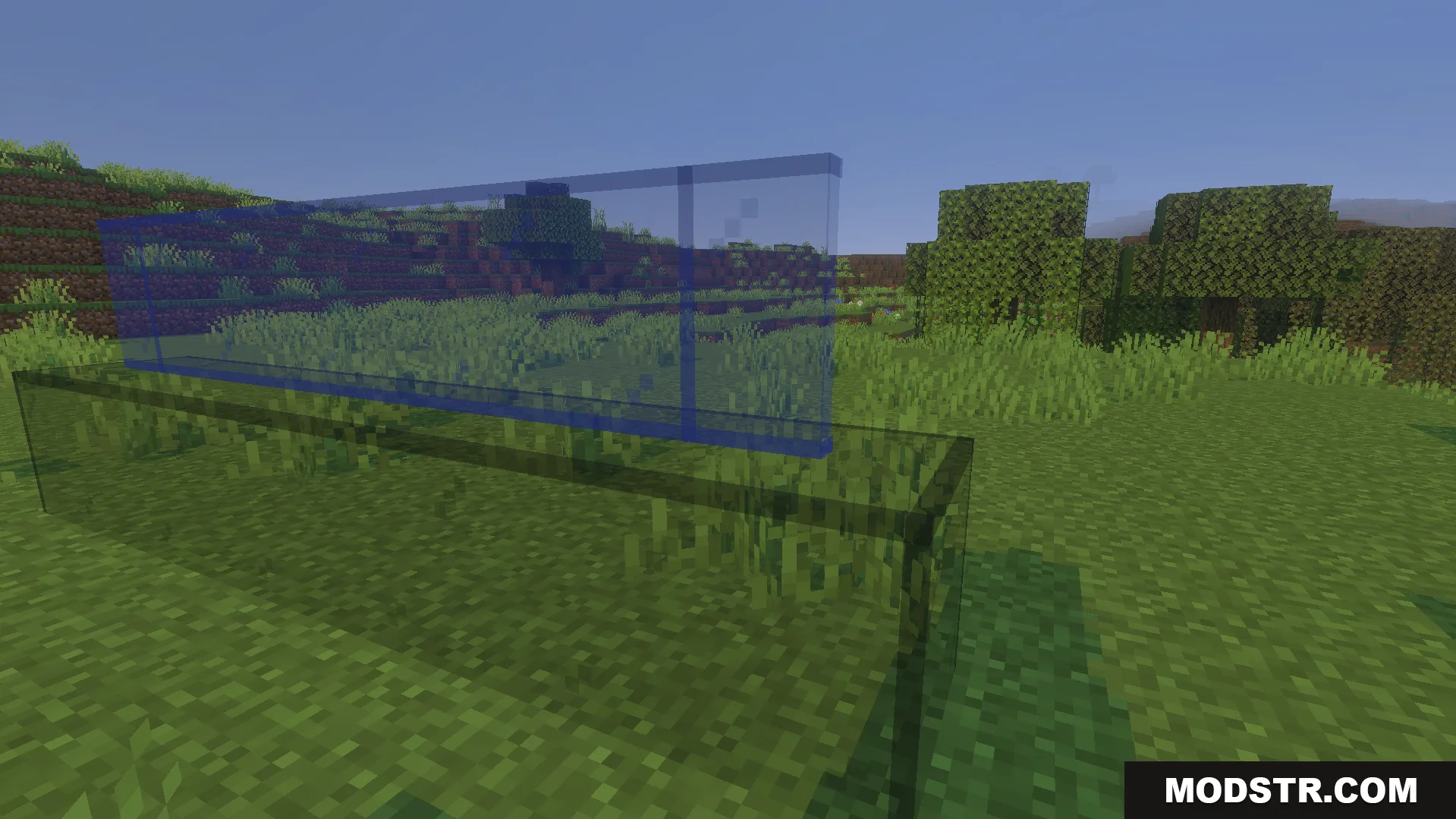
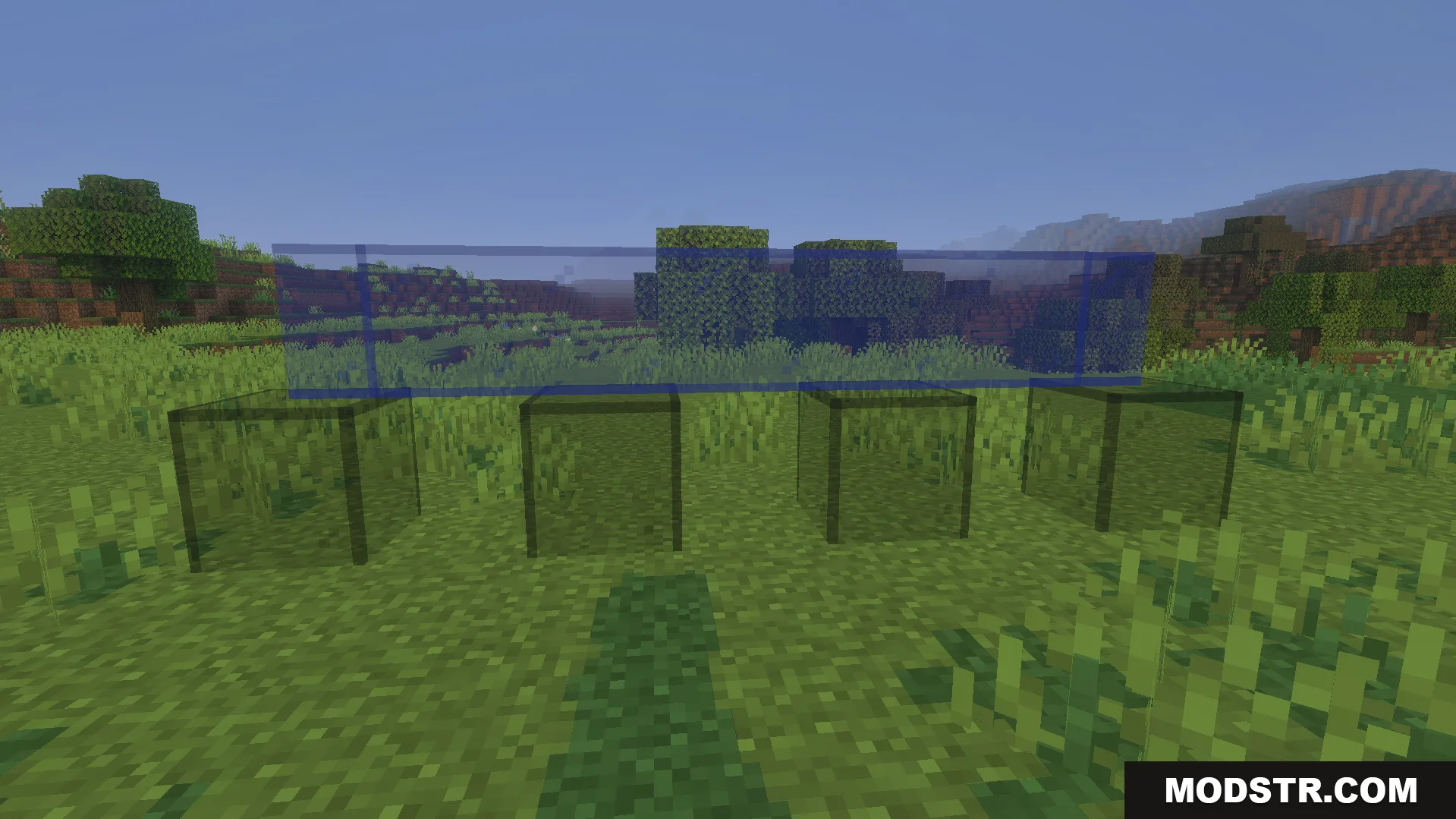
- Glass blocks connect automatically when placed adjacent to each other.
- Works in existing survival worlds without world reset.
- Preserves achievement functionality.
- Does not require experimental gameplay features.
- Supports vanilla textures and most custom texture packs.
Installation
- Download the addon file for your Minecraft version.
- Open the downloaded file with Minecraft to import it.
- Create a new world or apply to an existing world in world settings.
- Enable the addon in the active world's behavior pack list.
- Launch your world and test glass block connections.
Settings Menu
Access the settings menu by sneaking while holding any glass block, then interact with the air. Only the world host can open this menu. Alternatively, use the command /kwz:glass_config in chat to access configuration options.
DOWNLOAD FILES
- mcaddon
- mcaddon