
Emotion Mask Addon (26.x) – Wear Thirty-Two Fun Face Masks and Custom Designs
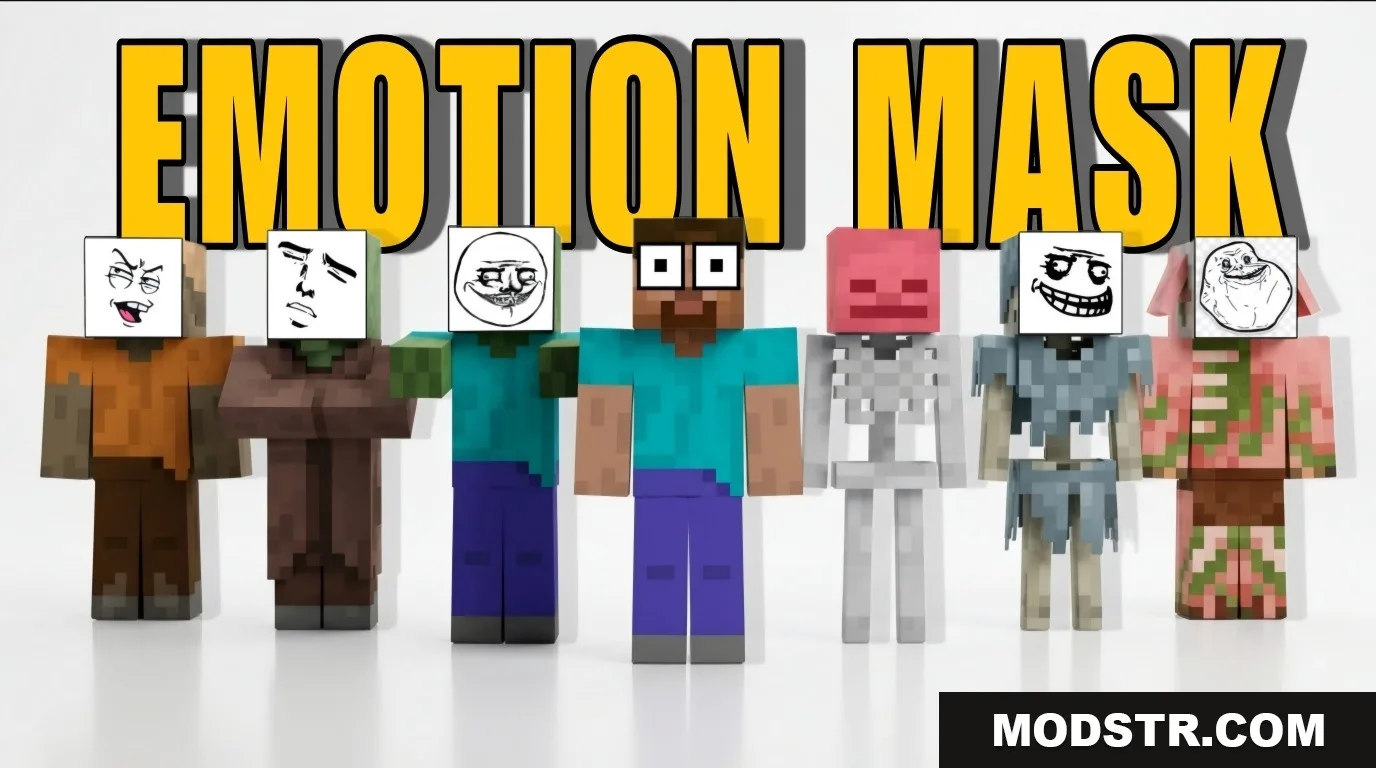
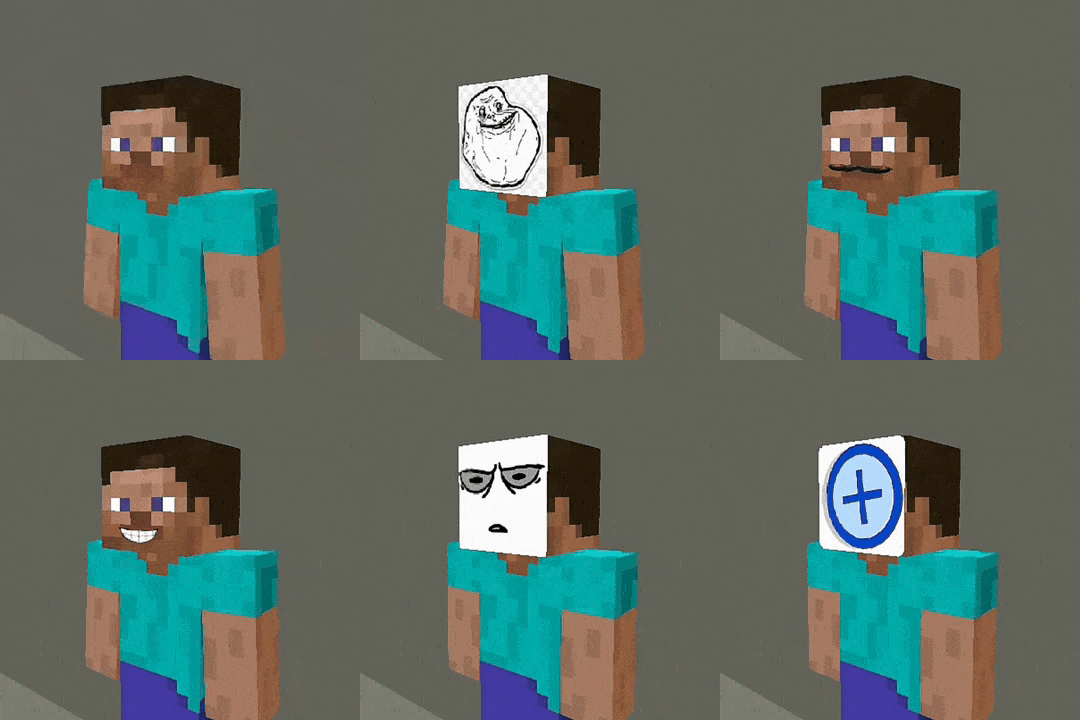
The Emotion Mask Addon provides players with thirty-two different face masks to wear in Minecraft. Customize your masks and enjoy them in various slots for enhanced gameplay.
The Emotion Mask Addon allows players to wear a variety of thirty-two different face masks in Minecraft. This addon provides options for equipping these masks on your head, in your hand, or your off-hand slot, and includes the ability to create custom masks.
Features
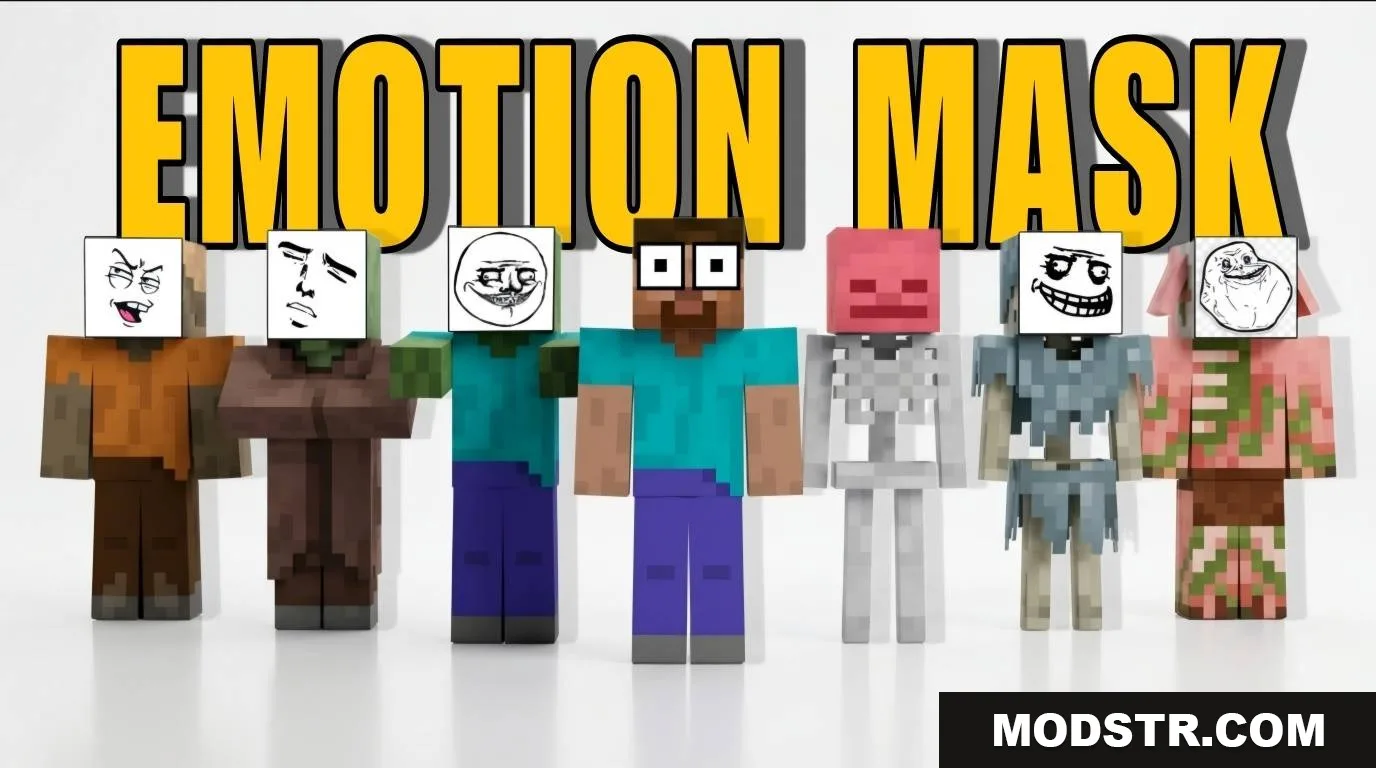
- Includes thirty-two unique face masks for players to wear.
- Masks are automatically equipped when standing still.
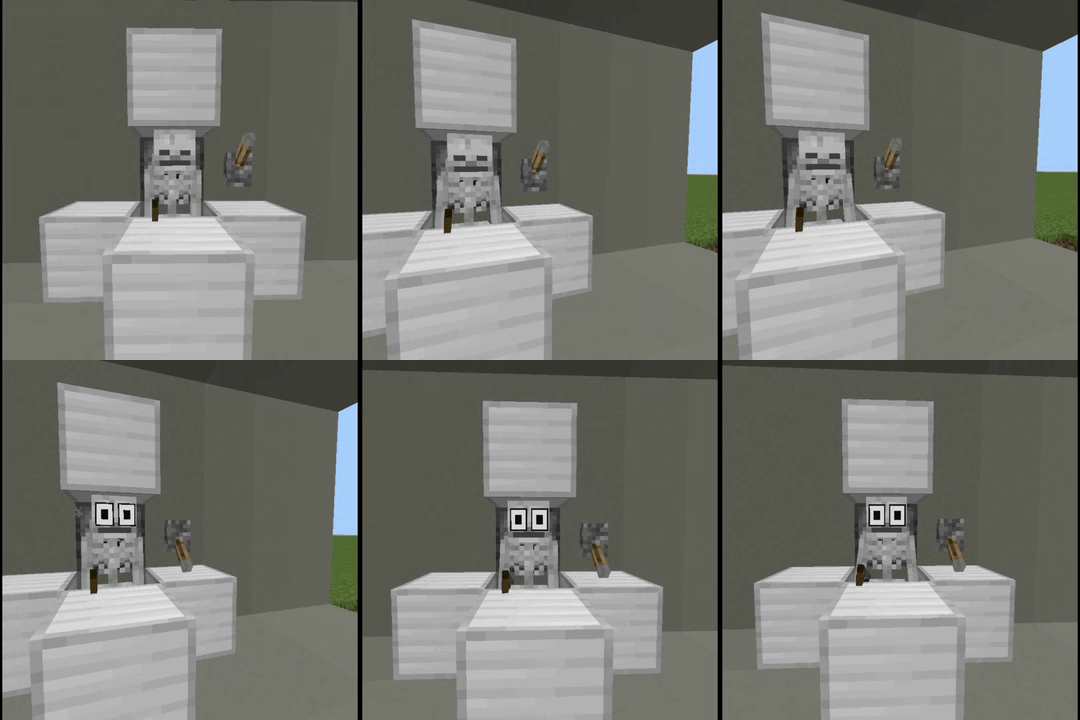
- Mobs that can wear armor can also display these face masks.
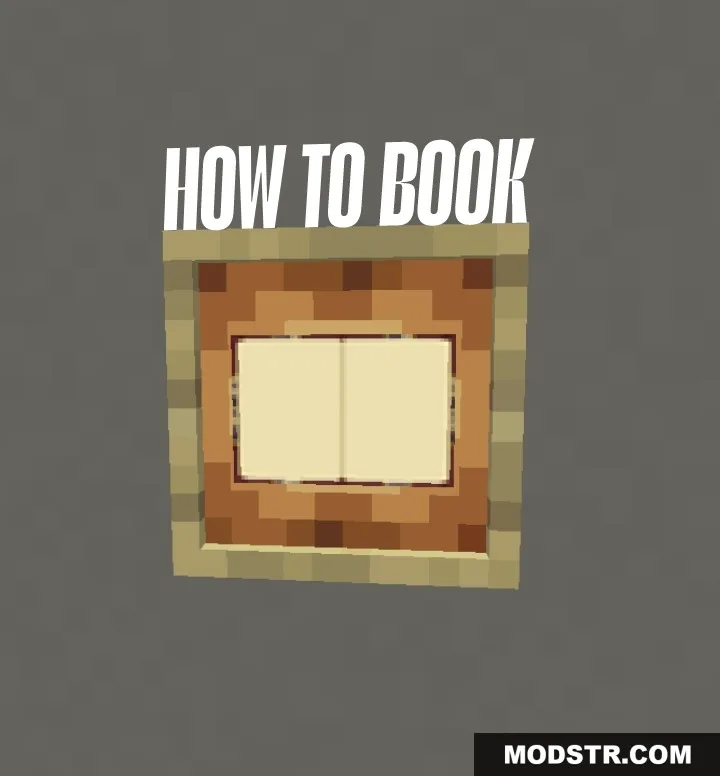
- Features an in-game guide book for easy reference.
- Allows for the creation of custom designs using ten blank slots.
How to Use
Wear Any Mask, Anywhere
Players can equip masks in the following ways:
- Hand – hold the mask to put it on instantly.
- Off-hand – keep a mask ready while using another item.
- Head – wear it like a helmet.
All methods function the same; choose the one that suits your gameplay style.
Mobs Can Wear Masks Too
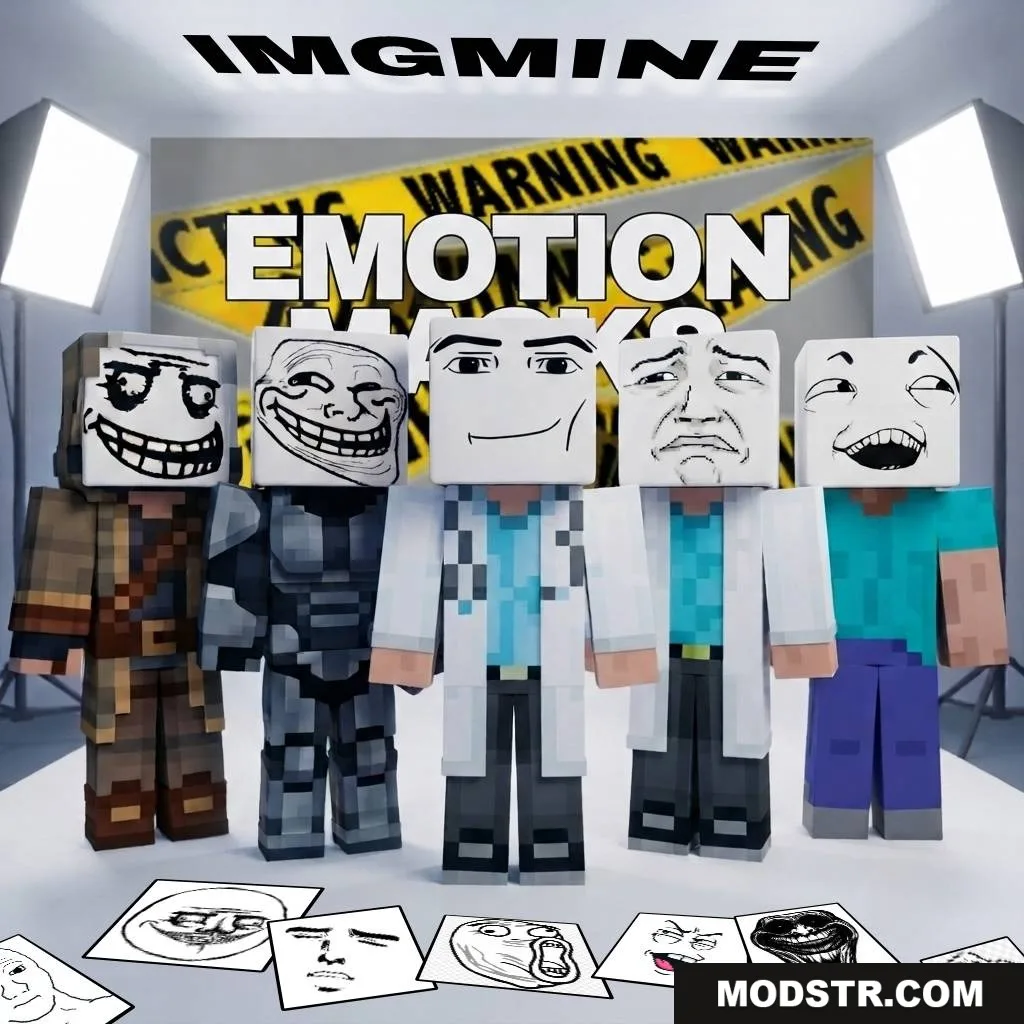
Similar to armor, masks can be worn by mobs using dispensers, provided they support visible armor. This functionality works wherever the game allows for visible armor.
How-To Book
This free item is included in the addon and provides detailed explanations of all features in the game, ensuring that players have a guide readily available without the need to exit Minecraft.
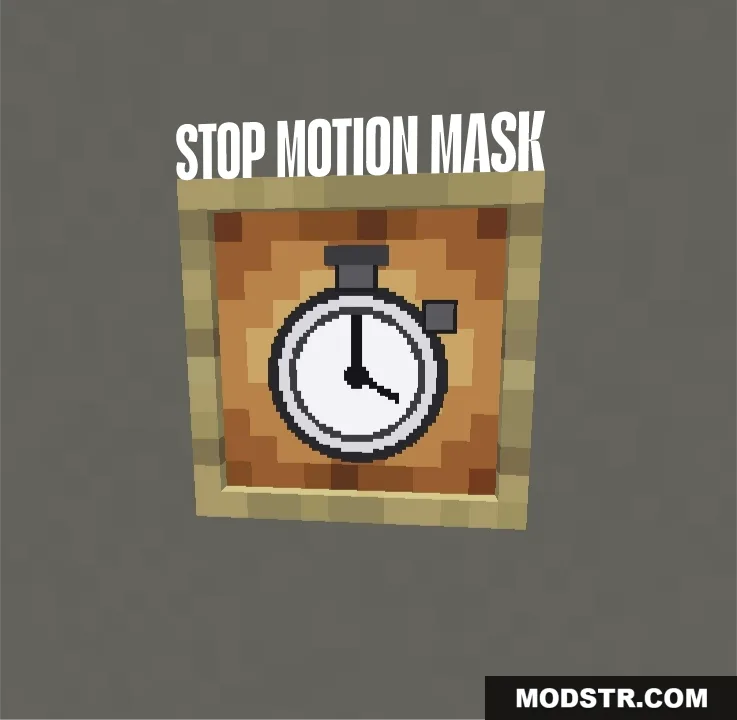
Stop Motion Mask
Players can allow a mask to equip itself automatically by following these steps:
- Move
- Stop
- Wait briefly
- A mask will appear on your head automatically
Players can designate which mask appears using the Stop Motion Mask item.
Make Your Own Masks – Plus 1 to Plus 10
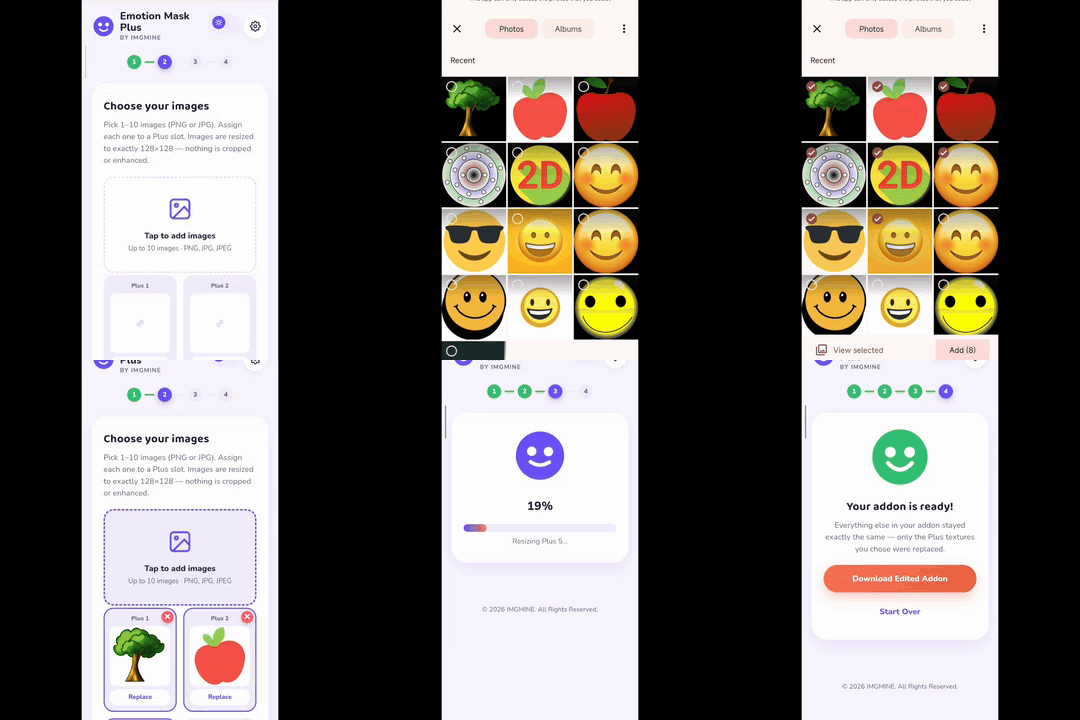
The addon includes 10 blank mask slots for custom designs, labeled plus1 through plus10. Players can use the Emotion Mask Plus website for customization without modifying addon files.
Steps for customizing masks:
- Open the Emotion Mask Plus website.
- Upload the addon and your image.
- The website will verify and prepare the design.
- Use the new custom mask in-game (Plus 1-10).
Visit the Emotion Mask Plus website to start customizing your masks.
DOWNLOAD FILES
- mcaddon