
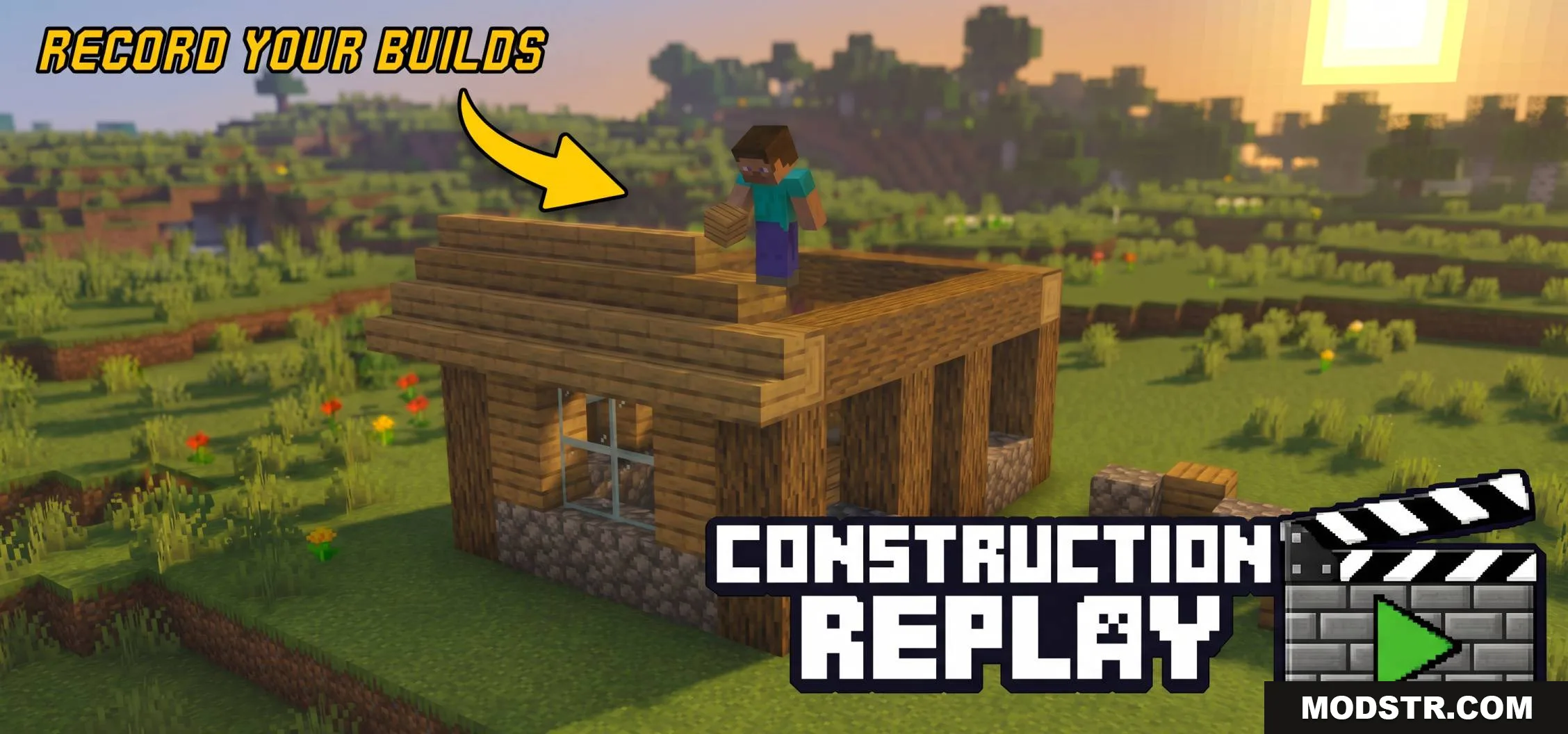
Construction Replay Addon (26.x, 1.21) – Shoot And Record Your Builds!
Record your building process and replay it block by block. Features multiple replay modes, camera controls, and automatic saves to your world files.
- 1.21
Construction Replay Addon lets you record your building process and watch it back later. This tool adds multiple modes to reconstruct your structures block by block, and allows you to set up camera angles for video recording.
Features
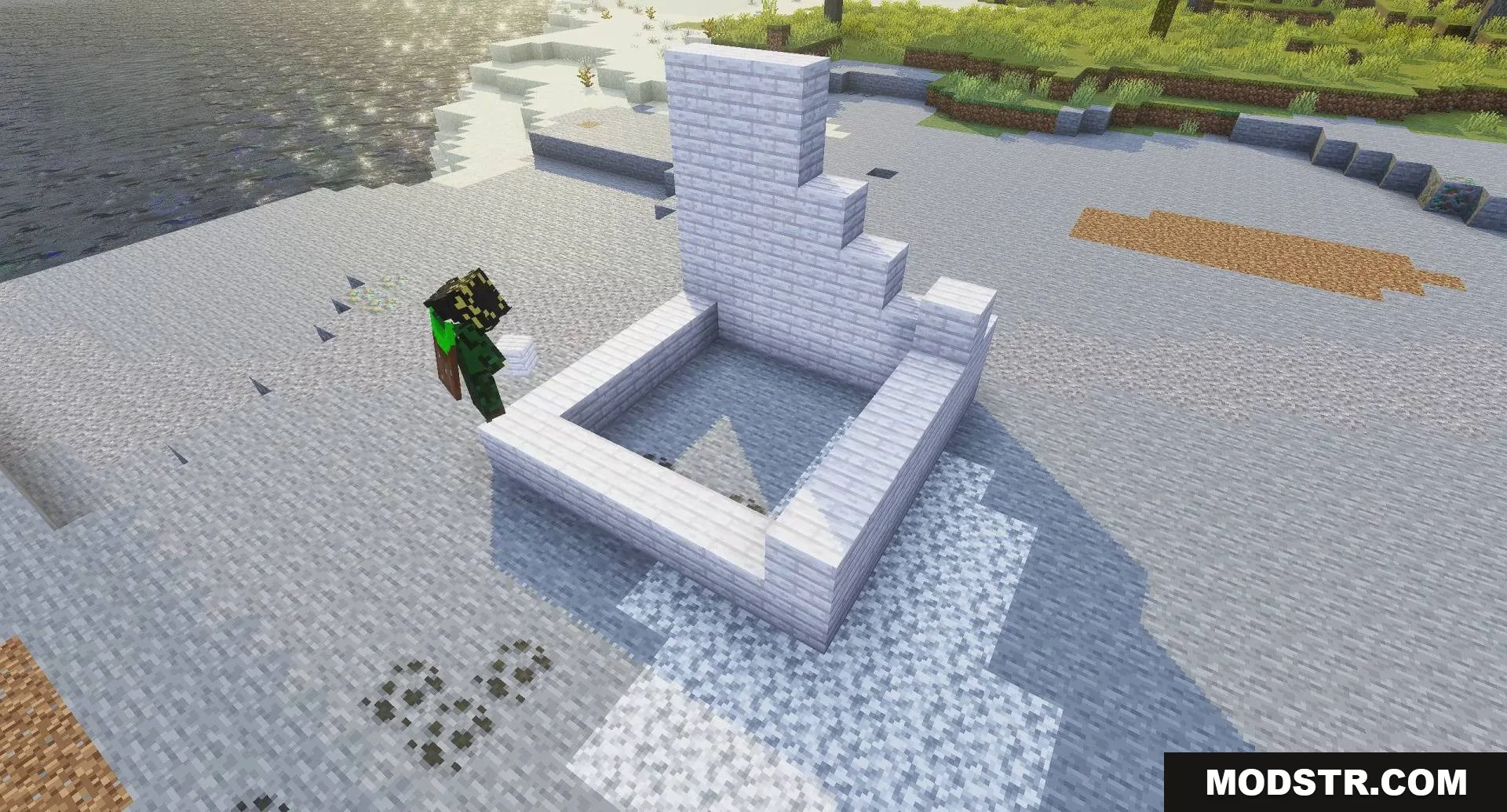
- Normal mode places blocks visually for better game performance.
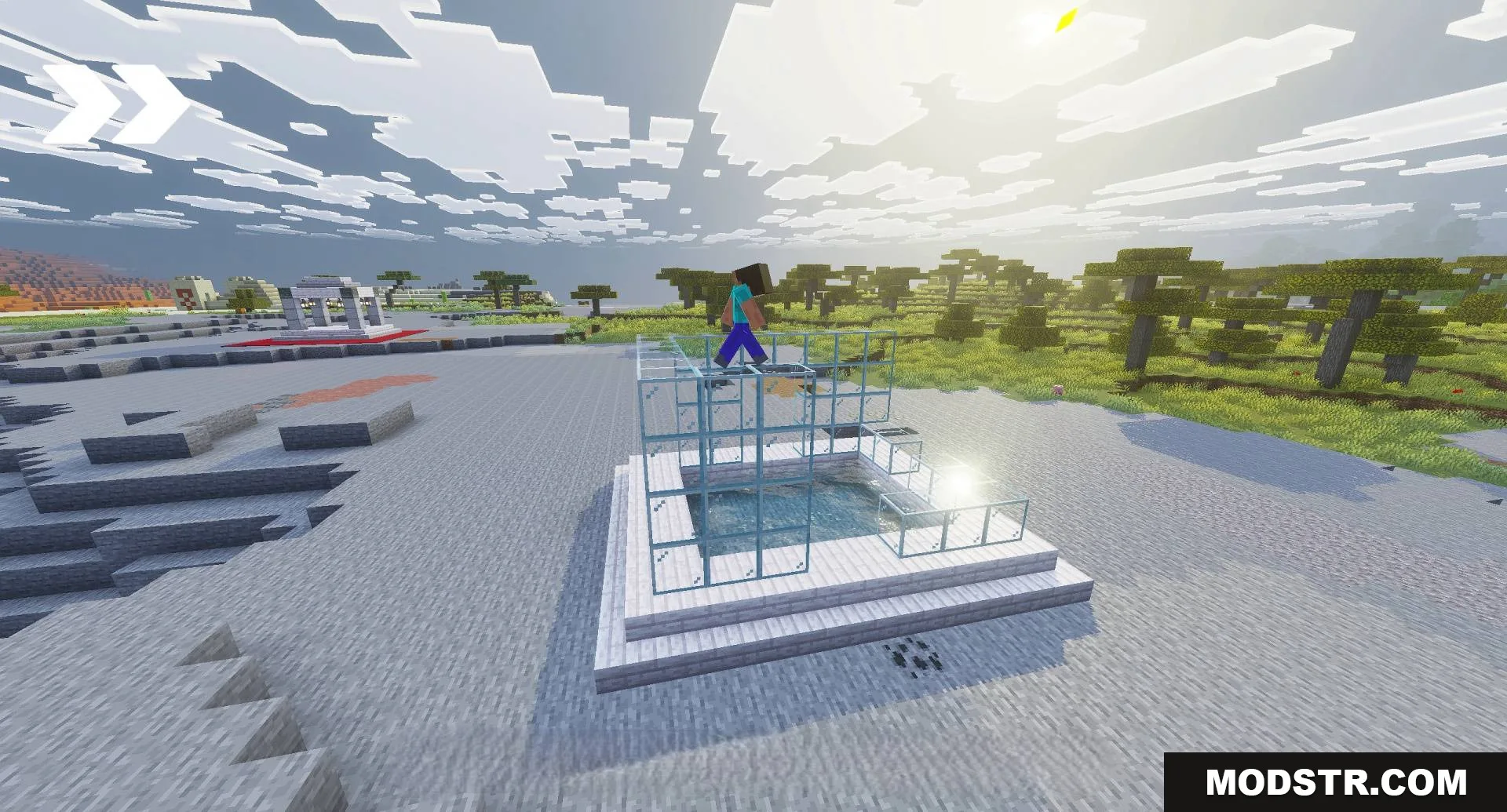
- A builder character can walk around to reconstruct your base.
- The replay system automatically moves animals away from placed blocks.
- Recorded clips save directly into your world files.
- The addon clears the area automatically before starting a replay.
- Adjustable block placement speed during playback.
Commands and Controls
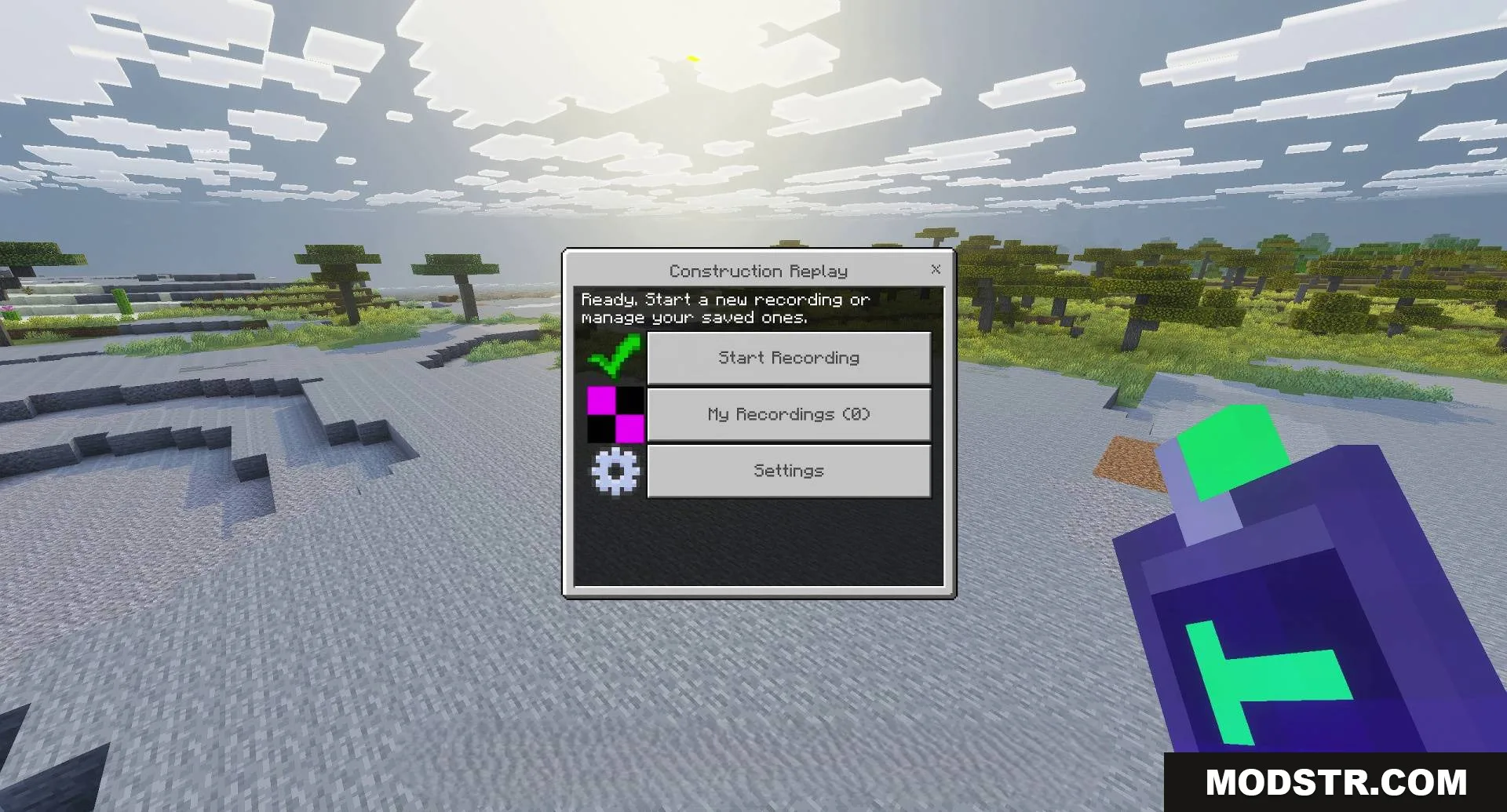
- /replay:menu opens the main user interface.
- /replay:record start begins saving your block actions.
- /replay:speed changes the delay between placed blocks.
- Hold the Construction Remote item to open the menu.
Installation
- Download the addon file for your Minecraft version.
- Open the .mcaddon file to import it into Minecraft.
- Enable the addon in your world settings before creating or loading a world.
- Use the /replay:menu command to access the recording interface.
Compatibility
This addon works with Minecraft 1.21 and version 26.x. It is designed for single-player worlds and may have limited functionality in multiplayer environments.
DOWNLOAD FILES
- mcaddon