Telegram
Advance Settings Addon (26.x, 1.21) – Change World Settings While Keeping Achievements cover art

Advance Settings Addon (26.x, 1.21) – Change World Settings While Keeping Achievements

Modify world settings like weather, time, difficulty, and game mode without disabling achievements. Access options through a crafted menu stick.

35 MCPE
  • 1.21

Advance Settings Addon provides a menu-based system for adjusting world settings without activating cheats or experimental features. Changes made through the addon preserve achievement eligibility on your world. A craftable special stick serves as the interface to access all available options.
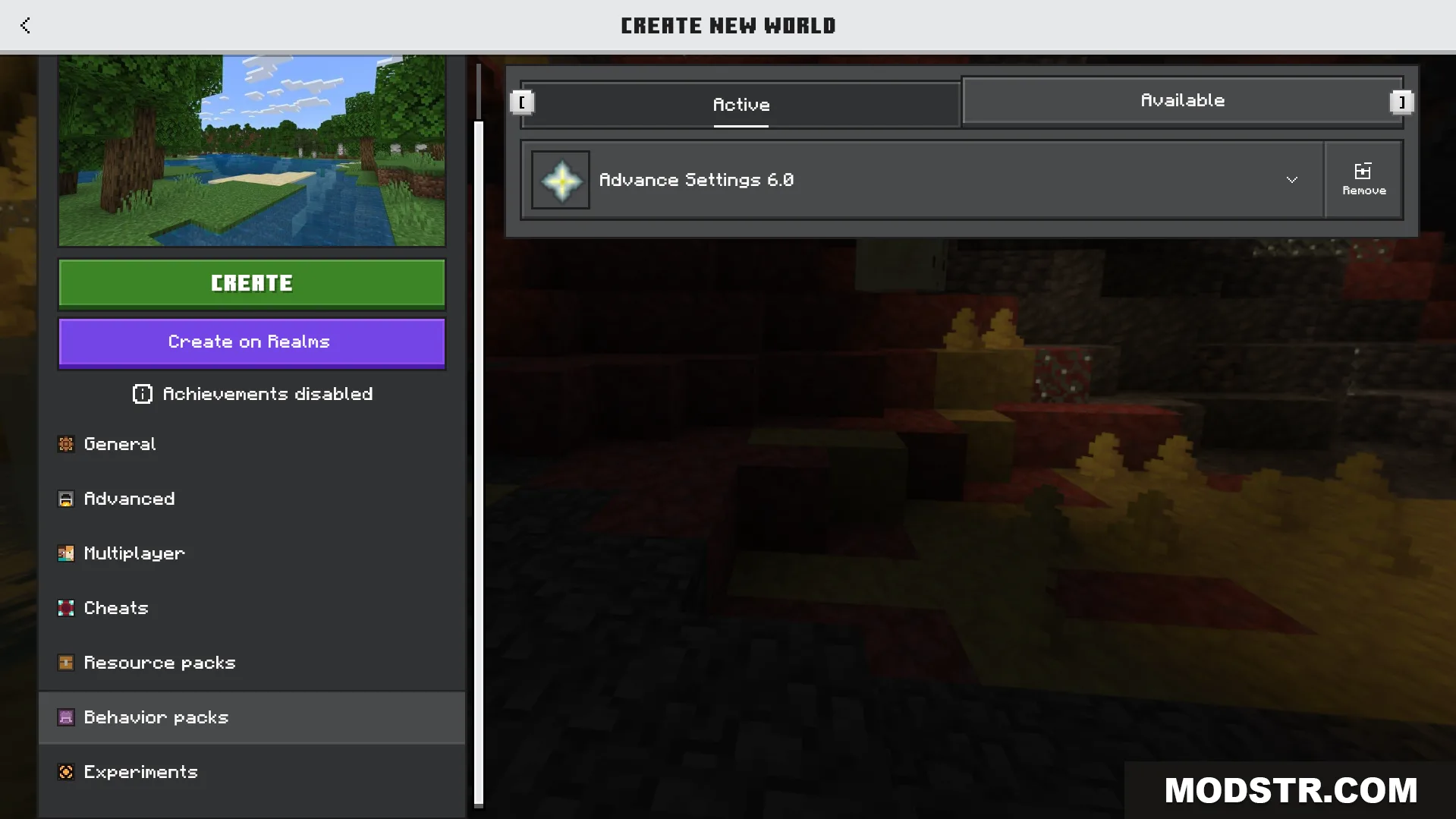
Activating the Advance Settings behavior pack in the Minecraft world creation menu screen

Features

  • Automatically records your death location for quick reference.
  • Adjust weather and time of day on demand.
  • Toggle mob griefing and keep inventory settings.
  • Change player game modes and world difficulty.
  • Apply infinite health boost effect to players.
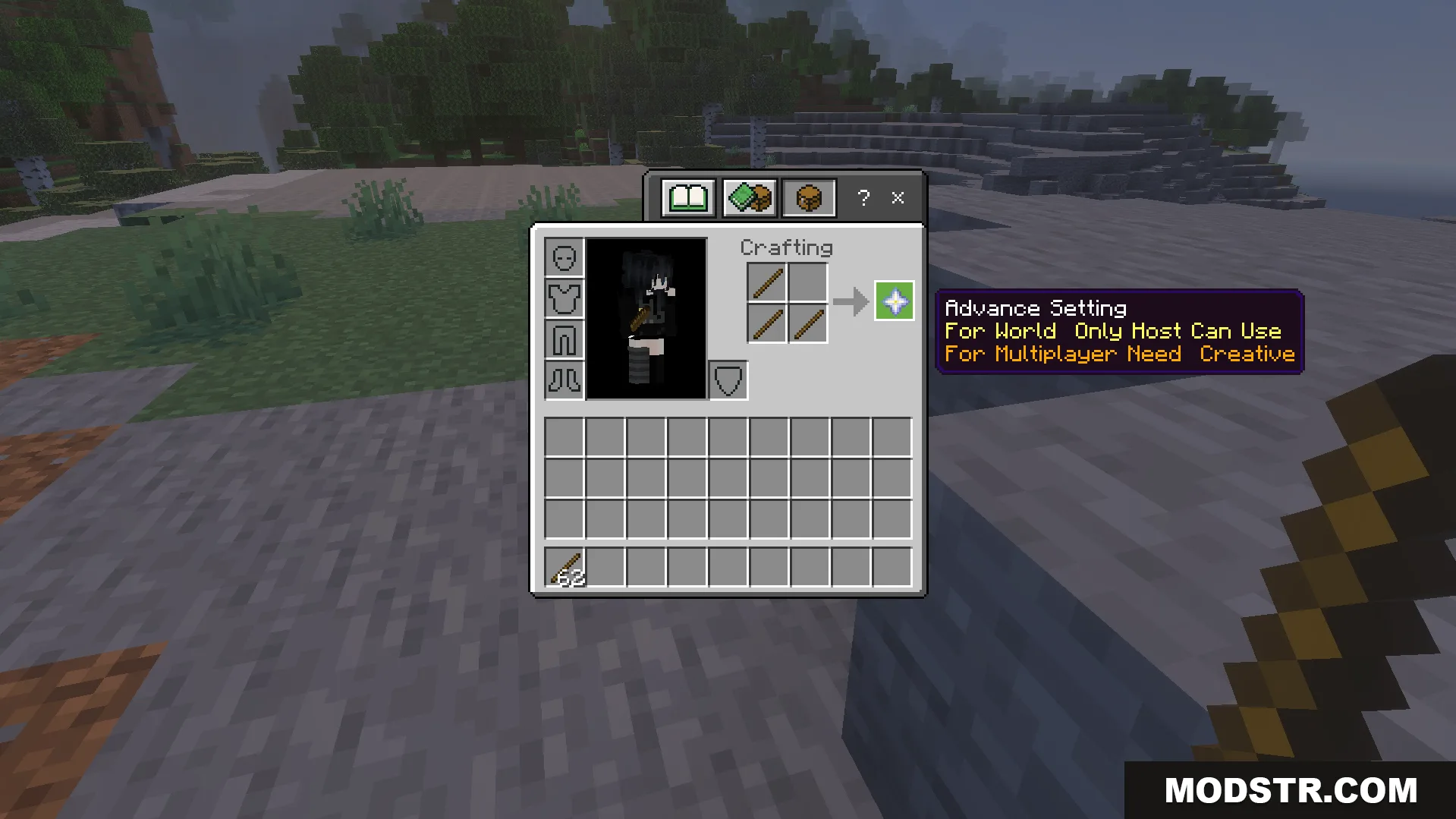
Crafting recipe for the special menu item using two sticks in the inventory
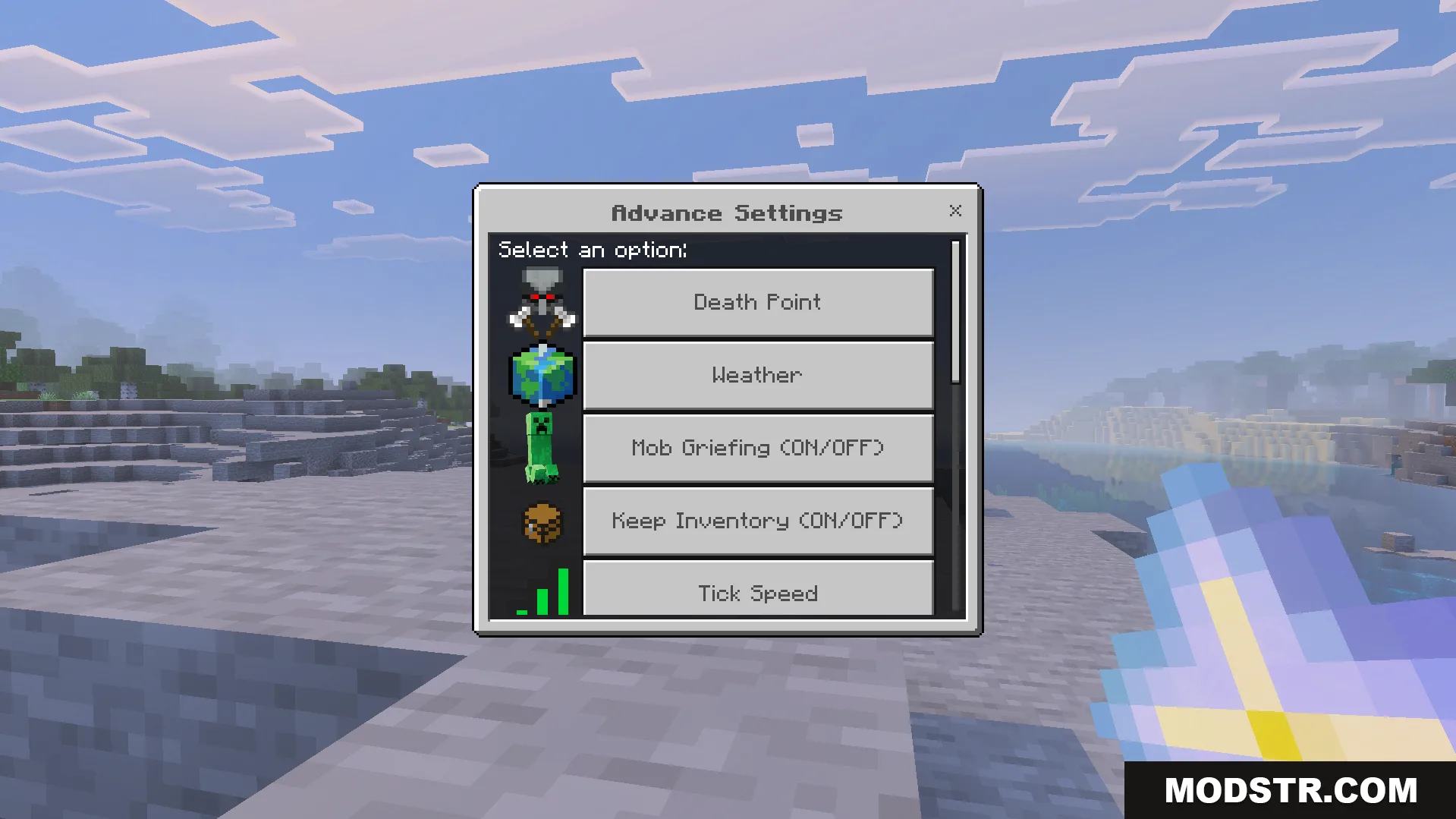
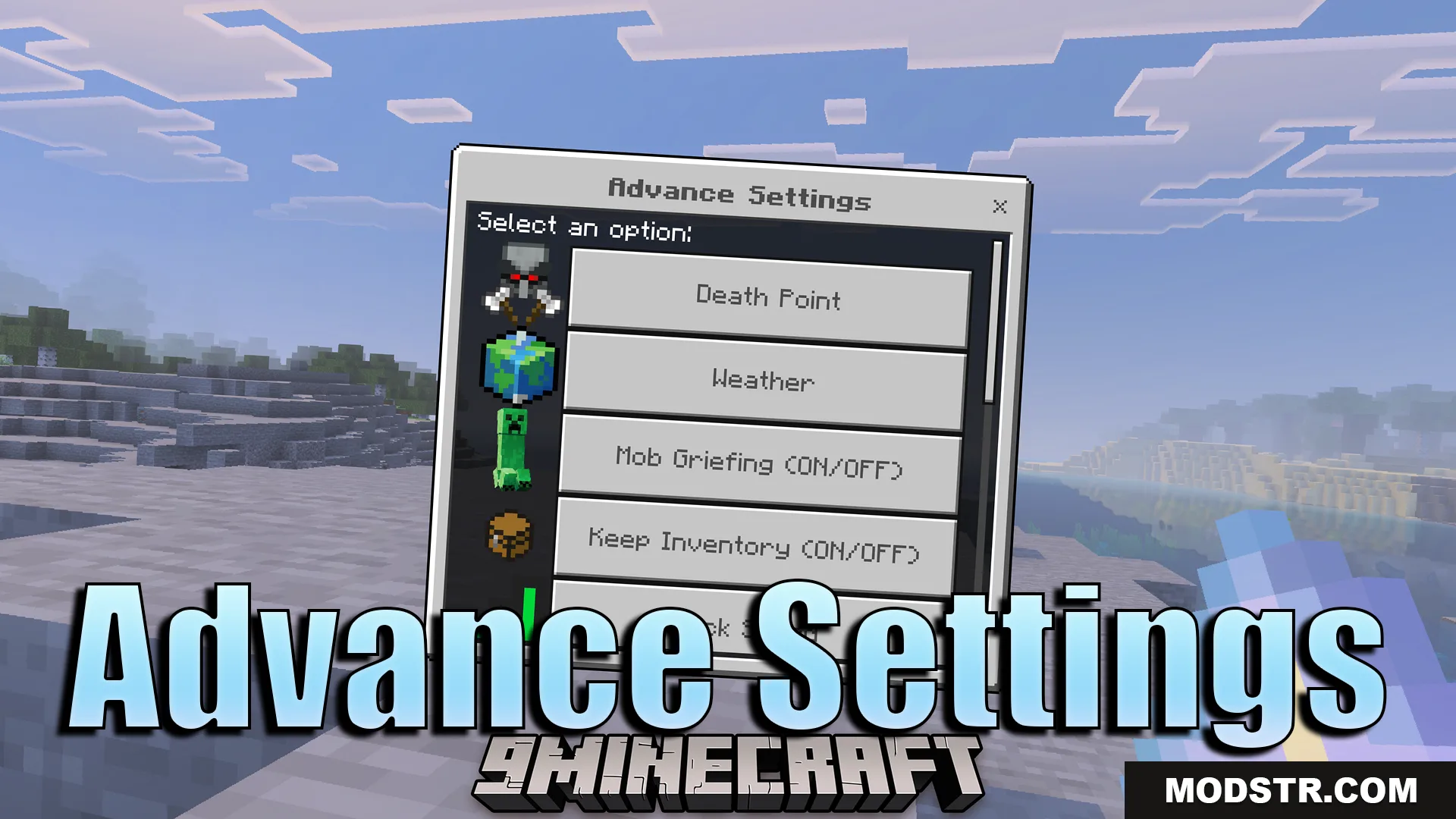
Advance Settings Addon menu showing options for weather and keep inventory rules

Installation

  1. Download the addon file for your Minecraft version.
  2. Open the downloaded file with Minecraft.
  3. Create or open a world and apply the addon.
  4. Craft the settings stick using standard crafting recipes.
  5. Use the stick to open the settings menu in-game.
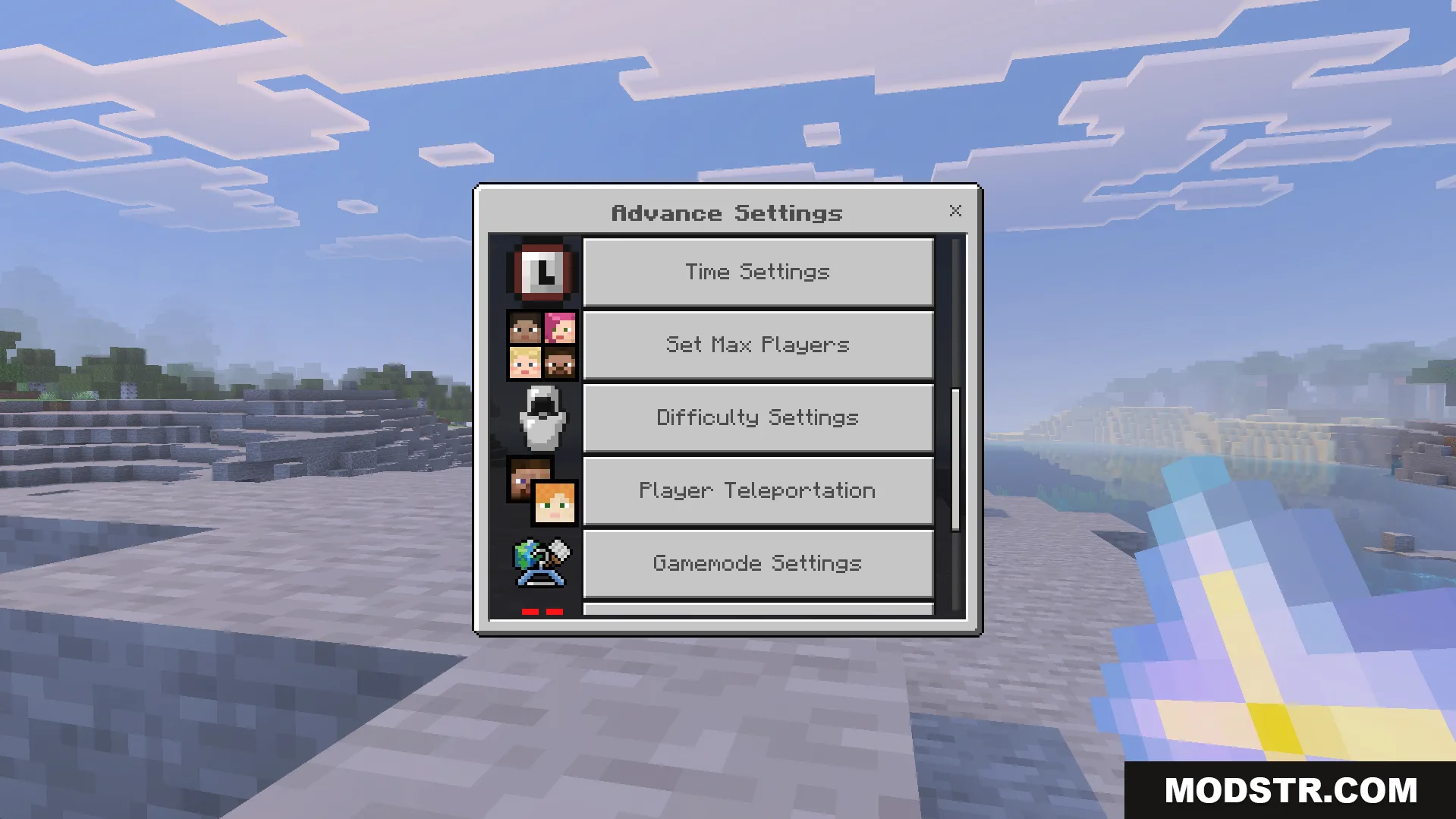
Scrolled menu showing time settings difficulty levels and gamemode options for players
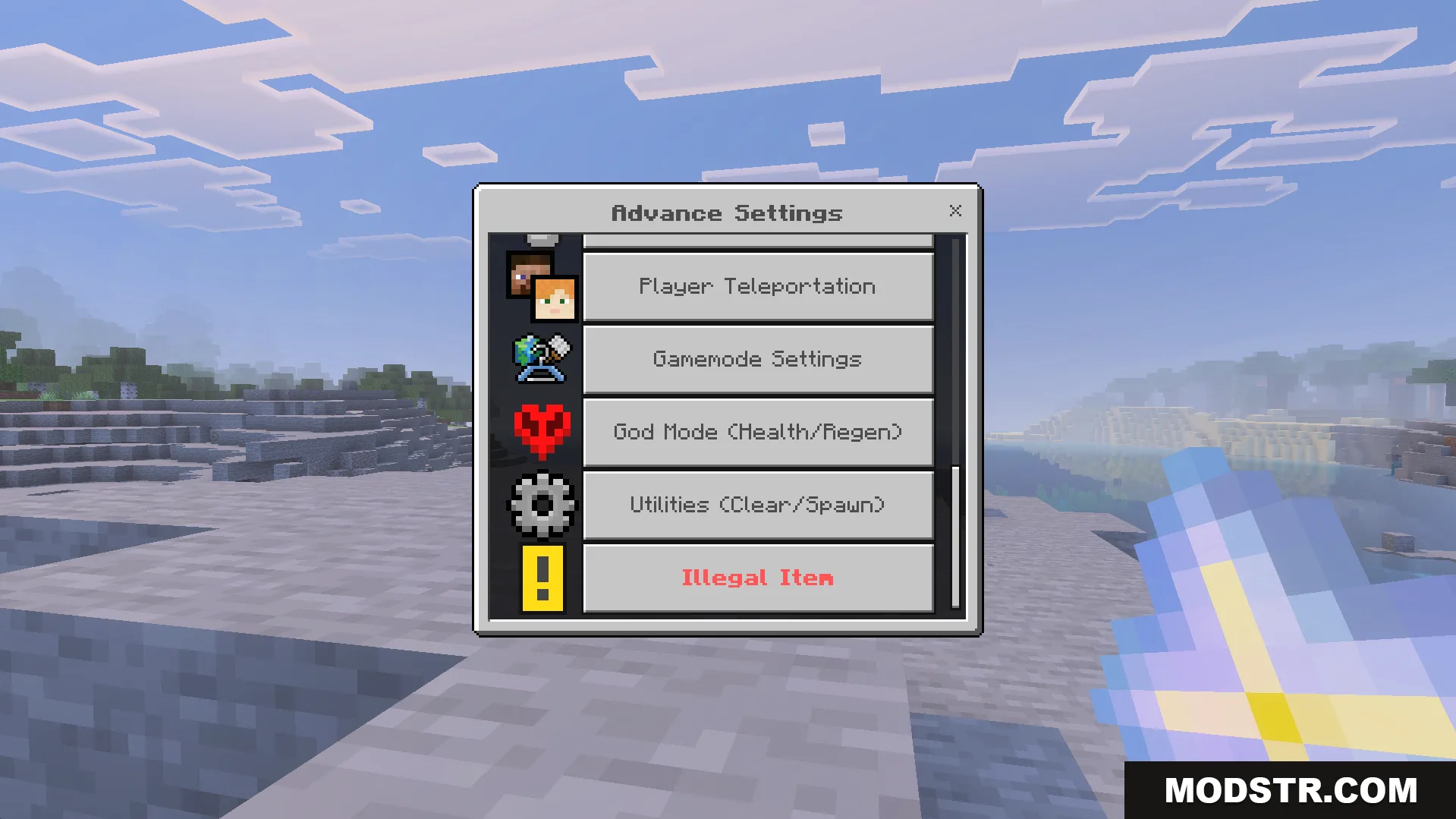
Advance Settings Addon menu showing teleportation and god mode options
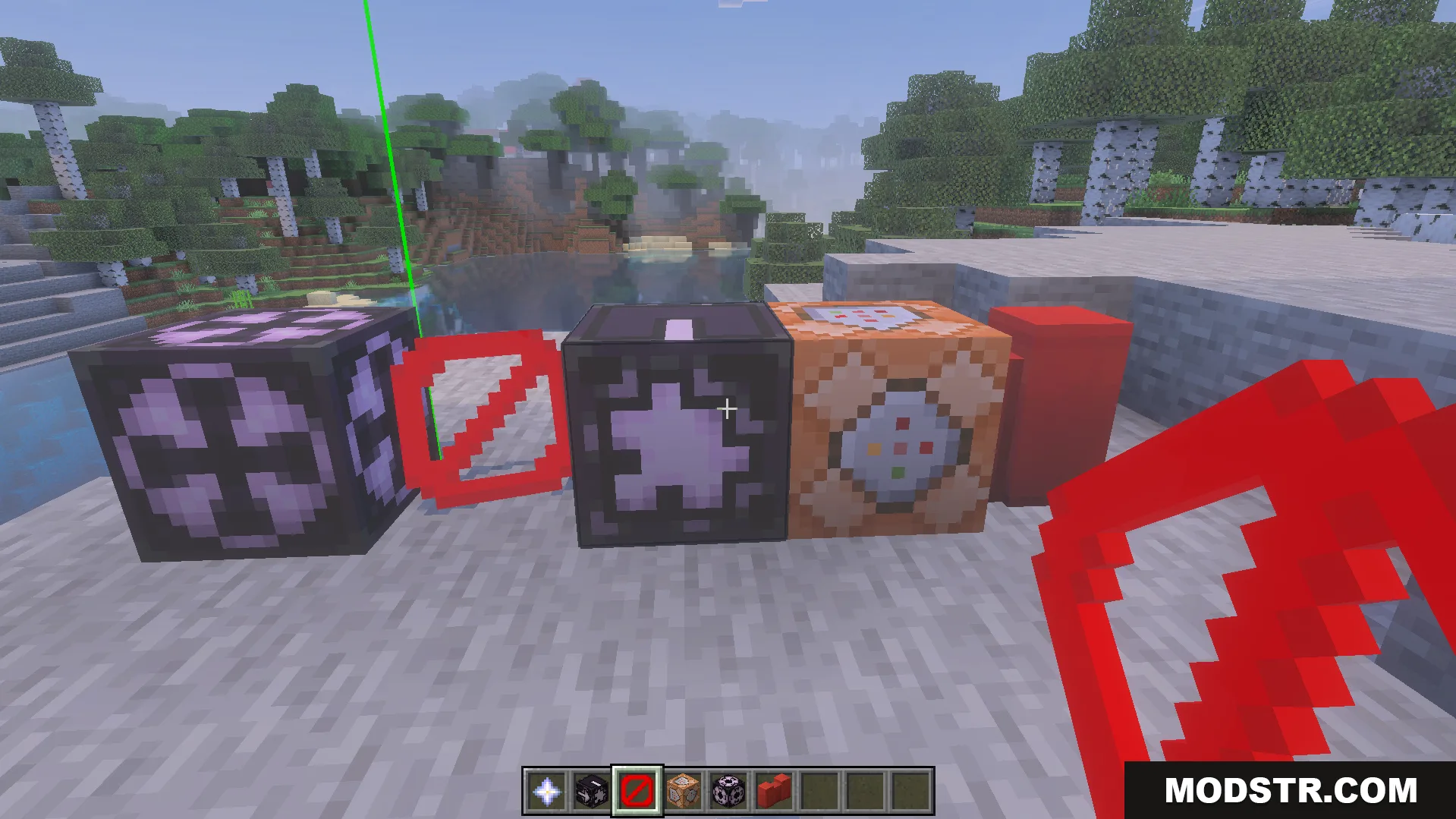
Technical blocks including command blocks and barriers placed on the ground
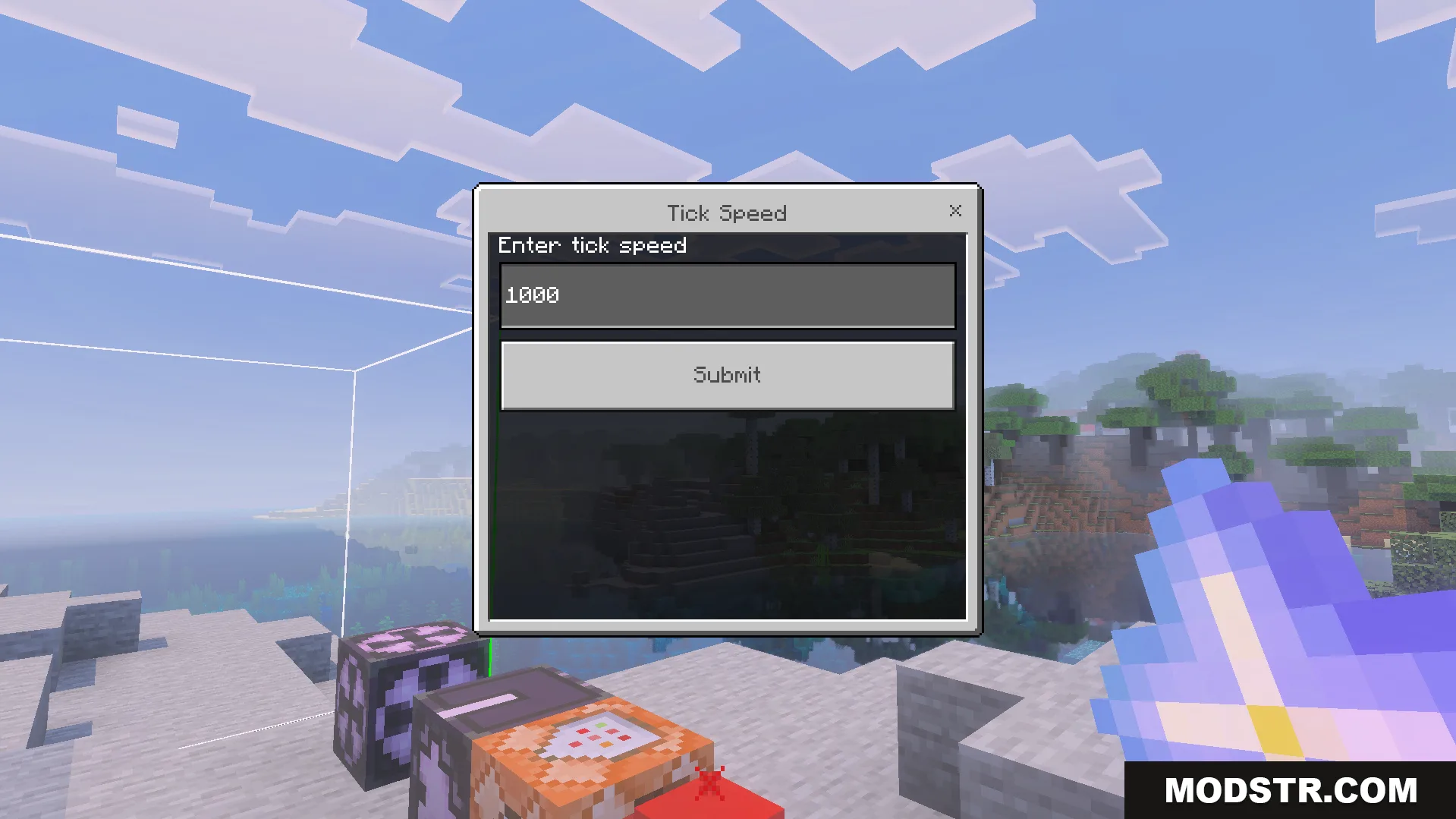
Interface for entering tick speed values using the Advance Settings Addon menu
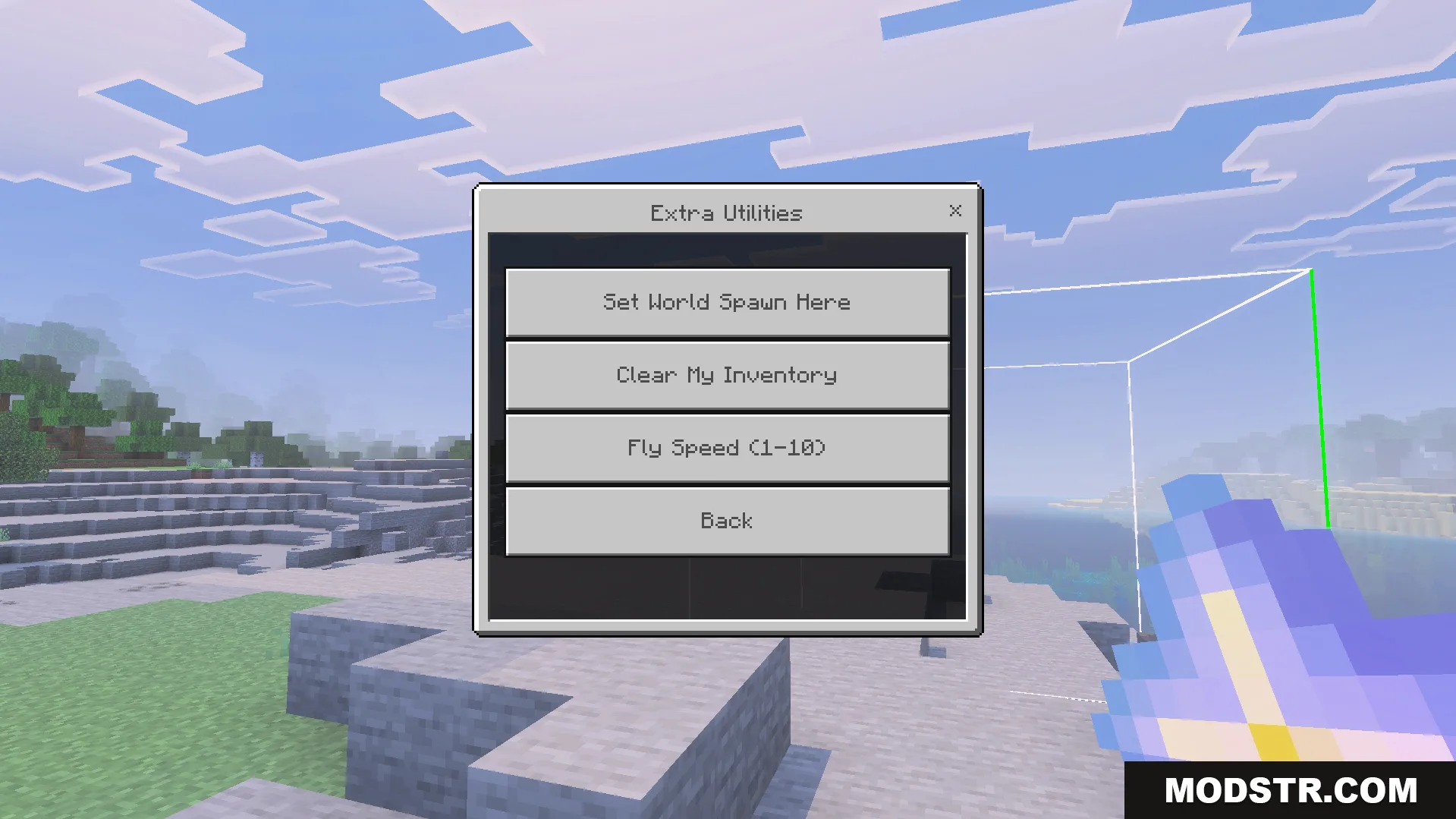
Extra Utilities menu with options for world spawn inventory management and fly speed

Compatibility

This addon is designed for Minecraft Bedrock Edition versions 26.x and 1.21. Compatibility with other versions may vary.

DOWNLOAD FILES

  • mcpack
    For MCPE/Bedrock 26.x, 1.21.x · Advance-Settings-Addon-26x.mcpack
    • 1.21