
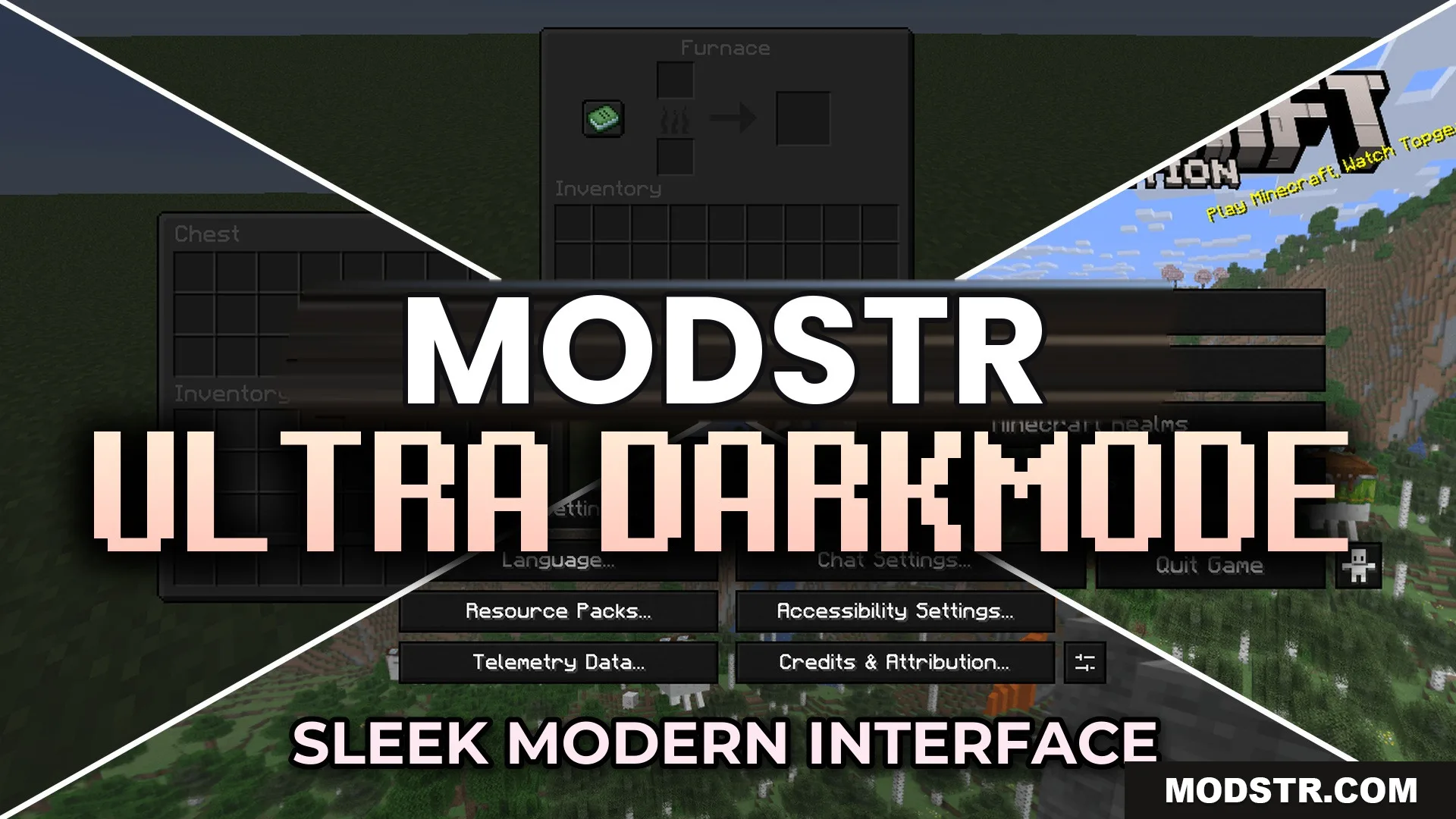
Ultra Darkmode Resource Pack (26.2, 1.20.1) – Sleek Black Menus for Late Night
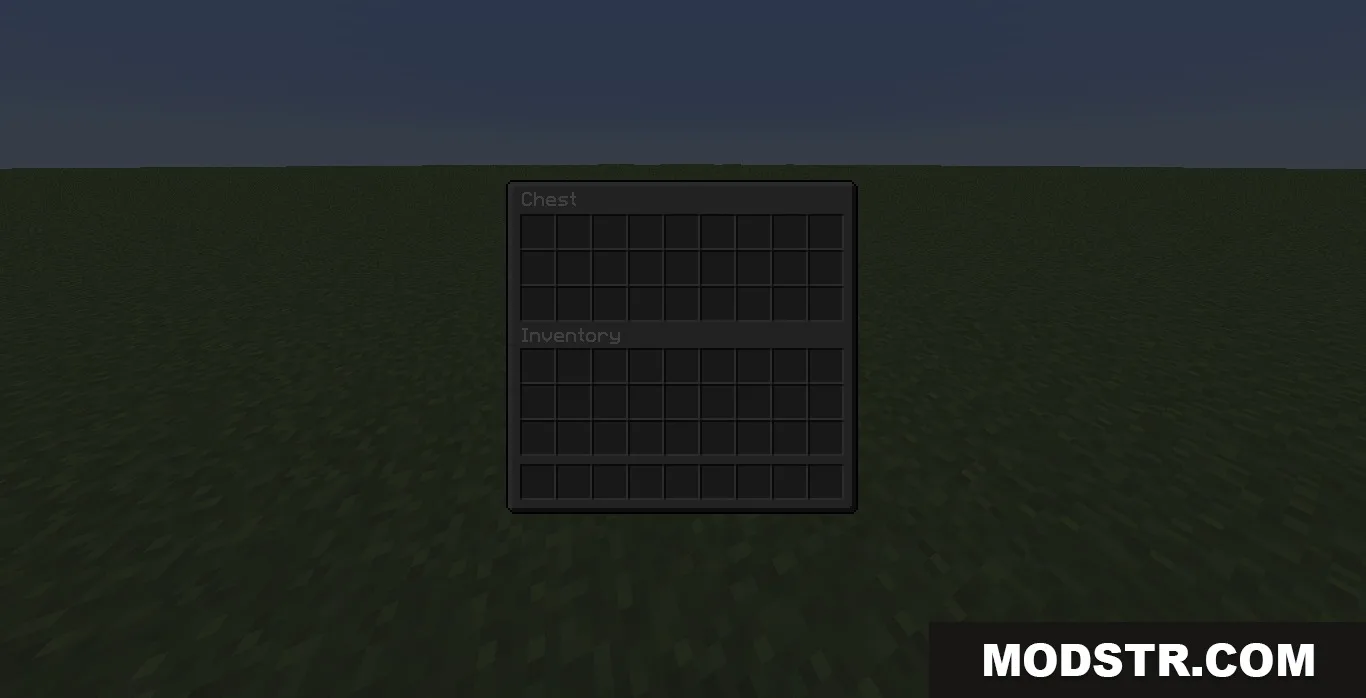
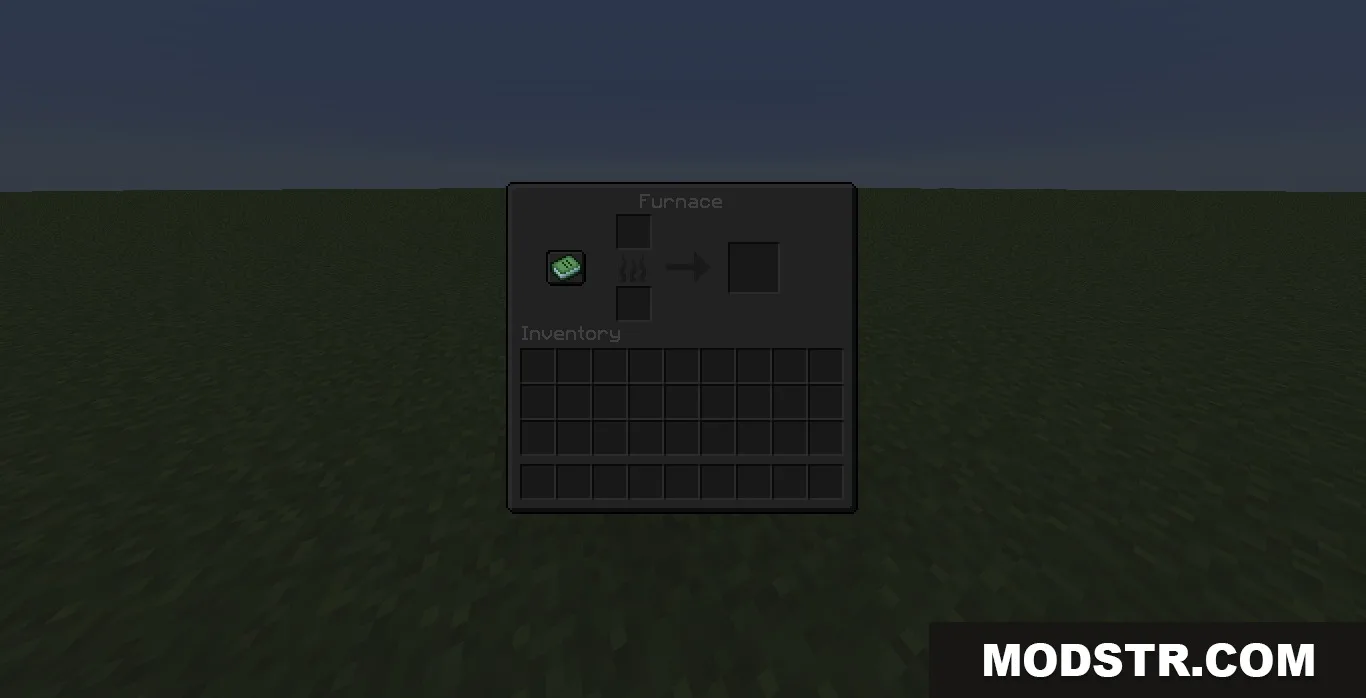
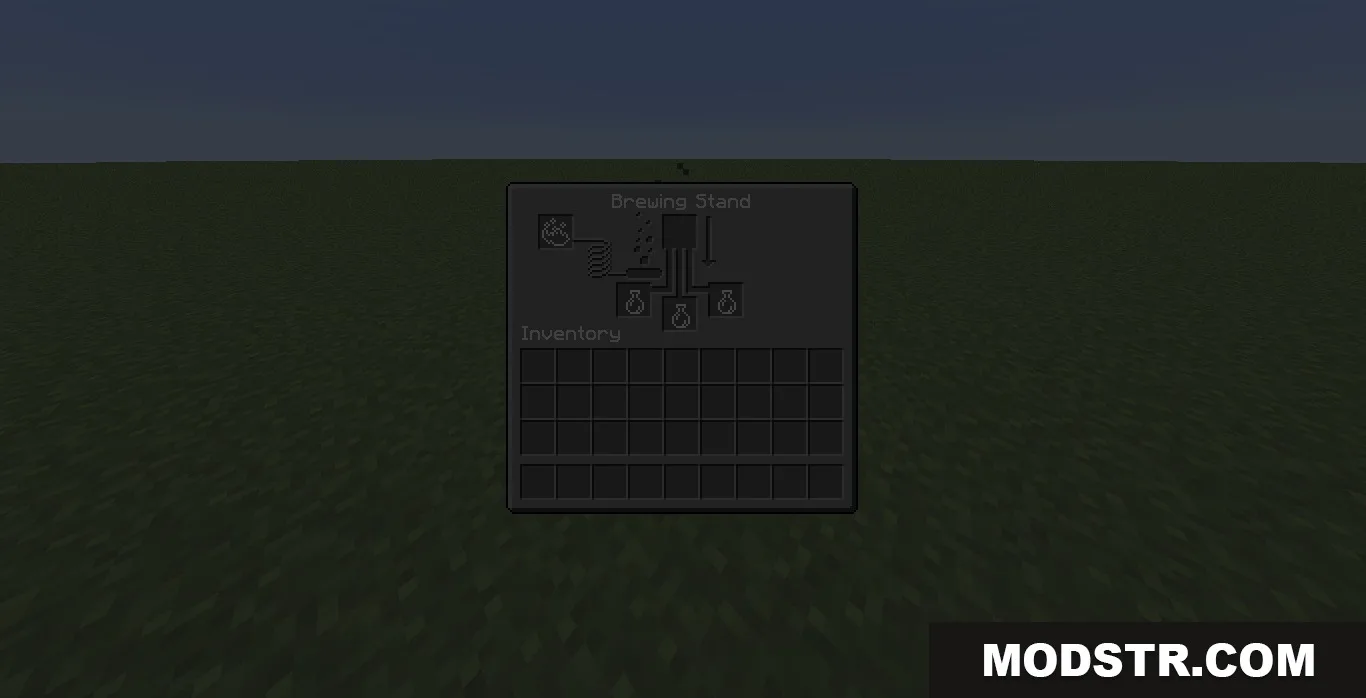
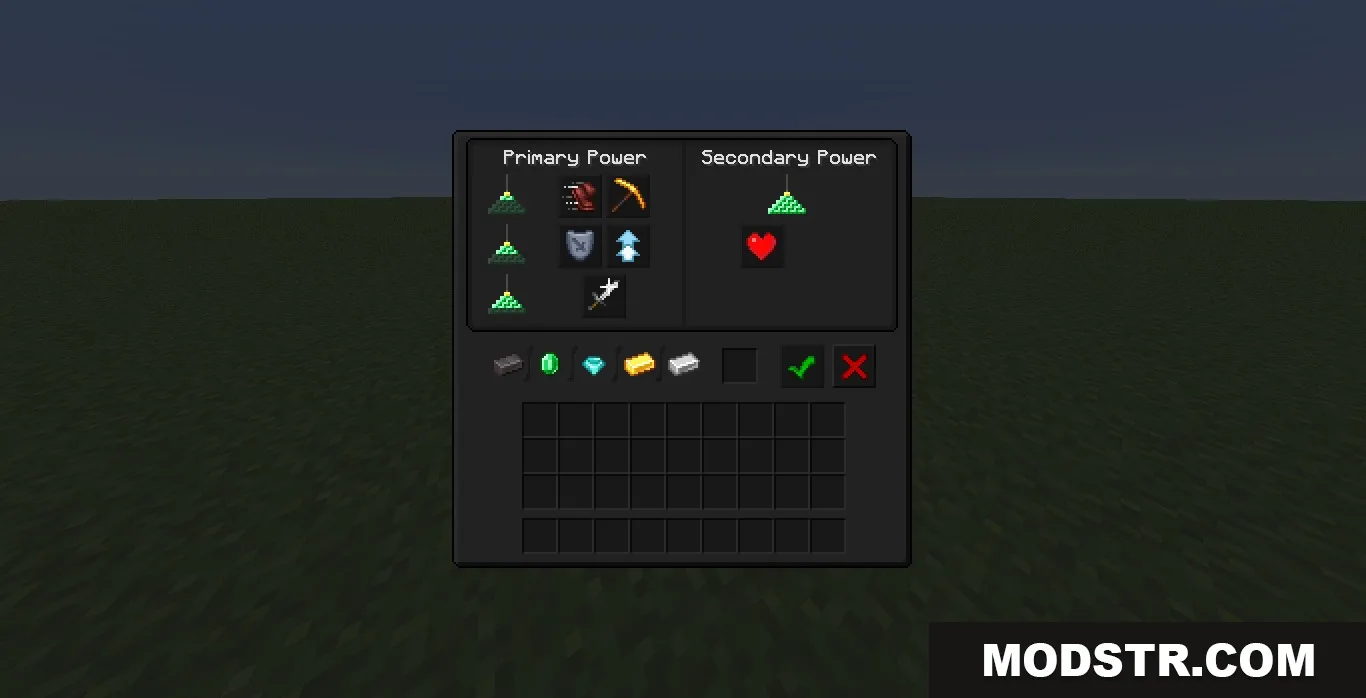
The Ultra Darkmode Resource Pack modifies Minecraft's menus with a dark theme suitable for late-night gaming. It provides a visually soothing experience by reducing harsh colors and screen glare.
- 1.19 → 1.21.11 +18
Show all 18 versions
- 1.21.11
- 1.21.10
- 1.21.9
- 1.21.8
- 1.21.7
- 1.21.6
- 1.21.5
- 1.21.4
- 1.21.3
- 1.21.2
- 1.21.1
- 1.21
- 1.20.6
- 1.20.5
- 1.20.1
- 1.20
- 1.19.2
- 1.19
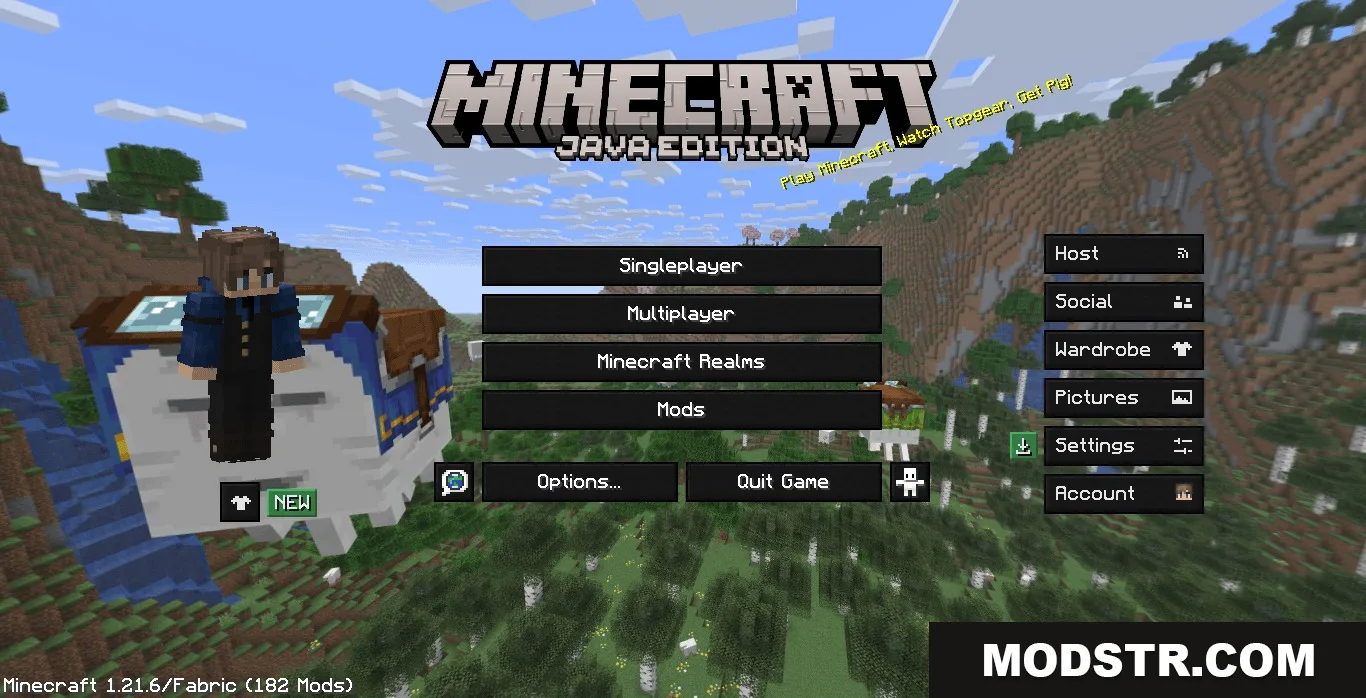
The Ultra Darkmode Resource Pack changes the appearance of Minecraft's menus, implementing a sleek black theme that enhances visibility during night play. This resource pack is designed for players who prefer a more comfortable viewing experience.
Features
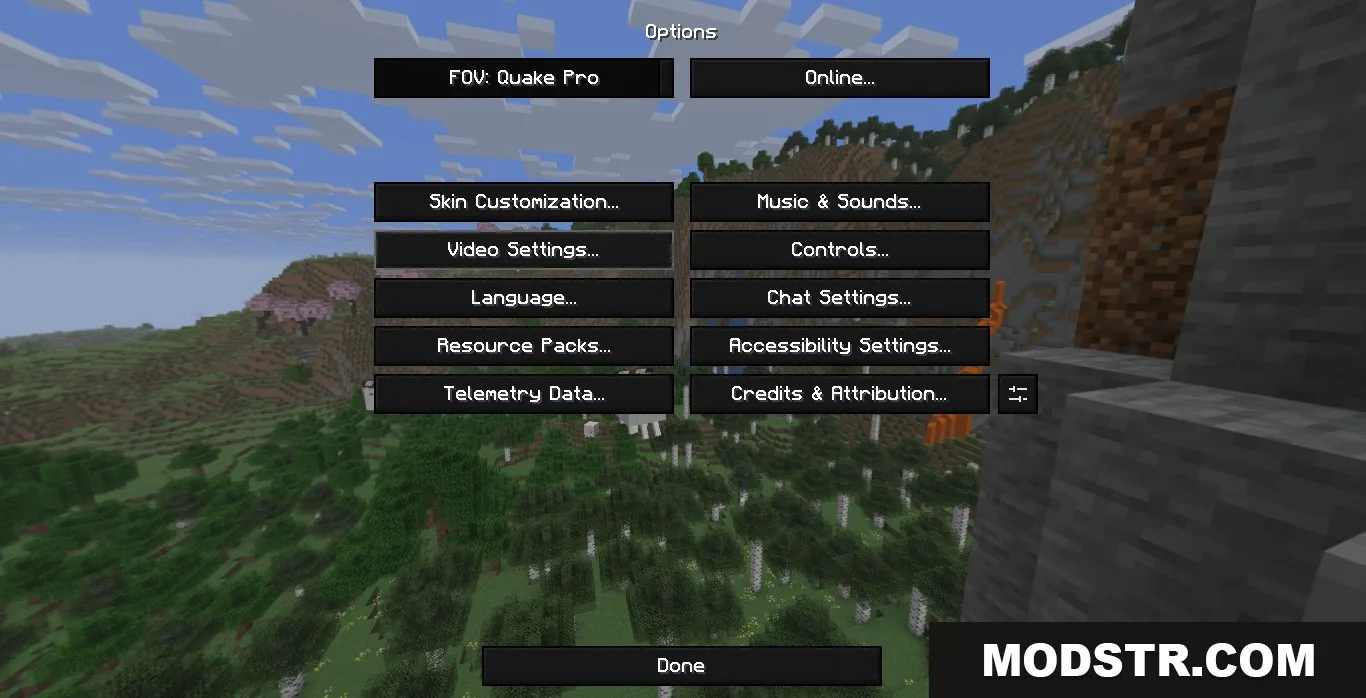
- Changes all the default menus into a dark, easy-to-read layout.
- Reduces bright screen glare to allow for longer play sessions without eye strain.
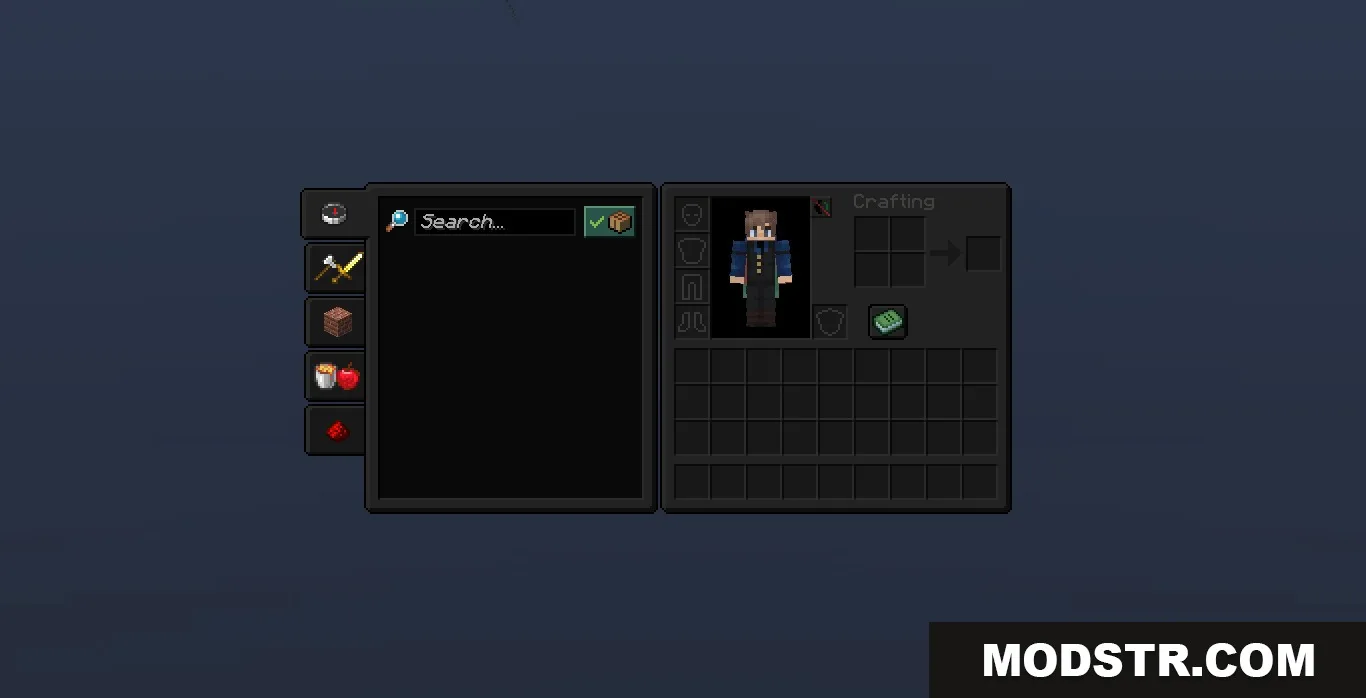
- Gives every button, slot, and background a clean, minimal look.
- Keeps balanced contrast for clear visibility of text and items against the dark background.
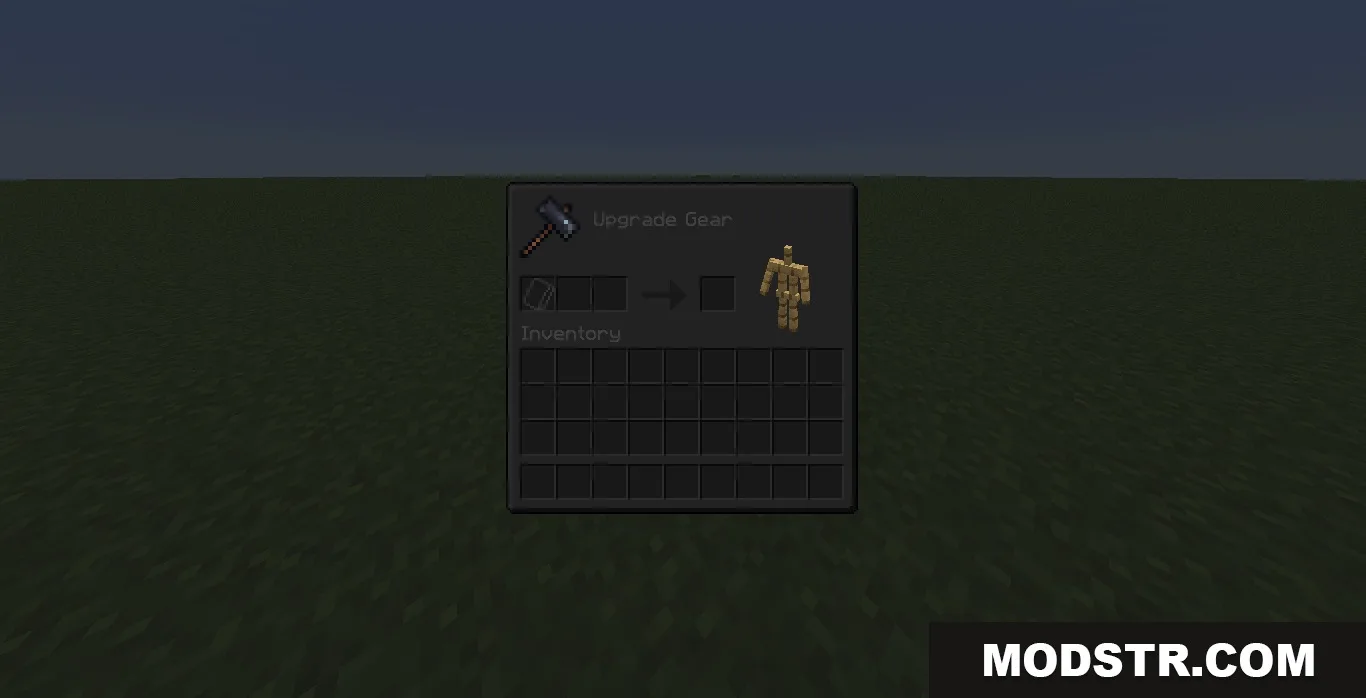
- Updates screens for complex modded machines, backpacks, and storage chests.
Installation
- Download the resource pack file.
- Open Minecraft and navigate to the Options menu.
- Select Resource Packs and then click on Open Packs Folder.
- Drag and drop the downloaded resource pack file into the folder.
- Activate the resource pack from the Resource Packs menu.
Compatibility
This resource pack supports various mods, including those from the magic and adventure, tech and storage categories, as well as helpful tools intersecting with mod interfaces.
DOWNLOAD FILES
- resource
- resource
- resource
- resource