
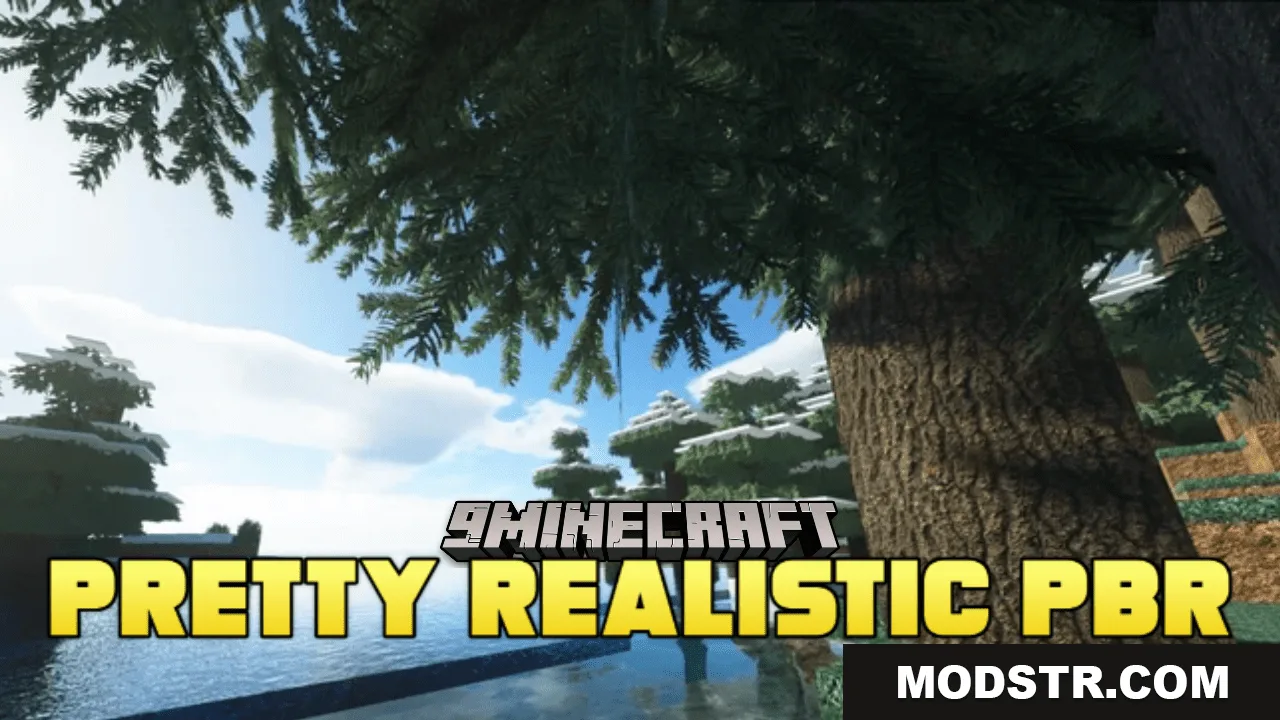
Pretty Realistic PBR Resource Pack (26.2, 1.20.1) – Texture Pack
PBR resource pack applying physically-based rendering techniques to blocks and items for realistic material surfaces. Supports 1.20.1.
- 1.18 → 1.21.11 +27
Show all 27 versions
- 1.21.11
- 1.21.10
- 1.21.9
- 1.21.8
- 1.21.7
- 1.21.6
- 1.21.5
- 1.21.4
- 1.21.3
- 1.21.2
- 1.21.1
- 1.21
- 1.20.6
- 1.20.5
- 1.20.4
- 1.20.3
- 1.20.2
- 1.20.1
- 1.20
- 1.19.4
- 1.19.3
- 1.19.2
- 1.19.1
- 1.19
- 1.18.2
- 1.18.1
- 1.18
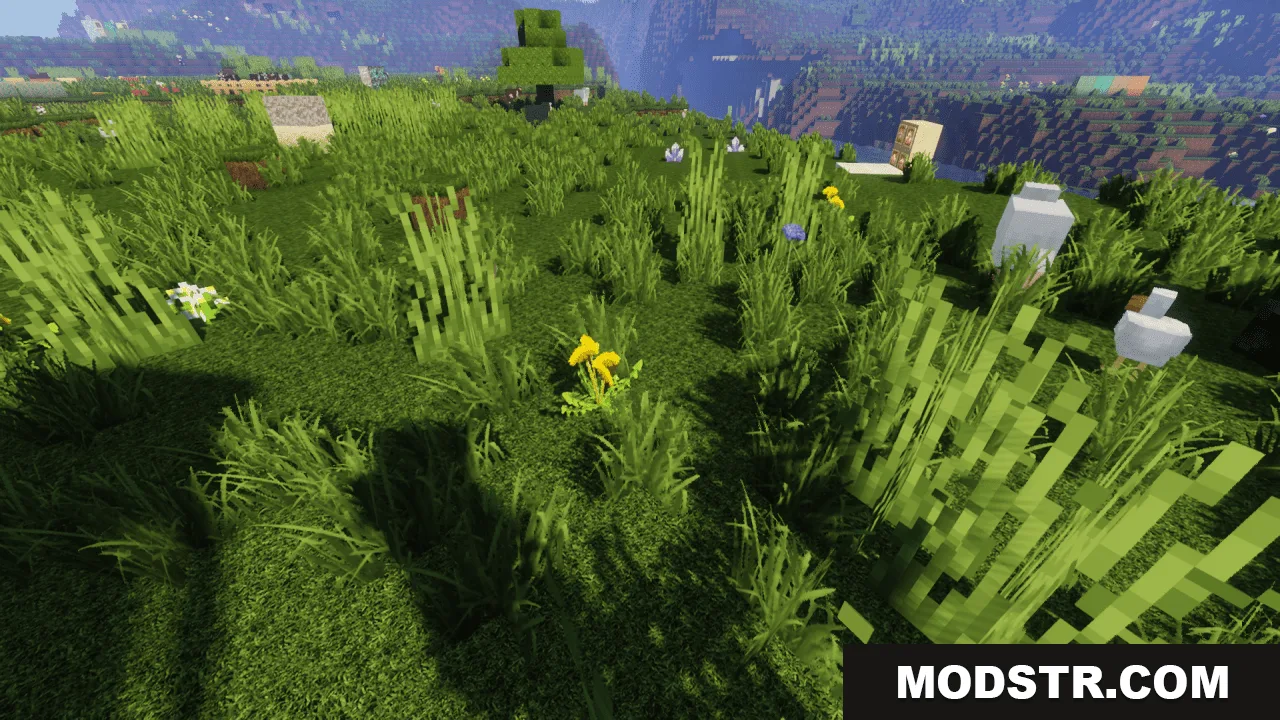
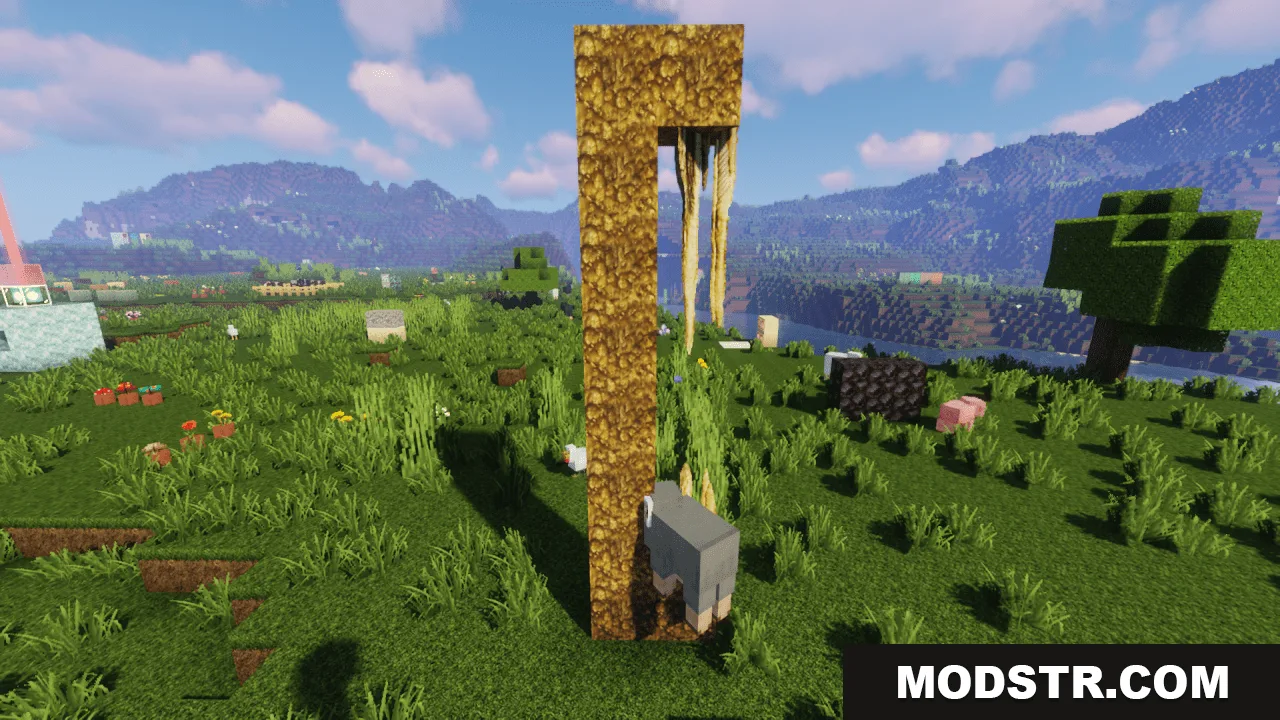
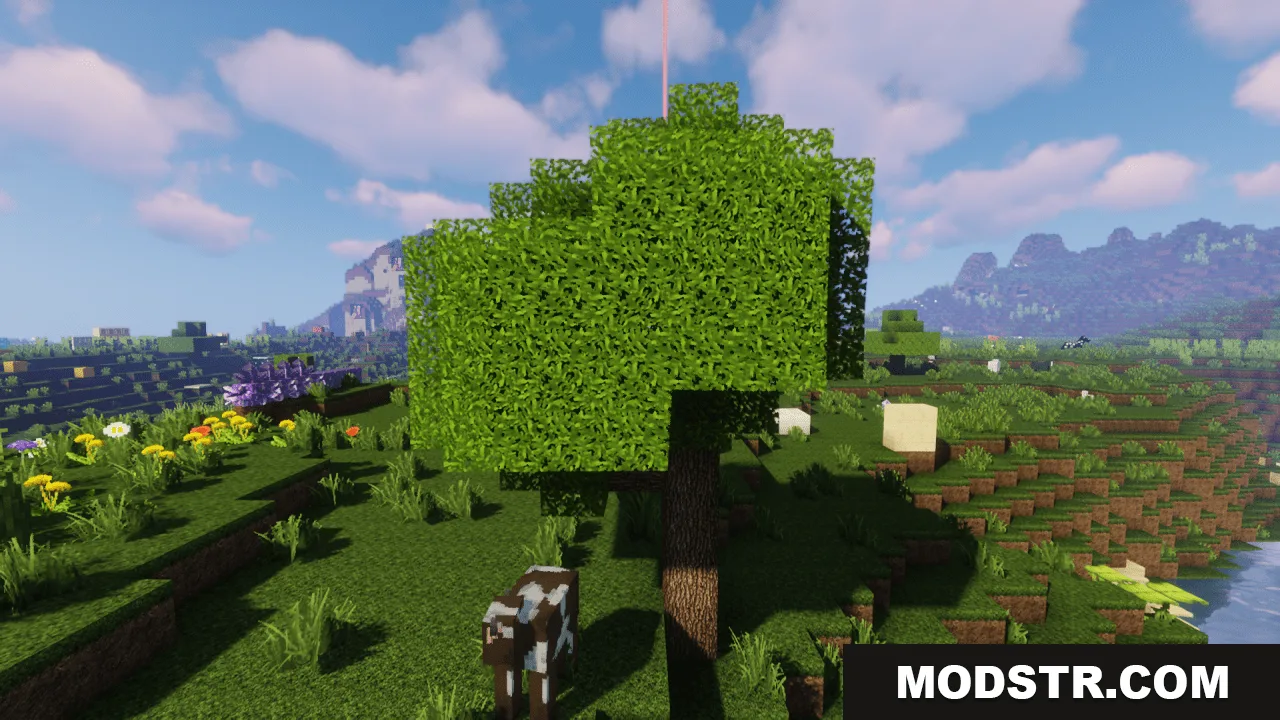
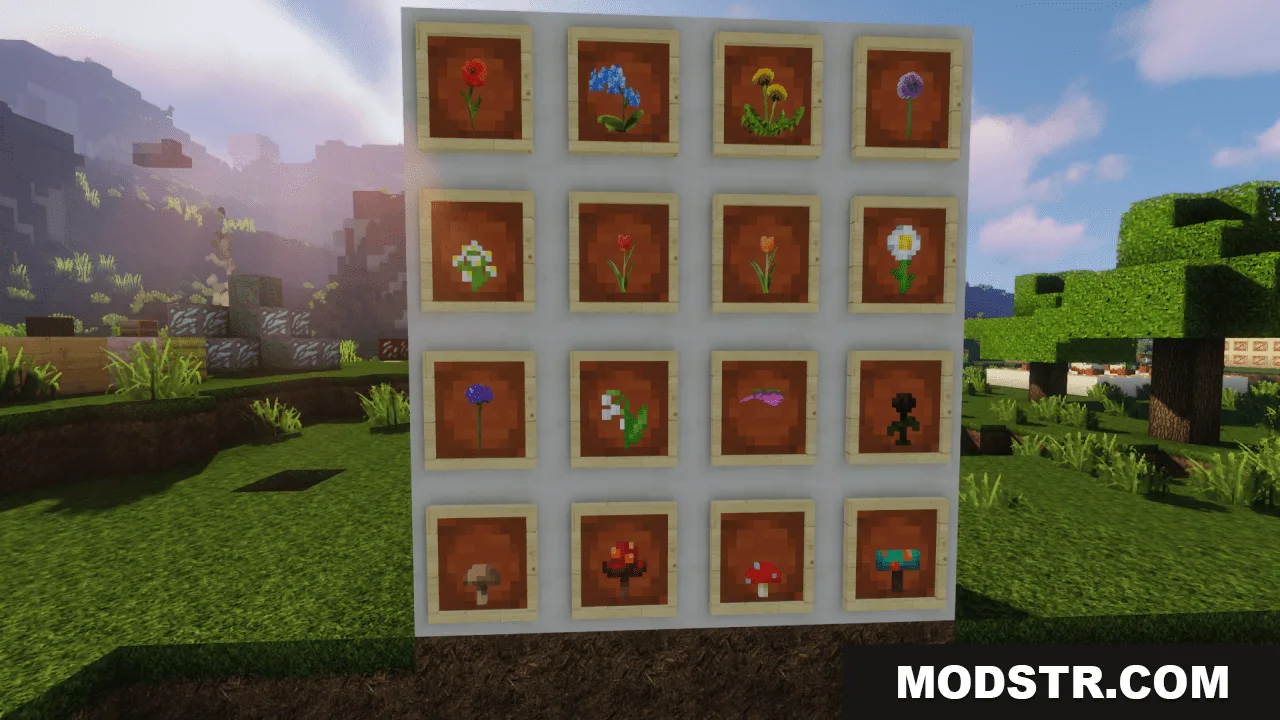
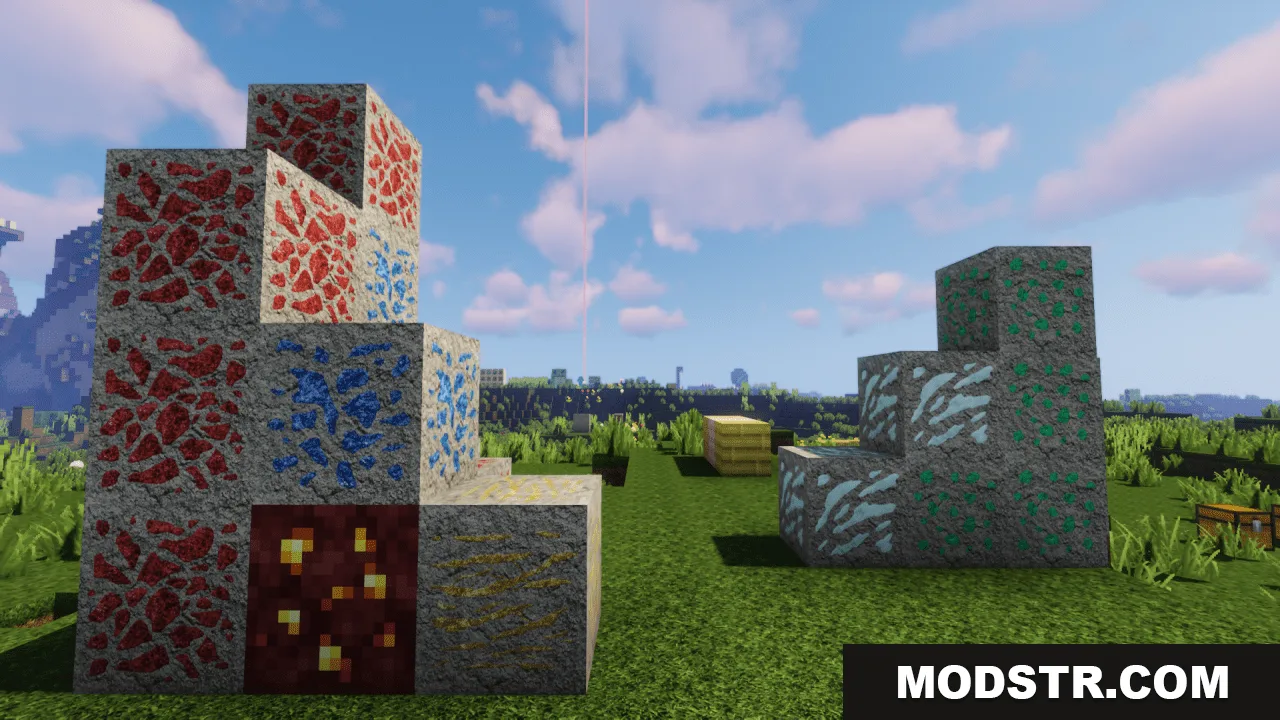
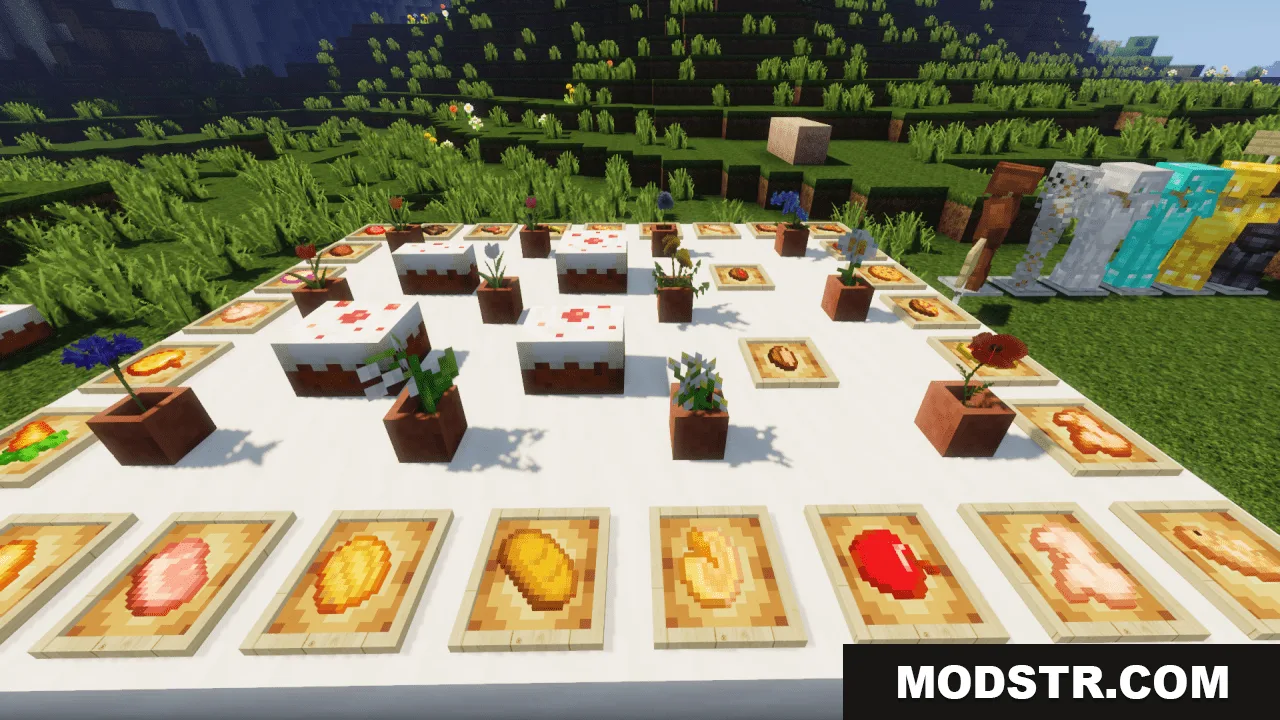
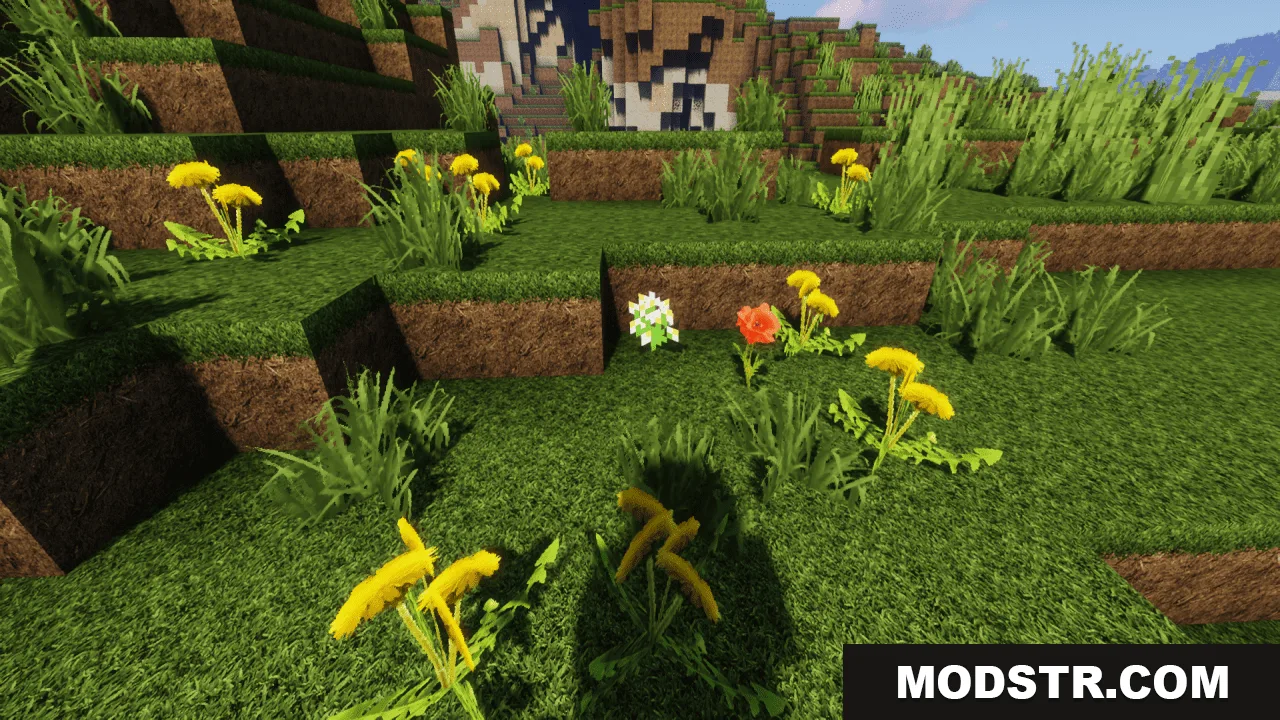
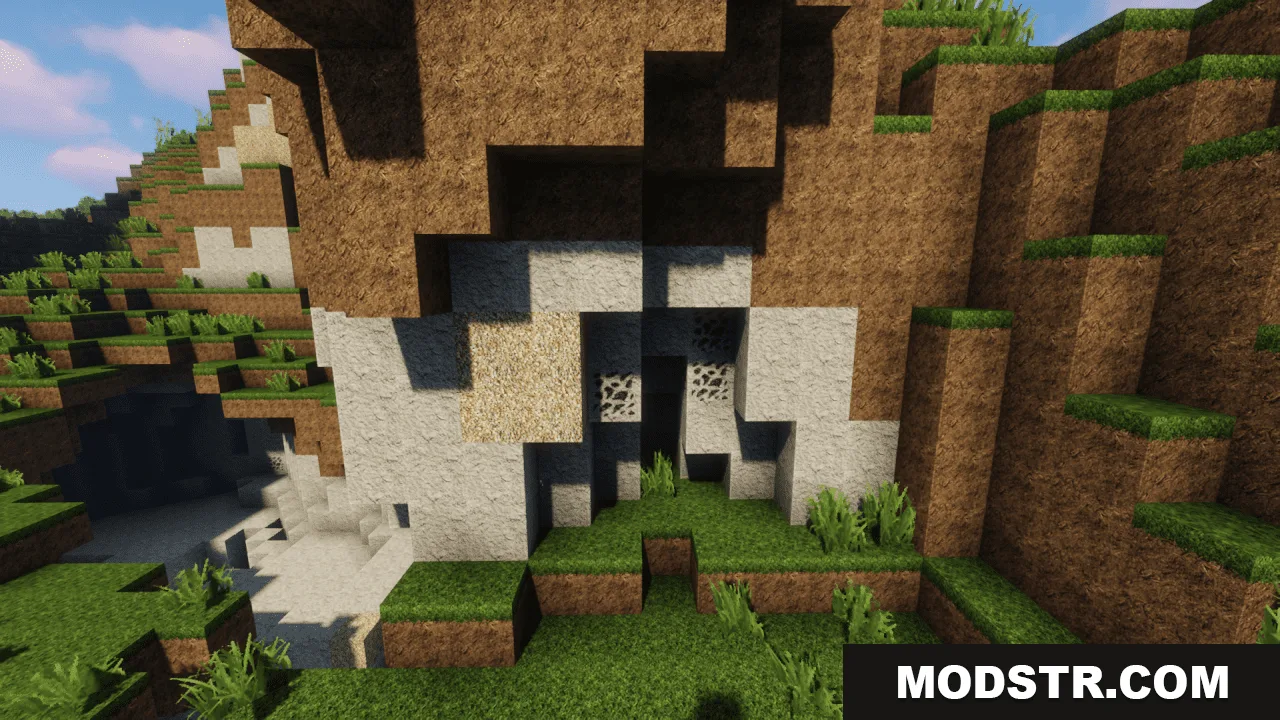
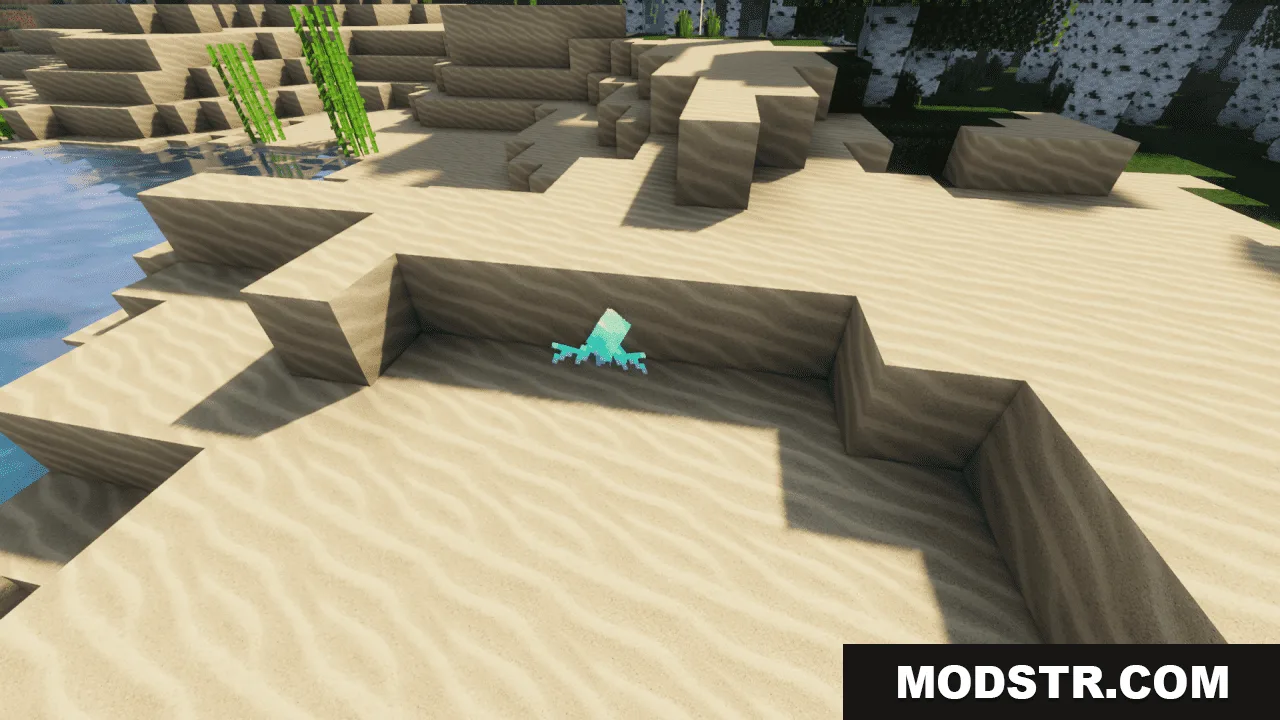
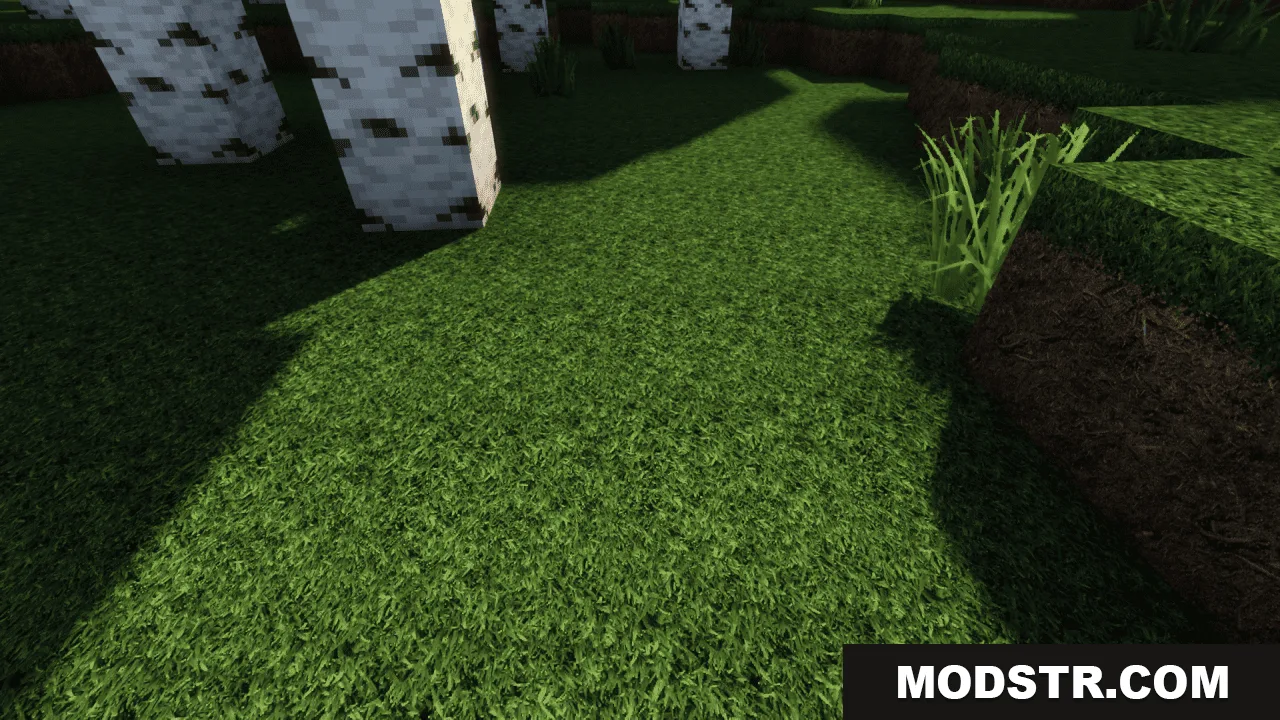
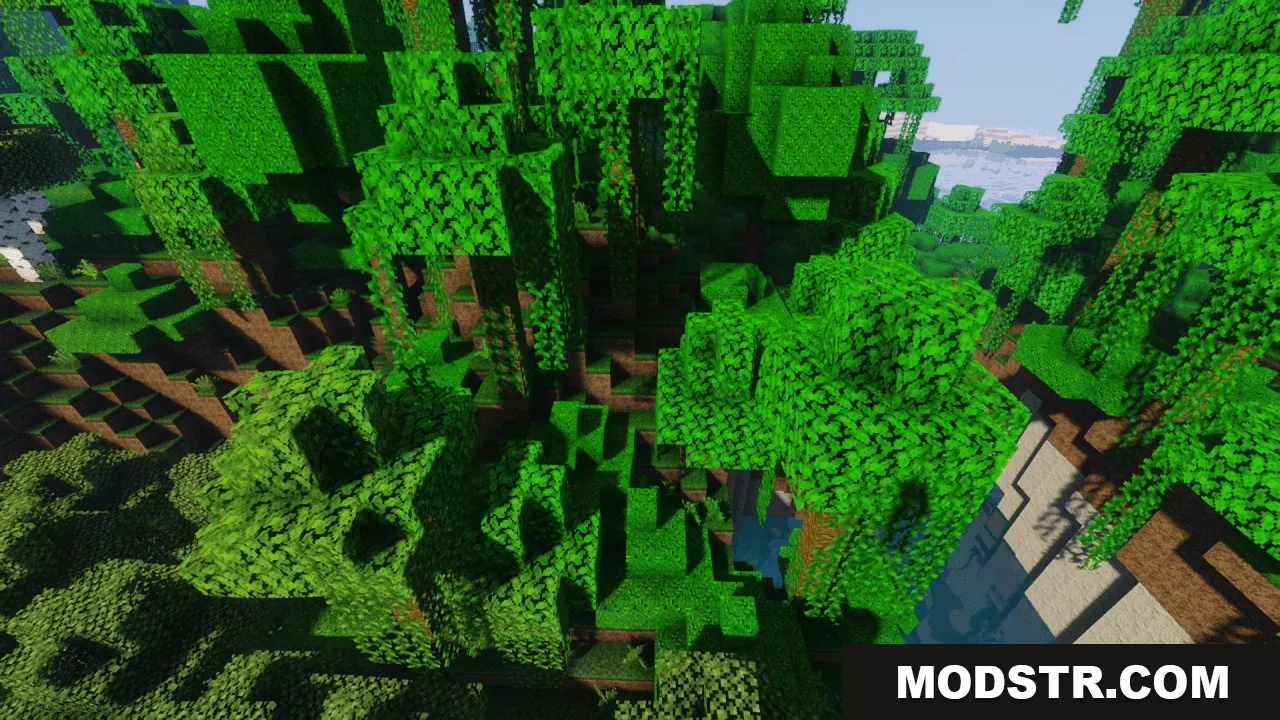
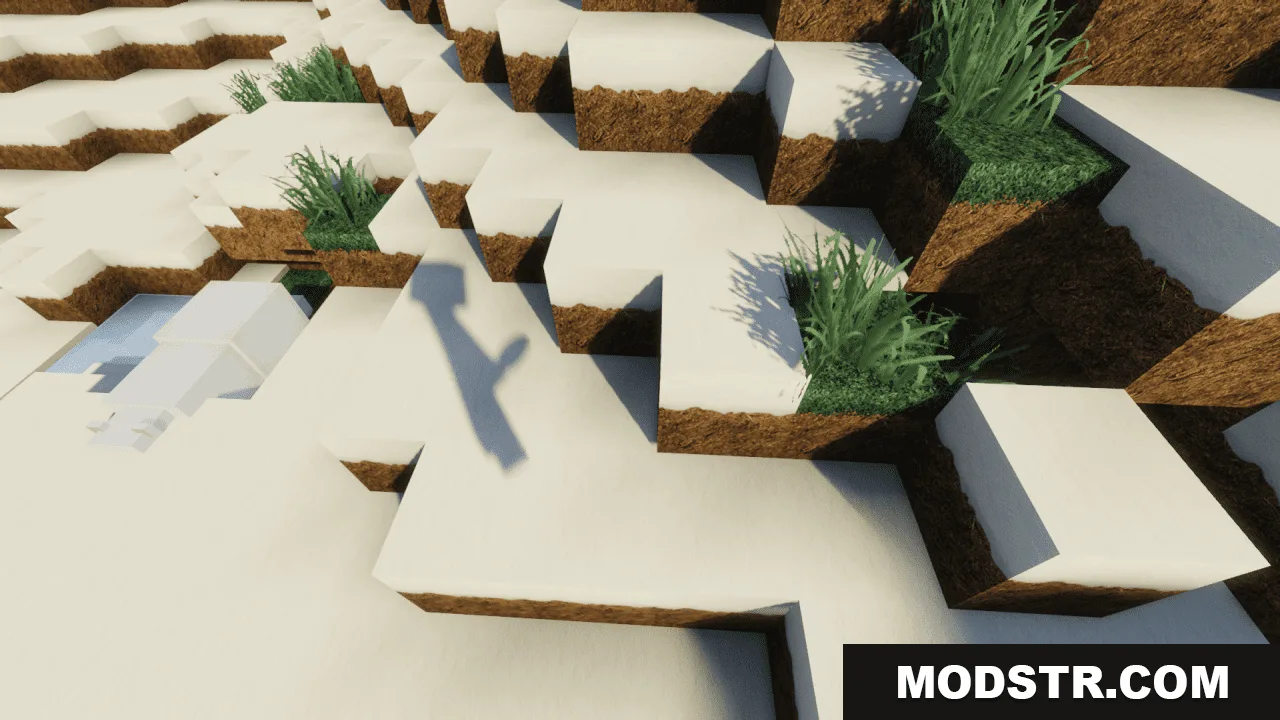
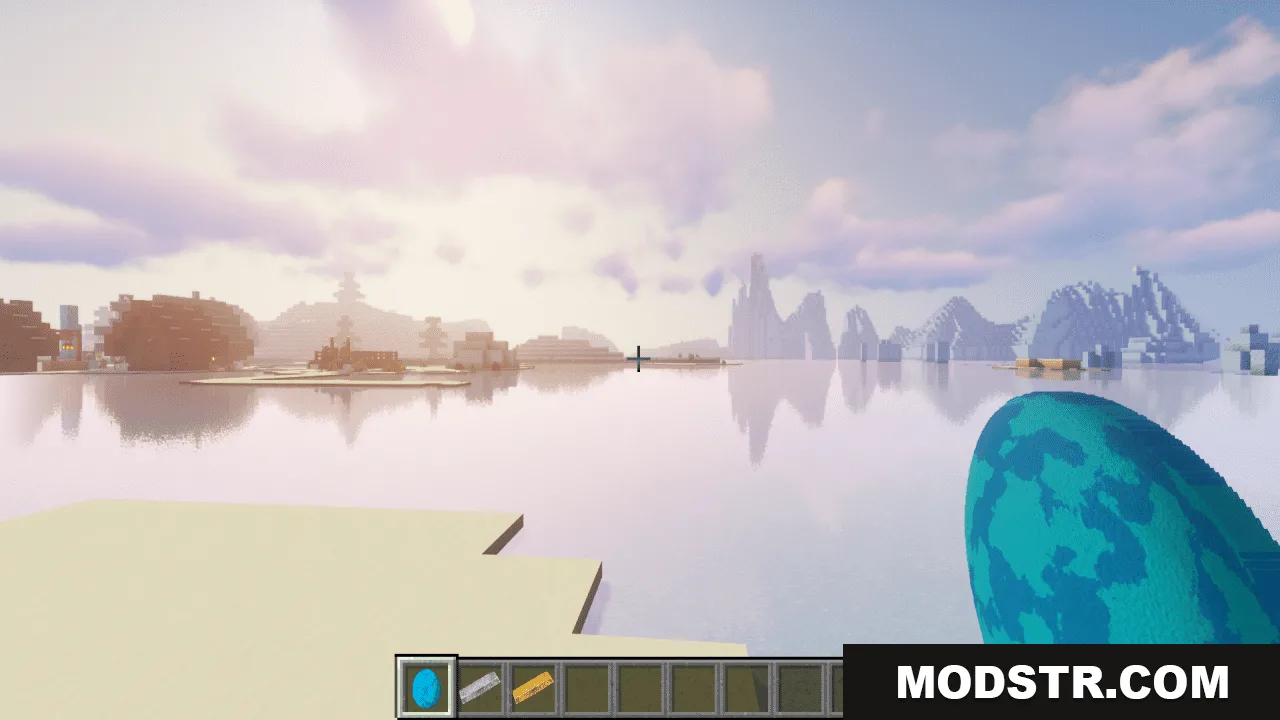
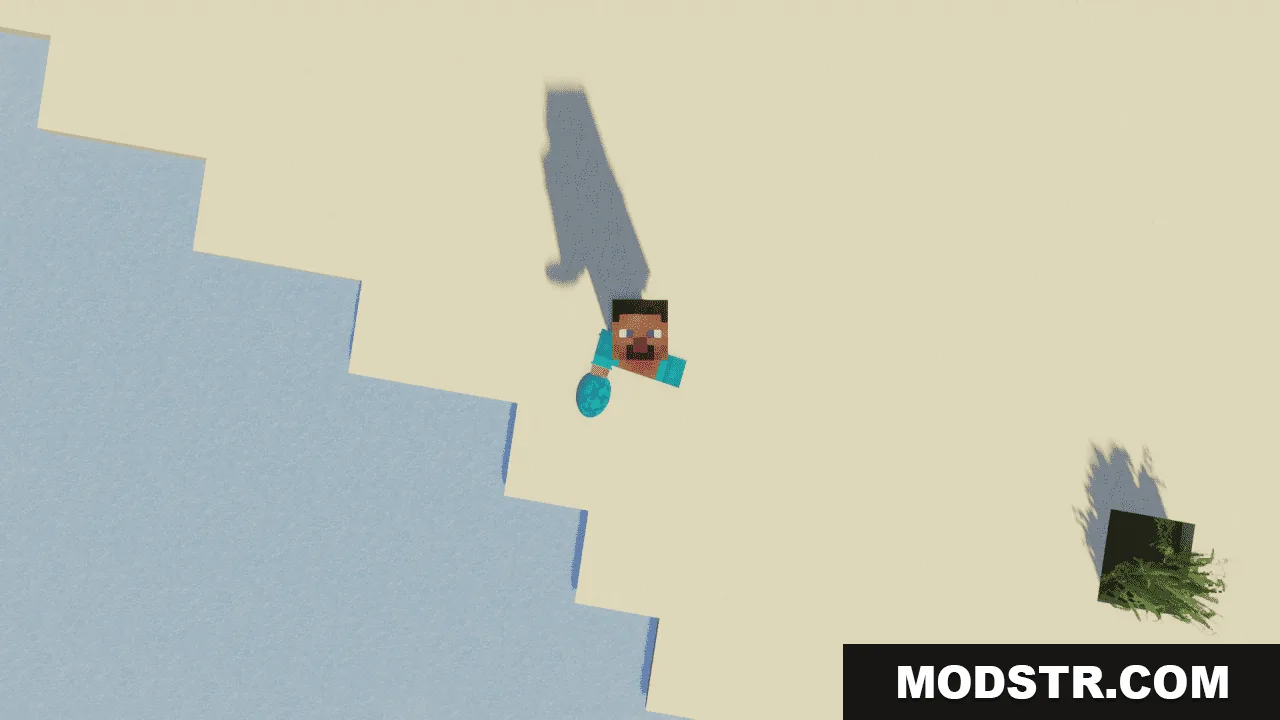
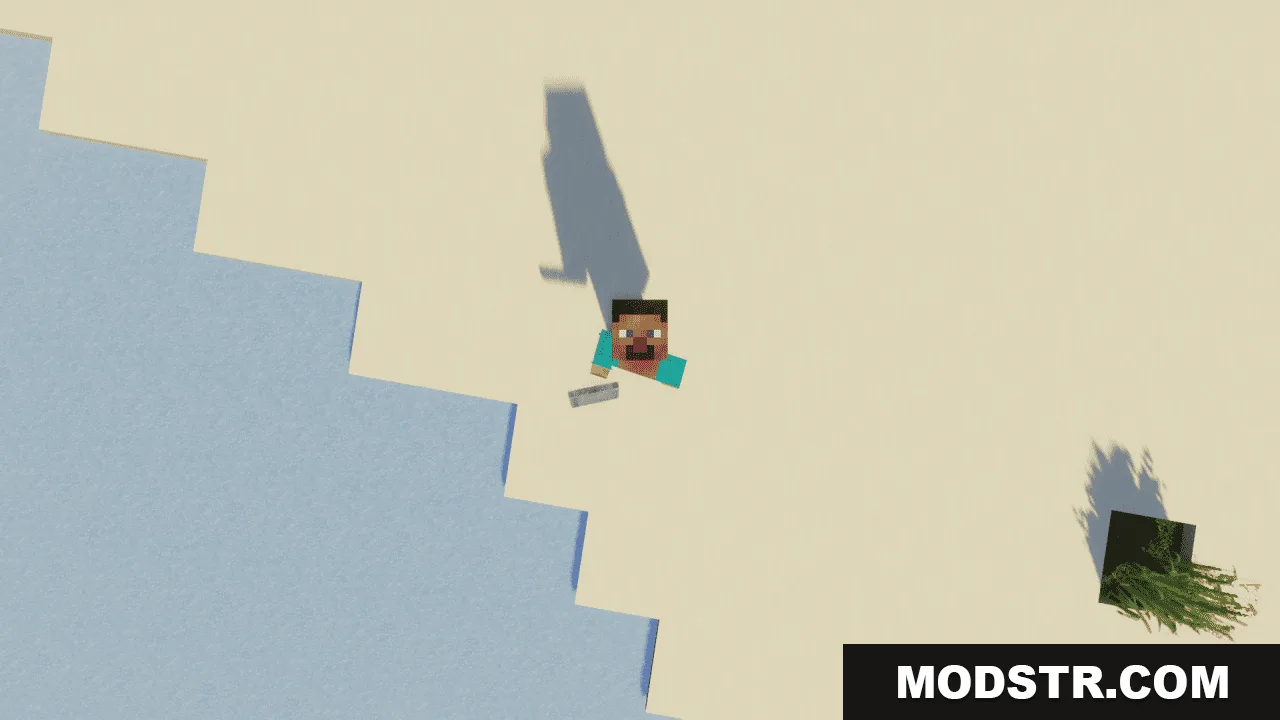
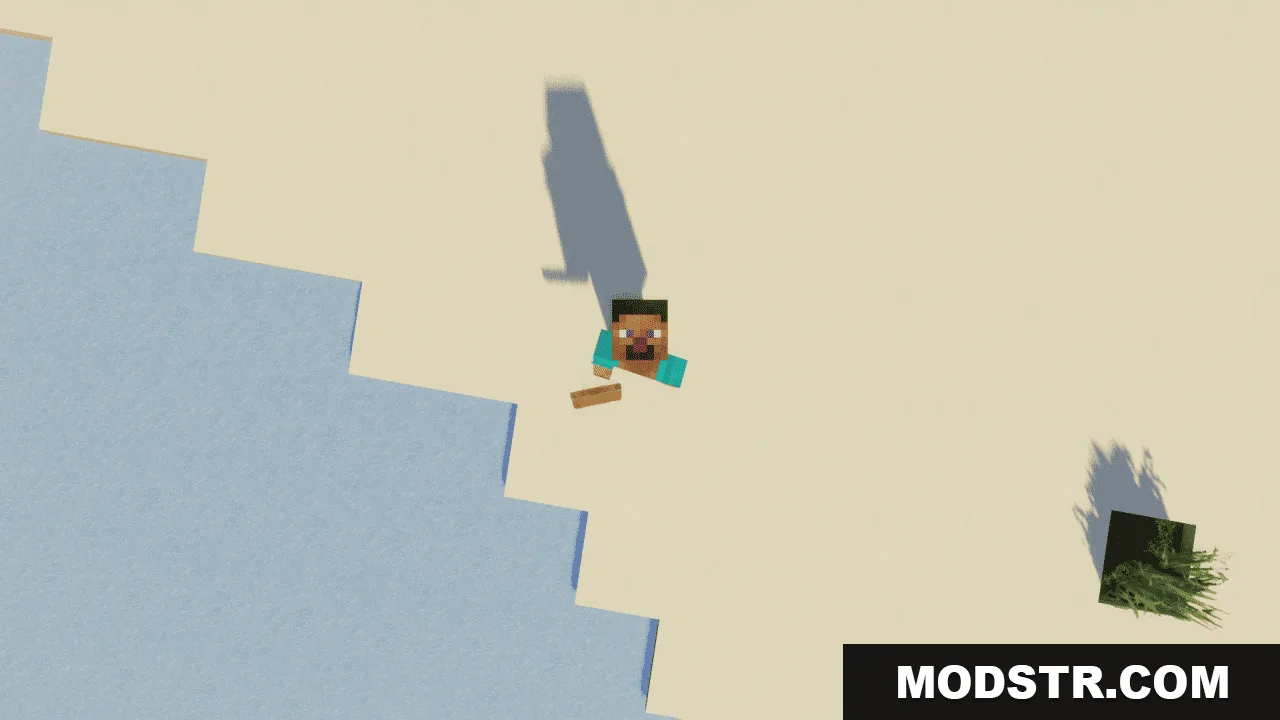
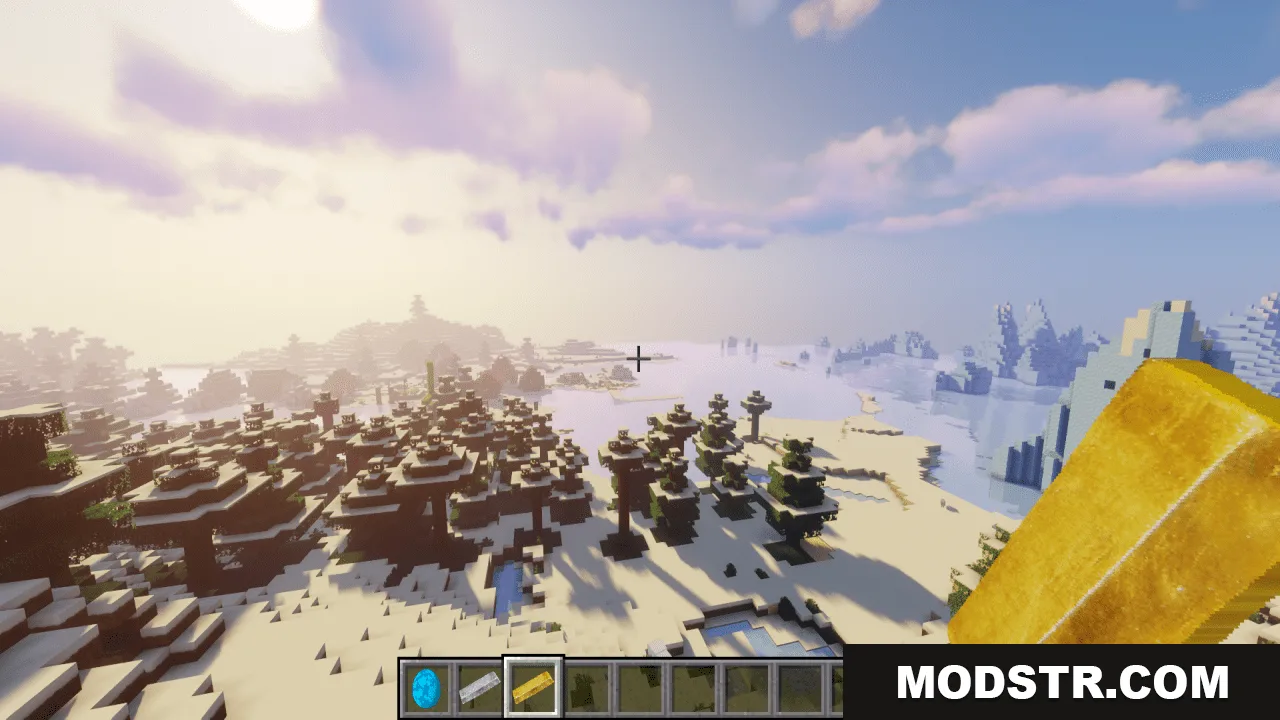
Pretty Realistic PBR Resource Pack applies physically-based rendering (PBR) techniques to Minecraft textures, affecting blocks, items, and other visual elements. The pack uses PBR methods to simulate realistic material properties, including metals, wood, stone, and other surfaces. This is designed for players using Minecraft 1.20.1.
Features
- PBR textures applied across blocks and items for material realism.
- Simulates metallic, wooden, stone, and other material surfaces.
- Compatible with Minecraft 1.20.1.
- High-quality texture detail for visual enhancement.
Installation
- Download the resource pack file.
- Open your Minecraft launcher and navigate to the resource packs folder.
- Move the downloaded pack into the resource packs directory.
- Launch Minecraft and select the pack from the resource pack settings menu.
- Apply the pack and restart your world to see changes.
Compatibility
This resource pack is compatible with Minecraft 1.20.1. PBR rendering features require a compatible rendering engine or shader support to display properly. Verify your setup supports PBR texture formats before installation.
DOWNLOAD FILES
- resource
- resource
- resource
- resource