
Omnis’ Enchantments Resource Pack (26.2, 1.21.11) – Luminous Runic Glow
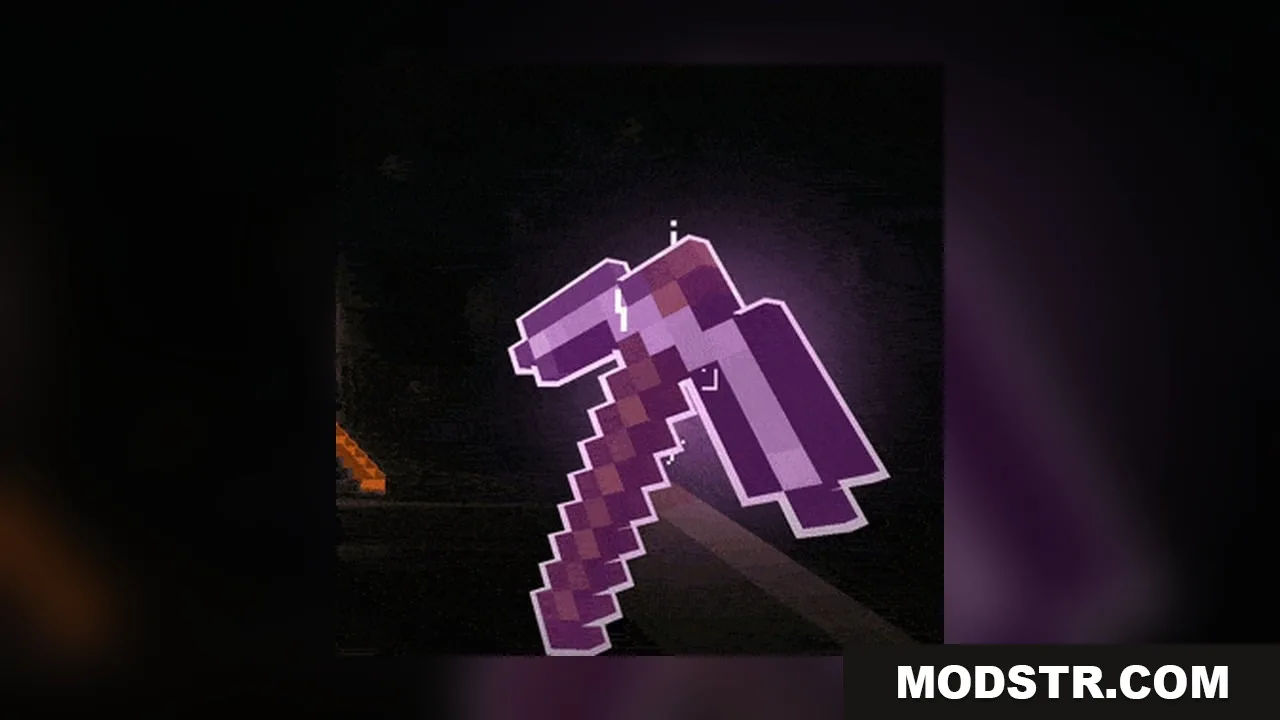
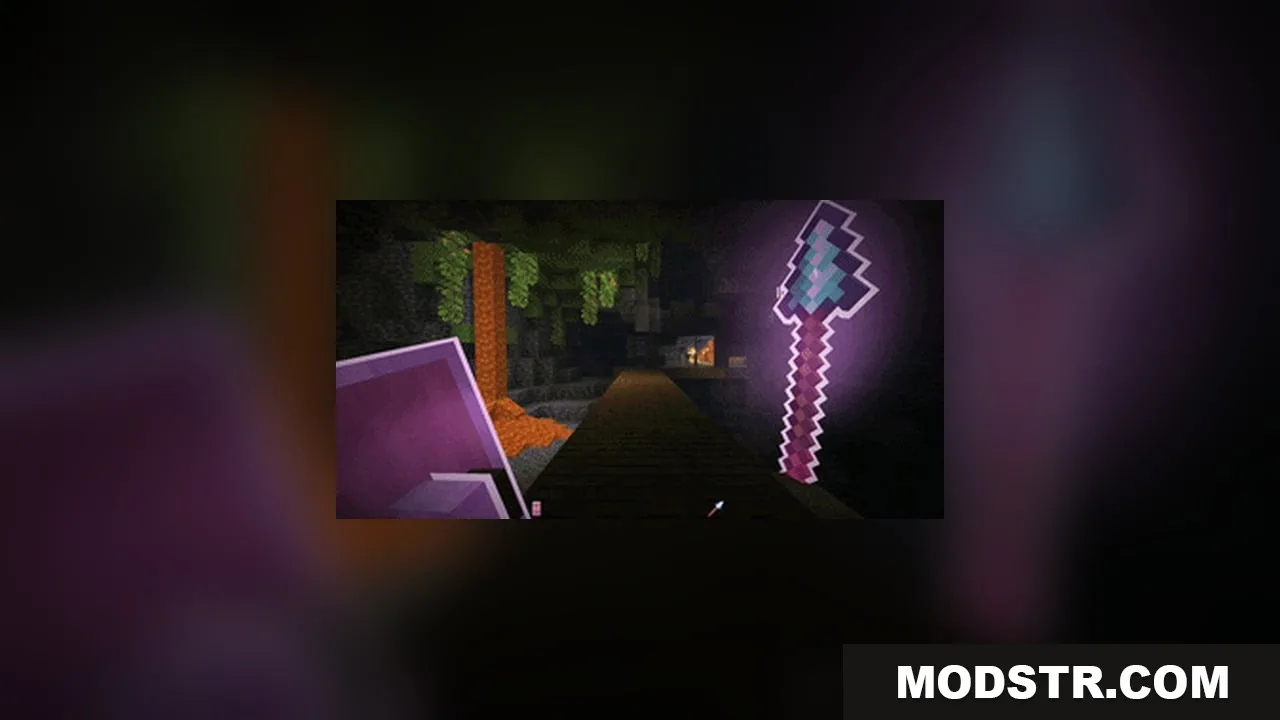
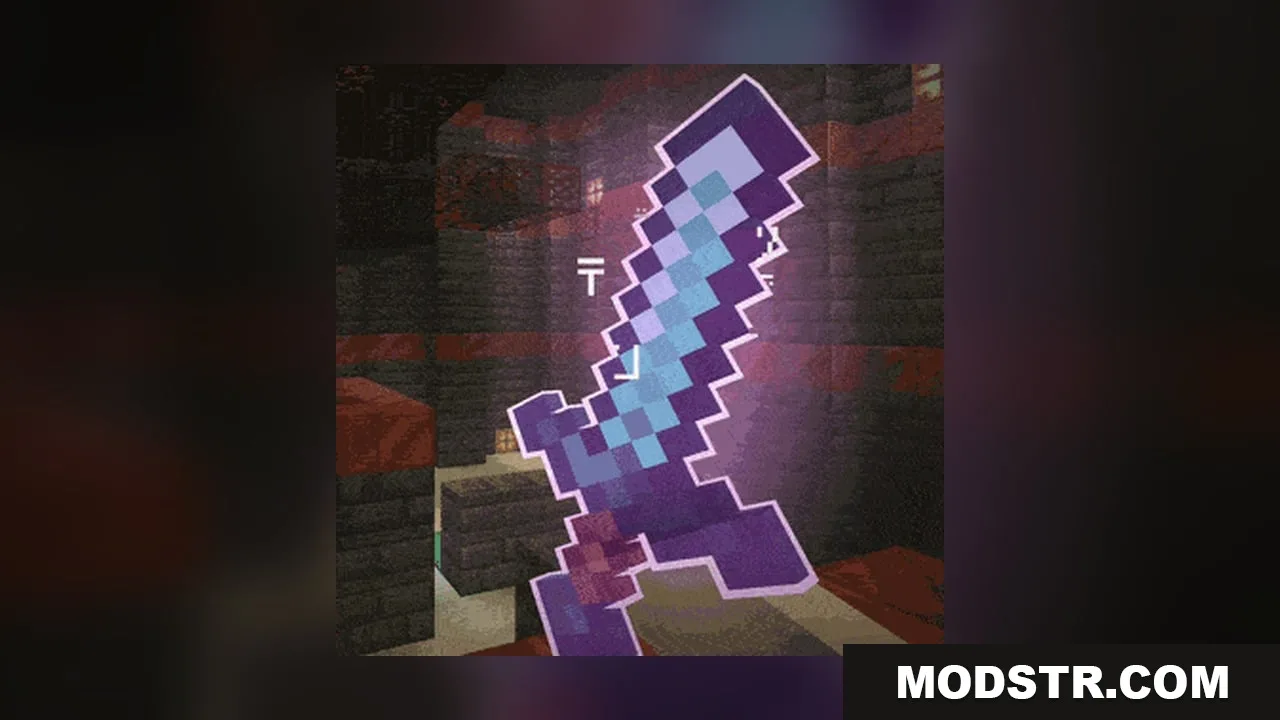
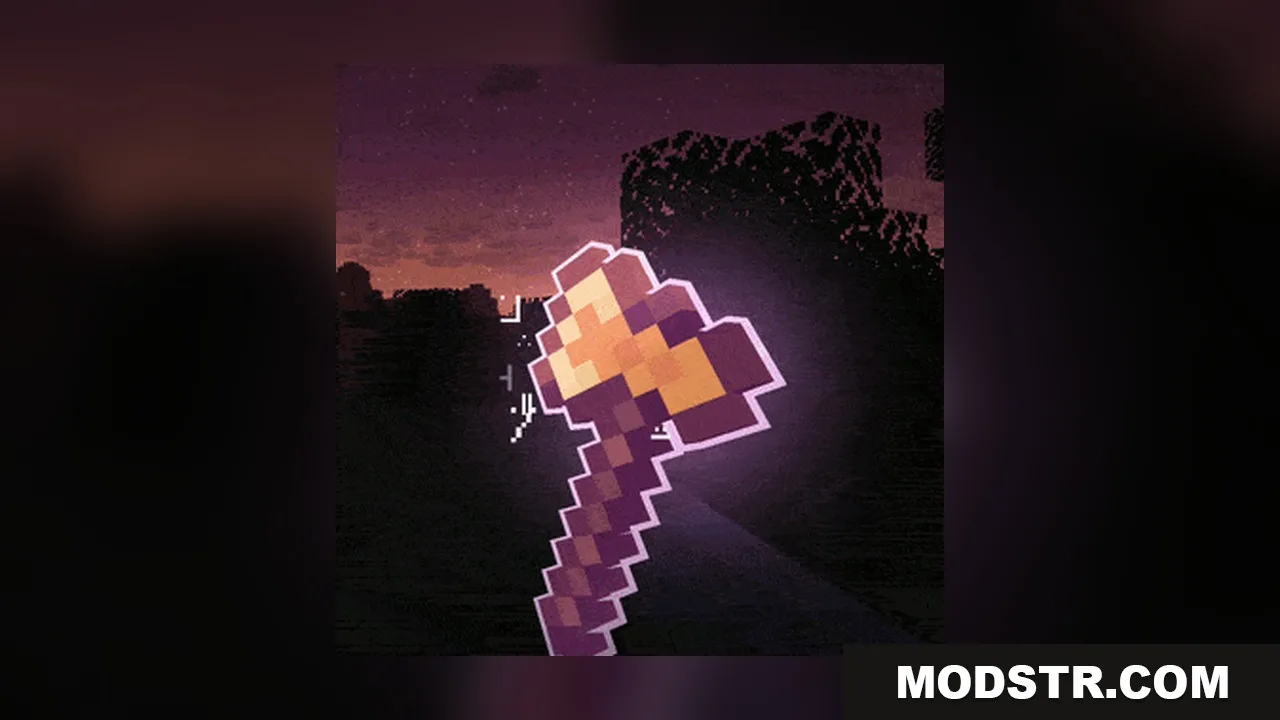
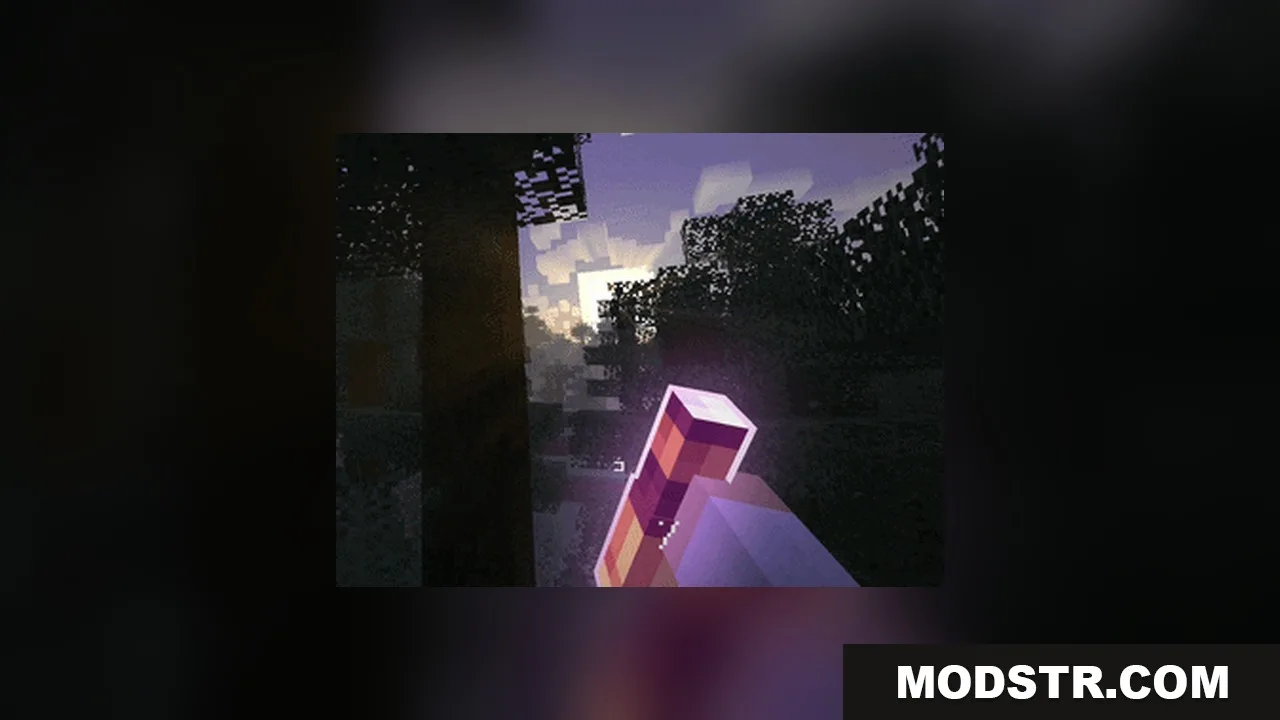
Omnis’ Enchantments Resource Pack alters the look of enchanted items in Minecraft. It introduces glowing outlines and unique visual effects for weapons, tools, and armor.
- 1.21.5 → 1.21.11 +7
Show all 7 versions
- 1.21.11
- 1.21.10
- 1.21.9
- 1.21.8
- 1.21.7
- 1.21.6
- 1.21.5
Omnis’ Enchantments Resource Pack modifies the visual appearance of enchanted weapons, tools, and armor in Minecraft. Ideal for players looking to enhance the aesthetic of their enchanted items, this pack introduces various glowing effects and runic particles.
Features
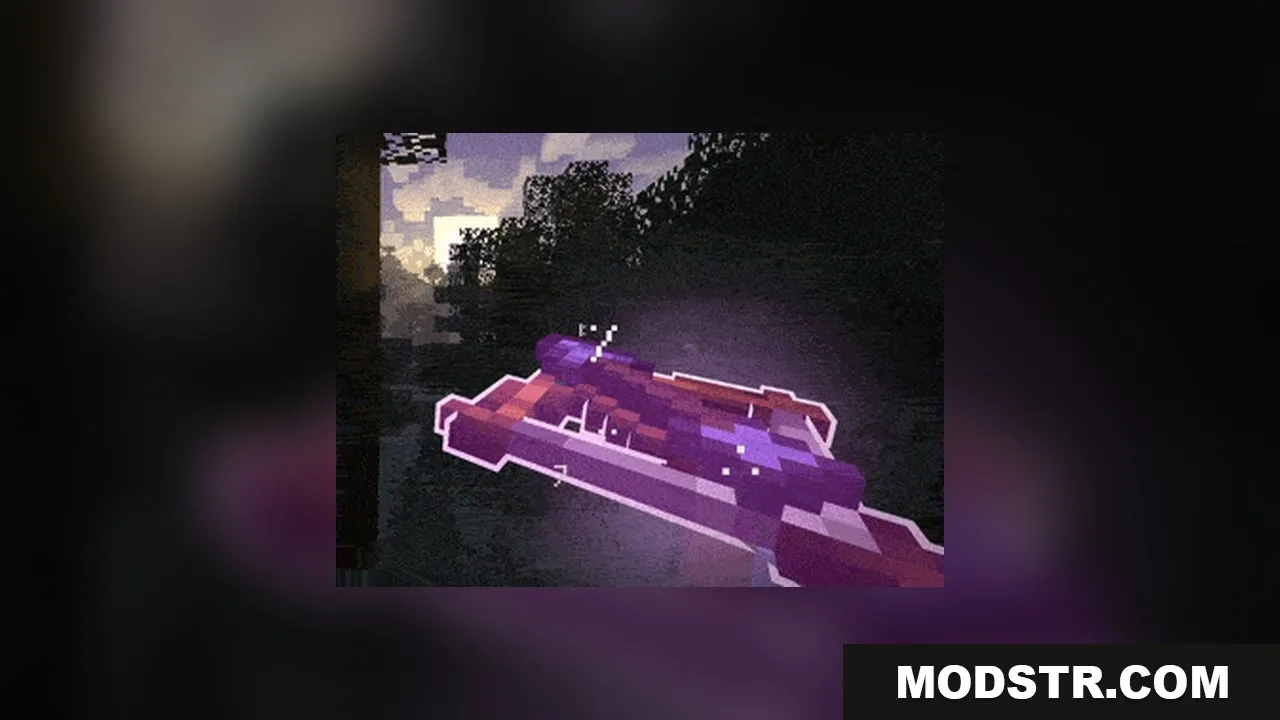
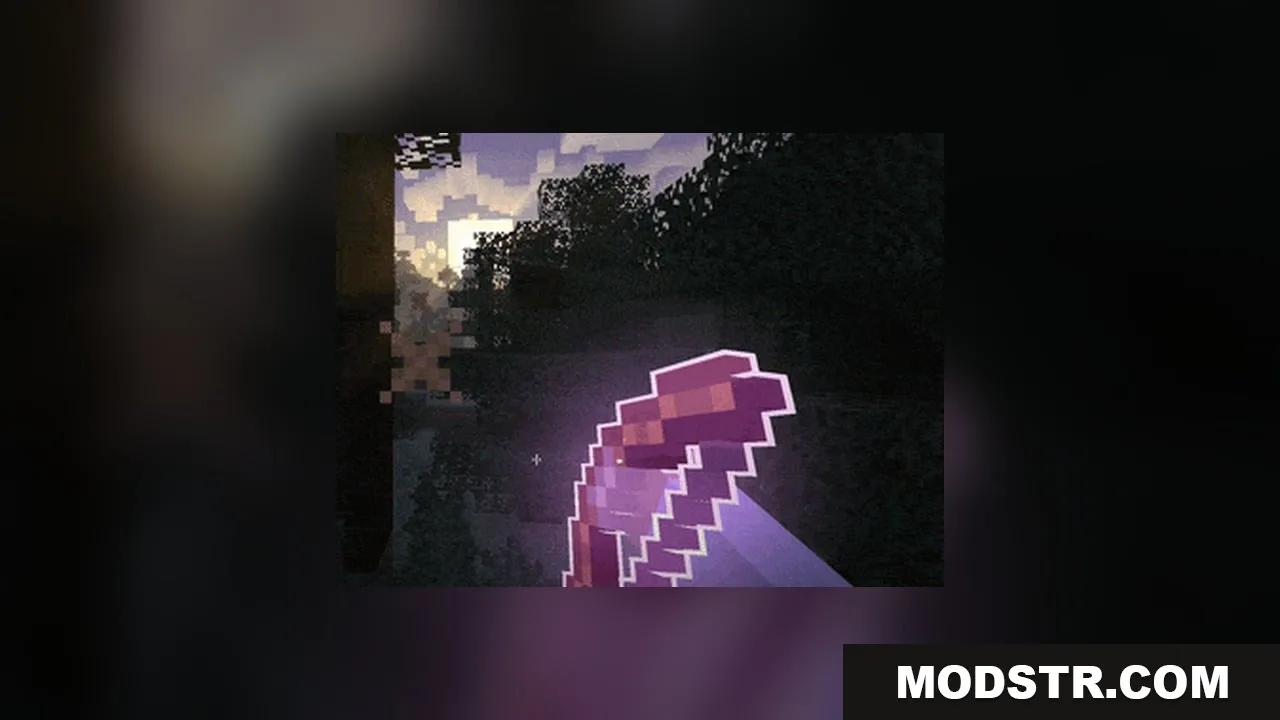
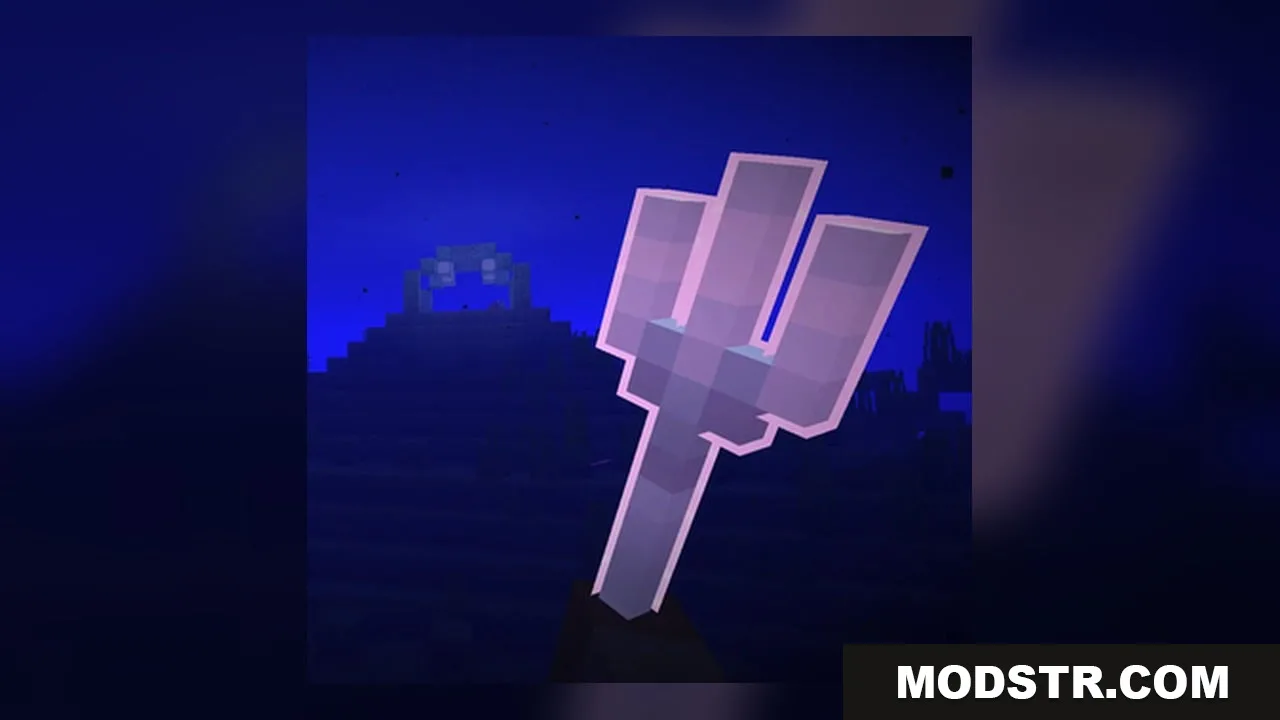
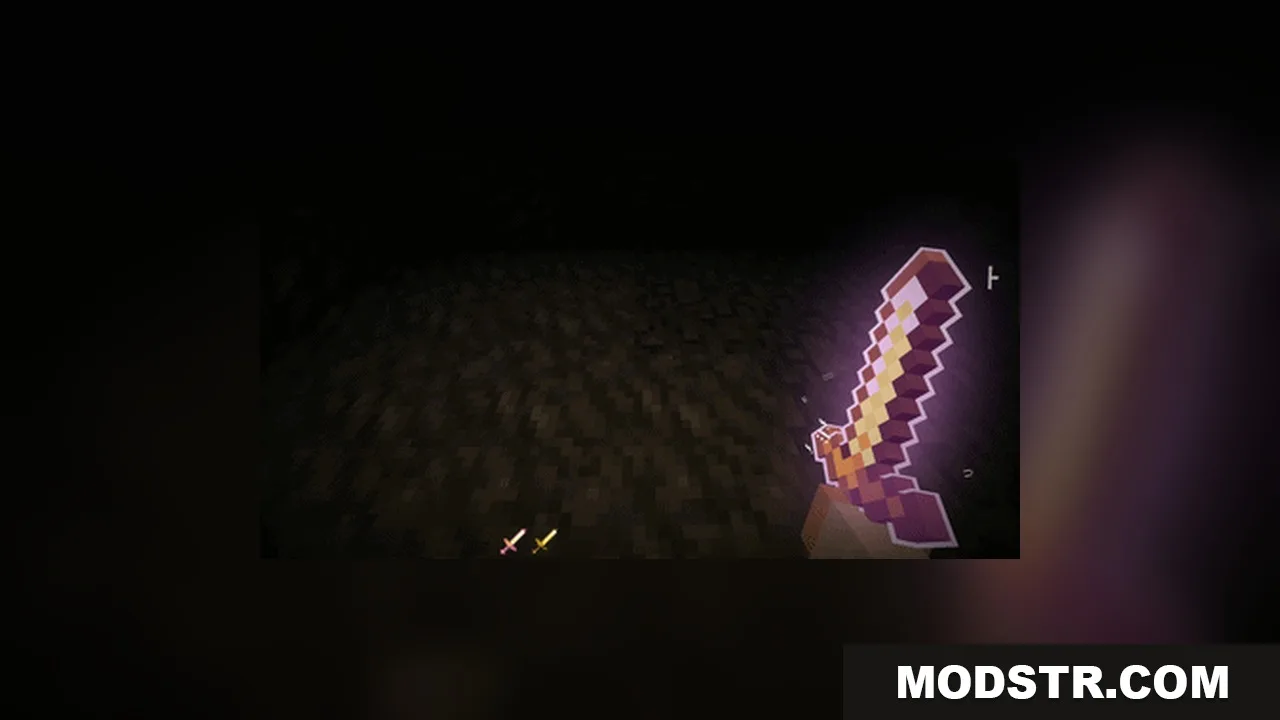
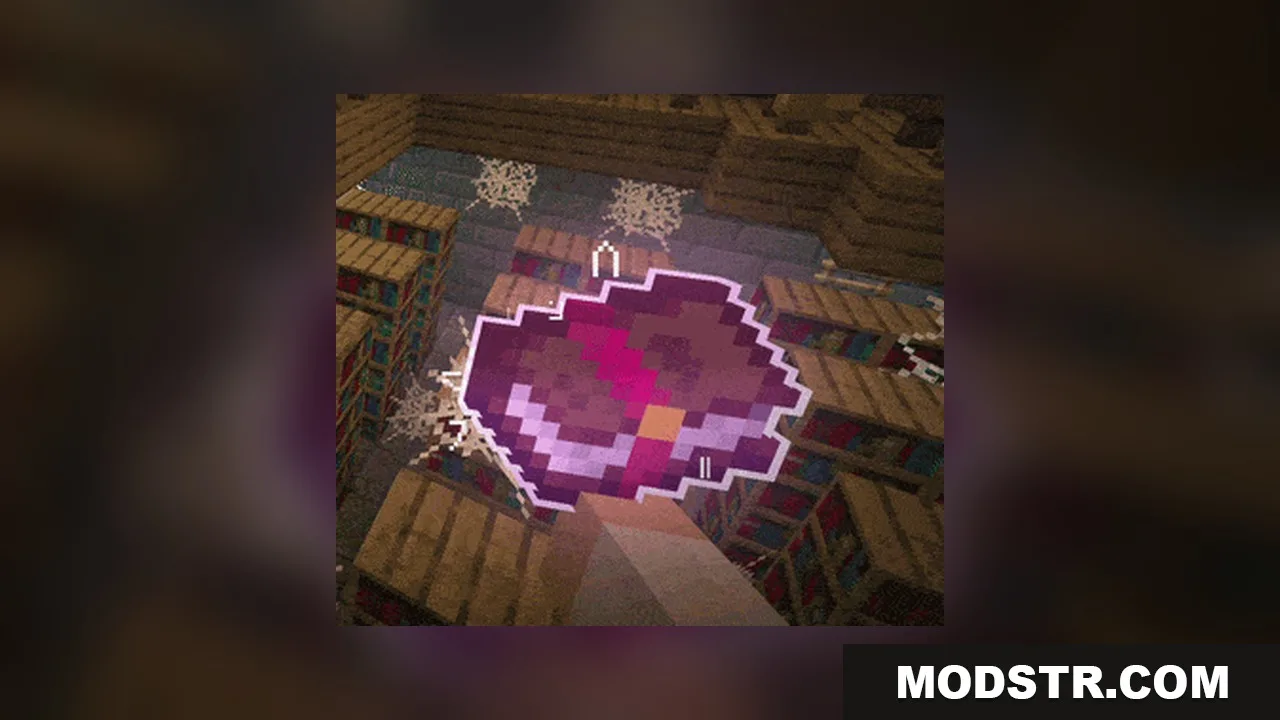
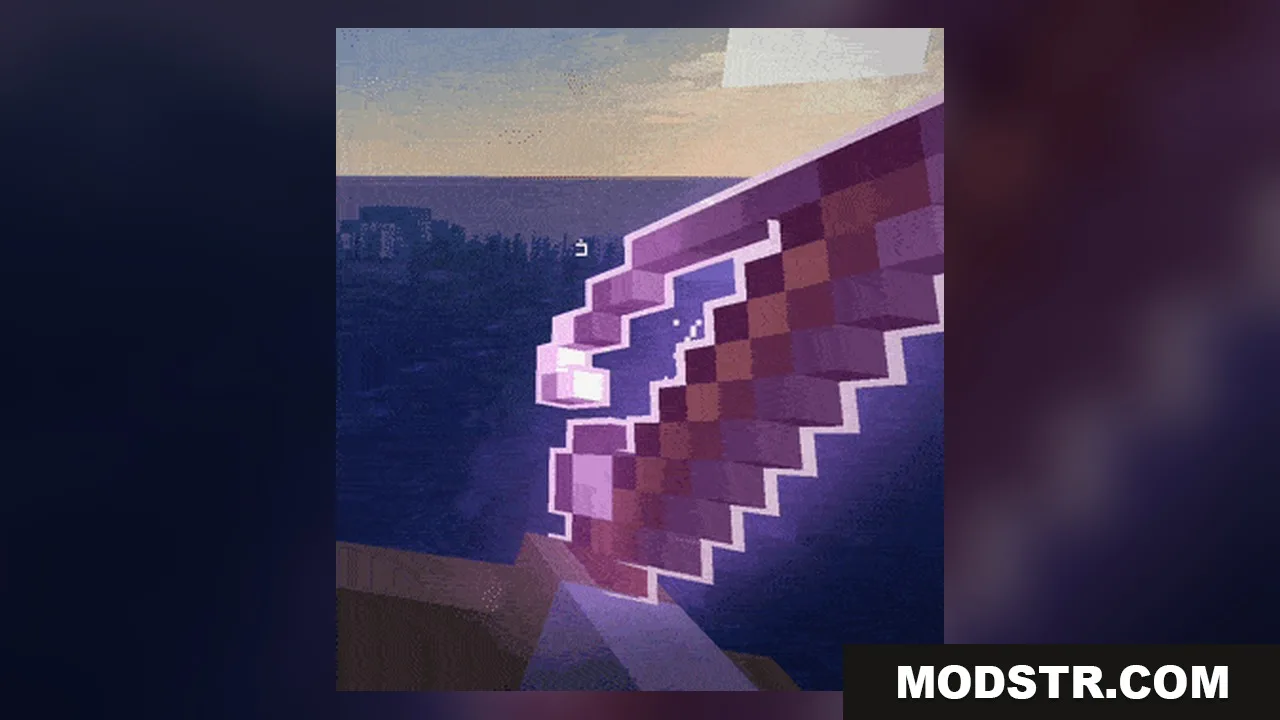
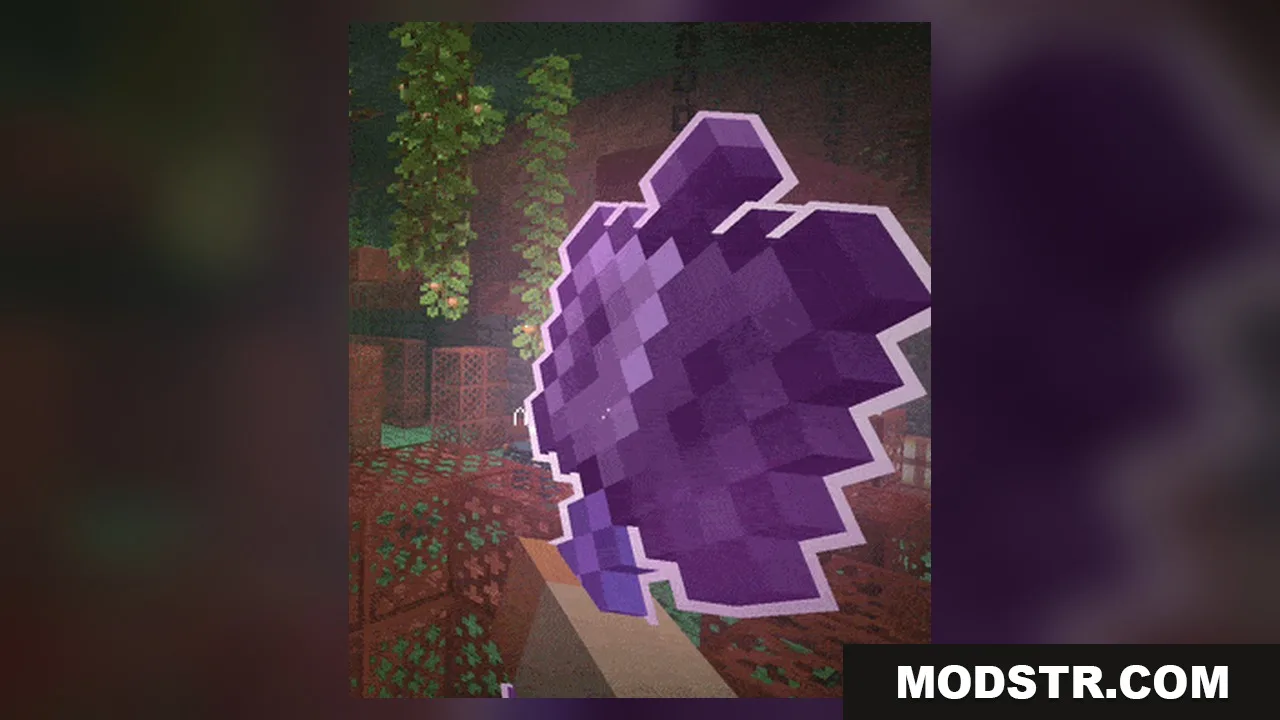
- Gives every enchanted item a distinct outer glow and sharp outline.
- Spawns floating runic particles that spin around enchanted tools and weapons.
- Casts light in dark caves when holding enchanted gear, reaching level 8 normally and level 10 for fire and lightning spells.
- Replaces standard item and armor glint with clean visual shimmer styles.
- Displays 3D arrows during bow and crossbow pulling animations.
- Works alongside visual add-ons like Real Arrow Tip, Classic Tools Fusion, and Mace Fusion.
Installation
- Download the resource pack file.
- Open Minecraft and navigate to the Options menu.
- Go to Resource Packs and click on 'Open Resource Pack Folder'.
- Place the downloaded resource pack in this folder.
- Select the pack from the list and click 'Done' to apply.
Customization Options
- Toggle outlines, glow effects, and custom models for specific item categories.
- Turn runic particles and particle spin animations on or off.
- Adjust glow strength and particle count to match your personal preference.
- Choose between reworked, vanilla, minimal, or no glint on items.
- Pick reworked, vanilla, or no glint styles for wearable armor pieces.
- Turn held lighting and directional lighting on or off.
DOWNLOAD FILES
- resource