
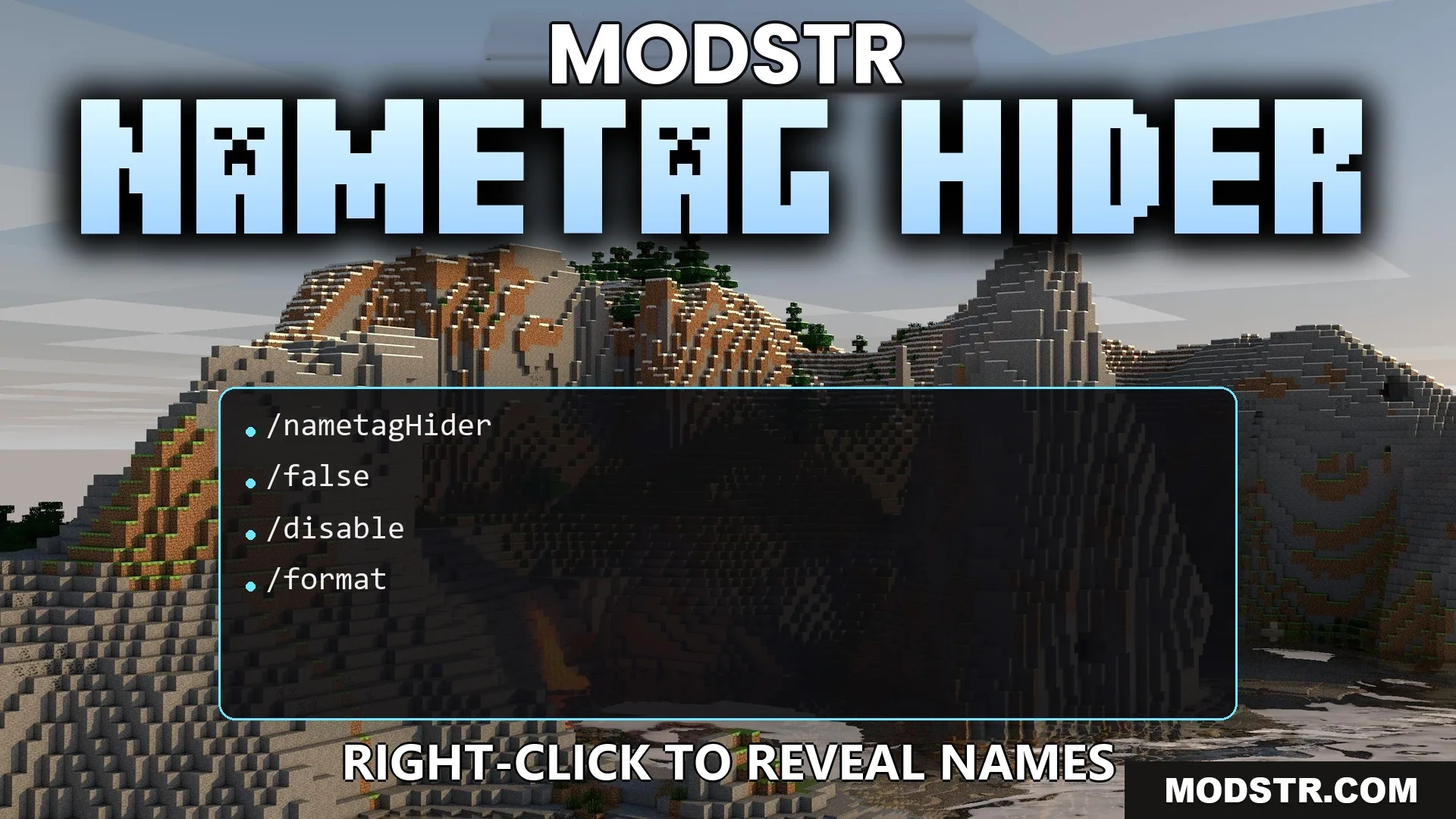
Nametag Hider Plugin (26.2, 1.21.1) – Keep Names Hidden Until Players Meet Face
Nametag Hider Plugin conceals player names above their heads, allowing for a stealth gameplay experience. Players can reveal names by right-clicking, making it suitable for roleplay and server customization.
- 1.21.11
- 1.21.10
- 1.21.9
Nametag Hider Plugin removes nametags displayed above players to create a more discreet environment. It is designed for those who prefer a stealth-focused gameplay experience or roleplaying scenarios. Players can reveal each other's names by right-clicking when enabled.
Features
- Hides nametags above player heads using the scoreboard team system.
- Reveals a player's name temporarily when right-clicked.
- Allows for custom text formatting with color codes and placeholder tags.
- Includes settings to toggle the entire nametag hiding feature or just the right-click reveal.
- Keeps scoreboard team names adjustable to avoid conflicts with existing server setups.
Installation
- Download the plugin file.
- Place the plugin file into the server's plugins directory.
- Restart or reload the server to enable the plugin.
- Configure settings as needed in the configuration file.
How to Use
- Get close to another player in the game.
- Right-click on the player to see their name revealed.
- The player's formatted nickname will be displayed on your screen.
DOWNLOAD FILES
- jar
- jar
- jar
- jar