Telegram
Rrtt217 S Hdr Mod (26.1.2, 1.21.1) – Unlock Brighter Lights And Deeper Shadows cover art

Rrtt217 S Hdr Mod (26.1.2, 1.21.1) – Unlock Brighter Lights And Deeper Shadows

HDR mod for Iris Shaders that expands the game's color range and brightness depth. Includes menu fixes, in-game brightness controls, and HDR screenshot support.

65 JAVA
  • Fabric
  • NeoForge
  • 1.21.11
  • 1.21.10
  • 1.21.9
  • 1.21.1
  • 1.21

Rrtt217's HDR Mod adds true high dynamic range lighting support for use with Iris Shaders. It expands the range of colors and brightness values the game can display, making bright lights more luminous and dark areas more detailed. The mod also corrects how inventory and game menus are rendered so they display with proper colors and contrast.
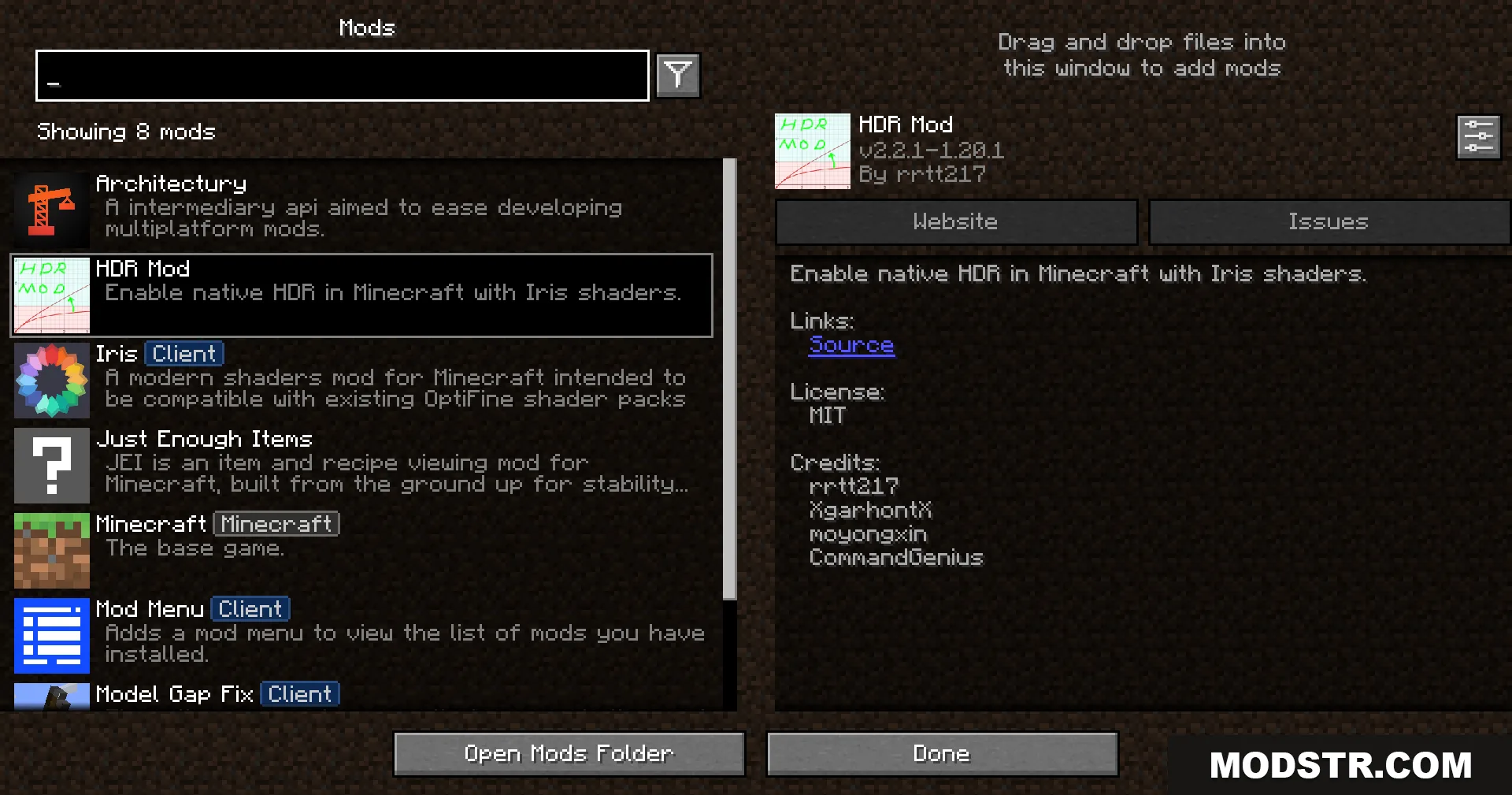
A list of installed modifications in the game menu

Features

  • True HDR support that works with Iris Shaders.
  • Menu color correction for inventory and game interface elements.
  • HDR screenshot capture to preserve the full range of lighting.
  • In-game brightness adjustment sliders accessible during gameplay.
  • Replay Mod integration for HDR-capable video recording.
  • Support for Windows and Linux systems with modern graphics cards.
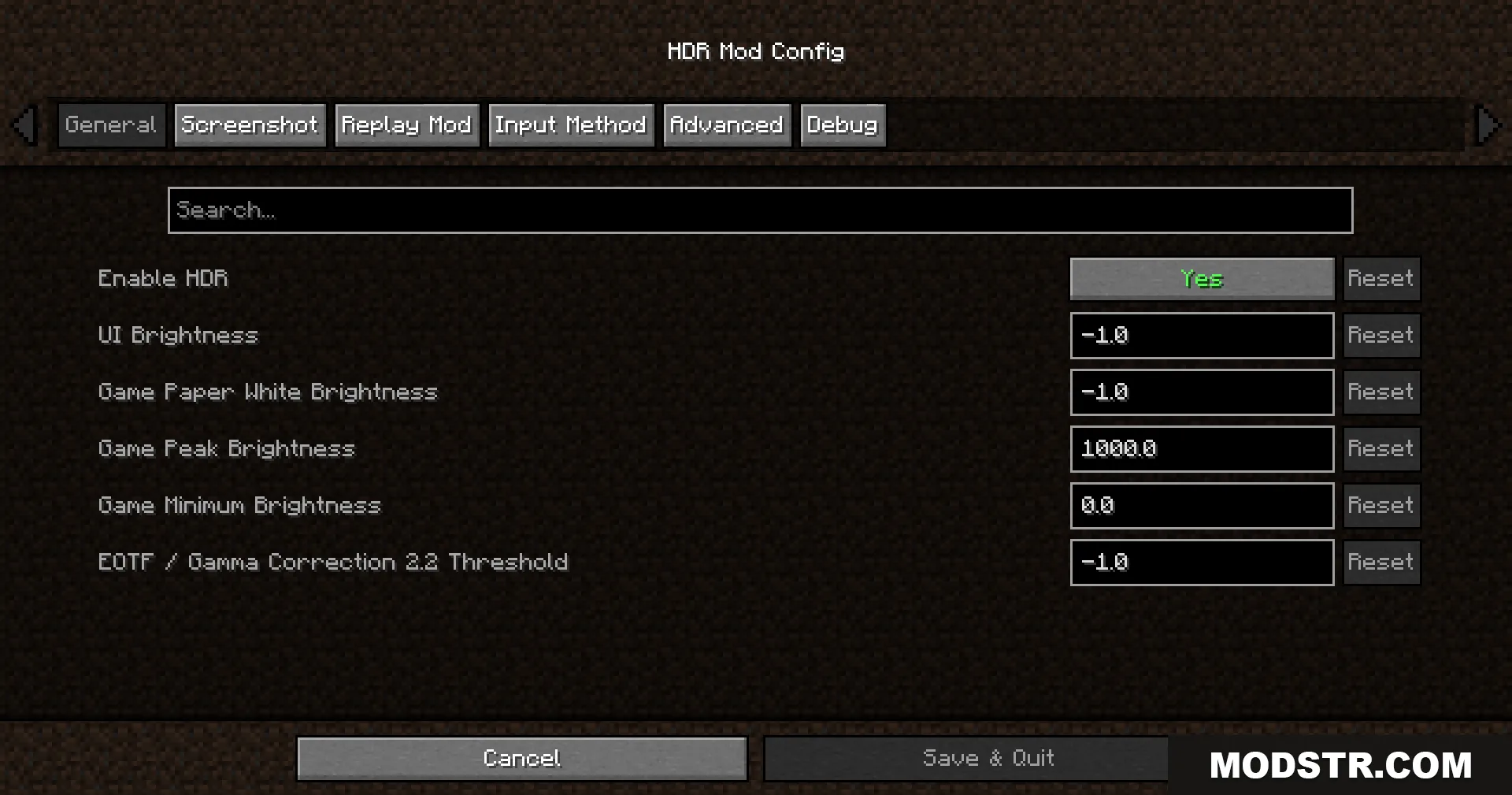
A configuration menu for adjusting brightness and color settings
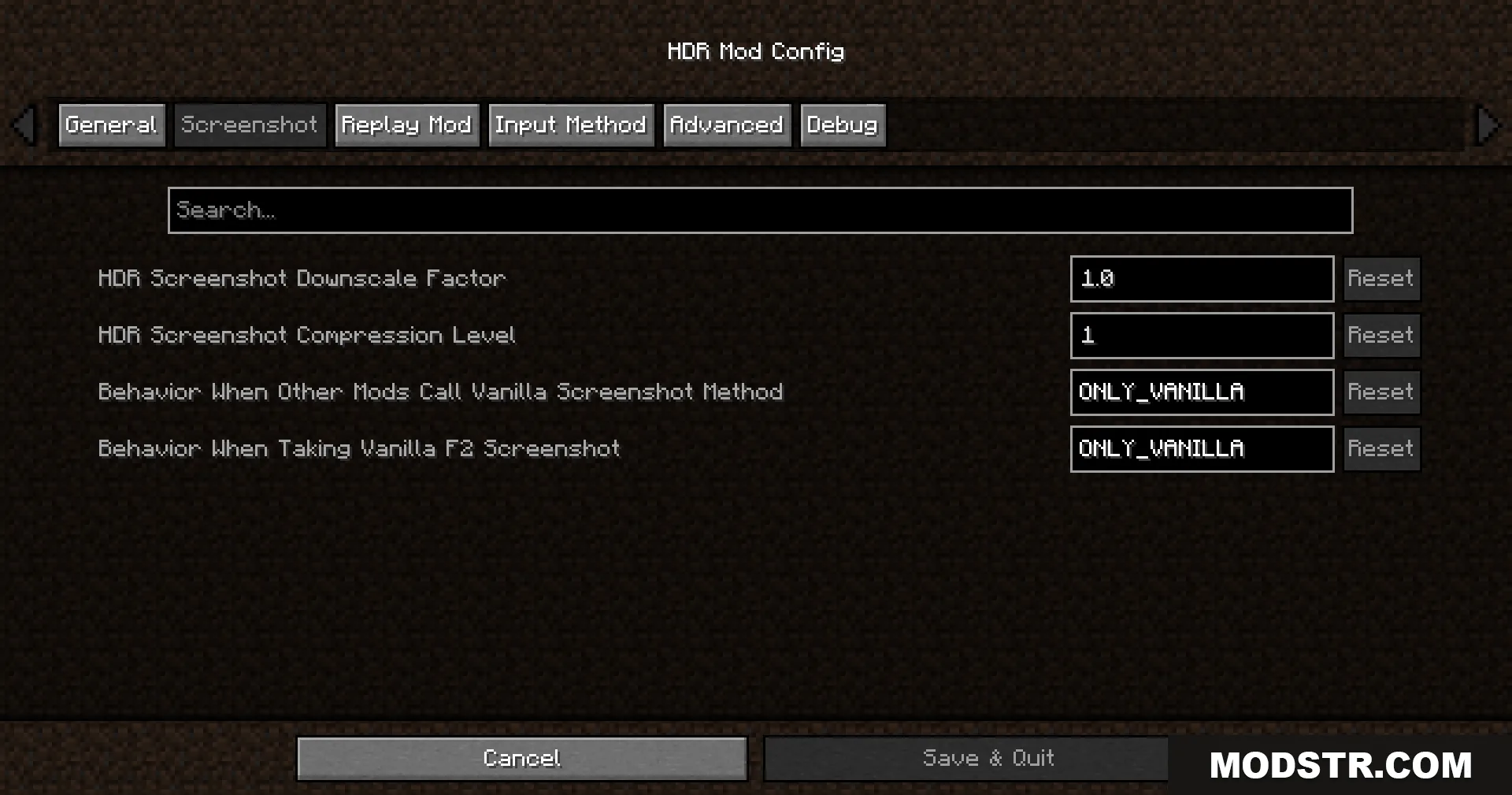
Minecraft configuration menu showing screenshot settings for high dynamic range lighting

Installation

  1. Install Iris Shaders if not already installed.
  2. Place the mod file in your mods folder.
  3. Launch Minecraft and enable a shader pack through the Iris menu.
  4. In Iris settings, set the Colorspace option to sRGB to ensure proper HDR lighting behavior.
  5. Press F9 in-game to access brightness controls.
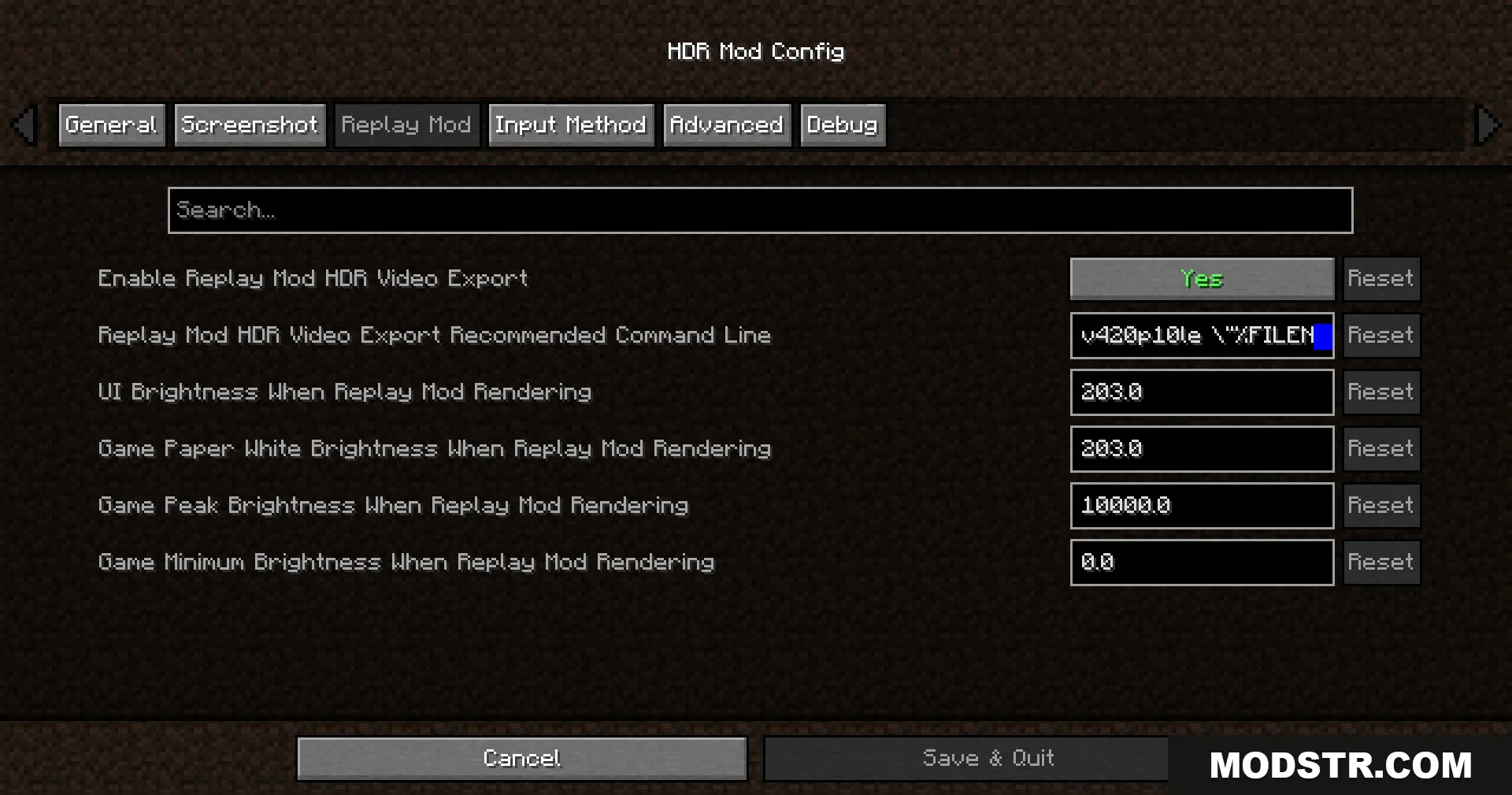
Configuration menu displaying replay mod settings for high dynamic range video export
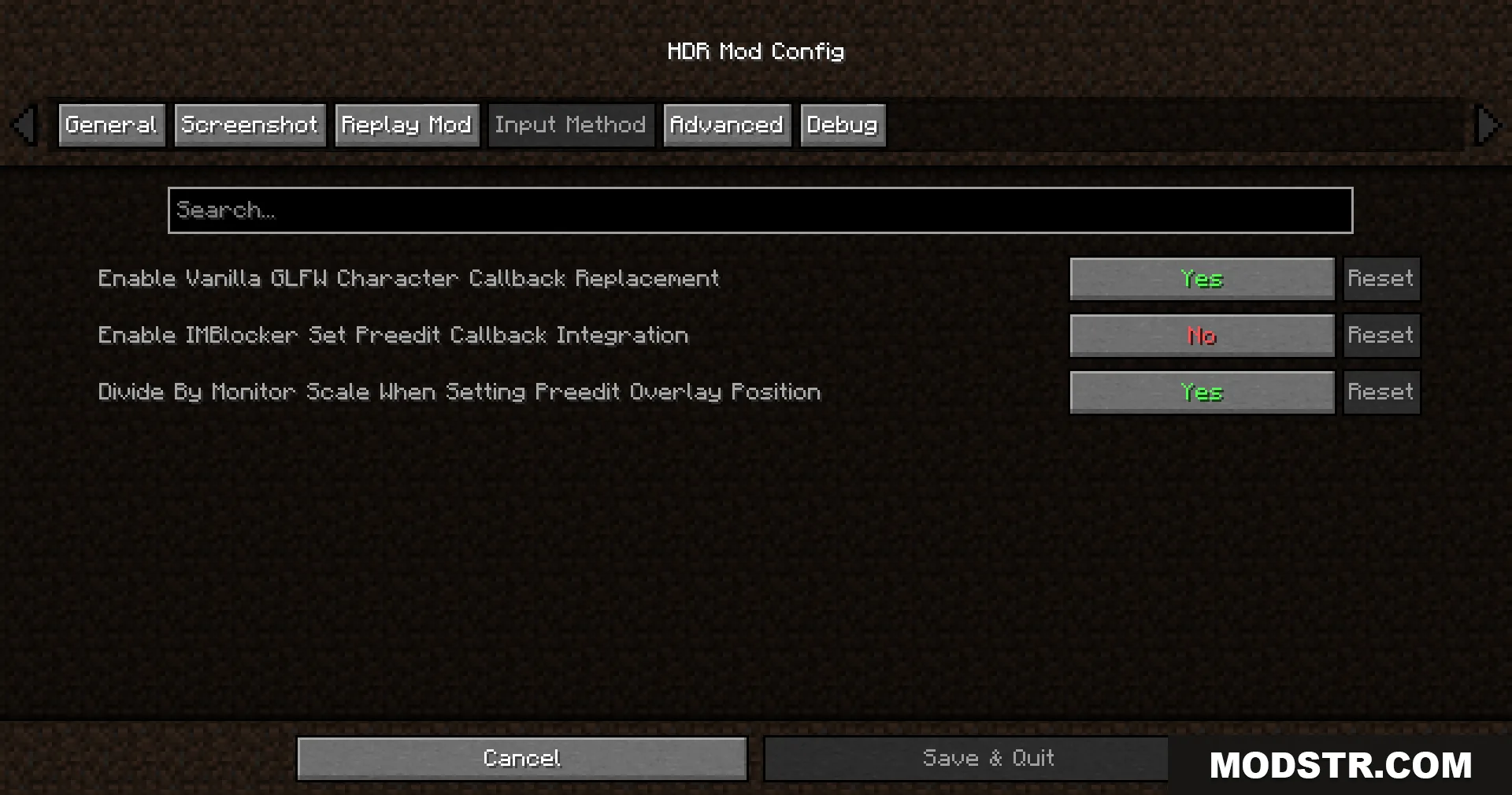
HDR Mod Config menu showing the Input Method tab settings in Minecraft

Configuration

  • Press F9 to open the brightness adjustment menu during gameplay.
  • Press F10 to capture an HDR screenshot.
  • Use the Paper White, UI, and Peak brightness sliders to match your monitor's capabilities and personal preference.
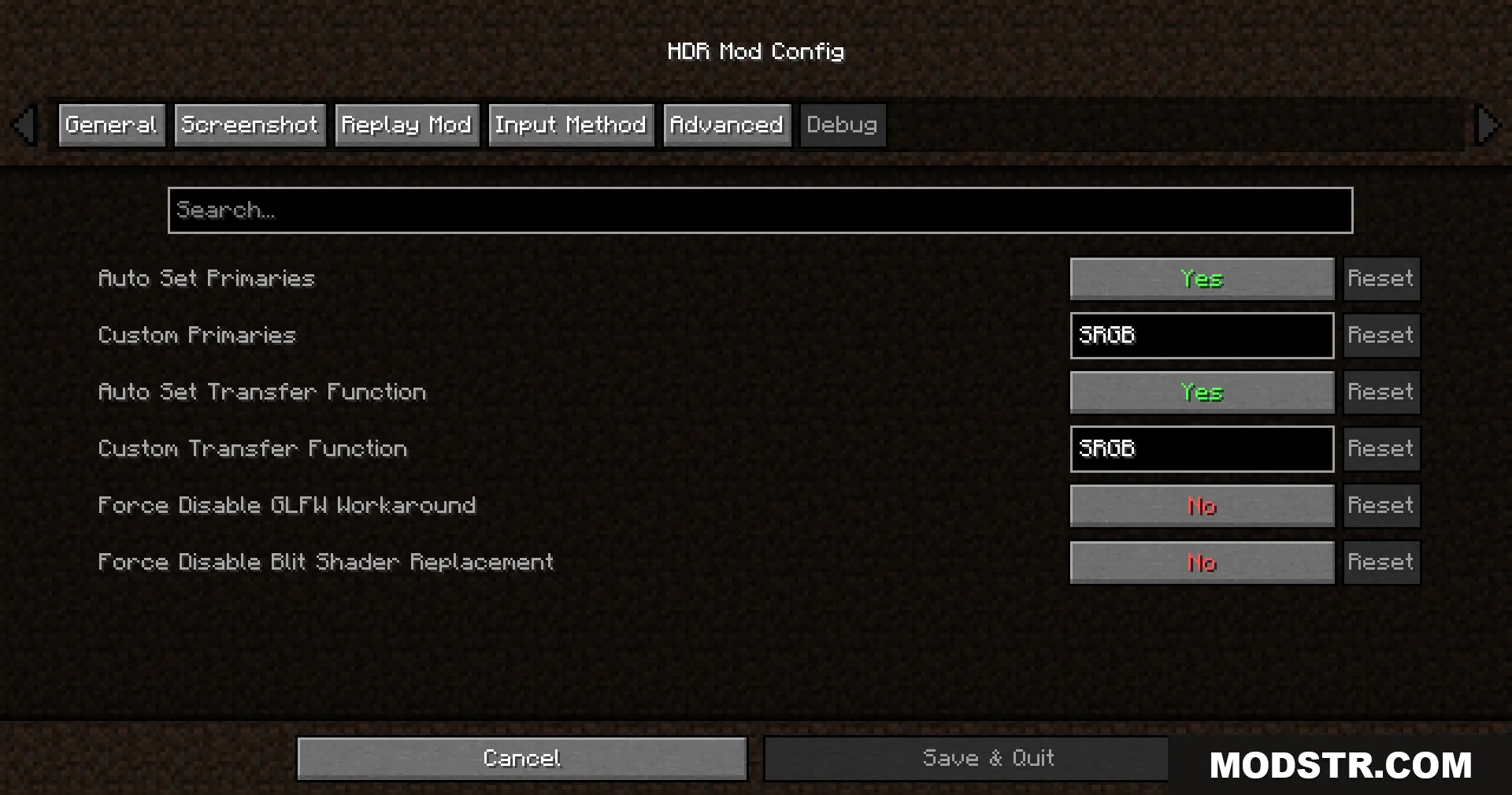
HDR Mod Config menu displaying the Advanced tab options in Minecraft
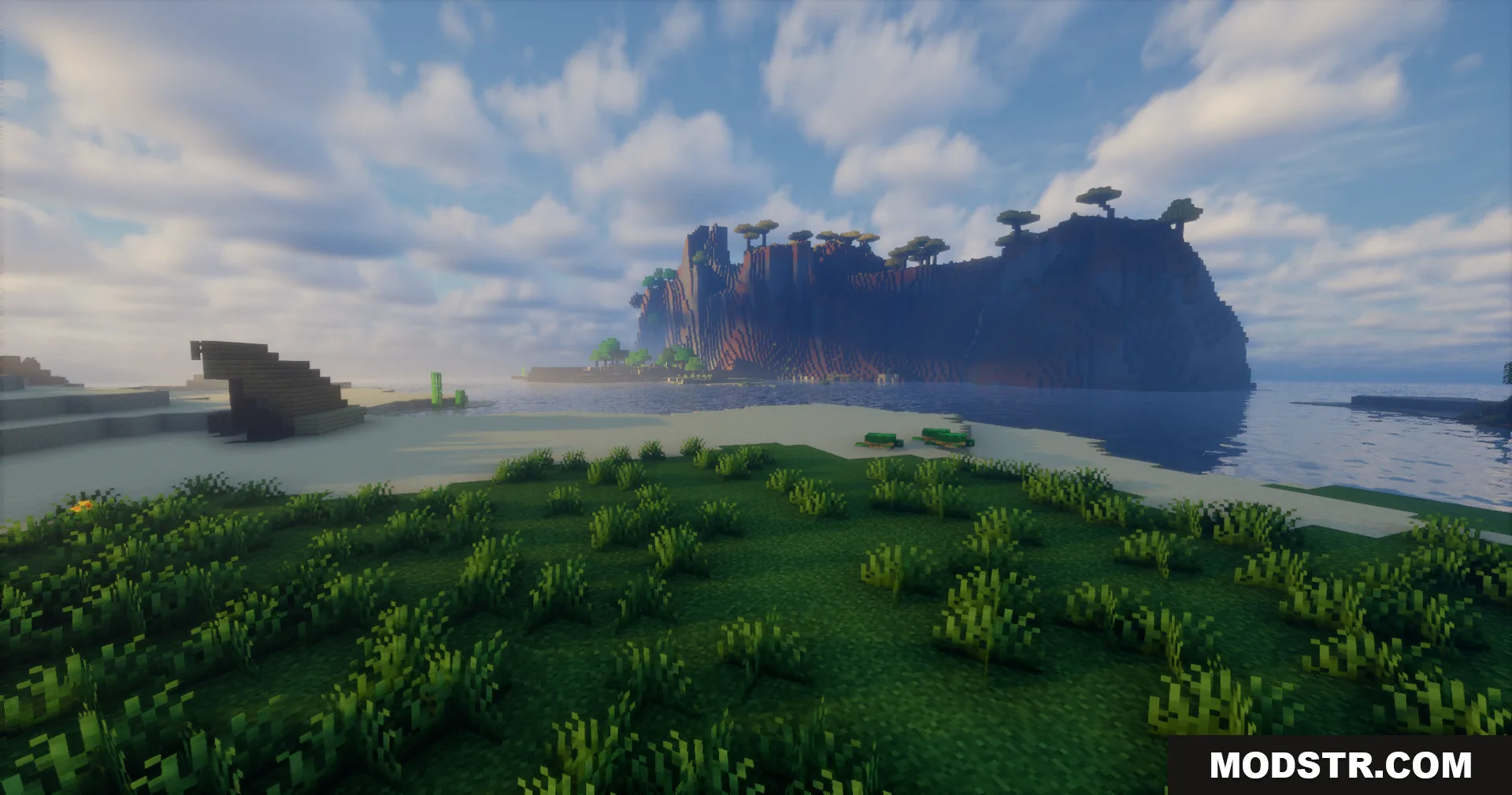
A grassy shoreline looking out towards a large rocky island with trees
A single tree stands by the water near a uniquely shaped rocky cliff
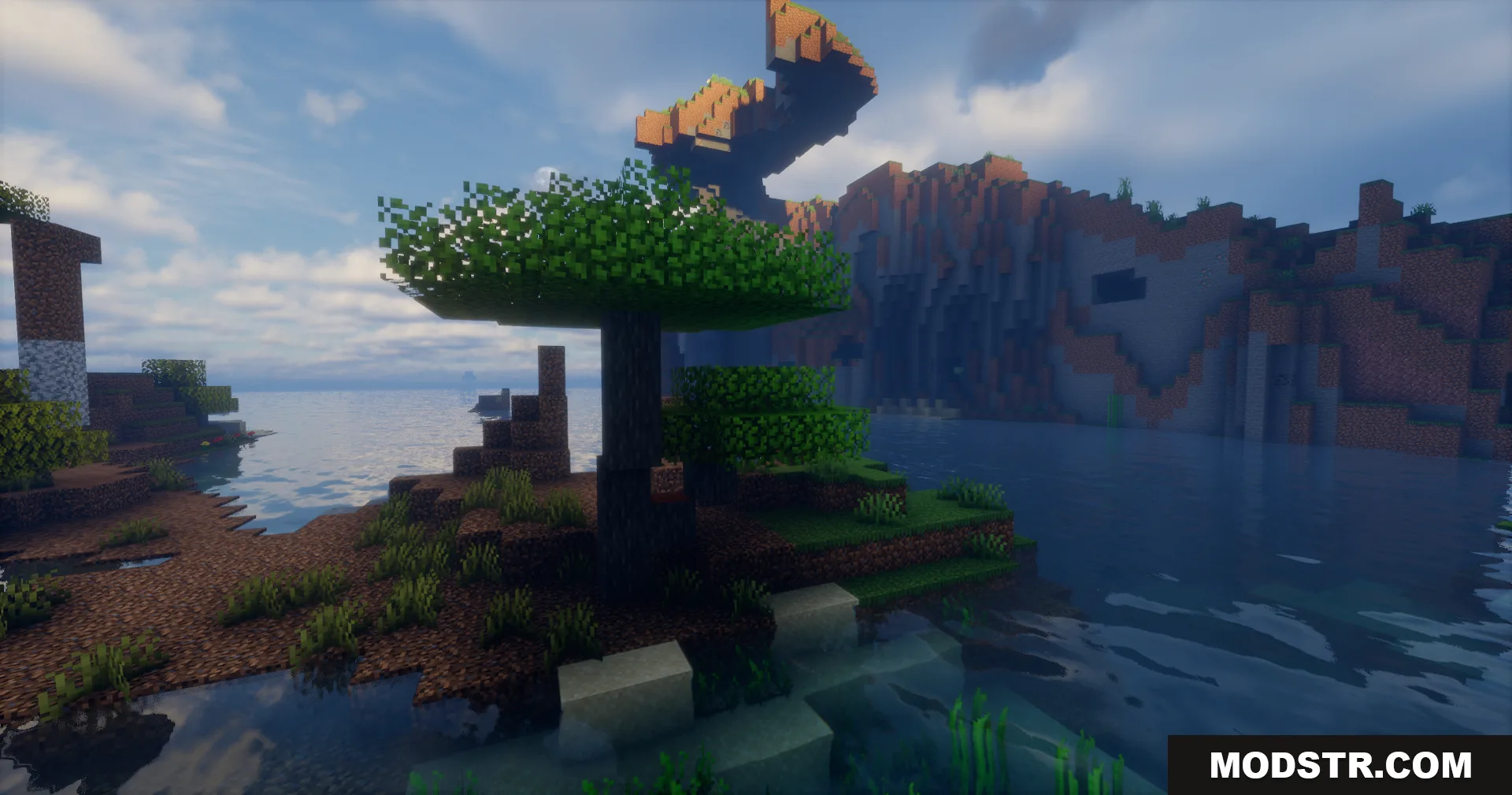
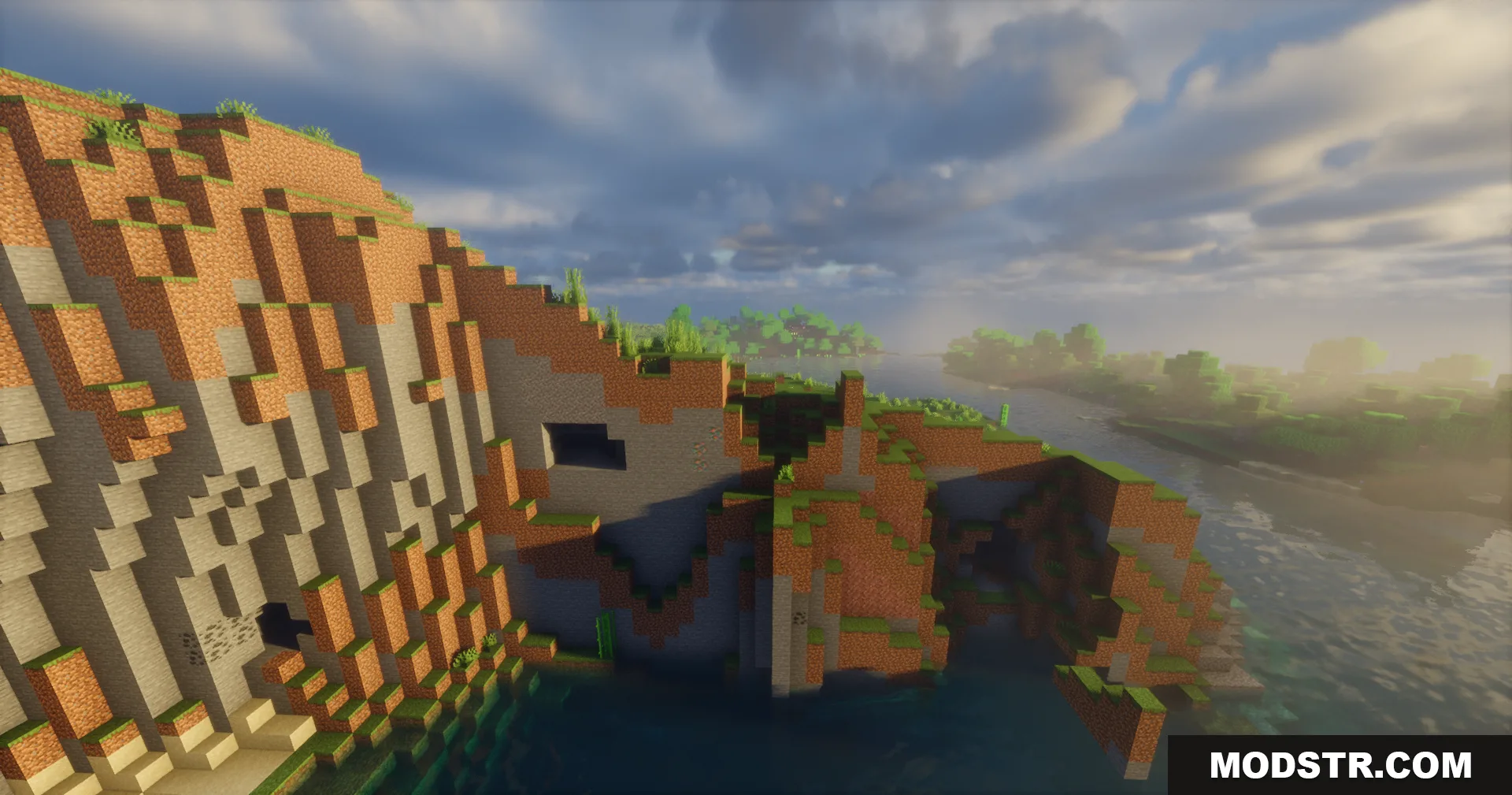
Steep dirt cliff next to water with realistic lighting and shadows
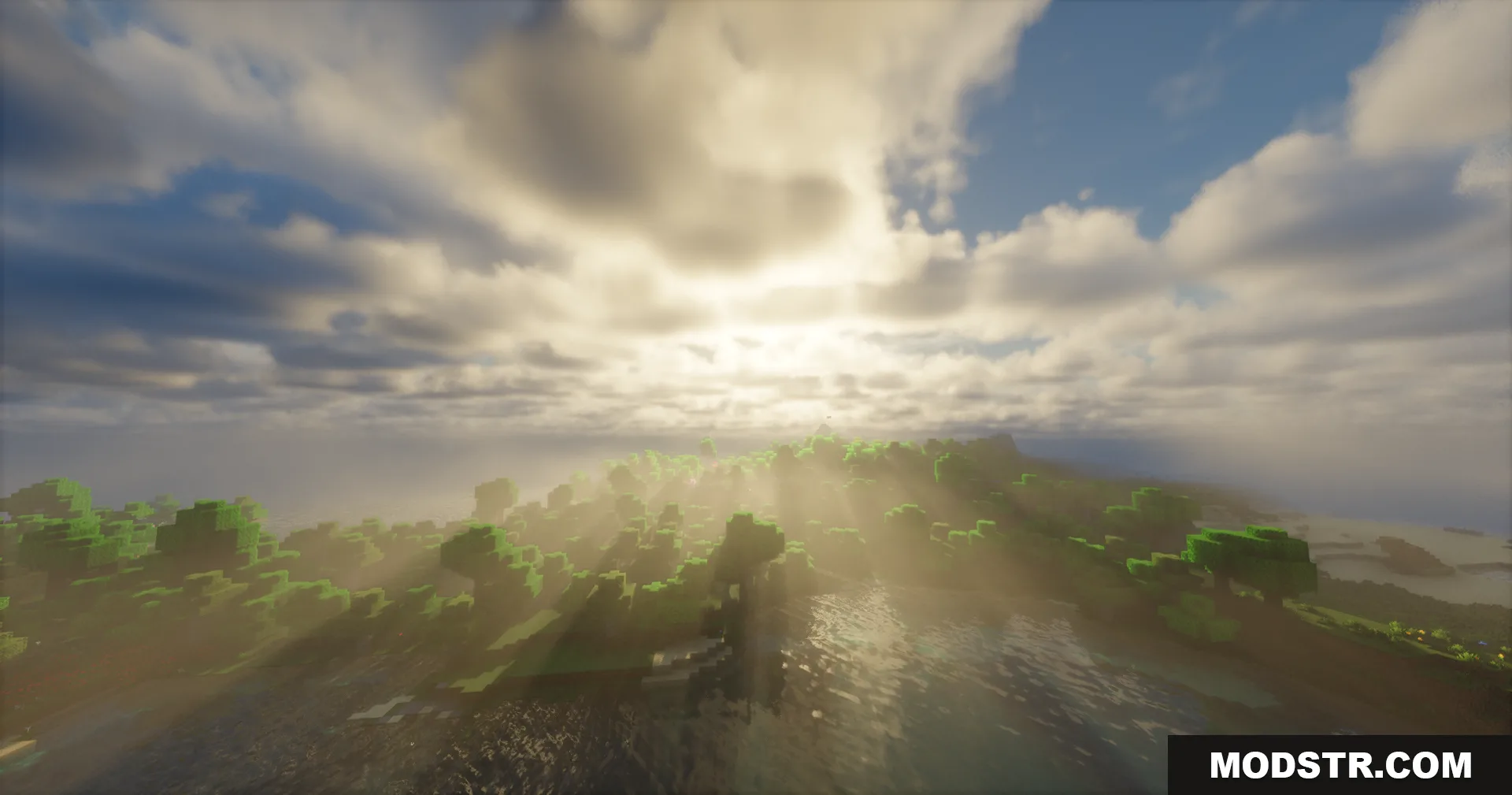
Bright sunbeams shining through clouds over a forest and water landscape
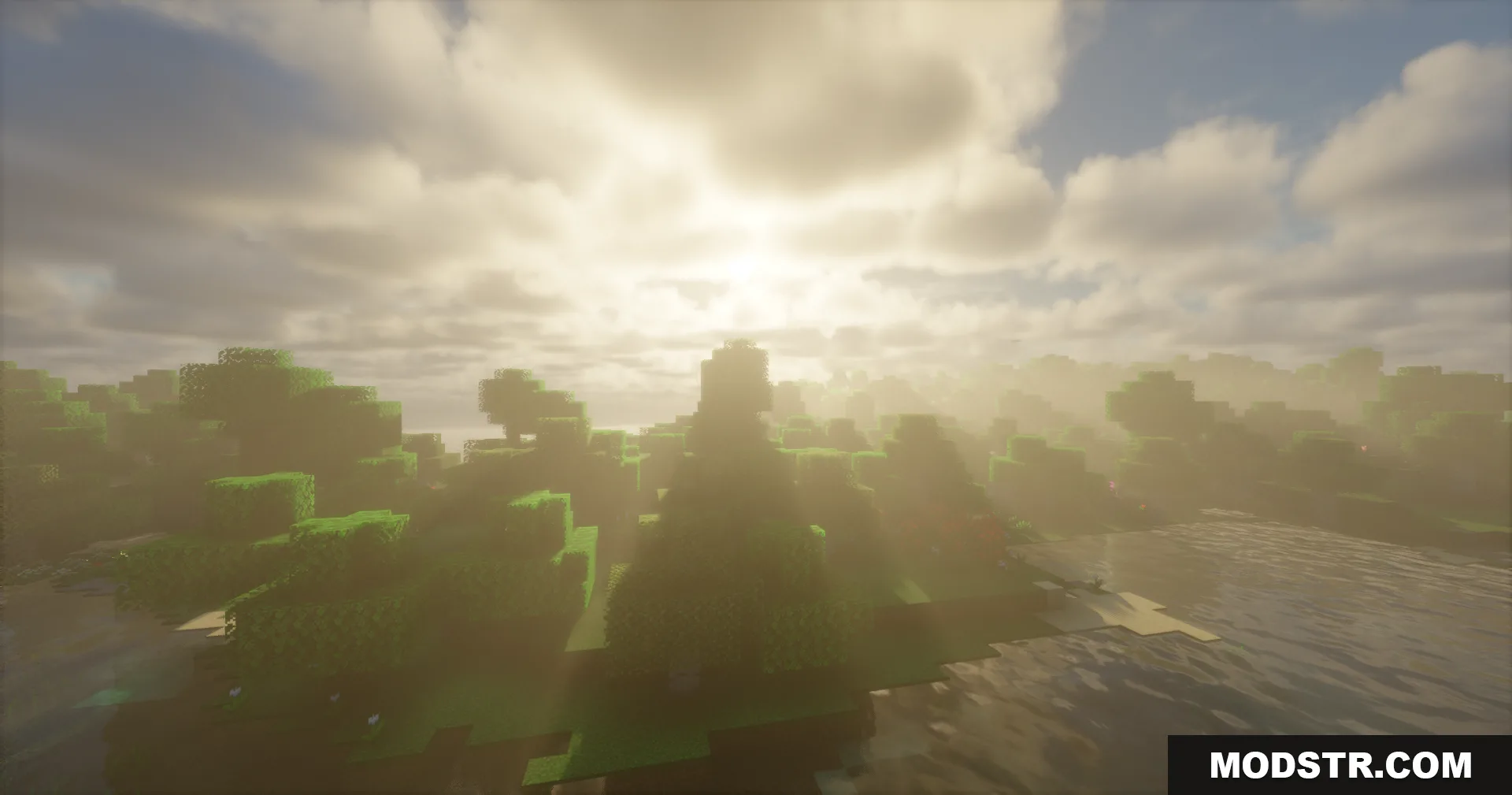
Bright sunlight shining through trees over water with HDR lighting effects
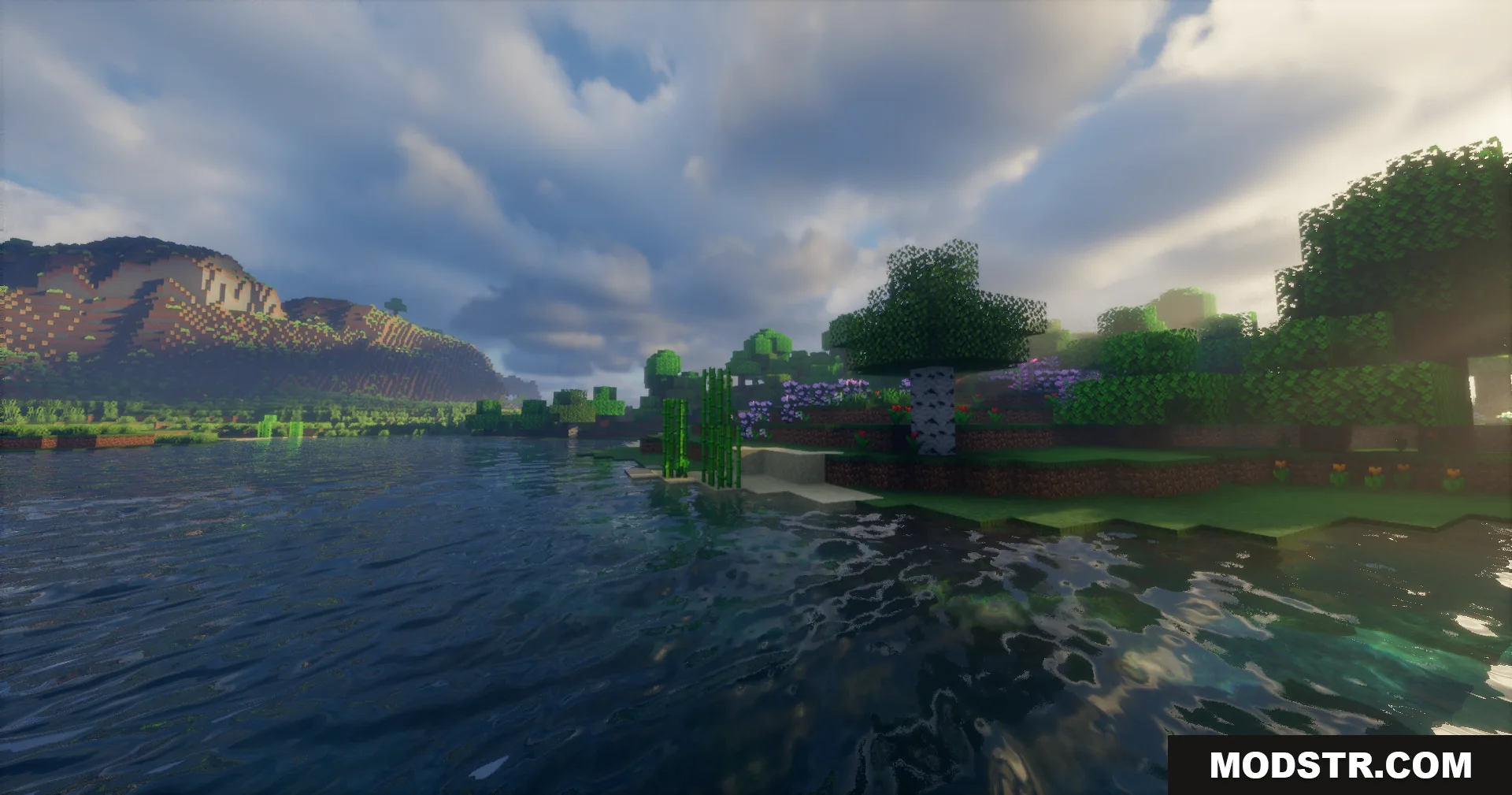
Scenic Minecraft landscape featuring detailed water reflections mountains and realistic sky
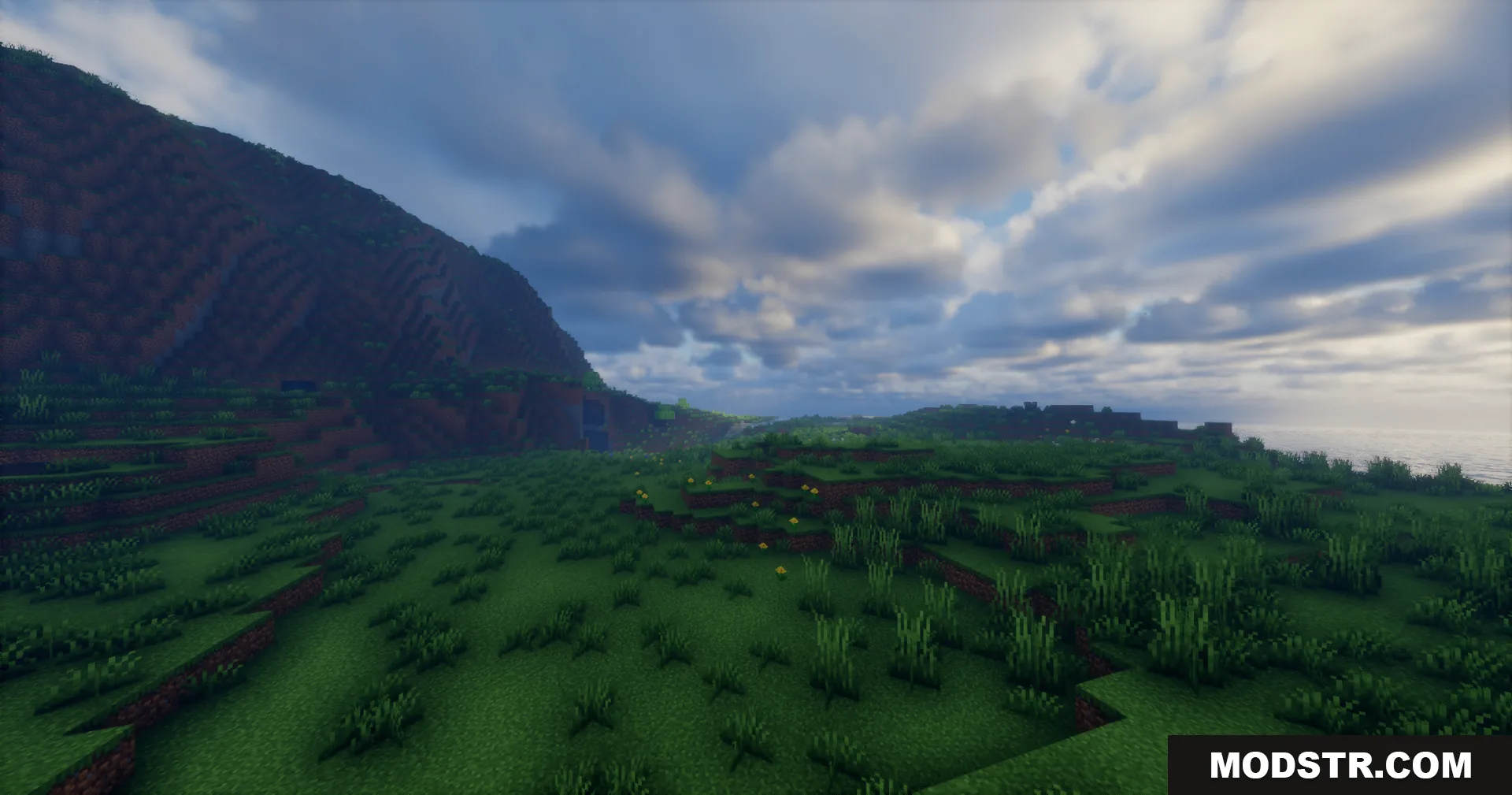
Wide Minecraft landscape featuring green hills and a realistic cloudy sky with enhanced lighting
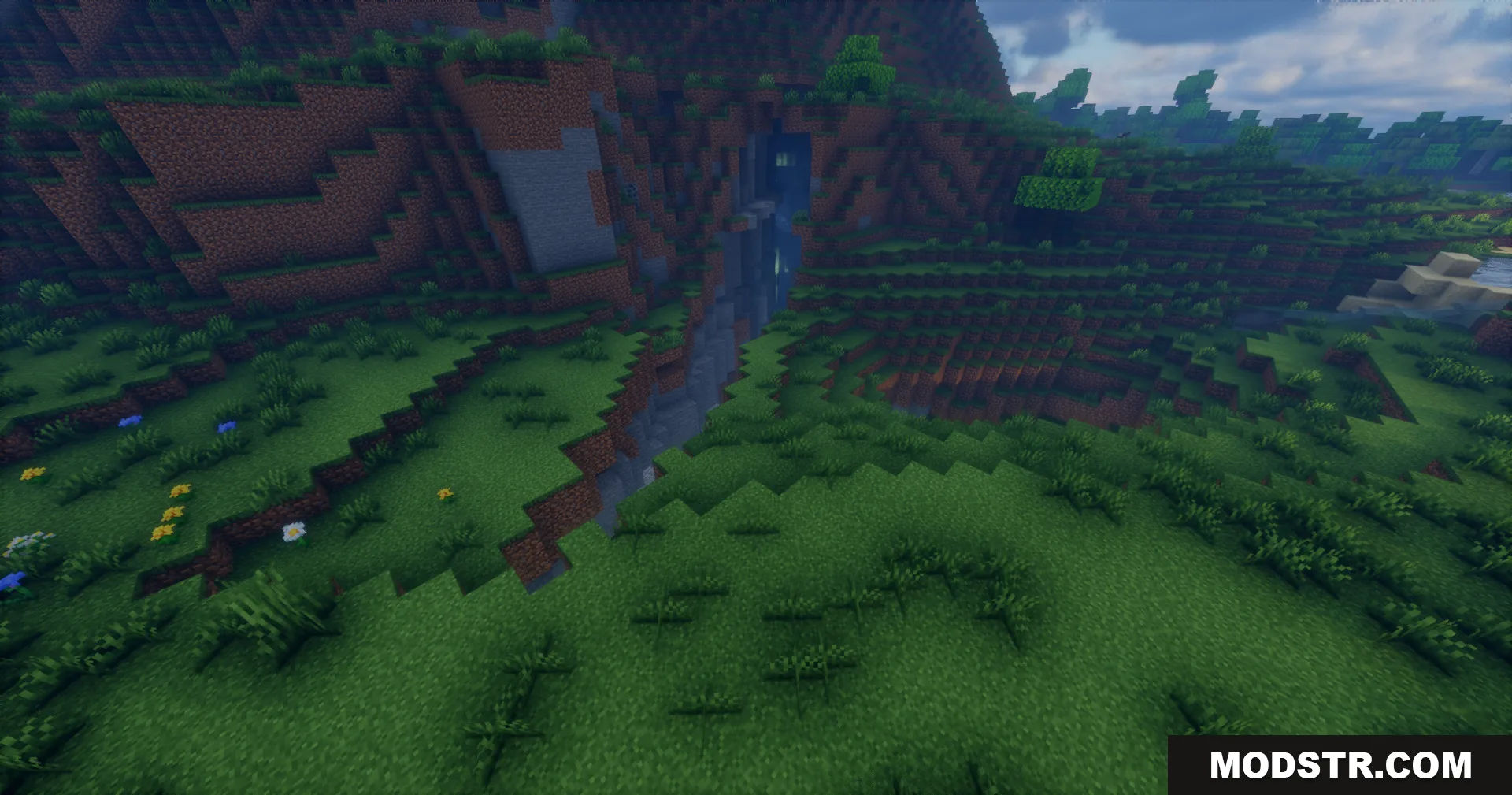
Grassy terrain in Minecraft showing a small ravine with water and enhanced shadows

DOWNLOAD FILES

  • jar
    26.1.2, 26.1.1, 26.1 · Rrtt217-S-Hdr-Mod-Fabric-26.1.2.jar
    • Fabric
  • jar
    1.21.11 · Rrtt217-S-Hdr-Mod-NeoForge-1.21.11.jar
    • NeoForge
    • 1.21.11
  • jar
    1.21.10, 1.21.9 · Rrtt217-S-Hdr-Mod-NeoForge-1.21.10.jar
    • NeoForge
    • 1.21.10
  • jar
    1.21.1, 1.21 · Rrtt217-S-Hdr-Mod-Fabric-1.21.1.jar
    • Fabric
    • 1.21.1