
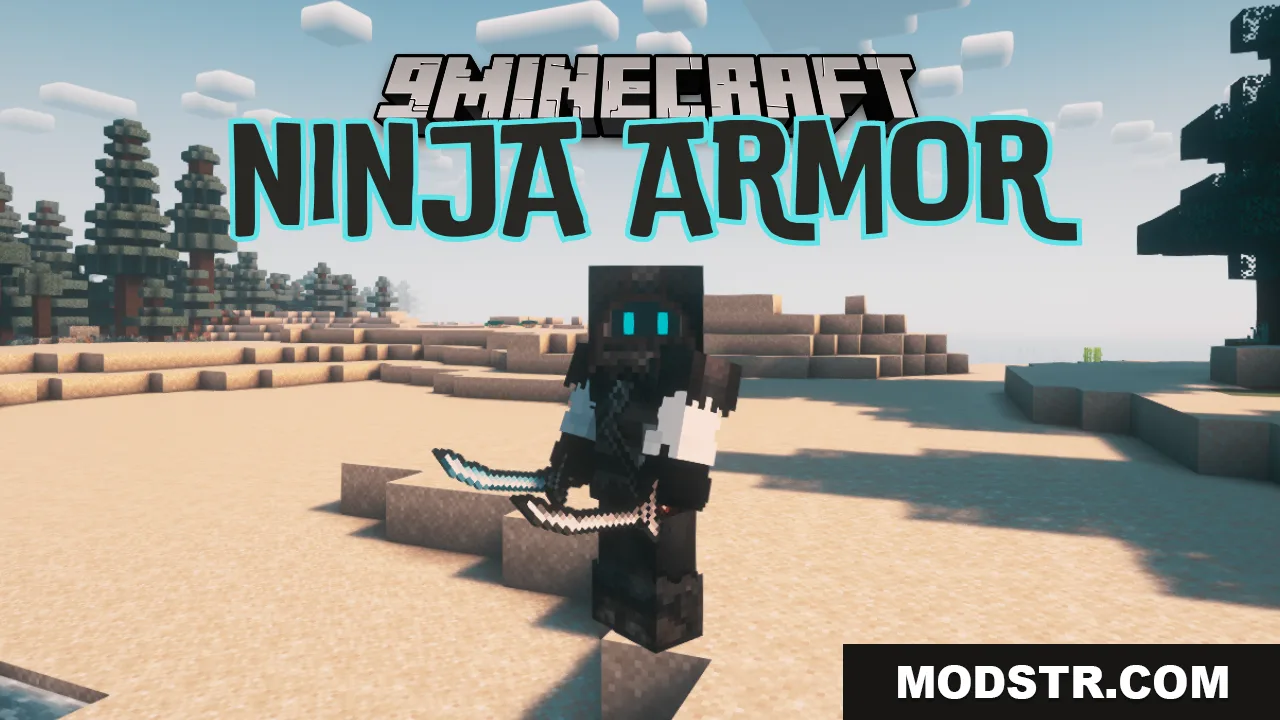
Ninja Armor Mod (26.2, 1.21.1) – Stealth Gameplay
Adds ninja-themed armor and weapons to Minecraft. Wear the full set to hide your username, and craft gear using bamboo instead of traditional materials.
- Fabric
- 1.20.6 → 1.21.11 +11
Show all 11 versions
- 1.21.11
- 1.21.10
- 1.21.9
- 1.21.8
- 1.21.7
- 1.21.6
- 1.21.5
- 1.21.4
- 1.21.1
- 1.21
- 1.20.6
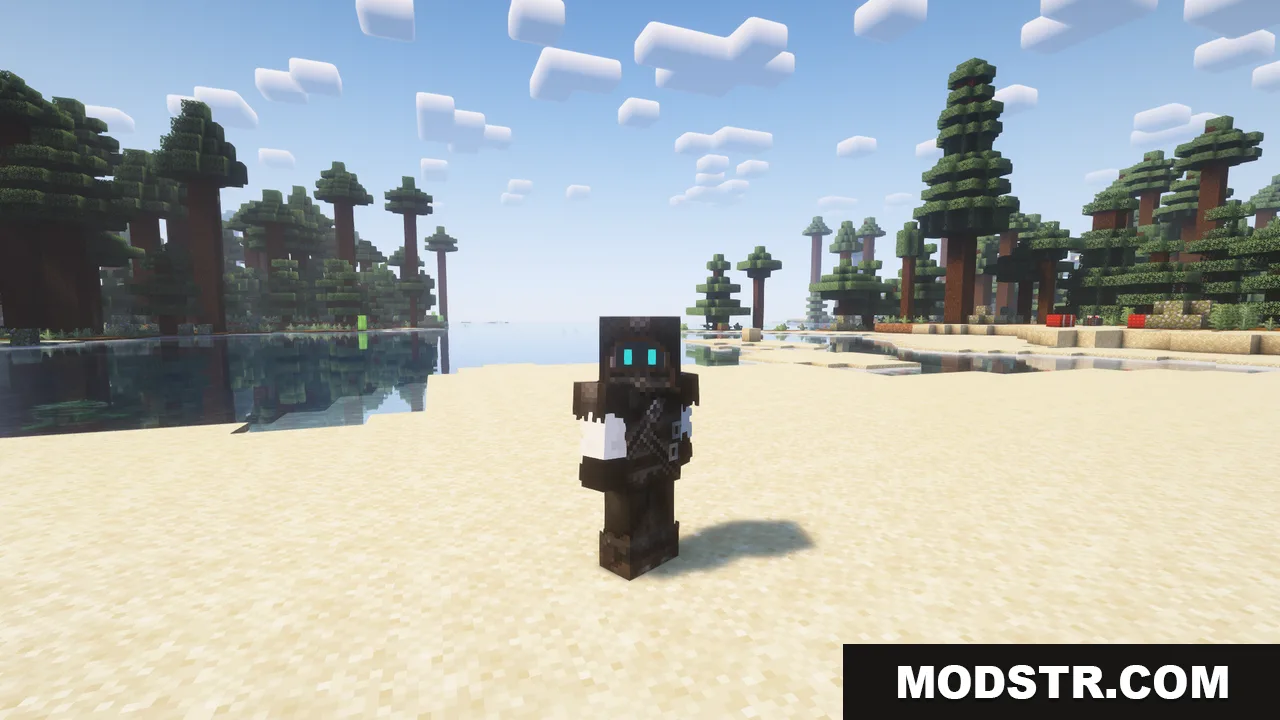
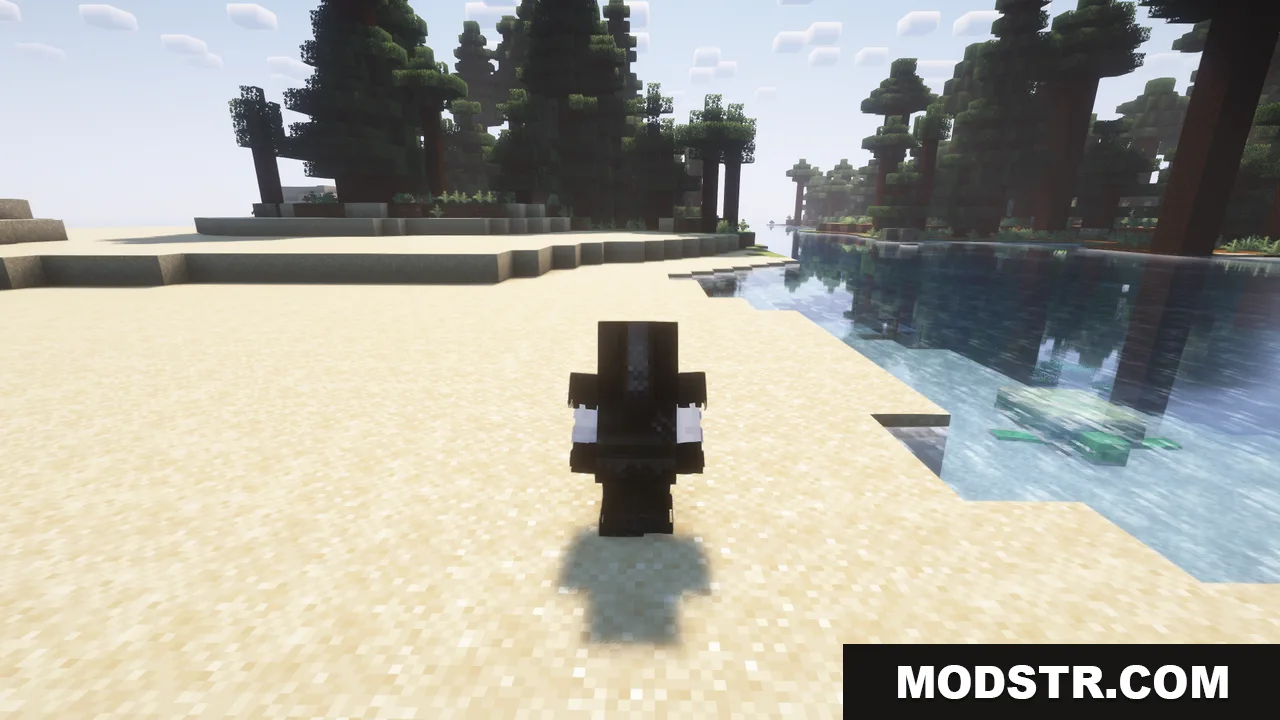
The Ninja Armor Mod introduces ninja-themed armor and weapons to your game. When you wear the complete ninja armor set, your username becomes hidden, letting you move through the world unnoticed. All armor pieces and weapons are crafted using bamboo rather than conventional materials.
Features
- Full ninja armor hides your username when all pieces are equipped.
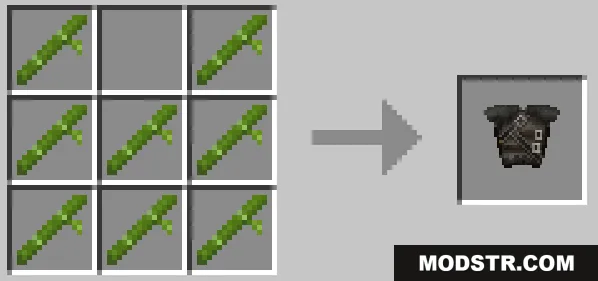
- All armor pieces are crafted with bamboo using standard armor crafting patterns.
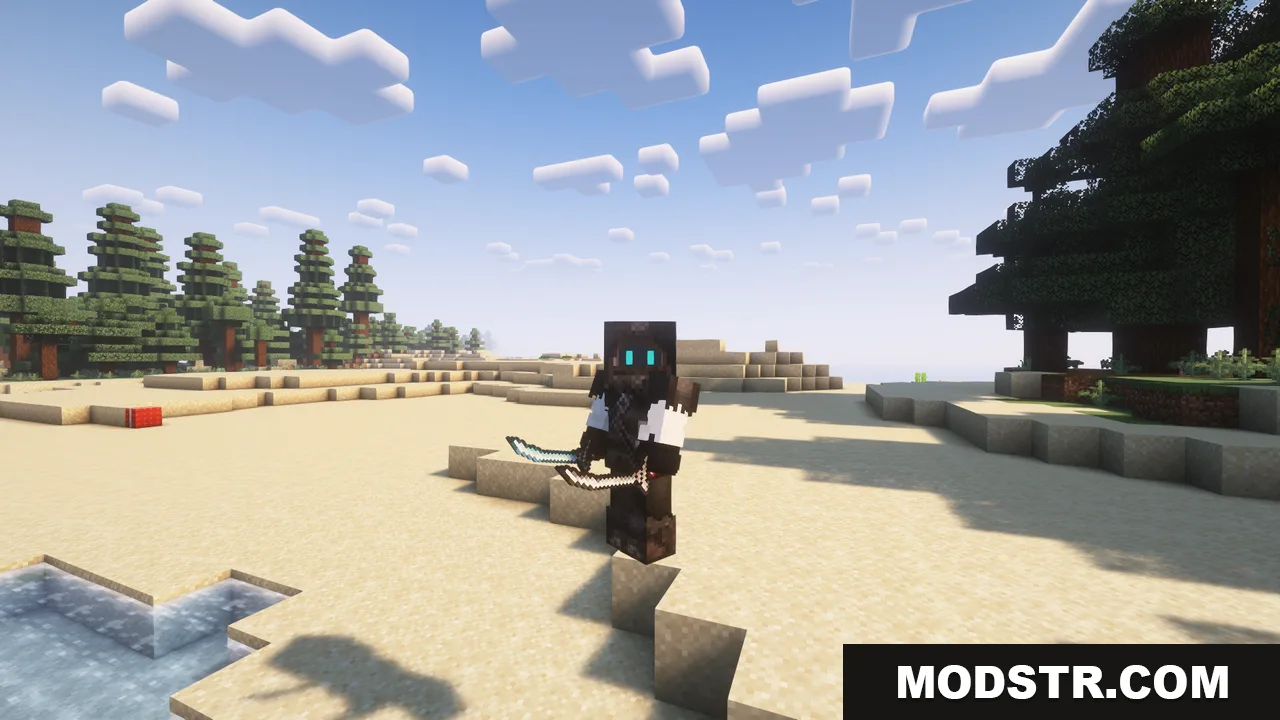
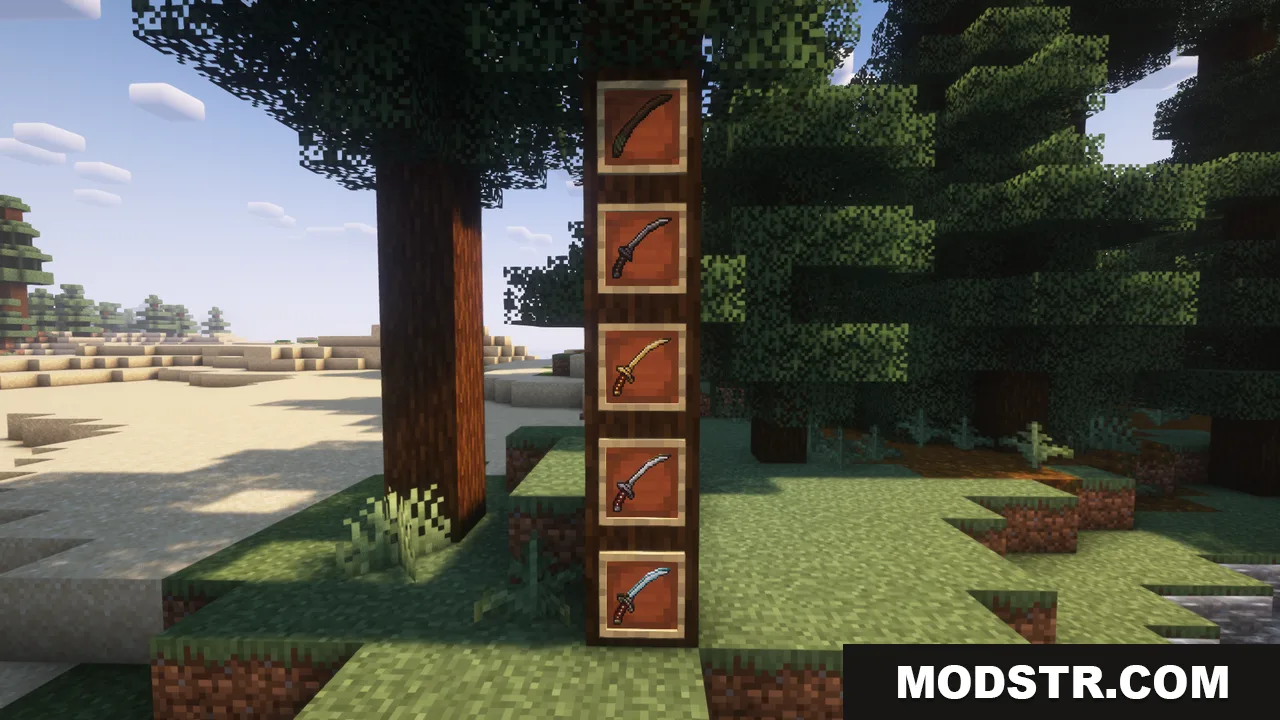
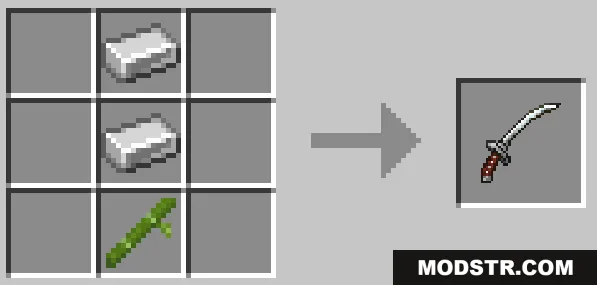
- Katanas in wood, iron, gold, and diamond variants can be crafted using bamboo instead of sticks.
Installation
- Download and install Fabric or Forge (depending on the mod version).
- Download the Ninja Armor Mod jar file.
- Place the jar file in your mods folder.
- Launch Minecraft and select the appropriate loader profile.
- Create or load a world to use the new armor and weapons.
Compatibility
This mod is designed for Minecraft 1.21.1. Check the mod version number to ensure compatibility with your game version.
DOWNLOAD FILES
- jar
- jar
- jar
- jar