
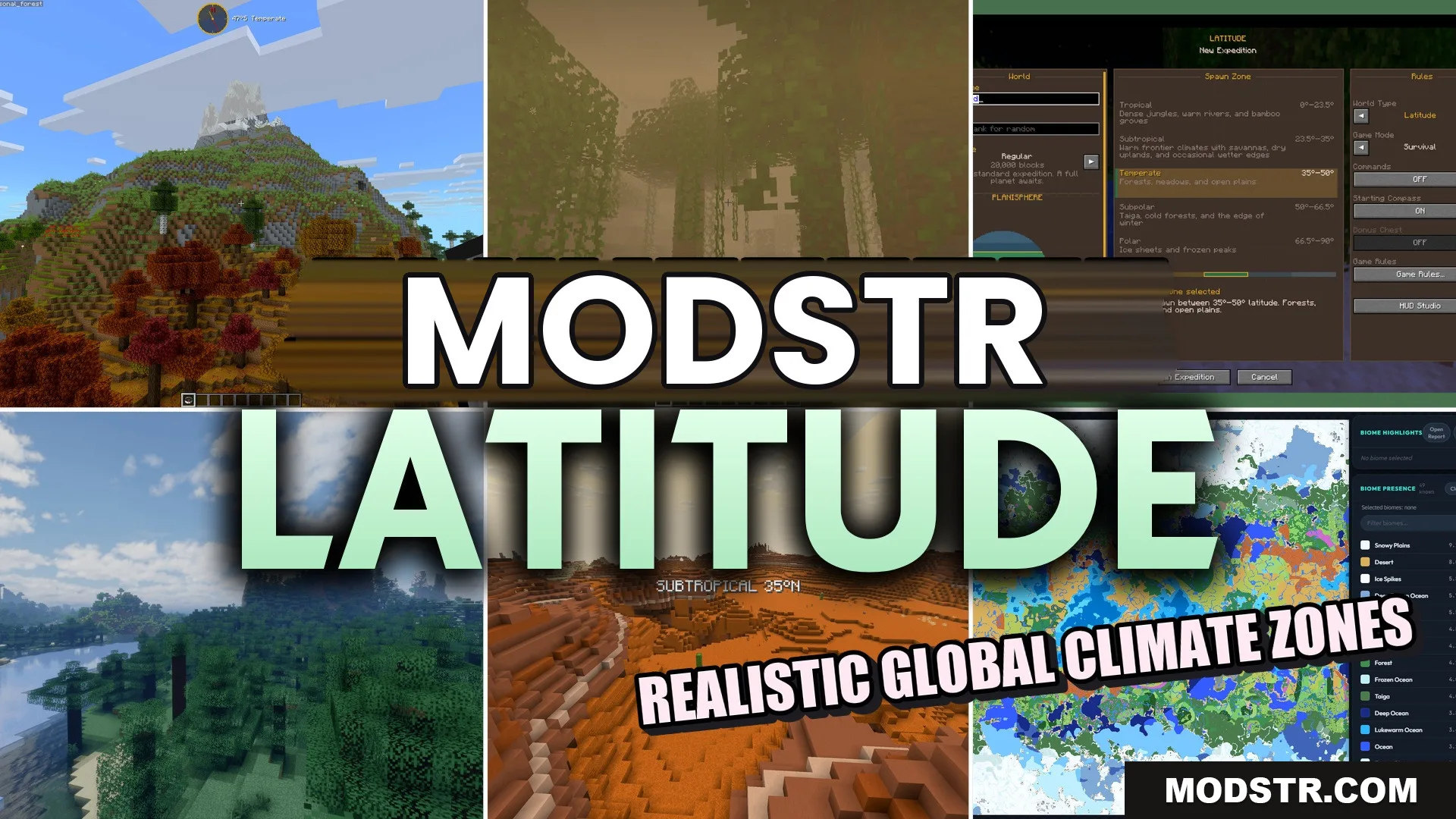
Latitude Mod (26.2, 1.20.1) – Travel From Hot Jungles to Freezing Polar Edges
Latitude Mod adds realistic climate zones to your Minecraft world, arranging biomes based on temperature. Travel from jungles to frozen areas while benefiting from various map sizes and features.
- Fabric
- 1.21.11
- 1.21.1
- 1.21
Latitude Mod enhances your Minecraft gameplay by introducing distinct climate zones, preventing random biome placement. This mod is designed for players who wish to experience varied environments as they explore their worlds.
Features
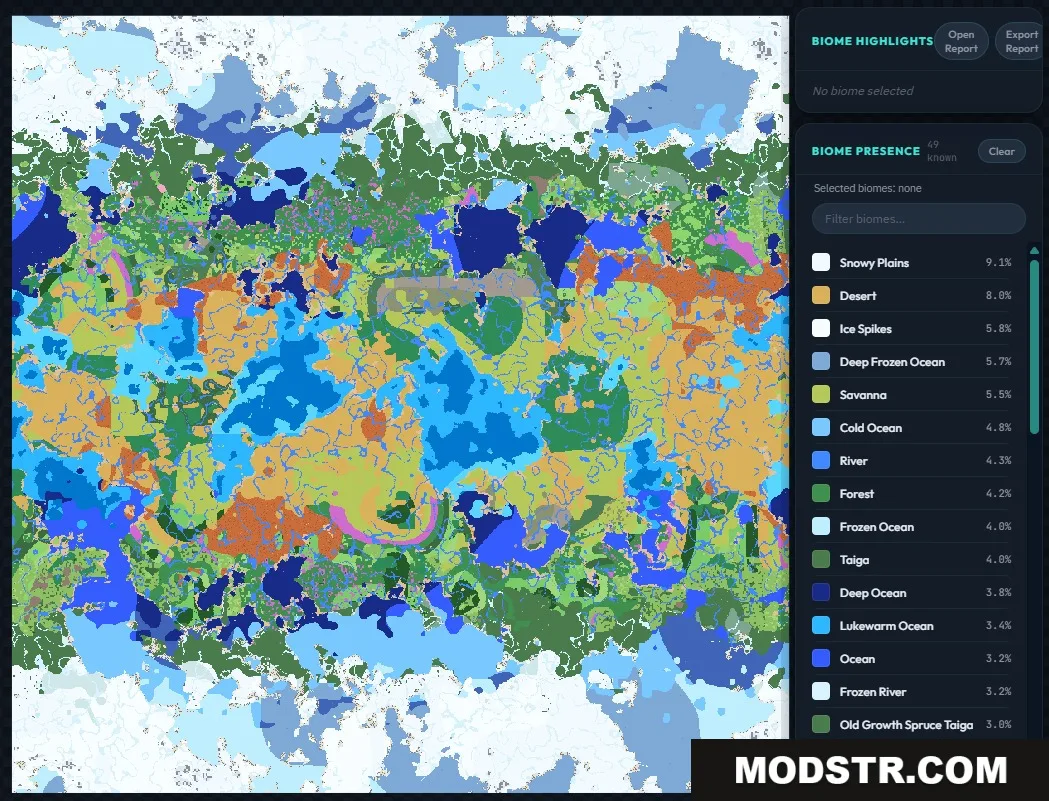
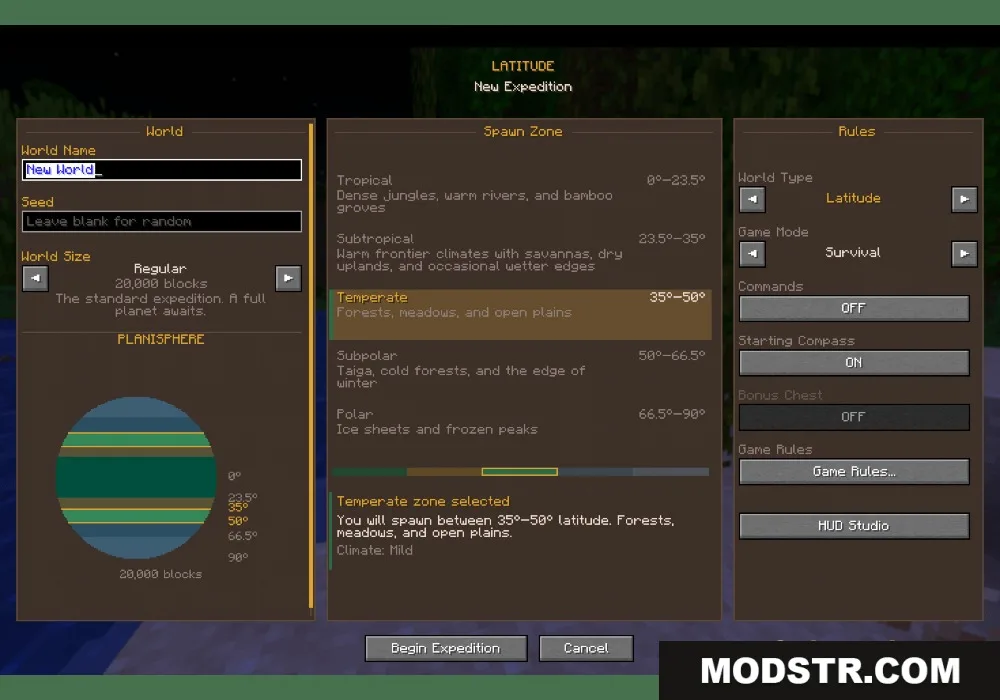
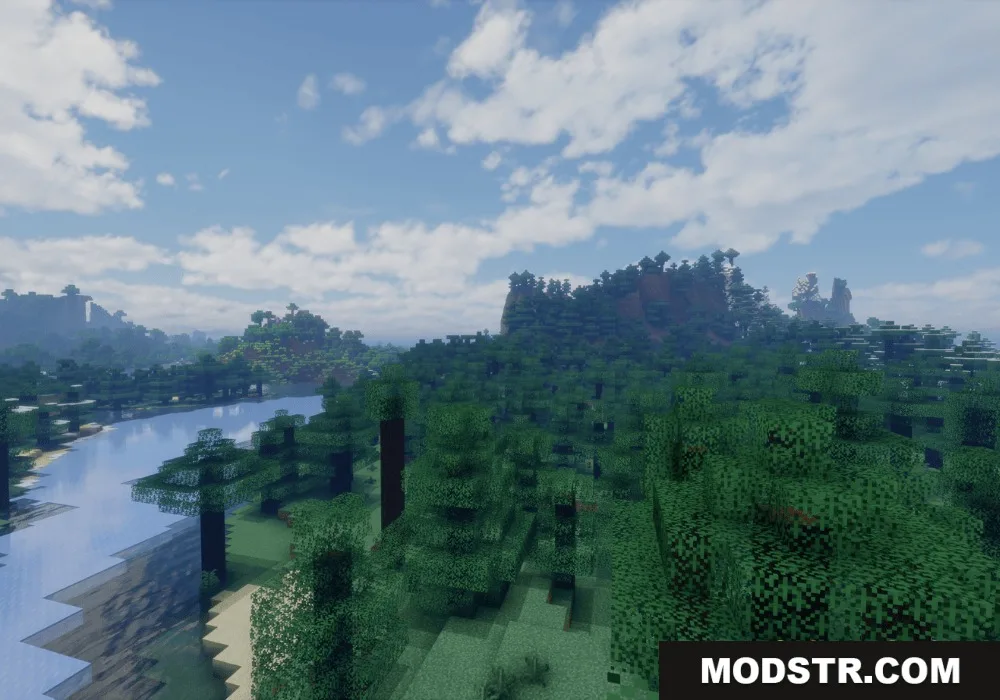
- Climate Zones: Creates five weather bands from hot tropical centers to cold polar regions.
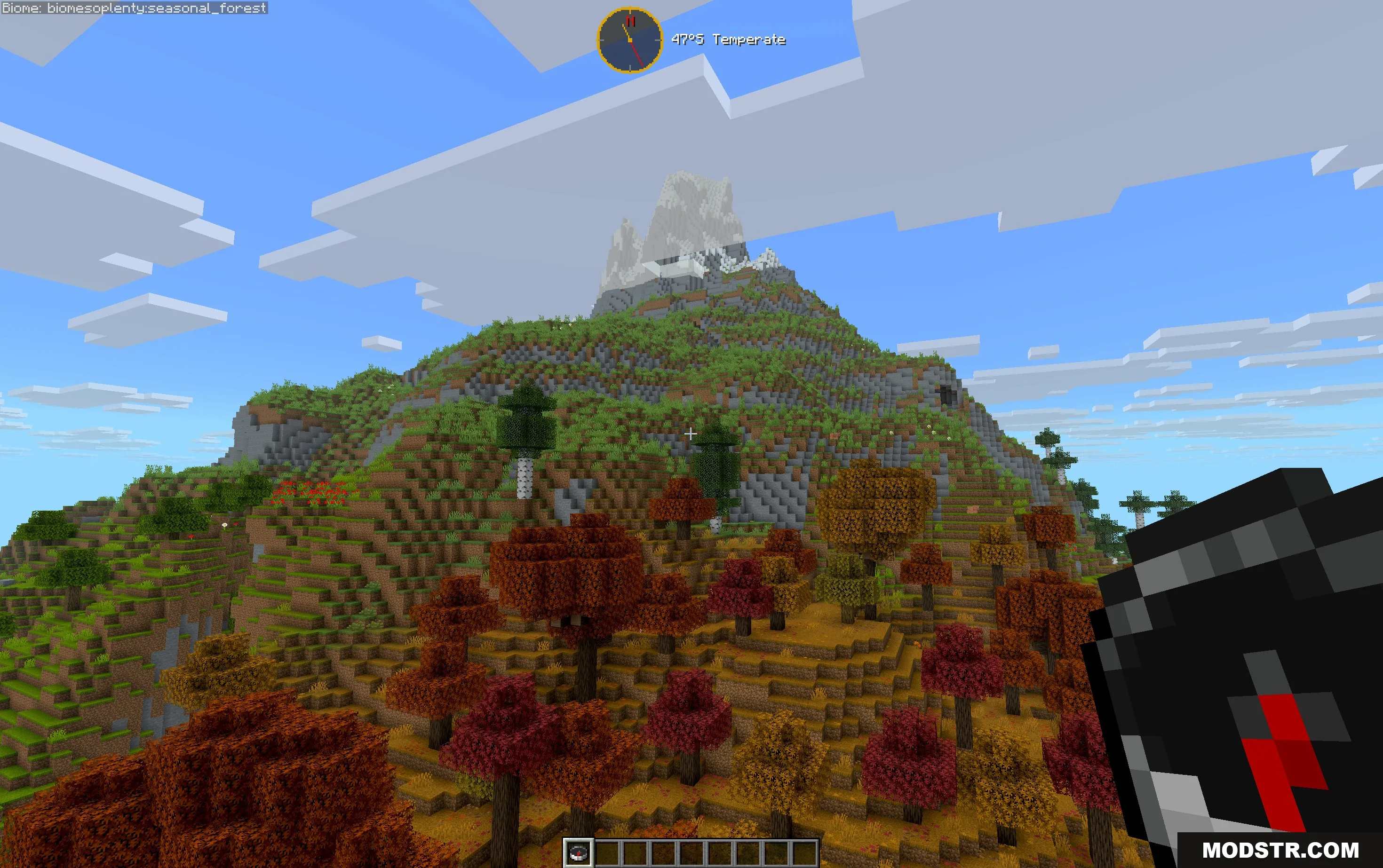
- Realistic Mountains: Integrates tree lines and snow caps that adjust according to your latitude.
- Map Sizes: Allows you to choose the planet size from small to large when starting a new world.
- Gradually blends biomes to avoid unnatural transitions, such as deserts next to snowy forests.
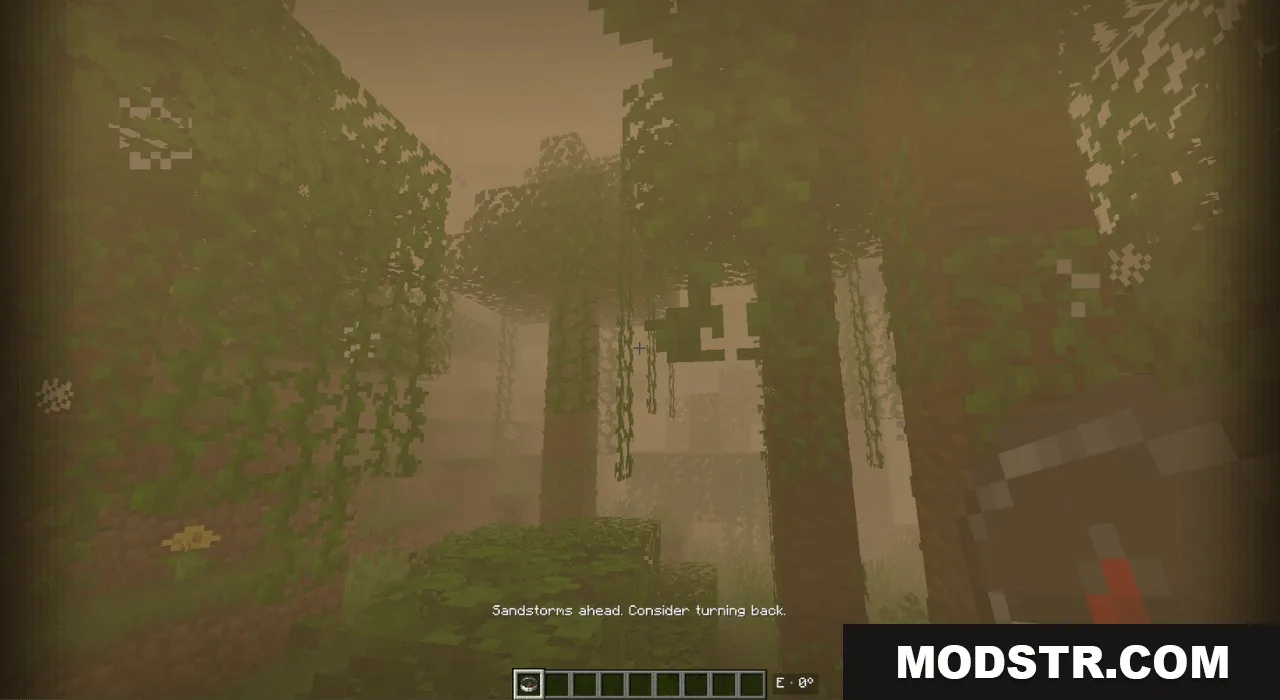
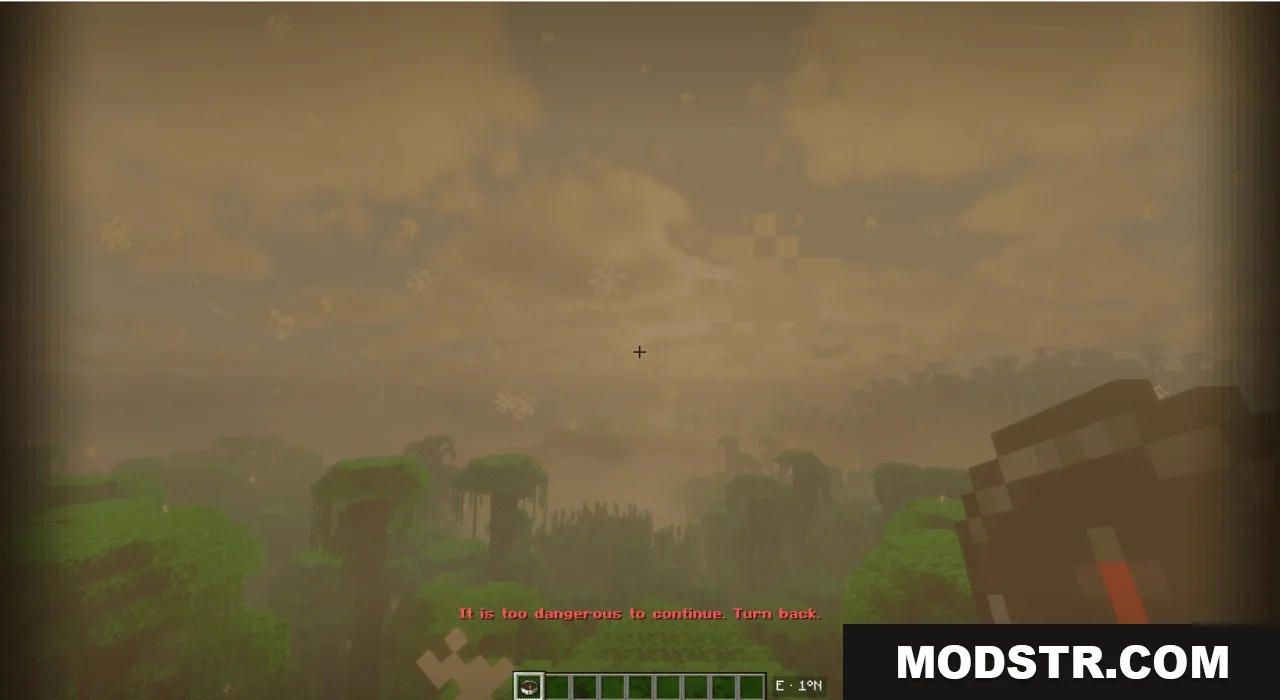
- Introduces severe weather conditions at the map's edges to deter players from crossing borders.
- Compatible with other biome packs like Biomes O' Plenty and Terralith without additional configuration.
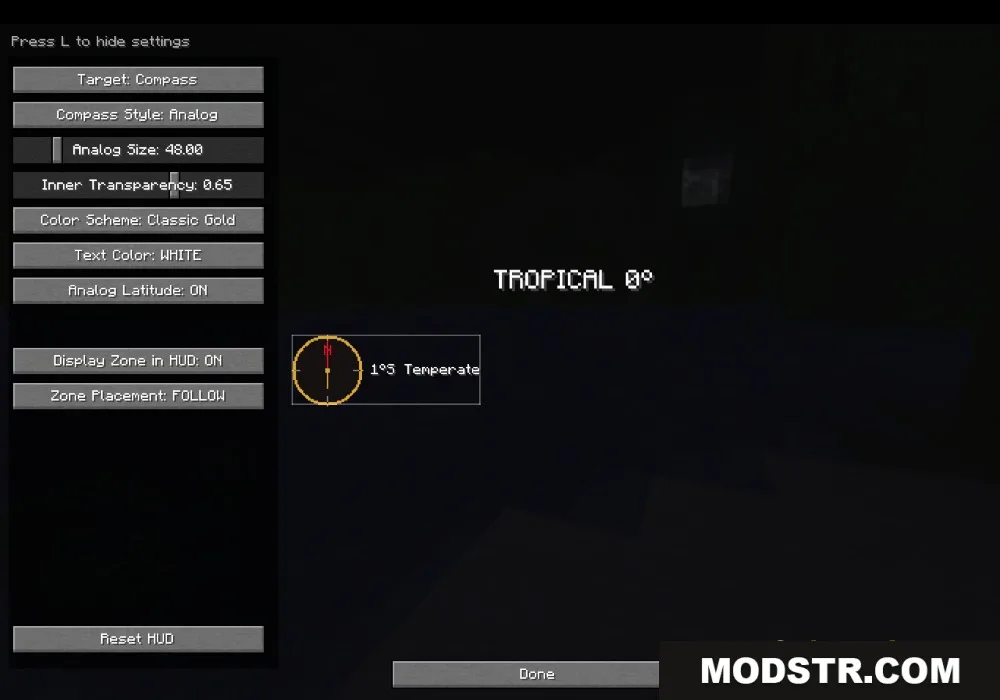
- Displays a compass on your HUD for navigation, indicating the direction of north.
- Shows your current latitude, revealing your distance from the equator.
Commands
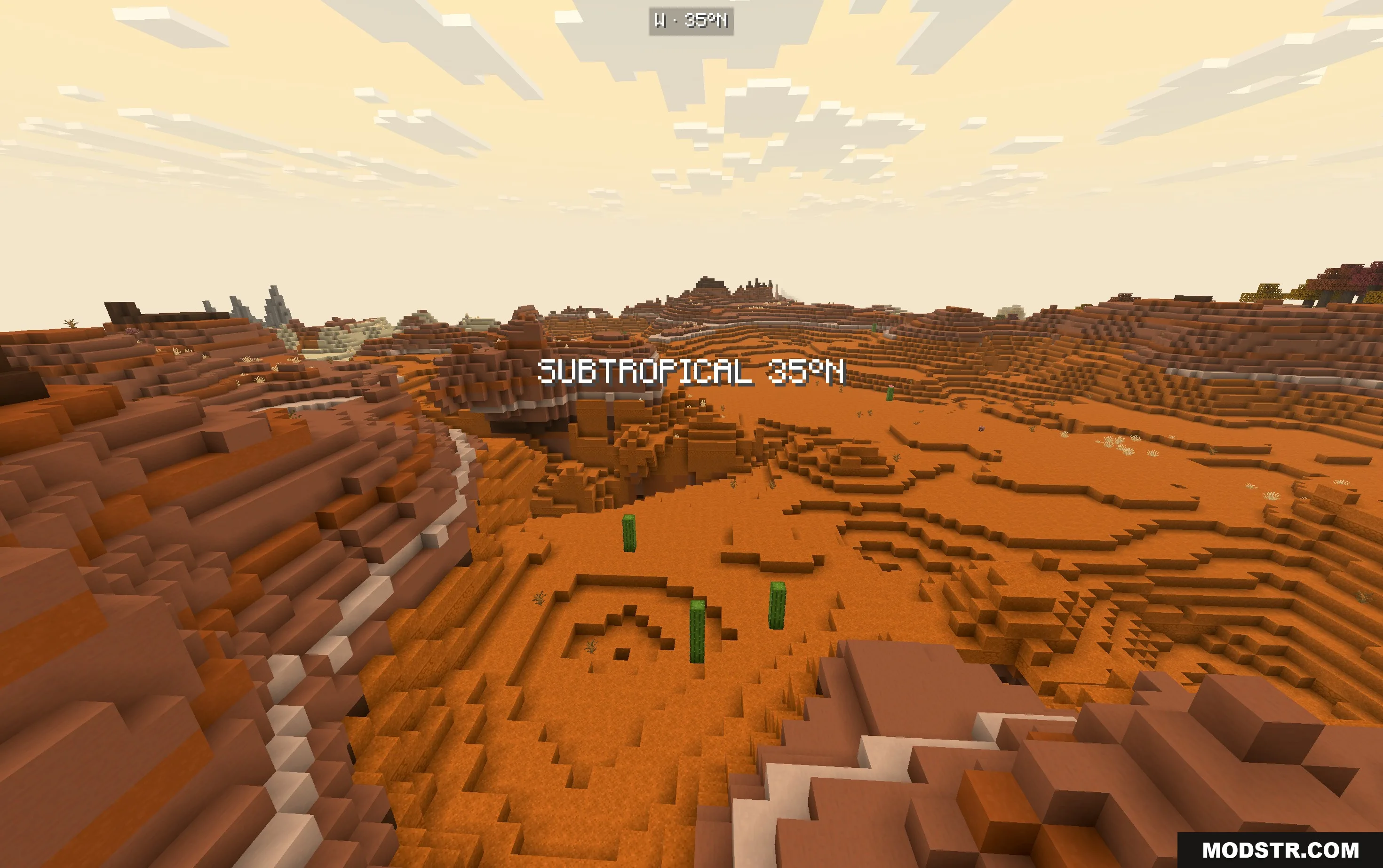
- /latitude here: Displays your current climate zone.
- /latitude explainHere: Provides information about the biome you are in.
- /latitude probe: Tests the climate of a designated location on the map.
- /latitude tpLat <number>: Teleports you to a specified latitude line.
- /latitude tpBand <name>: Teleports you to a specific climate band.
How to Use
- Start by creating a new world, as existing worlds will not be altered.
- Access the Atlas screen when world creation to select your initial climate zone.
- Press F9 during gameplay to open the HUD Studio.
- Adjust the position of the compass and location text on your screen as desired.
DOWNLOAD FILES
- jar
- jar
- jar
- jar