Telegram
Armor Status Mod (1.21.11, 1.21.1) – Never Let Your Best Armor Break In Combat cover art

Armor Status Mod (1.21.11, 1.21.1) – Never Let Your Best Armor Break In Combat

Client-side mod that displays your equipped armor and tool durability on screen in real time. Helps you manage gear health during combat and survival.

156 JAVA
  • Fabric
  • 1.21 → 1.21.11 +12
Show all 12 versions
  • 1.21.11
  • 1.21.10
  • 1.21.9
  • 1.21.8
  • 1.21.7
  • 1.21.6
  • 1.21.5
  • 1.21.4
  • 1.21.3
  • 1.21.2
  • 1.21.1
  • 1.21

Armor Status Mod adds an on-screen durability display for your equipped gear. The mod shows the exact health of your helmet, chestplate, leggings, boots, and held items so you can plan repairs or swaps before they break during combat.
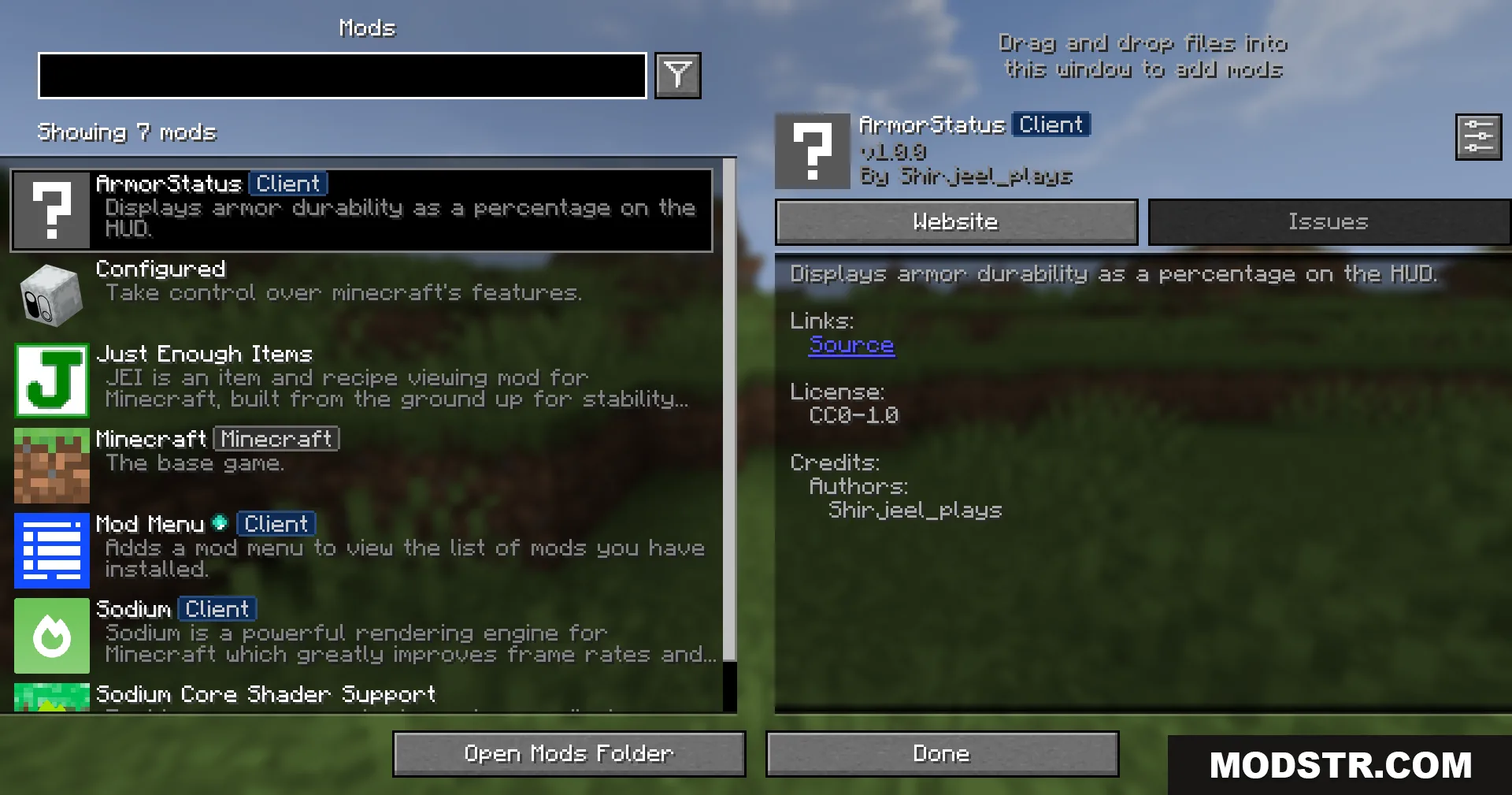
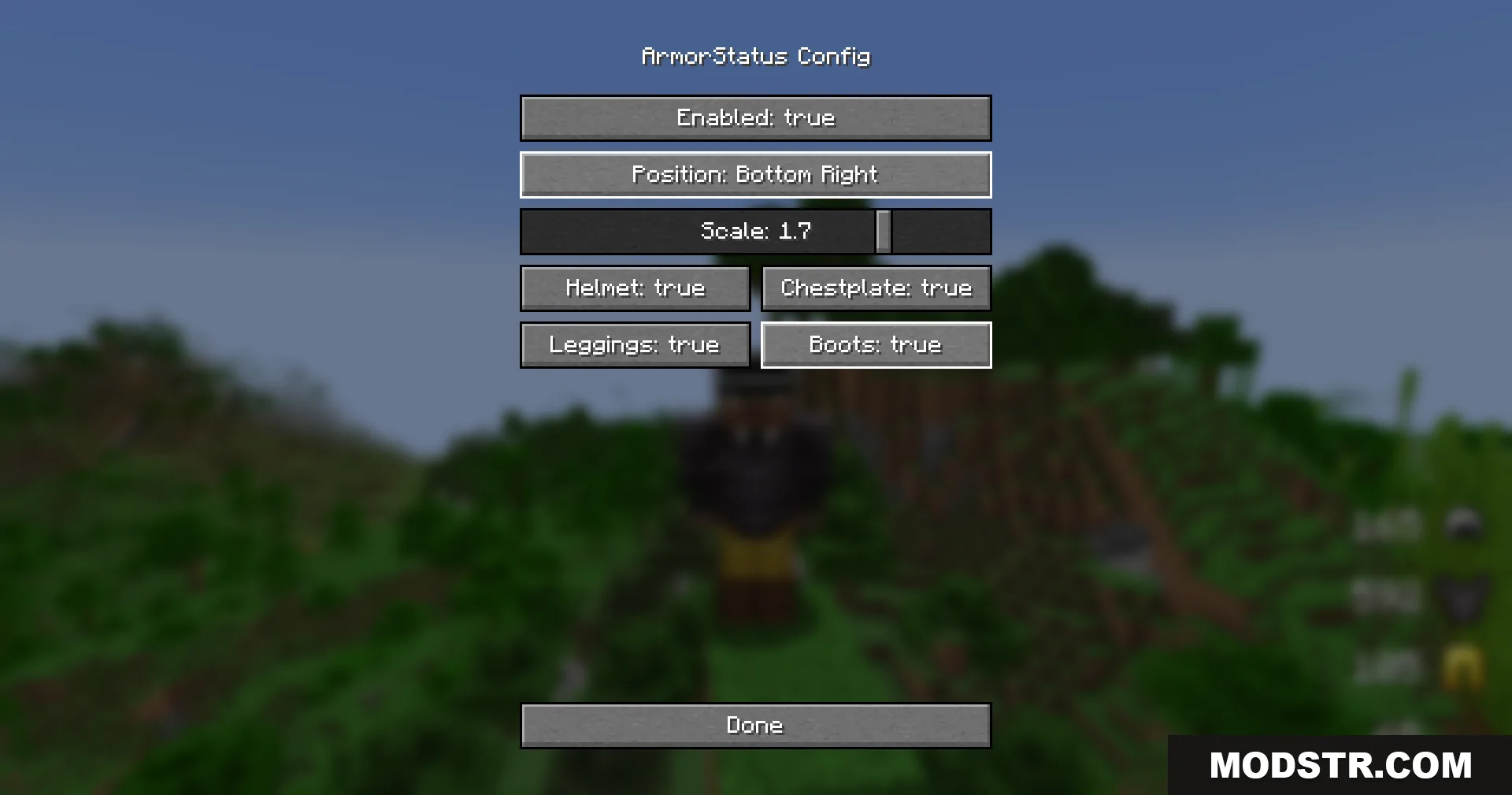
The Minecraft mod menu interface displaying information about the ArmorStatus Client mod

Features

  • Displays real-time durability values for all equipped armor pieces and tools.
  • Uses a compact, unobtrusive overlay that stays visible while building or fighting.
  • Client-side only, meaning you can use it on multiplayer servers without modifications.
  • Runs with minimal performance impact.
  • Works in survival, hardcore, and PvP scenarios.
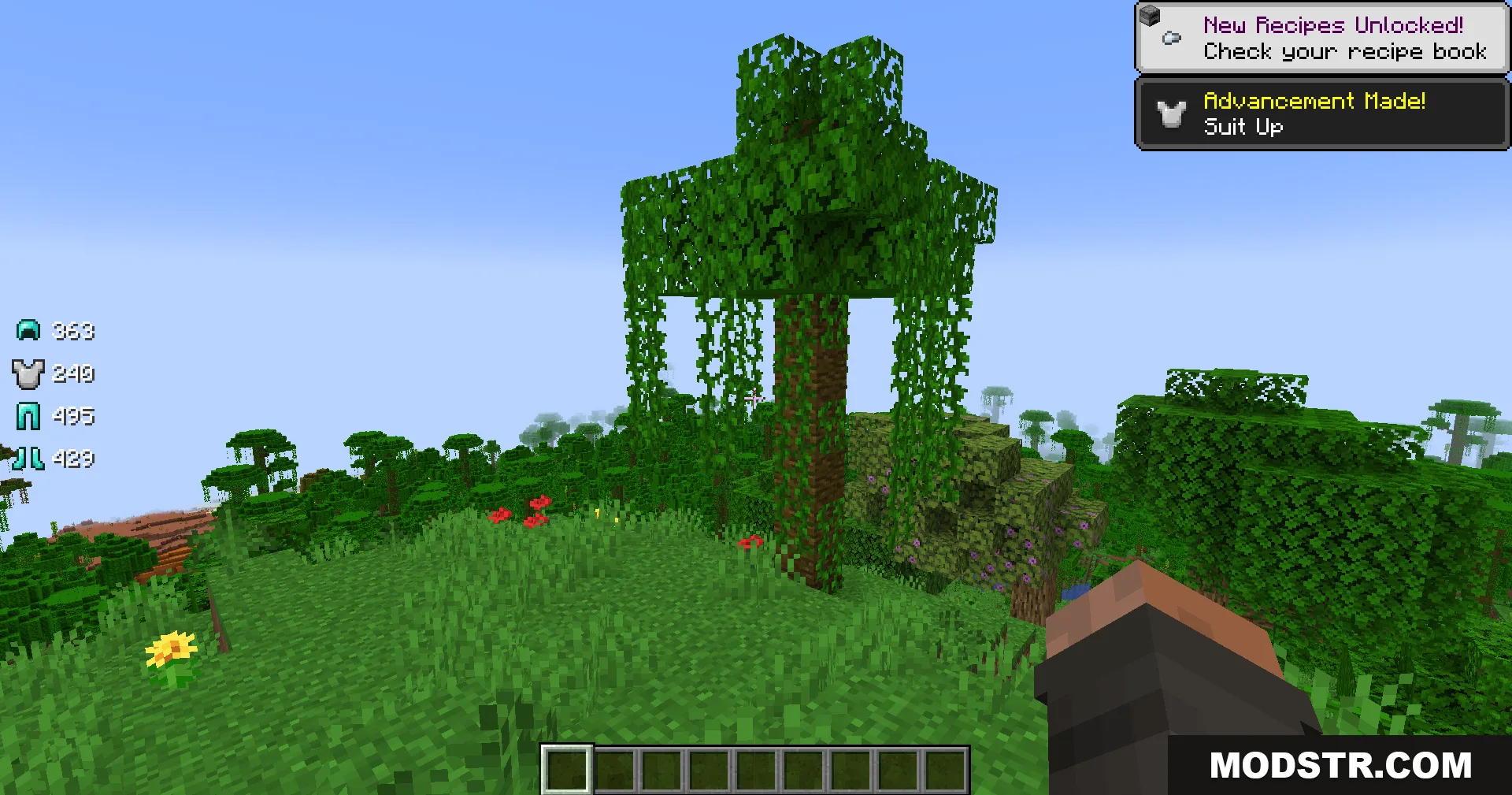
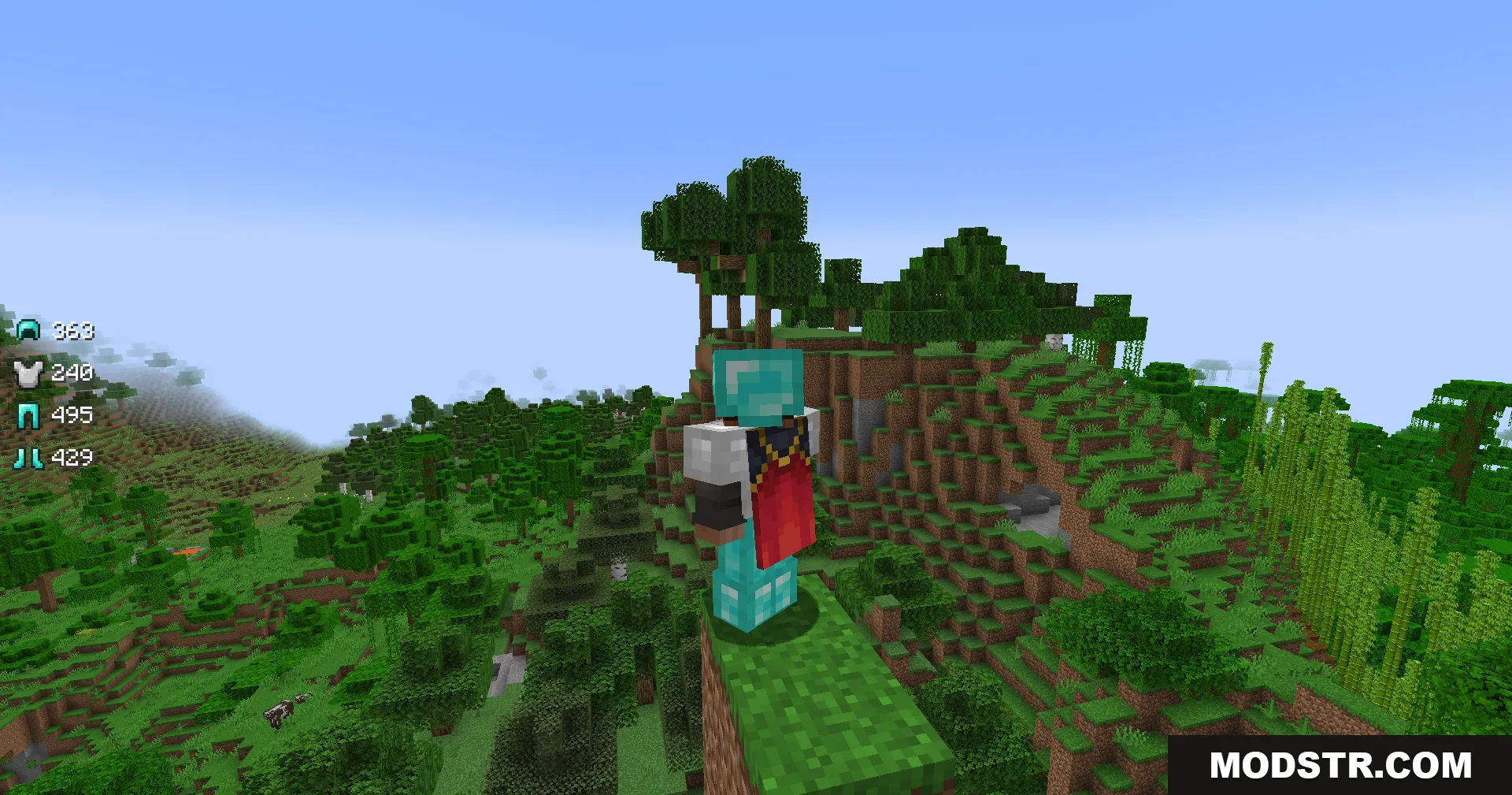
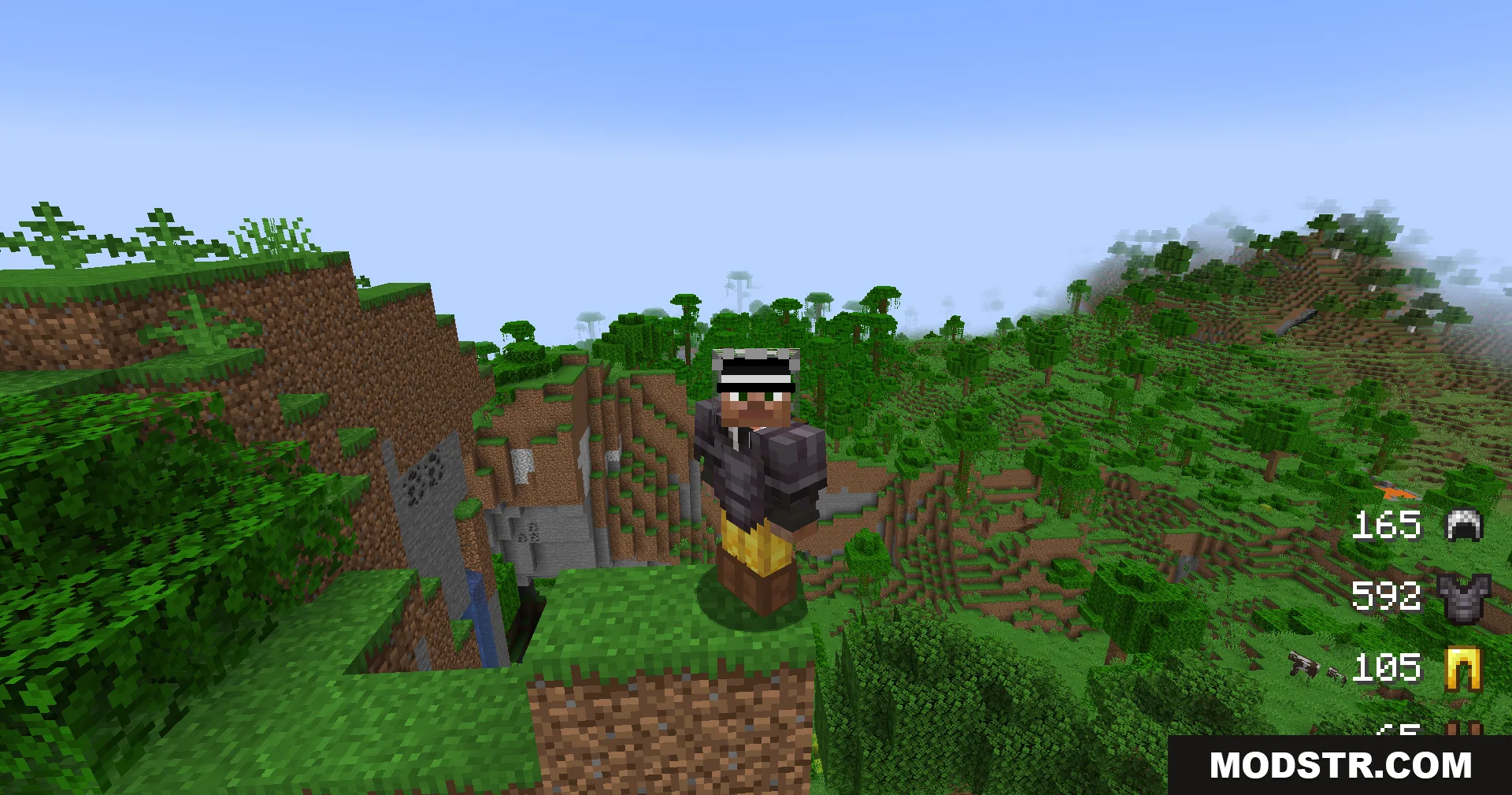
Player exploring a jungle with armor durability icons displayed on the screen
A Minecraft player wearing armor stands on a cliff overlooking a jungle biome

Installation

  1. Download the mod file for your target Minecraft version.
  2. Locate your Minecraft mods folder (.minecraft/mods on Windows, Library/Application Support/minecraft/mods on macOS).
  3. Place the downloaded file into the mods folder.
  4. Launch Minecraft with a mod loader that supports your version.
  5. The durability display will appear automatically in-game.
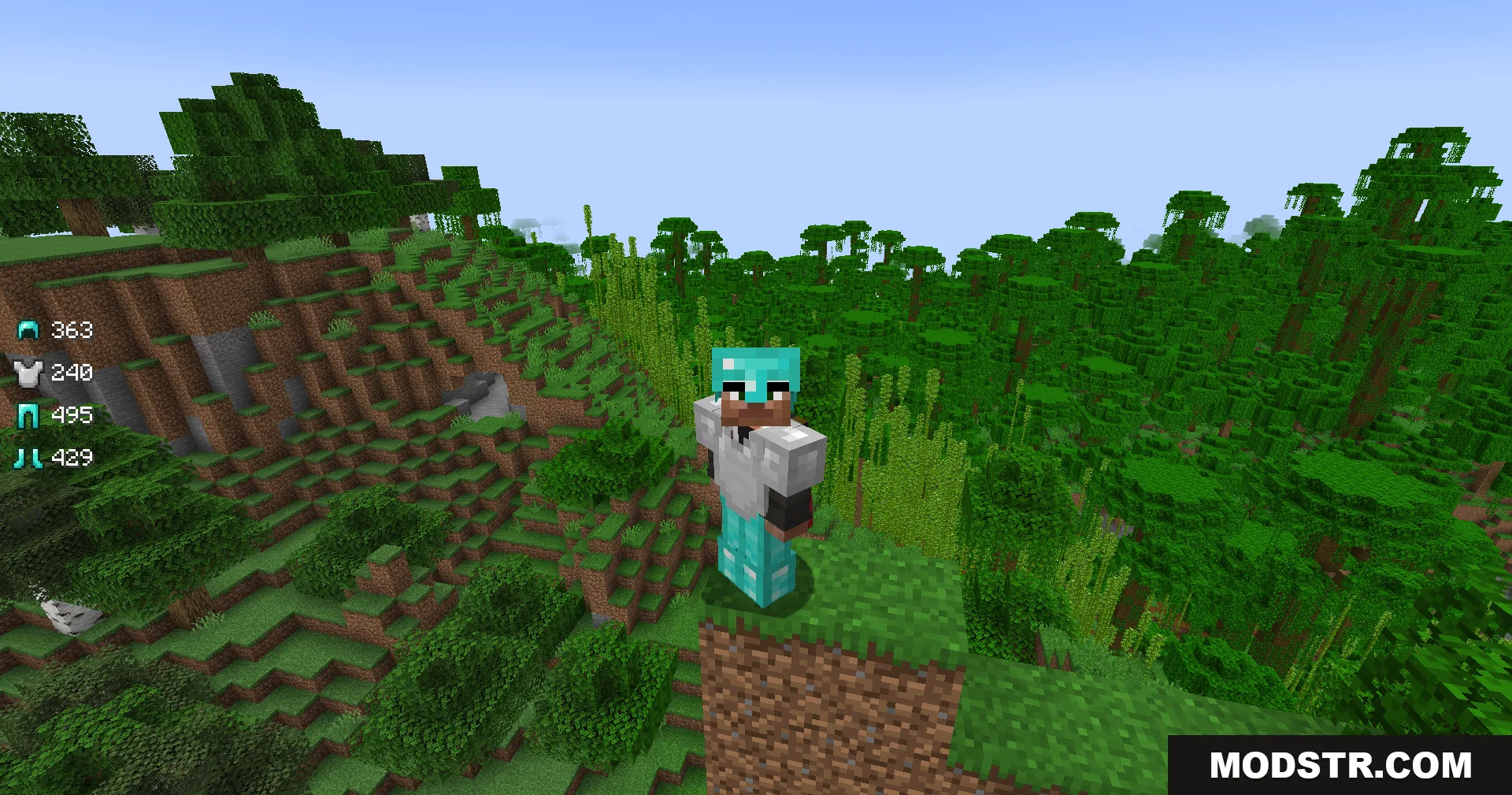
The Armor Status Mod displays gear durability levels on the game screen interface
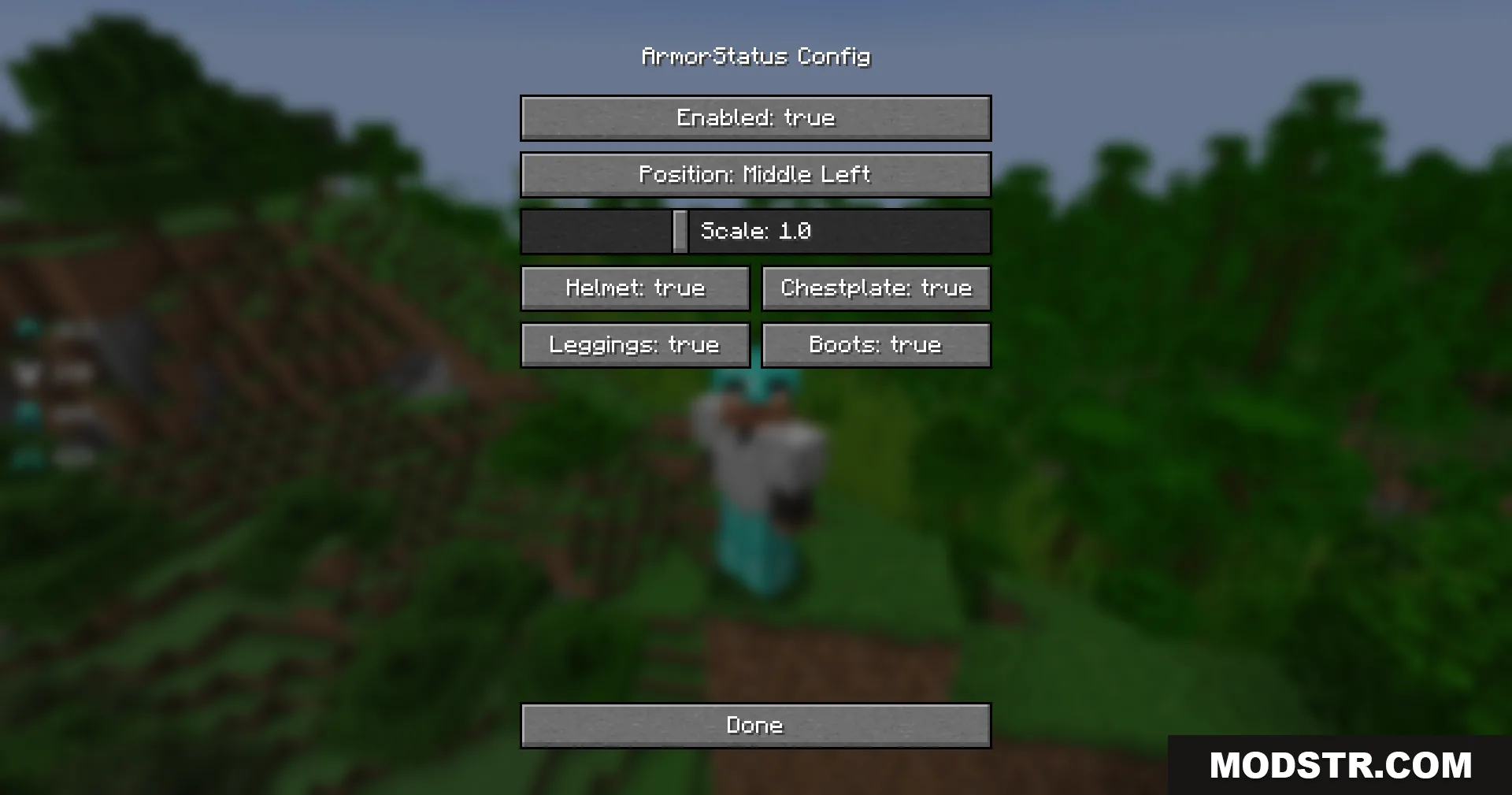
The Armor Status configuration menu showing various display and position settings
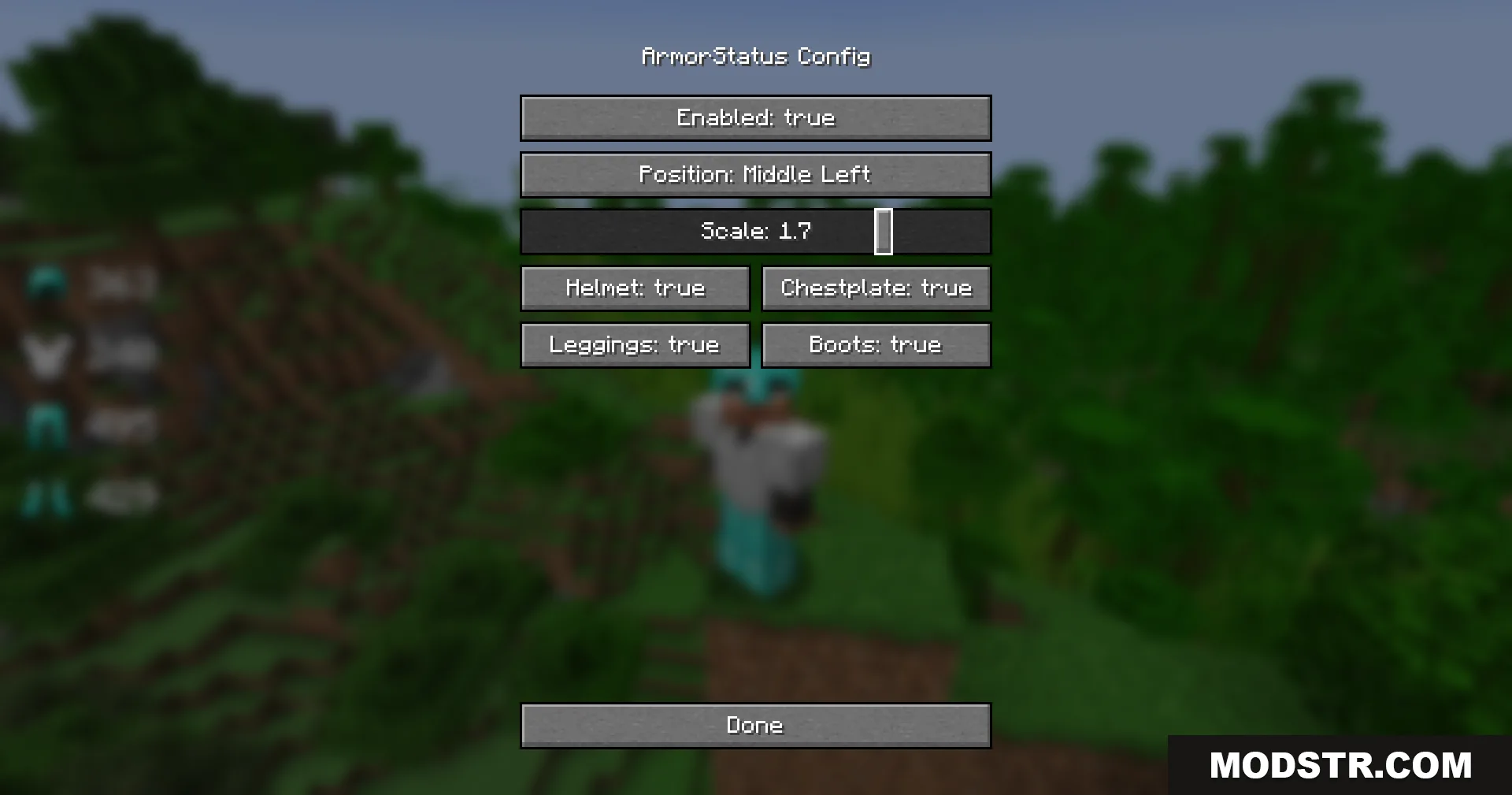
Adjusting the scale slider to increase the size of the armor icons

Compatibility

This mod is available for Minecraft versions 1.21.11 and 1.21.1. It is a client-side mod, so it functions on servers and in single-player worlds without requiring server-side installation.
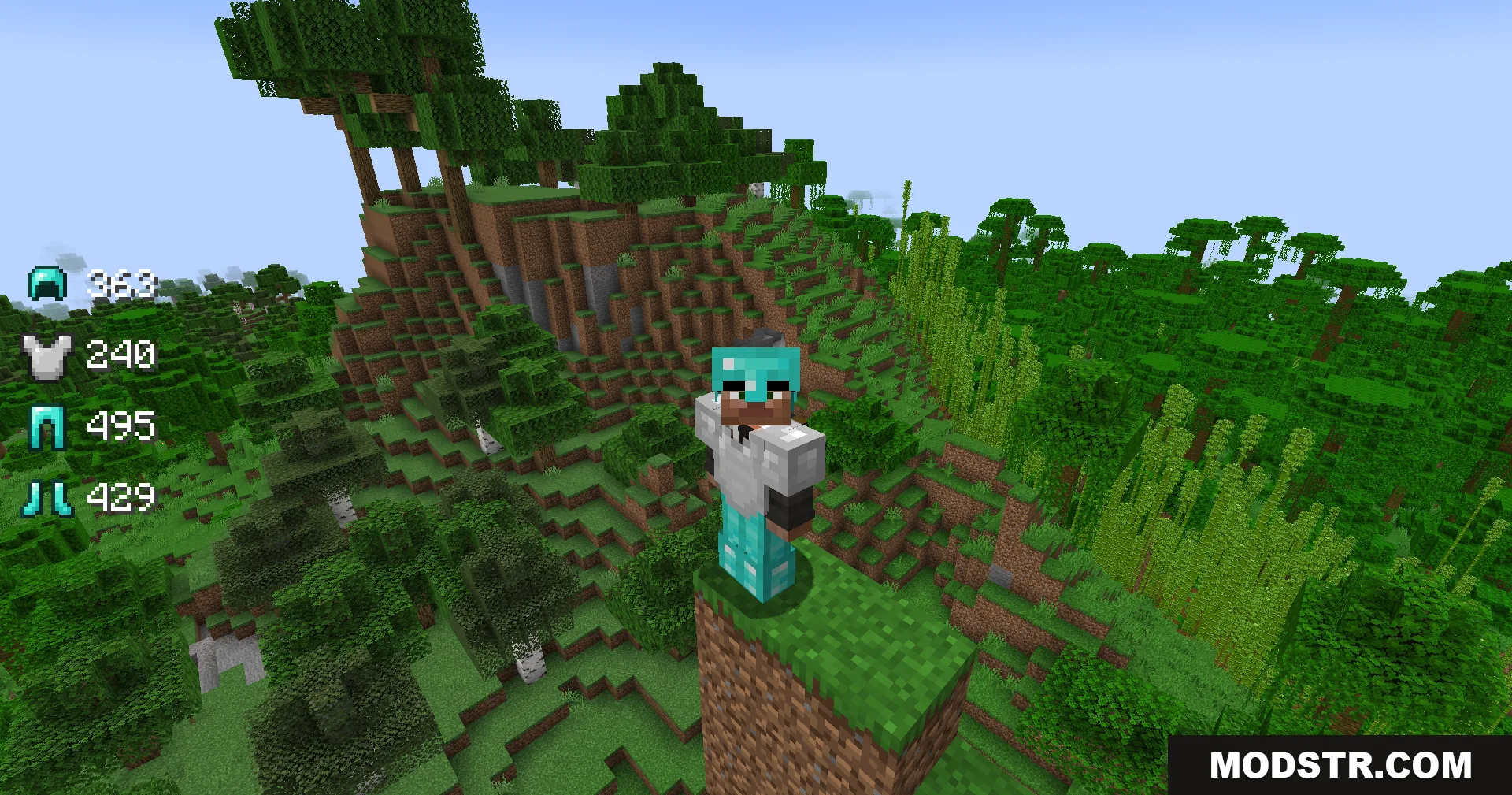
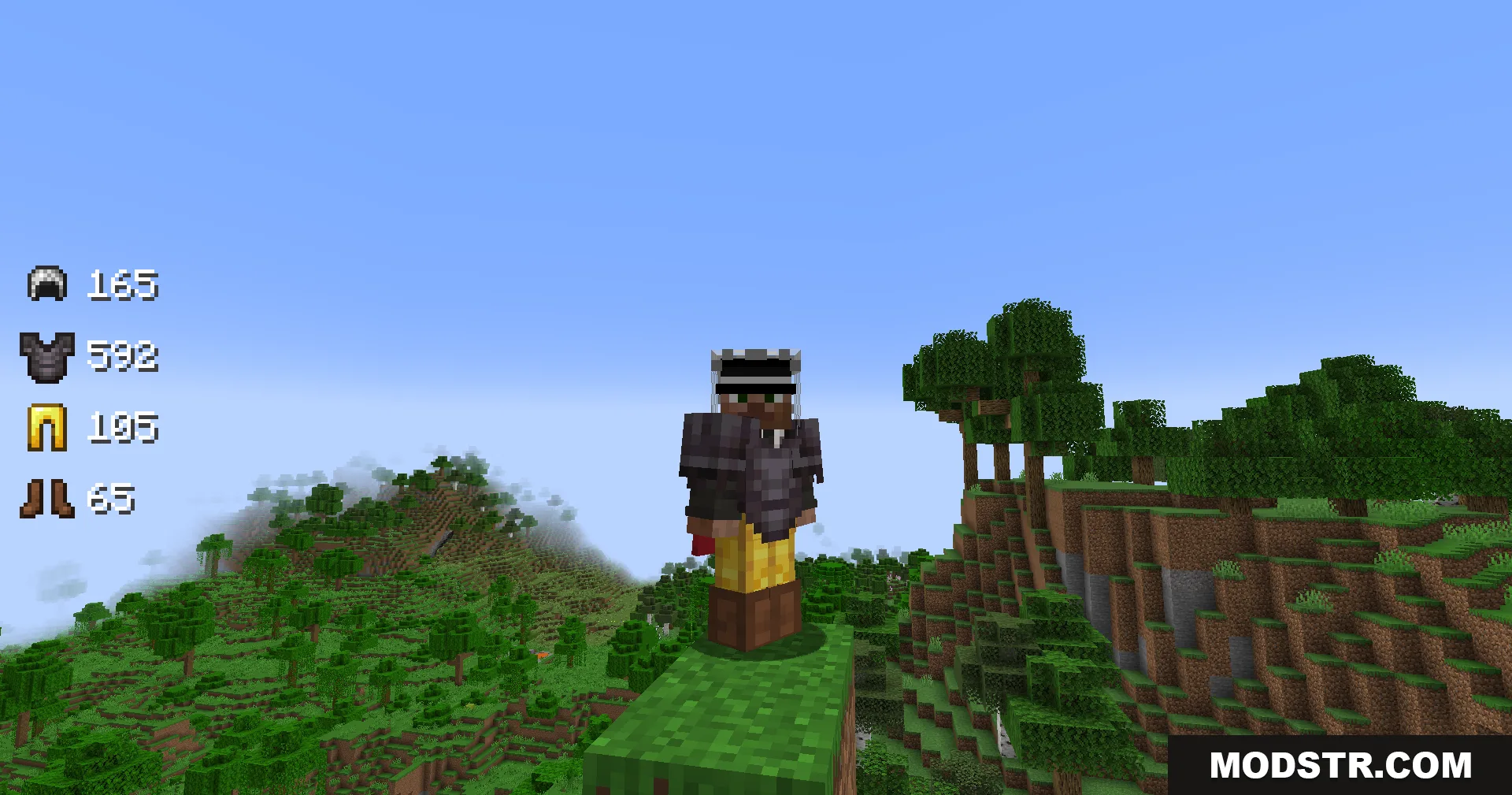
Armor Status Mod showing gear durability for a player in a jungle biome
Minecraft character wearing netherite and gold armor with durability status on screen
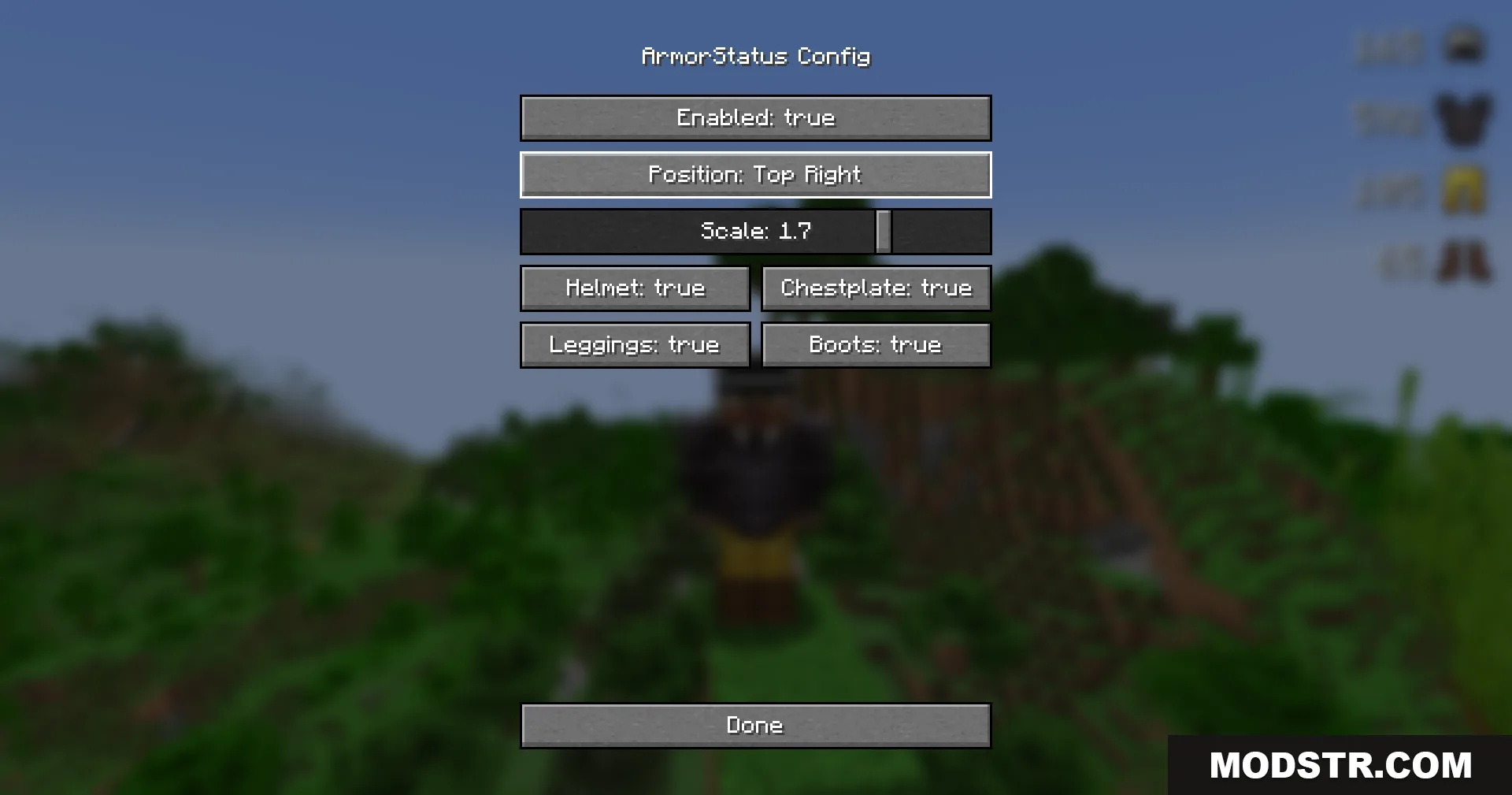
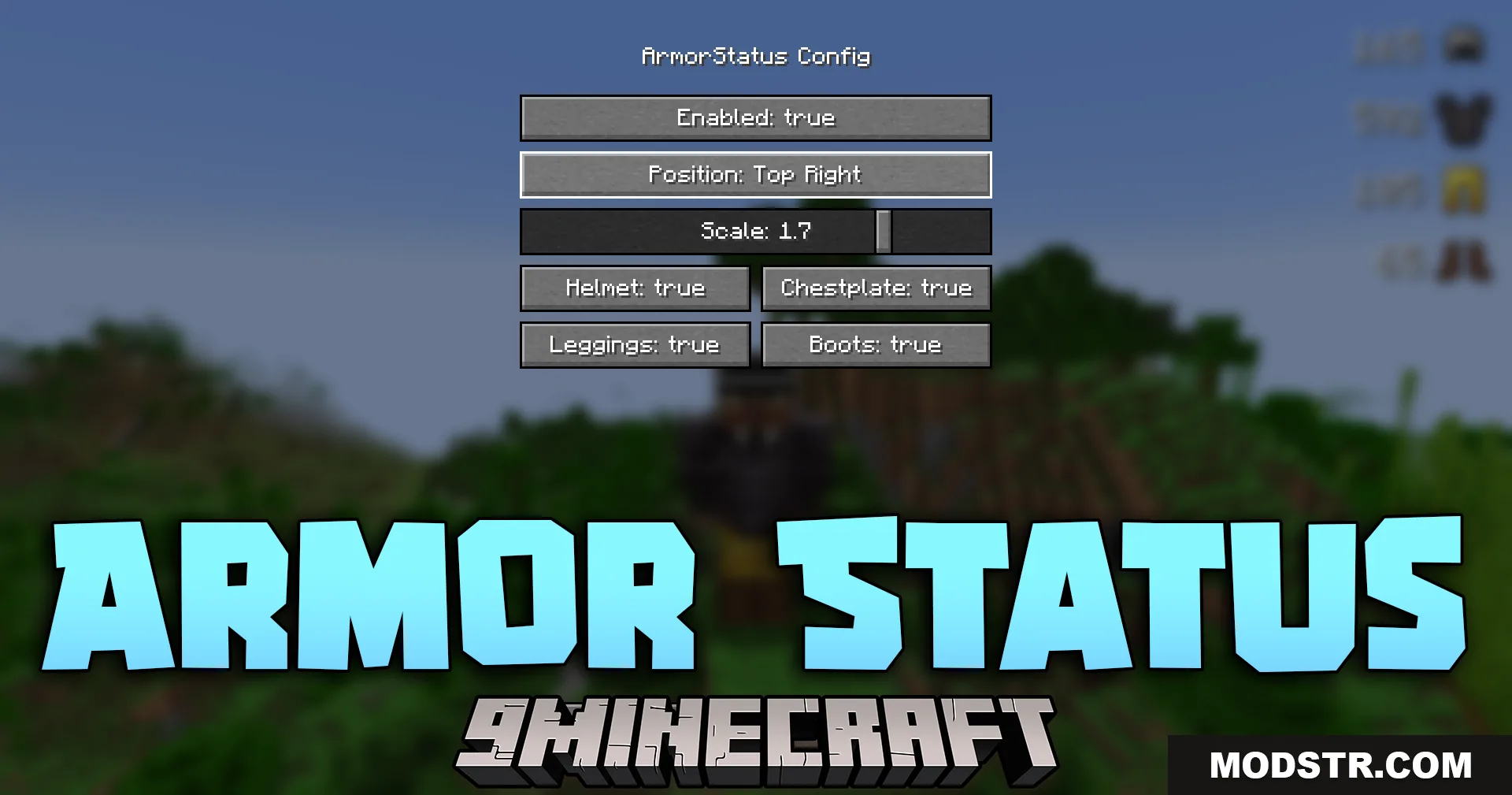
Armor Status Mod configuration menu showing the display position at top right
Menu screen for changing the armor durability display to the bottom right
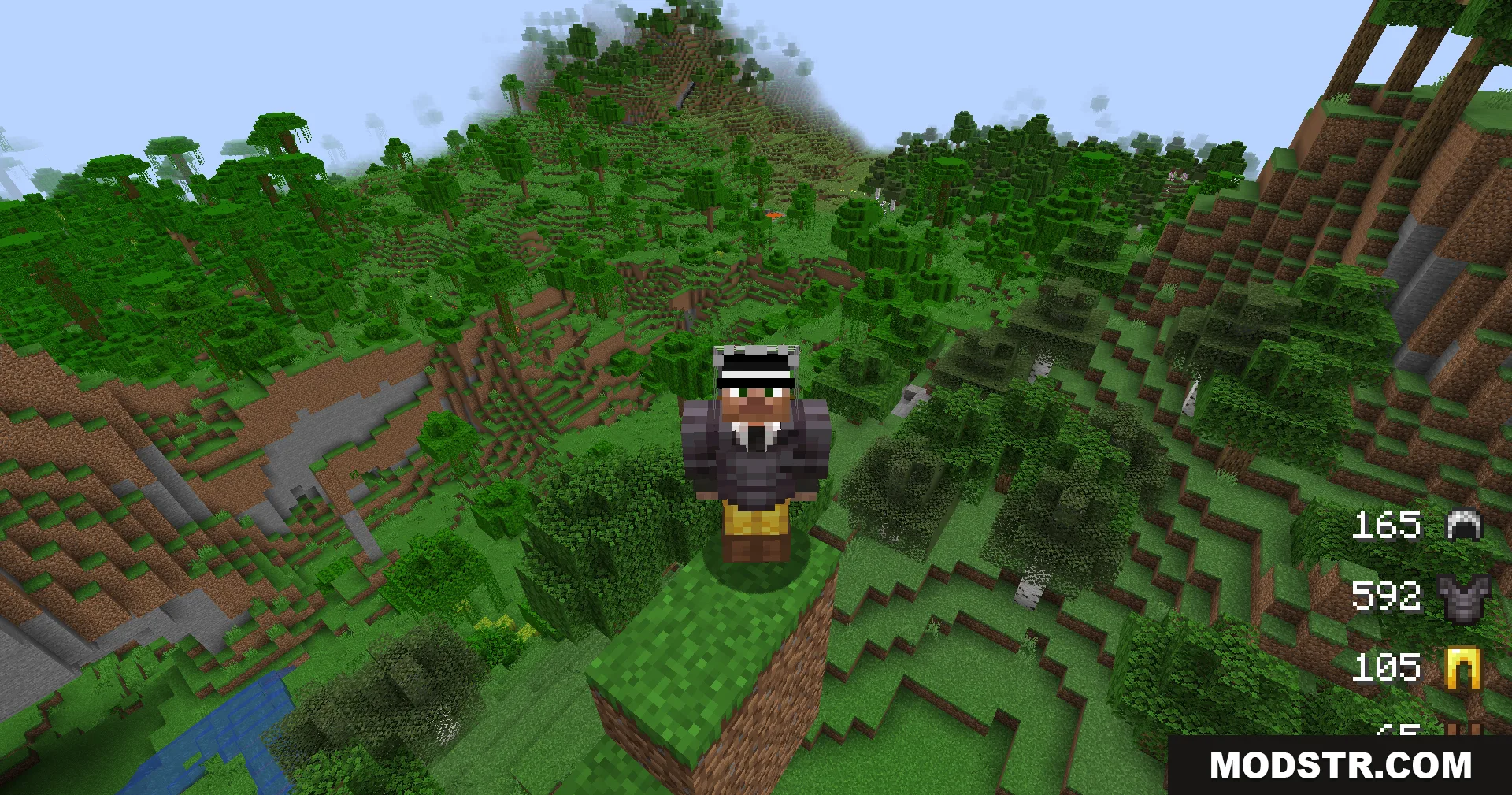
A player wearing armor stands on a dirt pillar overlooking a vast jungle
Armor durability status displayed on screen while player stands on a dirt pillar

DOWNLOAD FILES

  • jar
    1.21.11, 1.21.10, 1.21.9 (+9 more) All Versions Covered 1.21.11 1.21.10 1.21.9 1.21.8 1.21.7 1.21.6 1.21.5 1.21.4 1.21.3 1.21.2 1.21.1 1.21 ▲ Collapse · Armor-Status-Mod-Fabric-1.21.11.jar
    • Fabric
    • 1.21.11