
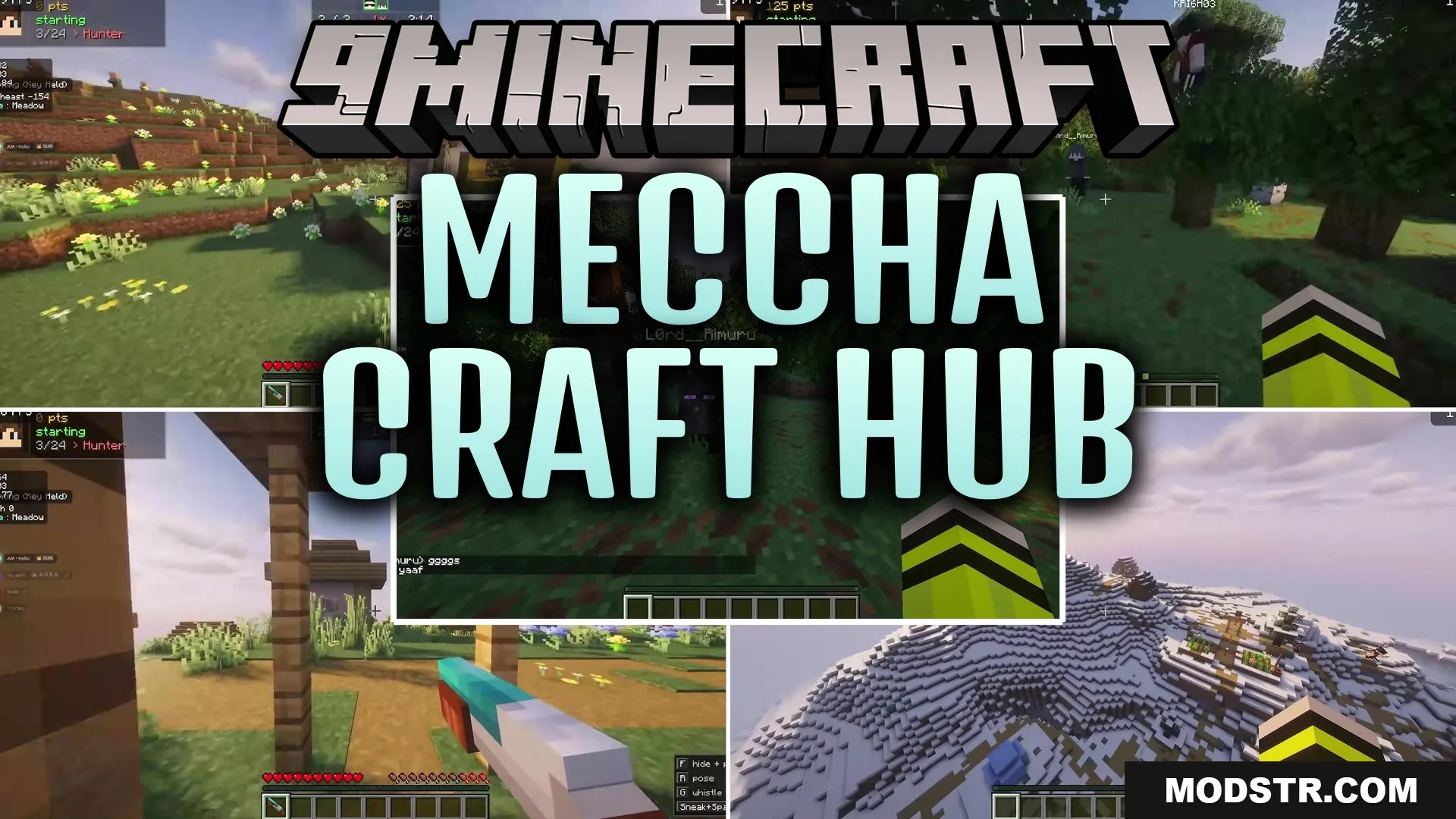
Meccha Craft Hub Map (26.2, 1.20.1) – Master Twenty Games with Friends
A single-world map containing over twenty mini-games accessible from a central hub. Play multiple games with friends without managing separate world files.
- 1.20.1
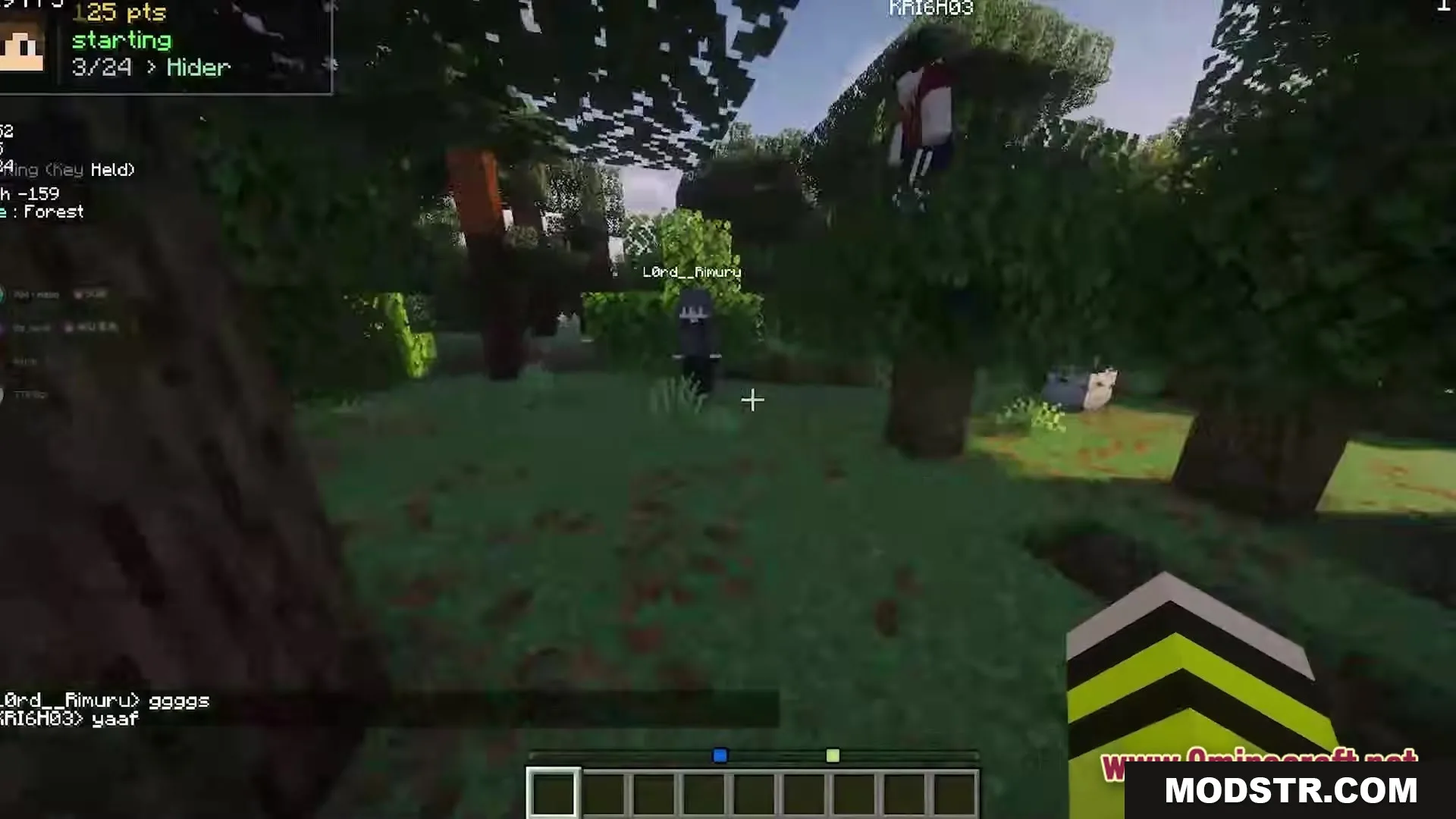
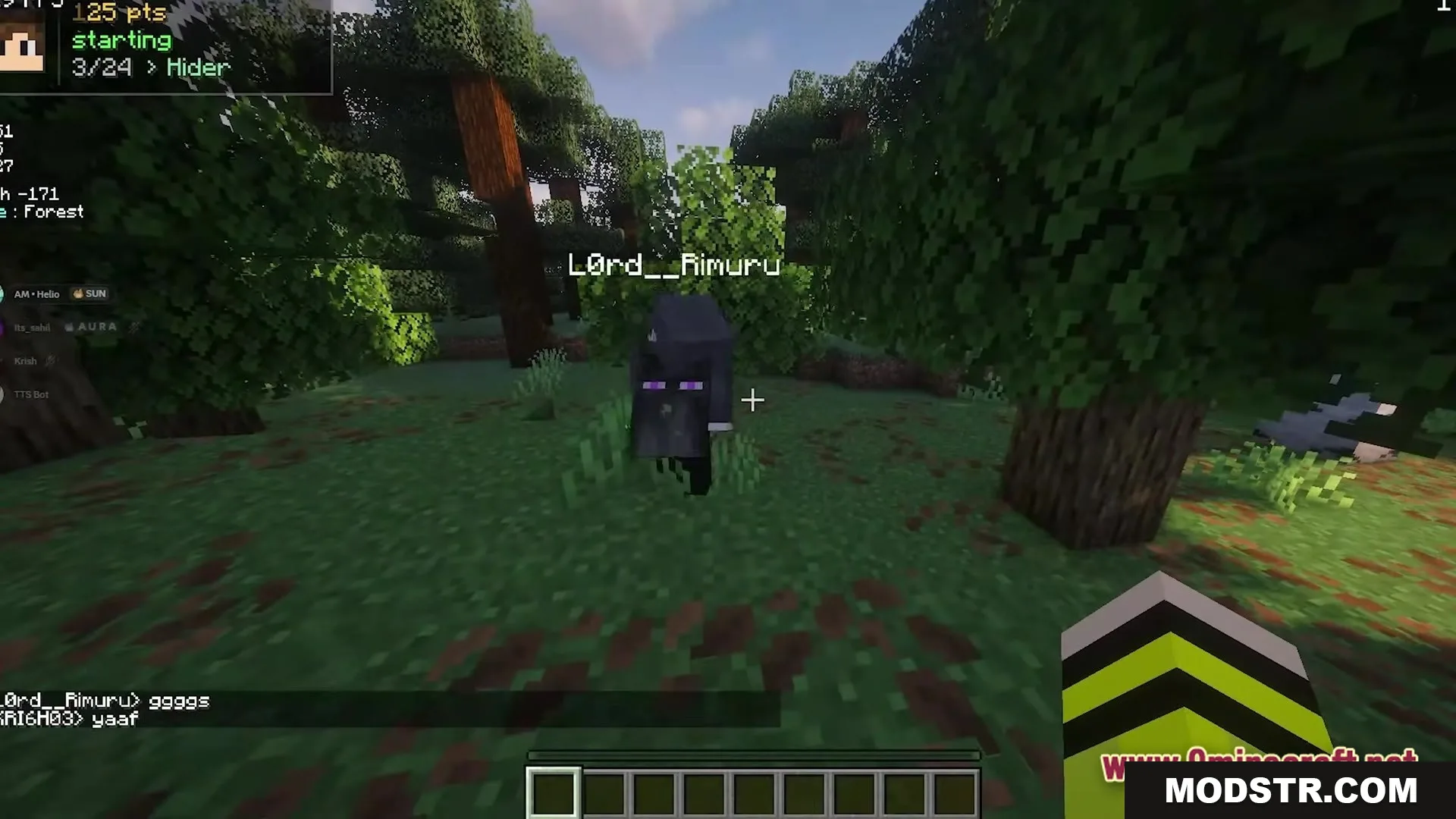
Meccha Craft Hub combines more than twenty different mini-games into one world. Instead of downloading and managing multiple map files, you can load this single world and access all the games from a central hub area. It's designed for playing with friends.
Features
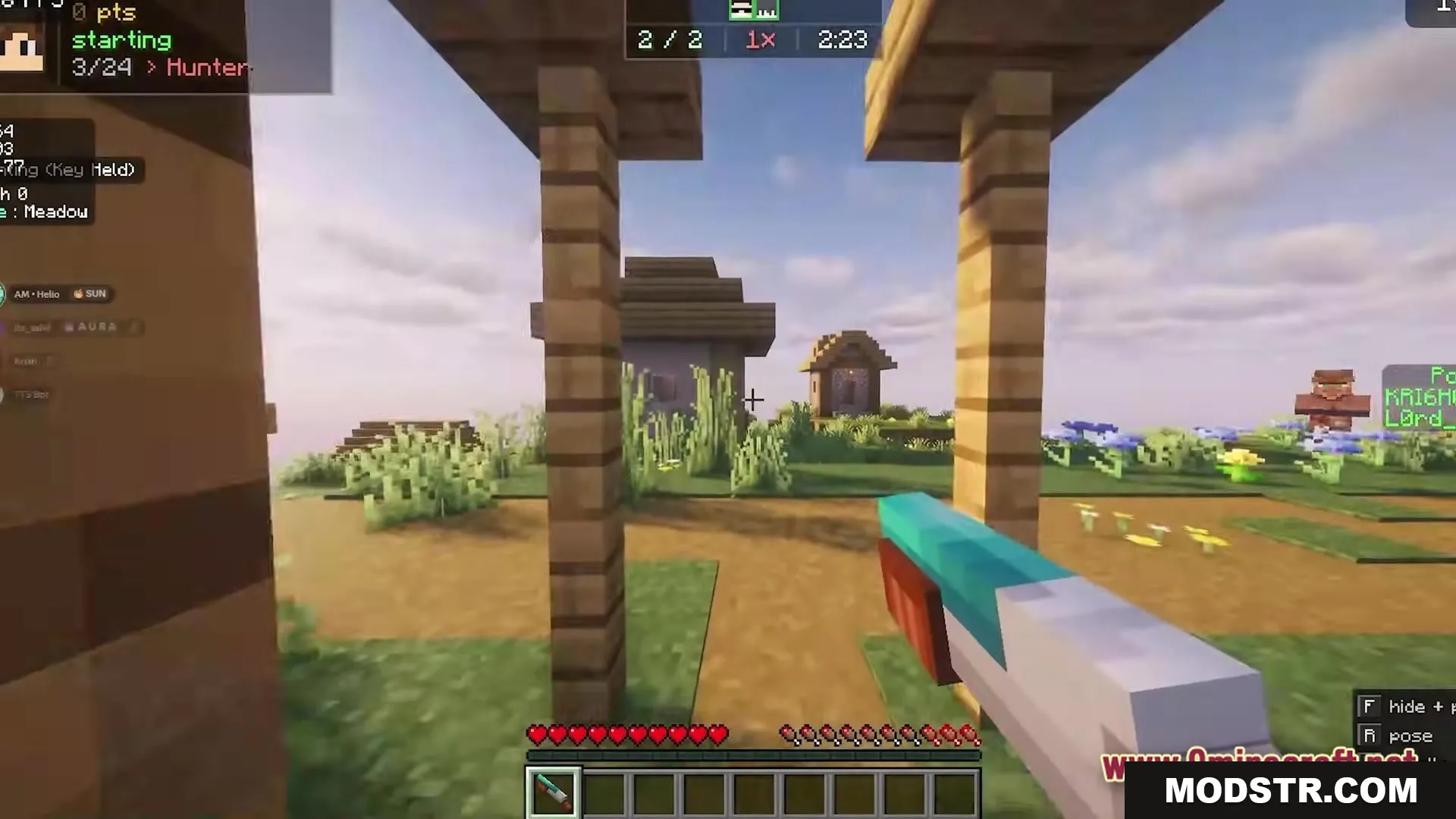
- Central hub area for selecting and switching between games.
- Over twenty mini-maps integrated into a single world save.
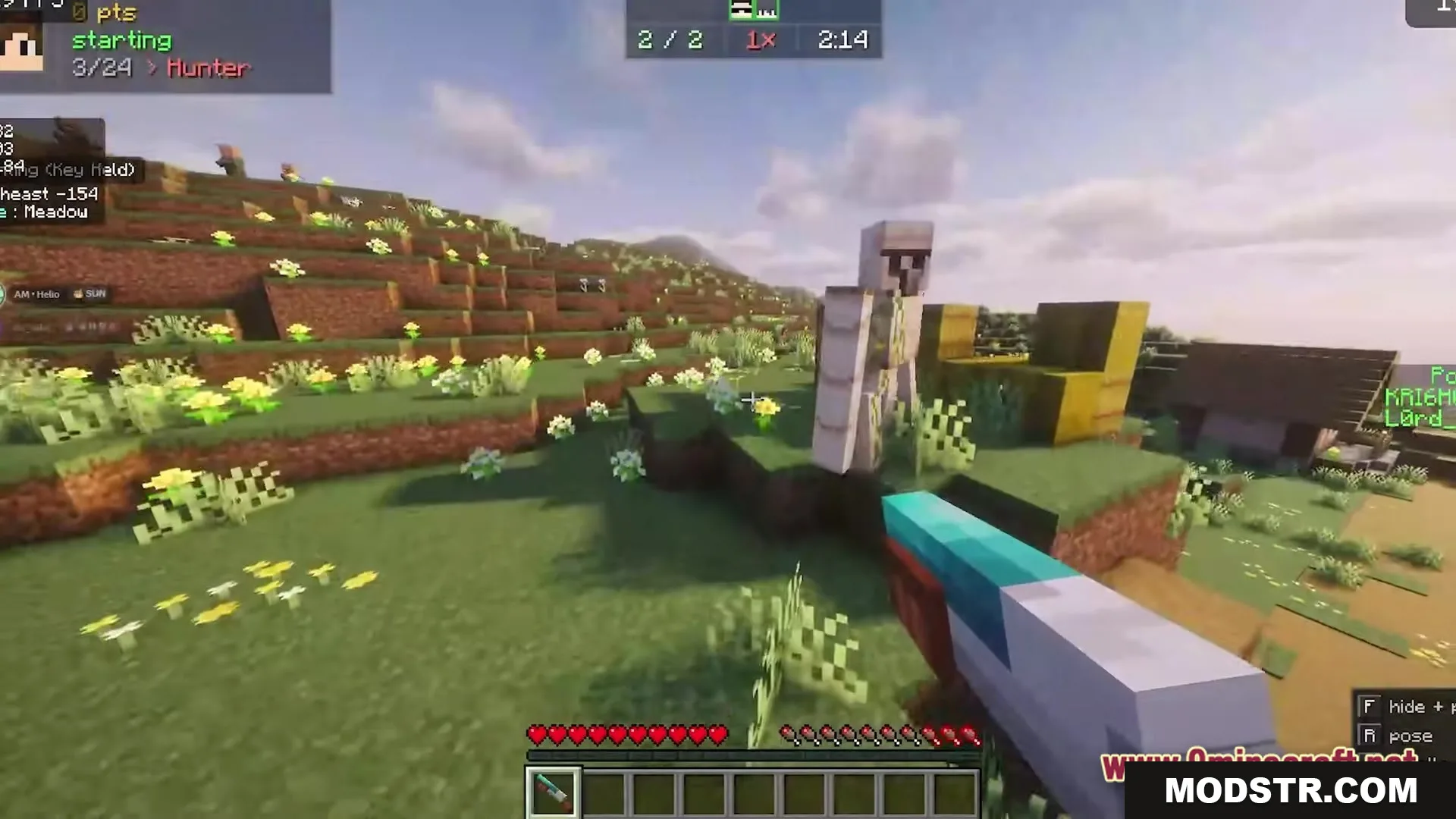
- Quick transitions between games without reloading worlds.
- Shared social space to coordinate with friends between activities.
Installation
- Download the map file.
- Extract the file to your Minecraft worlds folder.
- Launch Minecraft 1.20.1 and select the world from your world list.
- Load into the hub area and explore the available games.
Compatibility
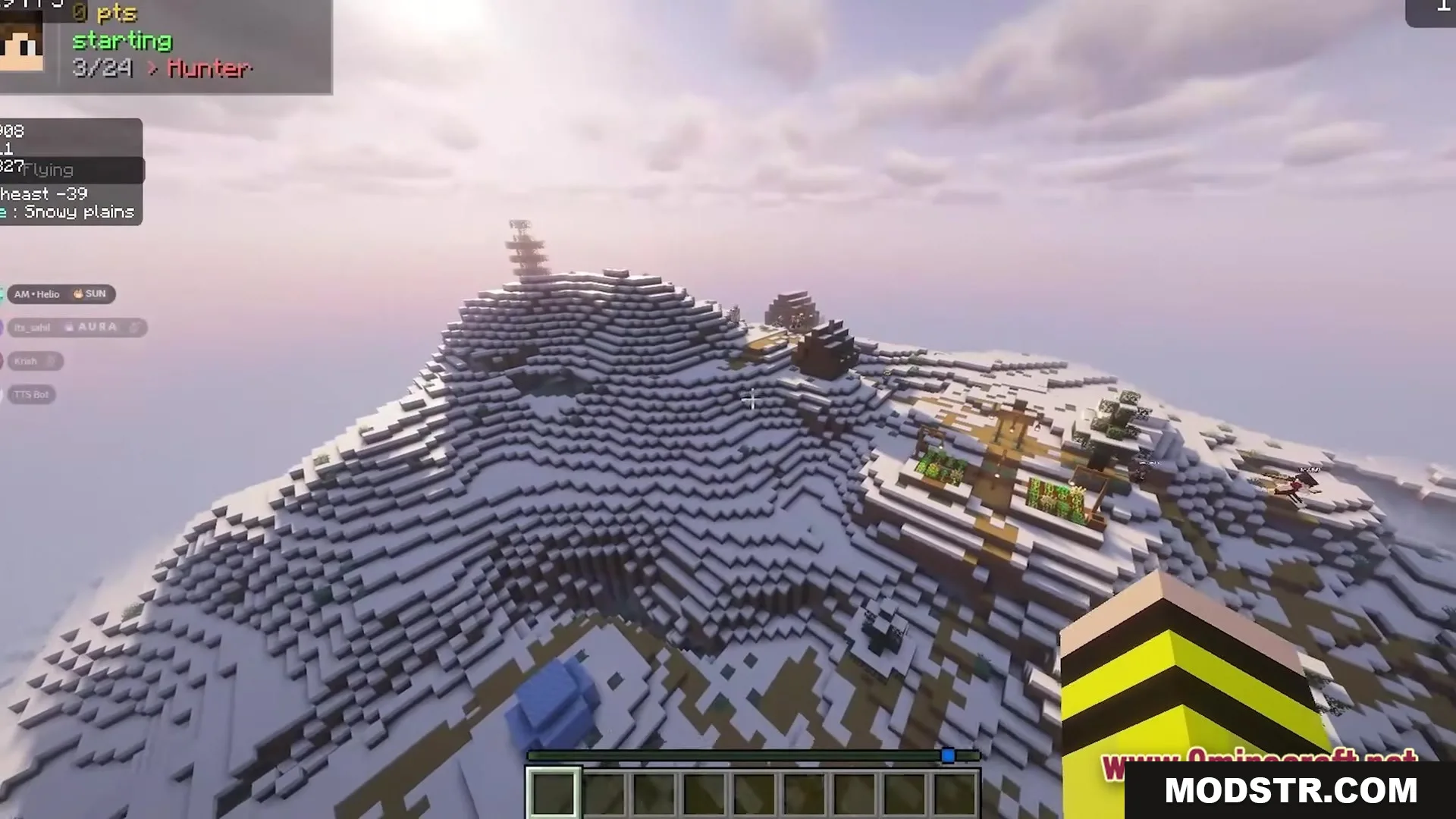
This map is designed for Minecraft Java Edition version 1.20.1.
DOWNLOAD FILES
- zip