

Asia Theme Lobby Map (26.2, 1.20.1) – A Serene Server Hub Under Cherry Blossoms
A serene Asian-themed server lobby map featuring traditional architecture, cherry blossoms, and landmark structures. Designed as a waiting area for players before game modes.
- 1.20.1
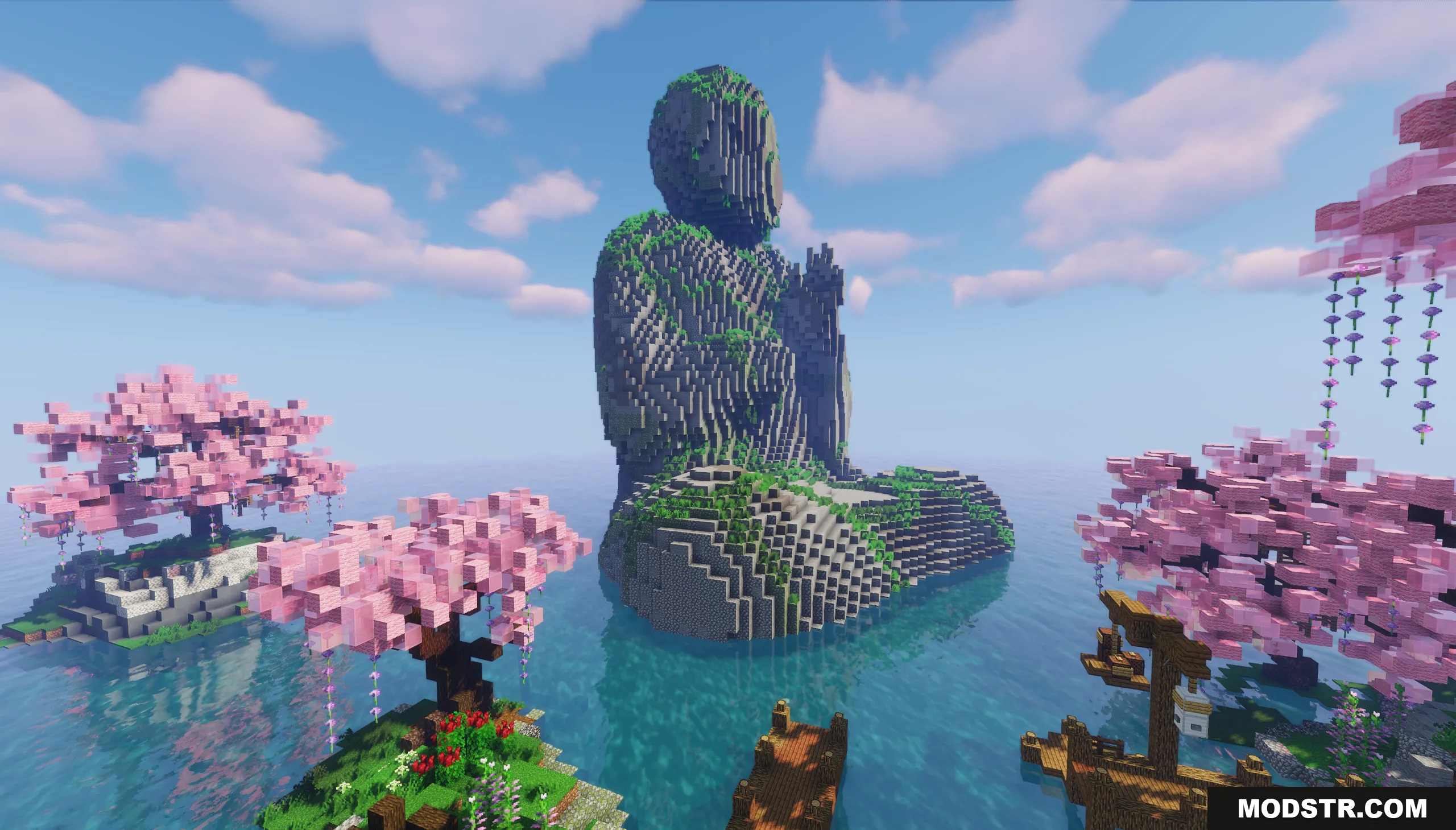
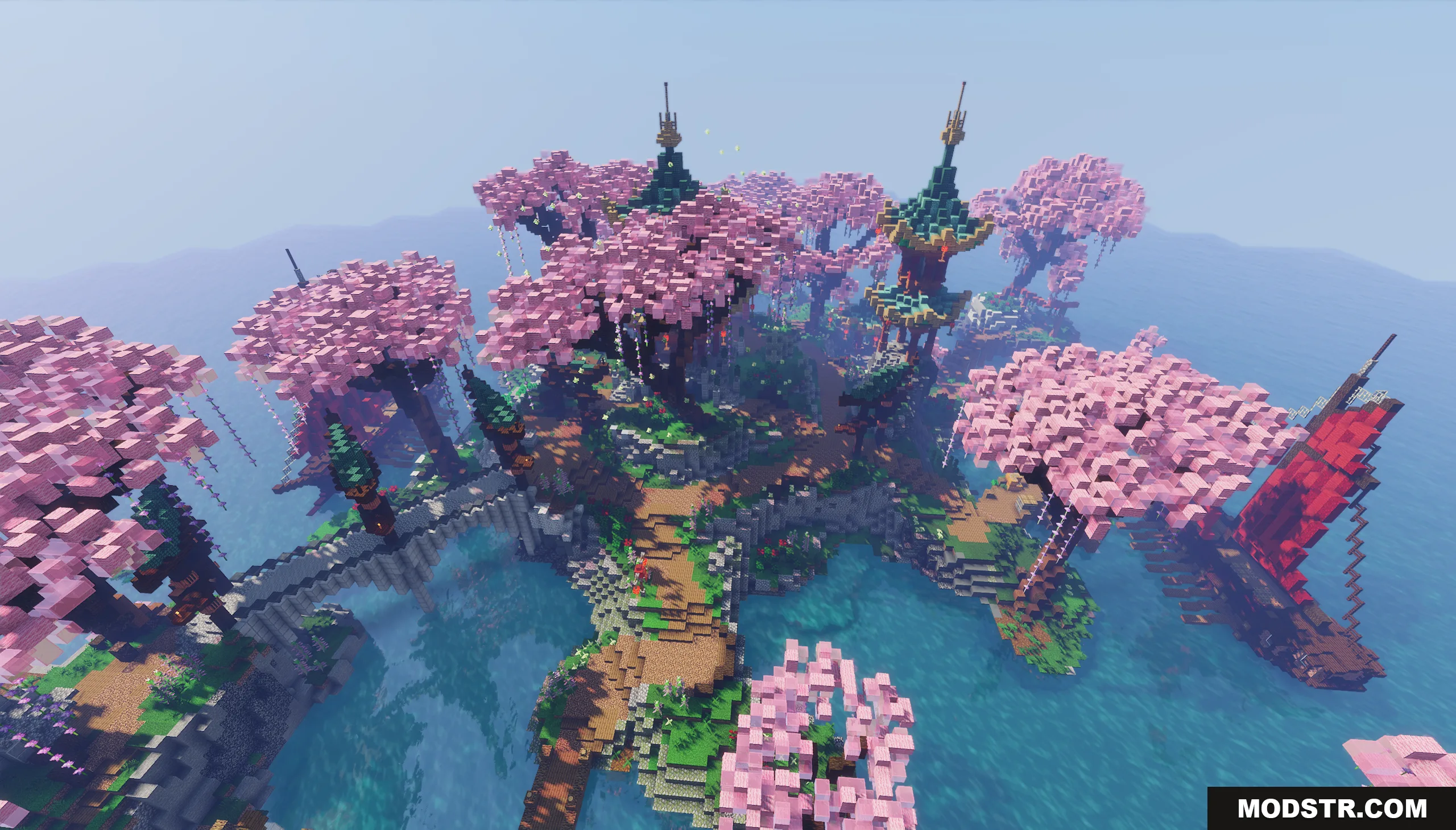
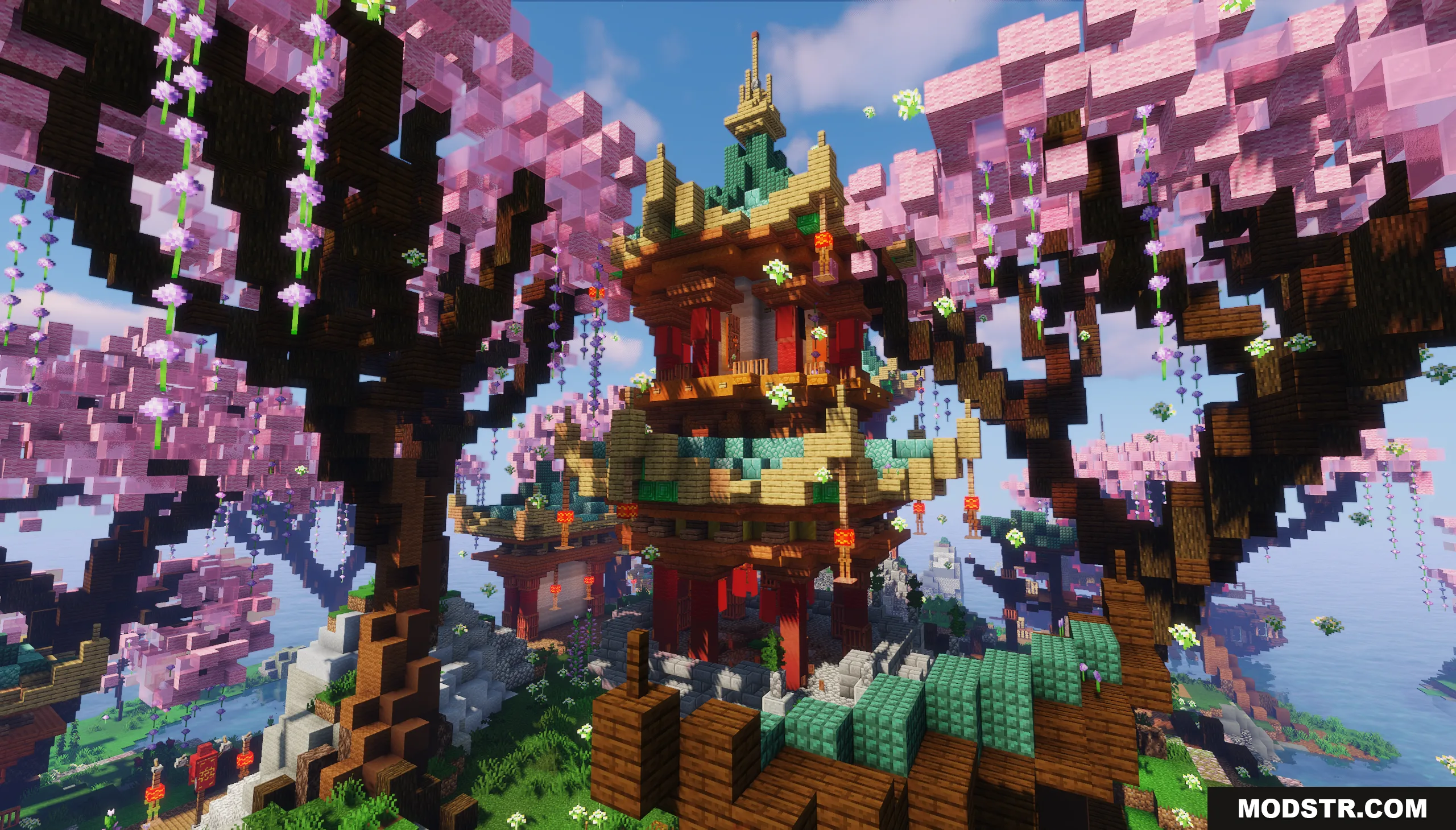
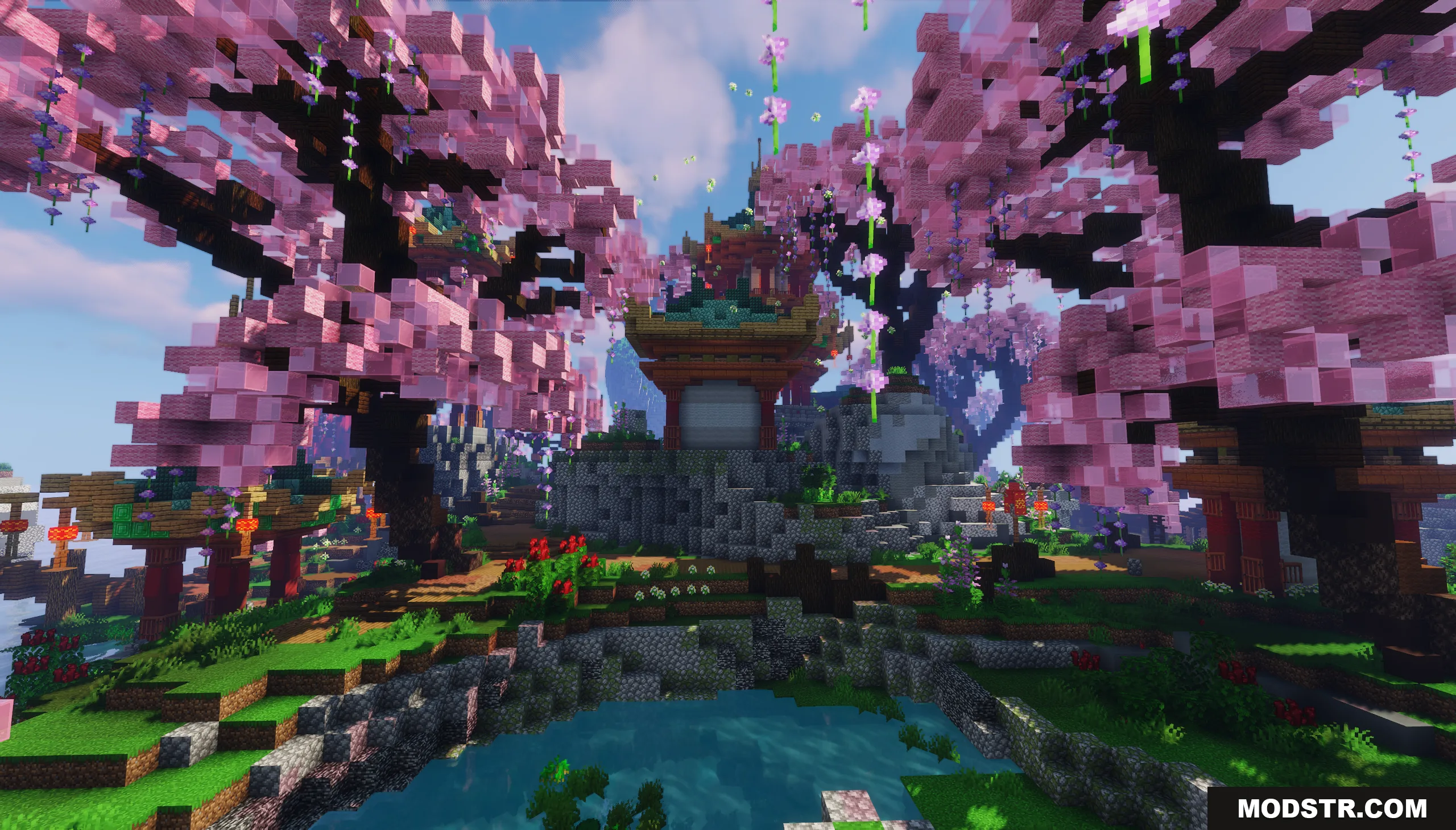
Asia Theme Lobby Map is a server hub designed around traditional Asian architecture and aesthetics. The map provides a calm waiting area where players can gather before joining game modes, featuring an island environment with classic structures, natural scenery, and open spaces for navigation and server setup.
Features
- Large open server waiting area with designated spawn zones for safe player gathering.
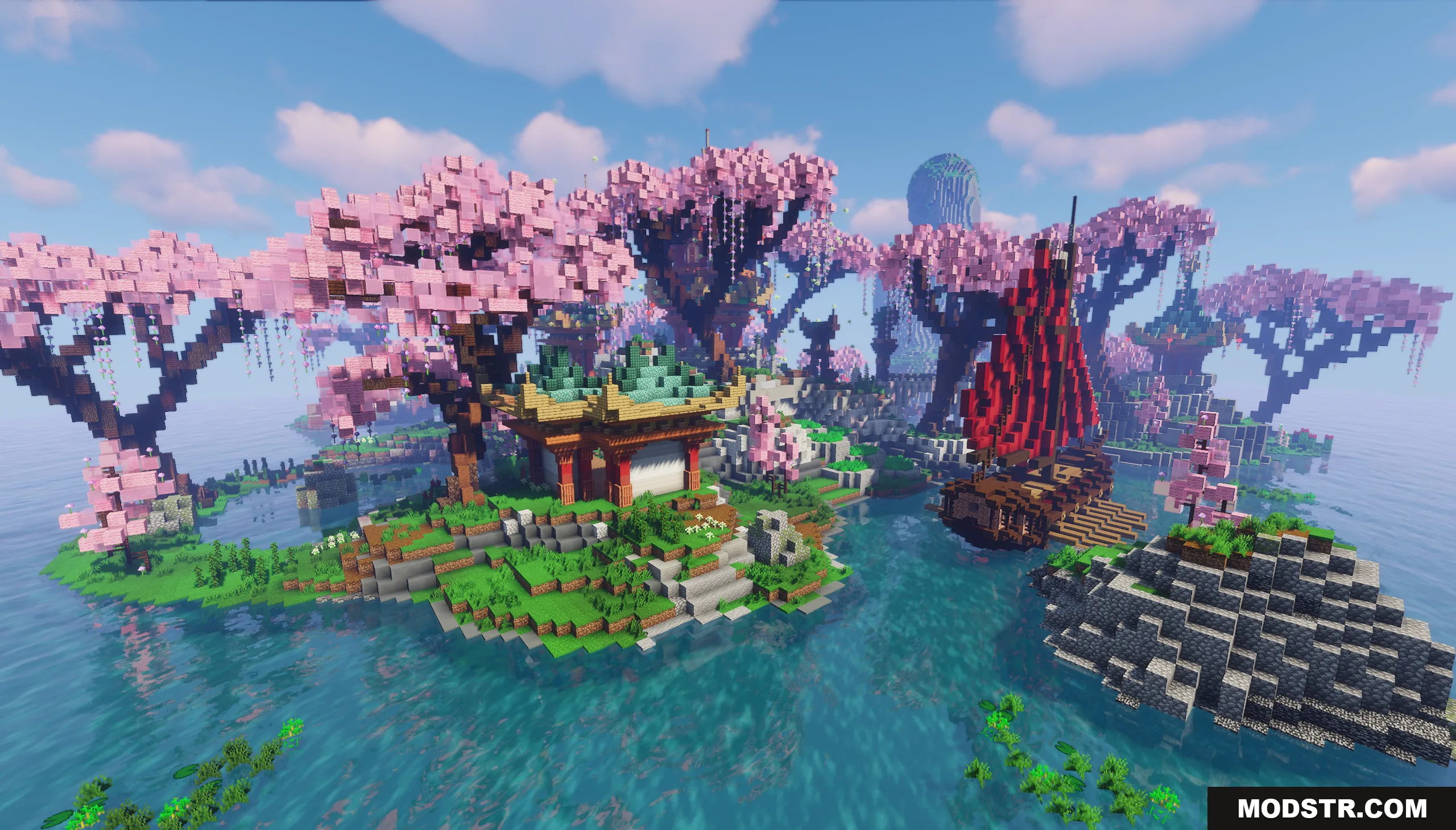
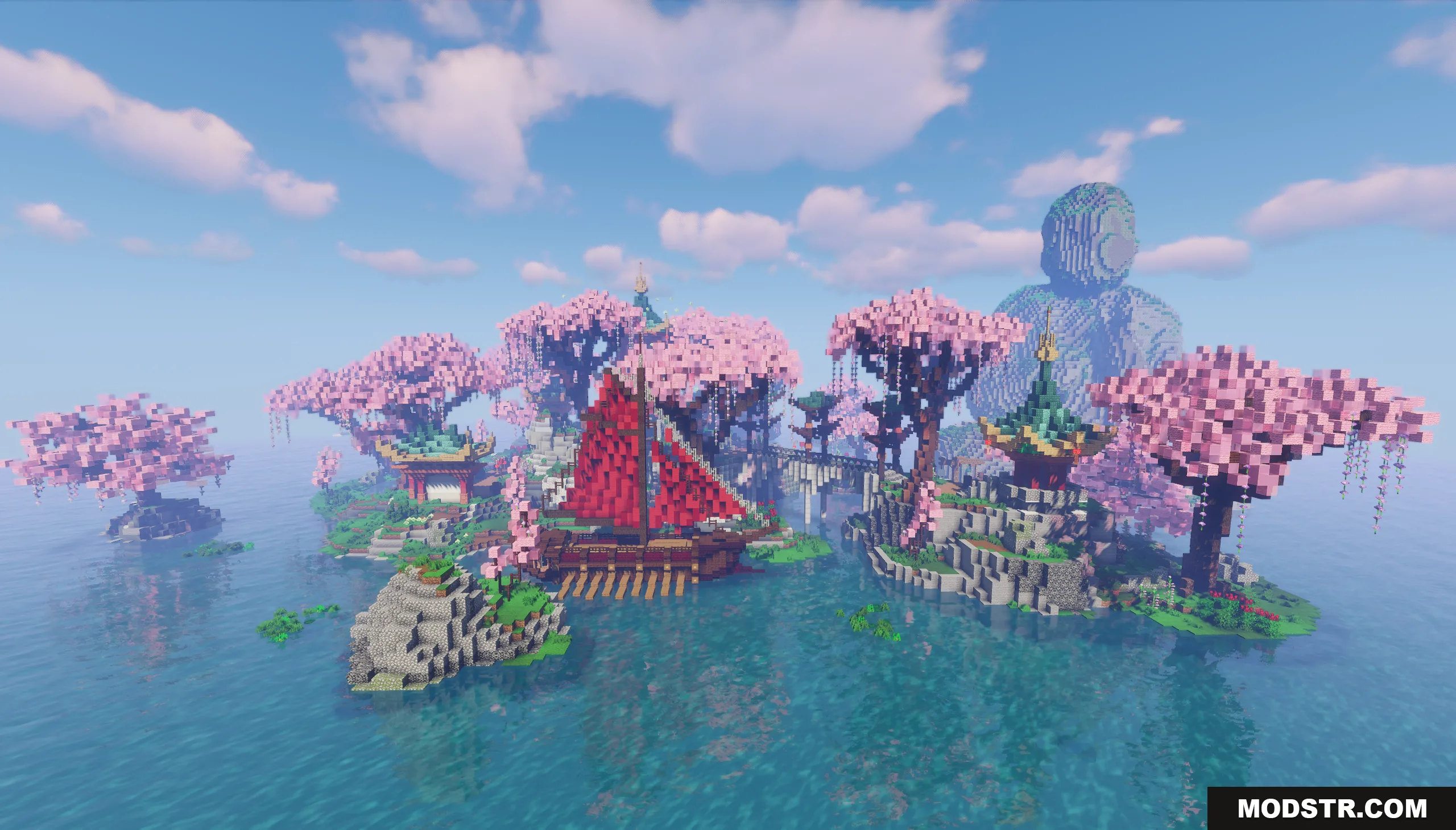
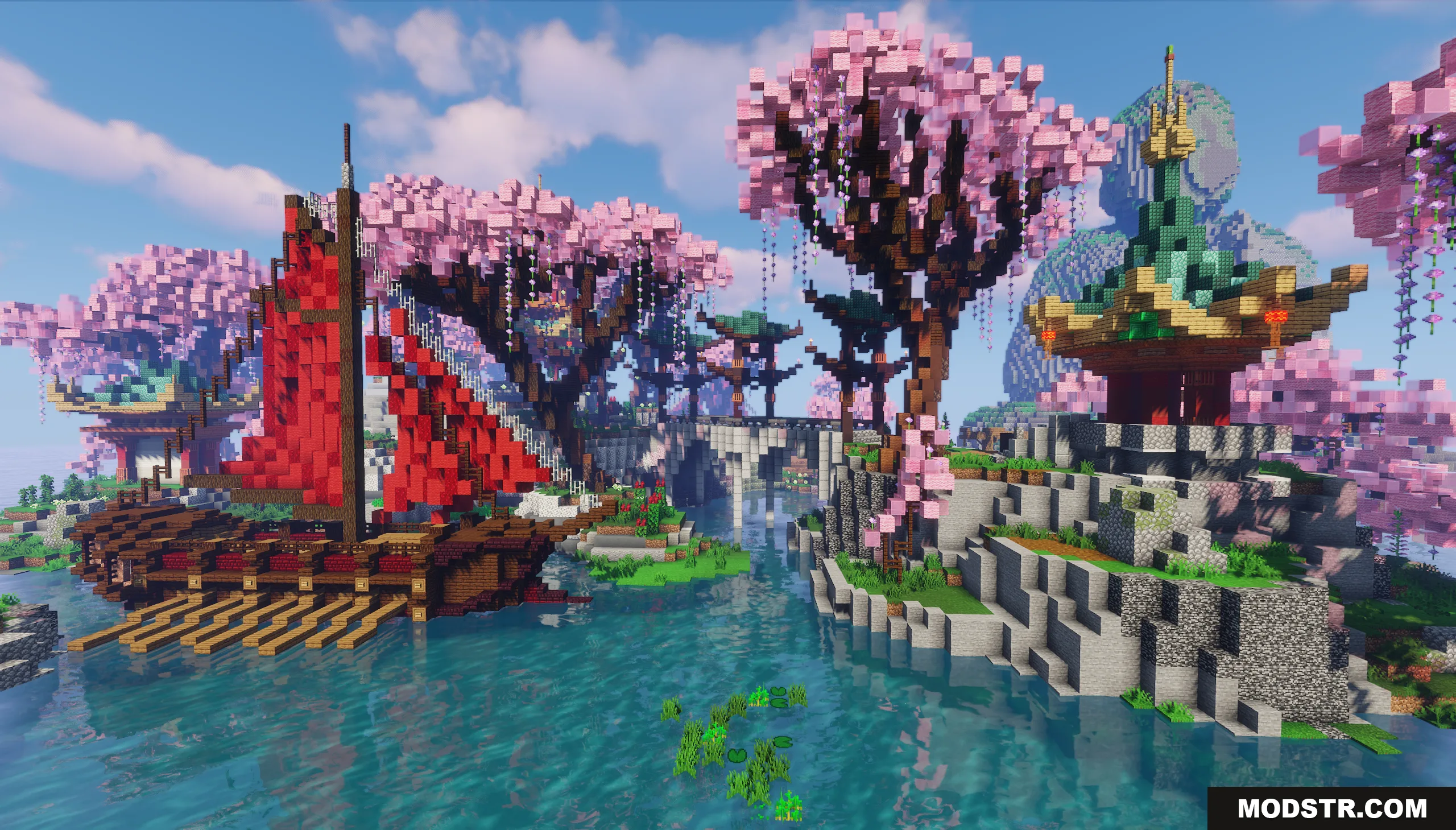
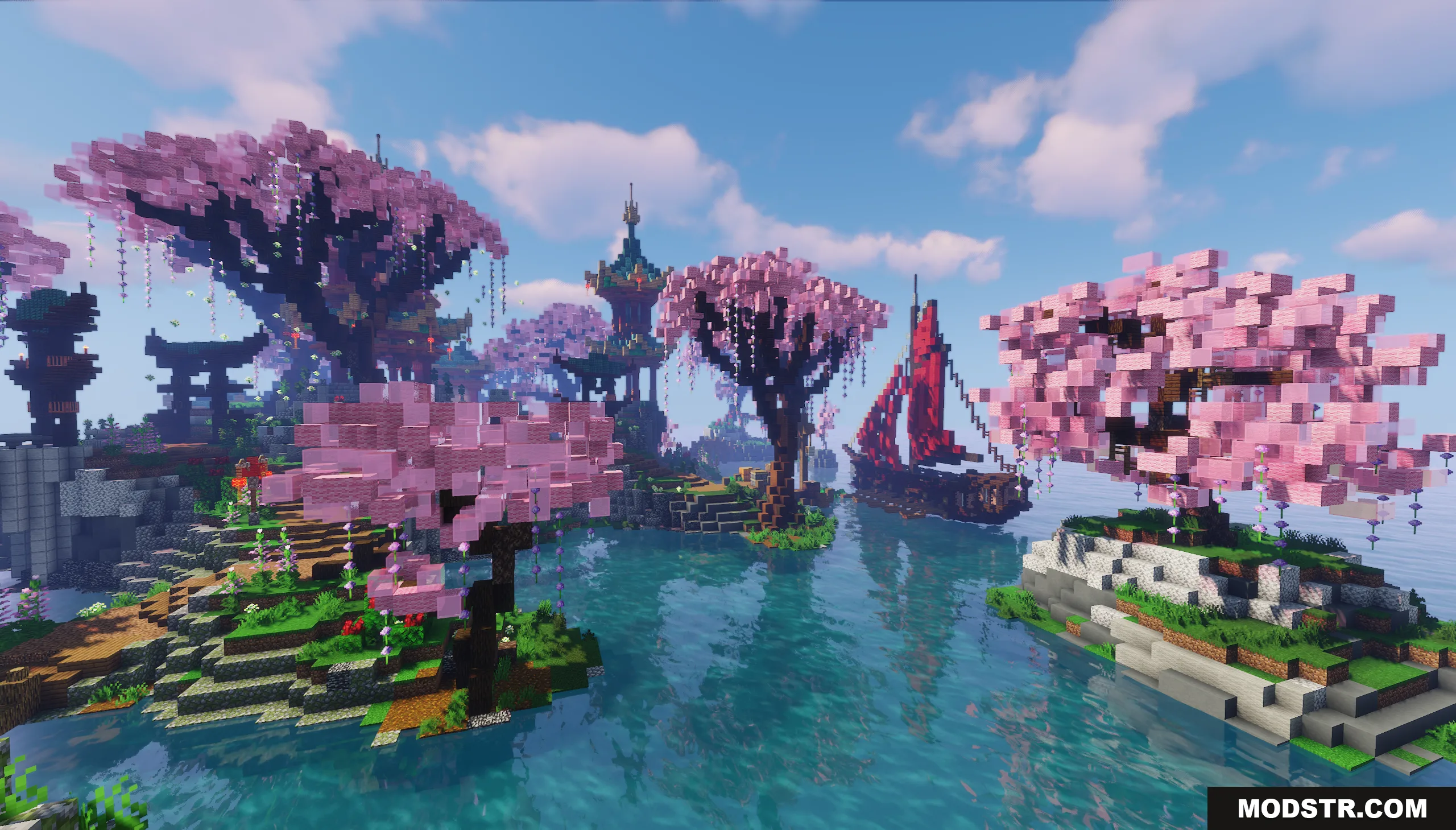
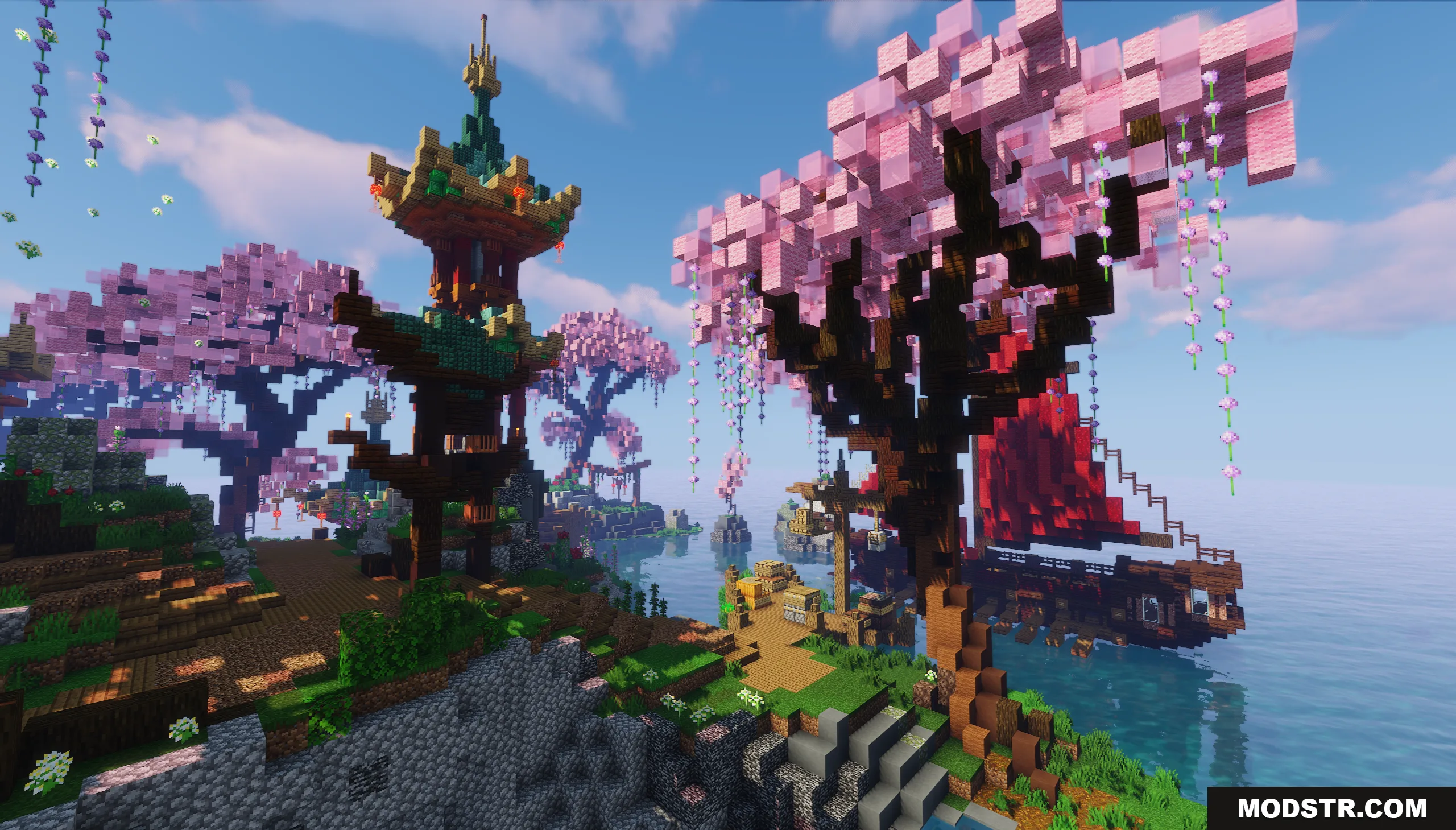
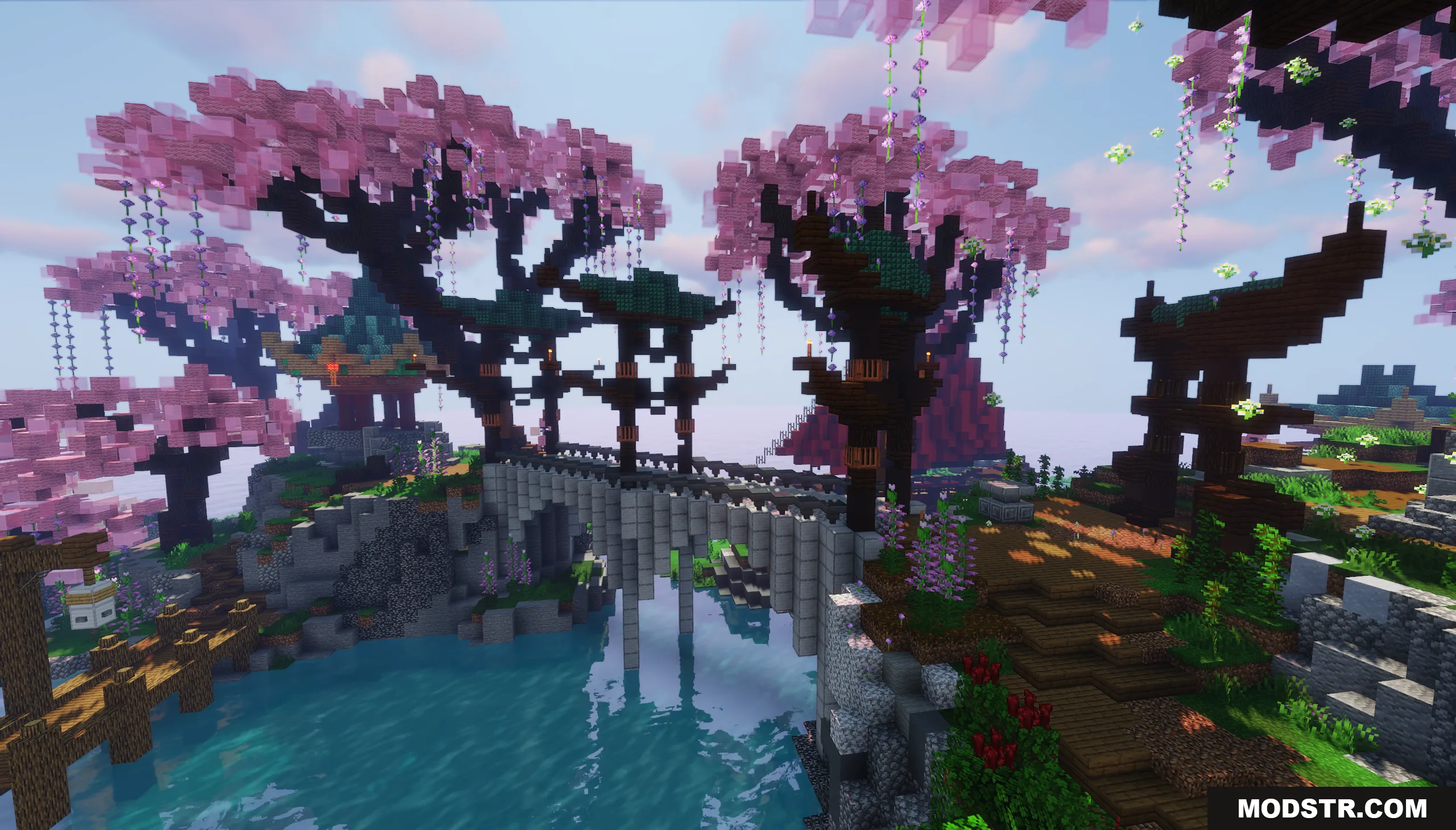
- Traditional pagodas, stone bridges, and wooden pavilions distributed across the island.
- Giant stone Buddha statue positioned in the ocean as a central landmark.
- Wooden sailing ships with red sails placed in the surrounding waters.
- Red torii gates near water features to organize pathways and visual flow.
- Stone bridge connections between different map sections for player traversal.
- Flat, open areas suitable for placing server portals and informational signs.
Installation
- Download the map file to your computer.
- Navigate to your Minecraft world saves folder (typically .minecraft/saves on Windows or Library/Application Support/minecraft/saves on Mac).
- Extract the map folder into your saves directory.
- Open Minecraft and select the map from your world list to load it.
- Configure server settings or creative mode access as needed for your use case.
Compatibility
This map is designed for Minecraft version 1.20.1. Compatibility with other versions is not guaranteed; using the specified version is recommended for optimal performance and visual appearance.
DOWNLOAD FILES
- file