
Ultimate All Kits PvP Map (26.x) – Outplay Your Rivals in Fast Arena Showdowns
Ultimate All Kits PvP is a dynamic map designed for rapid multiplayer battles in a large arena. It provides various combat styles for players to engage in intense matchups.
- PvP
Ultimate All Kits PvP offers an efficient platform for fast-paced multiplayer battles within an expansive combat arena. Ideal for players looking to dive into combat, it allows for quick engagement without the need for extensive setup.
Features
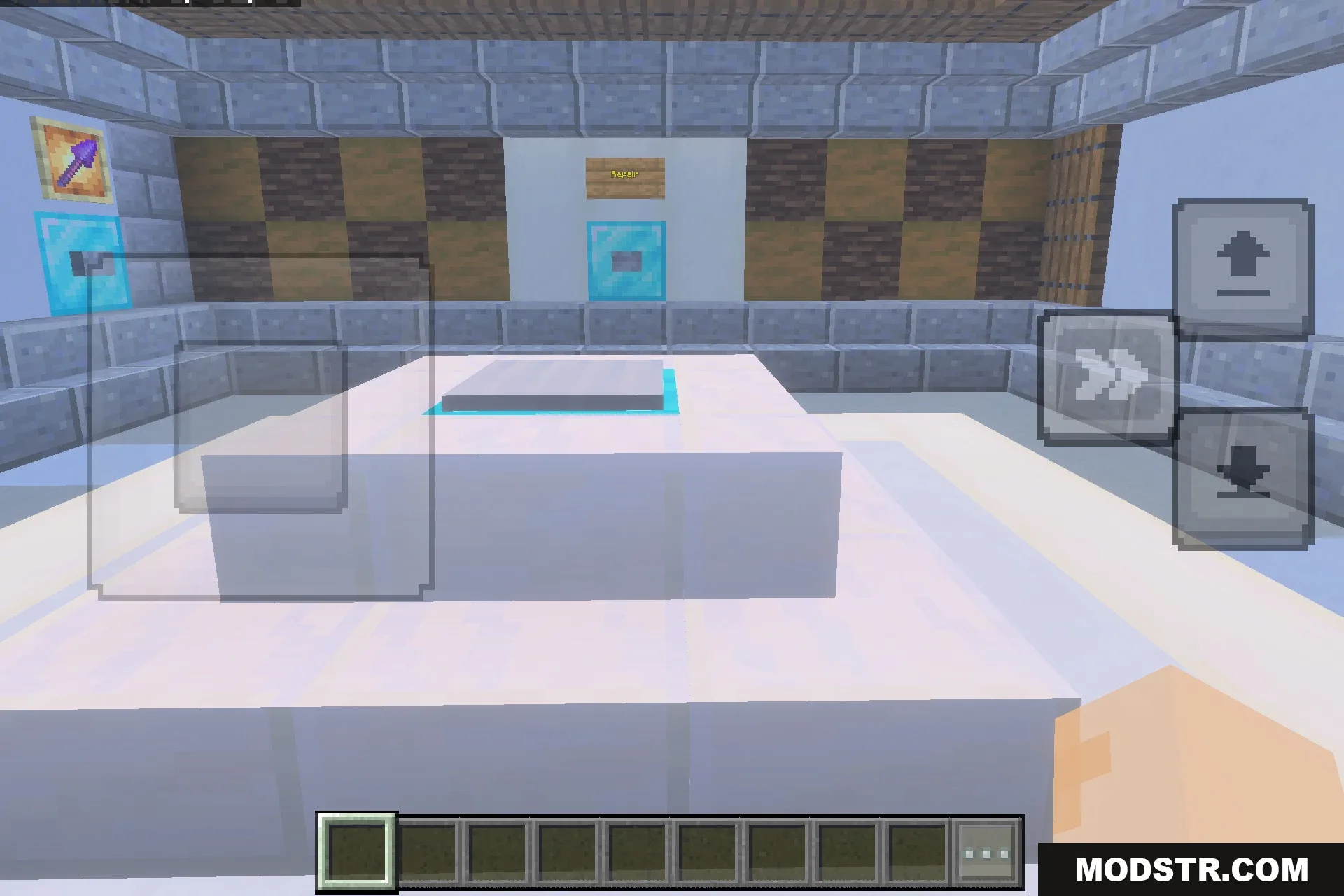
- Large custom arena designed for fast multiplayer combat.
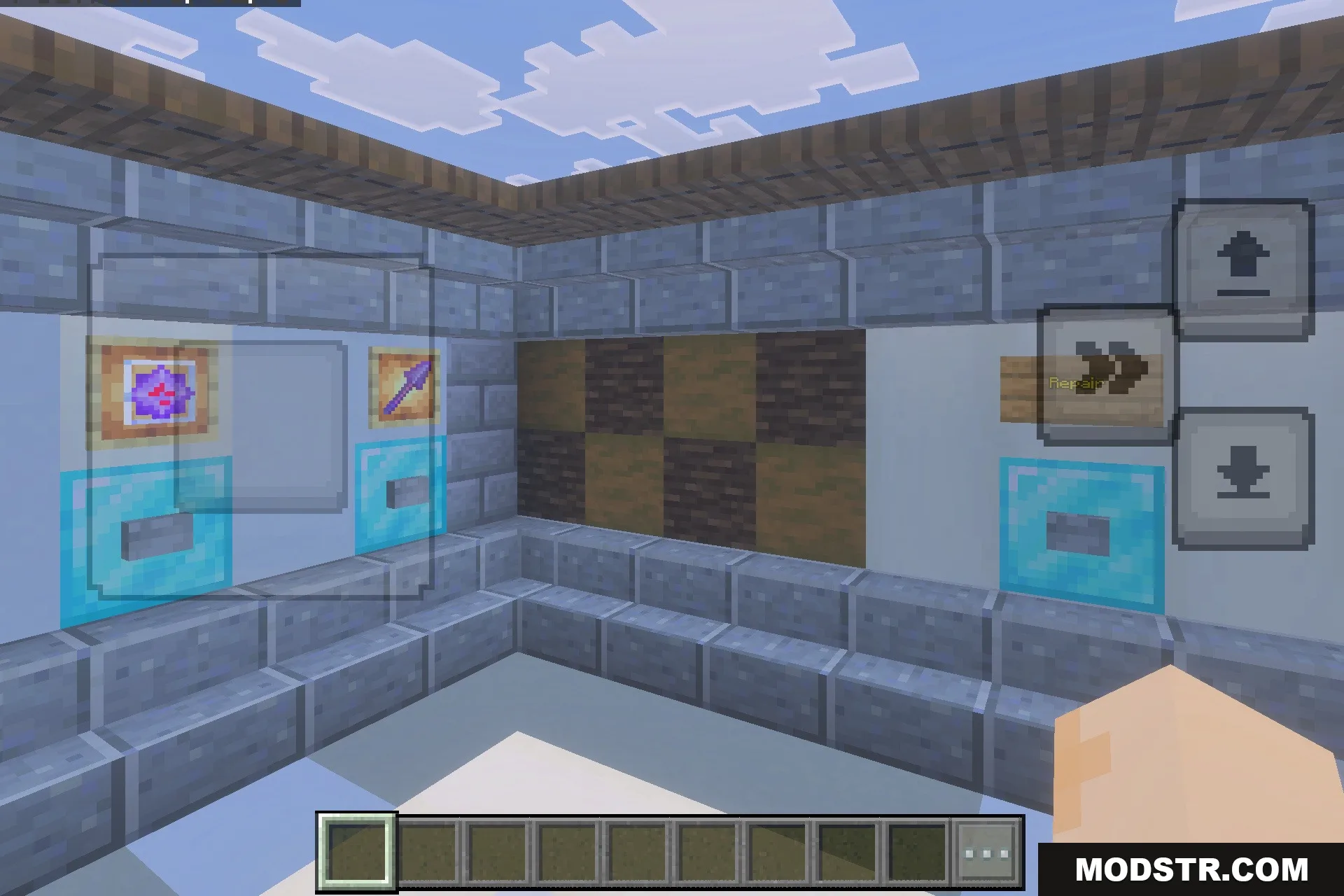
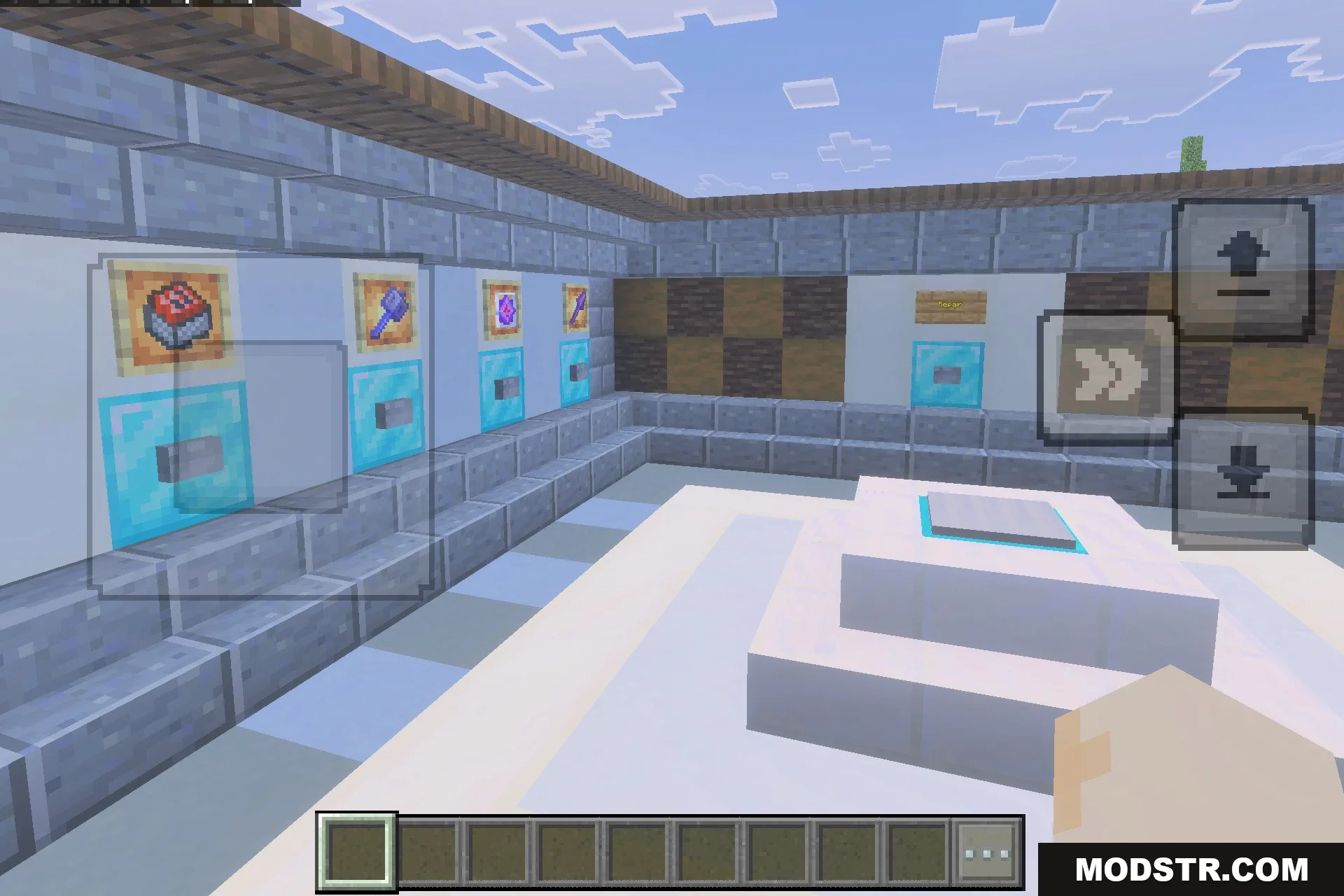
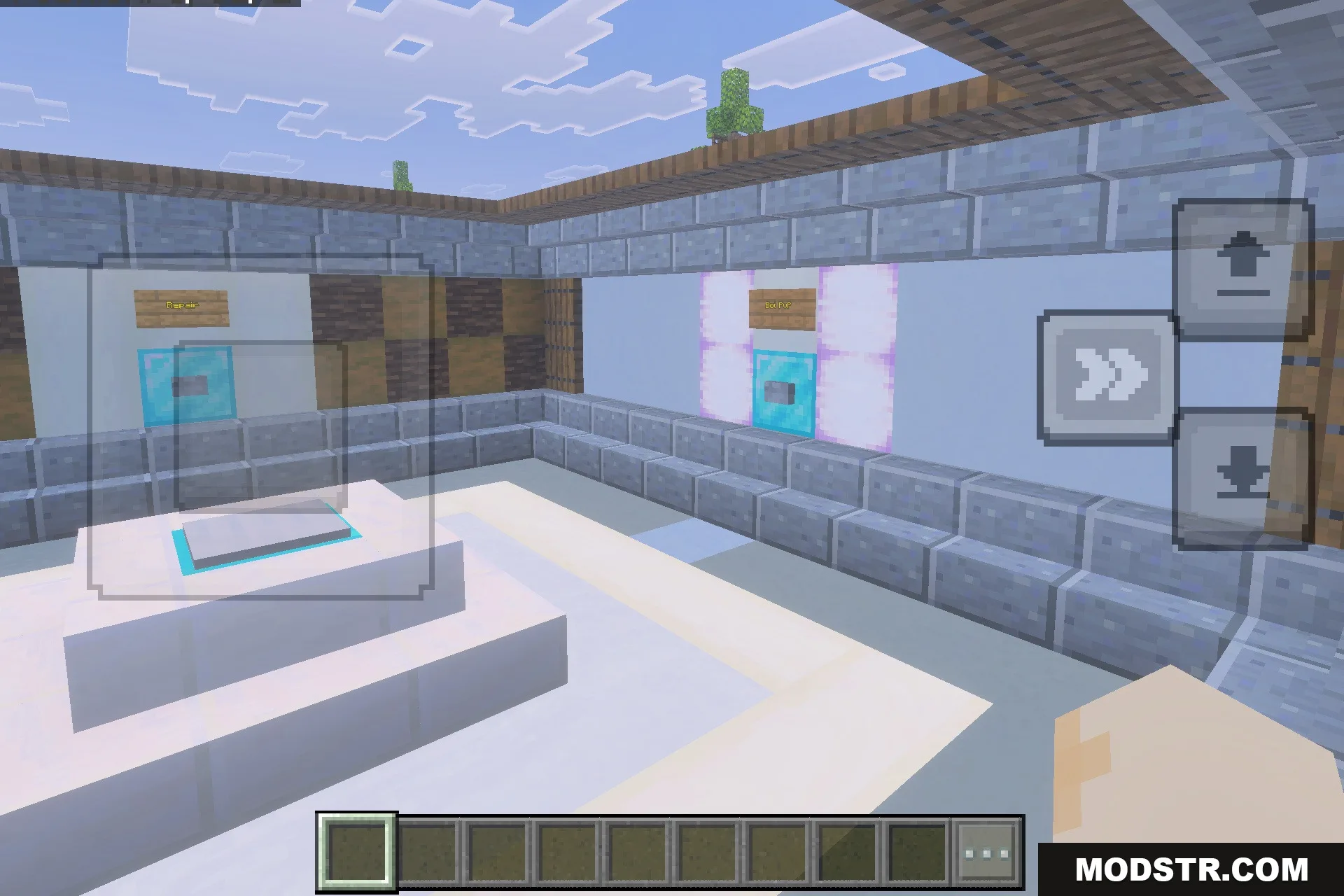
- One-click kit system equips your favorite combat loadout instantly.
- Includes kits for crystal, mace, spear, and cart fighting.
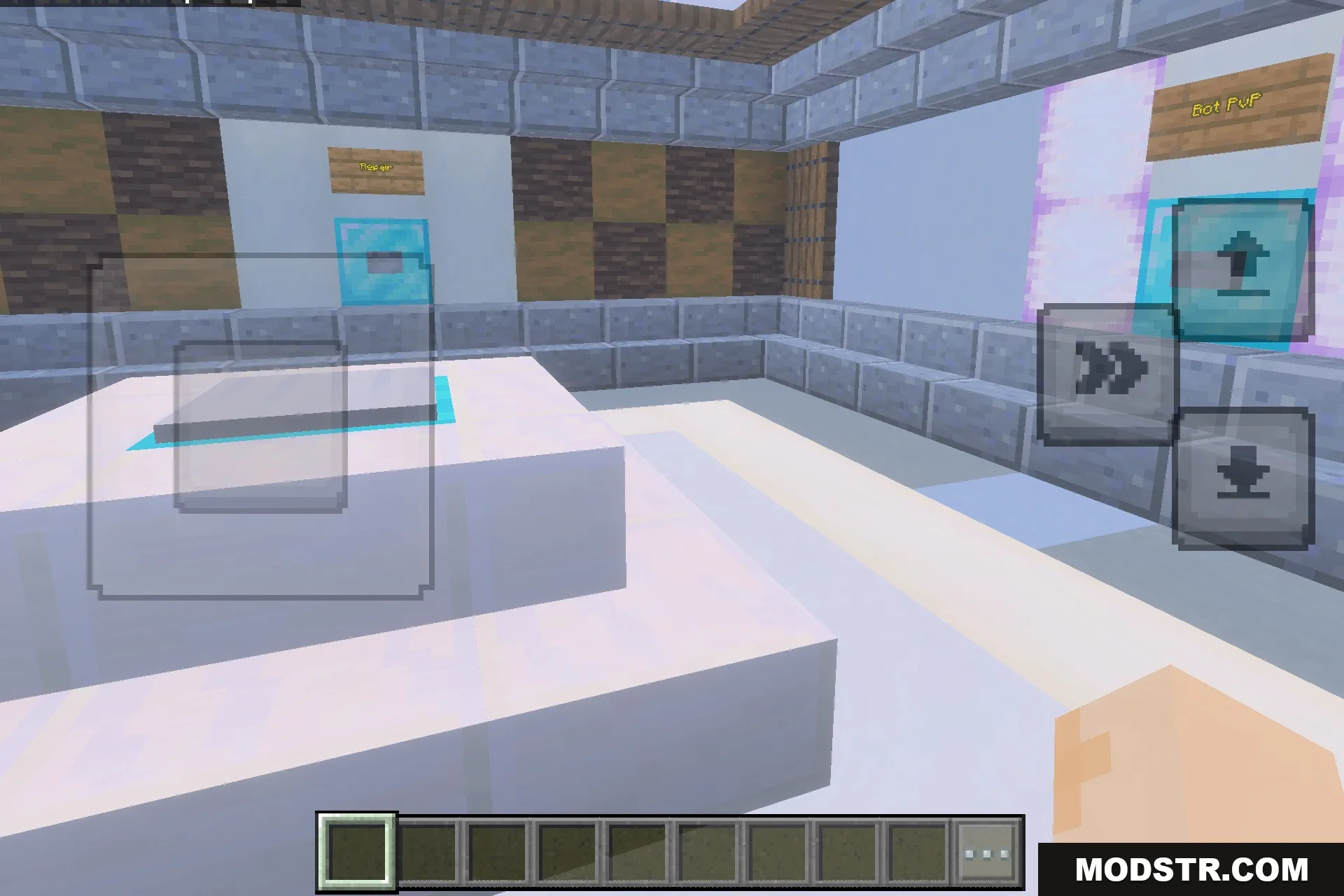
- Bot combat option lets you practice duels alone.
- Optimized world performance provides smooth gameplay without lag.
Installation
- Download the map file.
- Open your Minecraft game directory.
- Navigate to the 'saves' folder.
- Place the map file in the 'saves' folder.
- Launch Minecraft and select the map to start playing.
Screenshots
DOWNLOAD FILES
- mcworld