Telegram
The Lost Horror Map Weirdly Chaos Update Map (26.x, 1.21) – Escape the Backrooms in Terror cover art

The Lost Horror Map Weirdly Chaos Update Map (26.x, 1.21) – Escape the Backrooms in Terror

A horror escape map set in the Backrooms and other eerie locations. Navigate through dangerous areas, survive encounters with hostile entities, and complete mini-games to find your way out.

39 MCPE
  • Horror
  • 1.21

The Lost Horror Map Weirdly Chaos Update is a Minecraft map that places you in a nightmarish world where escape is the primary objective. You must navigate through multiple themed locations including the Backrooms and a creepy school while avoiding dangerous creatures and completing challenges to survive.
Minecraft pause menu for The Lost Horror Map with Steve character

Features

  • Begin your escape after consuming a mysterious drink from Walter White.
  • Wake up in Mr Meat's terrifying house and attempt to flee the premises.
  • Evade hostile entities throughout the Backrooms.
  • Participate in mini-games such as snowball target shooting and parkour challenges.
  • Explore themed environments including the school setting from Baldi's Basics.
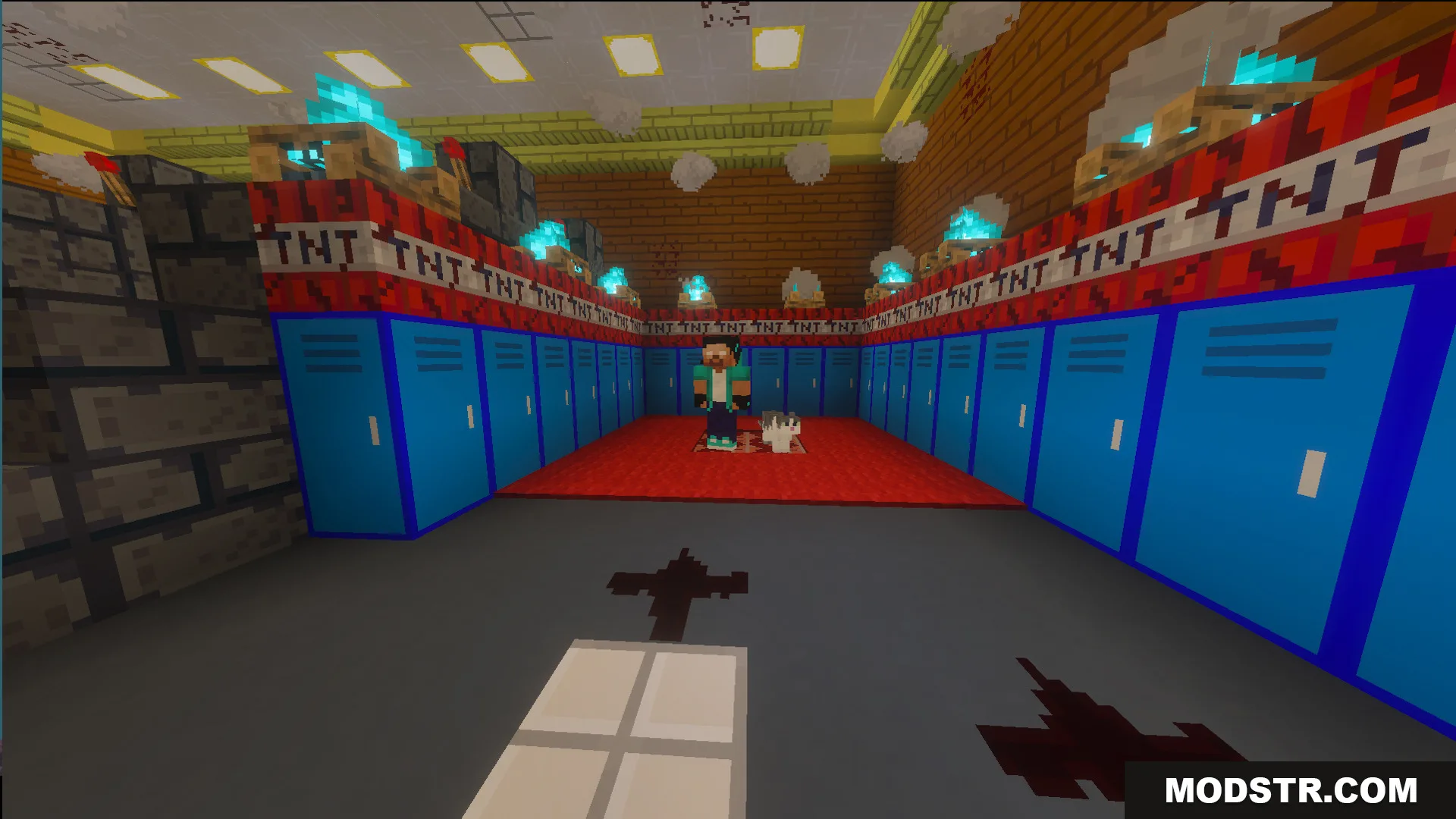
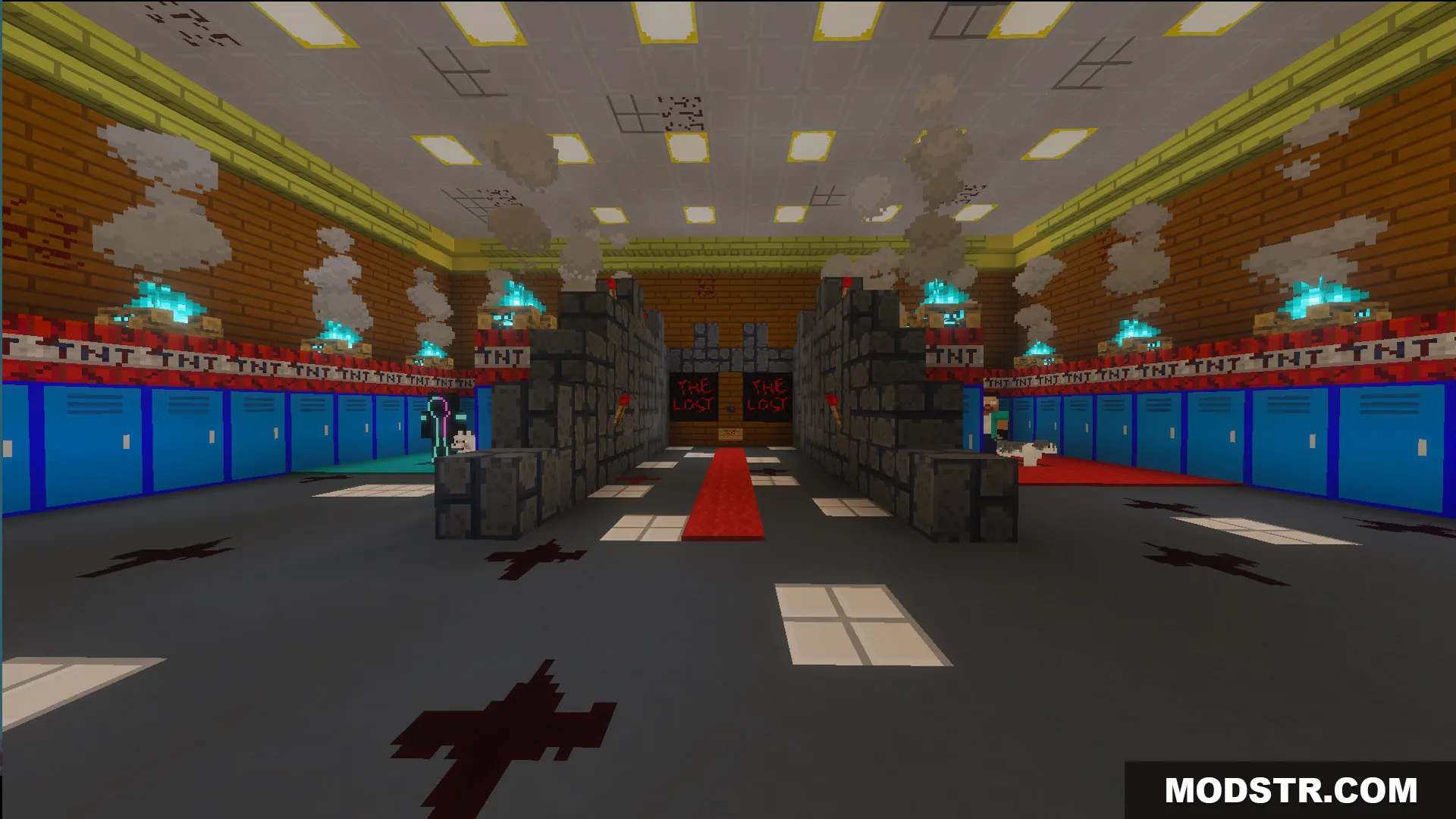
Player and cat in a school hallway with blue lockers and TNT blocks
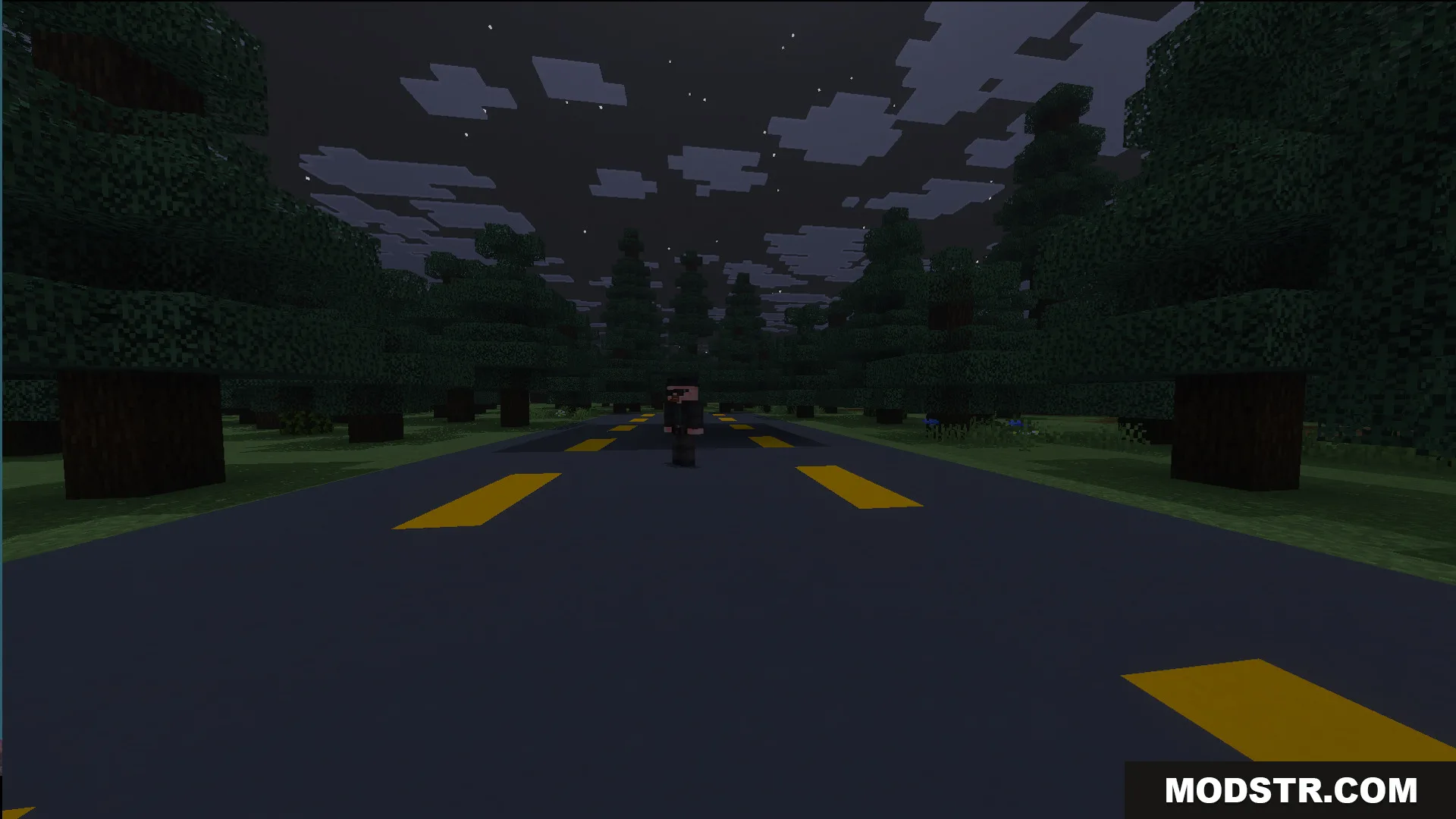
Walter White character standing on a dark road surrounded by trees at night
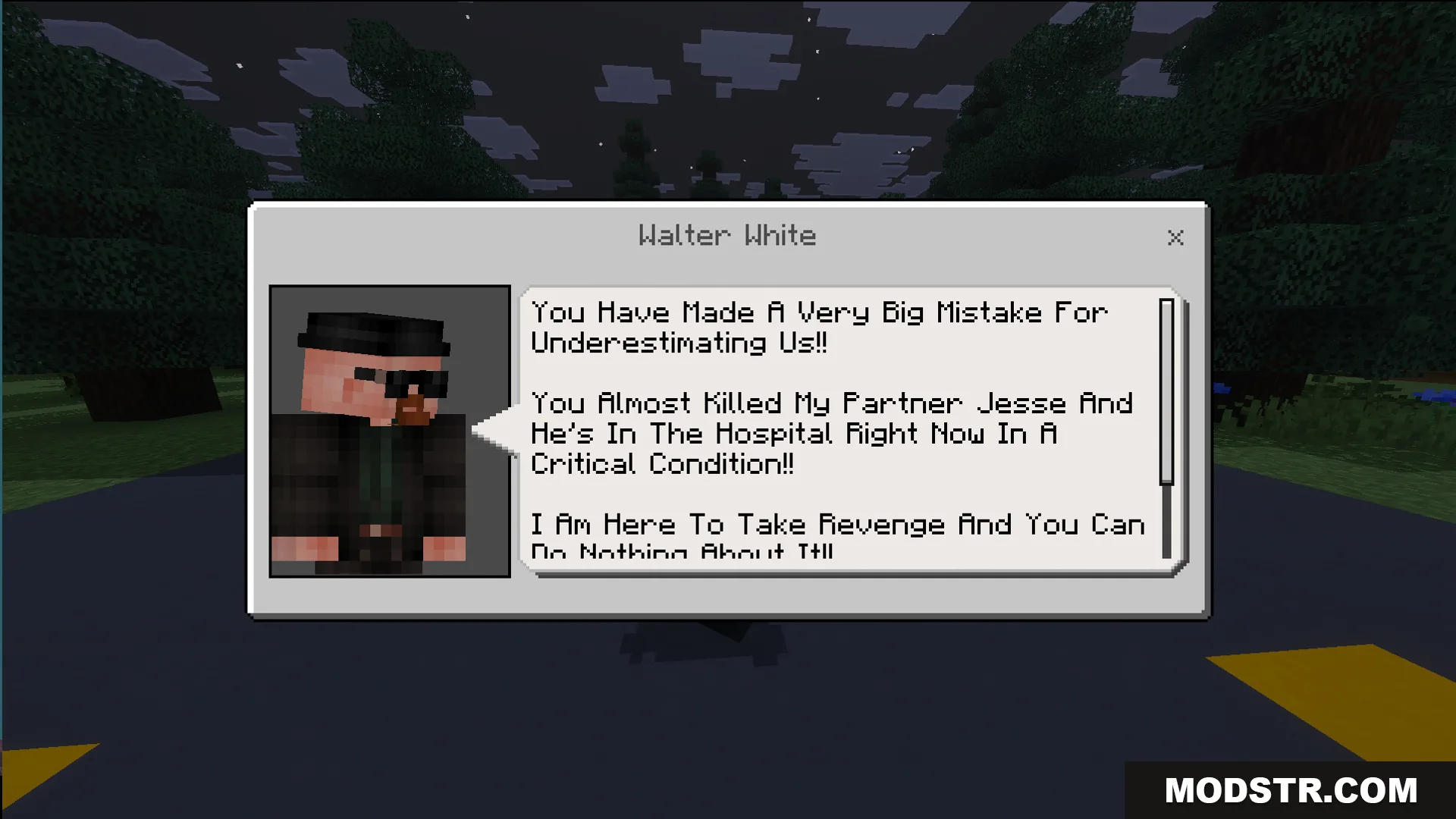
Dialogue box from Walter White talking about revenge for his partner Jesse

Installation

  1. Download the map file for your Minecraft version.
  2. Locate your Minecraft saves folder (usually found in .minecraft/saves on most systems).
  3. Extract the downloaded map folder into your saves directory.
  4. Open Minecraft and select the map from your world list.
  5. Launch the world and begin your escape.
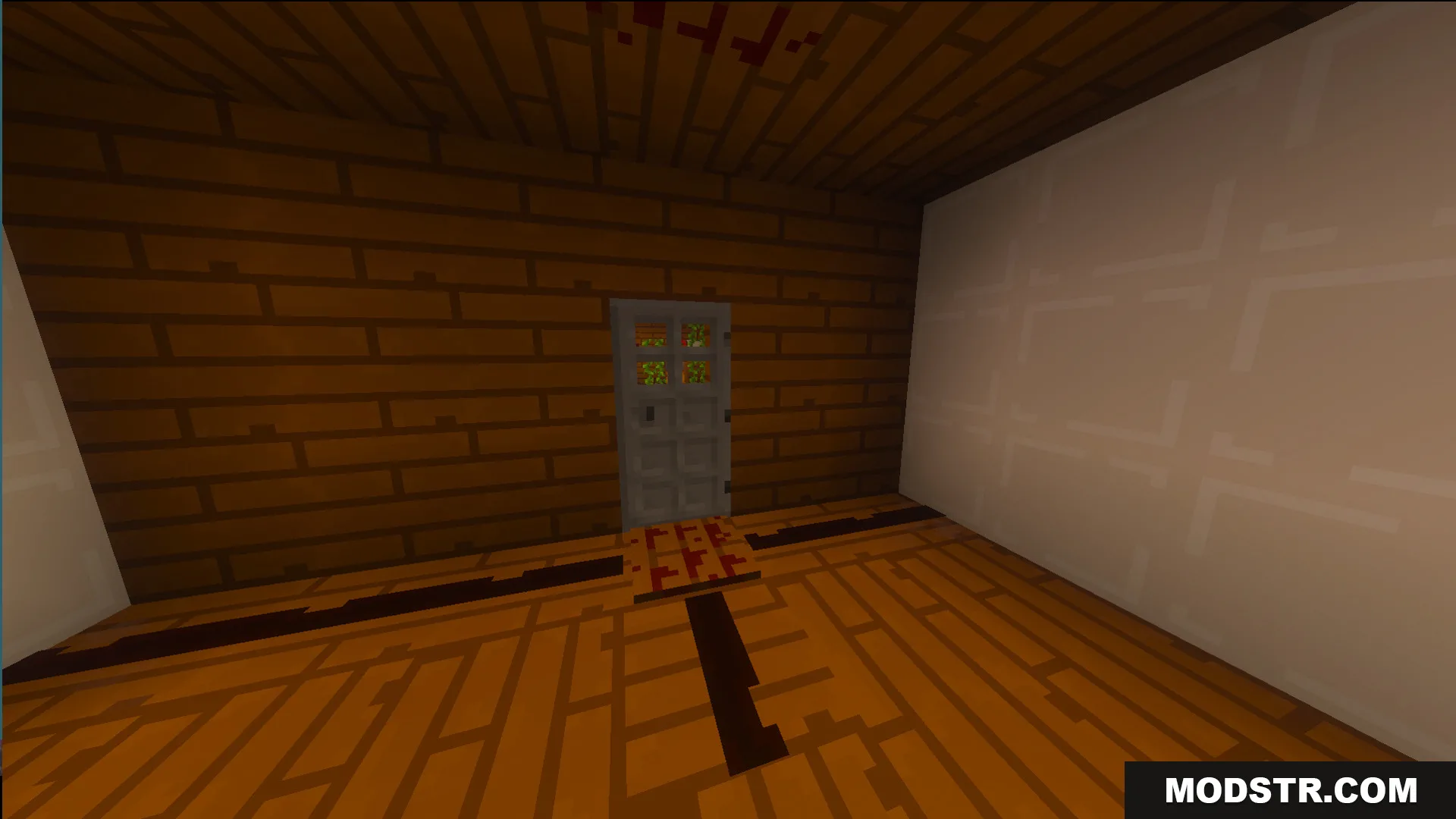
Wooden room with a gray door and a white wall inside a house
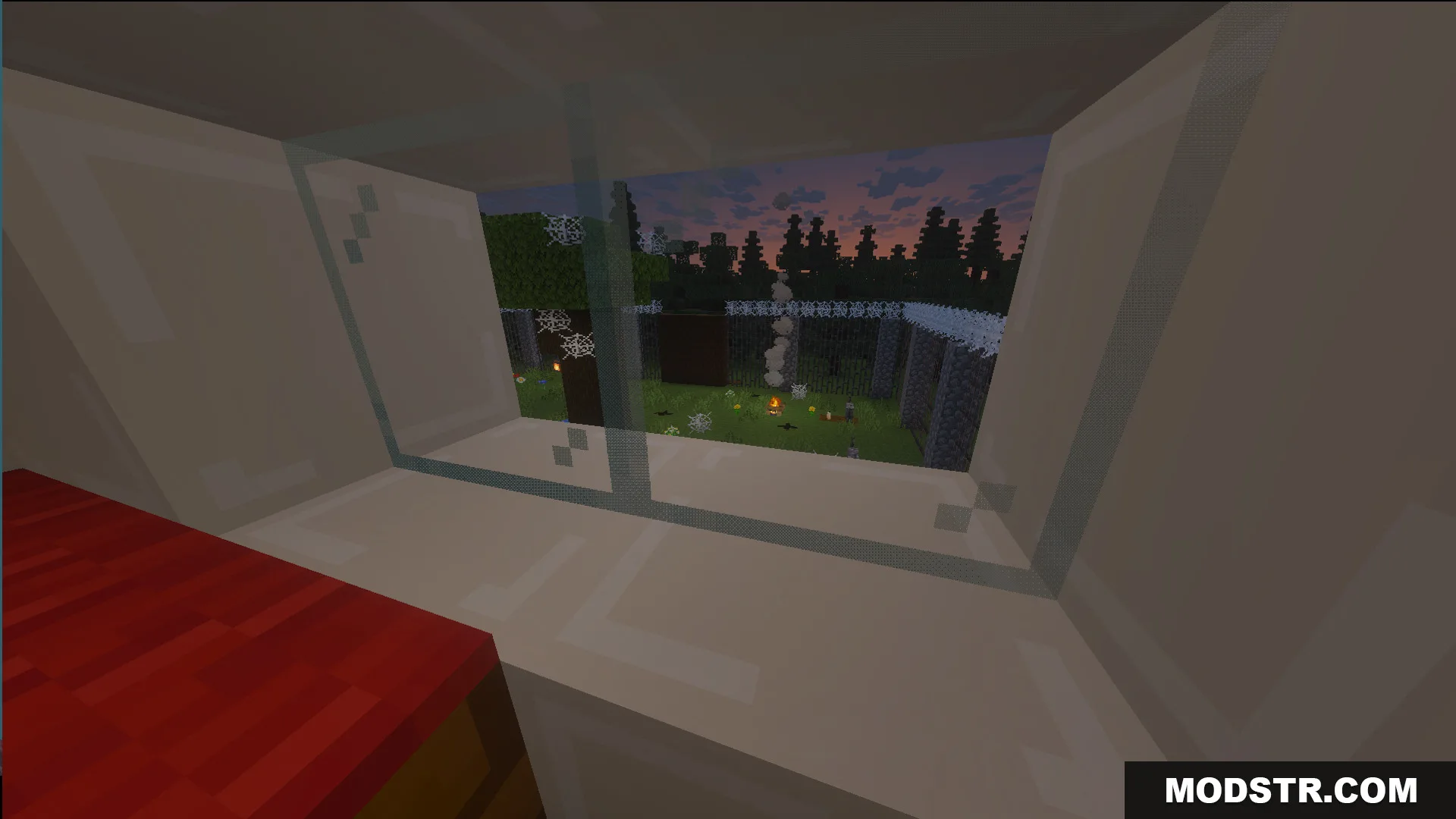
Looking through a window at a yard with cobwebs and a campfire
Explore a creepy school with wooden floors in The Lost Horror Map
Escape from a scary house with white walls and red writing on them
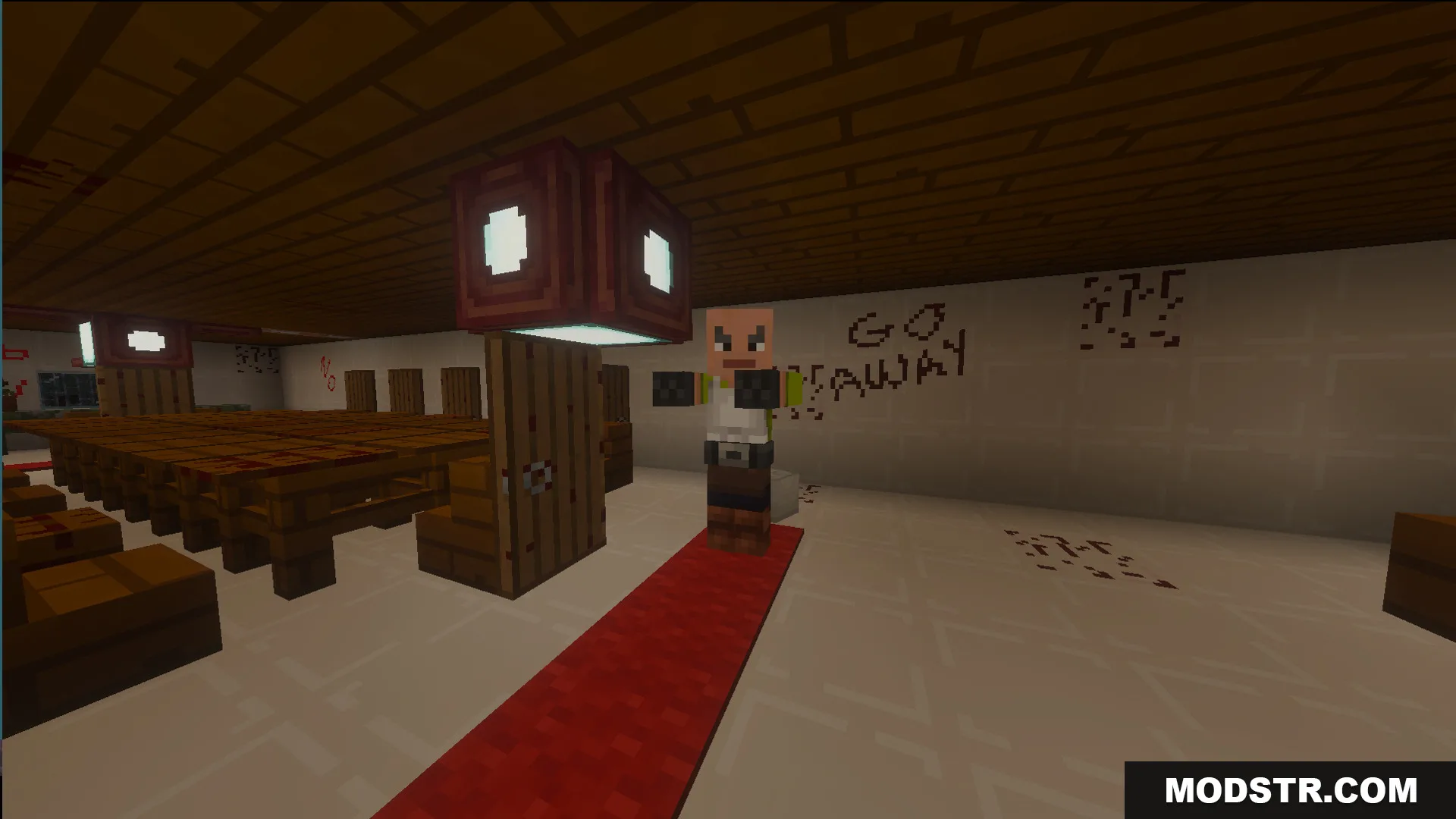
A character stands on a red carpet in a room with warning text
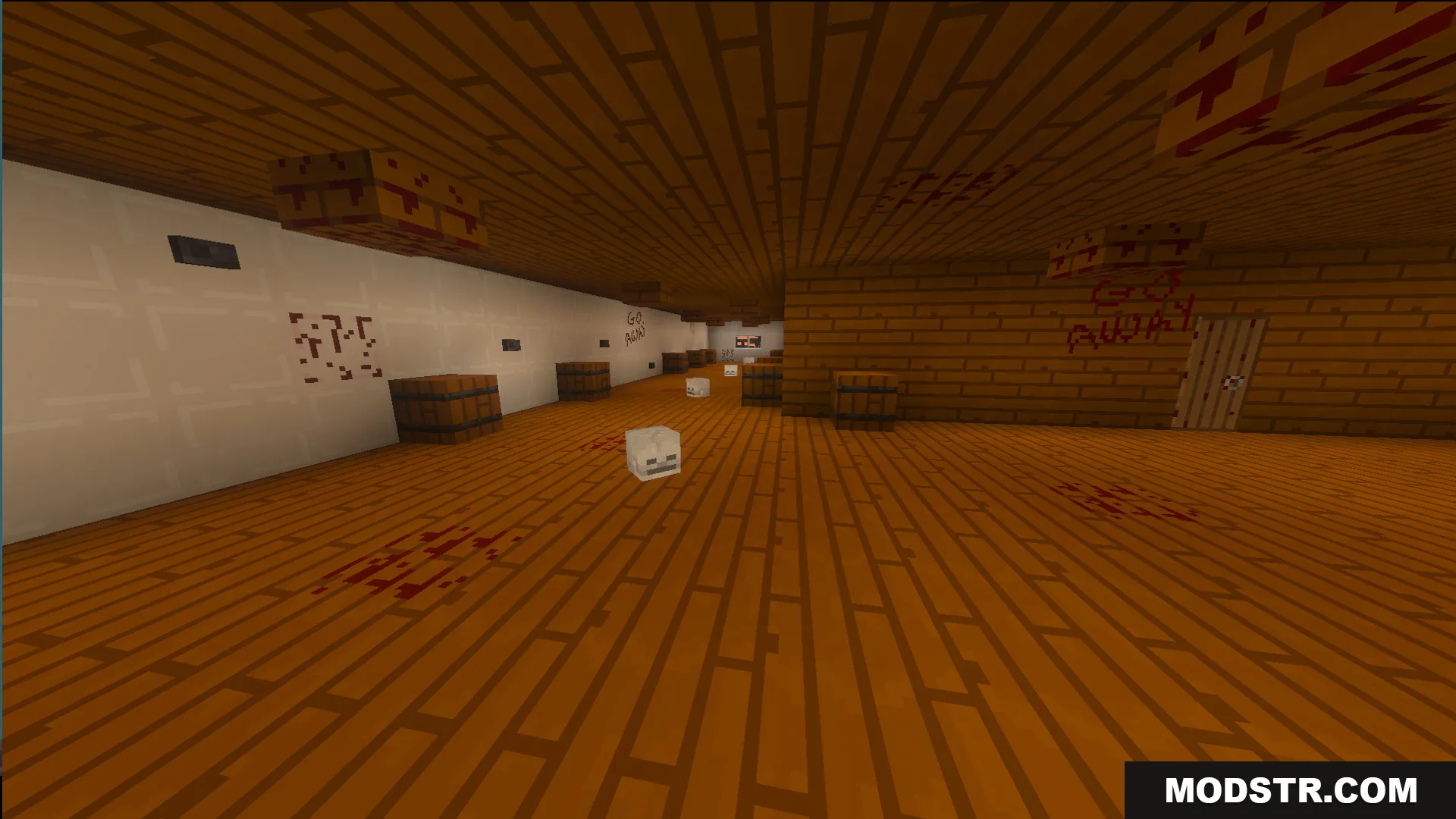
Creepy wooden hallway with skeleton heads and blood stains on the floor
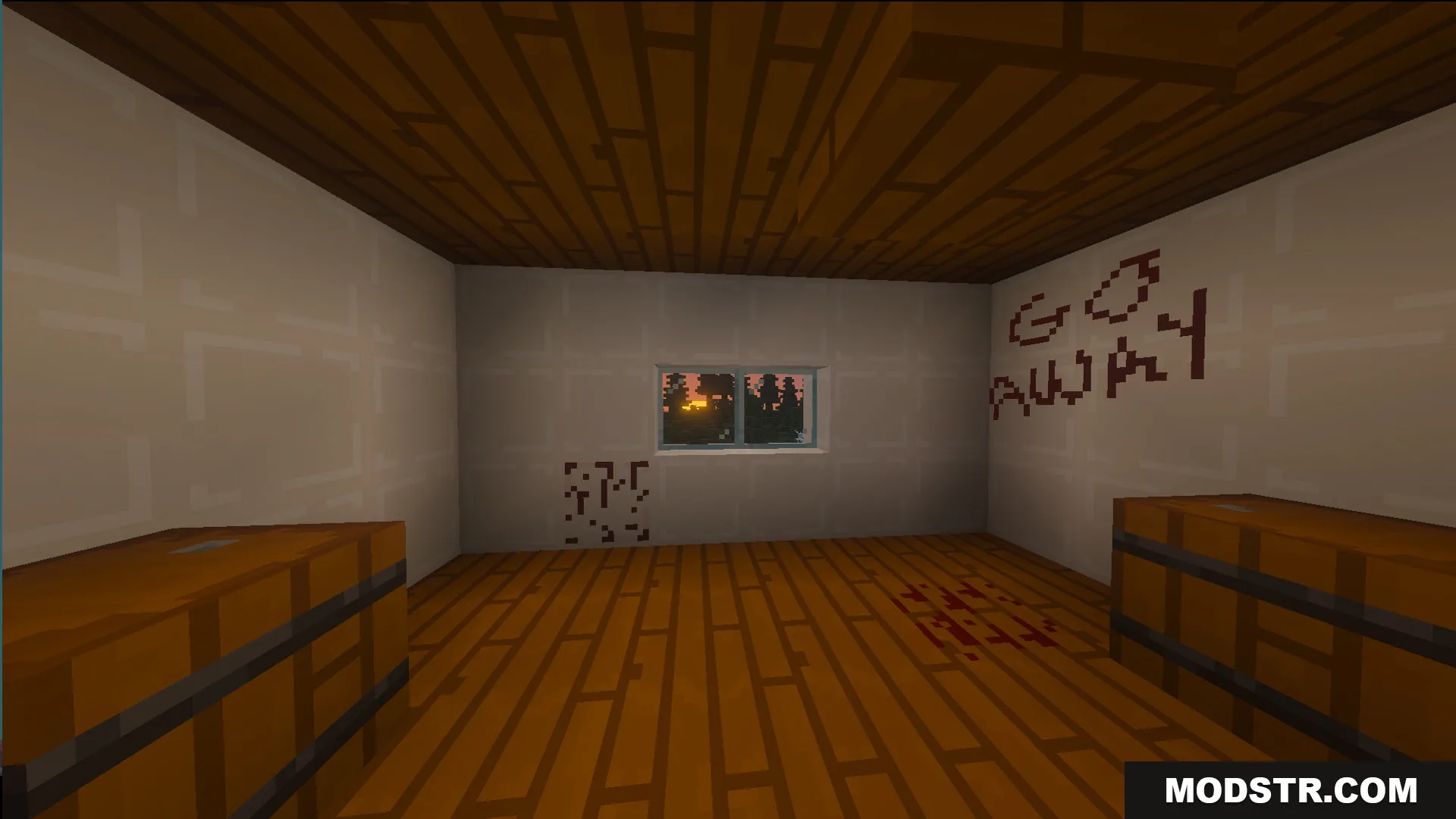
A scary room with blood stains and go away written on the wall
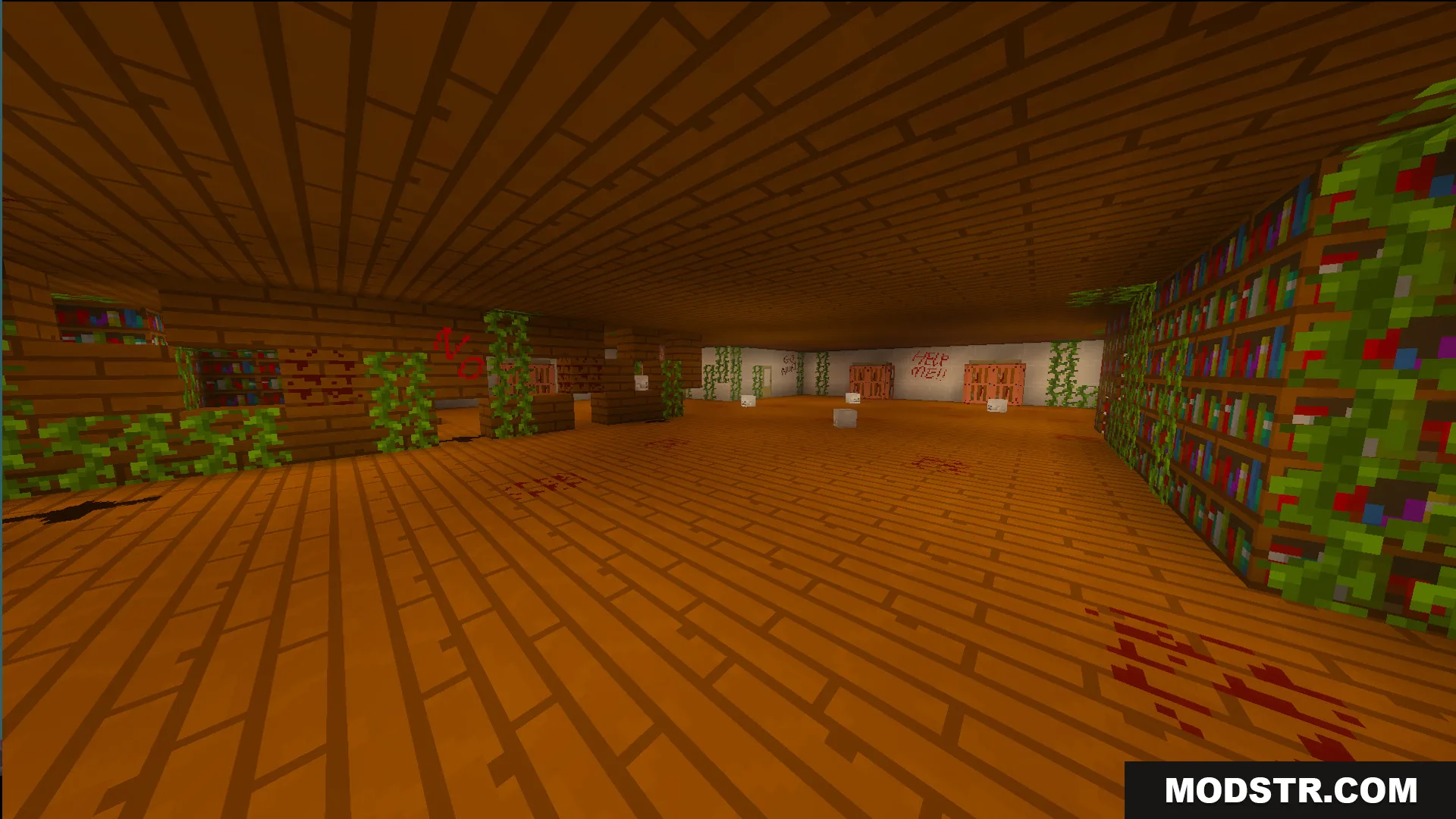
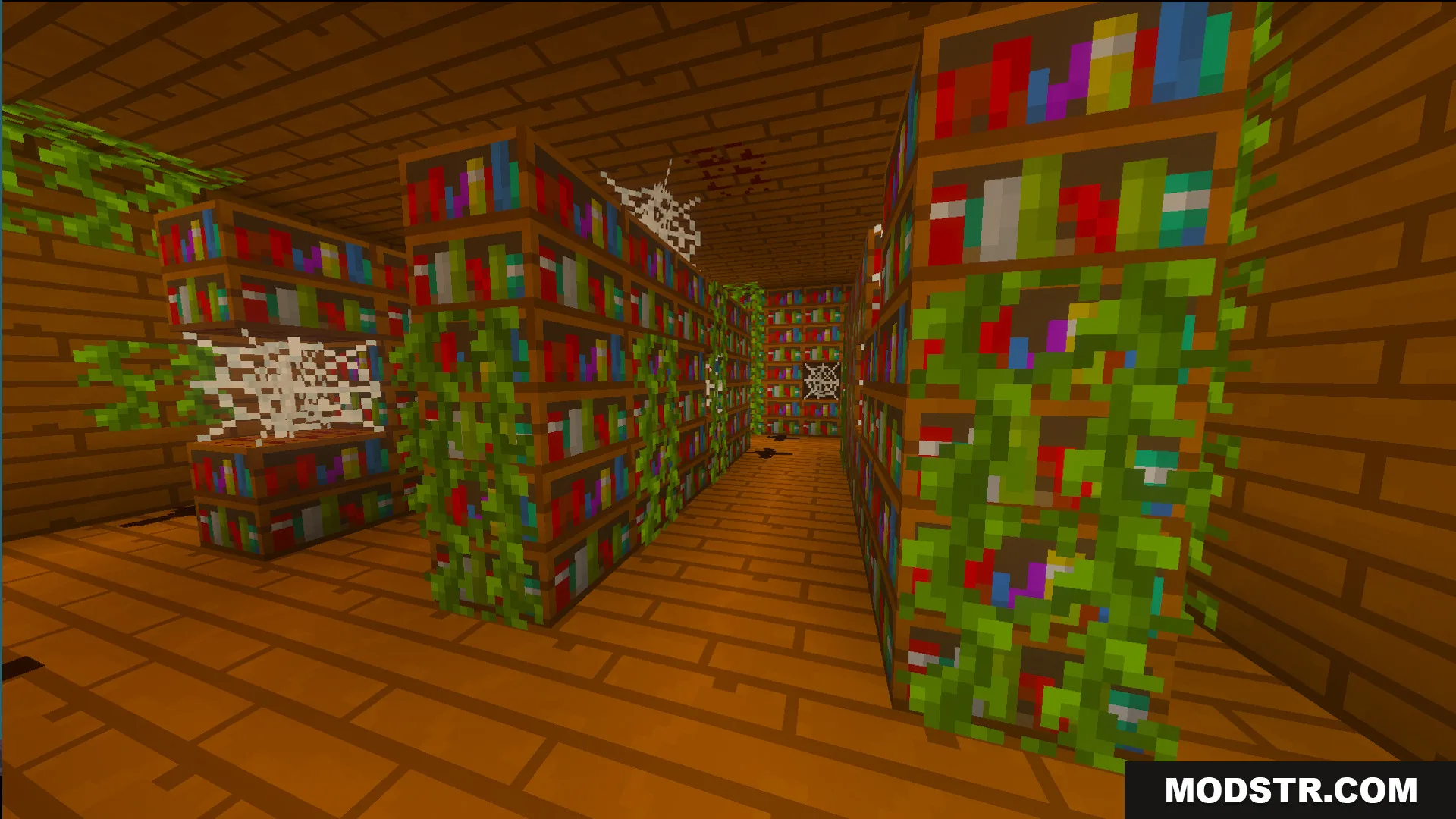
Overgrown library with bookshelves and cobwebs inside the creepy school from Baldis Basics
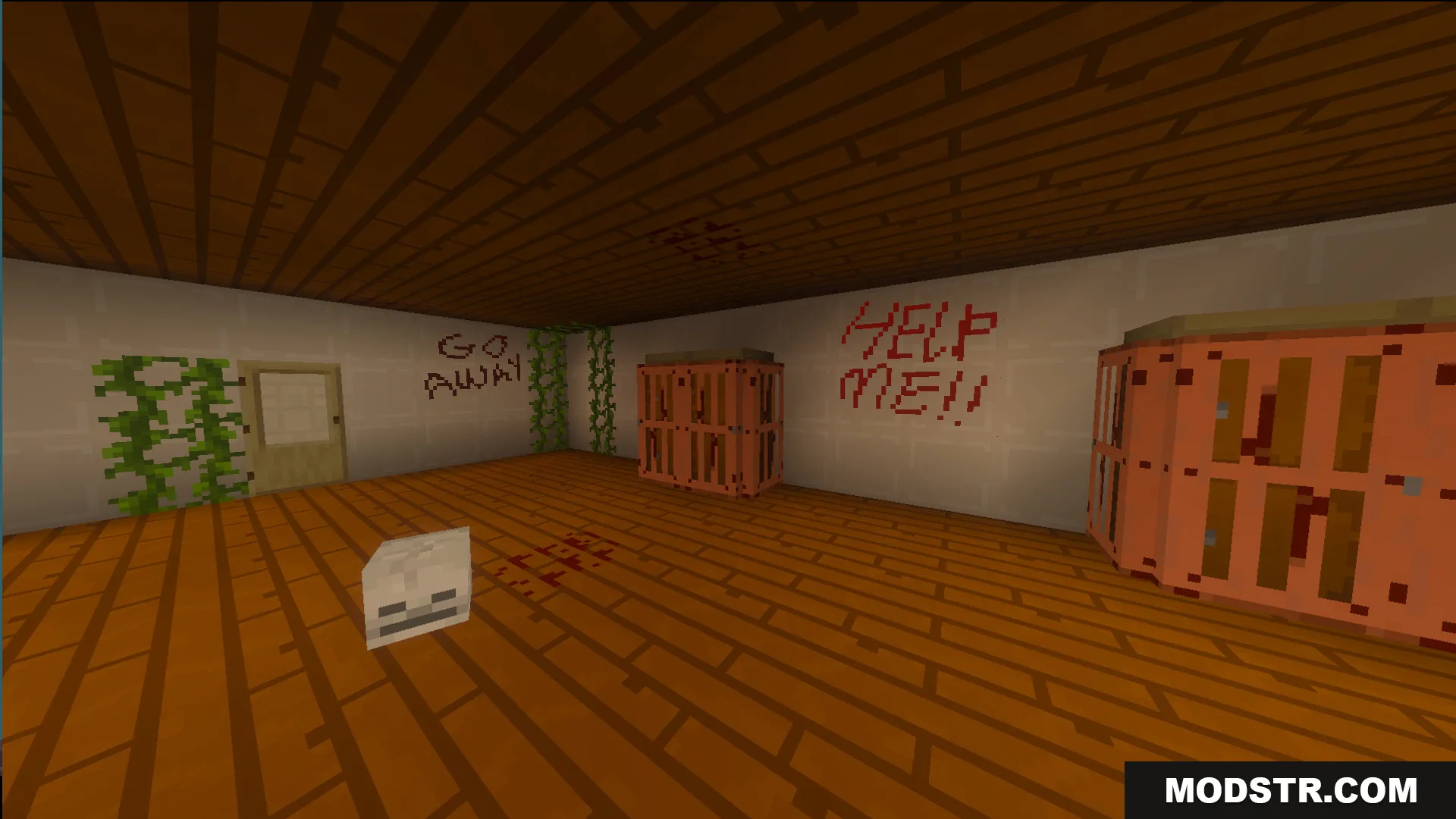
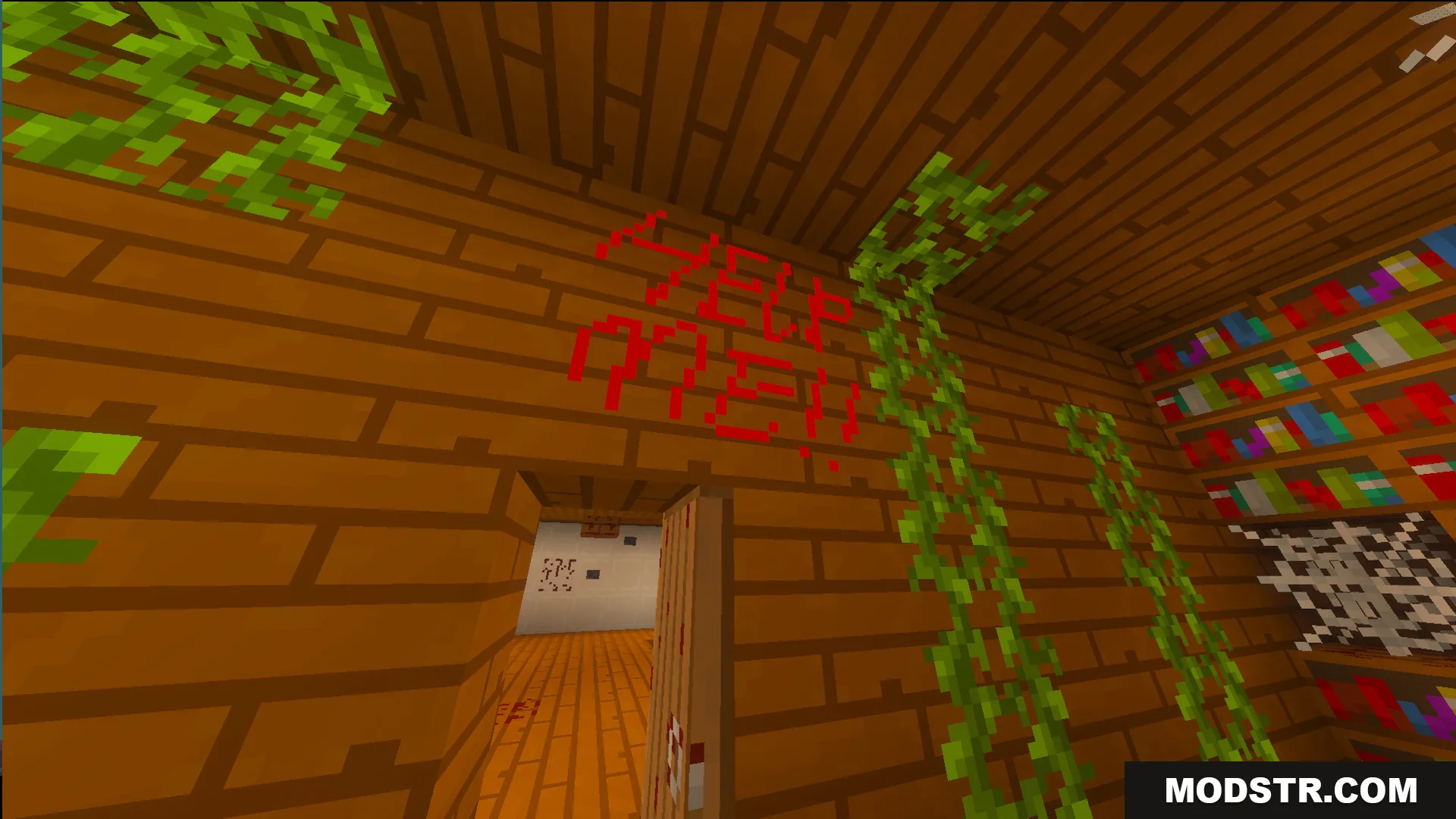
Wooden room in Lost Horror Map with red help me text on wall
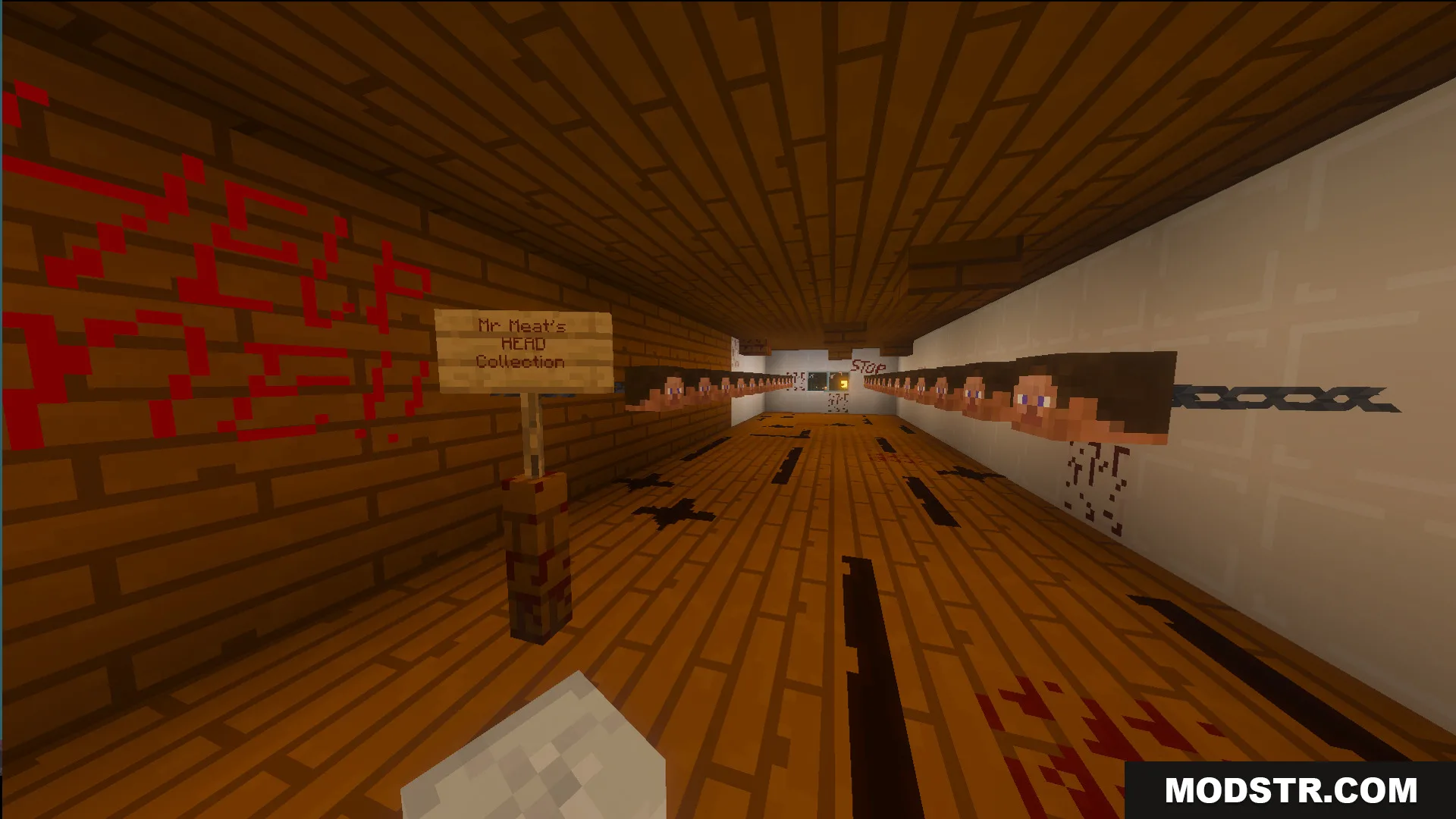
Hallway in Mr Meat scary house with a sign and head collection
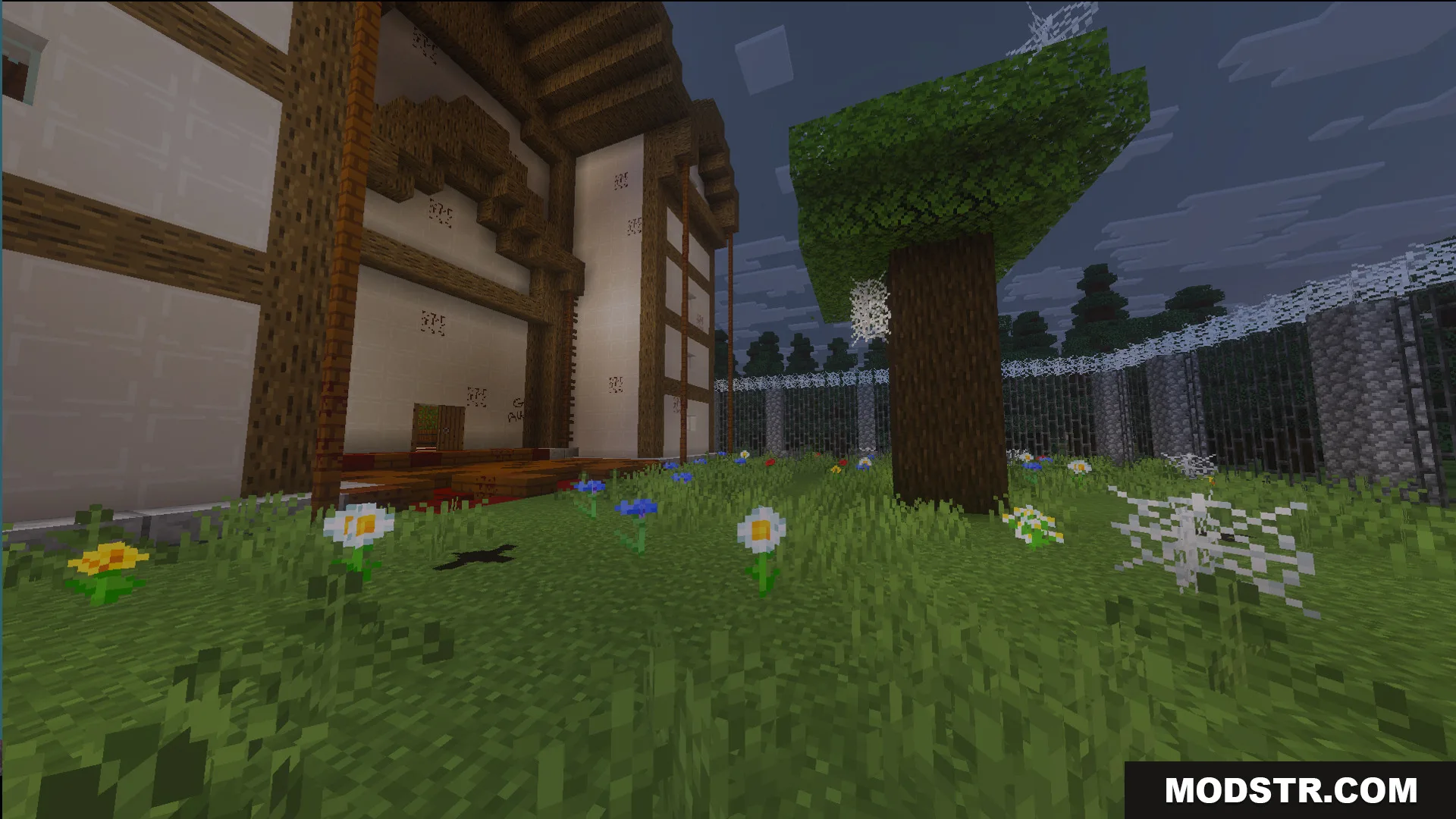
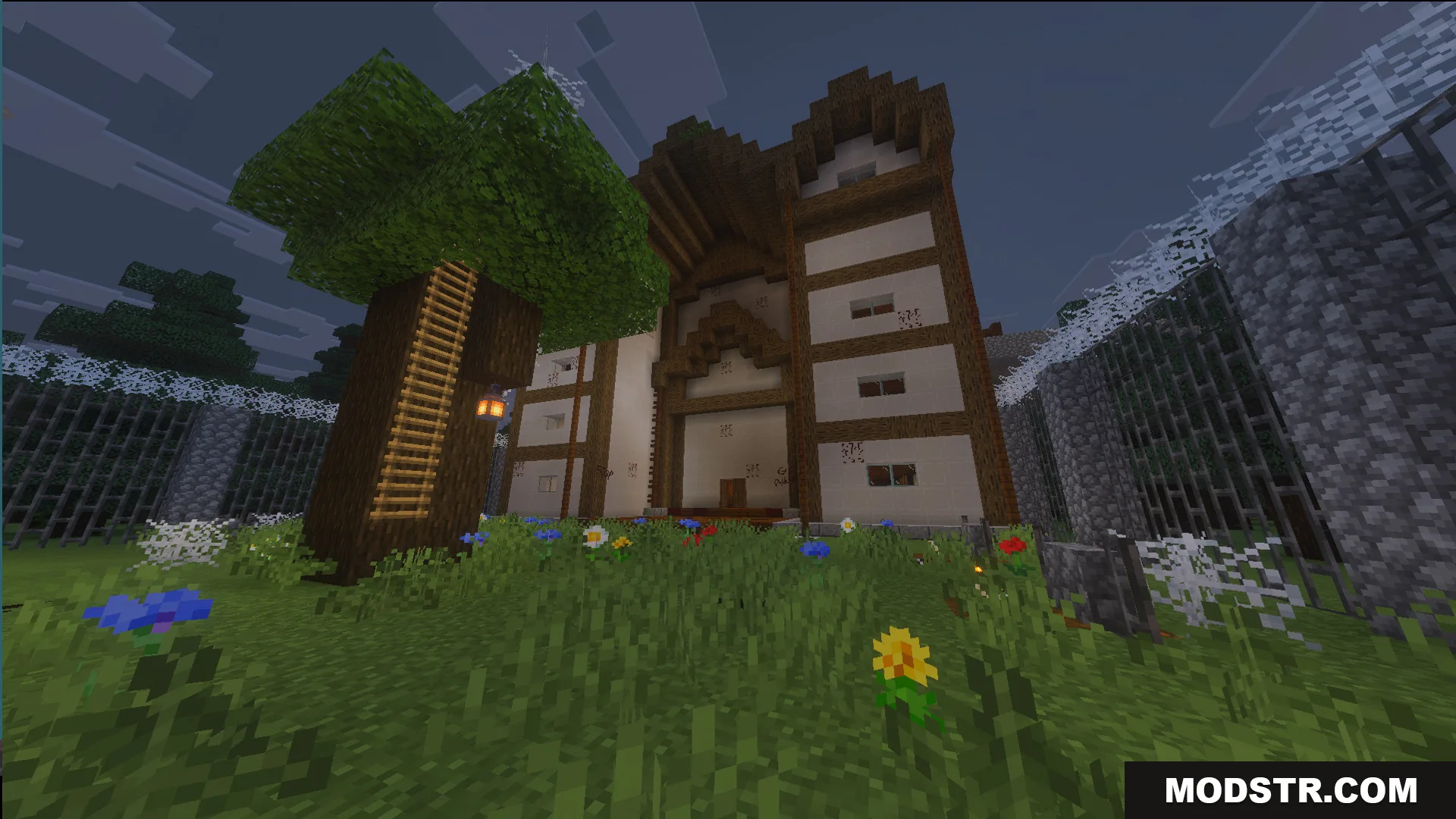
Exterior view of Mr Meat scary house in The Lost Horror Map
A tree with a ladder and lantern outside a large wooden building
A creepy school hallway with blue lockers TNT blocks and soul campfires

Compatibility

This map is designed for Minecraft Java Edition version 1.21 and works with Weirdly Chaos Update 26.x.

DOWNLOAD FILES

  • mcworld
    For MCPE/Bedrock 26.x, 1.21.x · The-Lost-Horror-Map-Weirdly-Chaos-Update-Map-26x.mcworld
    • 1.21