
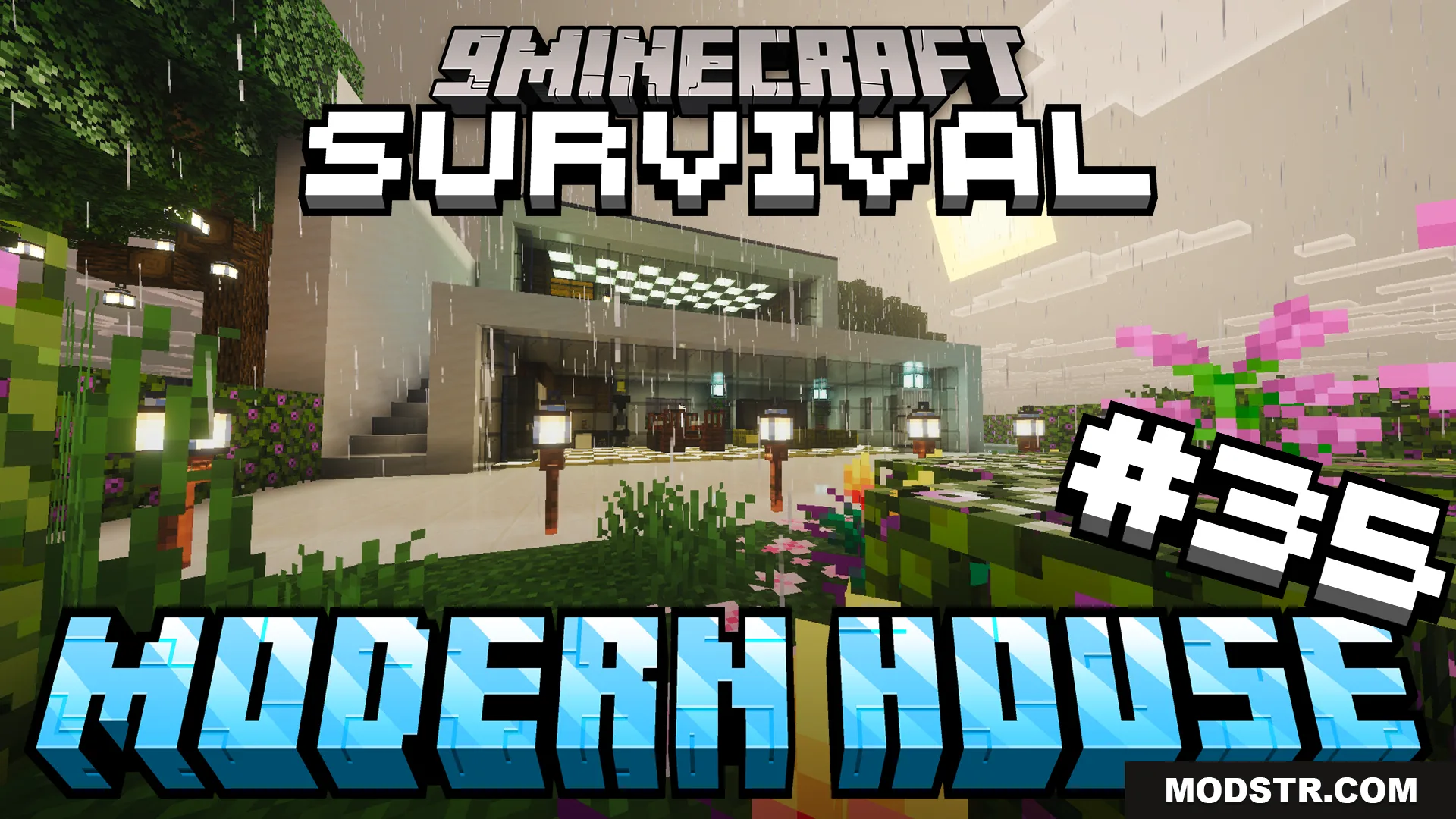
Survival Modern House 35 Map (26.x, 1.21) – Claim a Cozy Mountain Home with Friends
A pre-built modern house in a mountain biome with furnished interiors, pool, and farms. Start survival mode in a ready-made base near a village.
- Survival
- 1.21
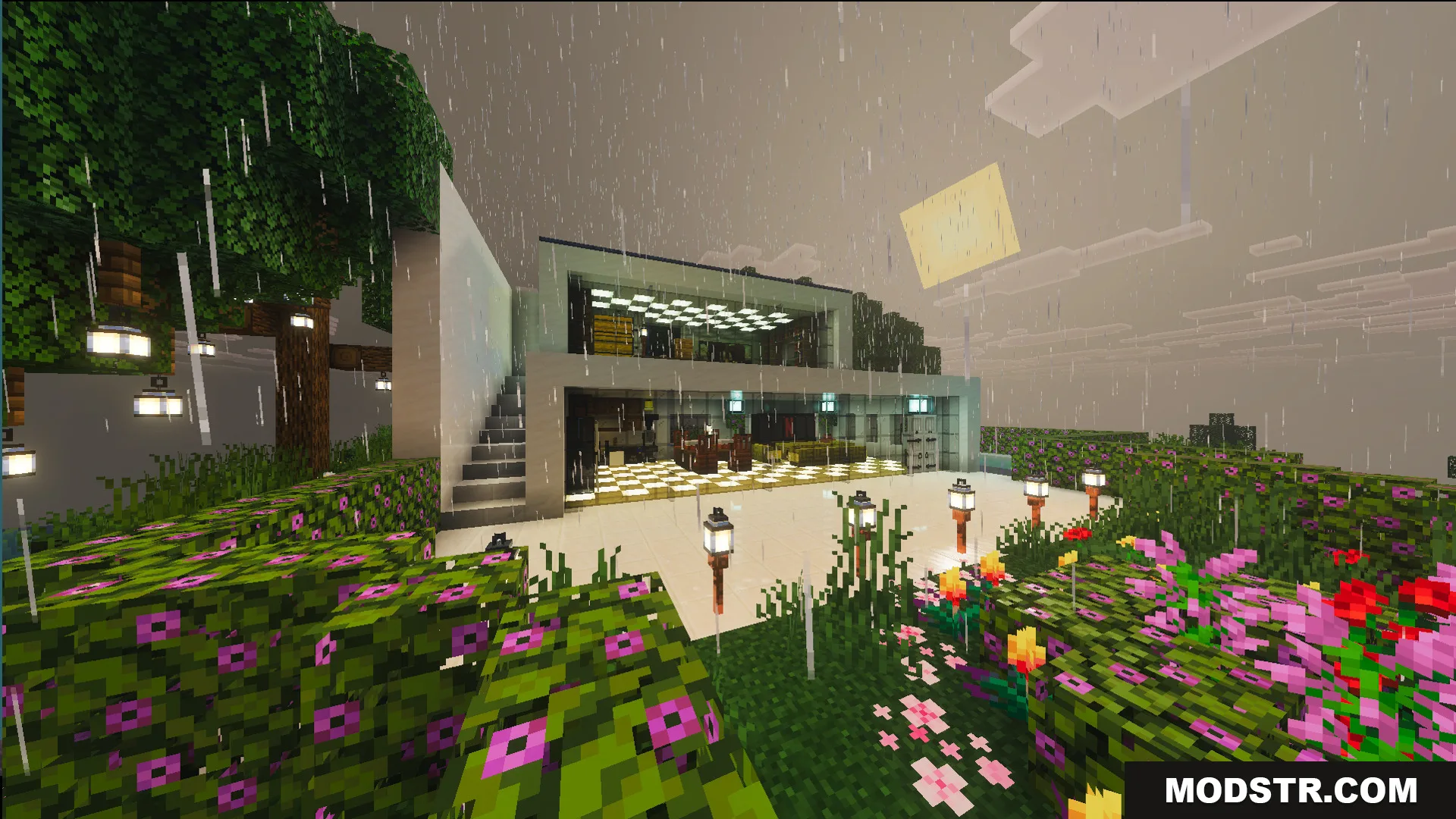
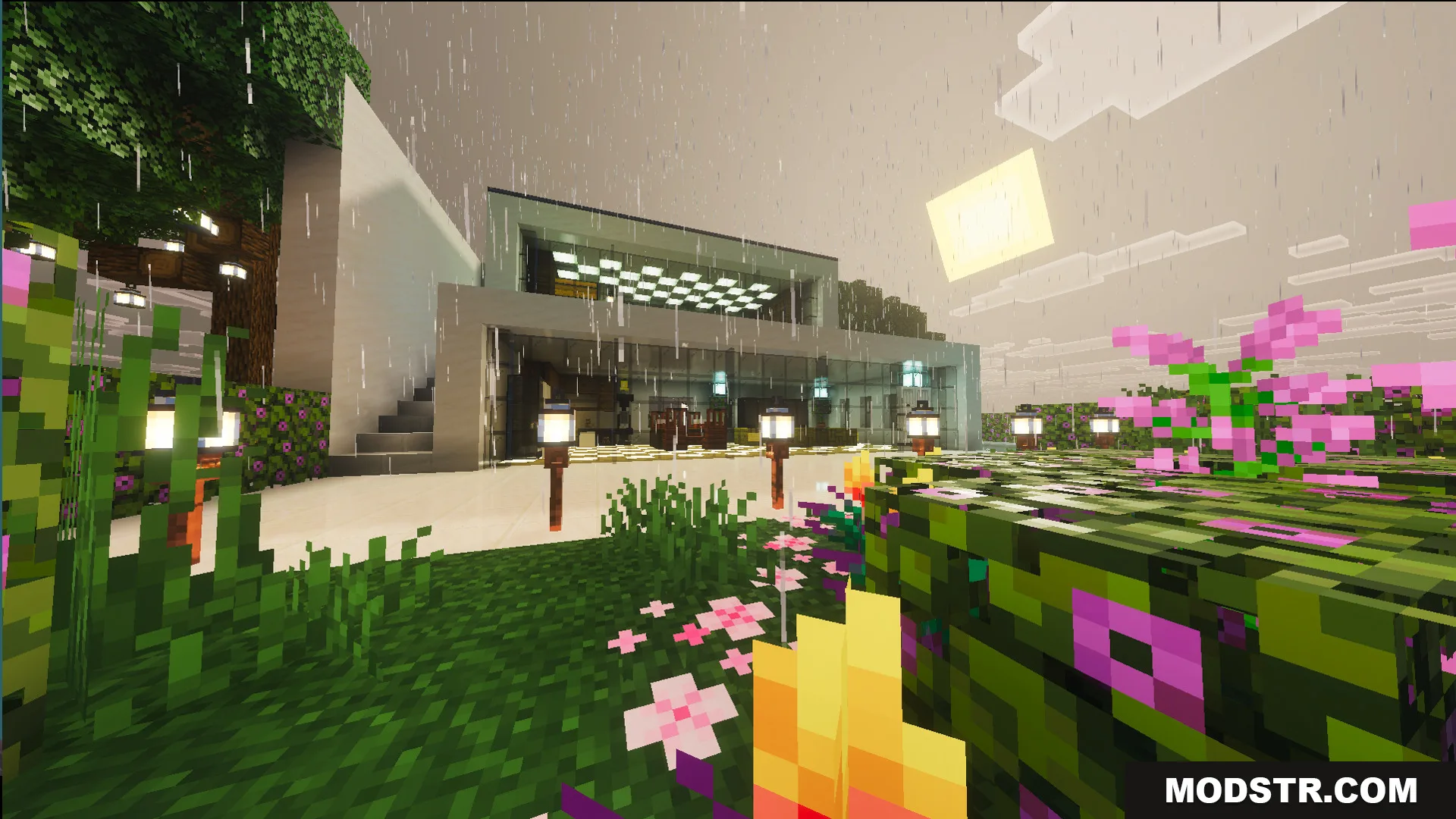
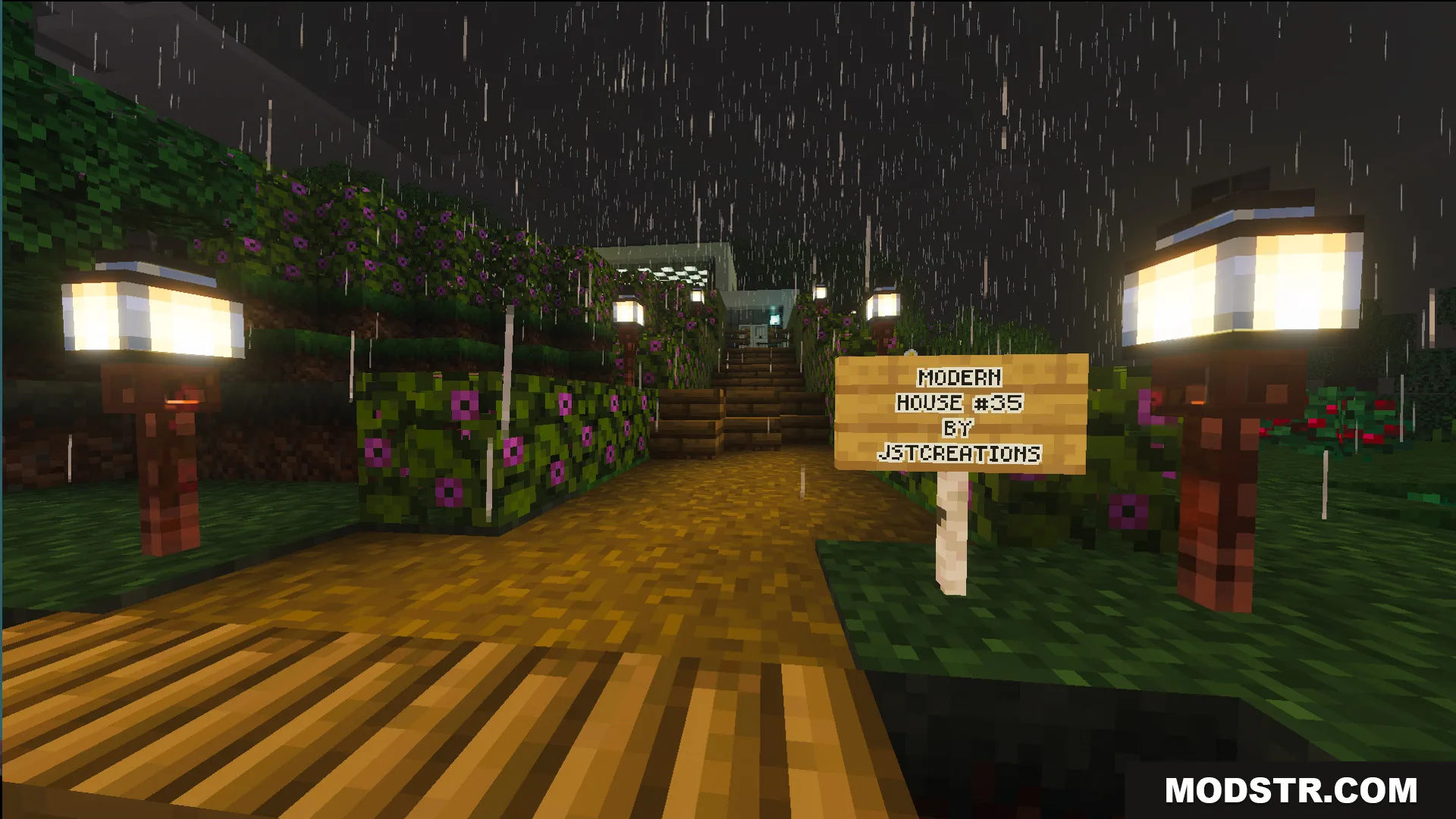
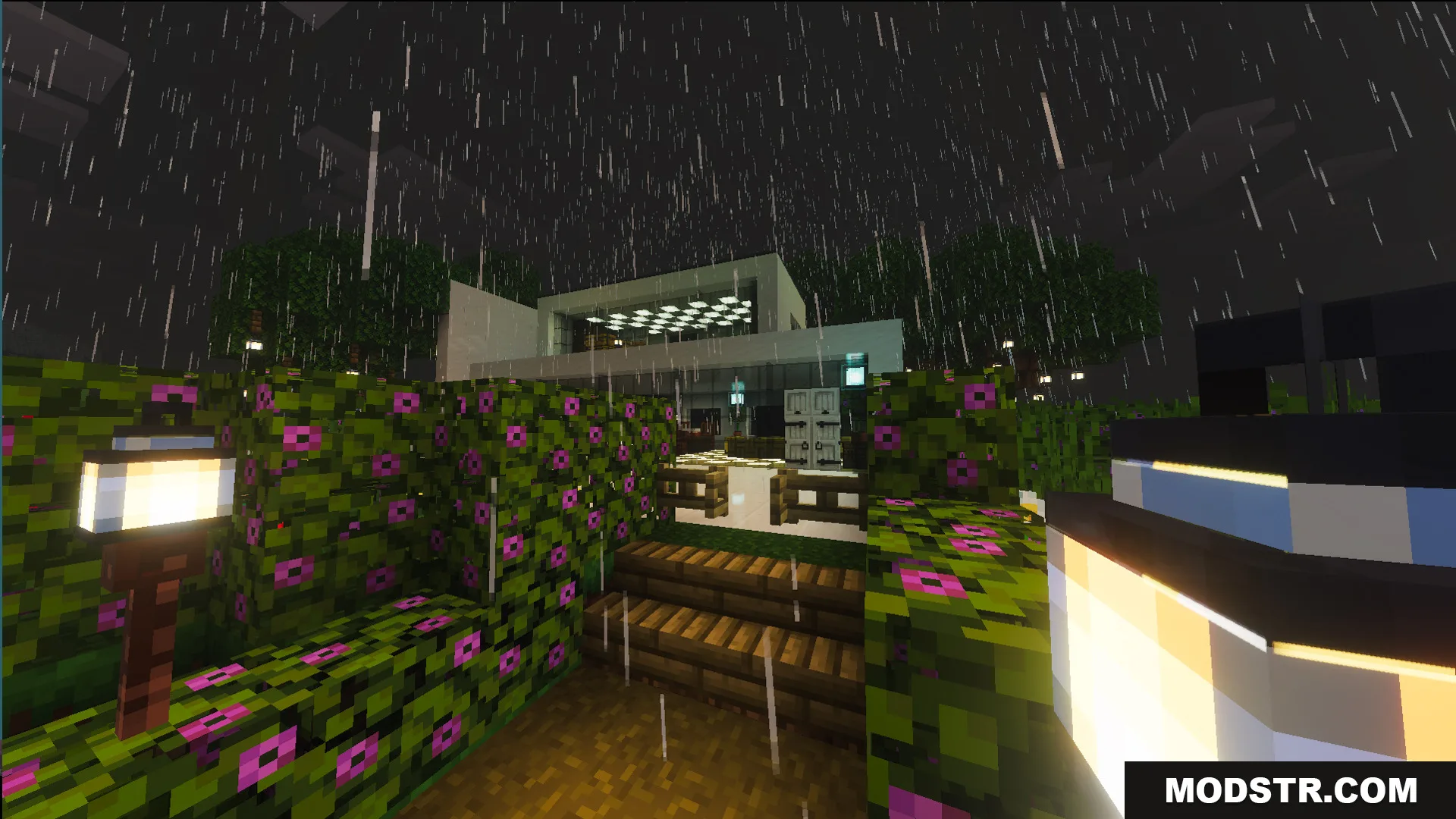
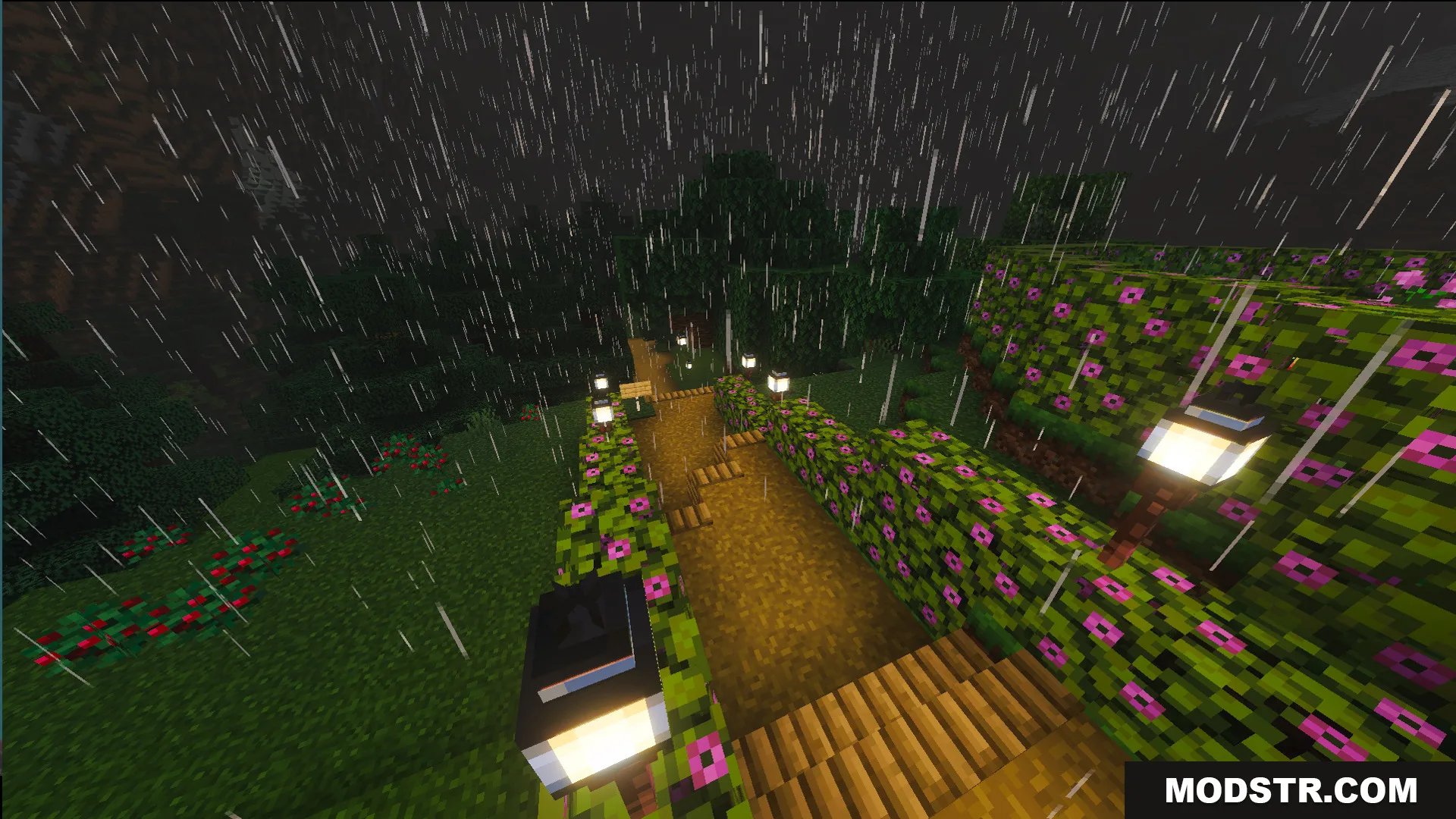
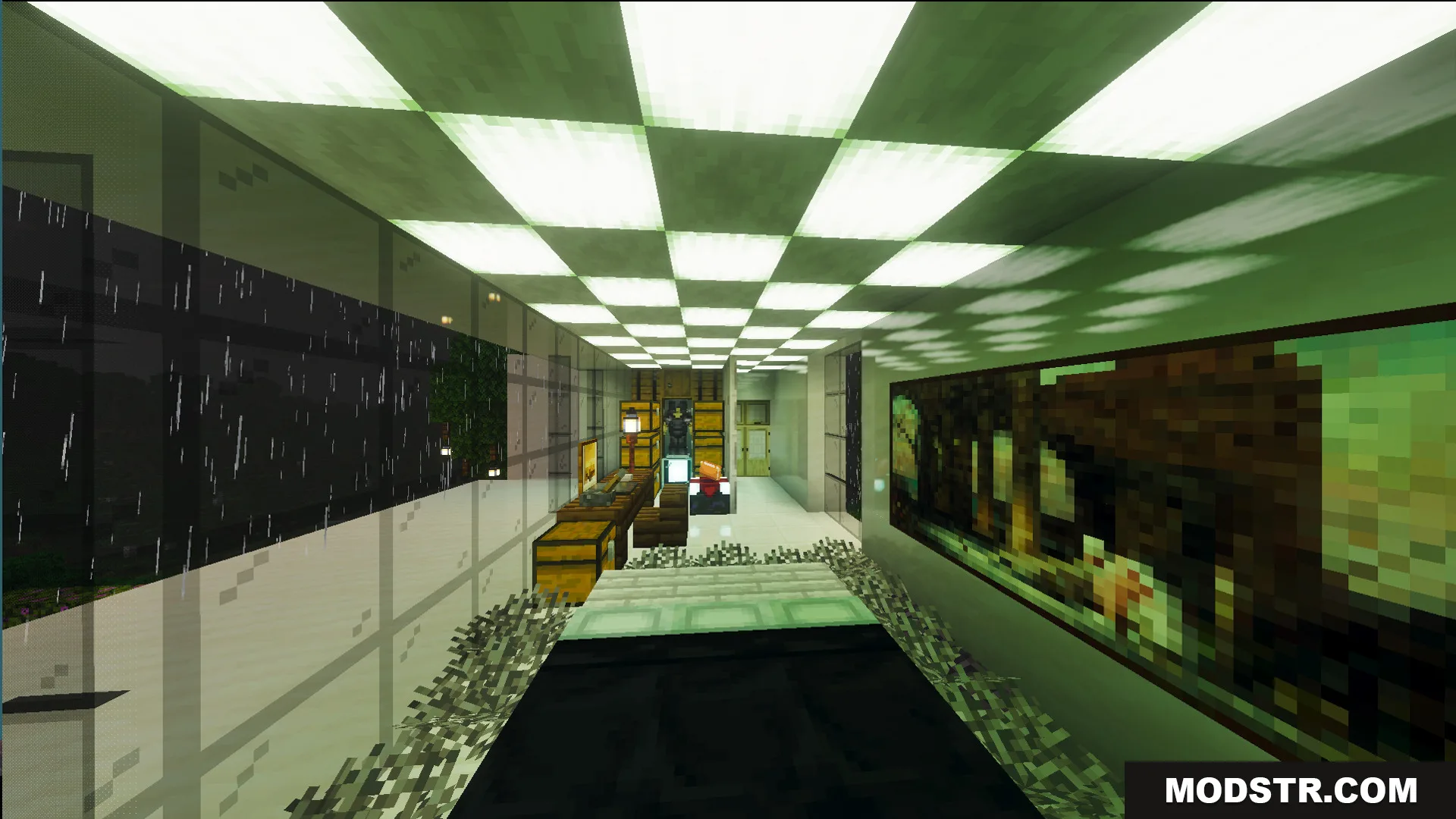
Survival Modern House 35 is a map that spawns you inside a fully constructed two-story home in a mountain biome. The house features large glass windows, complete interior furnishings, and outdoor amenities designed to give you a safe starting point for survival gameplay. The structure sits near an existing village, offering immediate access to NPCs and trade opportunities.
Features
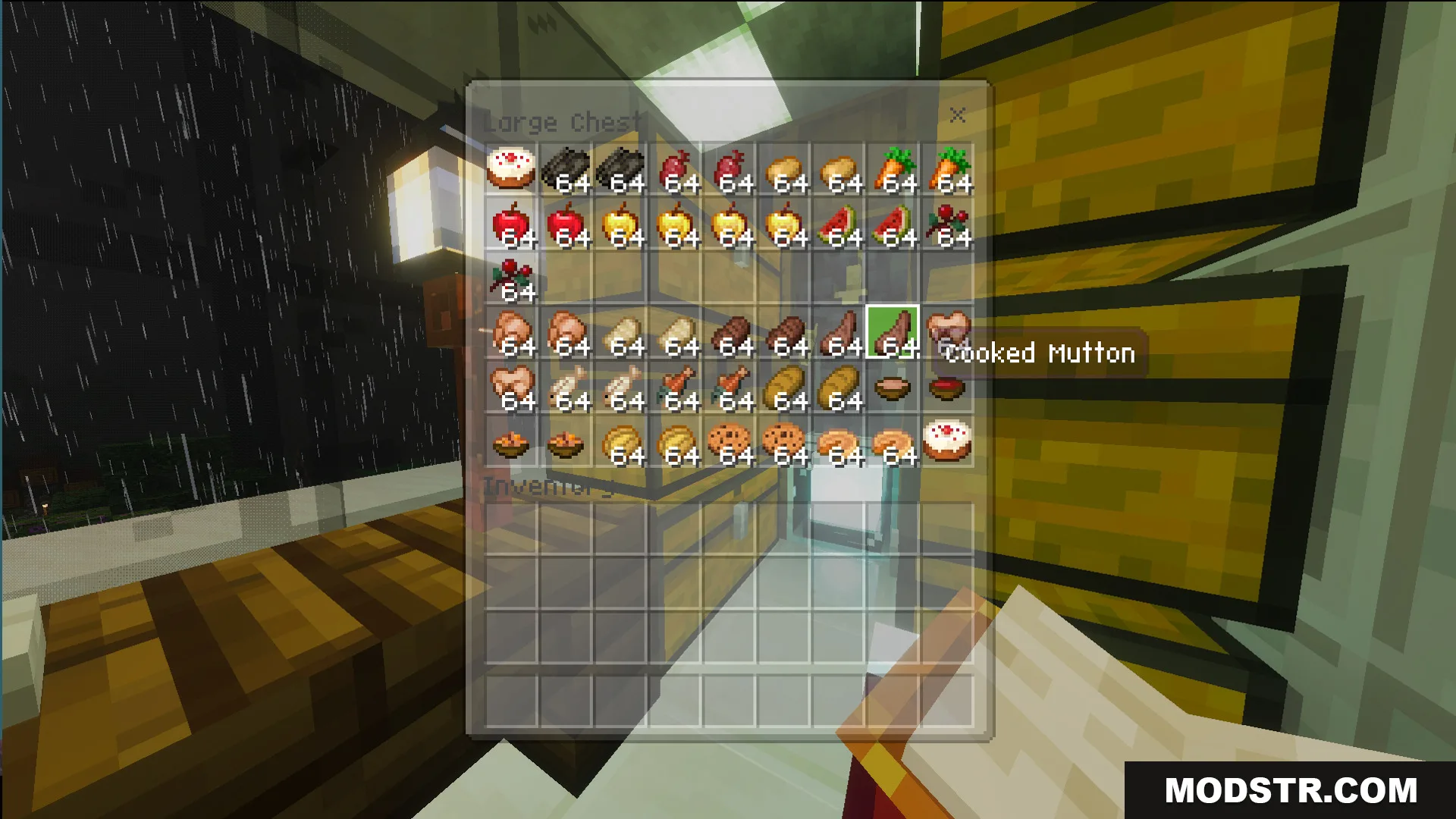
- Pre-built white modern house with large glass windows and two-story design.
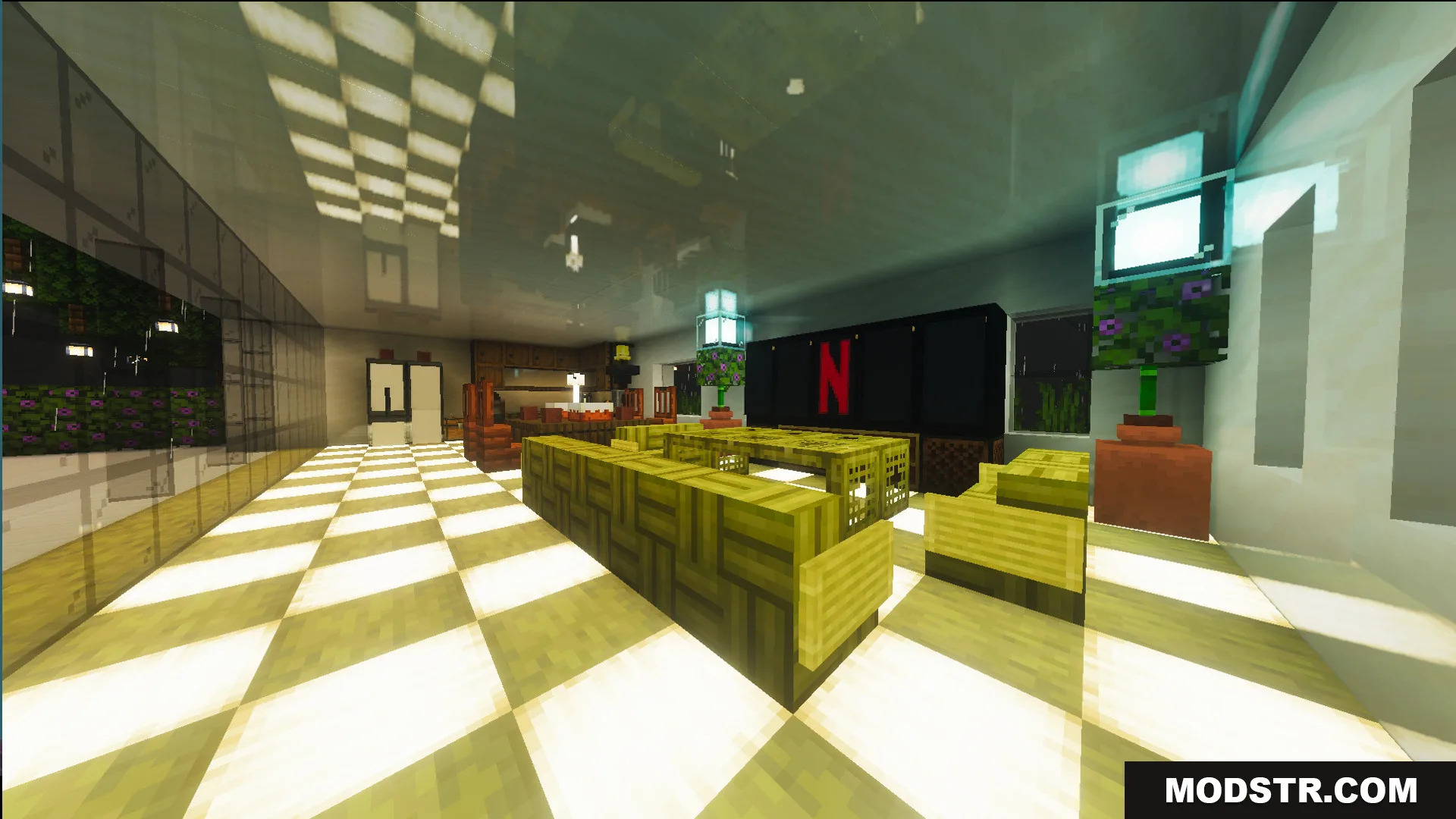
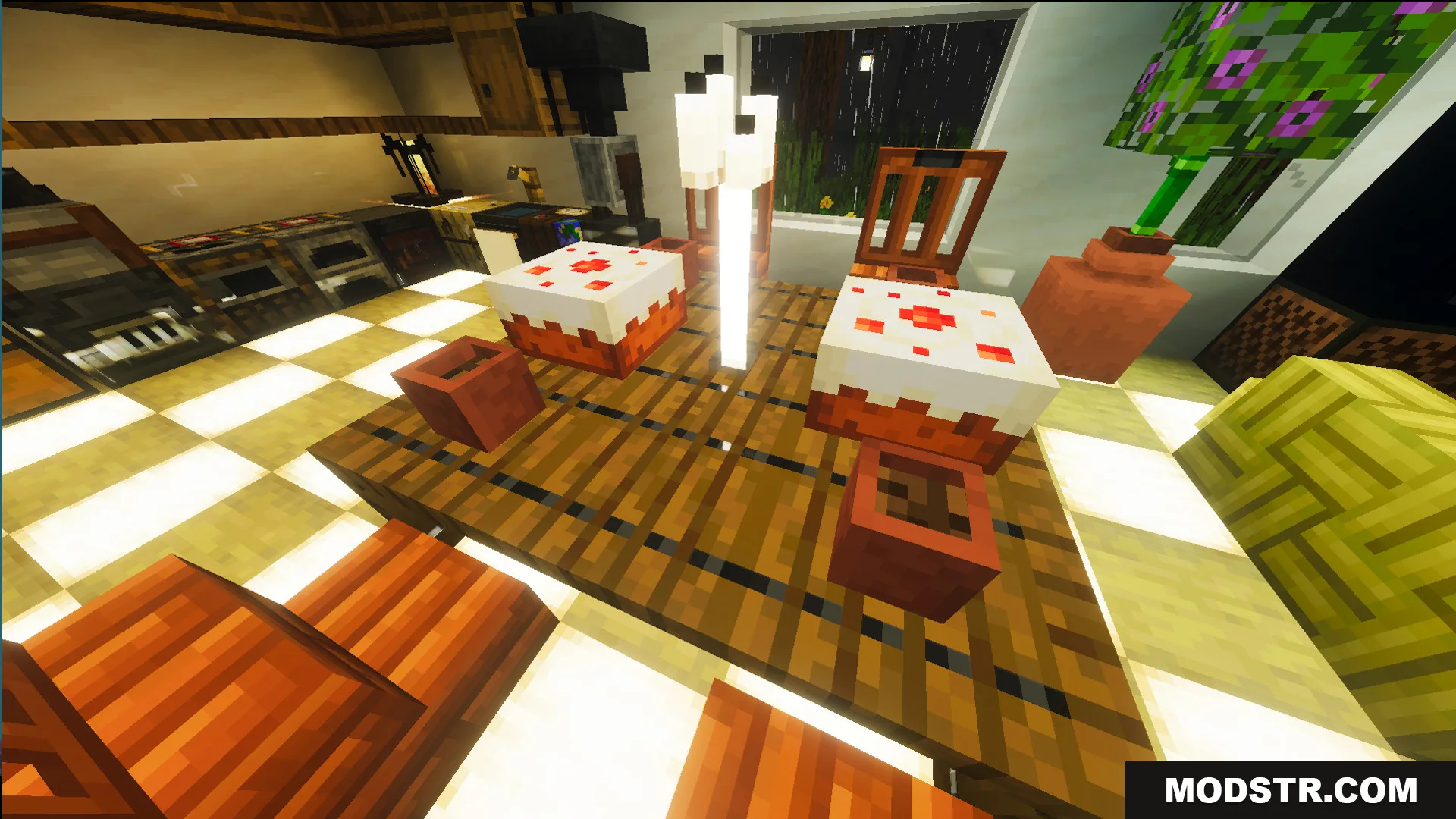
- Fully furnished interior using bamboo block furniture.
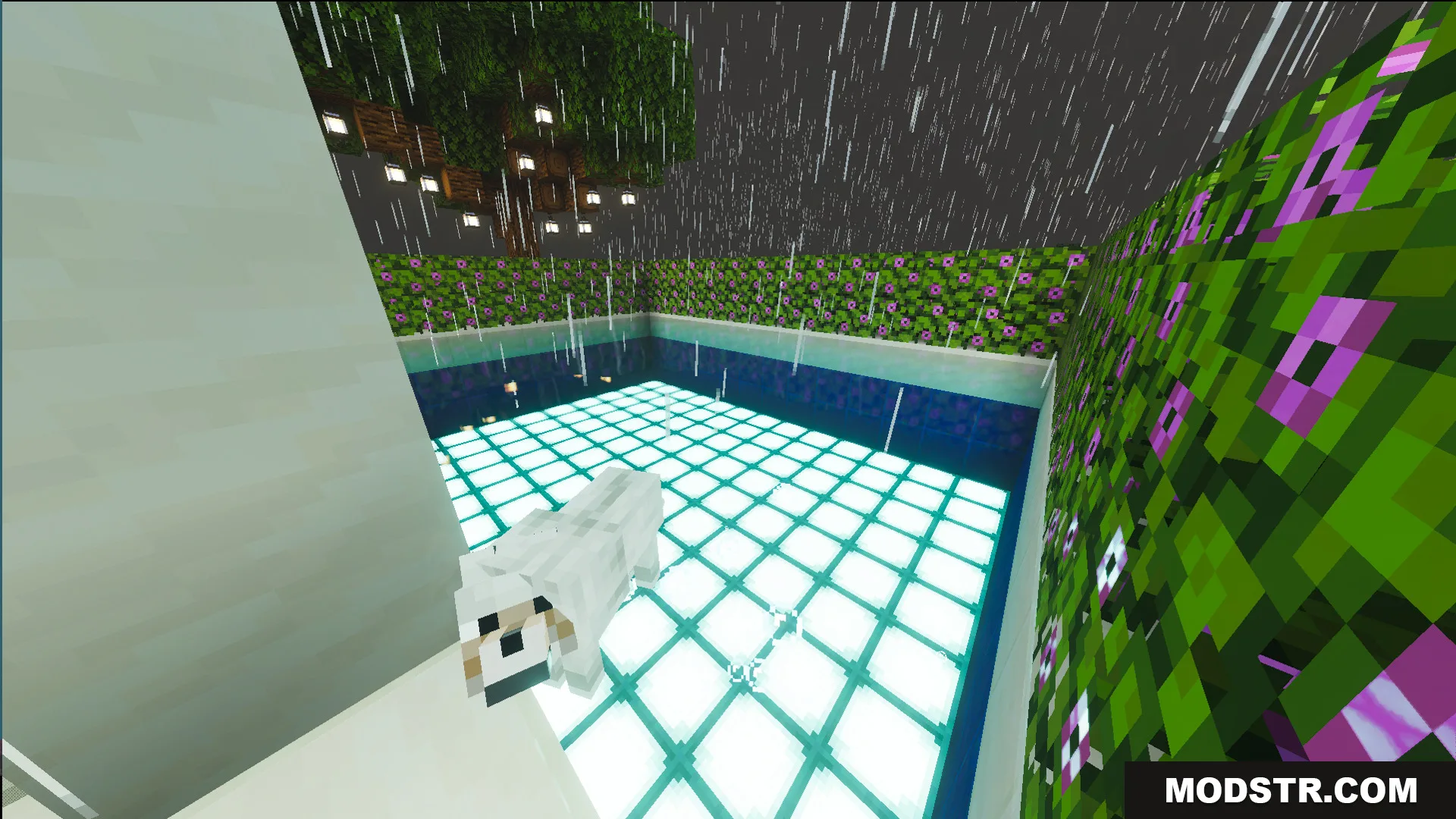
- Swimming pool and terraced farm areas for food production.
- Spawn point located directly inside the house for immediate shelter.
- Proximity to a naturally generated village for trading and resources.
Installation
- Download the map file for your desired version.
- Locate your Minecraft saves folder (usually .minecraft/saves on PC).
- Extract the map folder into your saves directory.
- Open Minecraft and select the map from your world list.
- Load the world and spawn inside the house to begin survival mode.
Compatibility
This map is designed for Minecraft 1.21 and Java Edition 26.x. Check the map version before loading to ensure compatibility with your installed Minecraft version.
DOWNLOAD FILES
- mcworld
- mcworld