

Lucky Skyblock Map (26.x, 1.21) – MCPE/Bedrock
A Bedrock skyblock survival map with five biomes, shops, spawners, and trading mechanics. Includes enchanting, buying, selling, and lucky block features.
- 1.21
- 1.20
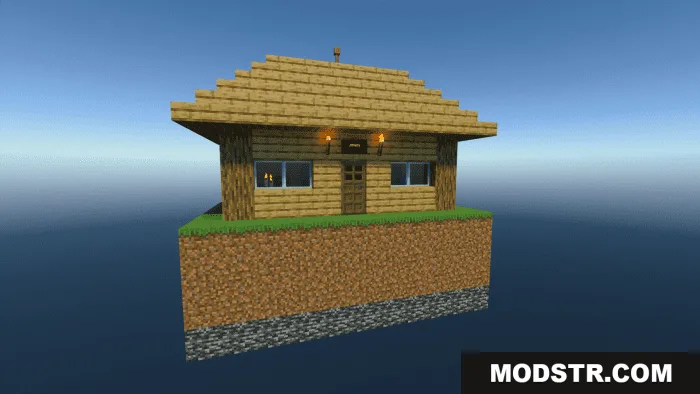
Lucky Skyblock Map is a survival map for Minecraft Bedrock Edition designed around skyblock gameplay with economy and trading mechanics. The map challenges you to survive, build, and manage resources across multiple themed islands and biomes.
Features
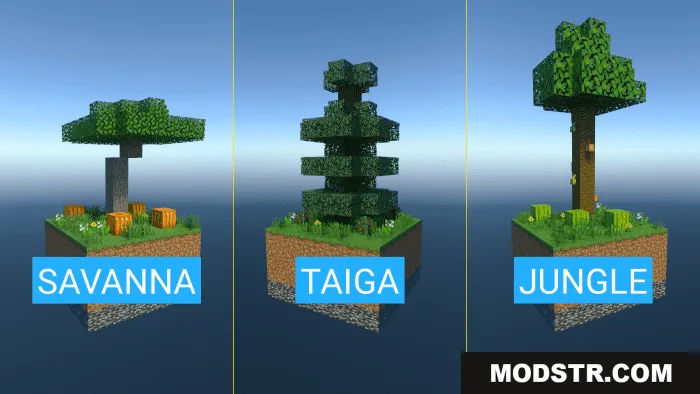
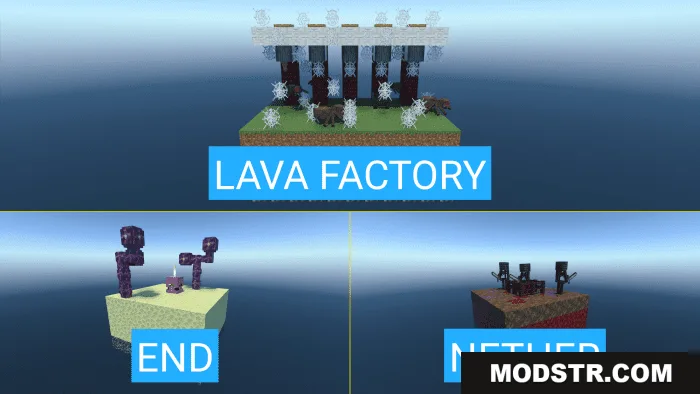
- Five distinct biomes: Jungle, Taiga, Savannah, Nether, and End.
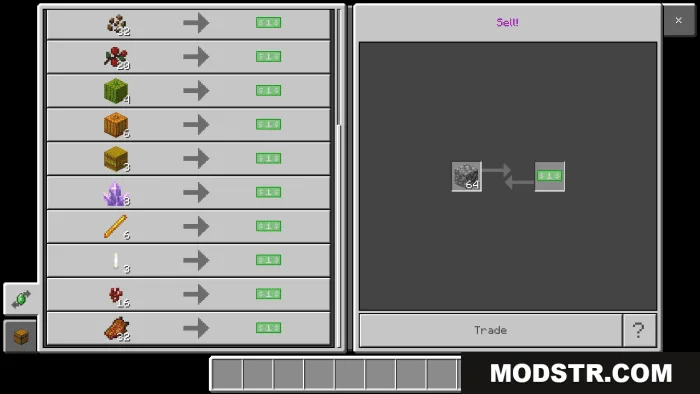
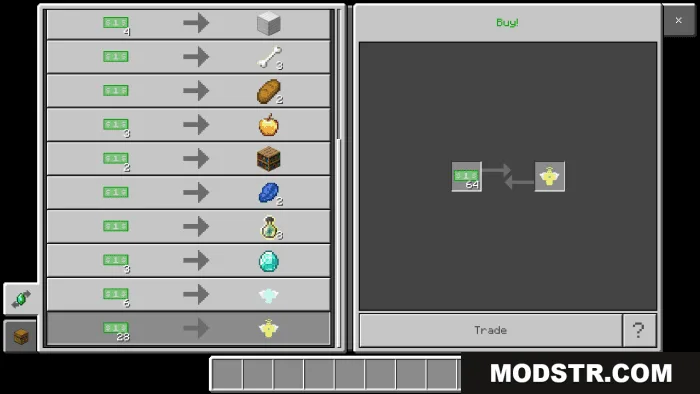
- Shop, enchanting station, and trading systems for buying and selling items.
- Multiple spawners and an old lava factory.
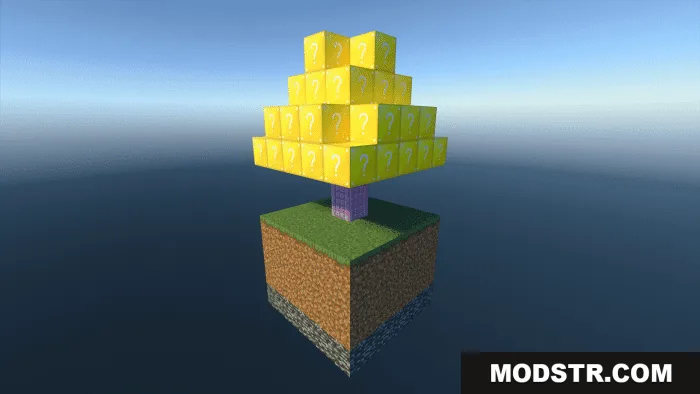
- Lucky blocks and lucky trees that drop random rewards.
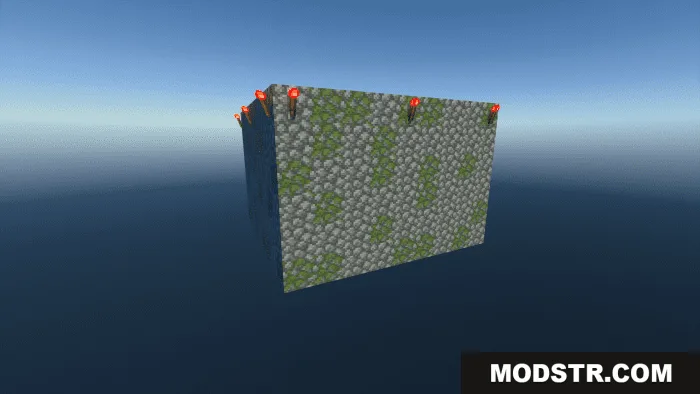
- Custom structures and islands to explore.
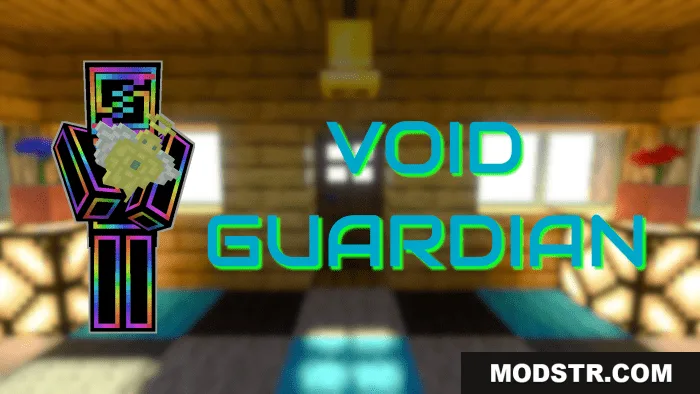
- Trader NPCs and void protectors included.

Installation
- Download the map file for your Bedrock version.
- Open the file with Minecraft Bedrock Edition.
- Import the world into your worlds list.
- Load the world and read the "Map Info" book for gameplay details.
- Set render distance to 10+ chunks to see all biomes and islands clearly.


Compatibility
This map is designed for Minecraft Pocket Edition and Bedrock Edition version 1.21 and compatible 26.x builds.
DOWNLOAD FILES
- mcworld
- file
- file