
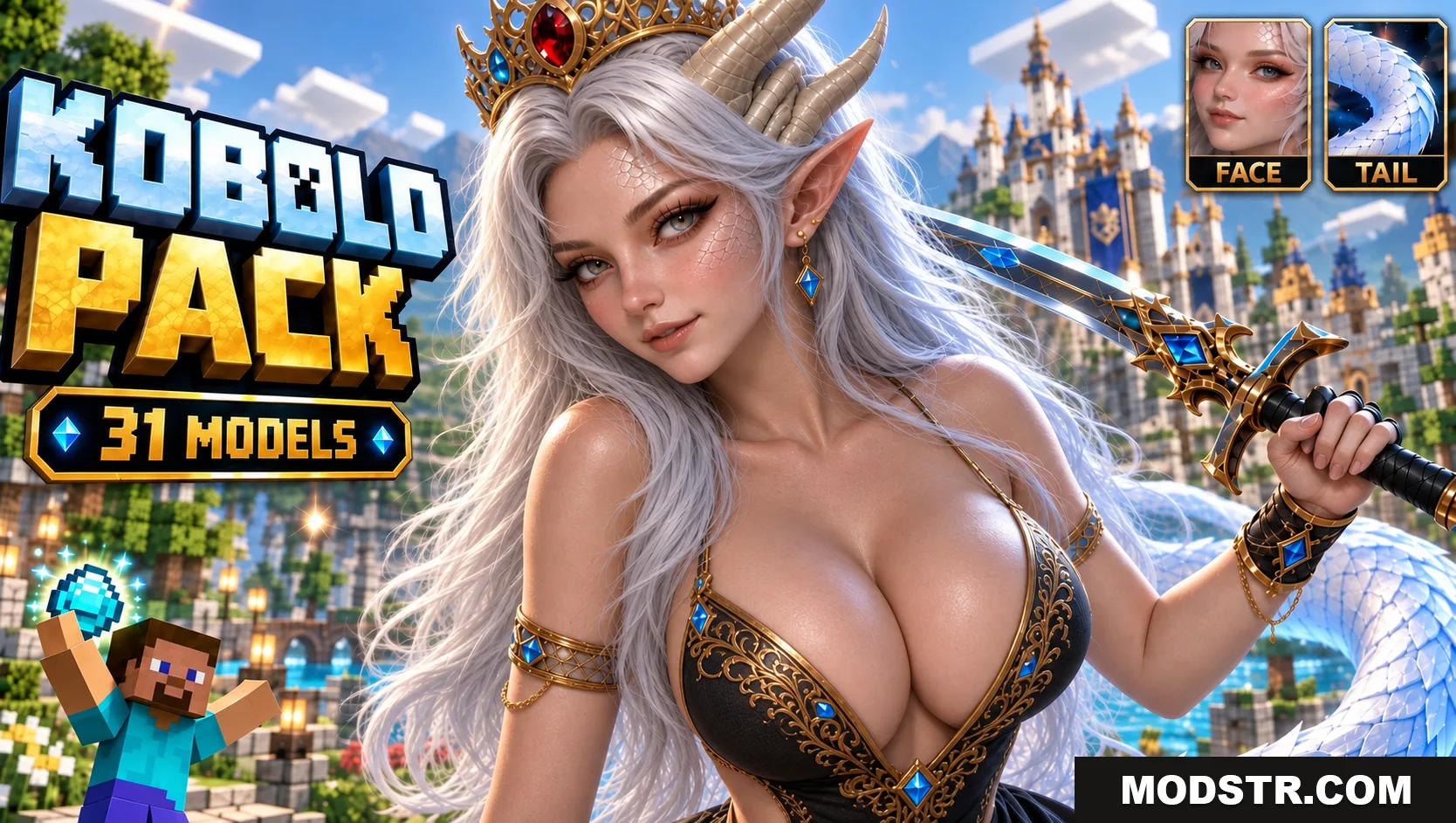
Jenny Mod Kobold Pack for Minecraft PE/Bedrock (NEW 2026)
Preview the Jenny Mod Kobold Pack for Minecraft PE and Bedrock with three model themes, separate HD and Lite editions, screenshots and setup guidance.
- 1.21
Kobold Pack for Minecraft PE and Bedrock
The Jenny Mod Kobold Pack for Minecraft PE/Bedrock lets players replace Kobold’s default look with one of three themed models. The lineup includes DeathClaw, FNAF SL Pack and Velociraptor, with a full-detail HD package and a lighter edition for every design.
This is a visual resource collection rather than a standalone character add-on. Kobold’s behavior and interactions still come from the compatible base Jenny Mod, while the selected .mcpack supplies the model and texture replacement.
What is included?
Six catalogue entries are available in total. The three HD releases prioritize texture detail, while the three Lite releases provide smaller alternatives for mobile devices. The character slot stays the same, so only one edition of one design should be active.
- DeathClaw in HD and Lite
- FNAF SL Pack in HD and Lite
- Velociraptor in HD and Lite
- Six Bedrock
.mcpackselections - Three in-game previews
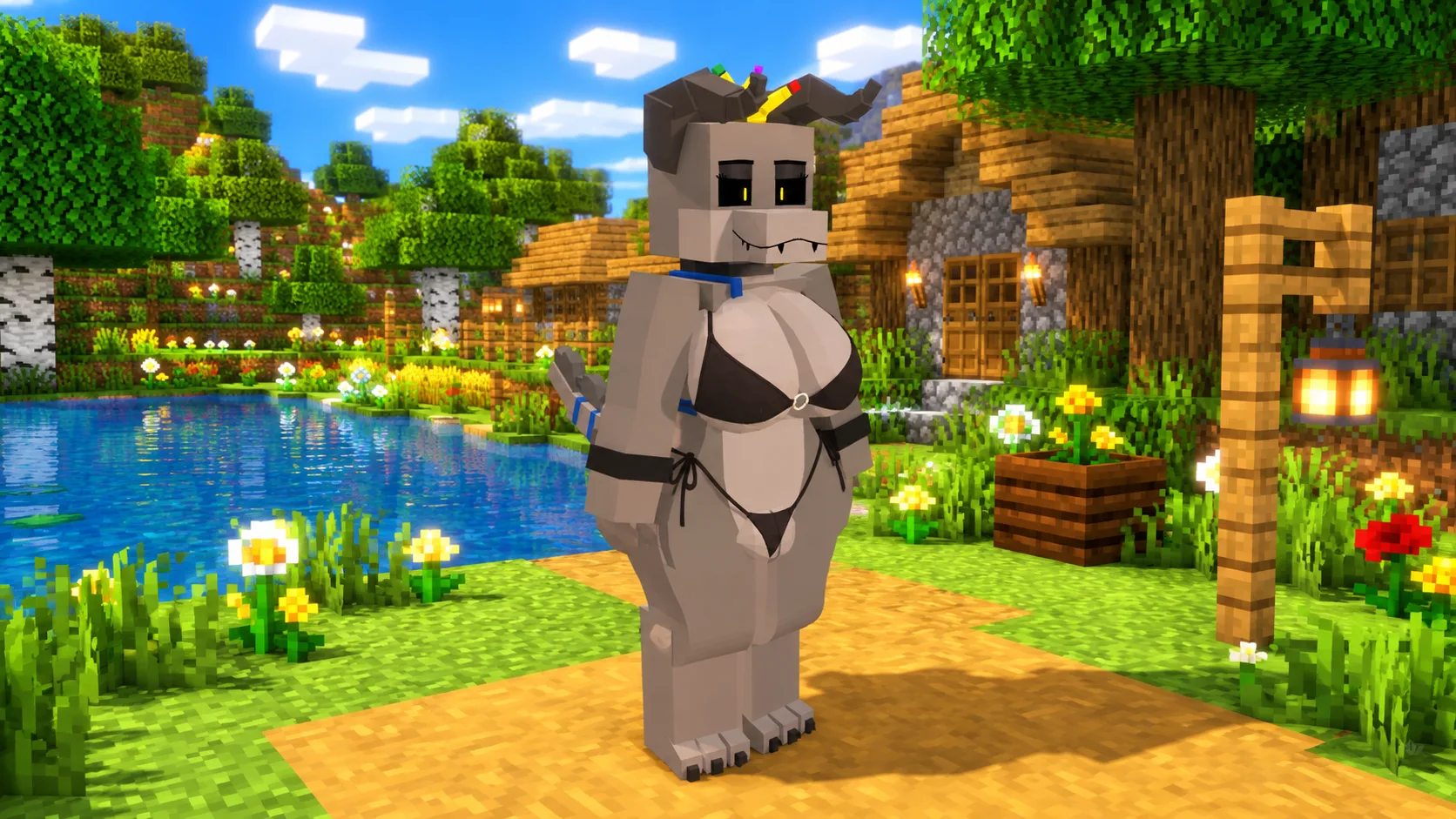
DeathClaw: creature-inspired Kobold
DeathClaw transforms Kobold into a broad gray creature with prominent horns, dark clothing and blue accents. The recognizable silhouette makes it straightforward to check whether the replacement is taking priority over the base resources.
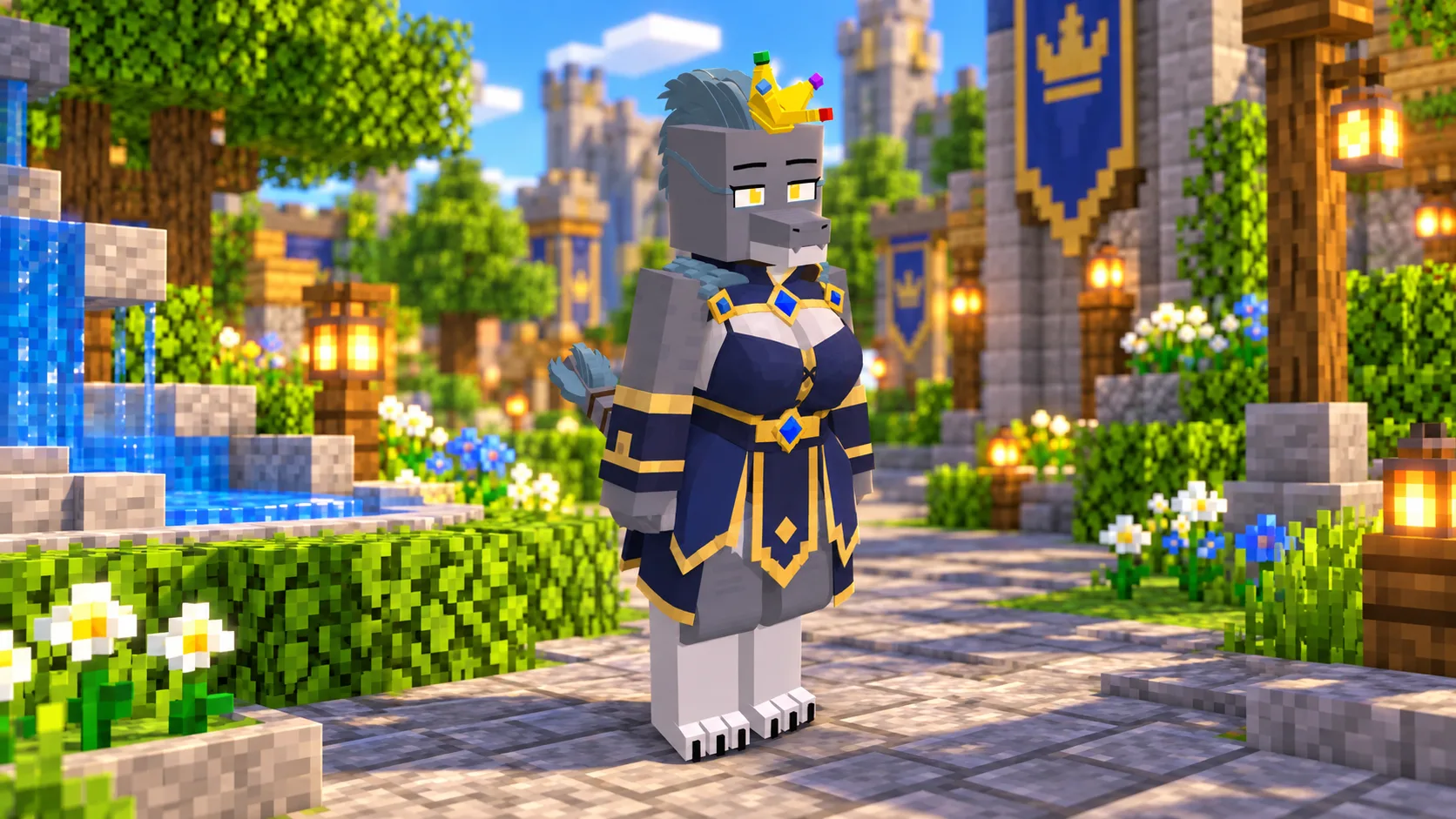
FNAF SL Pack: royal animatronic style
The FNAF SL Pack variation combines animatronic features with a crown and a blue royal outfit. It offers the collection’s darkest mechanical theme and is supplied in the same two performance editions as the other models.
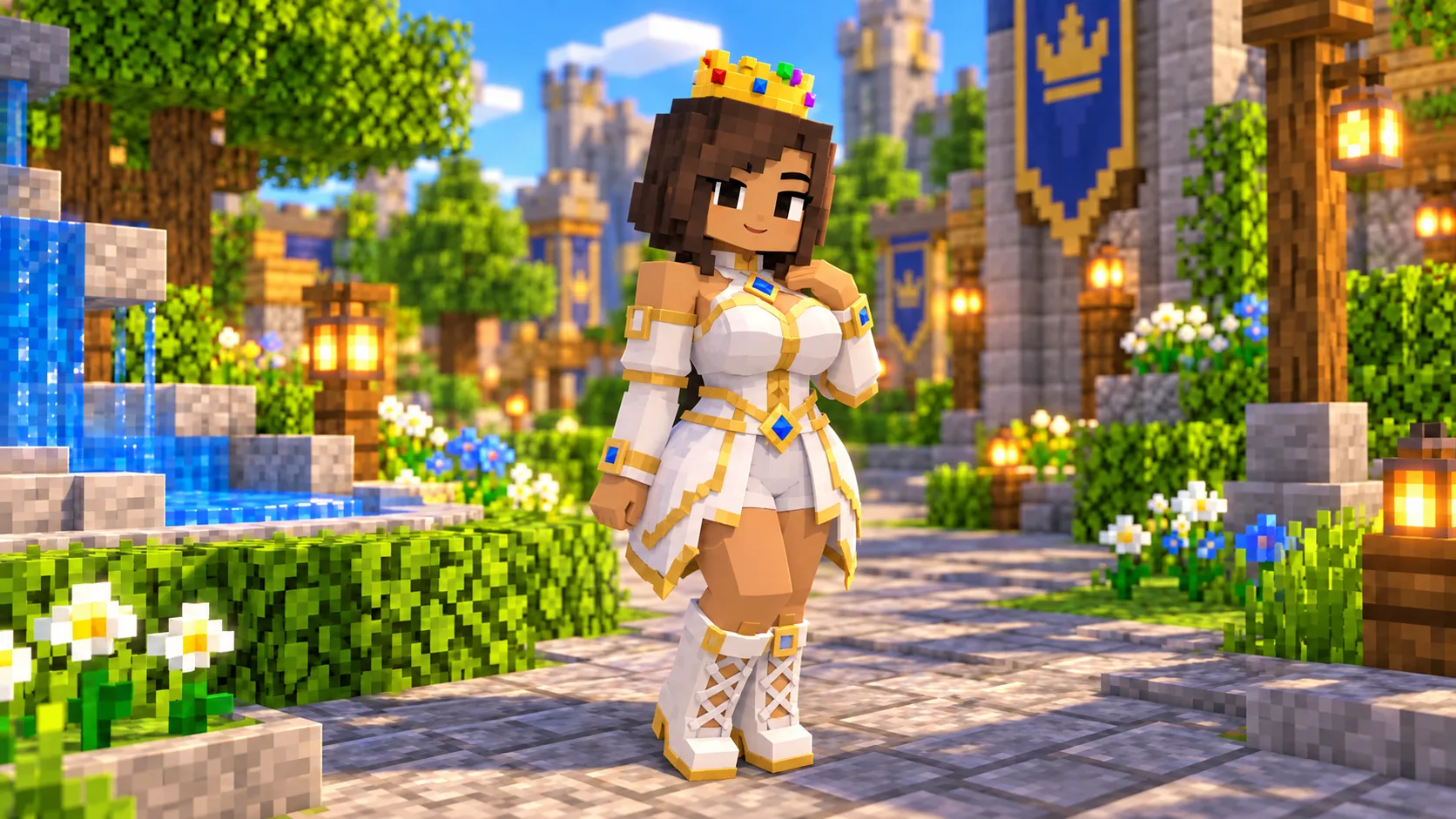
Velociraptor: bright fantasy replacement
Velociraptor uses a lighter character design with white fabric, gold trim and blue details. It is the brightest of the three available appearances and gives players a clear fantasy alternative to the heavier creature and animatronic models.
HD versus Lite on mobile devices
HD is the sensible option when visual clarity matters most and Minecraft has enough free memory. Lite keeps the selected theme in a more compact resource pack and can be more suitable when several add-ons are already enabled. Start with Lite if the game reloads textures slowly or closes while opening a world.
HD and Lite target the same Kobold resources. Enabling both does not combine their detail and may prevent the expected model from appearing.
Activation checklist
- Add the compatible Jenny Mod base package to Minecraft PE or Bedrock.
- Pick one Kobold design from the preview gallery.
- Continue to the maintained download source and select HD or Lite.
- Import the chosen
.mcpackinto Minecraft. - Place the Kobold replacement above the base resource pack.
- Reload the world after removing any older Kobold model packs.
Testing the replacement in a copy of your world is recommended. If the model does not change, confirm that the resource pack imported successfully and that no second Kobold replacement is higher in the active list.
Download source and compatibility
Every download row leads to the JennyHub Kobold Pack page, where the current packages are maintained. Modstr keeps an independent comparison and installation guide without hosting another copy of the files.
The listed packages use the Minecraft Bedrock .mcpack format and declare support for the 1.21 engine family. Actual compatibility also depends on the installed version of the base Jenny Mod.
Kobold Pack FAQ
Can all three Kobold models run together?
No. They replace the same visual resources, so activate only one model and one edition at a time.
Does Lite remove a character theme?
No. Lite keeps the named design while reducing its resource demands.
Are the files stored on Modstr?
No. The download flow continues to JennyHub, which maintains the six current package files.
DOWNLOAD FILES
- mcpack
- mcpack
- mcpack
- mcpack
- mcpack
- mcpack